


The major Android 14 system update that can more deeply express your own style, as well as the feature drop (Feature Drop) specially for Pixel users, have been put in place with the launch of the new machine. Continue reading Android 14 and the autumn Feature Drop are officially open for download and update. Which features are worth playing? Read the report here.
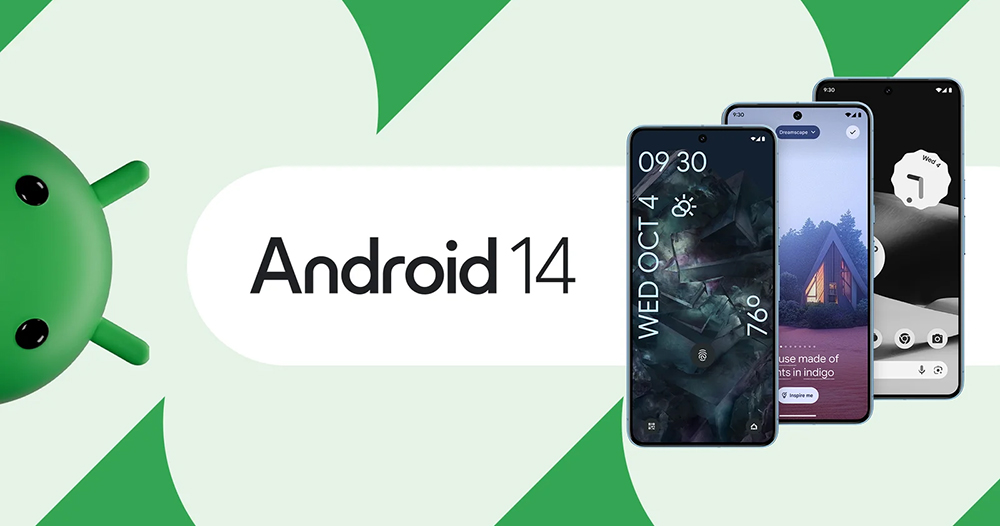
▲Photo source of this article: Google
Android 14 and the Autumn Feature Drop are officially open for download and update. Check out which features are worth playing here.
Although you may not be able to play the latest Pixel 8 / Pixel 8 Pro yet, Google has not forgotten to bring some… well, corrections to the Pixel users who have supported it for a long time. It is a “full” feature update, so that many users can also enjoy various fresh experiences as if they have a new phone.
Today they announced that the Android 14 system update, which can more deeply express their own style, and the feature drop (Feature Drop) specially for Pixel users have been put in place with the launch of the new machine. Continue reading Android 14 and the autumn Feature Drop are officially open for download and update. Which features are worth playing? Read the report here.
Pixel and third-party Android brands’ first wave of update lineups
First of all, the biggest point that everyone should be concerned about is “Can it be installed on my phone?” Naturally, the Pixel phone series includes:
- Pixel 4a (5G)
- Pixel 5 and 5a
- Pixel 6 vs. 6 Pro
- Pixel 6a
- Pixel 7 vs. 7 Pro
- Pixel Fold
- Pixel Tablet
That is to say, it can be installed on models above Pixel 4a. In addition, it will be announced later this year that mobile phones from third-party brands will also be upgraded:
- Samsung
- Sharp
- Sony
- iQOO
- Lenovo
- OnePlus
- OPPO
- realme
- TECNO
- vivo
- Xiaomi
What’s even better is that Nothing, which originally appeared in the beta test, somehow disappeared from the lineup of the first wave of Android 14 third-party updates.
Android 14 update features
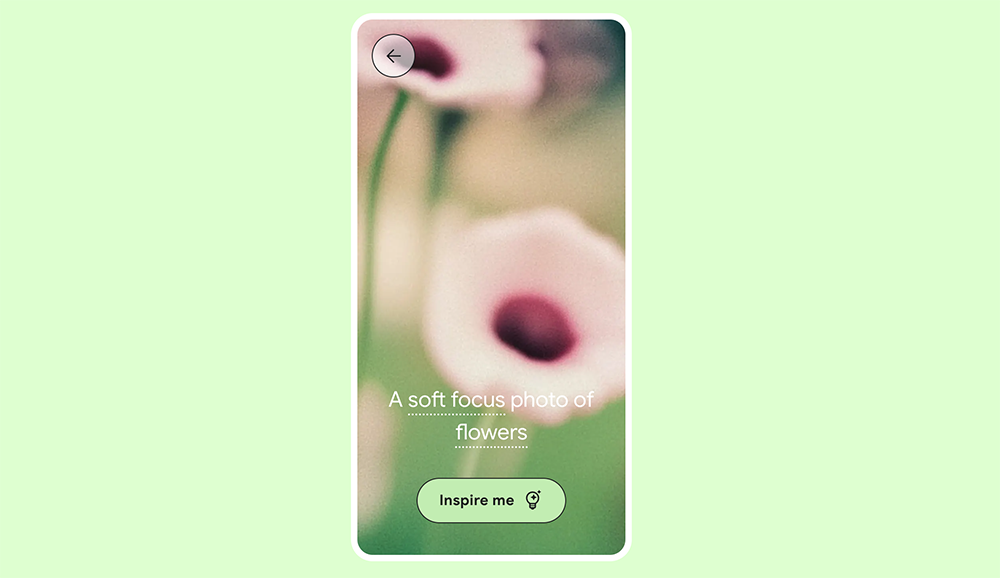
The latest version of Google mobile system, powered by the power of generative AI, can provide more in-depth customization of the lock screen, including shortcut functions such as the QR Code scanner. In addition to the ability to deeply customize a more “You” style, it also provides AI support and the magical function of generating a wallpaper that is more exclusive to you by changing keywords (that is to say, the official website describes it as “First to” Pixel 8 series models, I believe it will be provided to other models in the future).
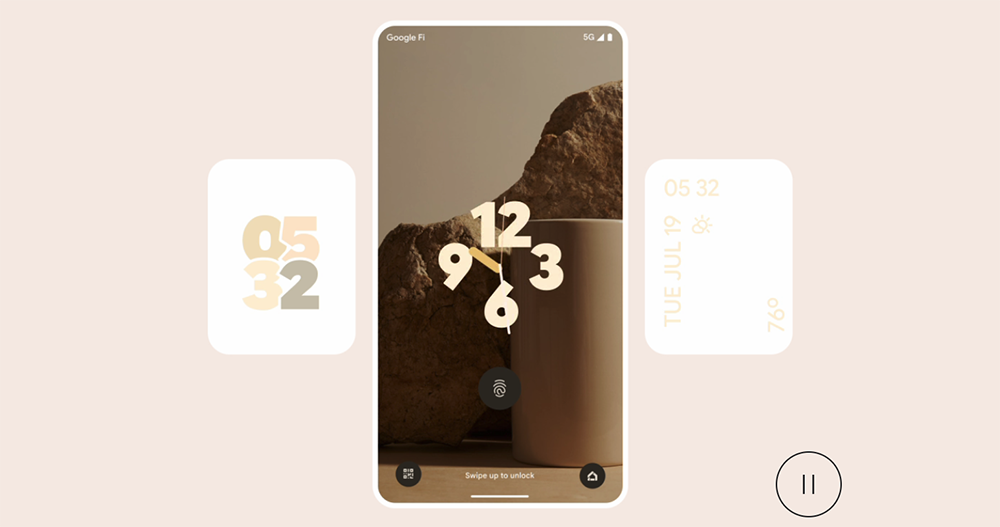
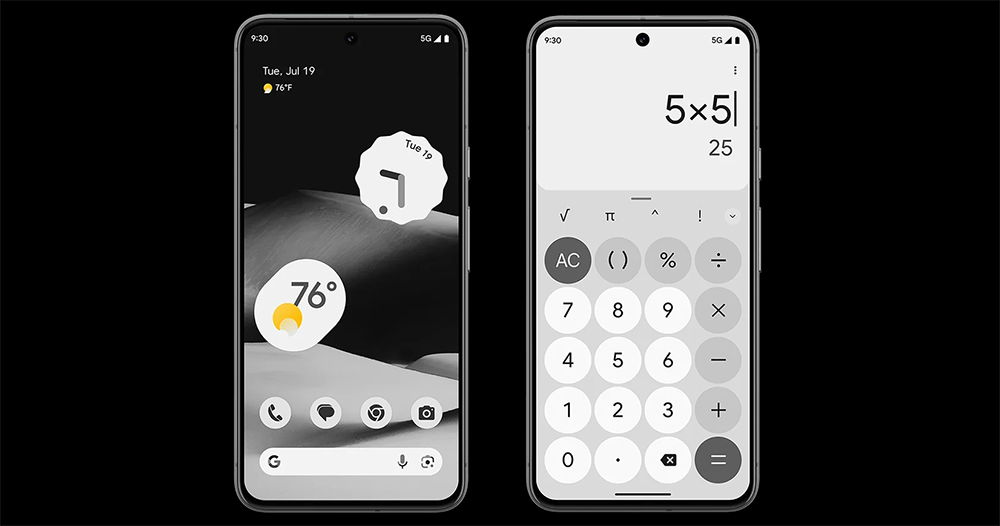
Material You can also support a wider range of customized themes, including clock styles and other parts, which can also create Material You-style self-style. You can also instantly switch to a monochrome theme to show a different style from colorful – is it a bit of a tribute to Nothing Phone?
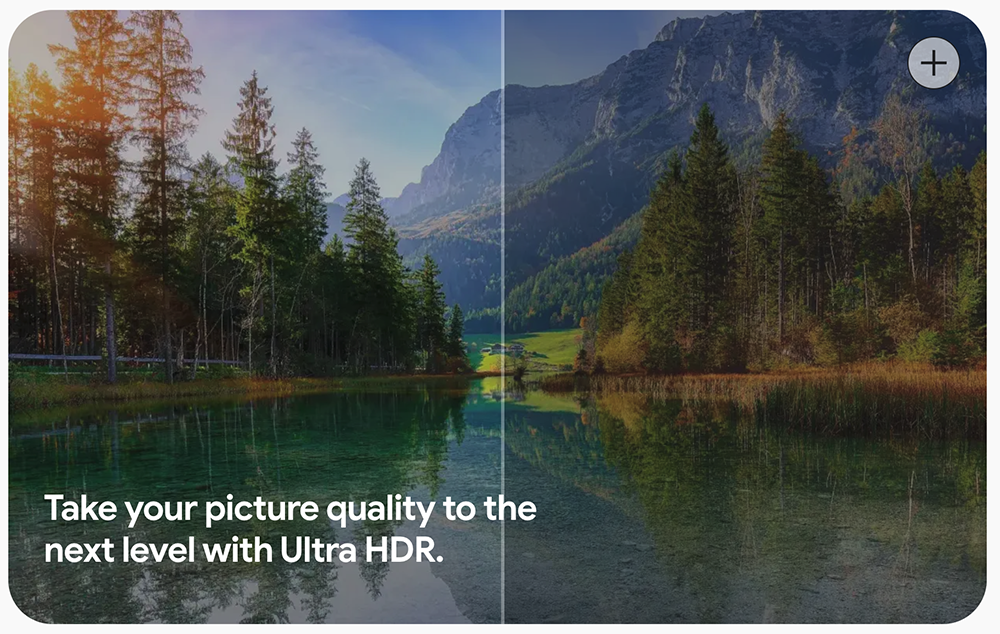
Android 14 also supports the Ultra HDR photo format, which supports screen panels with deeper support for high dynamic range displays. As long as the screen supports it, I believe everyone can feel the “real eye-opening” feeling when viewing photos.
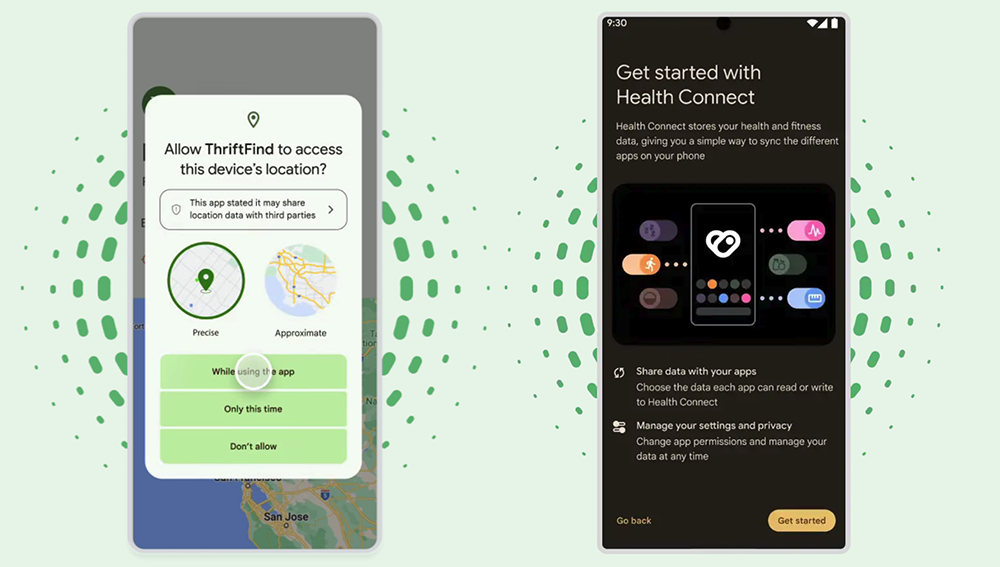
Through the system’s built-in Health Connect function, Android 14 users will be able to manage their exercise and health information more centrally and in a more private way. It can be more like the new location permission management, which can completely control the access permissions of applications. In addition, this time the system unlocking has also evolved to recommend at least 6 codes, all for the purpose of new changes related to information and security.
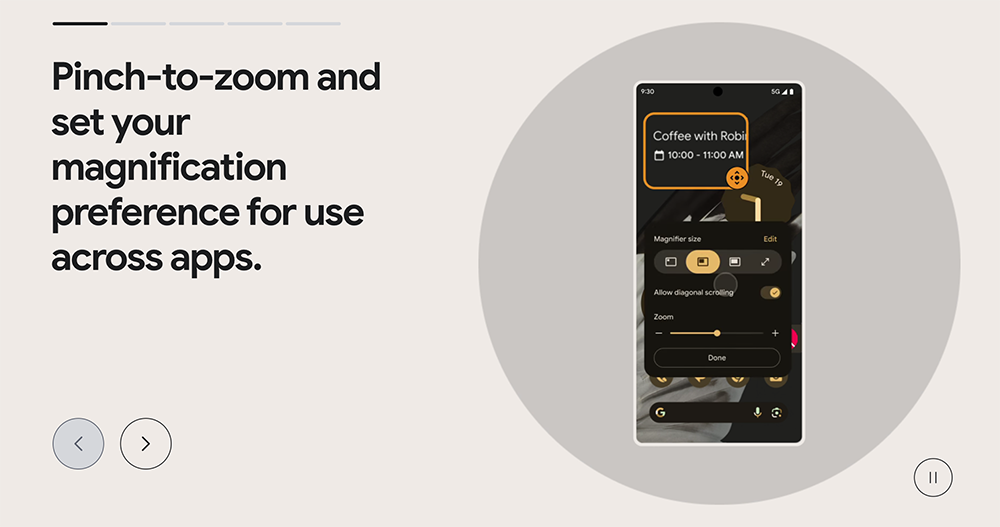
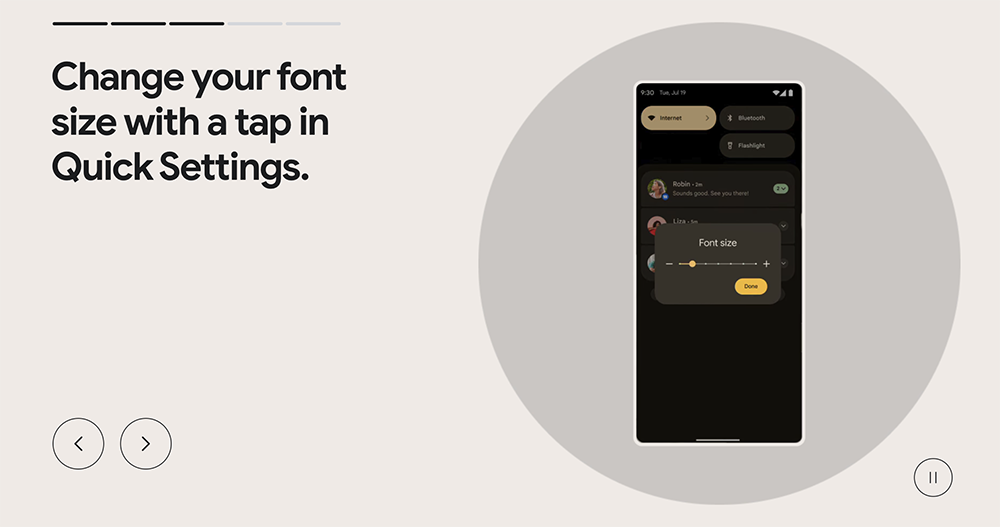
In terms of auxiliary functions for users with special needs, this time Google also brings a better magnifying glass function within the system. The system font has not only been adjusted for legibility during deeper scrolling, but also provides a shortcut button to quickly adjust the text size directly in the quick function bar.
The system also adds an interface that makes it easier to pair hearing aids, as well as a thoughtful function that can provide notification reminders through the camera flash. These are all new features worth trying when upgrading to a new system.
Android 14 also brings improvements related to video chat with automatic composition, one-click Google Home control, and performance improvements. Google has also produced a video focusing on this update, so you can quickly grasp this feature update – in fact, the pace of the video seems to be a bit too fast.
Pixel fall feature rollout
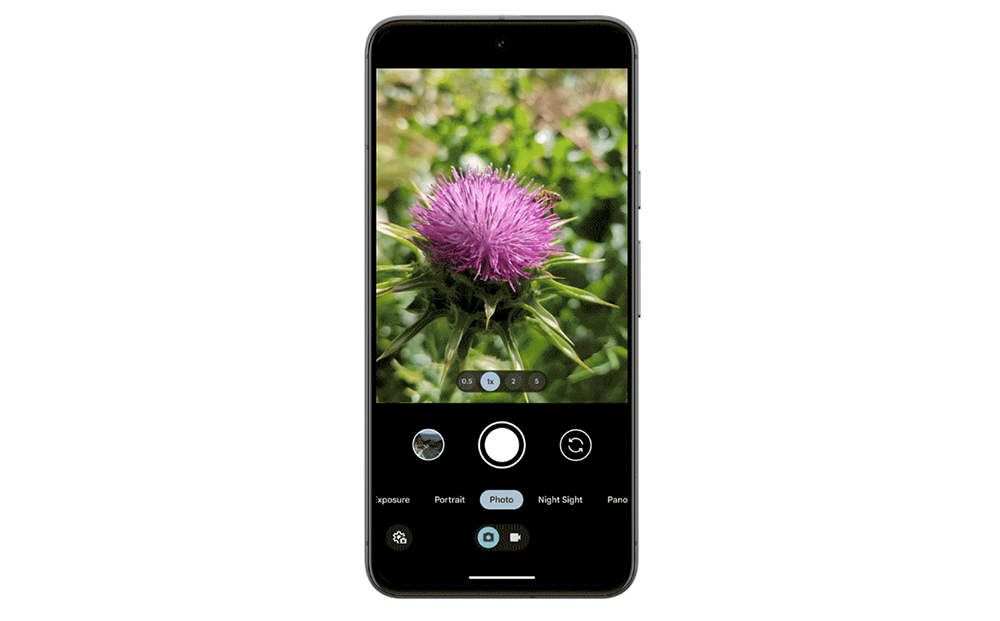
Come to the fall feature launch part. Google has adjusted the shooting interface of its own camera function, placing the video recording and photo taking functions on the edge of the black border (in the same row as the settings). In this way, not only can the switching be clearer and smoother (although I am a bit worried about accidentally touching the system bar), but the sub-functions brought out by the switching mode, such as Night Sight, Slow Motion, etc., will also be better mastered and easier to switch.
The monochrome theme mentioned in the Android 14 section also has an example on the Feature Drop description page – it is really cool, and I feel that many people will like it. This update also improves the RAW editing experience, providing an experience of automatically opening the editing app in the built-in photo app.
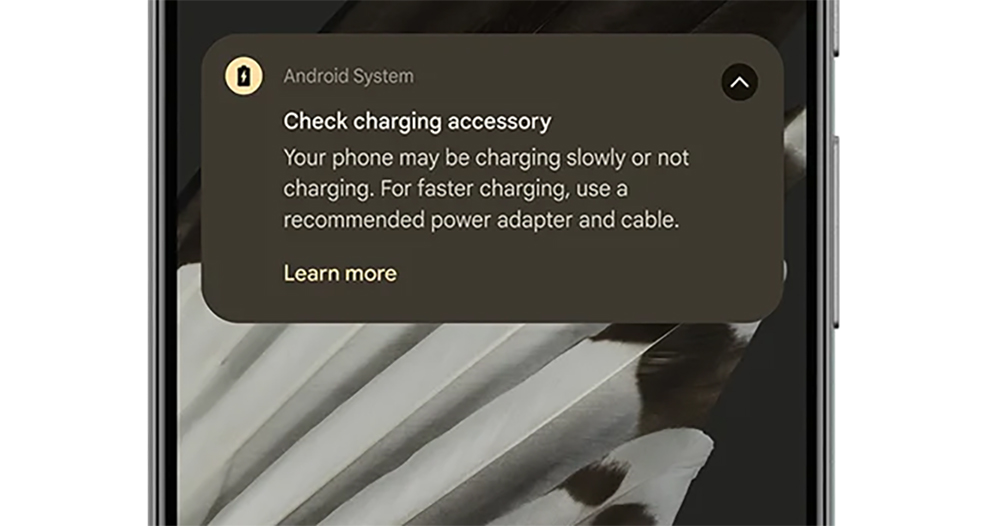
And it can support USB cables and chargers in models after Pixel 6. There will be notification prompts if the charging speed is too slow or even unable to charge.
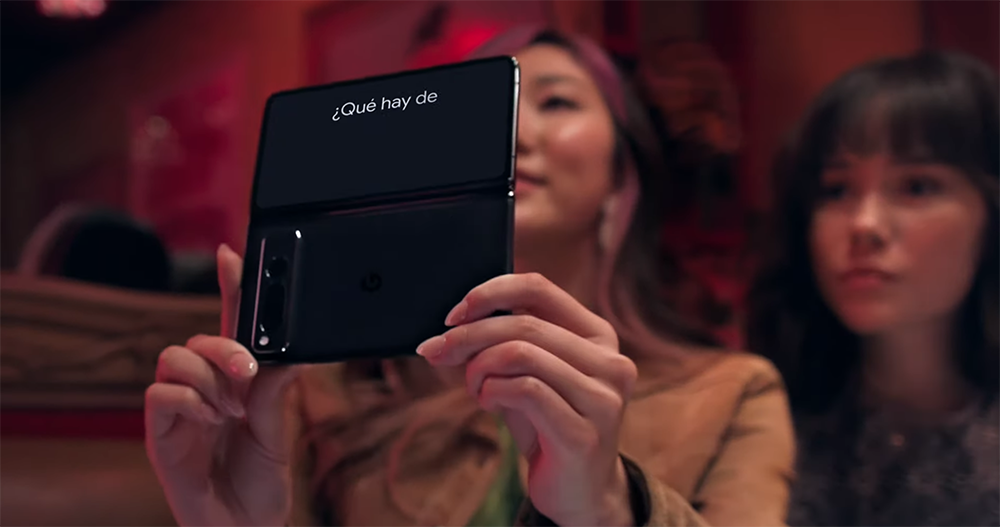
Next is the translation app that I think is super cool – although, you will need a Pixel Fold folding phone that is not sold in Taiwan (Deng Leng).
This is very similar to the video that went viral a while ago, where the Japanese ticket inquiry counter can display translated text through a double-sided panel. View through the Pixel Fold, which has an inner and outer screen. This feature drop will support the real-time translation display function during “face-to-face conversations”. This allows two parties who speak different languages to quickly understand what the other party wants to say through the screen.
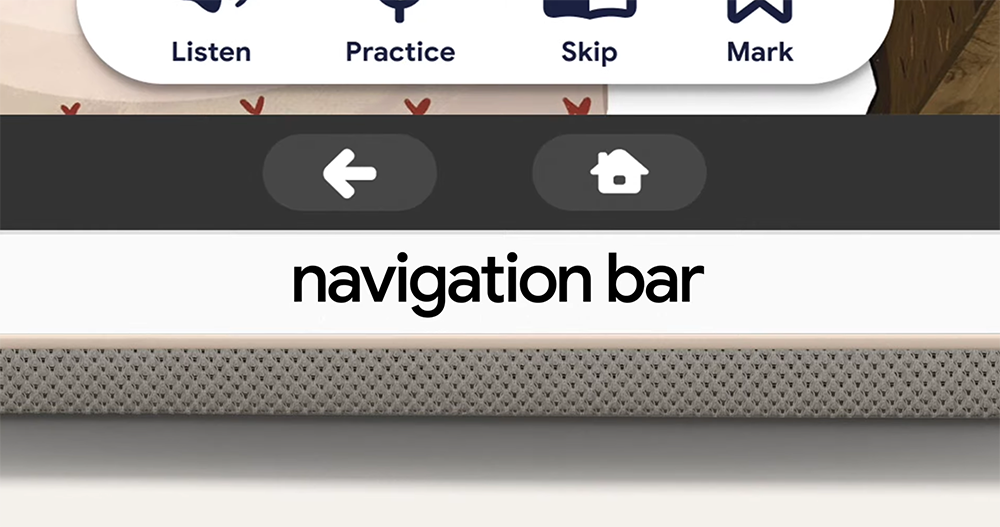
Finally, Android 14 also brings upgraded battery maintenance features. And it can cooperate more harmoniously with ChromeOS devices through cooperation with message replies, related notifications, etc. For tablets, it also provides a more understandable and usable navigation bar interface for the Google Kids Space child interface.
When the Pixel Tablet is placed on the magnetic base, it will now also support the function of asking Google Voice Assistant to help play news or podcasts through voice control. This wave of Android 14 systems coupled with Pixel feature launches really brings a wealth of features and new experiences. You can download it quickly and use it!
Further reading:
Source: KOCPC Chinese