


Every time the movie is edited and revised, I will be amazed because it always adds many magical features. Like the digital man we introduced yesterday ( Article link ), which is a super practical function that can generate copywriting + AI virtual anchor in one piece. certainly! Cutting is not a non-starter. Basically, these functions are charged. However, for those who need it, Cutting does provide simple and easy-to-use video tools. Although some functions are still not as good as professional editing software, most of the functions are quite sufficient for video creators. Some of the functions are even better than many professional software on the market.
The smart ratio conversion function we are going to introduce today is also introduced in the recent revision of Clip Screen. It allows you to change your video materials to many different ratios with one click. As for changing the ratio, many editing software can do it, but you have to make fine adjustments manually. For example, if you shoot a video in a 16:9 ratio and convert it directly to a straight 9:16 video, it will have two black bars at the top and bottom, and the original video will also be shrunk. Another way is to be more diligent and manually crop out the straight 9:16 frame. If you are shooting a still life scene, you only need to align the 9:16 frame with the subject; but if you are shooting a scene with the subject moving, and you want the 9:16 frame to remain on the subject, then you will have to spend a lot of time making adjustments.
For such a troublesome point, Jian Ying said, “I’ll do it.”
New feature of cropping – smart scaling
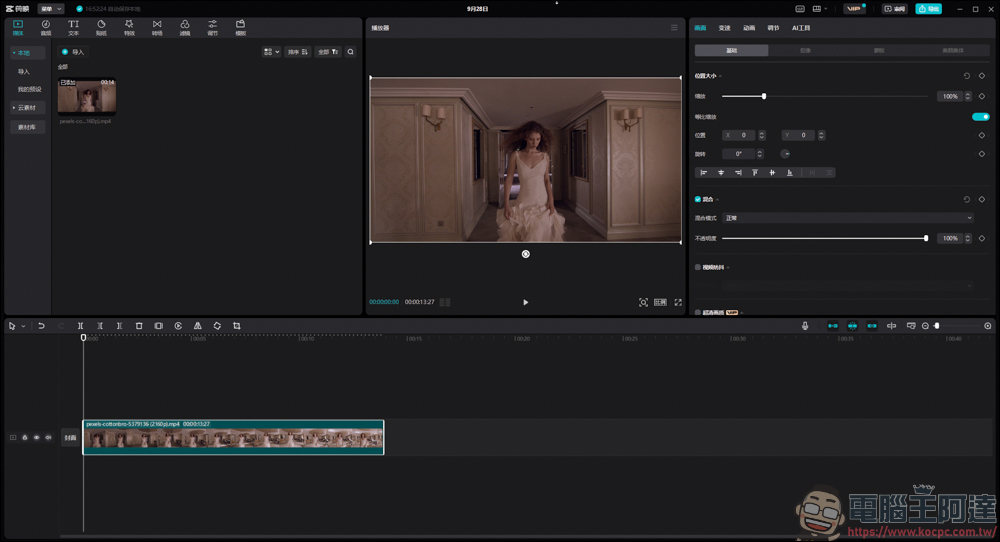
First open your clip and remember to update to the latest version:
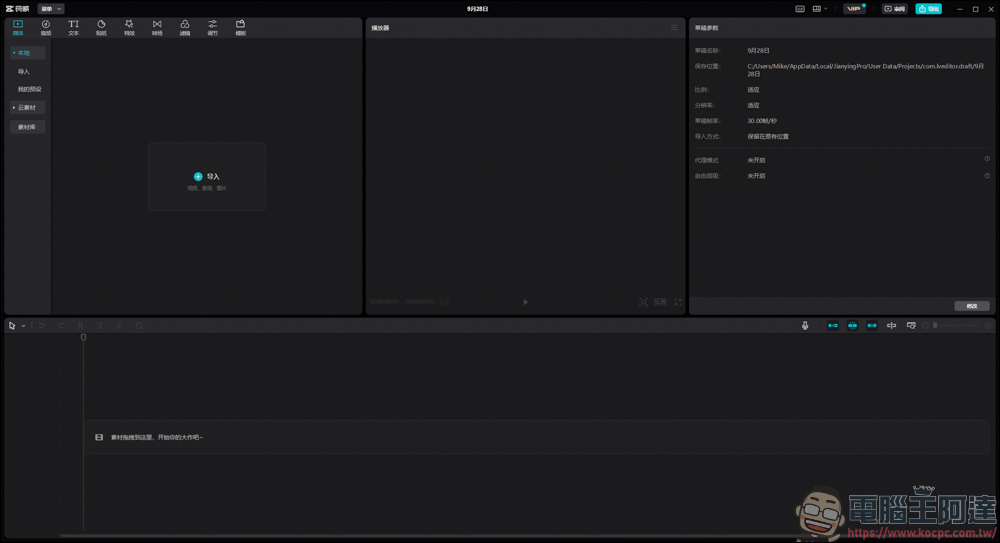
Then read in the video material you want to process:
If you want to browse the various proportions directly on the clip, click [Proportion] at the bottom of the material screen to see the various proportions:
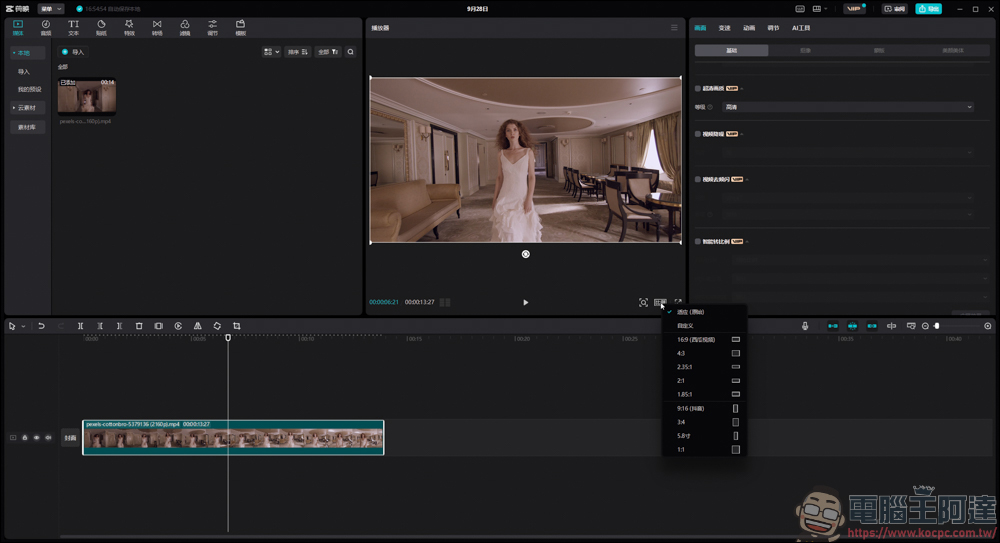
For example, the current Douyin and short videos all use the vertical 9:16 ratio. If you directly convert the horizontal screen to the vertical 9:16 ratio, there will be black borders at the top and bottom, and the original video will also be shrunk. The viewing effect is not that good:
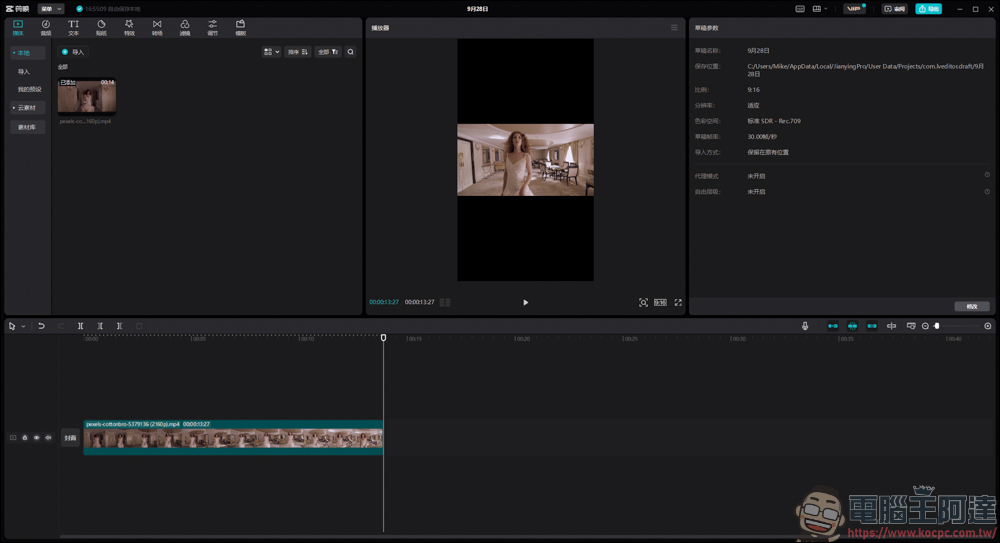
Like this :
At this time, you can use the new function of clipping – smart scaling to solve this annoying problem. First click on the video material → [Screen] on the upper right → [Basics] → scroll down to find [Smart scaling] → check the box:
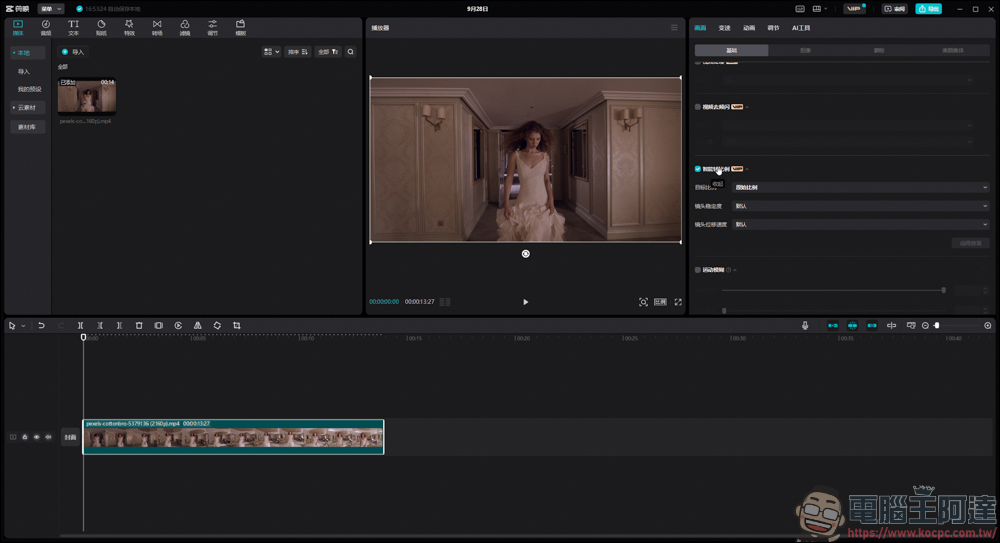
Then click on the proportion you want to adjust, for example I chose straight 9:16:
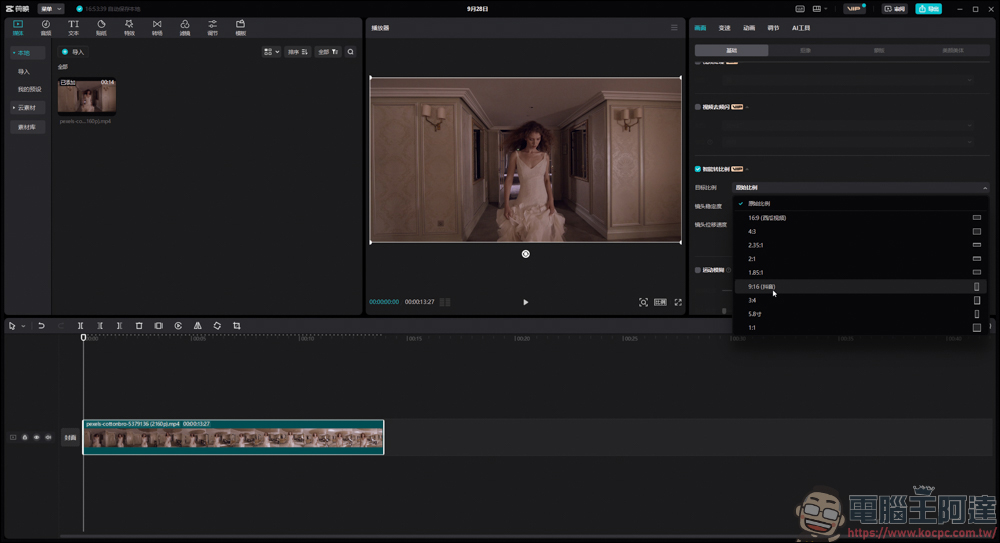
It will directly help you cut a straight 9:16 frame:
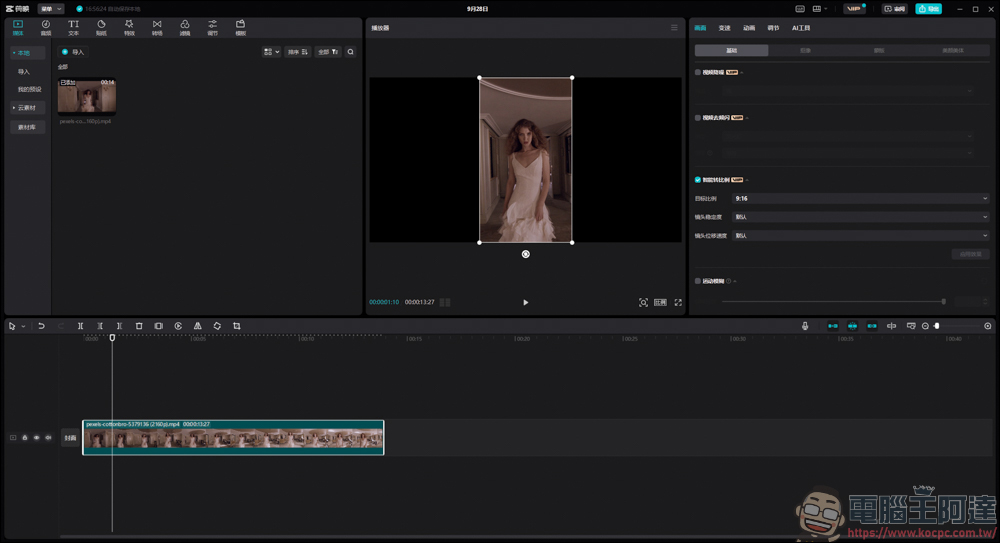
Then you can also adjust the stability and movement speed of the lens. This depends on the material you are shooting. In principle, if the subject moves faster in the video, it is recommended to adjust these two functions:
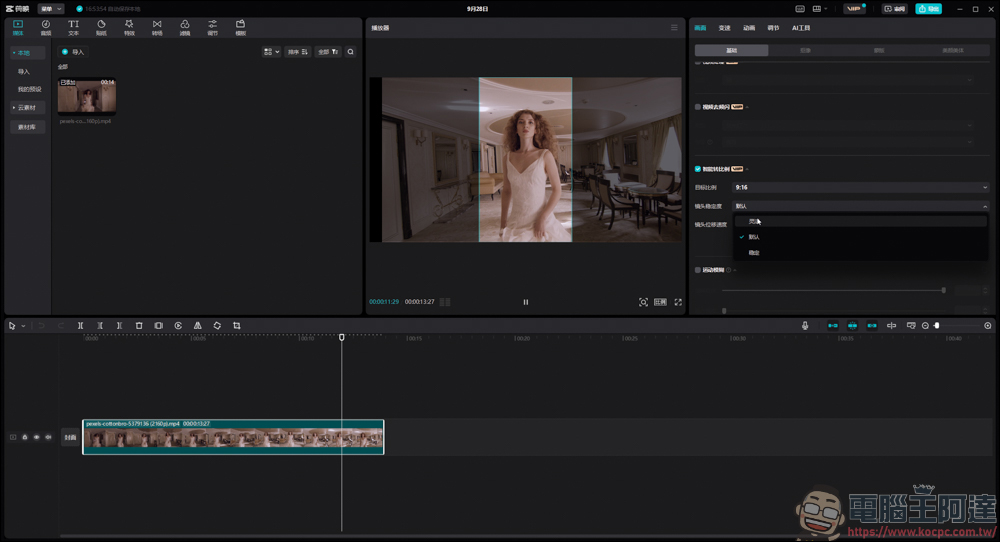
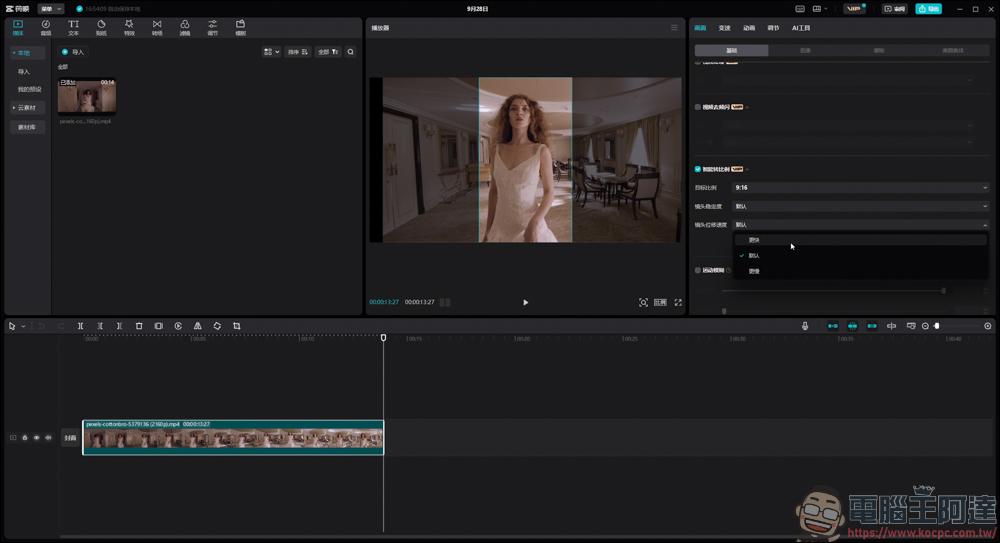
Because this function is paid, I directly used screen recording to show the effect. The most powerful thing about this intelligent scaling function is that it will always follow the movement of the subject. You can see that the woman in the video always remains in the center of the screen. It is amazing:
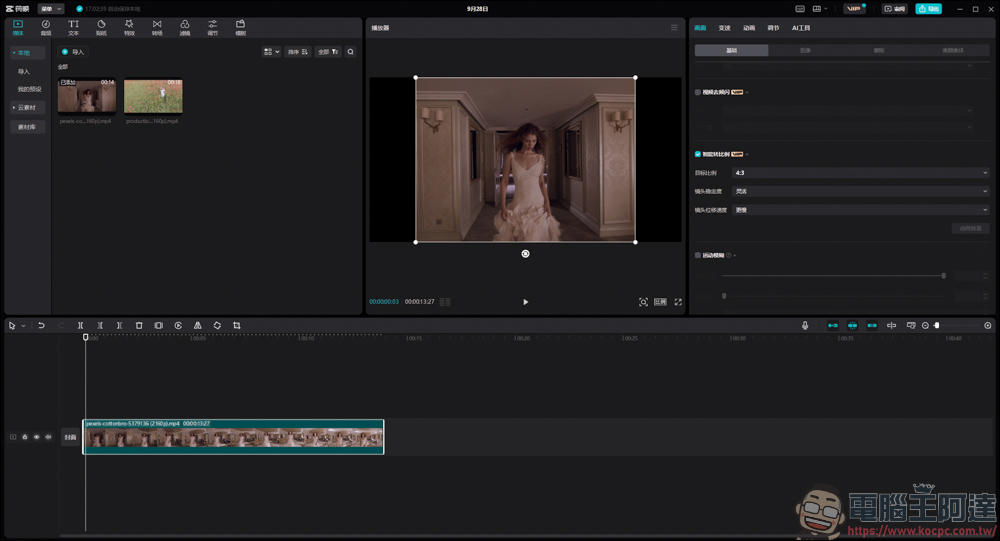
Most of the characters in the video just stayed in the center, so I found another video where the subject changes position for testing:
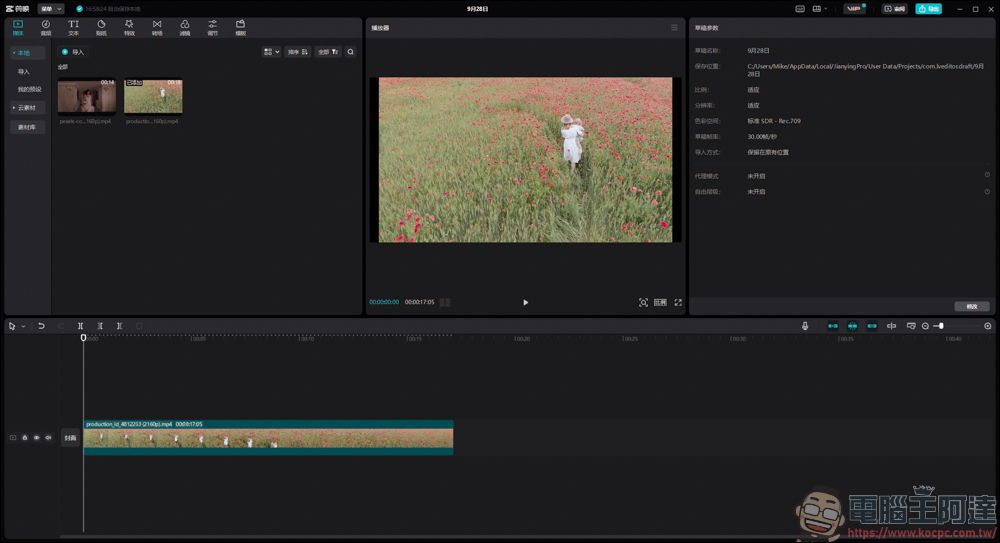
Let me first show you the video presentation without smart scaling applied:
Similarly, I changed the horizontal video to vertical 9:16:
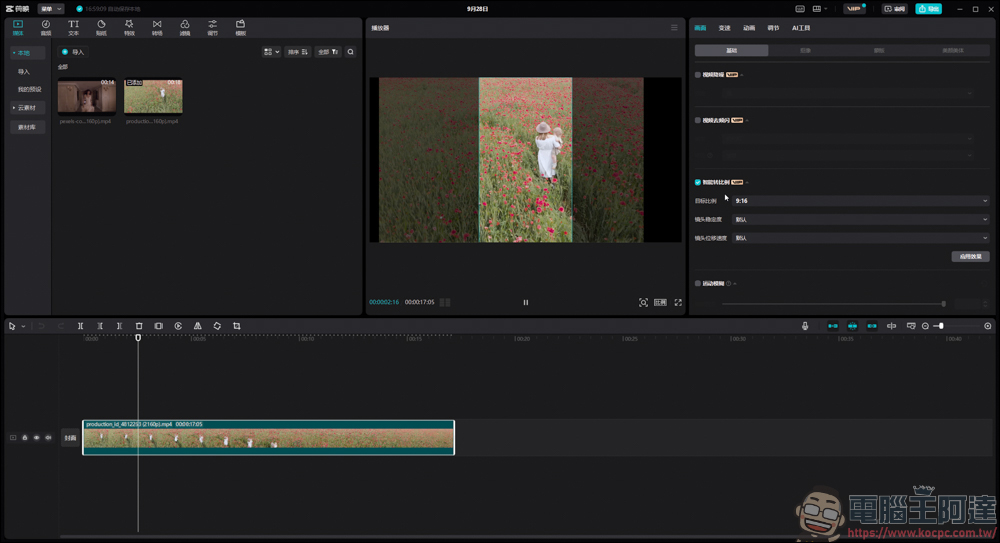
Just apply it with one click, and the clipping will be done for you immediately, which is quite brainless:
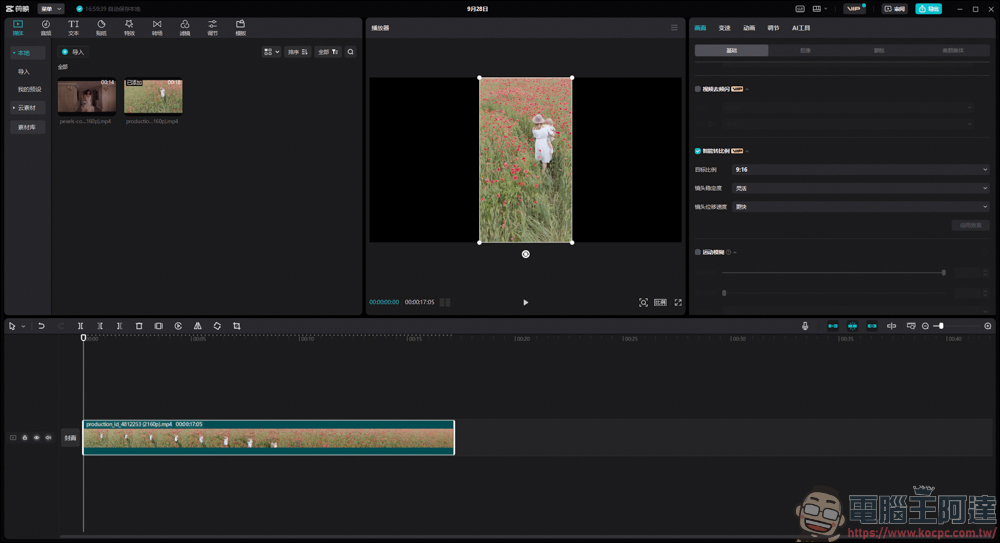
In this demonstration video, in addition to changing the ratio to a straight 9:16, I adjusted the lens stability to flexible and the lens shift speed to be faster. You can see that the frame in the picture is still maintained on the character:
Since the previous video materials are relatively slow-motion, I then found another more dynamic video to try to see where the limits of smart scaling are:
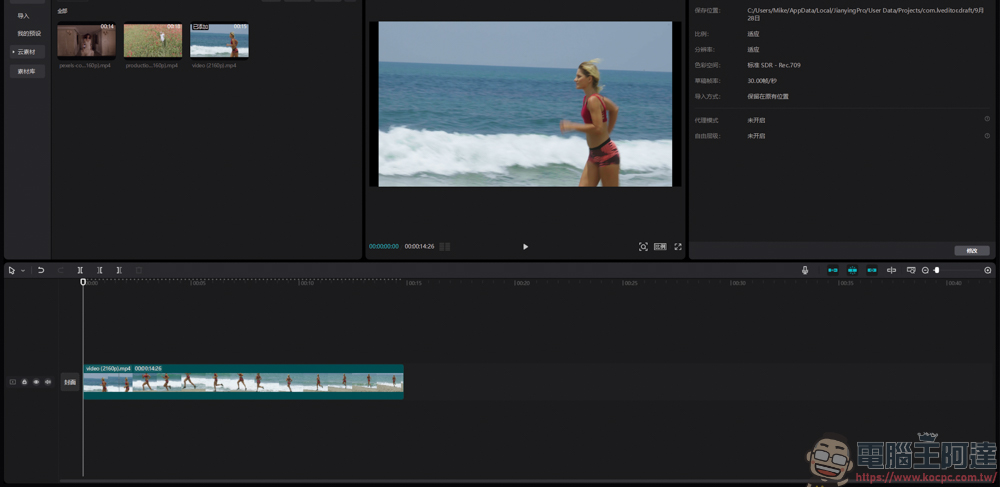
Let’s first enjoy this beautiful original clip (well, this beauty keeps running and the camera keeps shaking. Can the intelligent ratio conversion be successfully tracked?
Next, let’s take a look at the effect of applying smart rotation ratio. It can be seen that the frame is being tracked hard, but I don’t know if it is because the head is not captured in the middle, so the tracking judgment is wrong. It seems that this function is more suitable for slow-moving or stationary subjects:
In short, through the new function of Crop – Intelligent Ratio, you can easily let Crop crop the video to the ratio you want for you, and you don’t have to worry about the subject in the picture, it will automatically track it for you. certainly! This function still has limitations. For example, the subject it tracks may not be the location you want, and the tracking of a subject that moves too fast will be half a beat slower… etc. It is a relatively simple and easy-to-use function. I think it is quite useful for ordinary people. If you have relevant needs, it is recommended to upgrade to VIP to use it:
Source: KOCPC Chinese