


Want to watch online videos remotely with friends and your significant other? The “Sync Watch” extension to be introduced in this article can easily do this. As long as everyone has installed this extension and input the room address, they can watch videos together remotely. There is no need to set anything or register an account. After installation, it can be used directly for free.
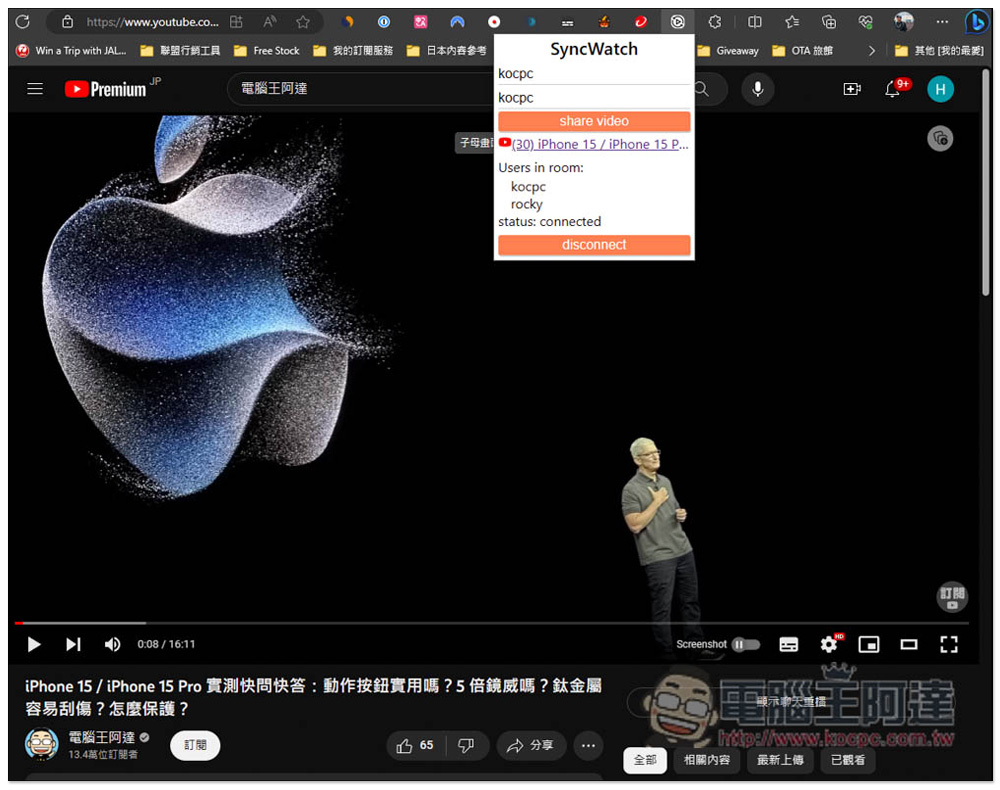
“Sync Watch” is an extended function that allows you to watch online videos remotely with friends. It is easy to use and supports multiple people.
“Sync Watch” has Chrome and Firefox extensions, and the Chrome version of Microsoft Edge can also be installed and used. I will use Edge as an example below, and the operations are the same.
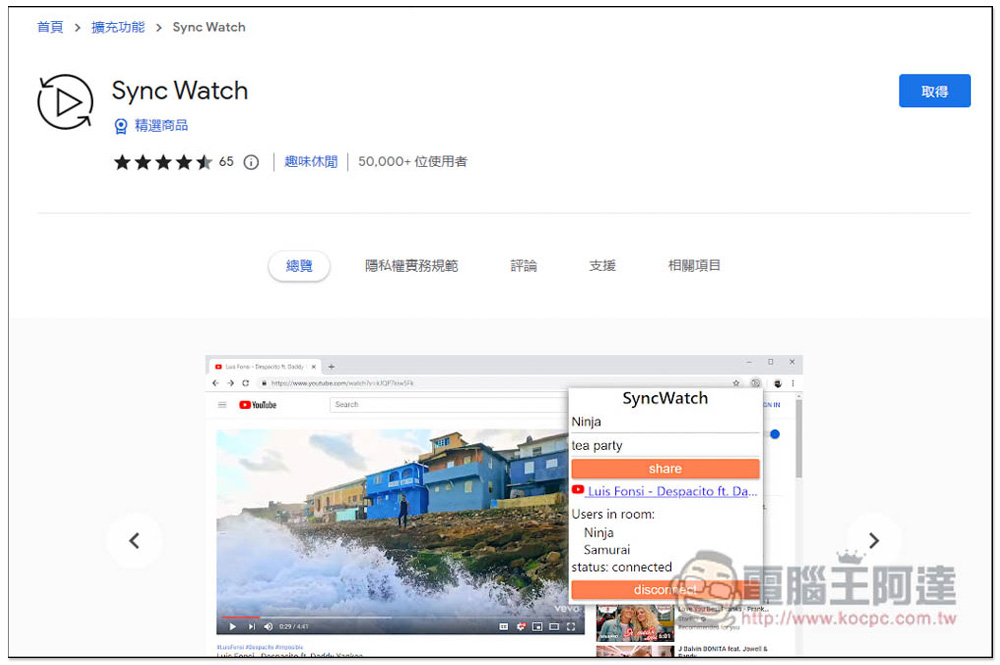
After entering the Chrome extension store, click Get on the right:
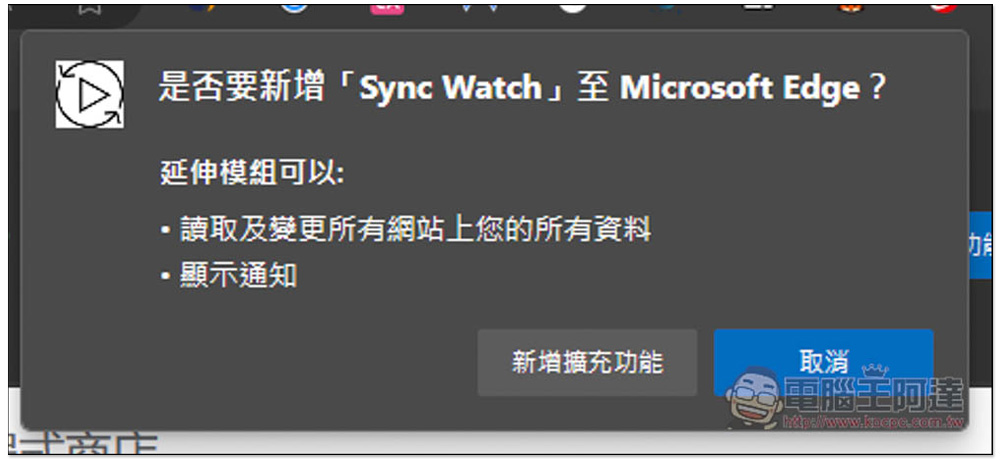
This message will pop up above, click “Add extension”:
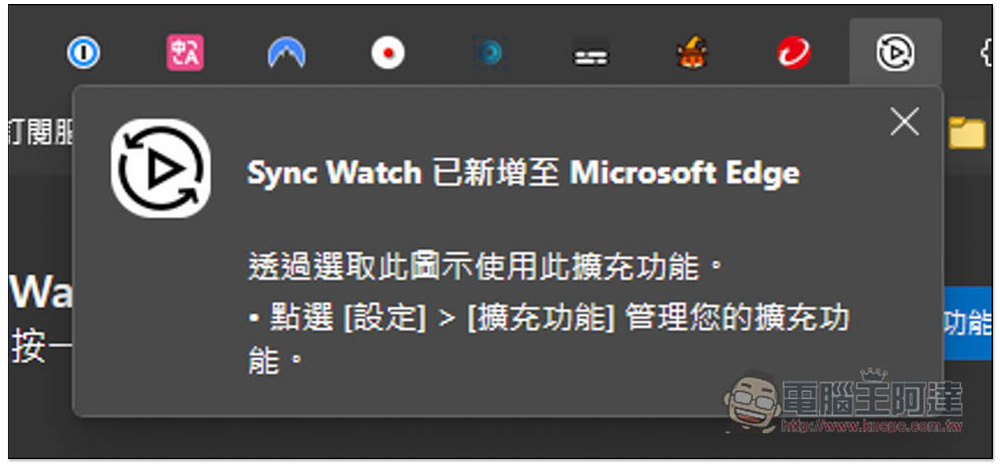
The appearance of this screen in the upper right corner means that the addition is successful, but Chrome and Edge browsers will hide the newly installed extension icon by default:
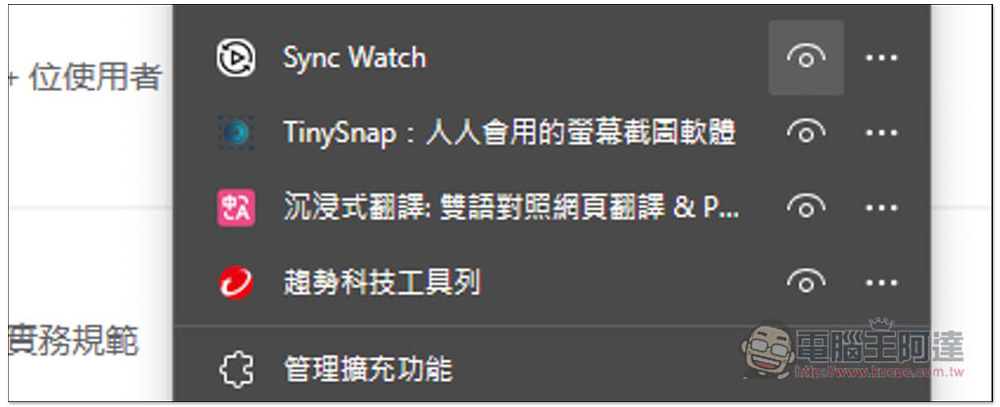
Open the puzzle icon on the far right, find Sync Watch and click on the eye on the right to unhide it, and the icon will be displayed normally in the upper right corner:
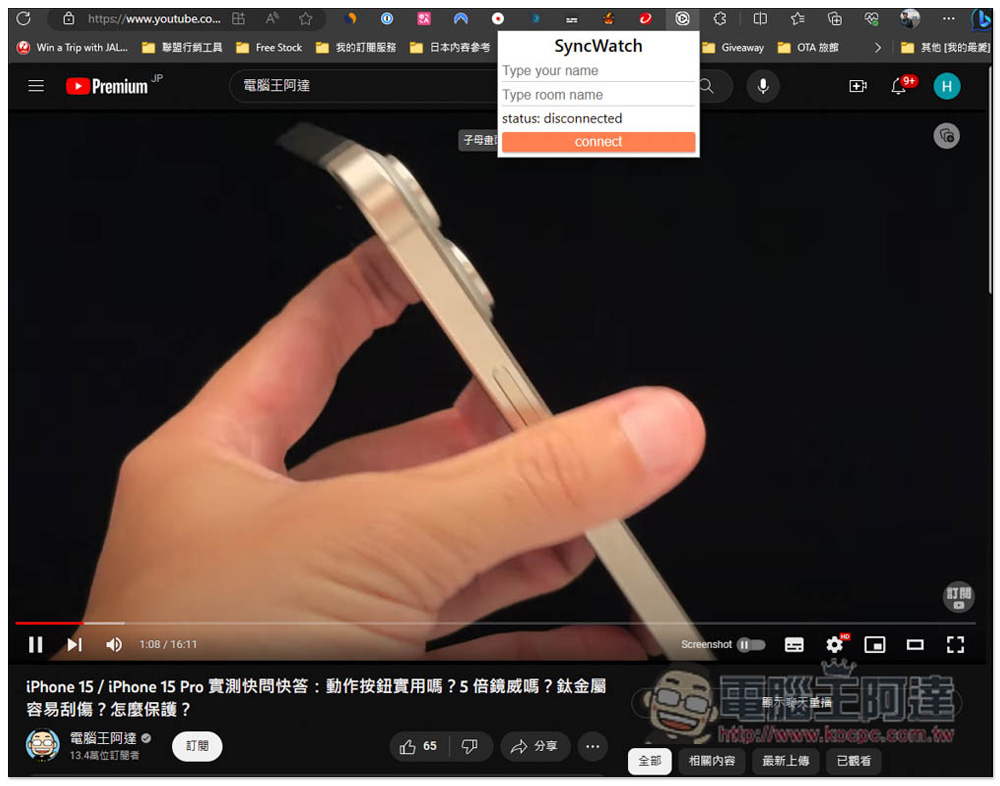
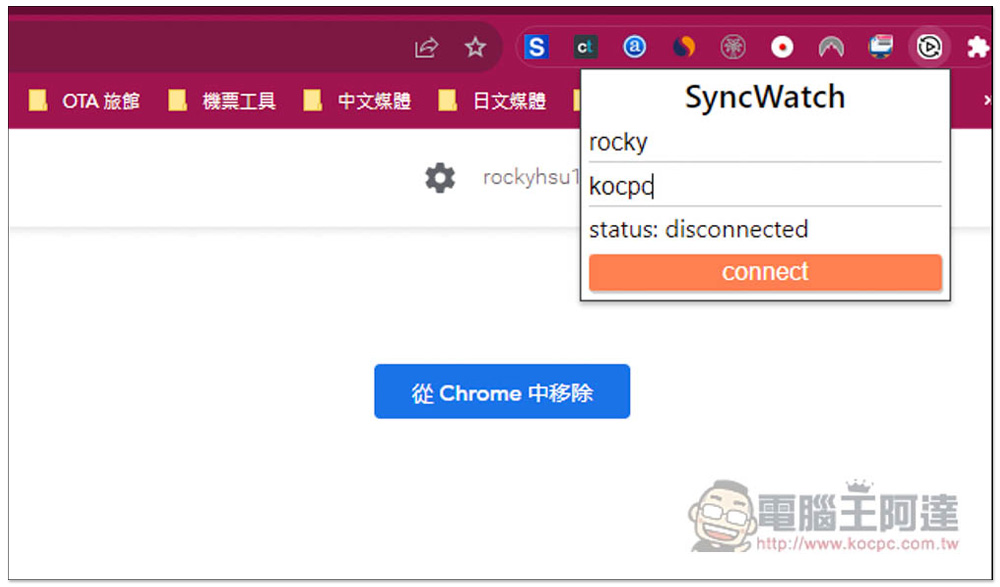
When you open the icon, you will see two input fields. Type your name and Type room name. Enter the room name. The room is also created directly here:
You can choose whatever name you want for your room. After entering it, press connect to connect:
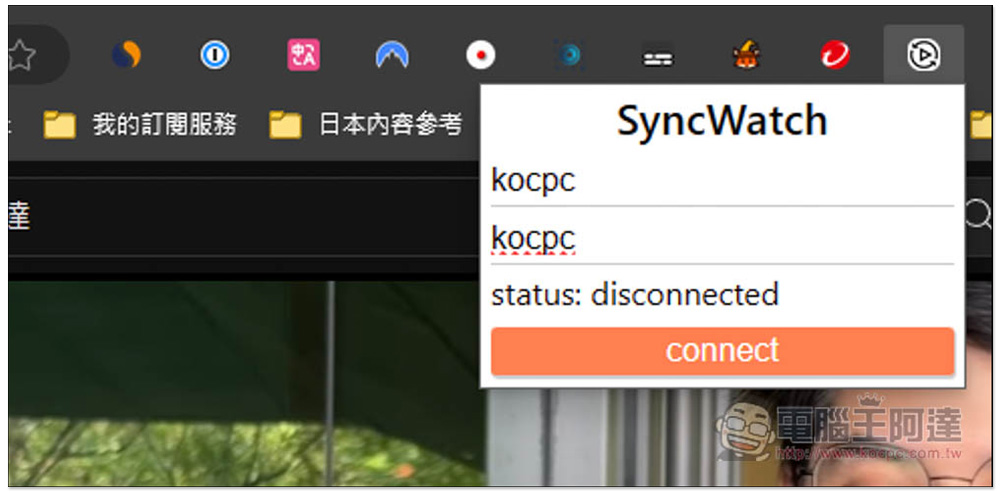
In this way, the room is created and the room name is passed to other friends you want to watch together:
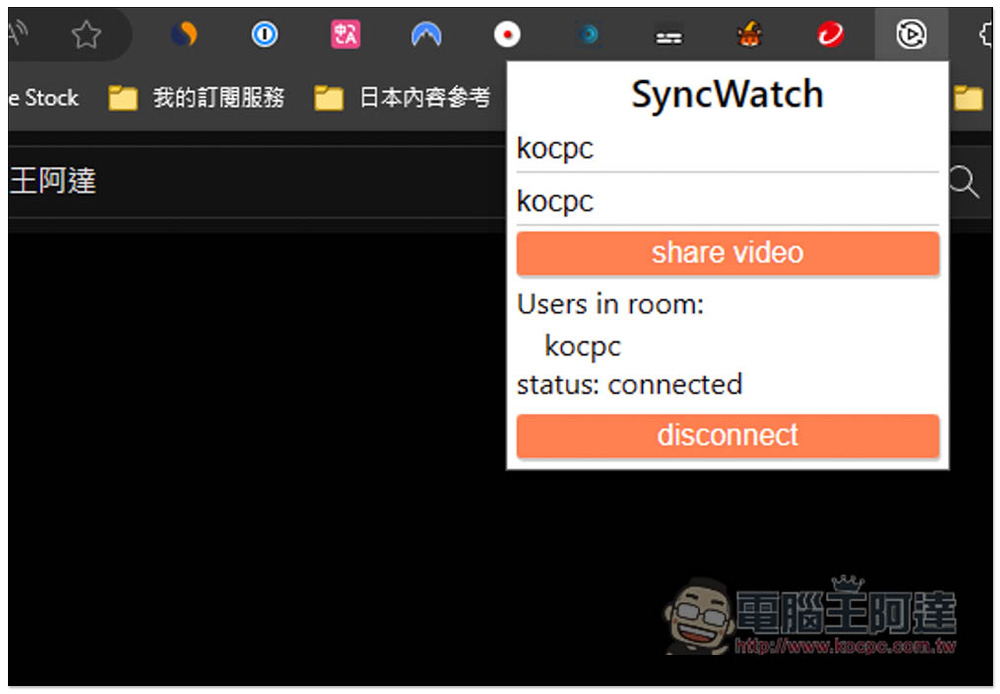
Open this extended function like the other party, enter the nickname at the top to see what nickname he wants, and then enter the name of the room you created. Like the one I created is kocpc, just enter kocpc:
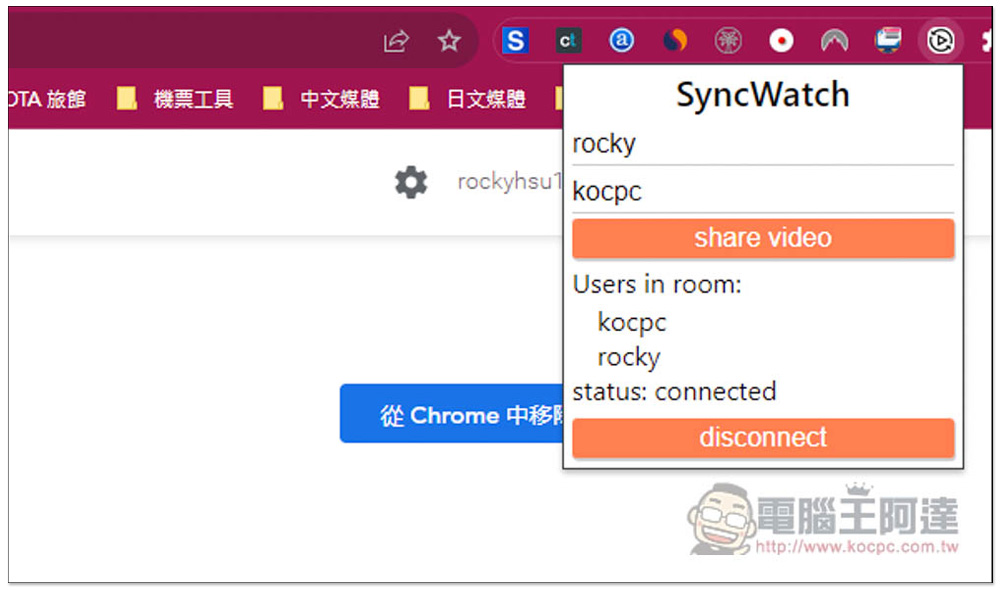
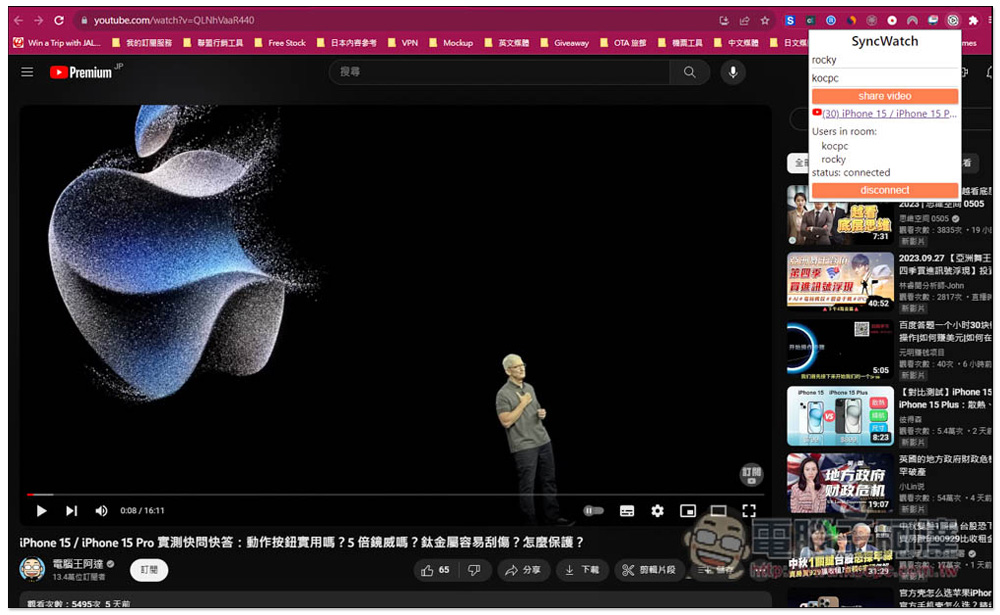
After the connection is successful, you will see who is in the room (Users in room). The representative said that this extended function can be viewed by multiple people together, not just two people:
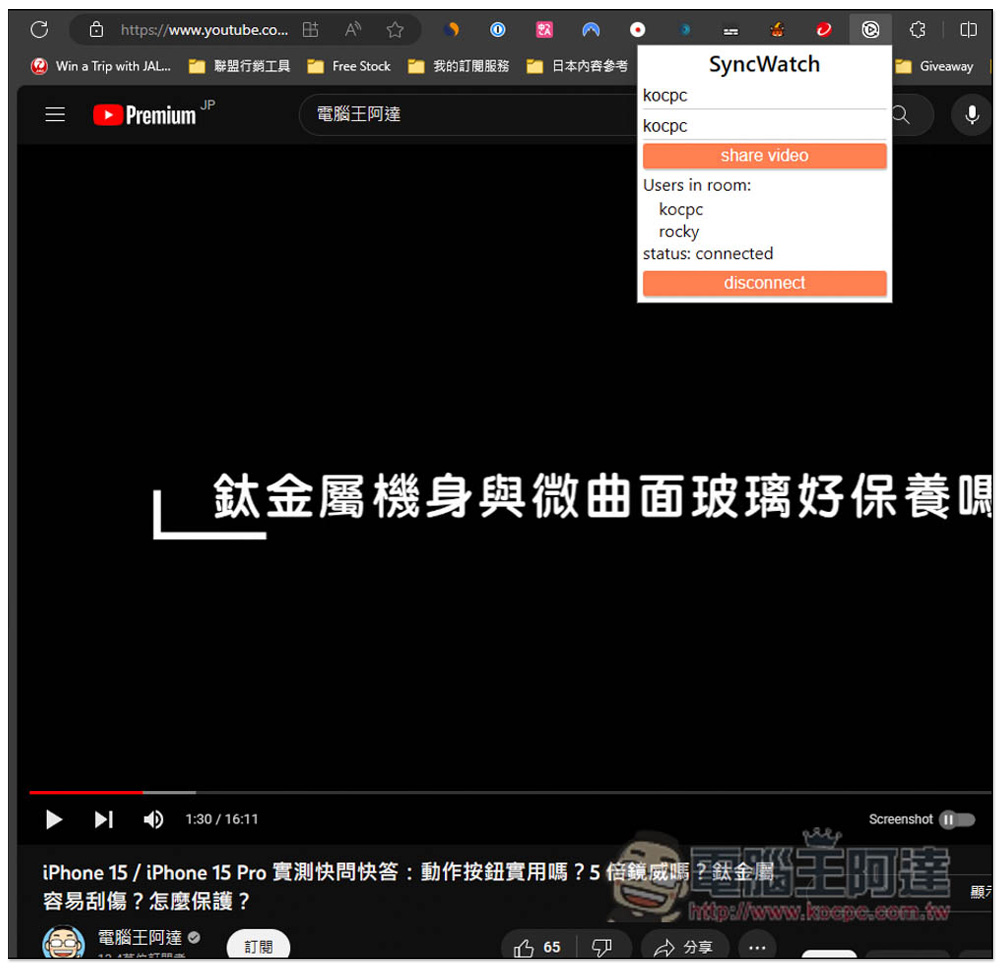
At this time, both parties can share the video, click the share video button below:
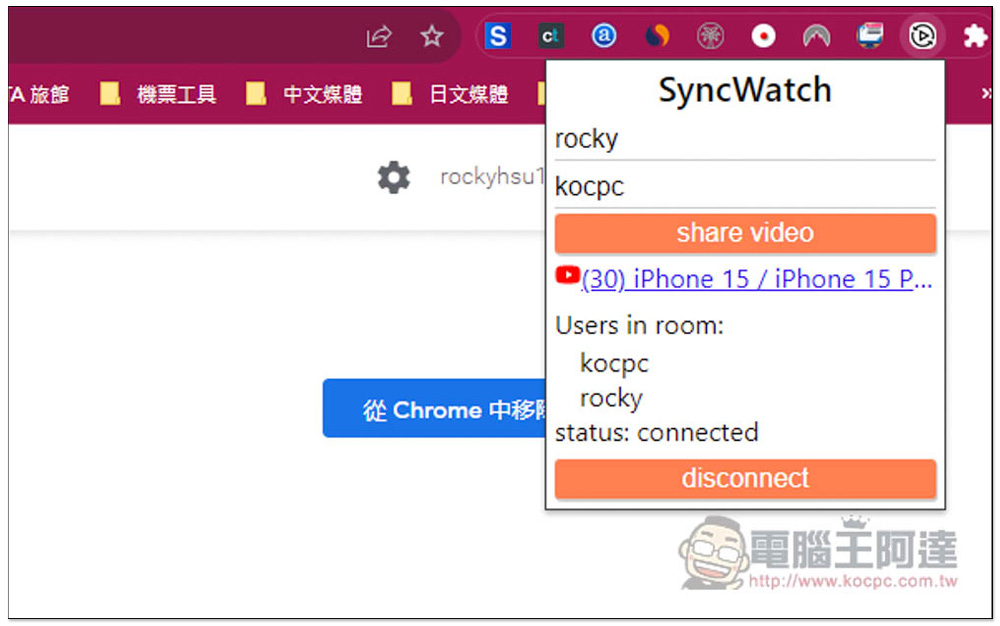
The video link just shared will appear between the other party and your Sync Watch extension, please click it:
After the video is opened, you or the other party can play/pause the video, and the other party will automatically synchronize it. That is to say, when you press the play button, the other party does not need to operate any buttons, the video will automatically play, and the same goes for pausing:
Also note that this extension is not supported by all websites. According to the introduction, currently supported audio and video websites include: YouTube, Vimeo, Dailymotion, Facebook, and other websites that use HTML5 videos. (Many websites now use HTML5 videos, so the support is pretty good)
When you are not watching, remember to press disconnect to interrupt the connection. If you don’t press it, you will stay in the room. For mobile phones, you can try to see if you can install a browser app with extended functions. Maybe it can be used.
Source: KOCPC Chinese