


Apple announced macOS Sonoma at WWDC, and the official version will be pushed to eligible Macs and MacBooks later this year. As far as Mac updates go, Sonoma is a pretty big one, bringing a host of new features suitable for both work and play. Currently, the public beta version of macOS Sonoma is available, but for most users, installing any beta software on their primary work device will require careful consideration.
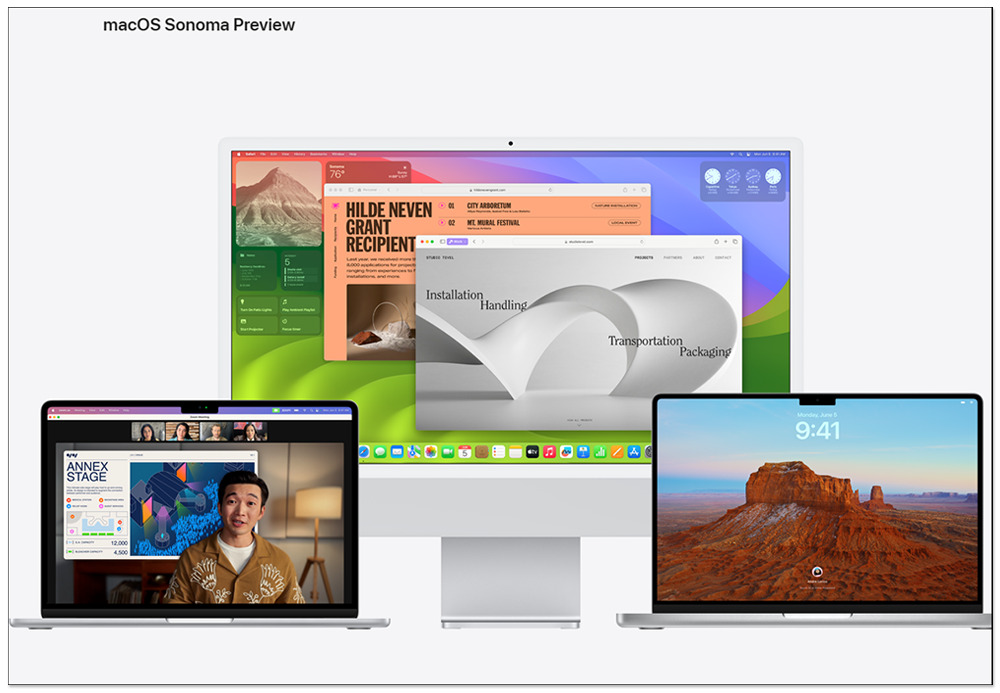
5 new features make upgrading macOS Sonoma worth it
MacOS Sonoma is available on MacBook Air (2018 and later), MacBook Pro (2018 and later), iMac (2019 and later), iMac Pro (2017 and later), Mac Pro (2019 and later), Mac Studio (2022 and later), and Mac mini (2018 and later). If you own any of these devices, you’ll be able to download the update when it becomes available in the fall. While we wait and hesitate, let’s take a look at the best new features that macOS Sonoma will bring to your Mac.
Interactive desktop gadgets
The original widgets on macOS were in the Notification Center, and to view them you had to click on the date and time or swipe left on the trackpad with two fingers. In macOS Sonoma, gadgets are finally officially coming to the desktop. Like Notification Center, you can choose from desktop widgets. , plus you can drag and reposition widgets and even resize them to your liking. Gadgets are also getting some additional features and becoming more interactive in macOS Sonoma. This means you can check reminders or turn off smart lights, etc., from their respective gadgets without having to open a separate app. When you open a Mac app, desktop gadgets become transparent and blend to match your current wallpaper, making them less noticeable and helping you focus on the task at hand.
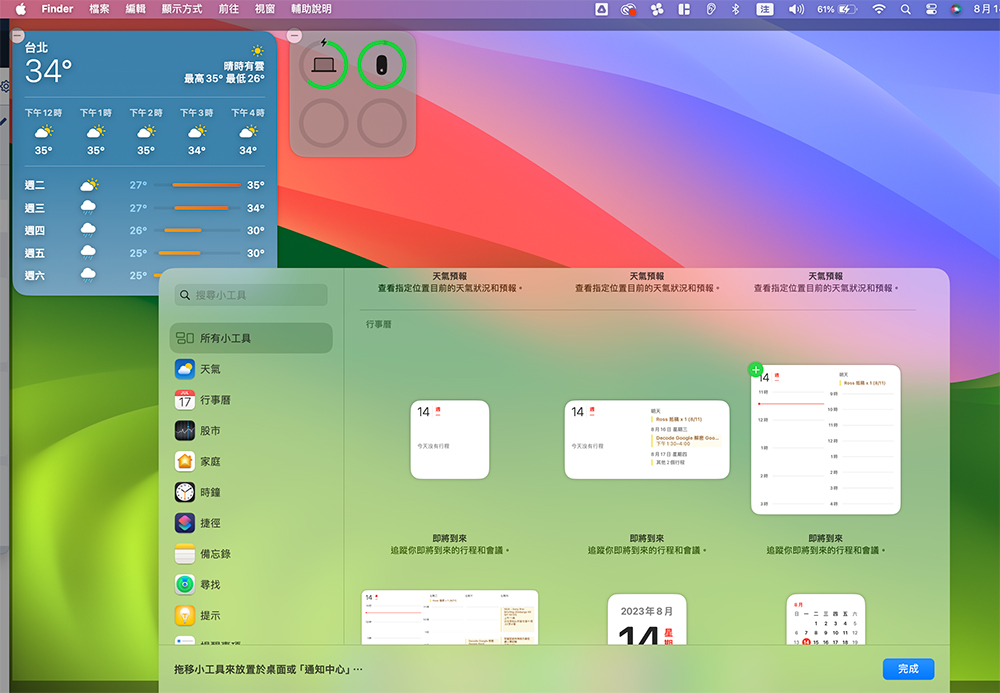
Desktop gadgets aren’t limited to Mac apps, as macOS Sonoma also supports iPhone gadgets. Thanks to interoperability, iPhone gadgets can now be placed on your Mac desktop without installing an actual iPhone app. The only requirement is that the iPhone needs to be in close proximity and connected to the same Wi-Fi network.
New video conferencing tools
If you frequently make video calls at work, you’ll love the new video conferencing features included with macOS Sonoma. Chief among them is the presenter overlay mask, which displays your webcam image over the content you’re currently showing. The small mask displays your video as a bubble that can be moved anywhere on the shared screen. The large mask makes your shared screen appear in a separate frame behind you. This feature works with any video conferencing app, but is limited to Macs running Apple’s own chips.
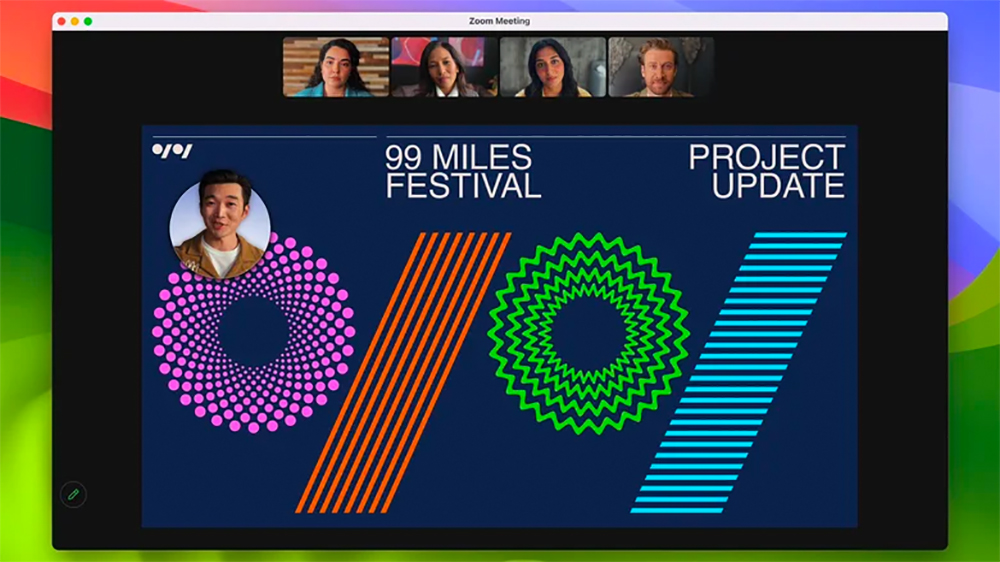
To make screen sharing even easier, you can click the green button in the upper left corner of the app to share your screen during a video call. This makes it easier to share content from a specific app or even switch between apps while sharing your screen. Another feature of video calling is Reactions, which will add thumbs up, down, heart, confetti, etc. reactions to the video call. You can add reactions manually or use gestures to make reactions appear on the screen. For example, a thumbs up gesture will display a thumbs up on the screen, while two thumbs up will display fireworks.
Safari profiles and web applications
maOS Sonoma also brings some neat changes to Safari. First, Safari now supports profiles, which means you can assign different profiles for home and work, keep all your browsing history, settings, favorites, and extensions separate, and you can even quickly switch between profiles. Another big update coming to Safari is support for web applications. This allows you to turn any website into a web app and access it directly from the Dock. All you need to do is click “File” and select “Add to Dock” to create the web application. The web application has a toolbar that makes it easy to navigate, and it can send notifications just like a normal application. Web apps are even showing up in Spotlight, Mission Control, and Launchpad. While not every website needs to be a web app, the sites you use most often can be made accessible this way without having to open them in a browser.
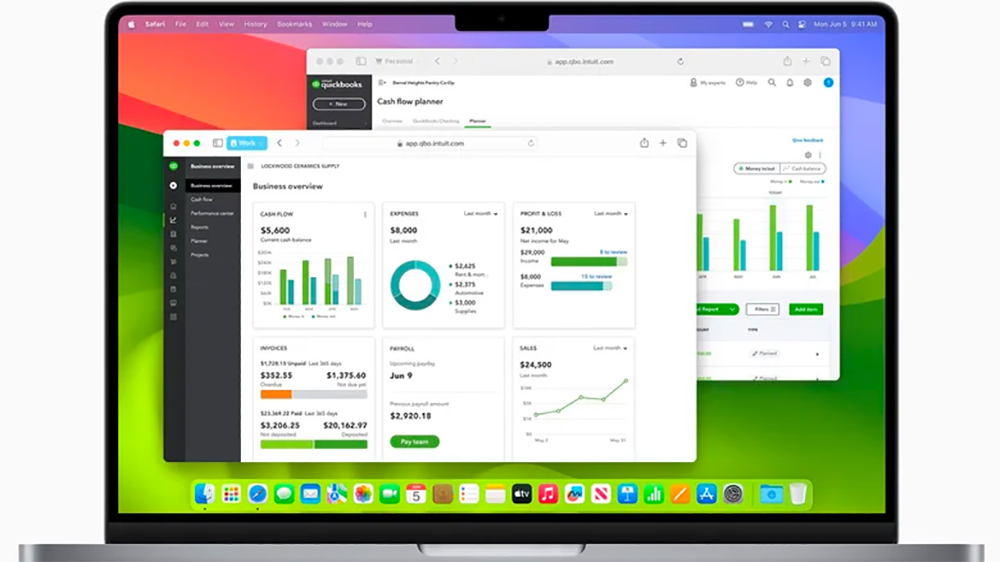
Safari is also getting other improvements, including the ability to lock private browsing tabs when not in use, just like in iOS 17. Password sharing is also made easier, with the ability to share passwords with a group of trusted contacts, encrypted within iCloud Keychain.
Slow motion screensaver
With macOS Sonoma, Apple has introduced a new dynamic screensaver for Mac devices. The gallery in the screensaver is a slow-motion video of attractions around the world, including the Hong Kong skyline, Monument Valley in Arizona, and of course Sonoma in Northern California. If you have an Apple TV, you’ll be familiar with many of these screensavers. The difference on Mac is that the screensaver becomes a static image, and when your Mac is unlocked, the screen saver stops moving and seamlessly transitions to the desktop wallpaper.
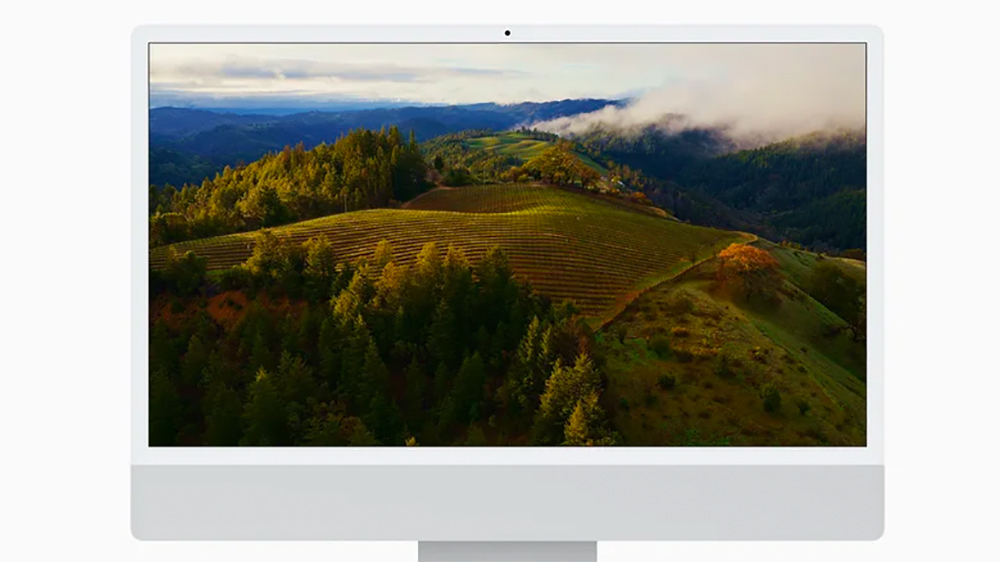
The screensaver can even switch between different scenes, including landscape, cityscape, earth, and underwater. In addition to the screensaver, the Mac’s lock screen has also received some improvements and now resembles iOS/iPadOS, with a clock widget at the top. Login avatar, name and password input boxes are now located at the bottom of the display to provide an unobtrusive screen saver image.
game mode
If you enjoy gaming on your Mac, the new Game Mode will be a welcome addition. Game Mode is available for all Mac games, and when enabled, both the CPU and GPU give gaming the highest priority, ensuring maximum performance and smoother frame rates. Game Mode also reduces lag when pairing AirPods and connected game controllers, such as Xbox and PlayStation controllers.

MacBooks aren’t the first choice for PC gamers, but Apple is hoping to change that by enticing game developers to port their games to the Mac using Metal’s game porting toolkit. The toolkit will also help game developers port Windows games, including DirectX 12 games, to Mac. Apple claims this will save developers months of time and let them know how their games will run on the Mac within days, and some of the new games coming to the Mac include Death Stranding Director’s Cut, Salisbury Castle, and No Man’s Sky.
Source: KOCPC Chinese