


A few days ago, we introduced an online image translator, Cotrans Manga/Image Translator, which can directly translate images on platforms such as Twitter and pixiv, and can even upload images and have them translated directly. It’s easy to use, but it can only be used for Twitter and pixiv, and it can only translate a single image when uploading it. If you have a lot of pictures to translate, it won’t be useful.
And a lot of raw meat on the Internet, if it is not a well-known work or the translation team does not love it, it is usually just a piece of raw meat, and people who cannot understand foreign languages will not be able to chew it even if they want to. Faced with this problem (including me), today I will introduce a good solution! On github, there is a master @dmMaze who has developed a set of open source tools BallonsTranslator, which can help you translate the images in the entire directory with just one click. You can even set the font, font size, text editing, etc. The key point is that this set of tools is free. If you are also unable to chew raw meat, come and learn!
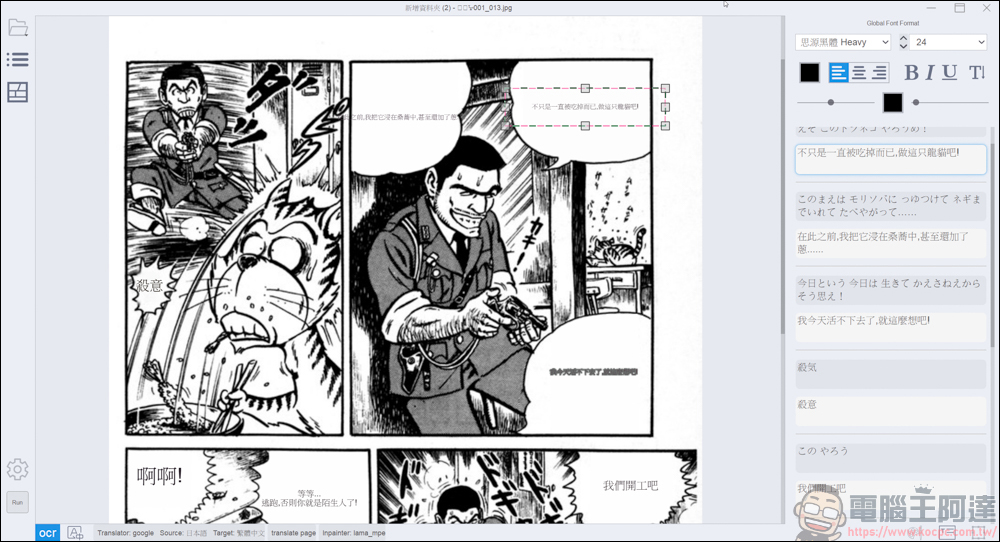
BallonsTranslator download & usage tutorial
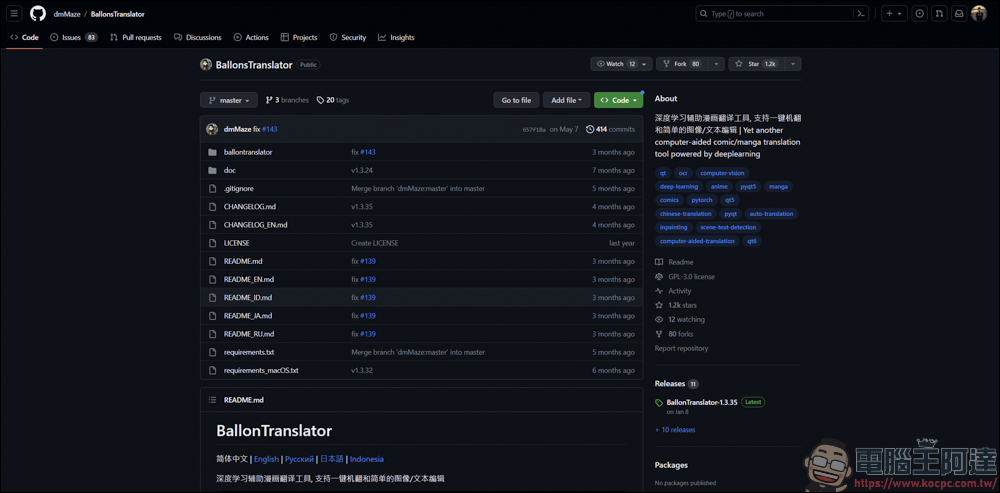
This set of BallonsTranslator was written by @dmMaze. If you know how to use open source tools, you can go tothis pageDownload code. I can’t understand it very well, but I have seen other large packaged complete files on bilibili (Zui Qingfeng Yang). You can clickheredownload :
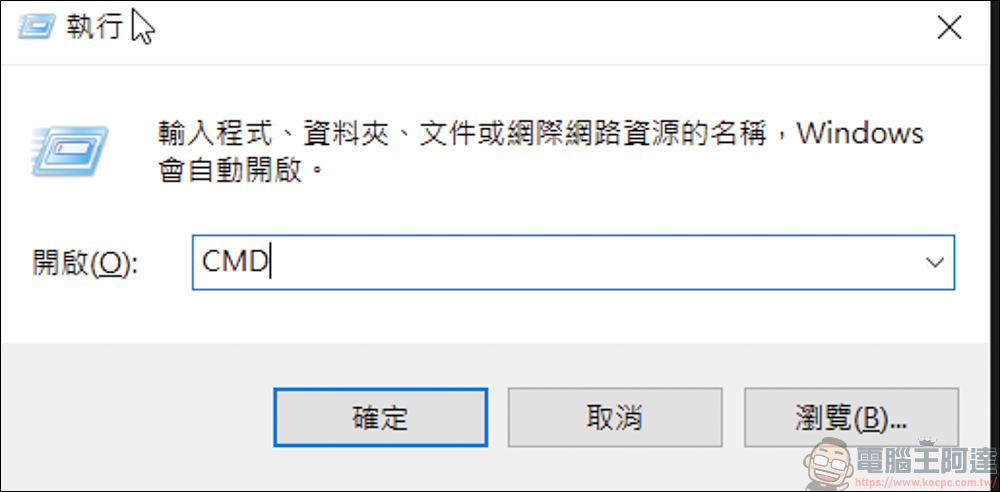
After downloading, use Win + R keys to open execution, enter CMD and press OK:
Then find BallonTranslator.exe in the downloaded file and drag it into the command prompt:
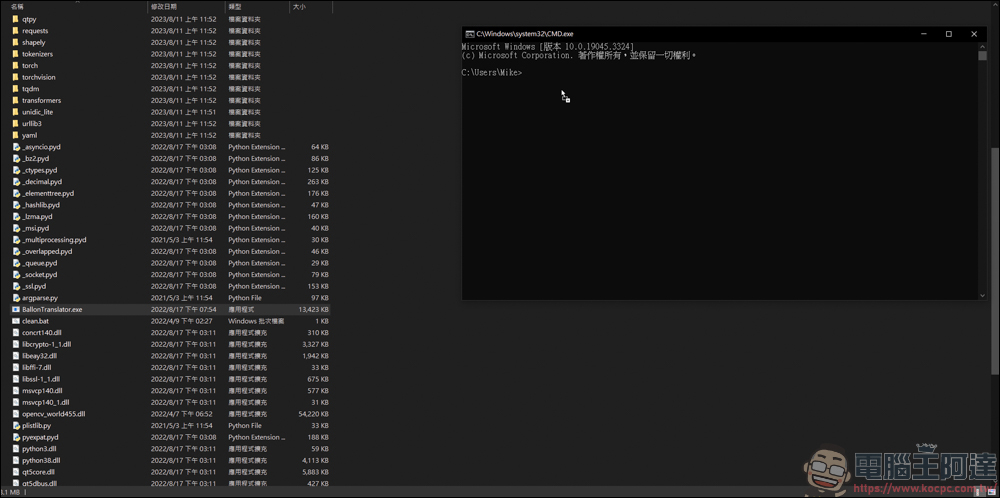
Wait for the text to appear and press Enter:
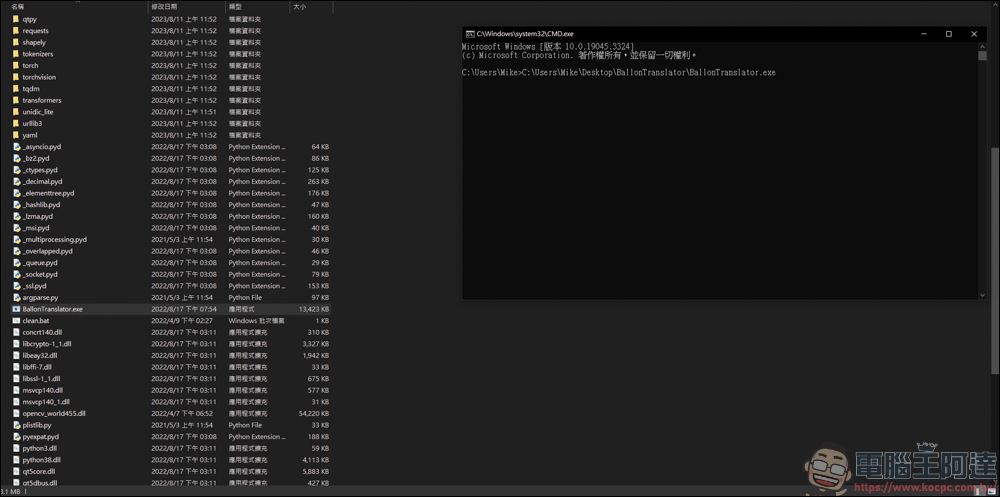
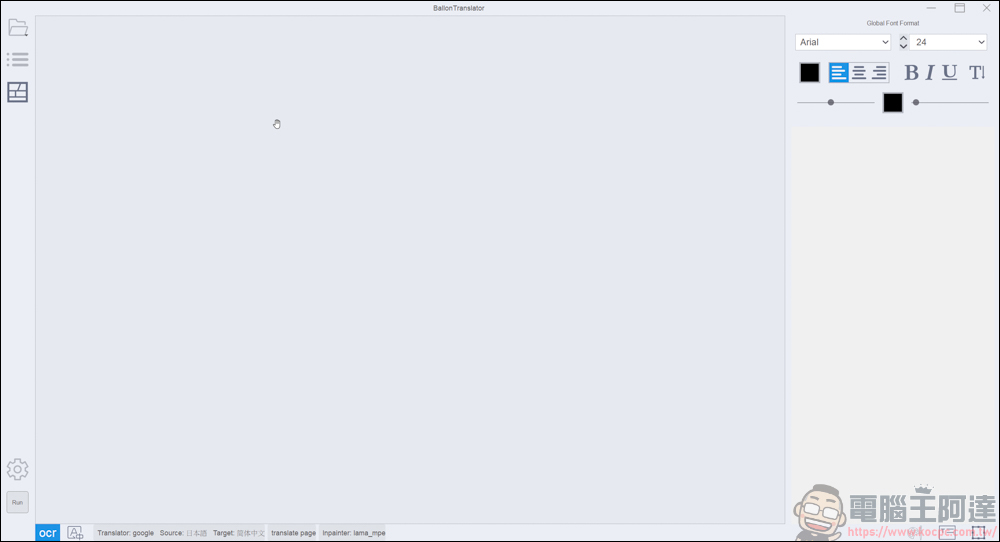
The system will automatically execute BallonTranslator. Please do not turn off the original command prompt character. Turning it off will also turn off BallonTranslator:
Before we start using it, we need to click on the settings in the lower left corner (the gear one) and then find Translator:
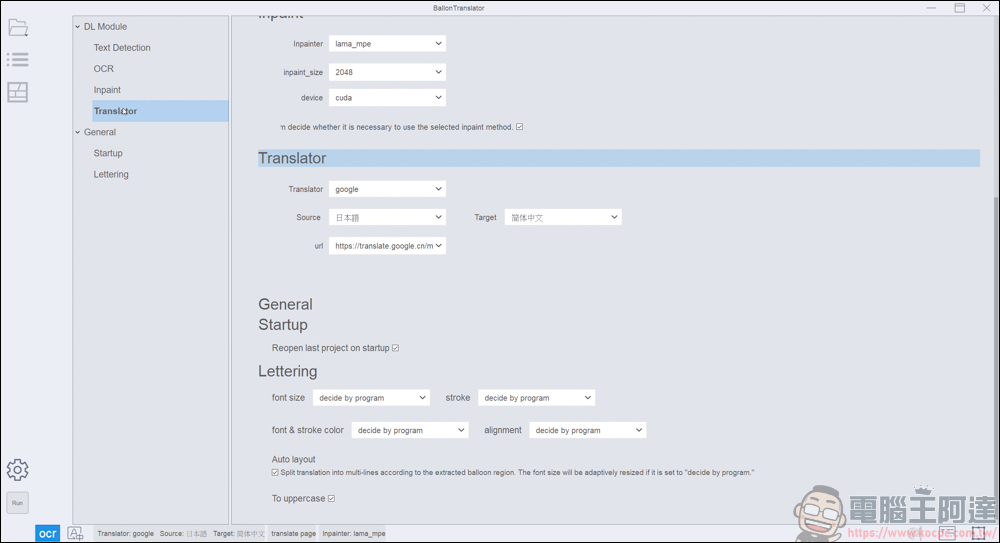
The great thing is that it supports Traditional Chinese. Just change the translation target to Traditional Chinese. The source on the left can be adjusted according to the language you want to translate. Translation tools include Google (free), papago (free), Caiyun (requires a gold key), and DeepL (requires a gold key). If you want to use it for free, just use the first two tools. In terms of accuracy, I personally think Google >papago:
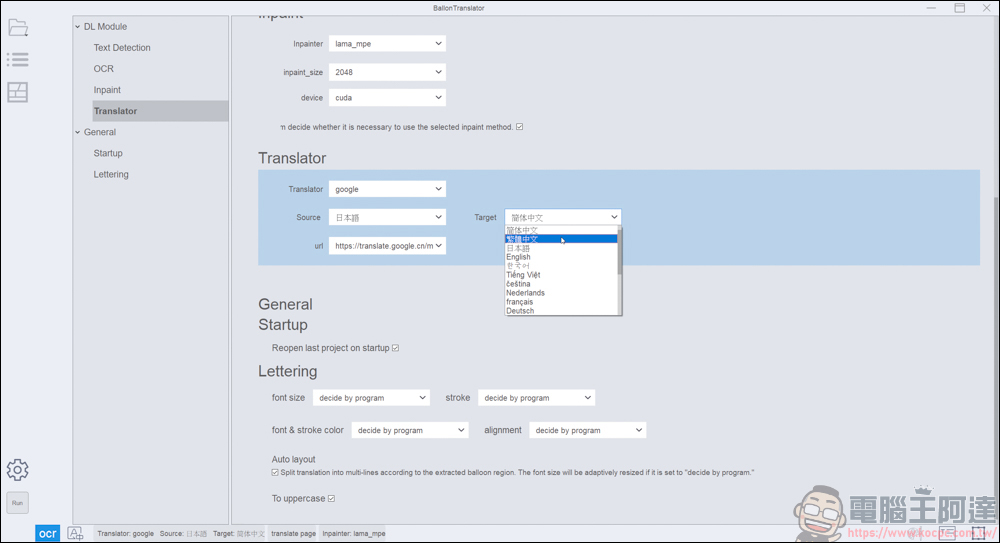
If you use Google, the url server should be changed to end with .com. The server in China seems to have no effect:
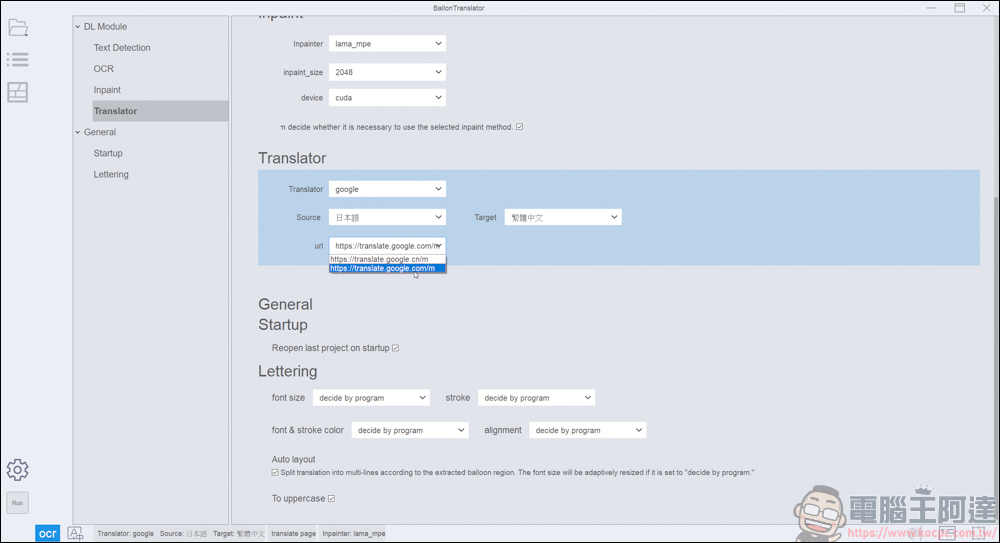
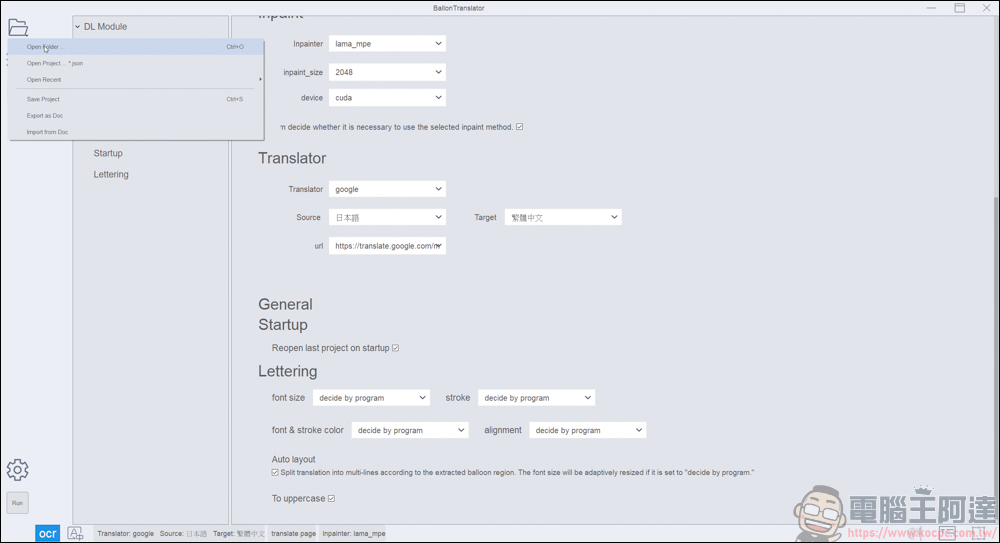
You don’t need to press any buttons to save the settings. After setting, click Open folder in the upper left corner, and then select the image location you want to read:
After reading, the entire image in the directory will be read:
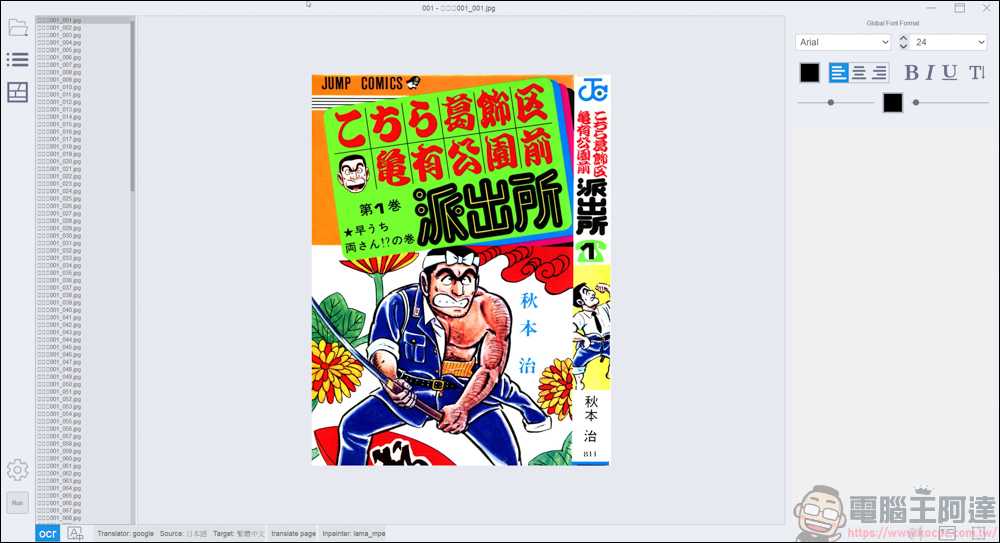
Before starting translation, it is recommended to change the font in the upper right corner to your favorite font, font size, color, etc. The default is Arial, which I think is a bit ugly:
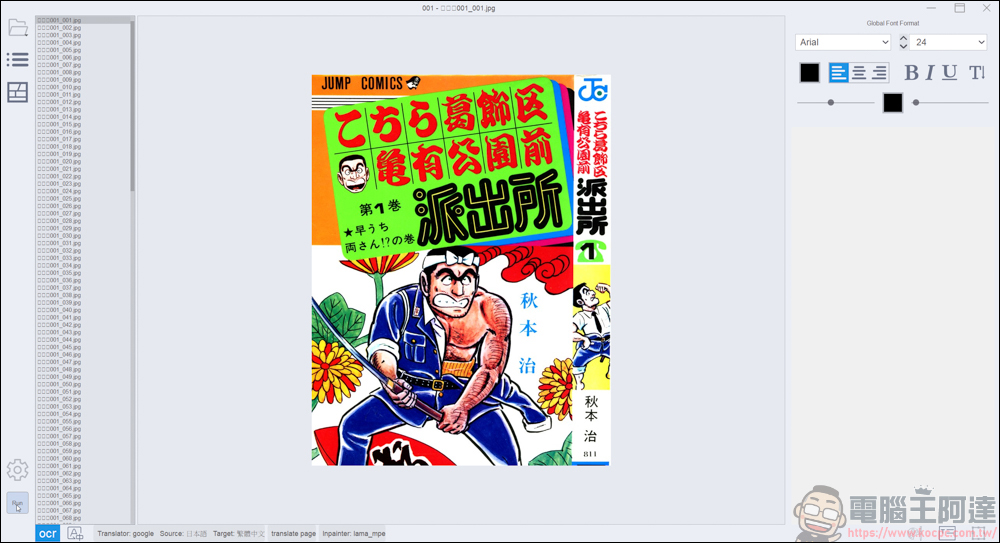
After setting it up, click Run in the lower left corner, and the translation progress will appear in the lower right corner. You can see that some words on the cover have been erased. In addition, the time-consuming process of this process depends on the performance of your computer. If you are a user of Nvidia graphics card, you can also install torch-cuda to enable GPU acceleration. Go to BallonTranslator View the tutorial on the page:
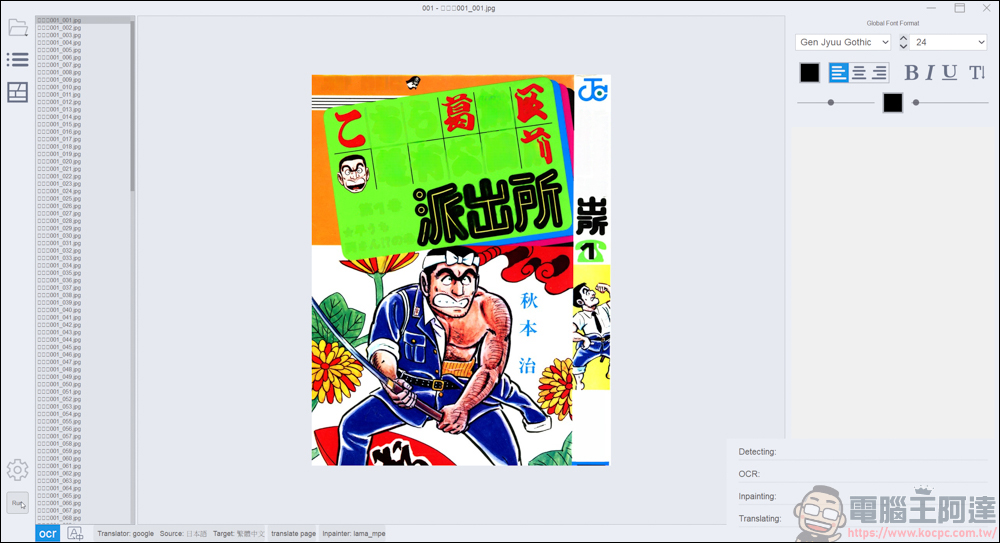
After all runs are completed, you can first go to this directory to view the original image file. The original image file will be retained, but there will be three more folders: inpainted, mask, and result, as well as an archive in json file format:
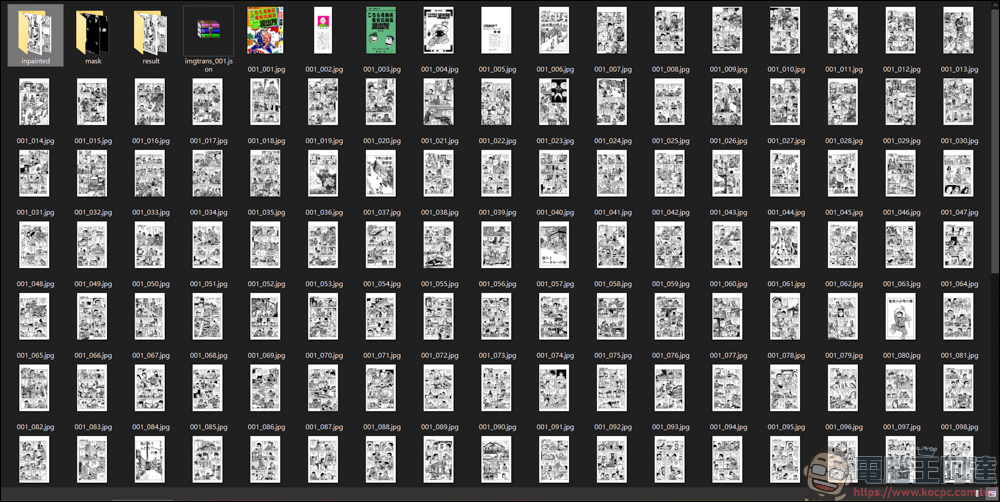
There will be original image files in the inpainted folder:
These are images with subtitles painted out. If you want to use them in post-production, you can directly use the files here:
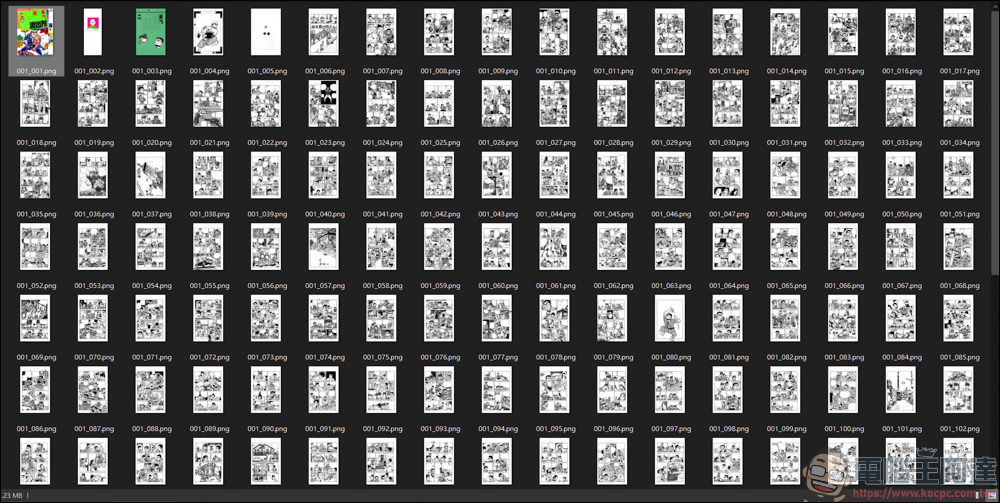
In the mask folder, there are subtitles read by the system:
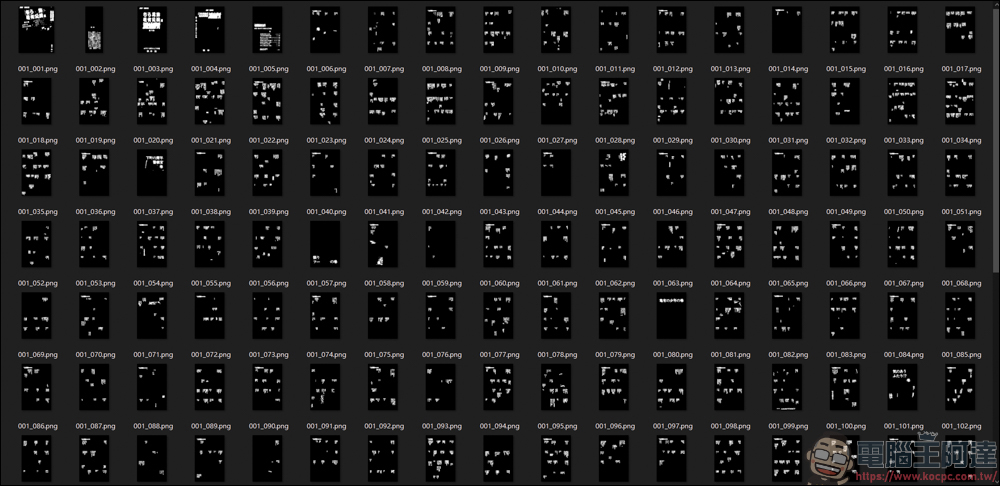
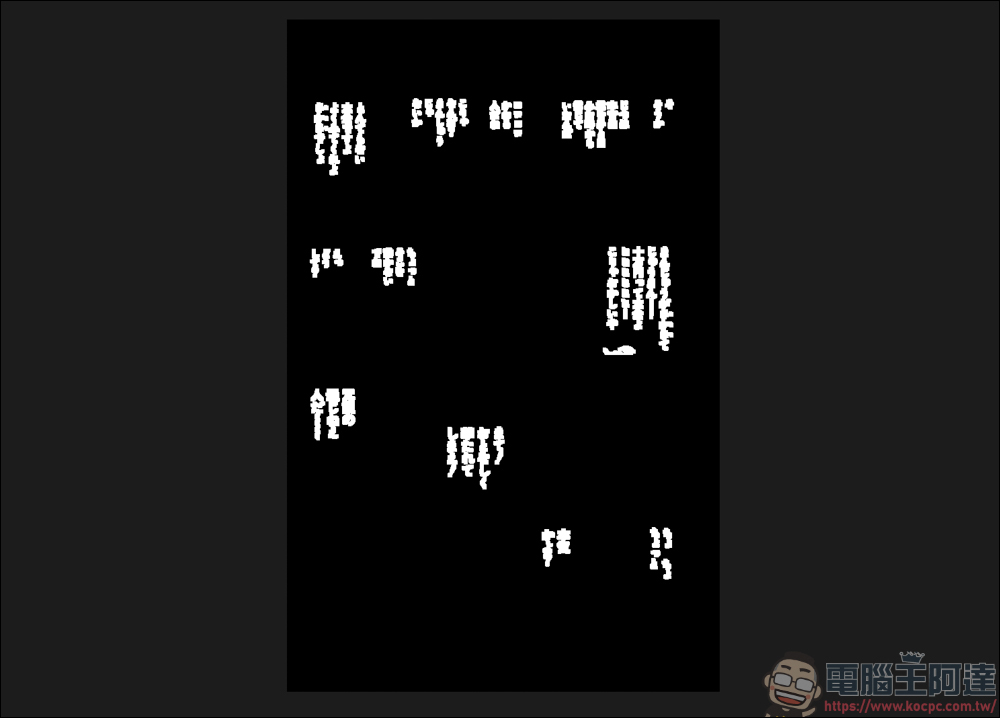
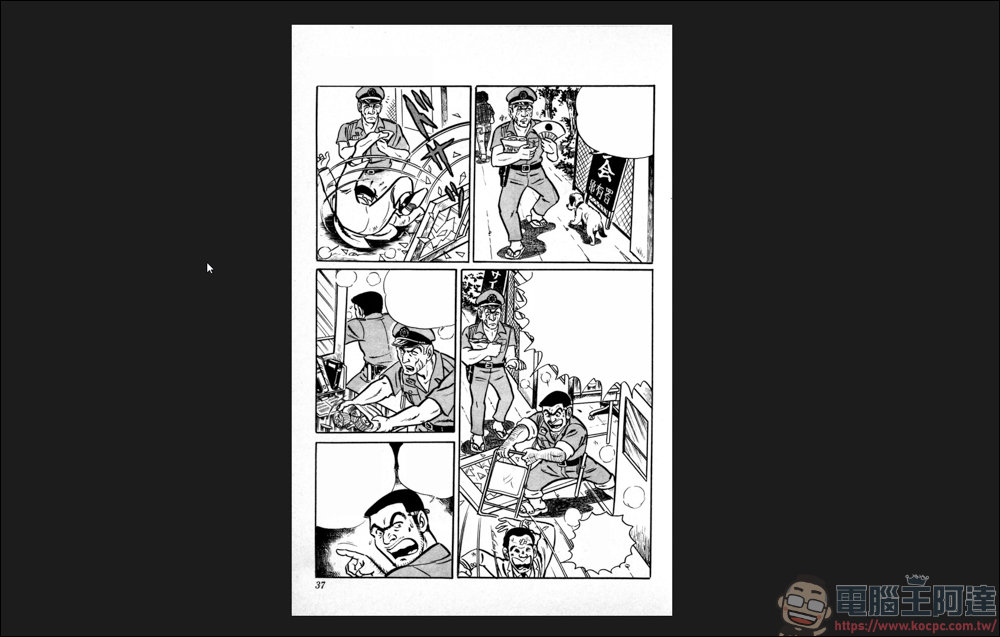
The folder of result is the completed image file:
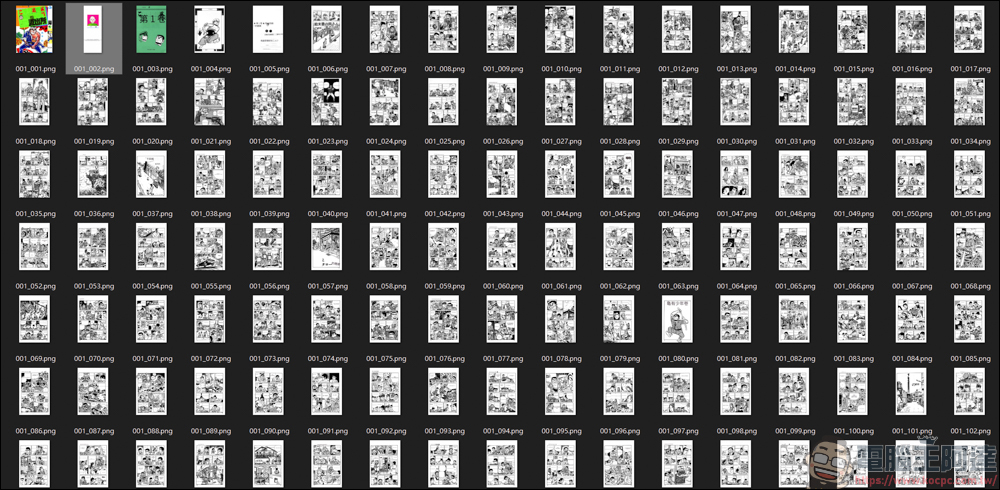
The image file inside has the translated text embedded, you can watch it directly:
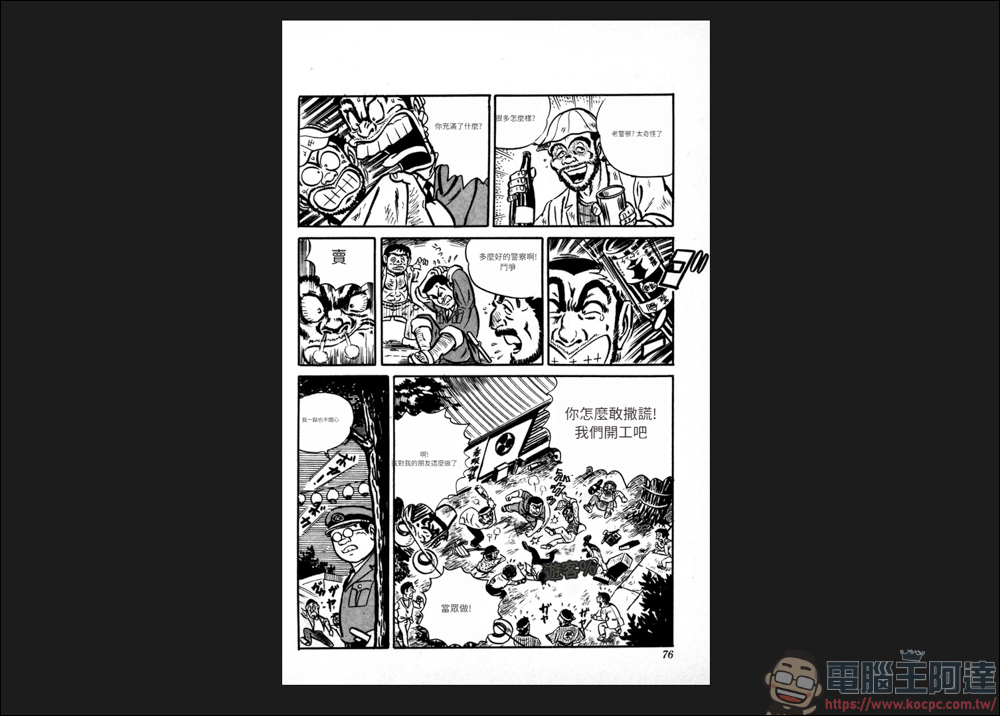
Any modifications you make on BallonsTranslator will also be directly stored in this folder. Next, I will teach you how to modify these texts:
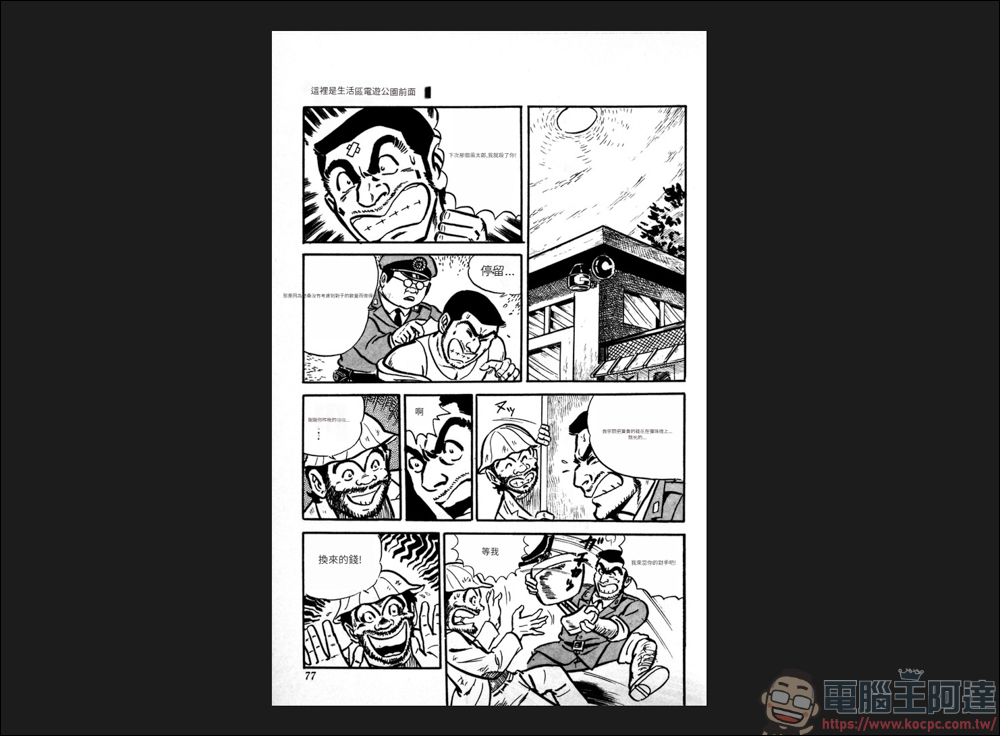
BallonsTranslator Modify text teaching
Now we return to the BallonsTranslator page. Because we are using Google Translate, the translation accuracy is not so accurate. People say that using paid translations is better. It depends on whether you want to spend the money.
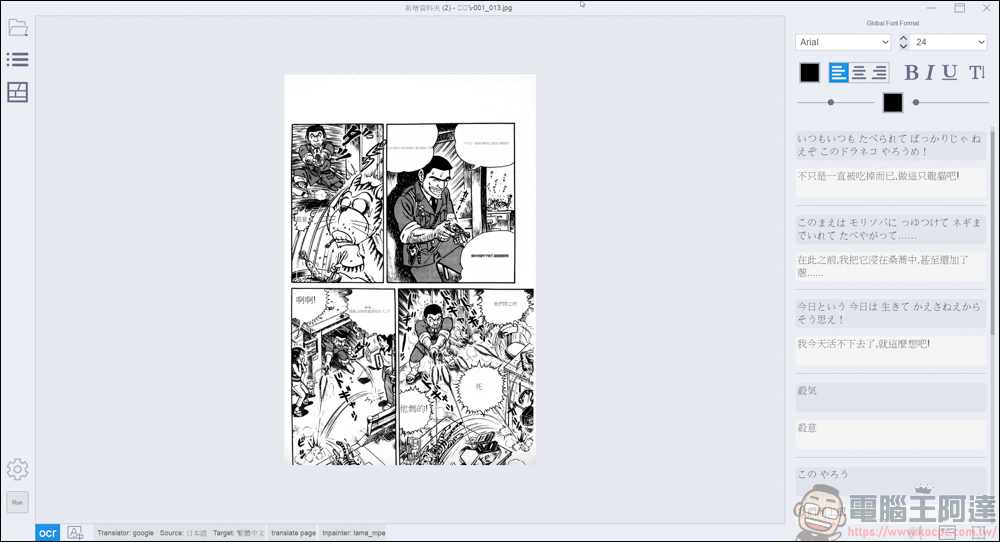
If you have foreign language skills or have other better-used software, you can make adjustments one by one at your leisure. In this page, the extracted subtitles and translated content will be displayed on the right side. You can take the original translation to another software and then come back here to change the translated words. If you are too lazy to change the words, you can also read it directly like this:
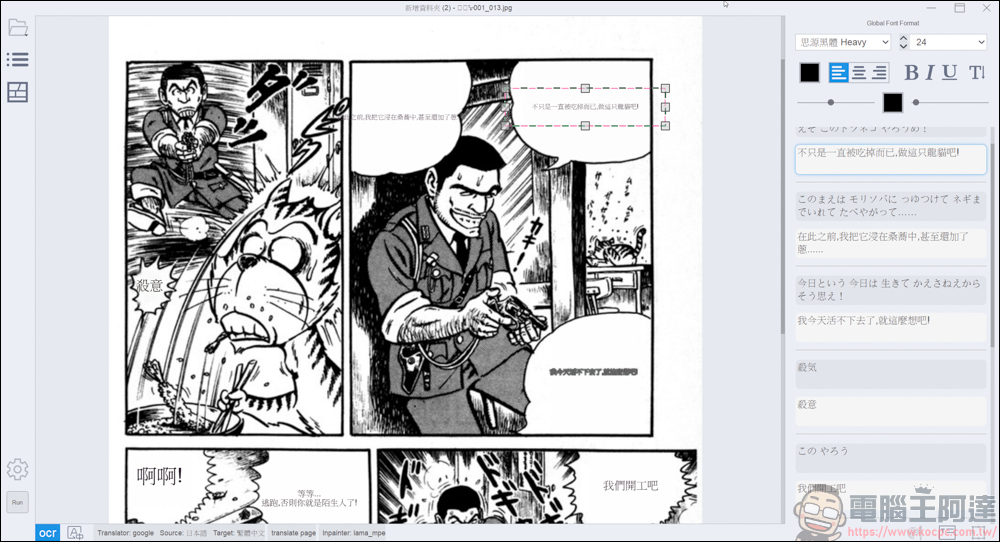
You can also change the font style and size here, and drag the box to adjust the paragraphs of text, which will make it easier to read. It also supports the function of changing subtitles on the same picture. You can go to BallonsTranslator View the tutorial on the page:
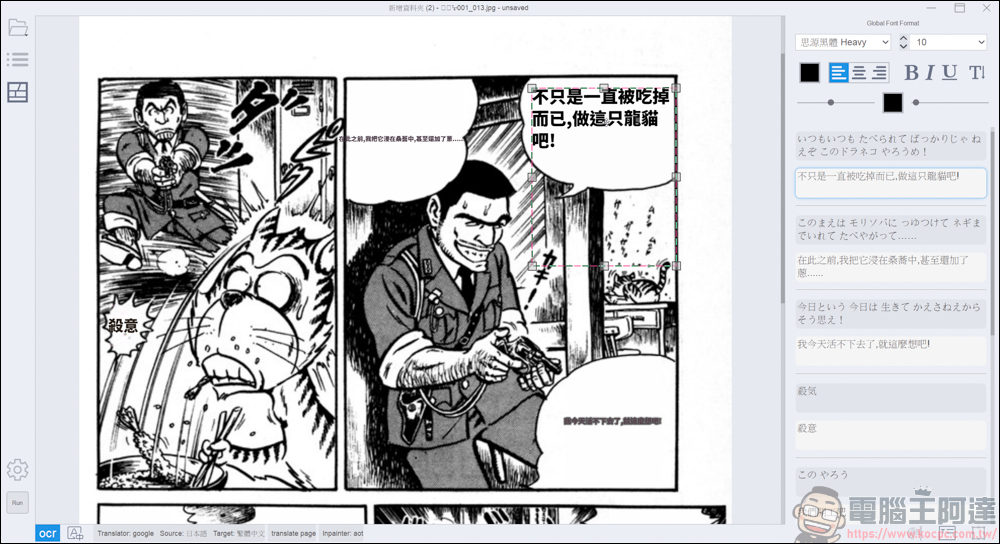
If you think the translation is too bad or want to make a prank, just key in the new text like this. It’s much more convenient than changing the image in PS:
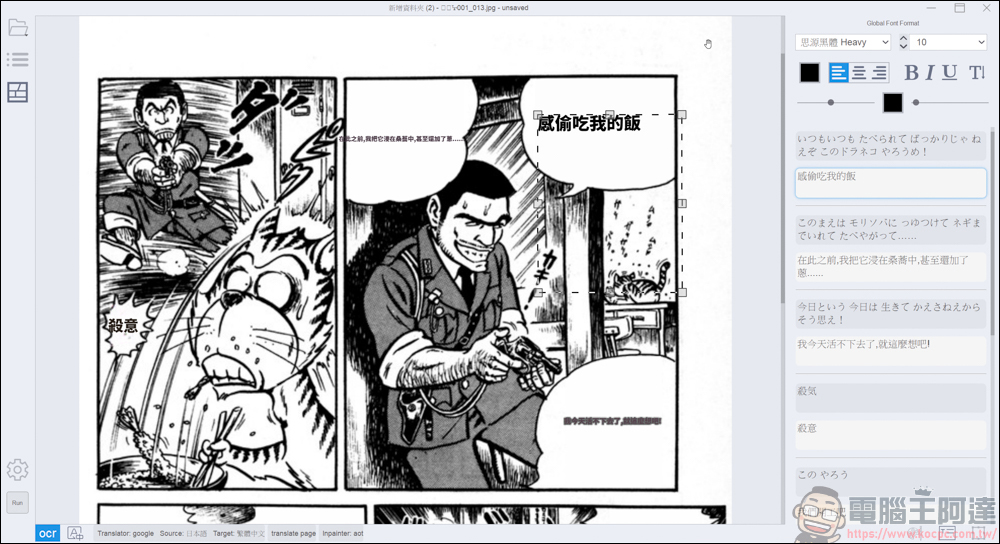
And that’s not all BallonsTranslator can do. It even has the function of repairing the brush. If you don’t want it to appear like this, just use the brush to brush it:
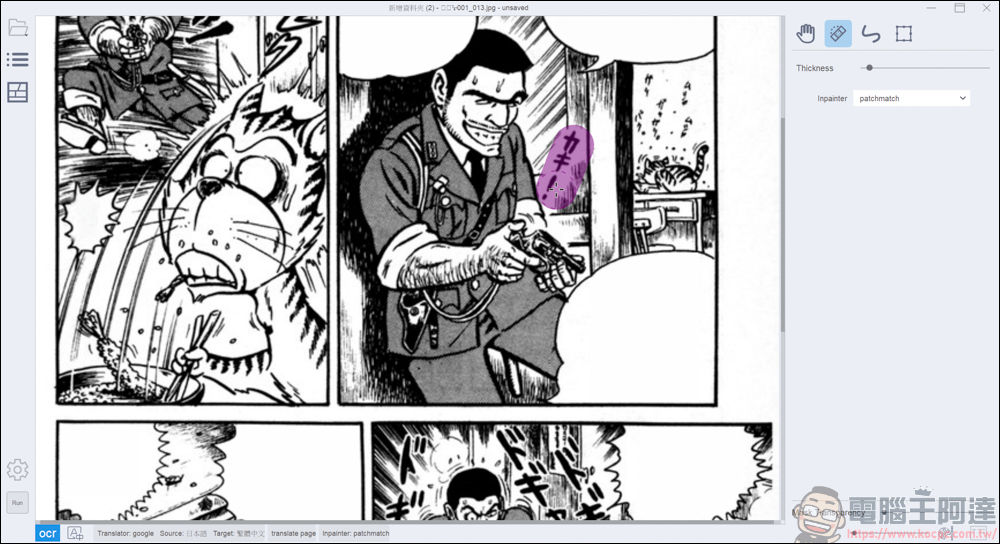
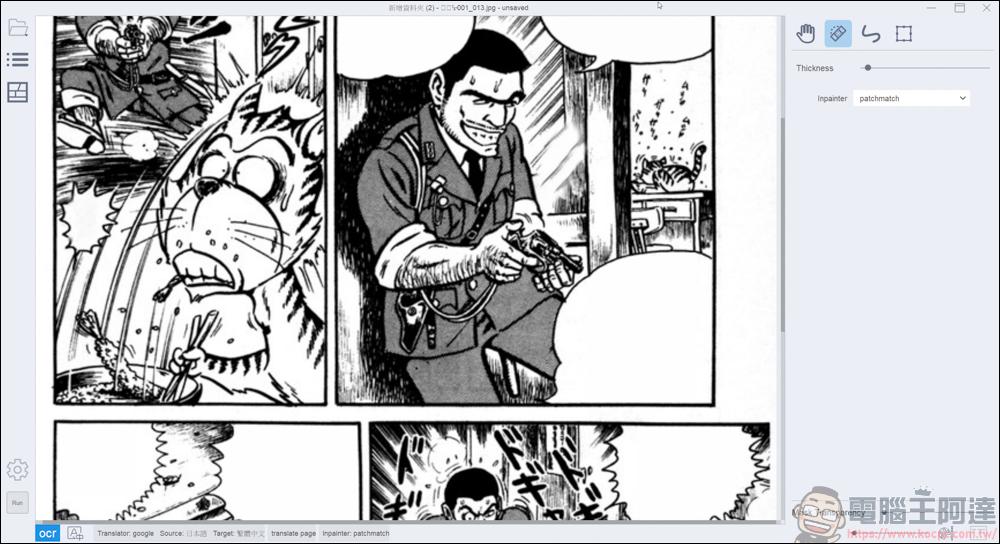
In this way, the adverbials disappear, and they are not presented in a completely white way. It also uses the function of content awareness. It is really a powerful open source tool:
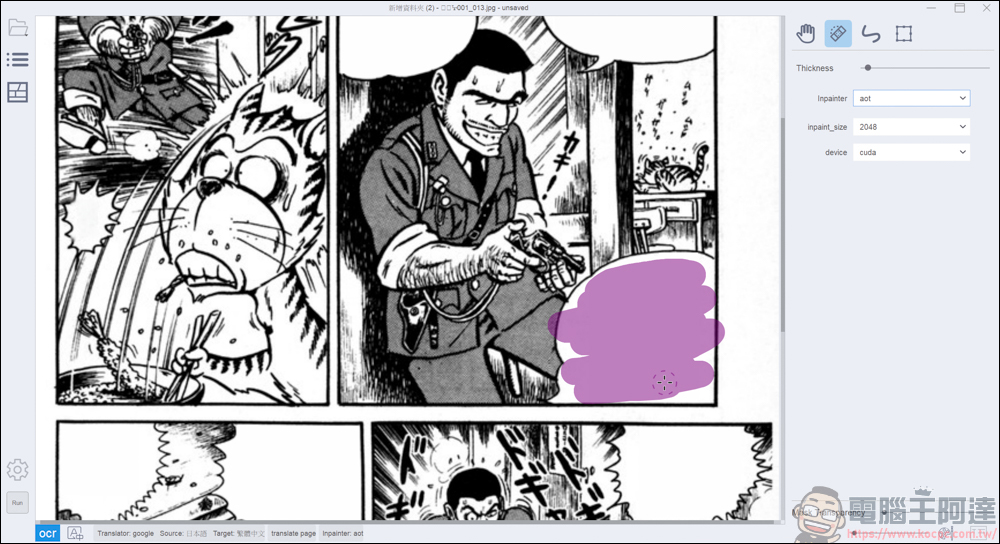
Of course, the brush function can also restore subtitles that were originally removed by mask:
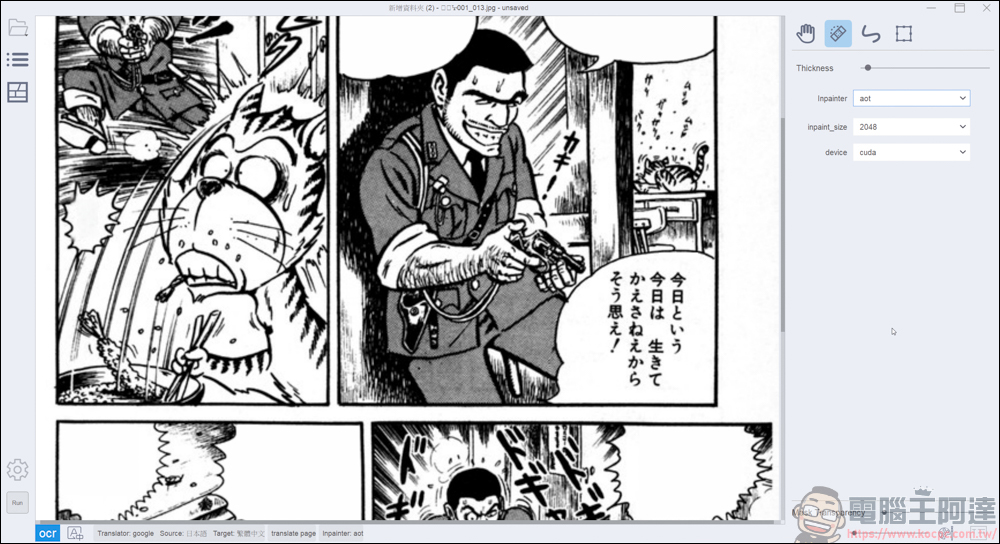
Use BallonsTranslator to translate like this, and then adjust the size and position of the subtitles yourself. For a person who does not understand Japanese, raw meat can be slightly cooked XD:
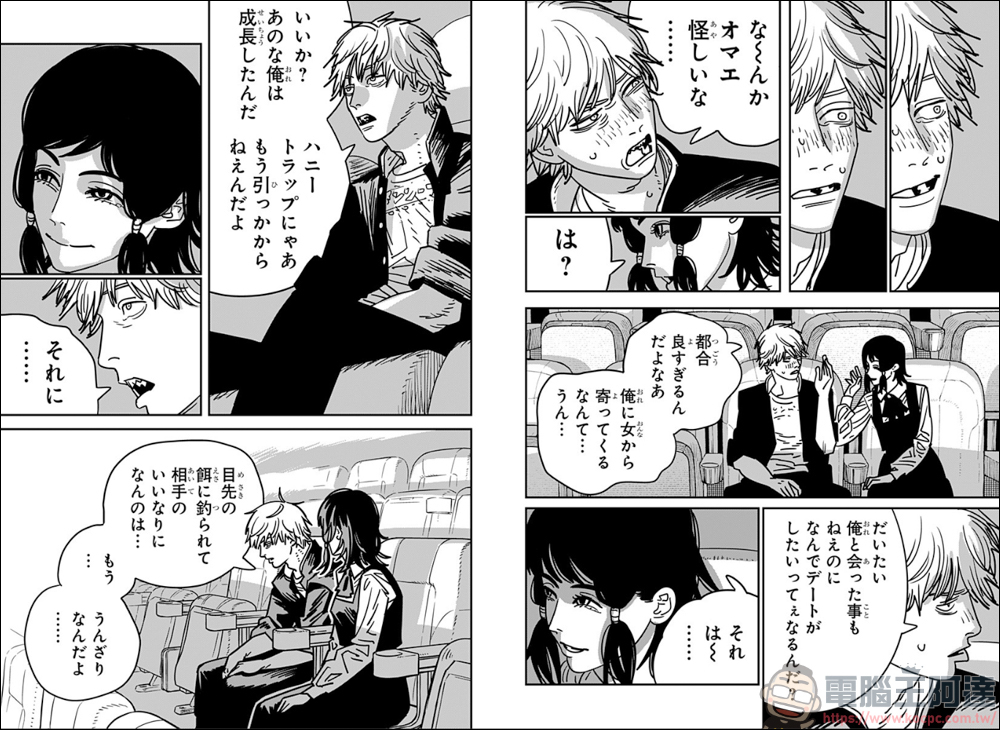
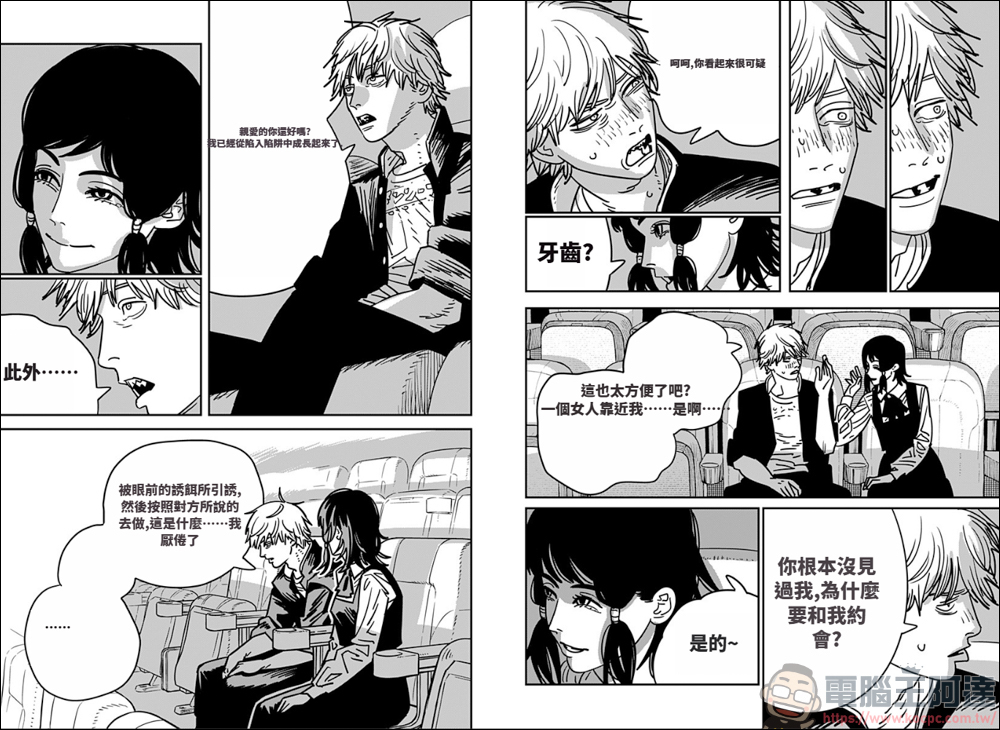
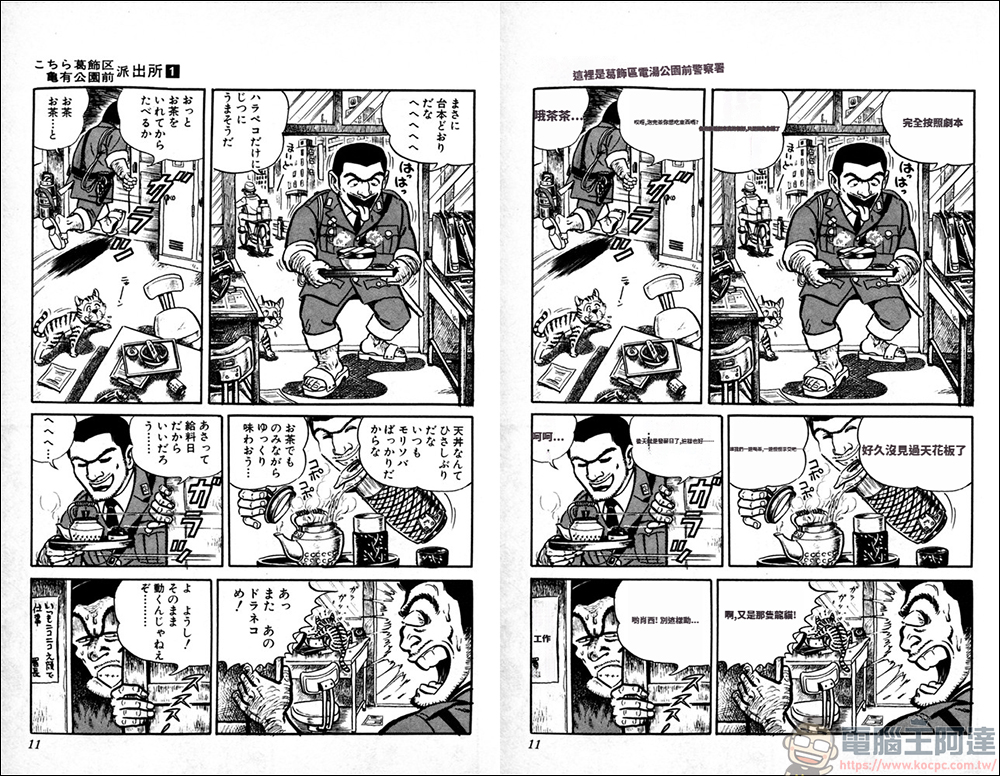
Here is a comparison picture before and after translation. What do you think of the translation? I feel like I can barely understand what’s being said, but I can’t translate it any better than the professional Chinese group:
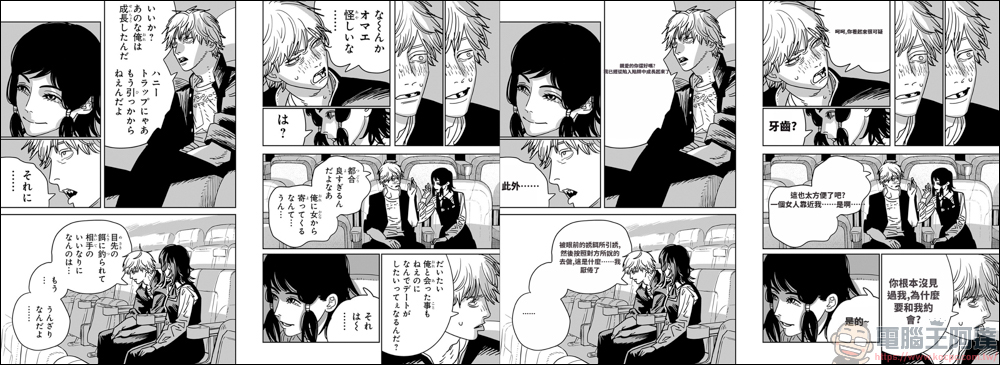
I have been waiting so hard for the early Oolong Police Station cooked meat version. Now I can enjoy it a little bit by watching it like this. Anyway, I just want to understand the general idea a little bit. XD
Source: KOCPC Chinese