


It seems. AI The browser battlefield has officially begun, even Microsoft Edge also gained AI capabilities, recentlyMicrosoftOfficially launching Copilot Mode. What’s different from past Copilot versions is that this Copilot Mode has moved to the left side of the address bar. Not only can it be opened in any tab, but it can also read all open browser tabs to help you answer any questions, perform web searches, and even use the Copilot Vision feature.
Moreover, Microsoft has also announced that Copilot Mode will be getting more new features. It’s currently in the experimental stage, so it’s being made fully available to everyone for free.
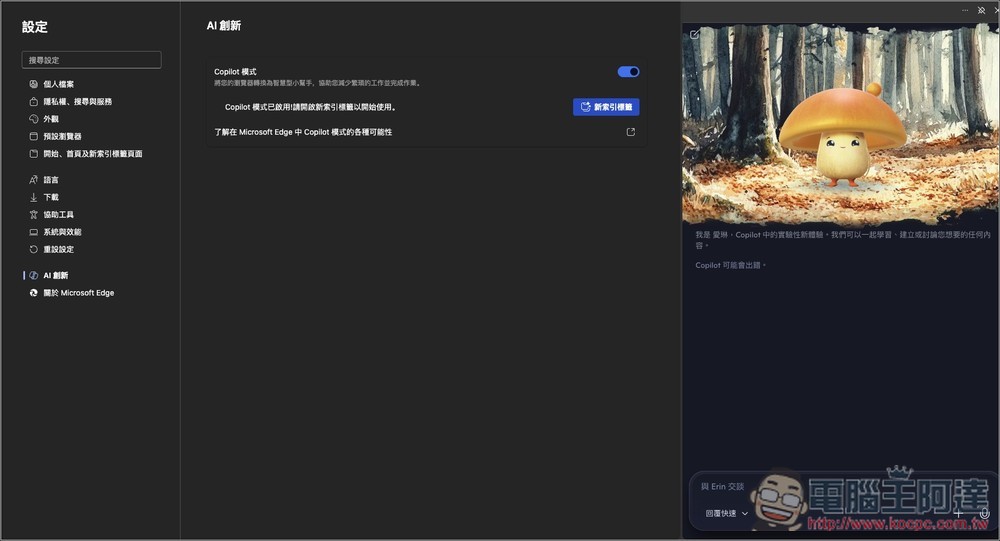
Microsoft adds a new Copilot Mode to the Edge browser, which can read all webpage tabs, supports Copilot Vision, web search, and more.
Although Microsoft Edge already had a Copilot feature before, letting you open it in the sidebar to quickly chat with AI, that was about it. With quite a few AI browser products appearing on the market recently, it seems Microsoft is feeling the pressure. The newly added Copilot Mode can be said to officially upgrade Microsoft Edge into an AI browser.
Currently, Copilot Mode can do the following:
- Read the context of opened web page tabs: analyze multiple open tabs to quickly compare information, organize content, and more.
- Real-time information organization: Quickly obtain the key information from long articles.
- Voice navigation: Interact with Copilot through voice commands. Just say what you need, and Copilot can take care of it—like finding information on a page, or asking it to open several tabs to compare options from different products.
Microsoft also announced that it will introduce automated operations in the future. Users simply need to grant Copilot permissions—such as to history and credentials—enabling it to perform more advanced actions, such as making bookings or managing to-do items.
Microsoft also offers examples: just say, “Help me find a stand-up paddleboard rental near the office,” and Copilot can not only find the best option but also check the weather, complete the booking, and even suggest bringing sunscreen or watching instructional videos to get ready.
Copilot Mode is off by default, and users need to go into Edge settings to manually turn it on.
After opening Microsoft Edge settings, you’ll see a new “AI innovation” option, then click “Explore Copilot mode” on the right.
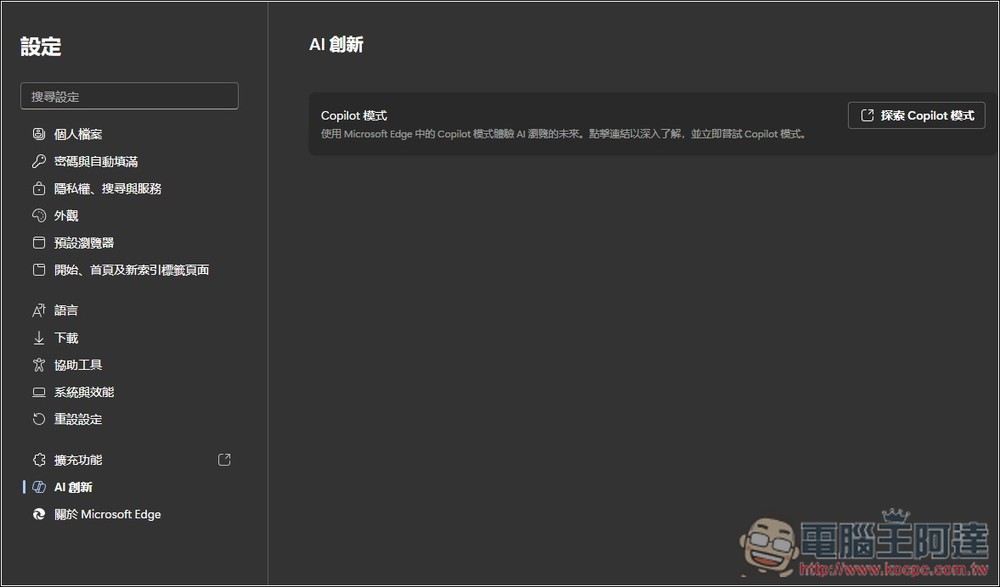
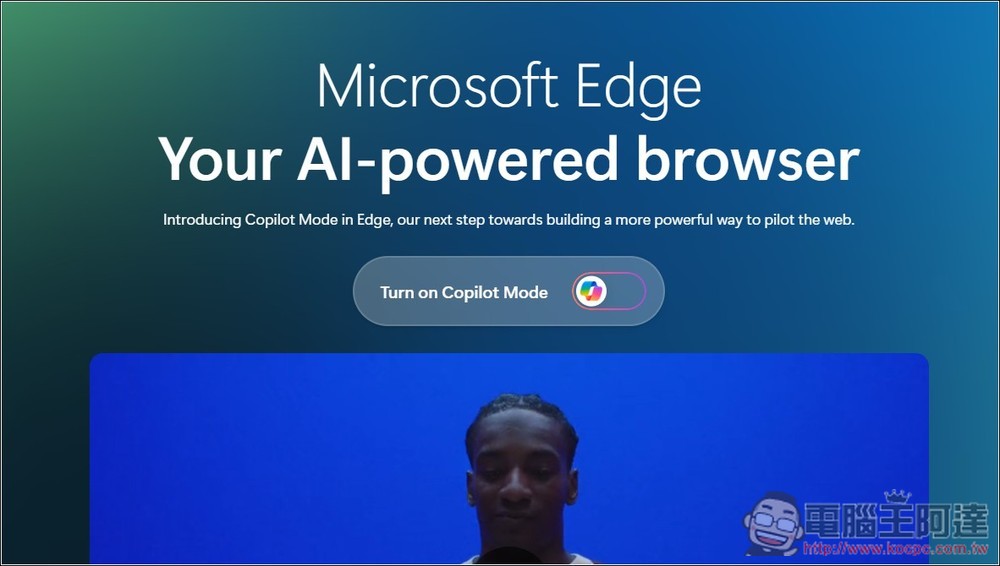
It will open this webpage, click the Turn on Copilot Mode in the middle:
That’s how you successfully enable Copilot Mode. There will be a brief introduction you can take a look at:
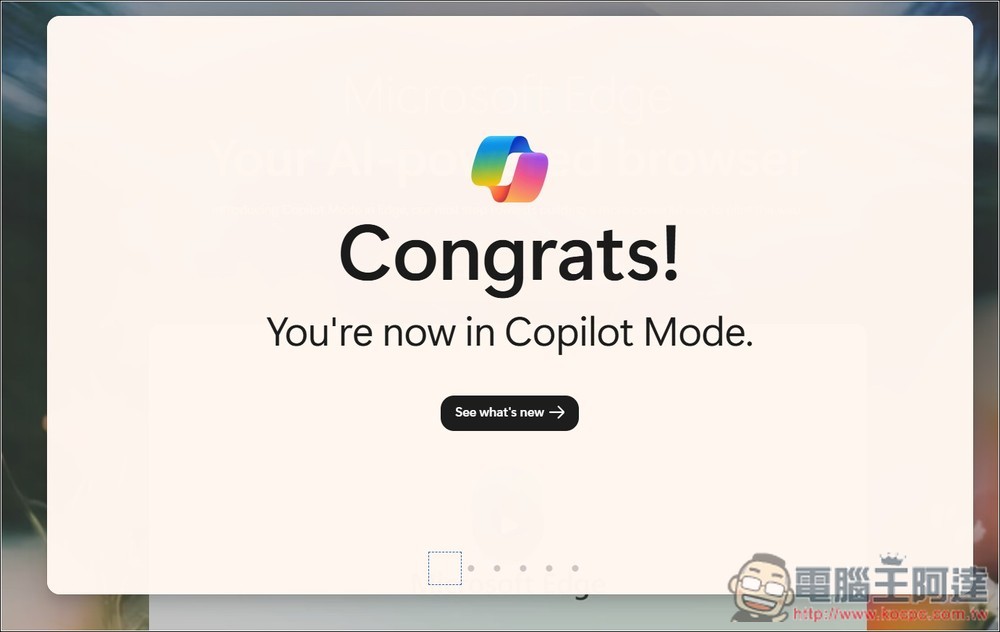
Next, you’ll notice that the Copilot icon moves to the left side of the address bar, and the Copilot that was originally in the top-right corner of the browser will also disappear.
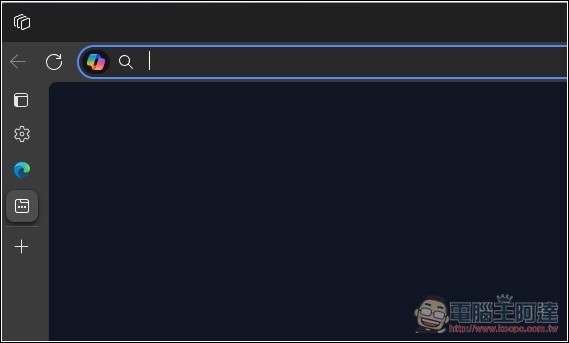
Then you can open Copilot on any webpage to chat and ask questions, whether about the content of the current tab or other tabs:
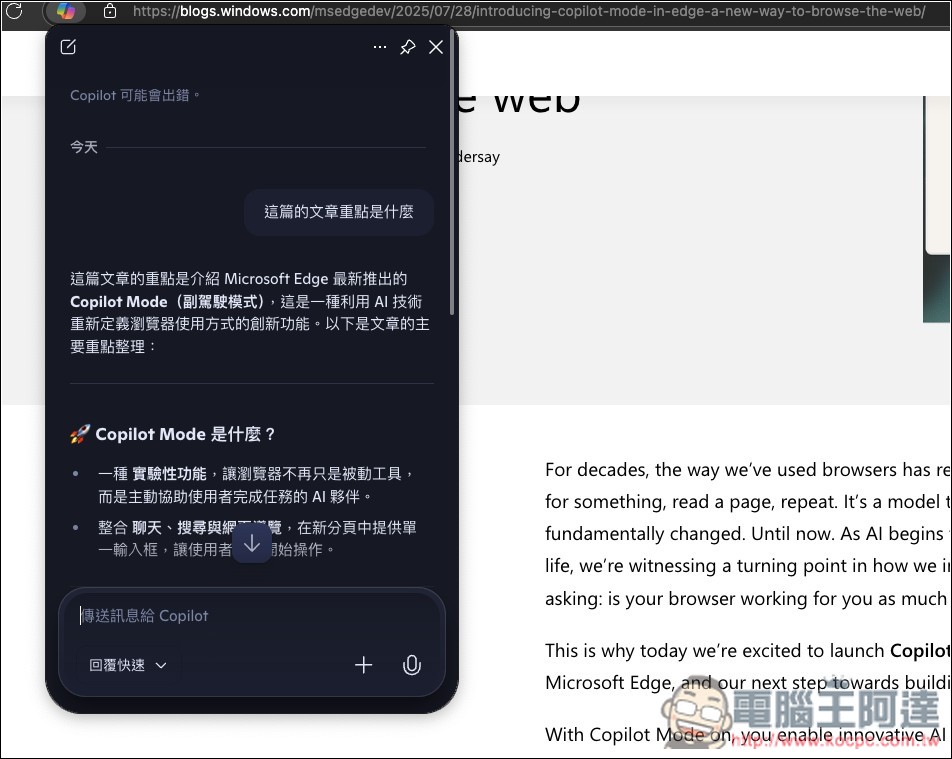
Like in this browser tab, when I asked it to compare the Copilot Mode reports open in my other tabs, it was able to retrieve them:
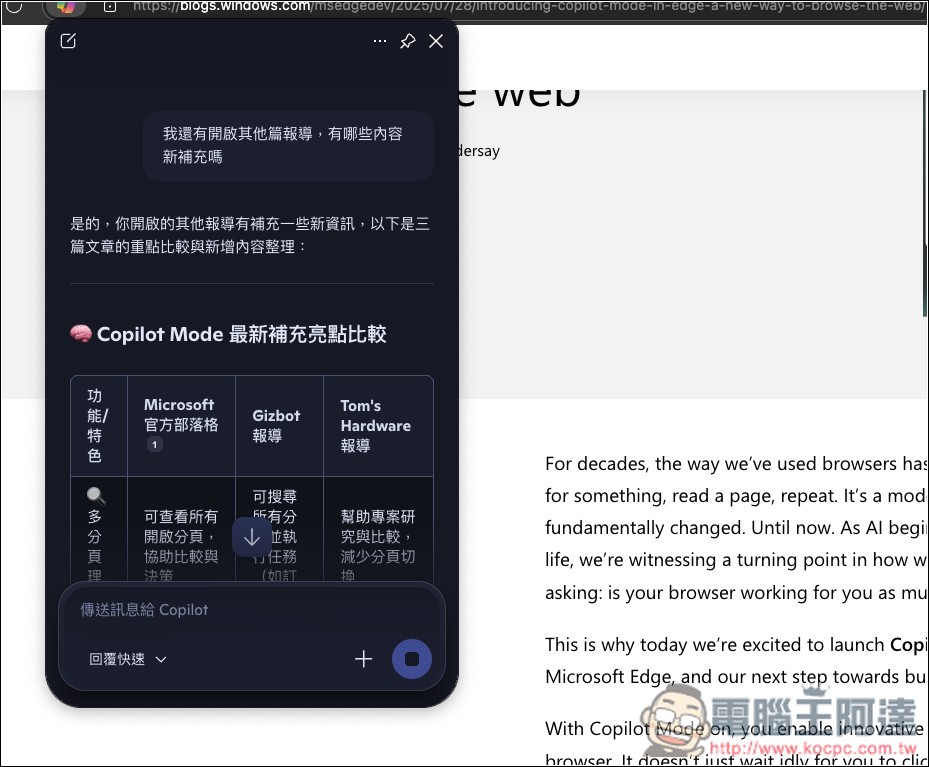
The current chat room is the same no matter which tab you open it in—it won’t create a new one, so you don’t need to worry about losing your chat history. To start a new chat room, just click the pencil icon in the top-left corner:
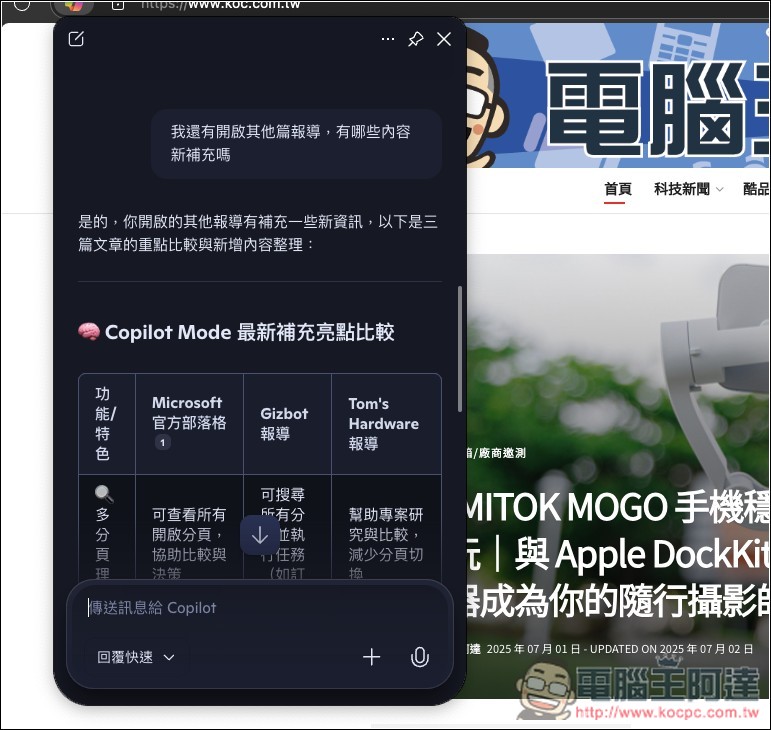
Of course, if you find this screen too small, you can also switch it to the sidebar by simply clicking the pin icon in the top right corner:
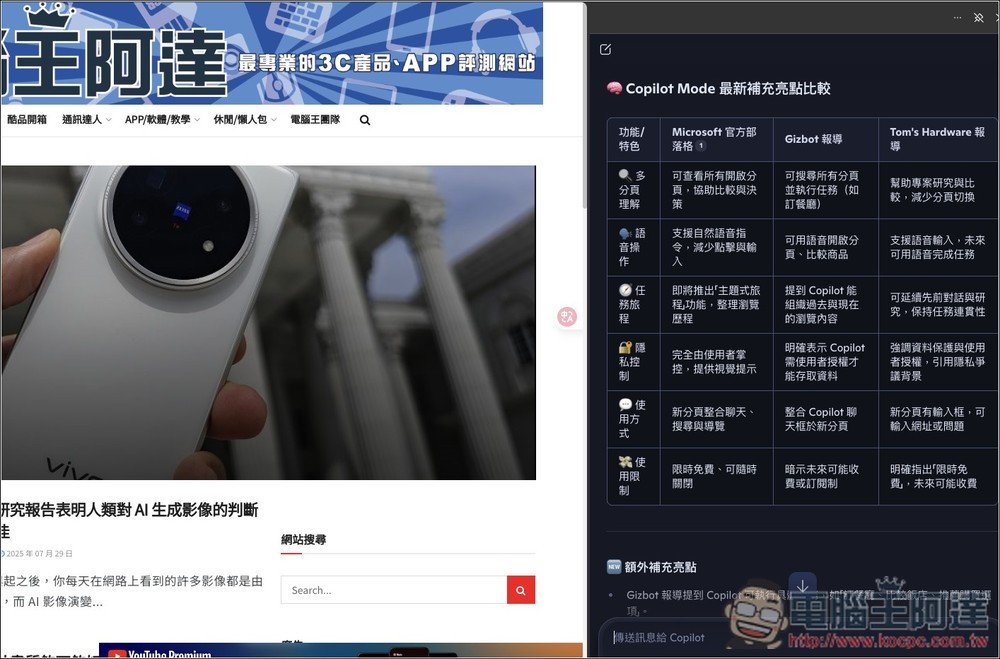
In sidebar mode, open the menu in the top-right corner to find Copilot settings:
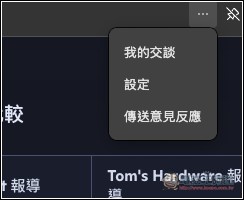
In here, you can set the voice and character:
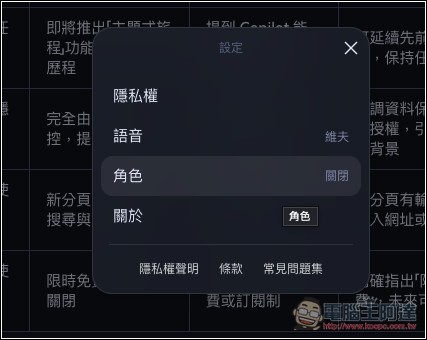
Currently three characters are available: Mika, Cyan, and Erin:

After selecting a role, the Copilot chat interface will display that role at the top. Compared to the default, the role simply adds personality:

Additionally, after pressing the microphone icon, you can enable voice mode, and Copilot will use the Copilot Vision visual feature to see your current screen (the bottom of the image below shows that Copilot Vision is active on this page):

Lastly, it’s worth noting that Microsoft mentioned Copilot Mode is currently an experimental feature that will keep improving, and for now it’s open to Edge users who want to try it early as a “free trial.” This also means that once it officially launches, it may become a paid feature.
Source: KOCPC Chinese