


Sometimes we all encounter situations where we need to transfer important files or large files to others. At this time, some people may use cloud space, but large files are more troublesome. First, you need to wait for the file to be uploaded. This article recommends a good and easy-to-use free point-to-point transfer tool “transfer.zip”. The transfer process is not only encrypted, but also completed directly in the browsers of the two devices.
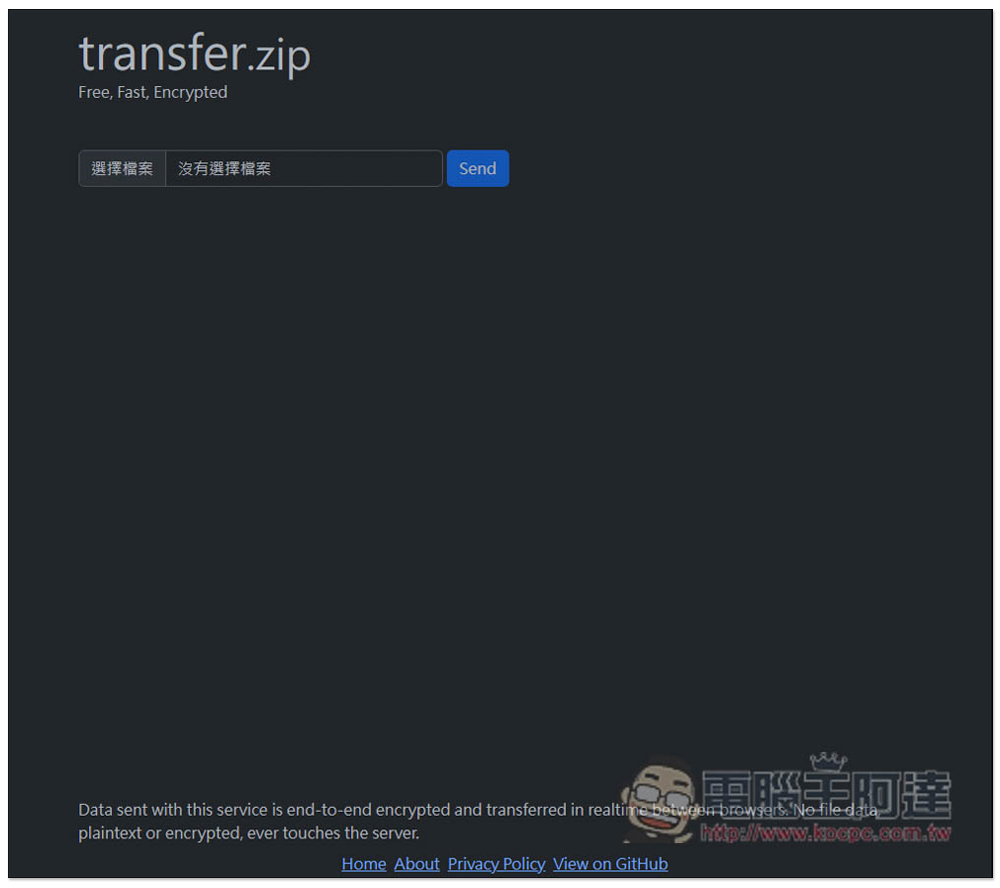
transfer.zip is a free tool for peer-to-peer file transfer, with no file size limit and the safest transfer method.
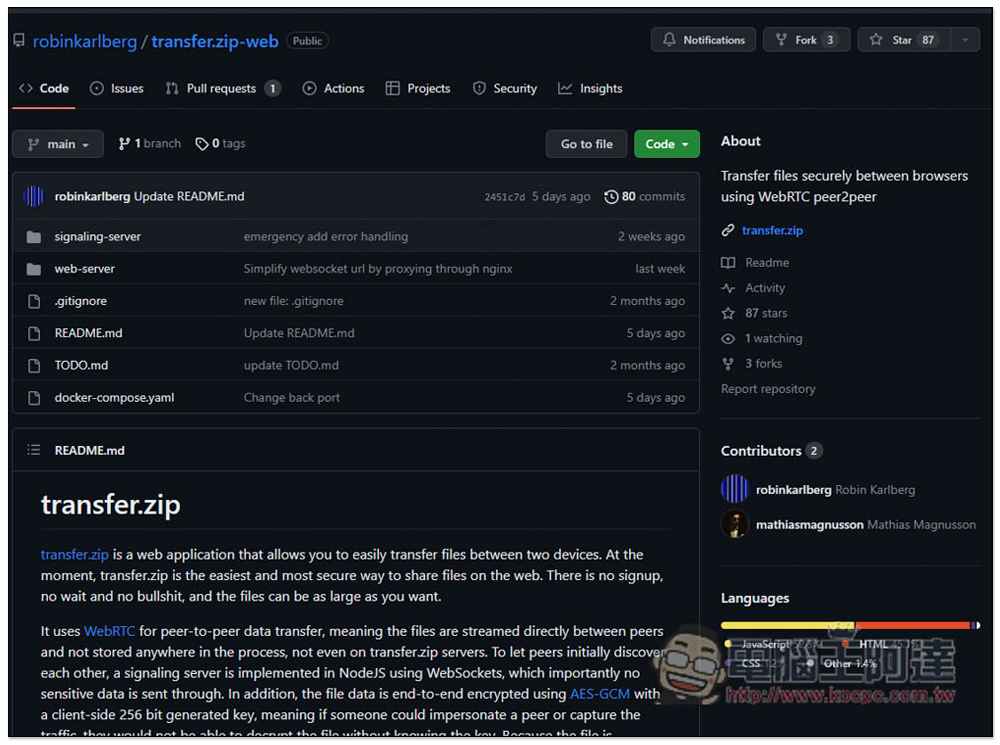
transfer.zip is an open source tool and is available on GitHub. Those who are interested canClick me to jumpCheck out GitHub:
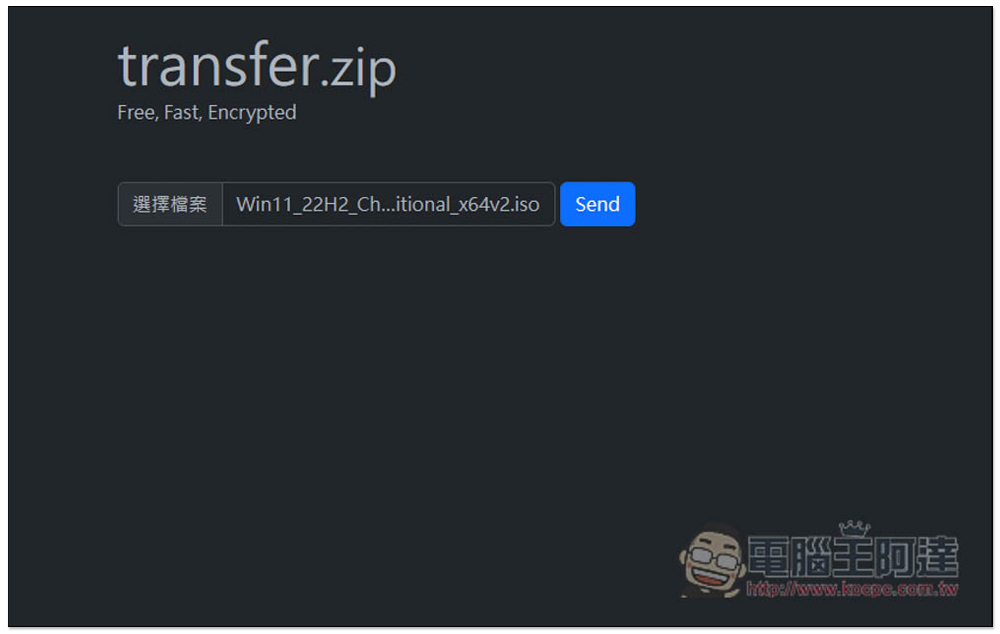
The use of this tool is very simple. After the source device opens this tool, you will see the function of selecting files and click on the file you want to transfer. Currently, only single file transmission is provided, so multiple files cannot be selected at one time. This part is a little inconvenient. After selecting, press Send:
Then you will get an exclusive QRCode and sharing link, depending on which sharing method you want to use:
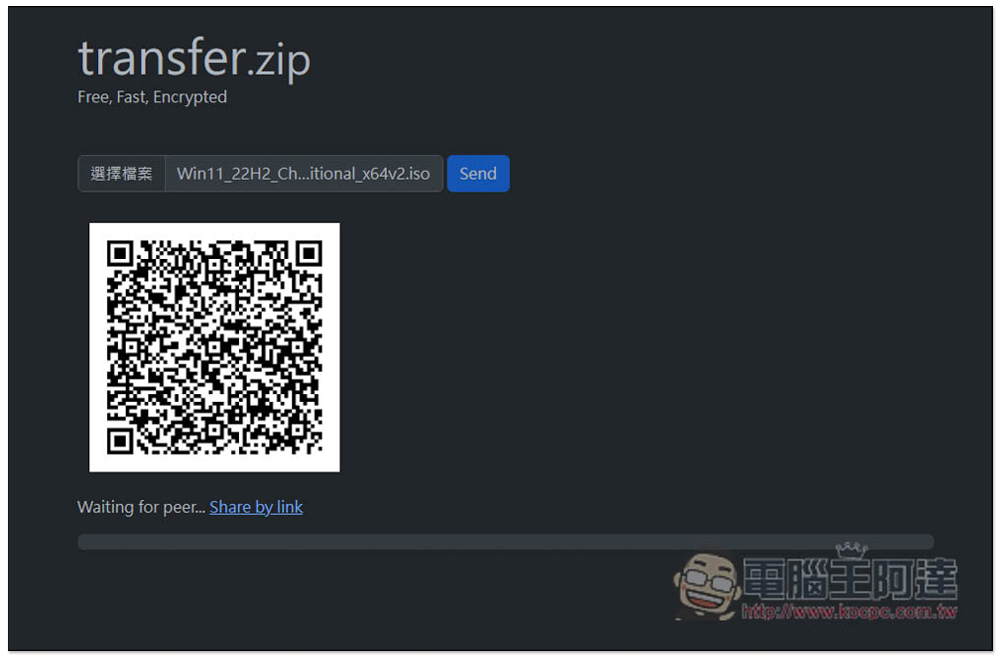
When the other party opens the link or scans the QRCode, a download message will pop up. Click to start the transfer. In order to test whether large files can really be transferred, I also tried this Windows 11 iOS file of about 6GB, and it turned out to be no problem:
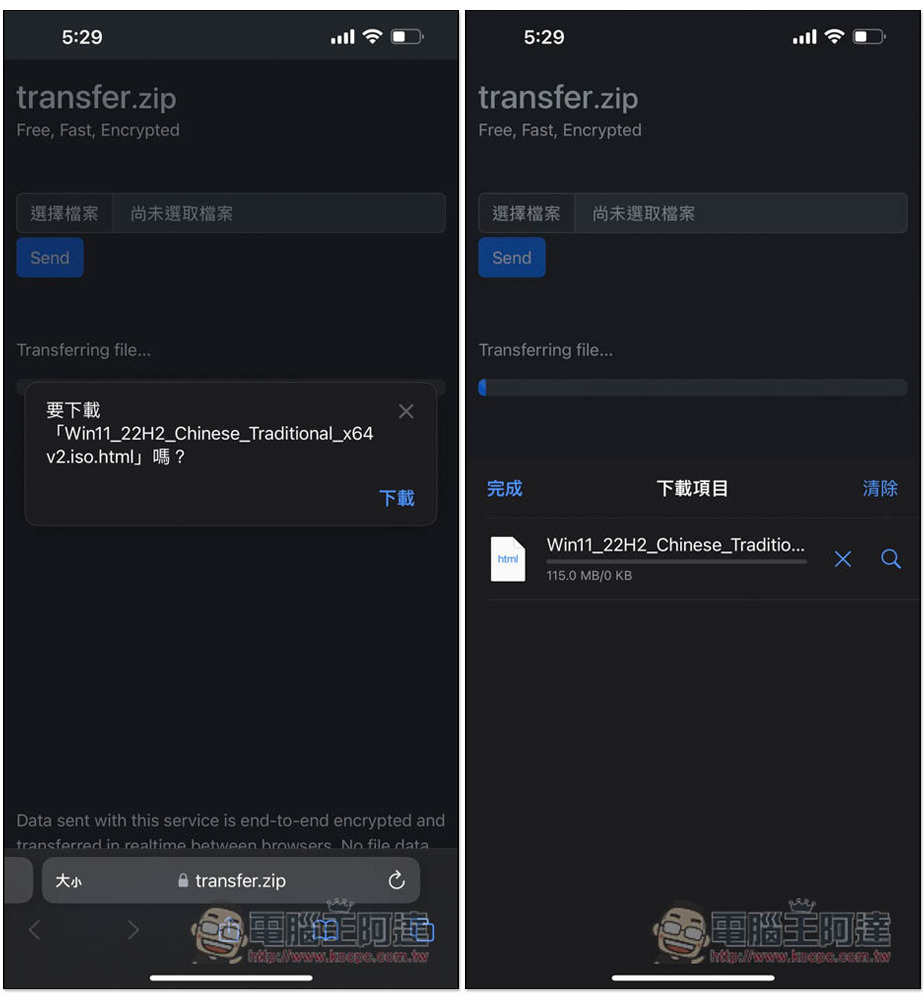
When transmitting, please note that the browsers of both devices cannot be turned off. Turning them off will interrupt the transmission (because it is point-to-point) and you need to start over.
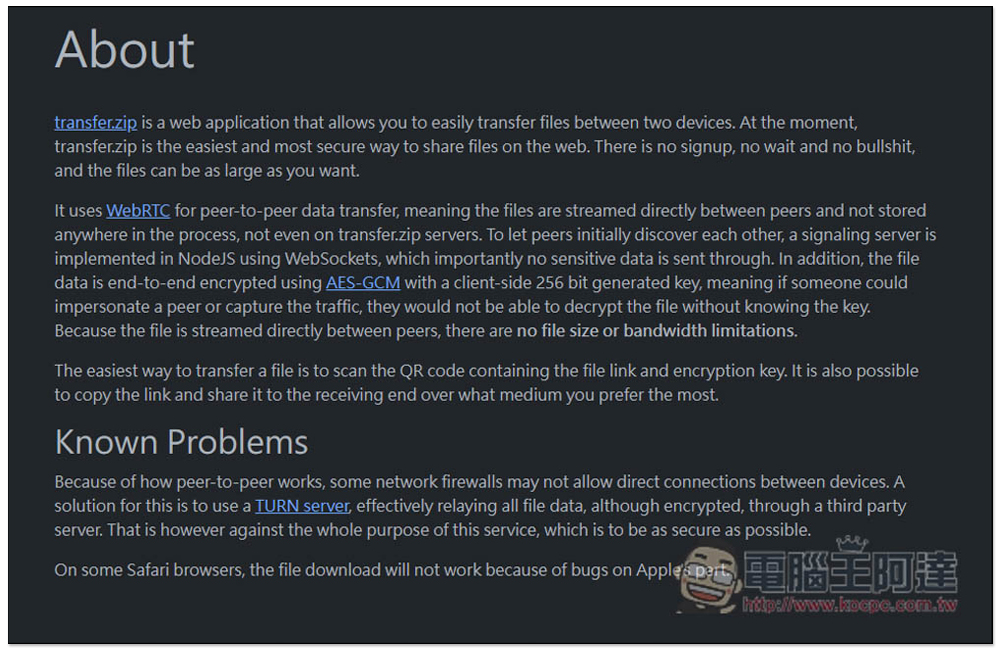
It is also written about “Transfer.zip is a web application that allows you to easily transfer files between two devices. Currently, transfer.zip is the easiest and safest way to share files on the Internet. No registration, no waiting, and no nonsense, you can transfer the file size you want.”
There is also a description of the technology used, as well as security content, such as “Using WebRTC point-to-point data transfer technology, files are transferred directly between peers without any location being stored during the process, not even on the Transfer.zip server. File transfers are all with AES-GCM and client 256 Point-to-point encryption is performed on the keys generated by the peer, meaning that if someone could impersonate the peer or capture the transmitted data, they would not be able to decrypt the file key. Since files are transferred directly between peers, there are no file size or bandwidth limitations:
This also means that the transmission speed depends on the network speed of the source and the receiving end. If it is very slow, of course the transmission will take longer. Remember to wait until the transmission is completed before closing the browser.
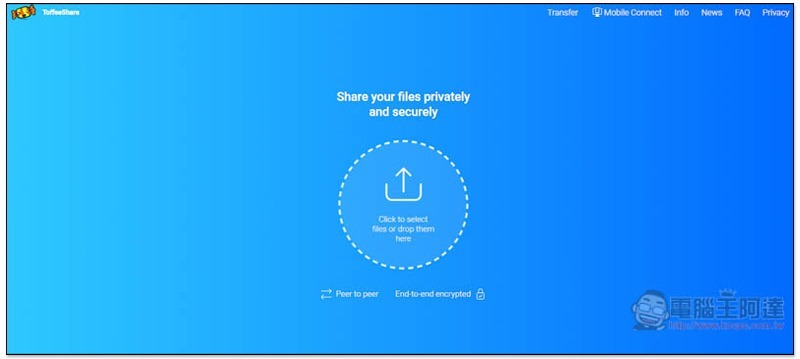
In addition to this one, we have also introduced other online tools for point-to-point transmission encryption before. You can also refer to them, such as Quick Sync Me、ShareDrop、ToffeeShare etc.
Source: KOCPC Chinese