


Myvid is a free tool that claims to be able to convert online videos to MP3 music or MP4 videos. It is basically supported by popular websites, such as YT, Twitter, Facebook, Instagram, etc. Among them, YT has the best support and has a built-in search function. For those who often download online videos or music, they can save it for emergencies (after all, such tools often fail every once in a while). However, there are quite a lot of ads in this tool. Ads will pop up almost every time you click on a link. If you don’t click on a webpage for dozens of seconds, there will be ads when you click on it. This part is a little annoying.
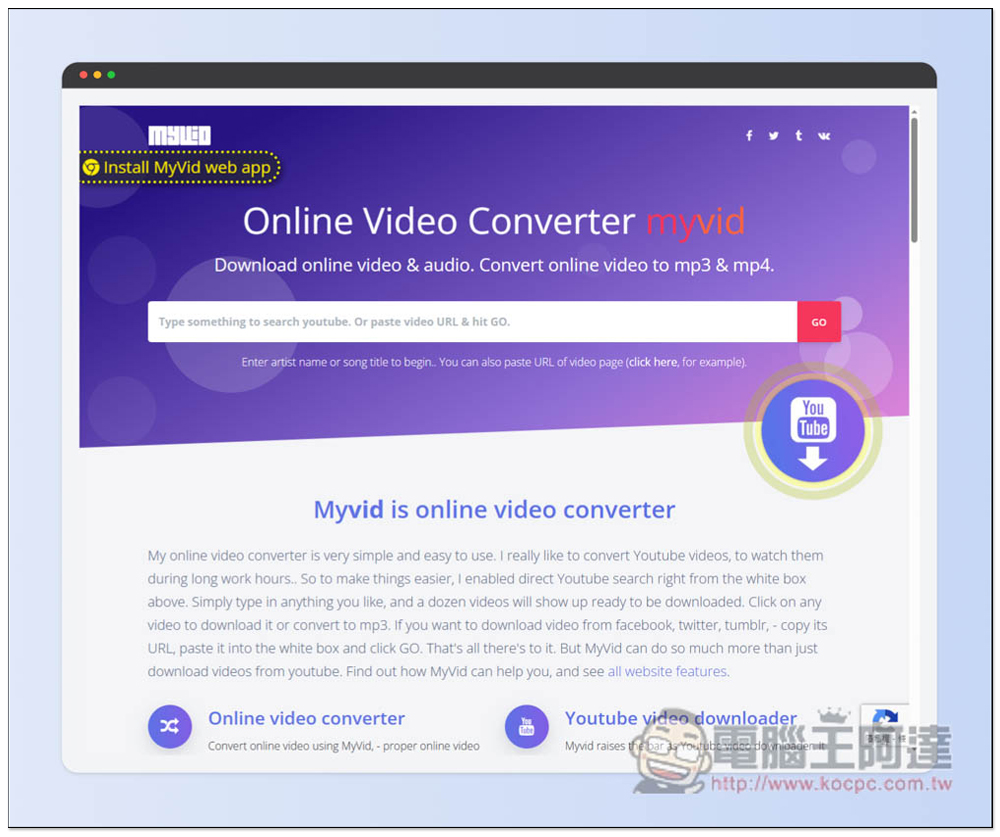
Myvid is a free online video downloader that converts online videos to Mp3 or Mp4 (built-in search function)
Like other online downloaders, after entering Mybid, paste the URL of the video you want to download, and then press the Go button next to it. You can also directly enter the keyword of the video you want to find:
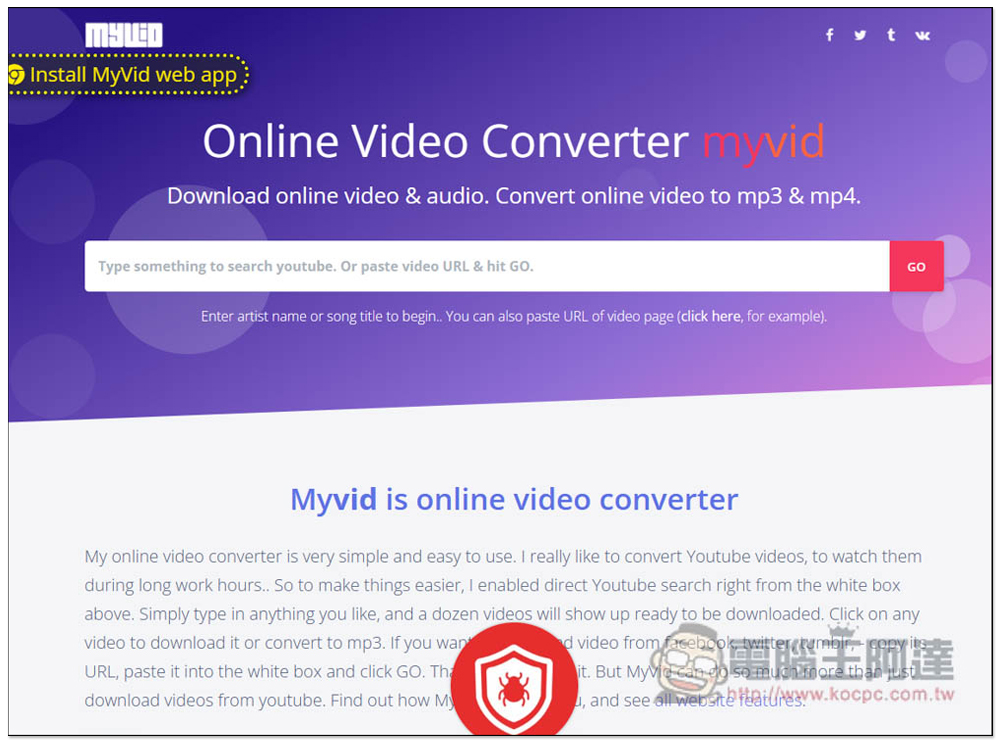
If I enter Mayday, the results of Mayday will appear:
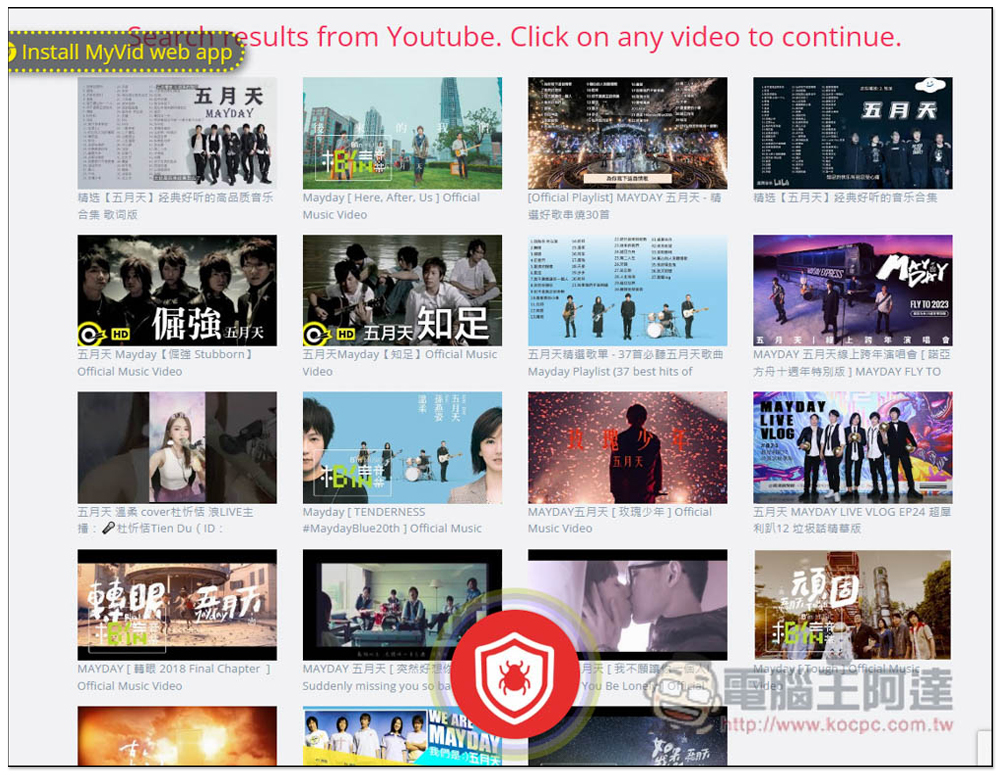
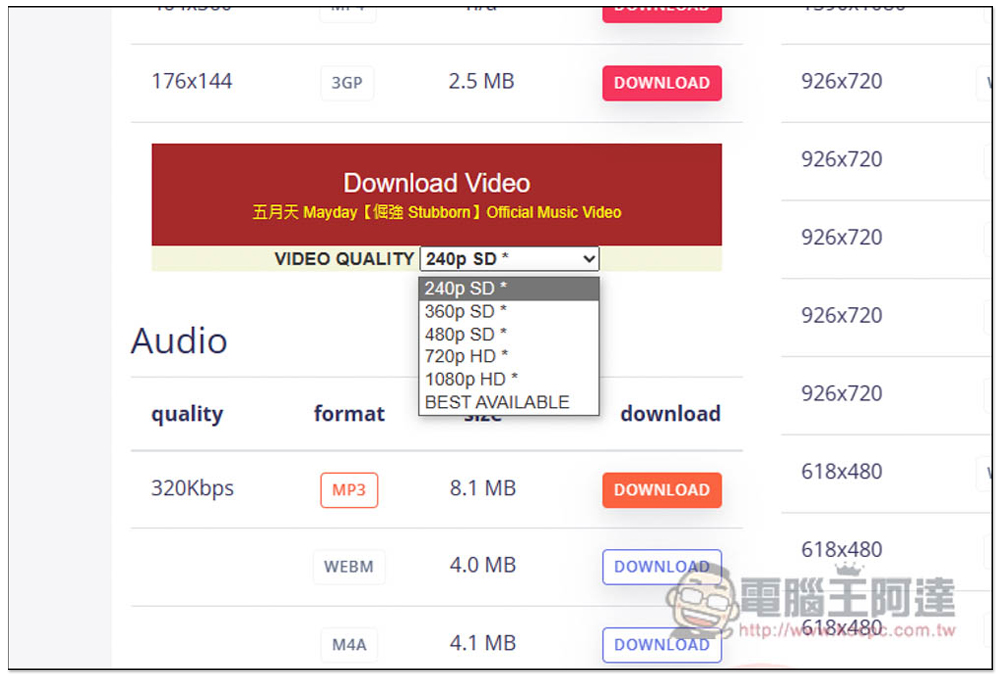
After clicking on any video, the download link for the video will be read below. There are two types of video and audio. The video section provides MP4 and WEBM. If you think the video quality listed above is too low, you can also open the VIDEO QUALTY menu:
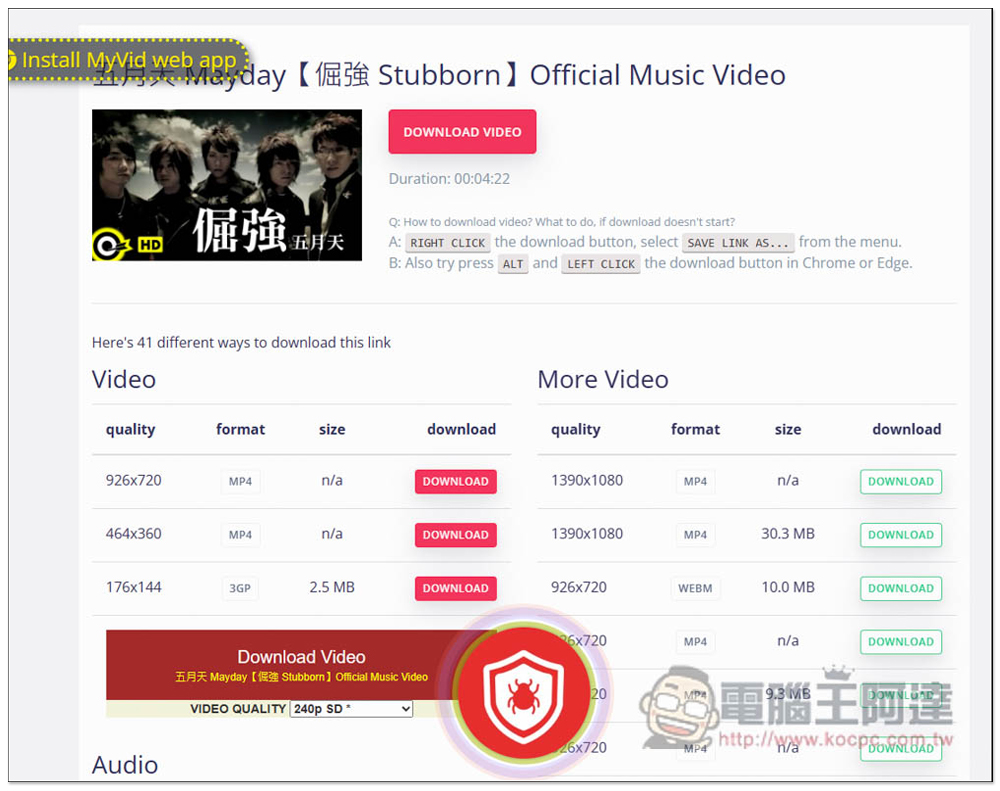
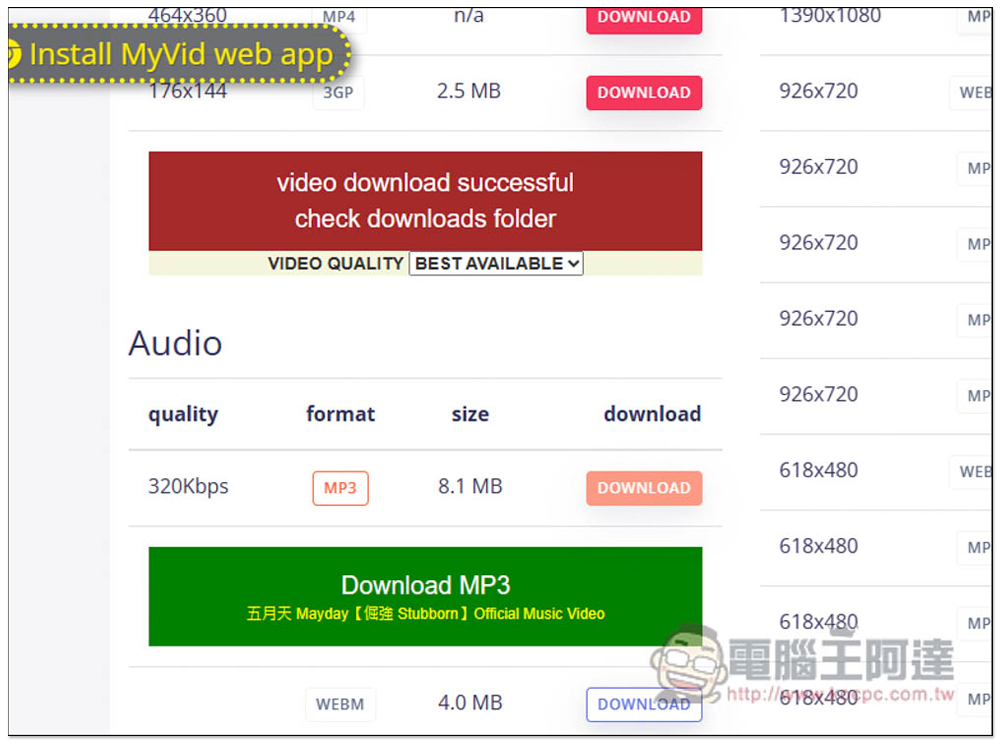
Select the BEST AVAIABLE option and it will download the highest supported quality:
After clicking Download, the conversion will start, and you need to click the Download button again when it is completed. In addition, although the MP3 part is advertised as 320kbps, it does not seem to be that high when I download it. I don’t know if it is a problem with the movie I selected. The download speed is very fast, both for videos and music, which really surprised me:
In fact, it is only 256kbps, which is higher than many YouTube MP3 download tools. In terms of picture quality, the one I tested is indeed the highest quality:
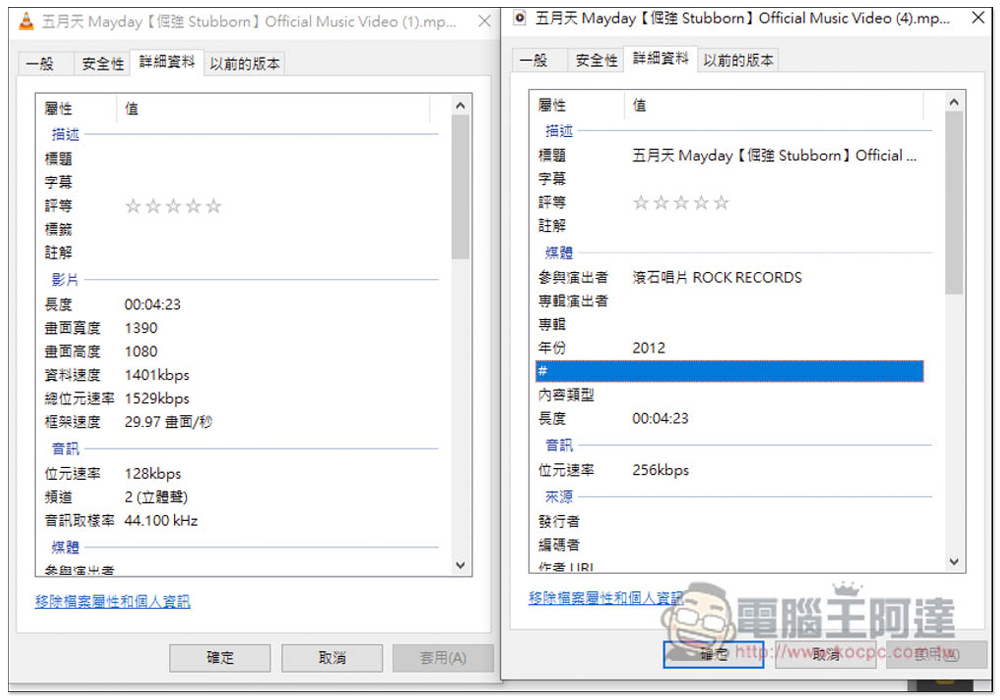
According to the website, the image quality part supports up to 2K, 4K and 8K, but it seems to be image only, that is, there is no sound.
This one can also read playlists, but it will list all the videos in this playlist as shown below. You need to click Download on the right to download them one by one. It is quite troublesome and I don’t think it is very useful:
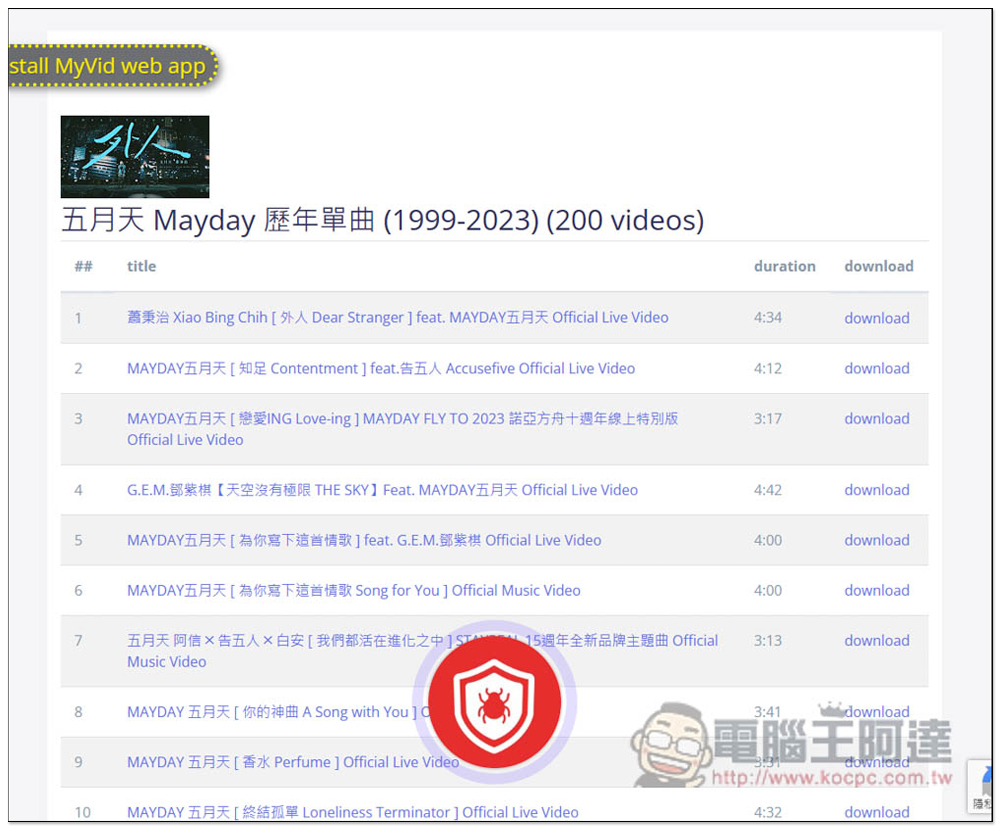
The pop-up ads that appear on this website can be closed directly without affecting the videos or music you want to download.
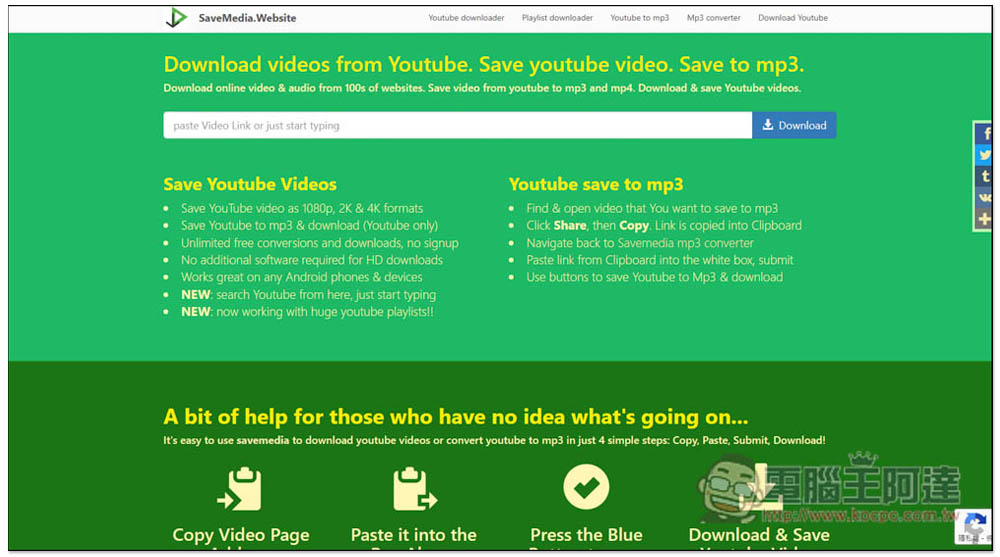
Finally, I would like to remind you that, as mentioned at the beginning of the article, these types of tools occasionally fail and cannot be downloaded. If this is the case when you use it, you can refer to other free online download tools we have introduced, such as:OnlyMP3、MP3ify、Savemedia.Website:
Some audio and video downloading software sometimes offer limited-free promotions. We will track and share them. If you see them, I suggest you grab them. The software is much more stable than such online tools, and there are no ads.
Source: KOCPC Chinese