


Prompt instructions are very important when using AI chatbots such as ChatGPT, Bard, and Claude. Not only can you get a more complete answer, but the content is also more accurate. However, not everyone has time to keep trying again, or they don’t know how to start asking. , this article would like to recommend a Prompt command set expansion function “PromptStorm” that I think is the most useful at present. It not only provides a lot of Prompts, but also only displays a small icon on the right side of the browser. You can open it for query when needed. It will not occupy the ChatGPT screen. Bard and Claude also support it.
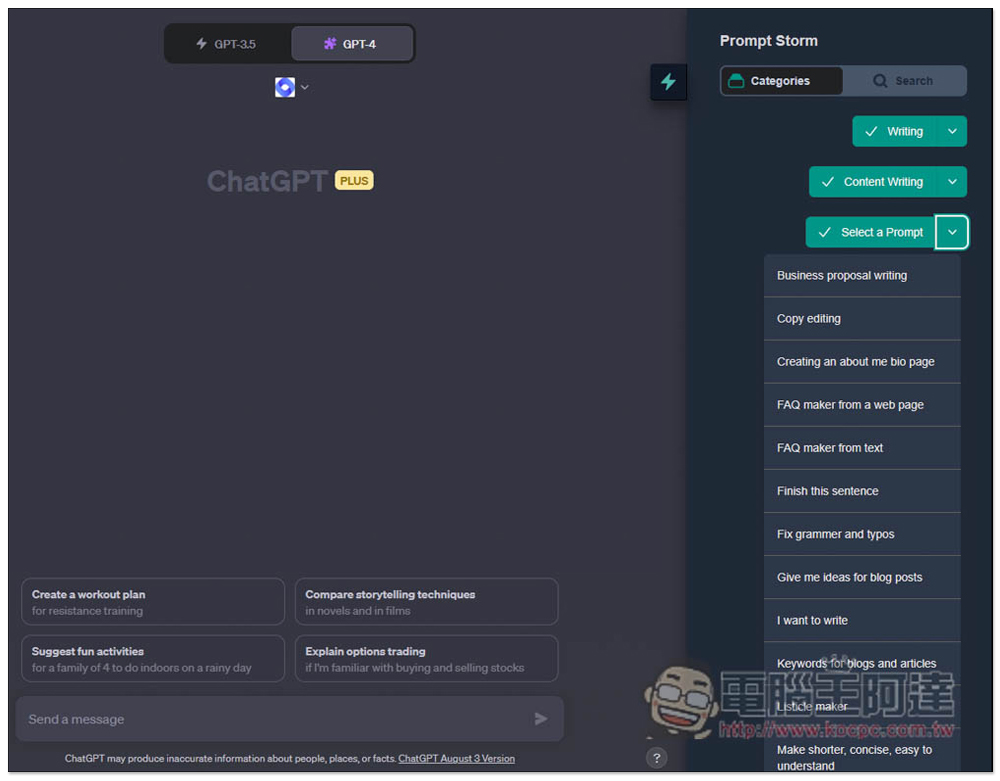
PromptStorm provides a large number of Prompt commands for various needs in the sidebar for you to use in ChatGPT, Bard, and Claude
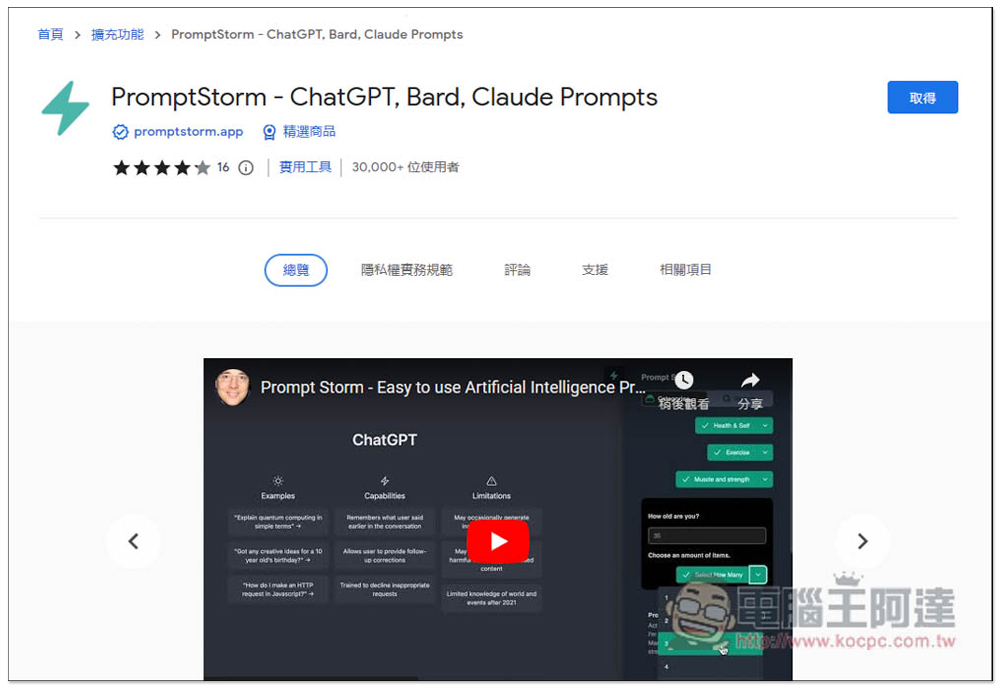
PromptStorm is a Chrome extension that can also be installed on Edge. Click the link above and press in the upper right corner to get it:
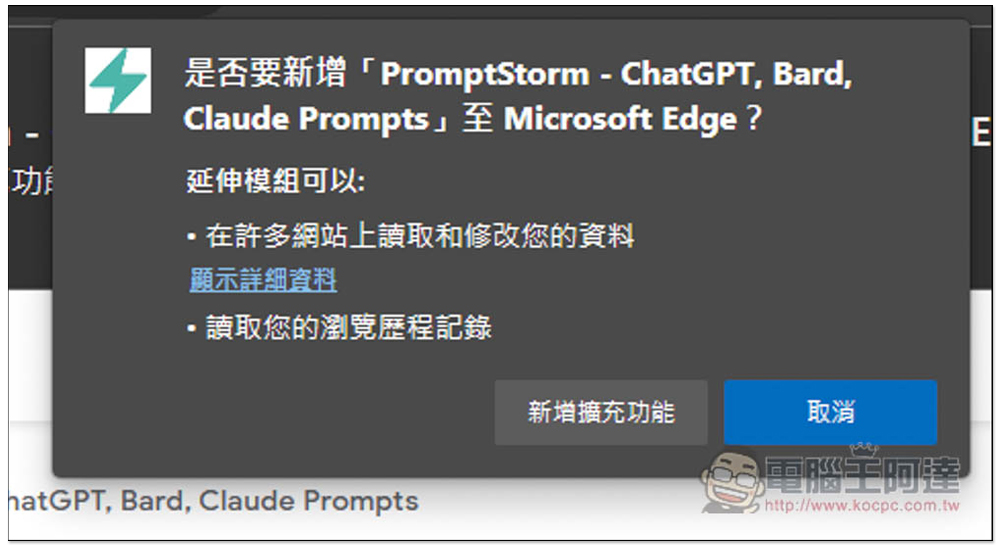
This screen will pop up, click “Add extension”:
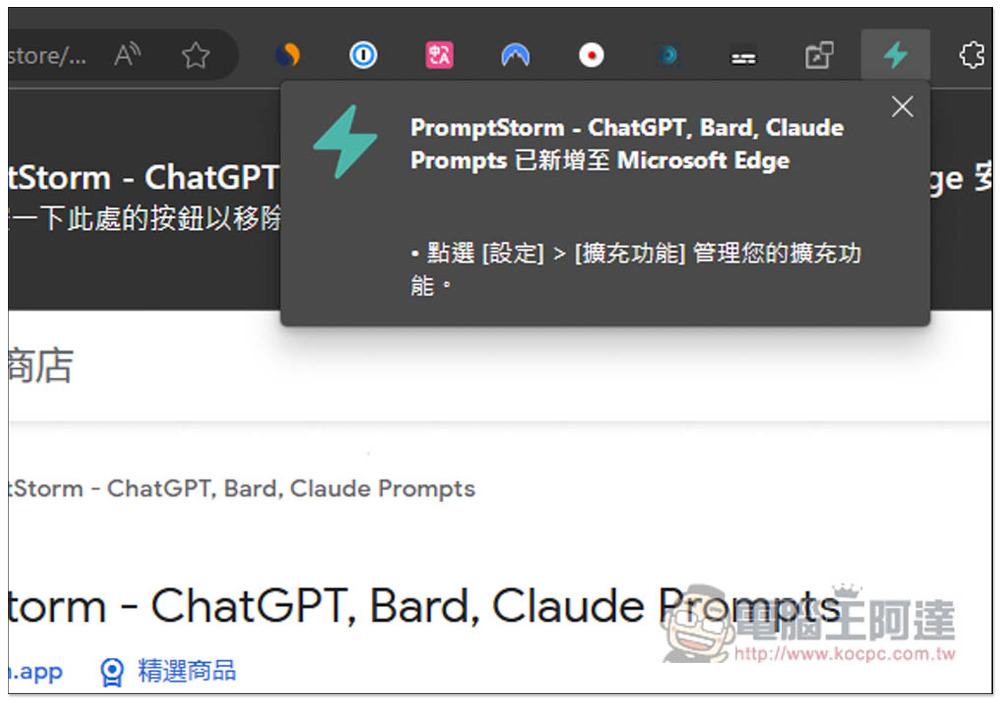
Displaying this message means that the installation is complete and you can start using it. It does not matter if the expansion icon is hidden:
After opening the ChatGPT chat room, you will see a lightning icon on the right:

Registration is required before use, free registration:
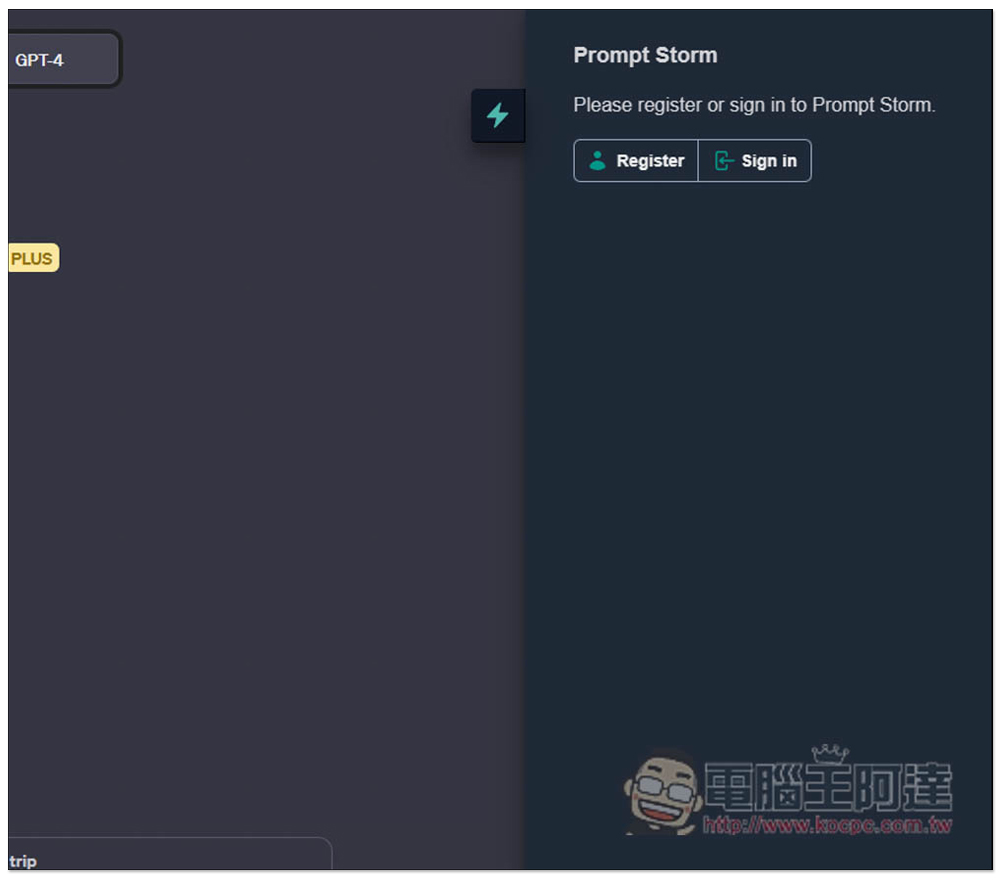
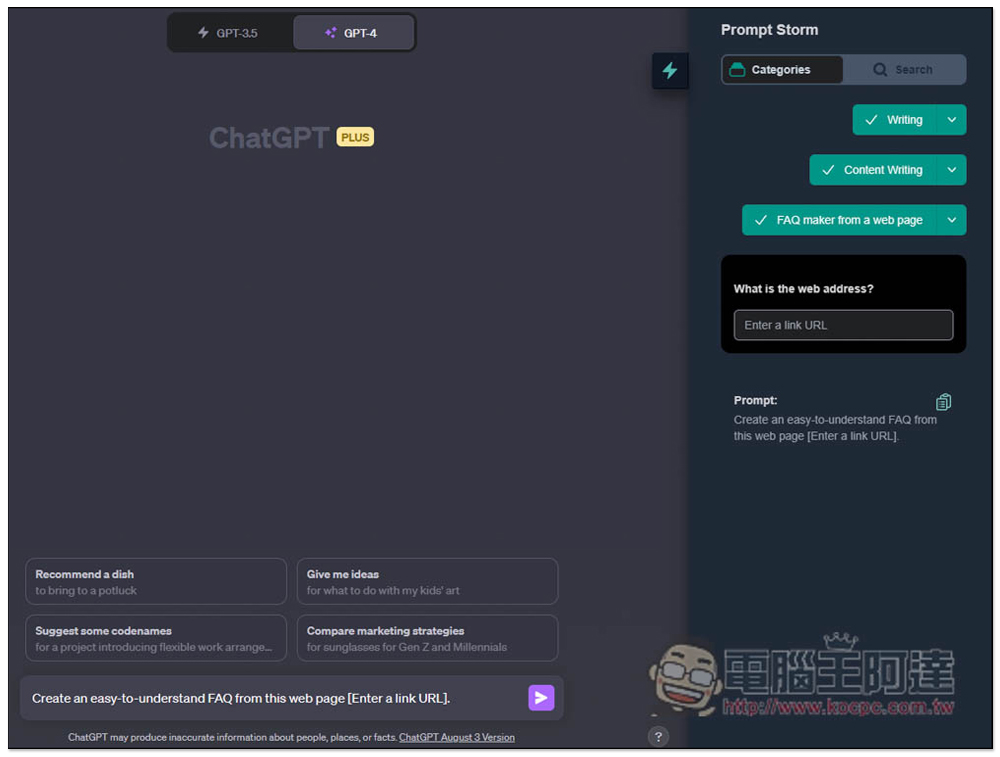
You can start using it after logging in to your account. The method of use is also very simple. In the Categories category, select the Prompt command you want:
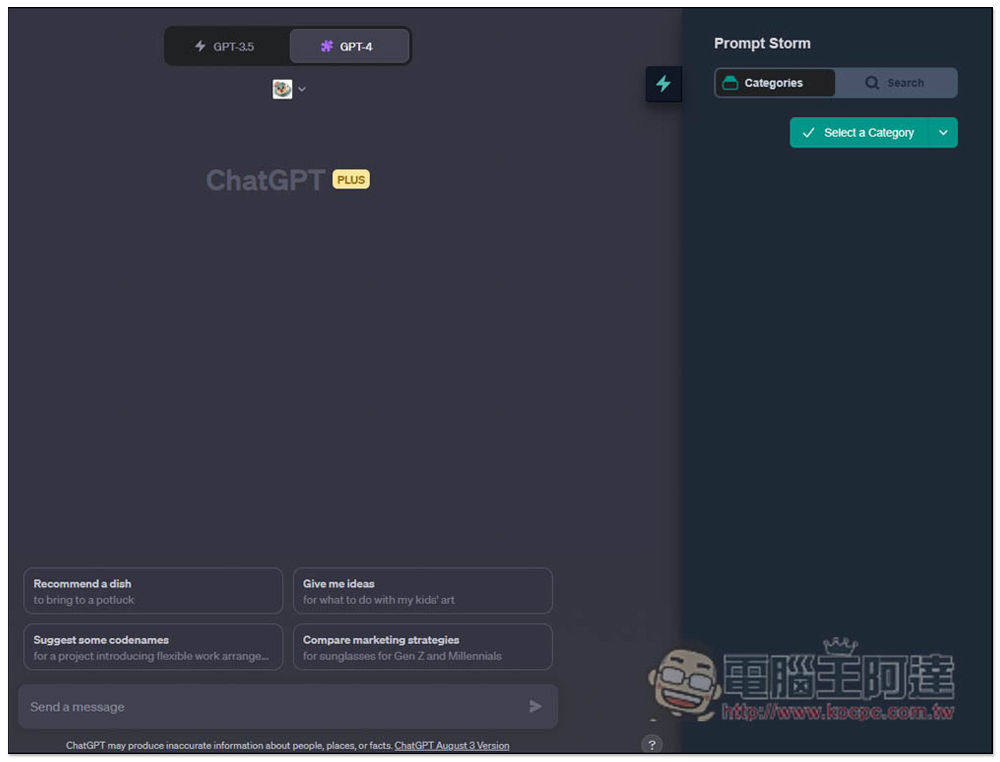
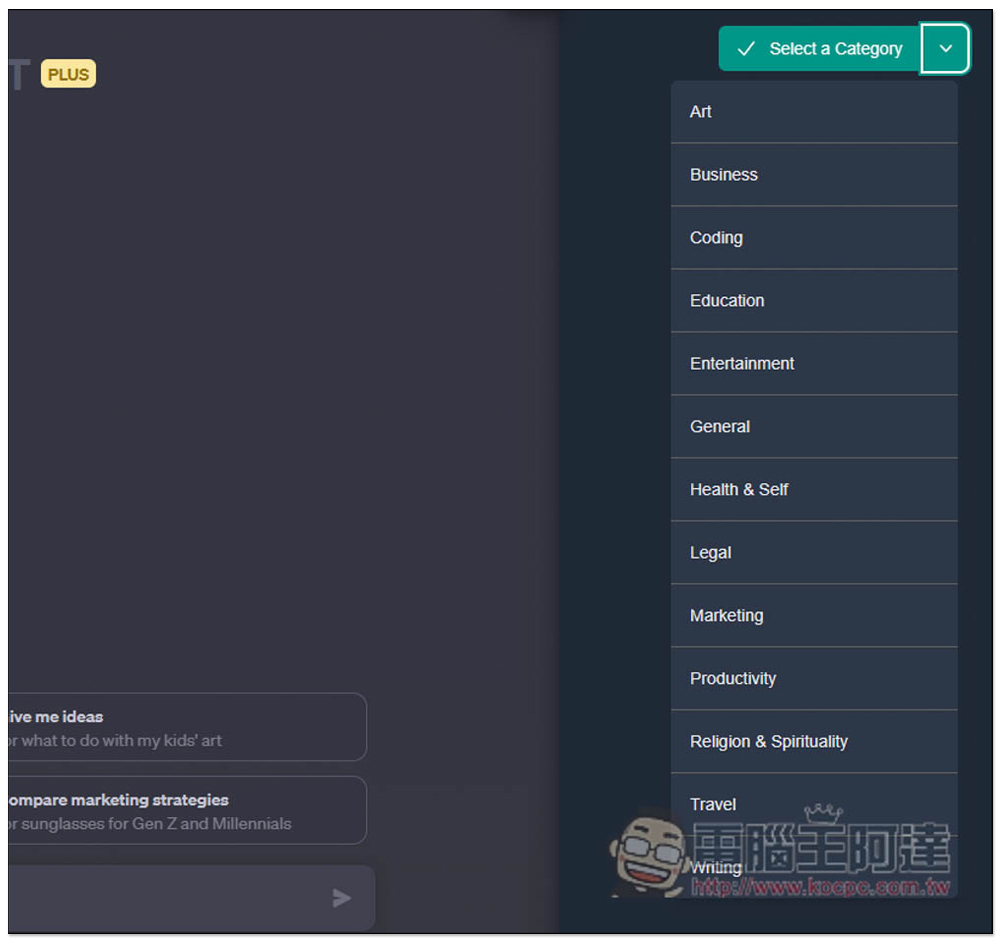
Moreover, this classification is divided into many layers. The first layer is for general purposes, such as: art, business, programming, education, entertainment, general, marketing, productivity, etc.:
After I choose Writing, I then choose what type of writing I want, including academic, business, content, creative, interesting, general, poetry, etc.:

I choose Content Writing, and then there is a category that asks me to choose which type of content, such as: commercial use, FAQ, summary, checking grammar and errors, blog and article keywords:
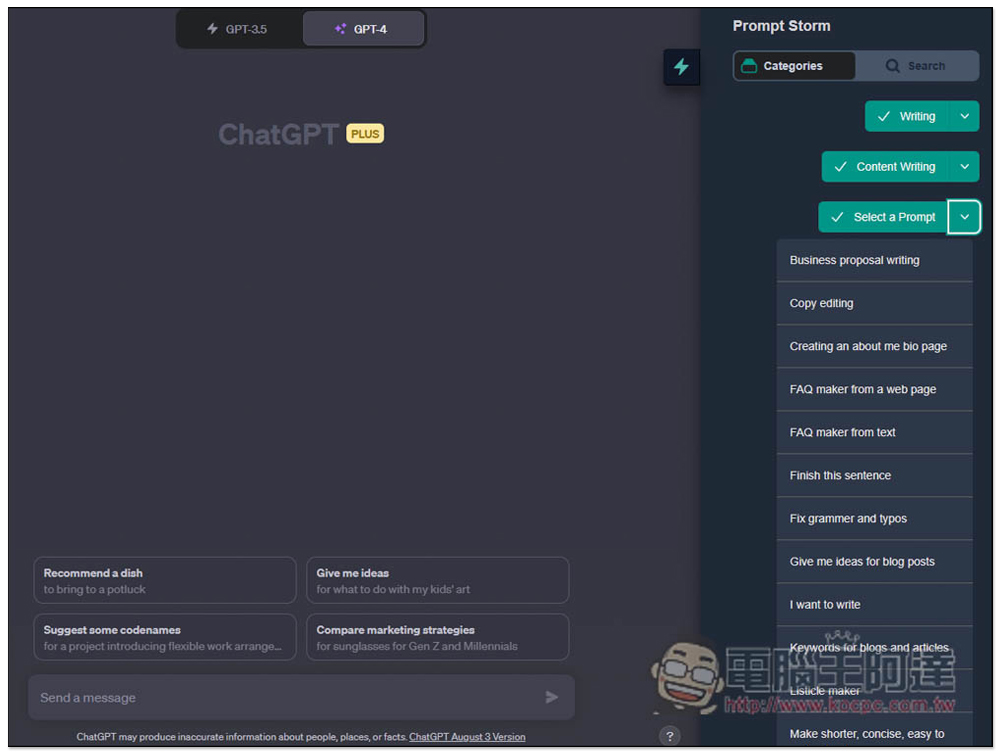
I chose FAQ maker from a web page, and a prompt will appear below. What’s even better is that it also provides a field for me to enter the URL:
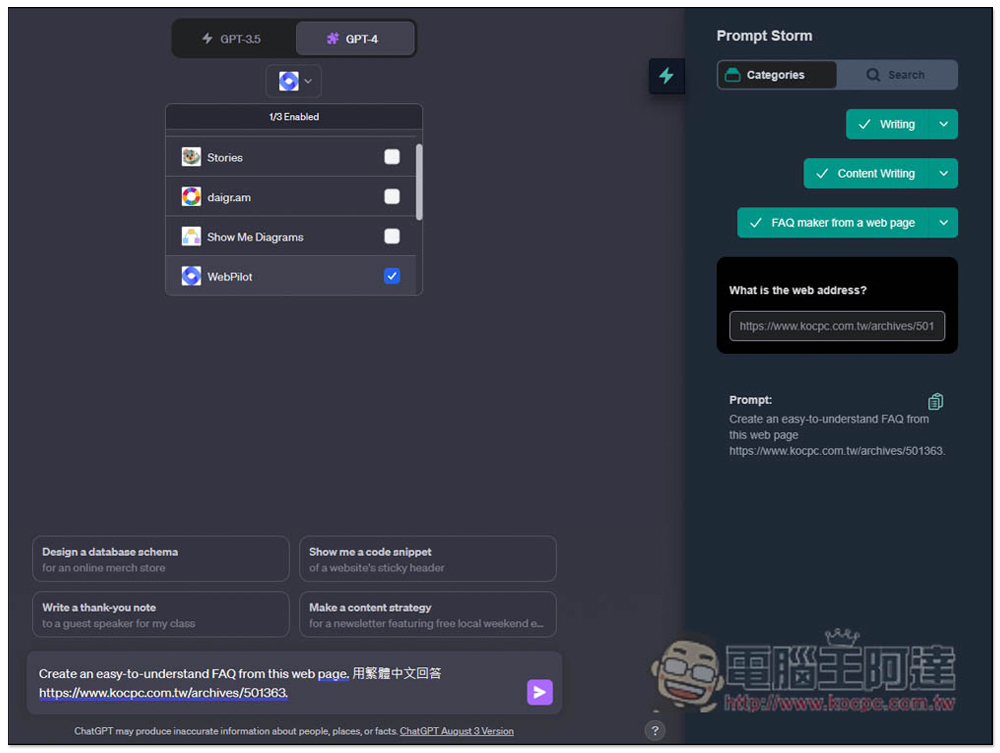
After I fill in the URL, it will be automatically inserted into the Prompt. In addition, the built-in Internet browsing function of GPT-4 has been removed, so I use the WebPliot plug-in to achieve Internet browsing. Also note that at the end, remember to add the answer in Traditional Chinese so that you can get the answer in Chinese. Otherwise, change the Prompt it gives to the Chinese version:
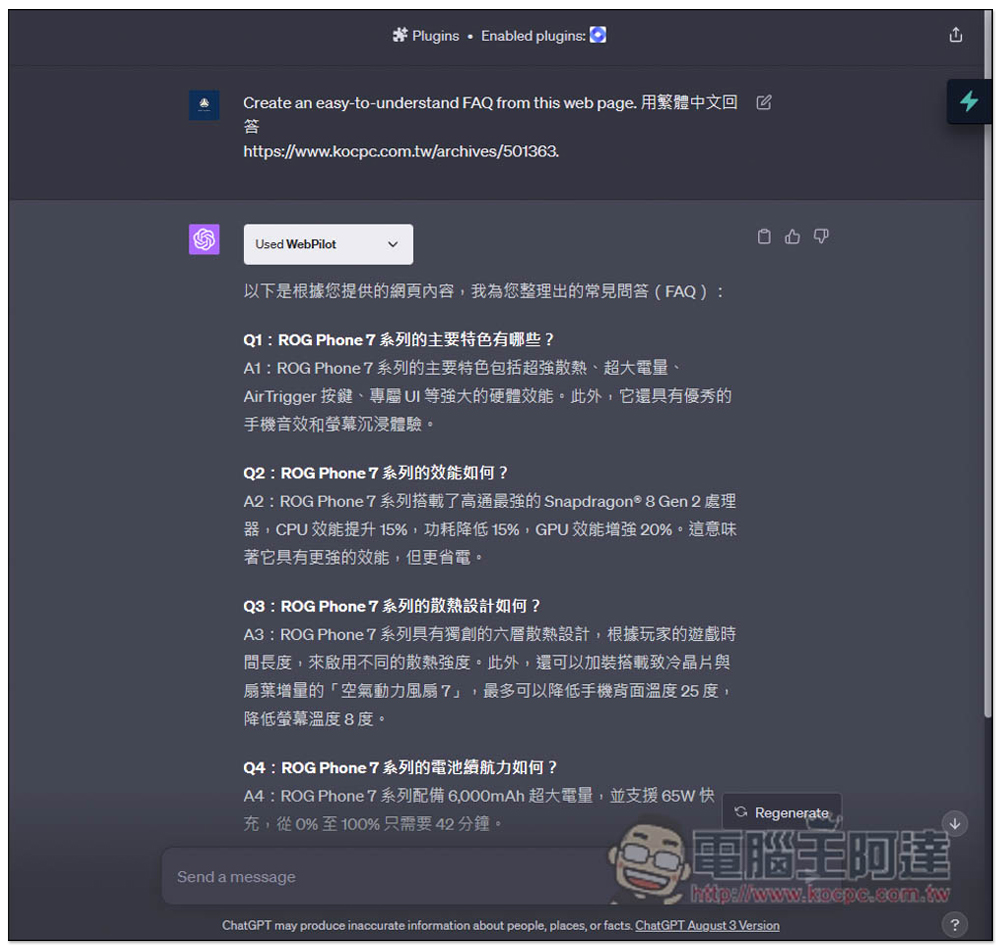
It really helped me sort out some pretty good questions and answers, and the answers were all correct:
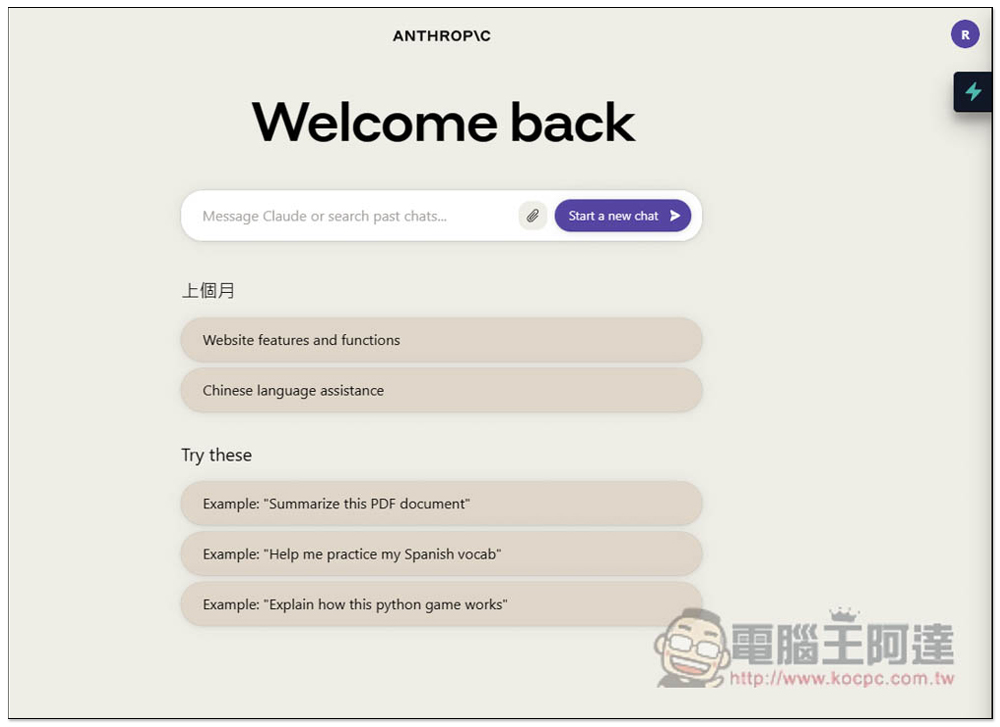
I tested Claude and this icon will also appear on the right:
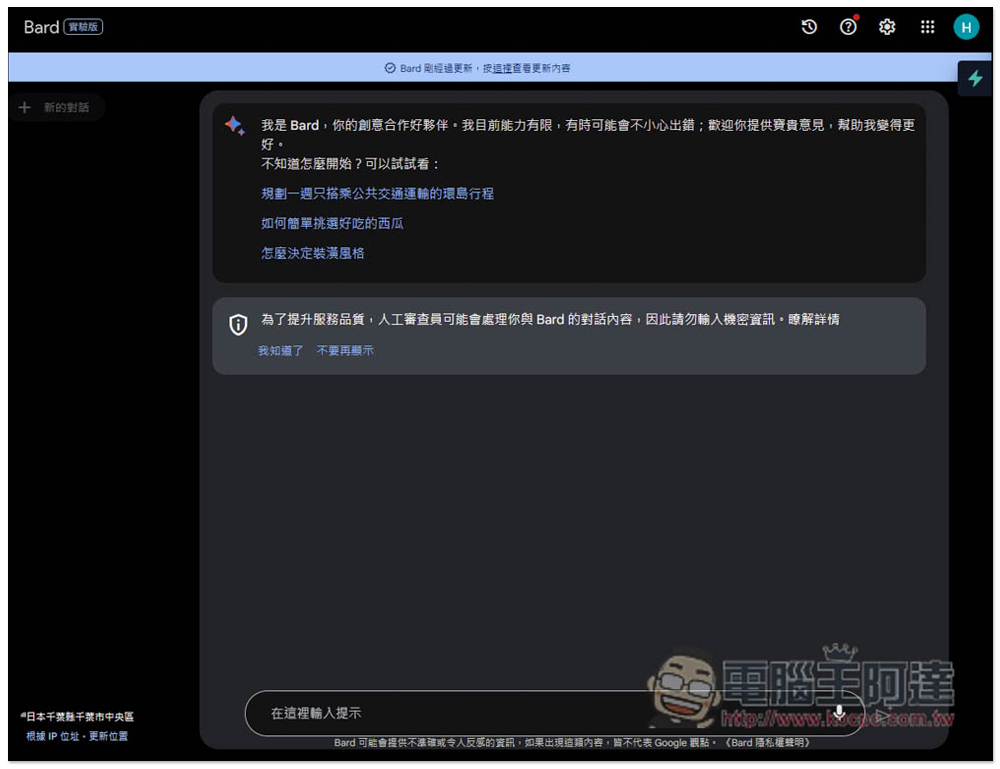
Google Bard also:
Therefore, with this extended function, you don’t have to think of prompts to ask questions yourself in the future. You can just find them directly from the database. Basically, it will be better than asking yourself. It’s a pity that the function of saving your own Prompt is not currently provided. It would be more convenient if it was available.
Source: KOCPC Chinese