


If you’ve been using Microsoft Edge’s Bing Chat feature, you already know how useful it is, but wouldn’t it be even better and more convenient if you could turn it into a standalone desktop app? Due to potential stability issues on Windows 11, removing the Edge browser is not the most feasible solution. Fortunately, a standalone application called BingGPT has appeared on Github to bring Bing Chat to your computer desktop.
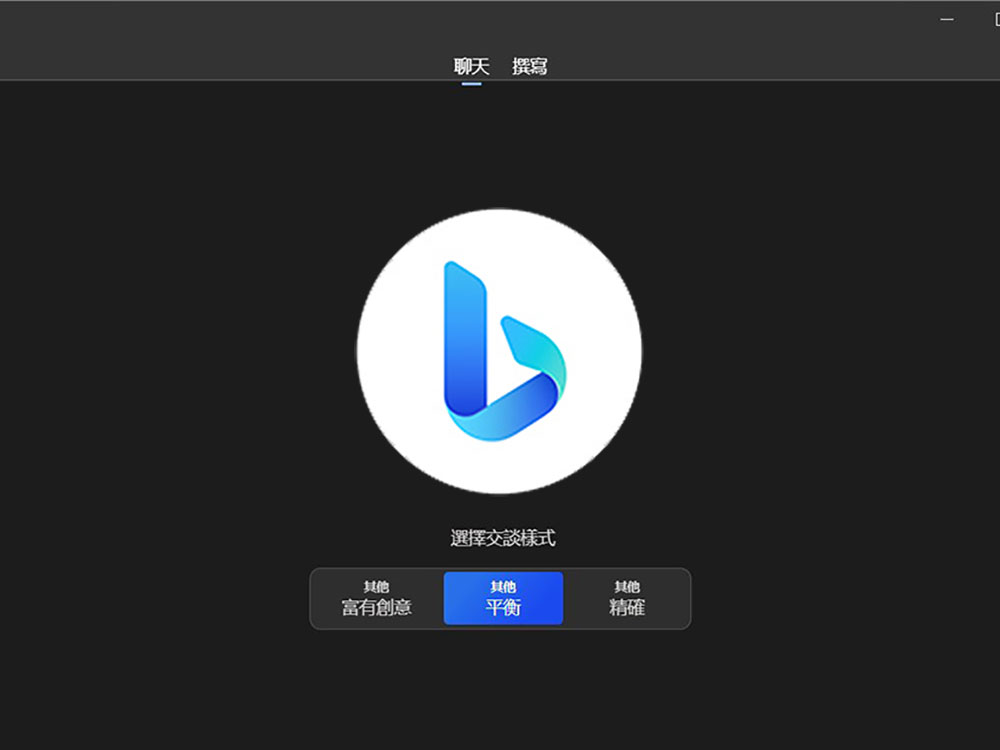
How to install the BingGPT desktop app on Windows 11, macOS, and Linux?
BingGPT is an open project available for Windows, macOS, and Linux. By signing in with your Microsoft account, you can use Bing Chat directly from the app, which leverages the powerful language capabilities of ChatGPT and includes the following three features:
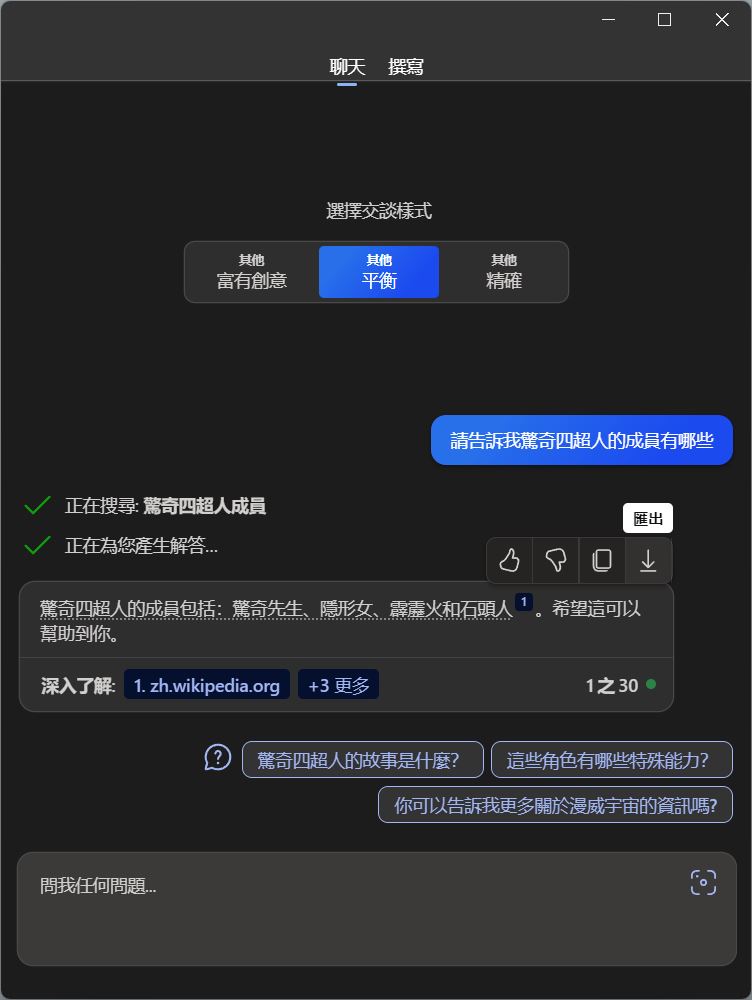
- Export conversation
The BingGPT app makes it easy to export entire conversations in a variety of formats, such as Markdown, PNG, or PDF. This feature allows you to save and share chats for future reference or collaboration, ensuring valuable discussions are never lost. - Personalization options
You can follow the settings in Windows 11 to turn the application into a customized visual. You can also adjust the font size in accordance with the system settings in Windows 11 settings, so that the visual effects are closer to your computer usage preferences and make chatting more comfortable. - keyboard shortcuts
Say goodbye to cumbersome switching between keyboard and mouse, and you can easily switch between themes, notifications, and quick replies to save time and have a more productive Bing Chat experience.
How to install?
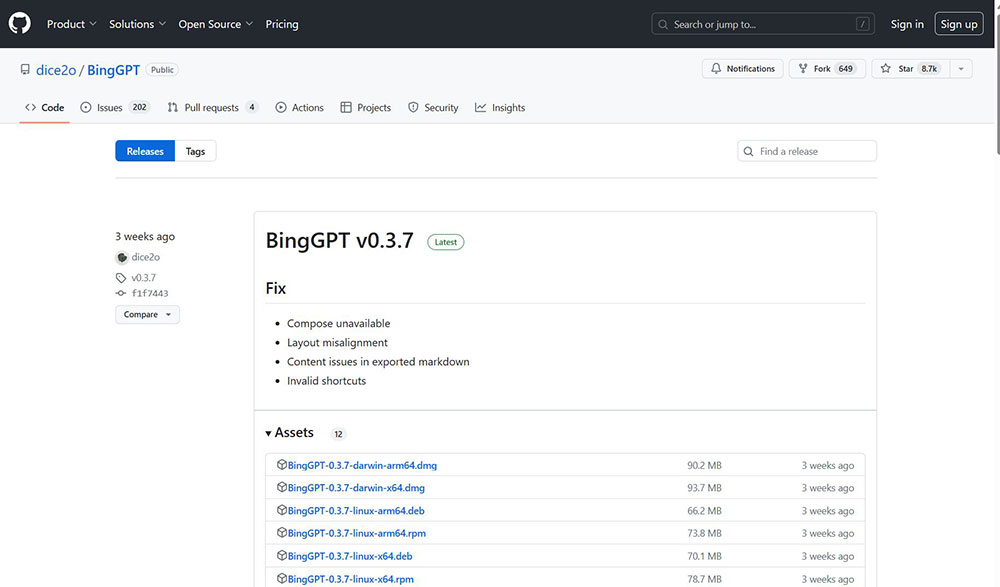
- firstDownload from GitHub websiteGet the latest version of BingGPT file for your operating system and install it on your computer.
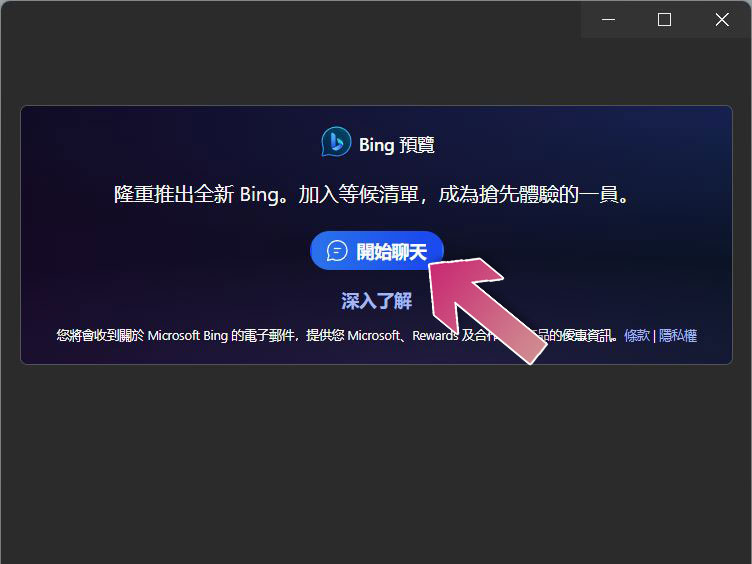
- Just click “Start Chat”.
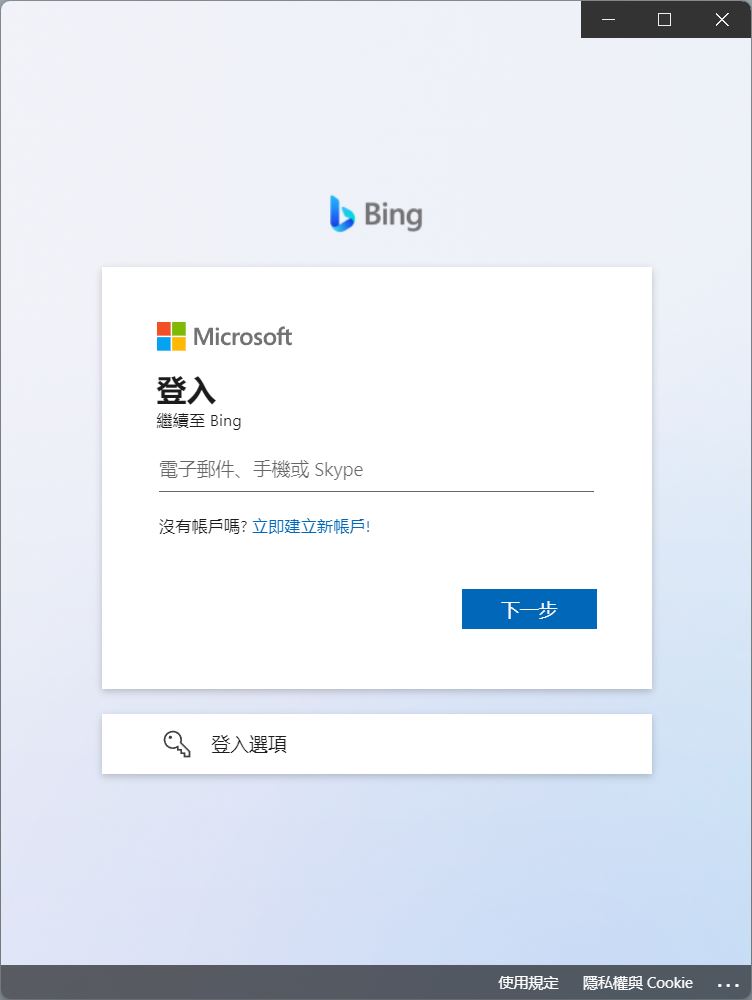
- Log in to your Microsoft account and have fun.
Which one should I use? Features of Bing Chat and BingGPT
There is not much difference between the functions of Bing Chat and BingGPT. It all depends on your specific preferences and needs. Below we briefly describe the characteristics of each:
Bing Chat
- Built into Microsoft Edge
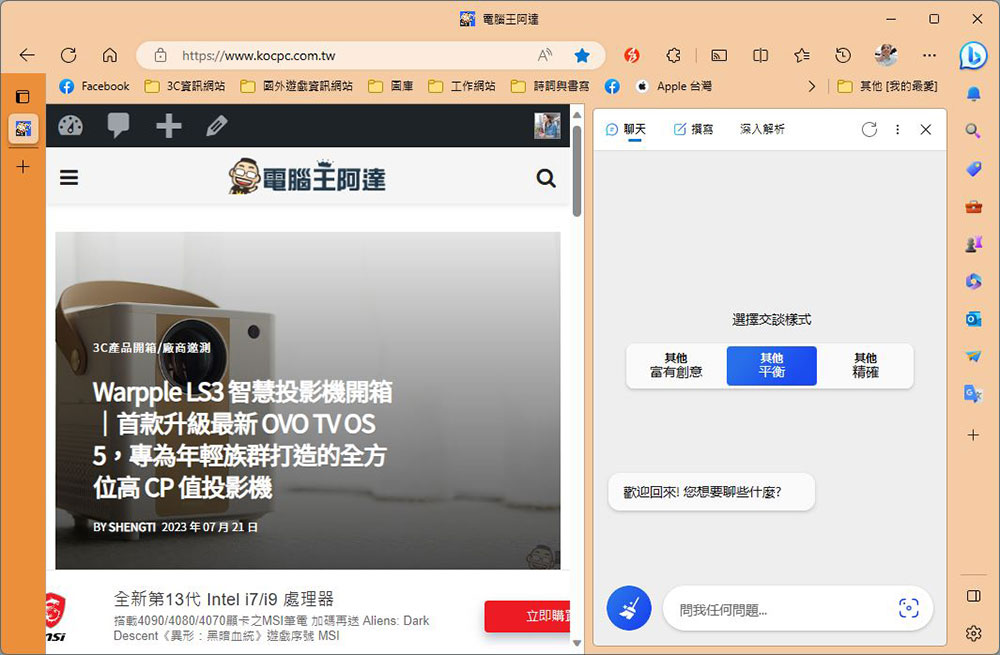
Bing Chat is built into Microsoft Edge, so you don’t need to install anything to use it out of the box. - Focus on communication
Bing Chat mainly focuses on real-time communication, allowing users to effectively participate in conversations and exchange messages. - Edge user friendly
If you prefer the Microsoft Edge browser, Bing Chat provides a seamlessly integrated chat experience right in the browser.
BingGPT
- Standalone desktop application
BingGPT is a standalone desktop application that brings Bing Chat directly to the desktop, allowing users to access it without relying on Microsoft Edge. - Multi-platform compatibility
Unlike Bing Chat, BingGPT is designed to be compatible with Windows, macOS, and Linux operating systems, providing broader coverage to users on various platforms. - Enhancements and customizations
BingGPT provides additional features that allow you to export conversations to various formats, and you can also change themes and font sizes through Windows 11 settings to enhance the user experience. - GitHub community
As an open project hosted on GitHub, BingGPT can receive contributions from the community, and is also expected to receive improvements and new features that everyone wants.
Source: KOCPC Chinese