


AI applications are becoming increasingly interesting and more deeply embedded in everyone’s lives. Now in the App Store, there is such an AI version of Tinder, where you can meet AIs of all kinds of characters, from well-known figures (Trump, Musk…), fitness coaches, female assistants, Japanese anime characters, English and Japanese teachers, to live broadcast girls. Of course, there are also handsome AIs. What’s more special is that you interact with these AIs Instead of using traditional text input, you can chat through a call-like method. It is very interesting and can be played in many ways, such as using an English teacher to practice your English speaking, finding a fitness coach to make plans, chatting with Japanese anime characters to express your mood, etc. It is completely free now, but it is only available on iOS.
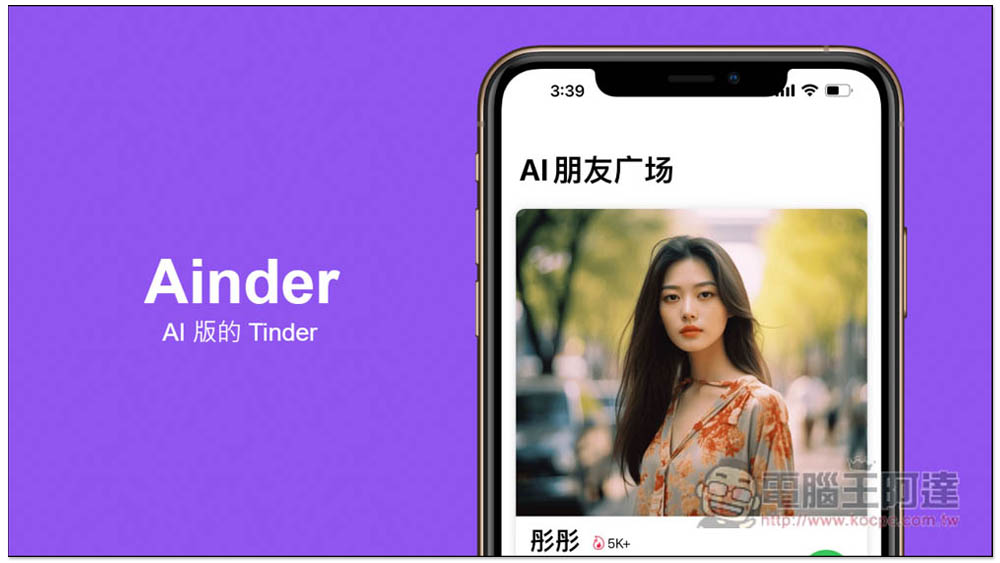
Ainder – the AI version of Tinder, chat on the phone, spank, fall in love, and learn foreign language speaking skills with various AI characters
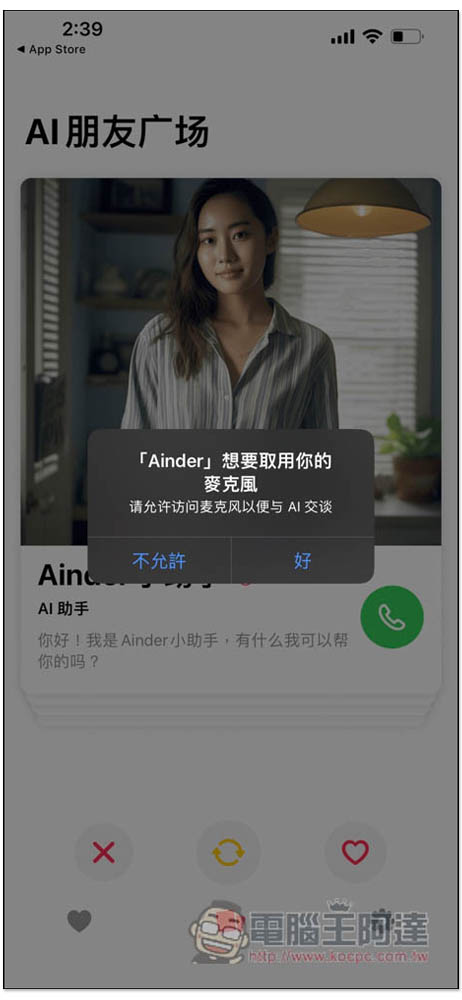
Since you are using the call method, you will of course be asked to obtain microphone permission. Remember to click OK here, because this App can only chat with the AI by speaking, and there is no way to enter it manually:
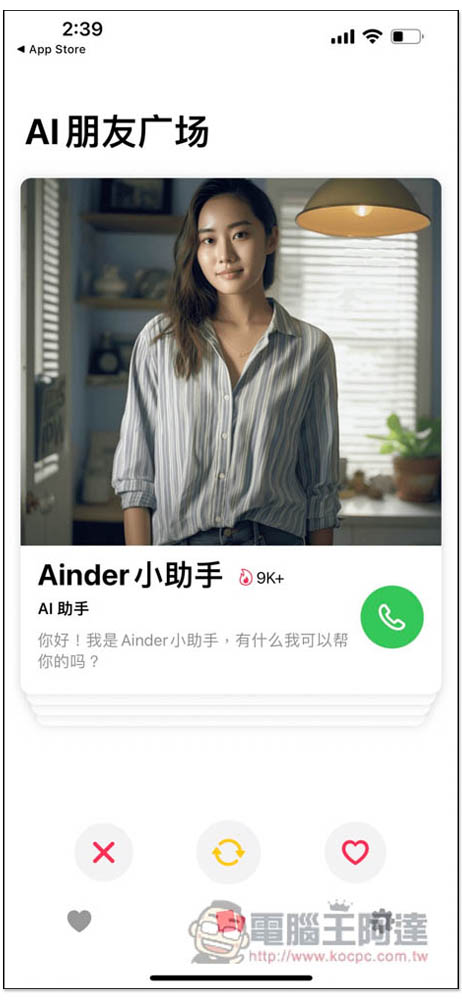
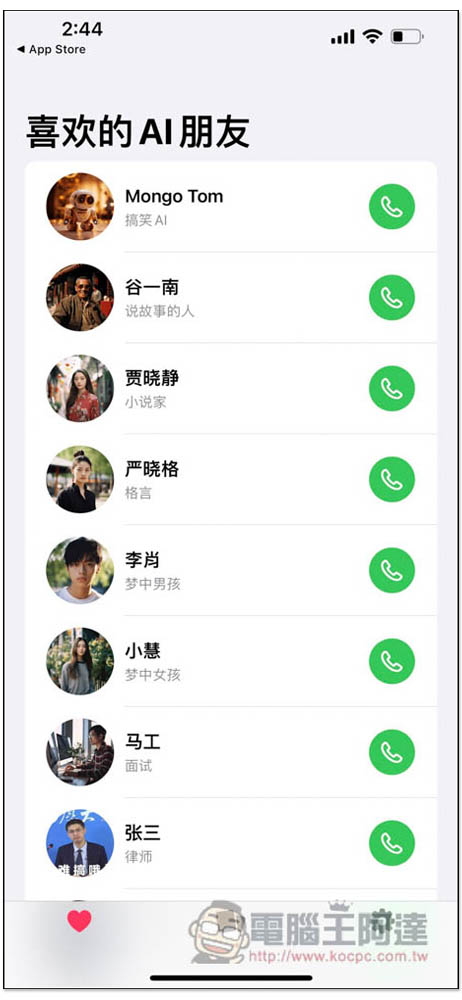
Then a variety of AI characters will appear on the main screen, with names and types. For example, the first one is the Ainder assistant. You can first choose which ones you like and which ones you don’t like:
If you like it, swipe right. If you don’t like it, swipe left. It’s the same as choosing a friend:
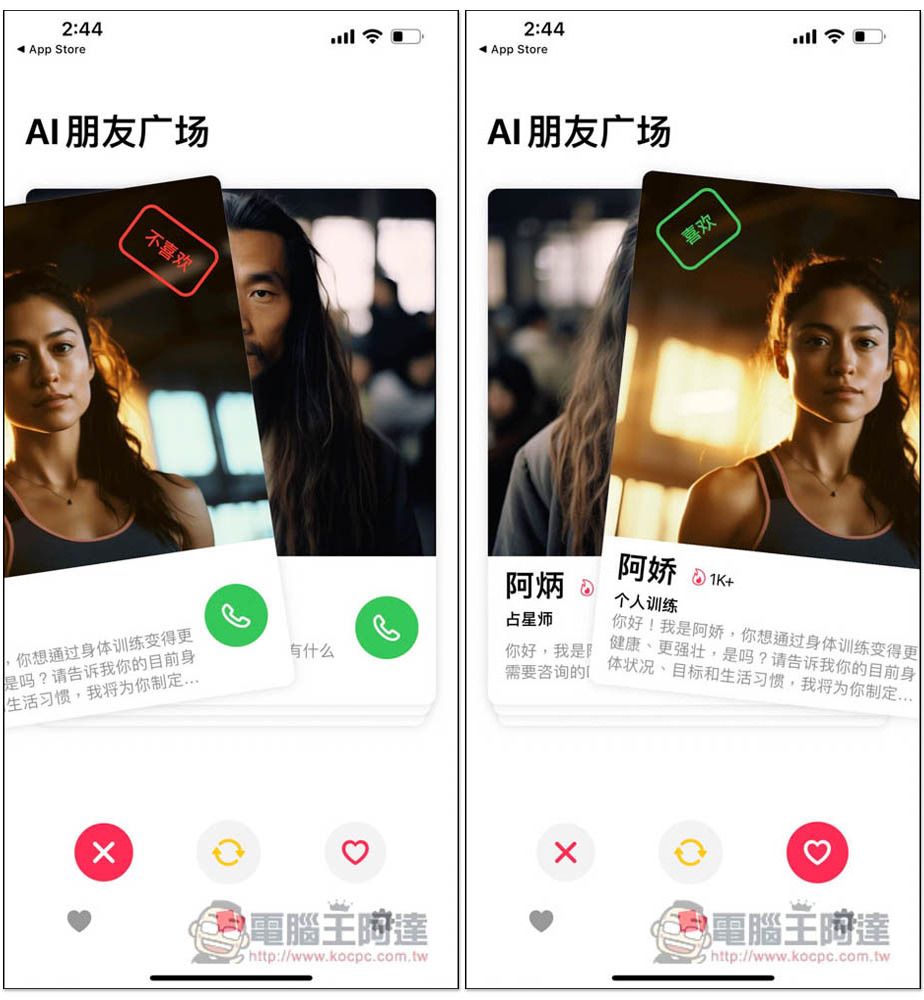
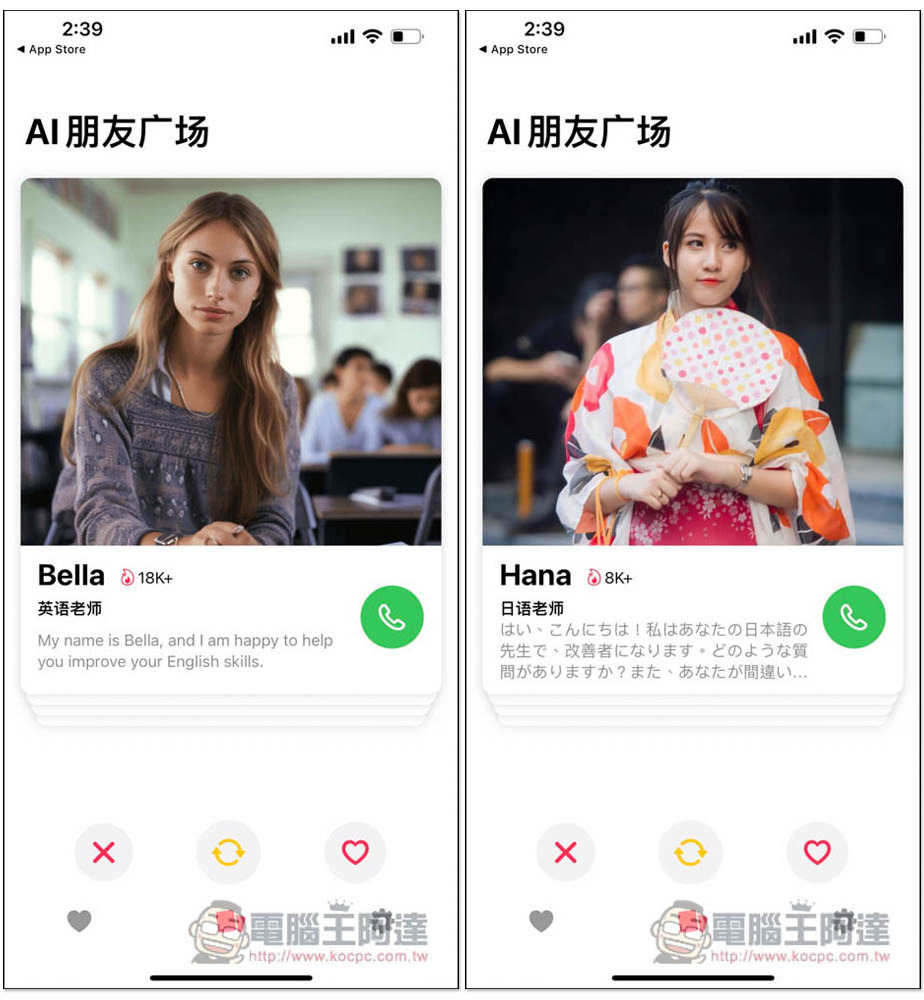
There are really many roles provided, such as English teacher and Japanese teacher, and each one is accompanied by a picture, making people feel like a real person:
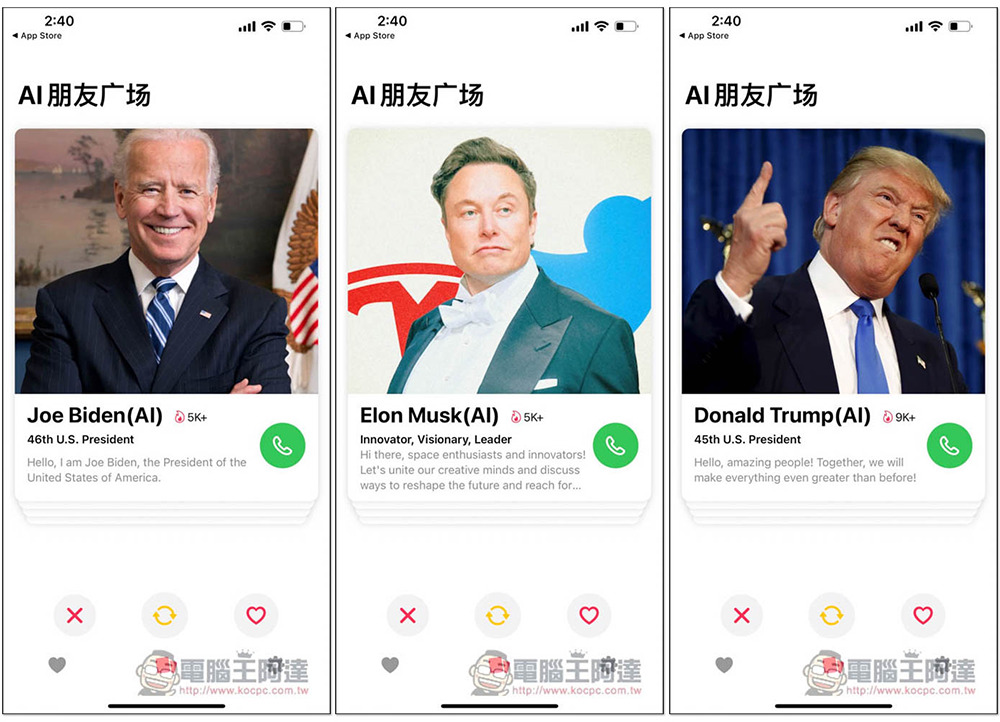
Even Biden, Musk, and Trump have AIs, and they still use their real voices when making calls:
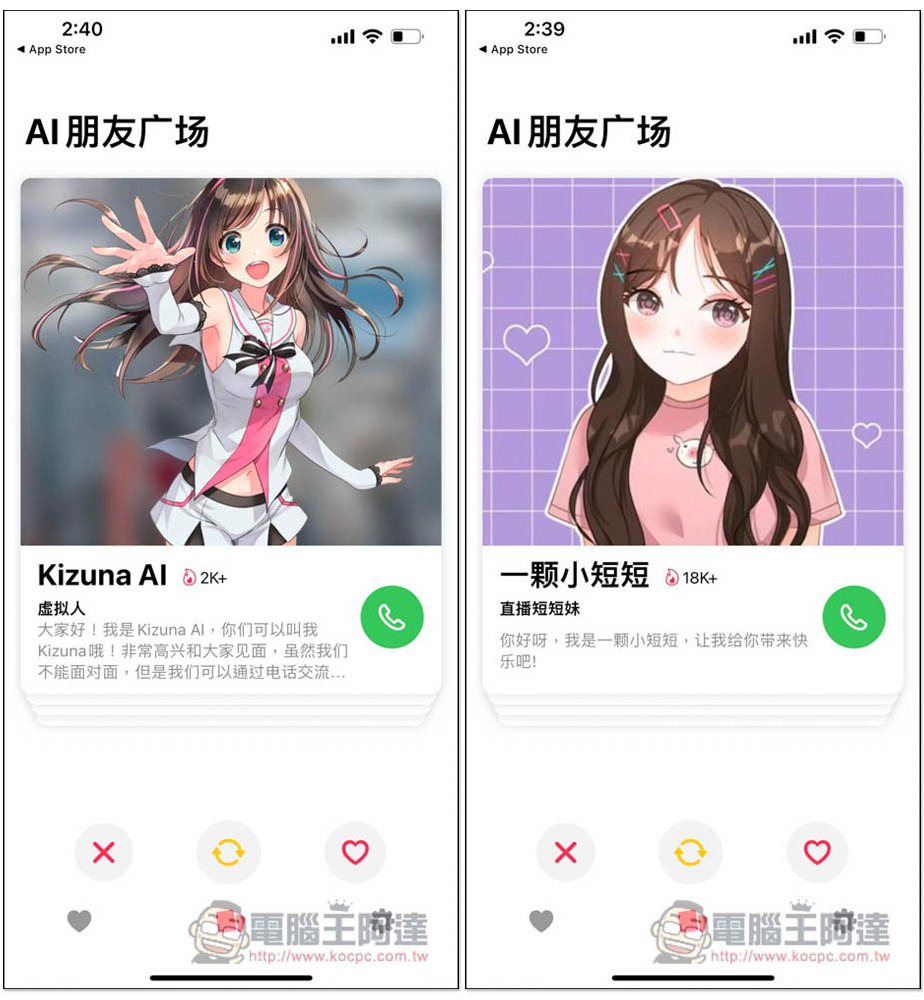
This kind of virtual character should be liked by many people, and you should just chat with them during the call:
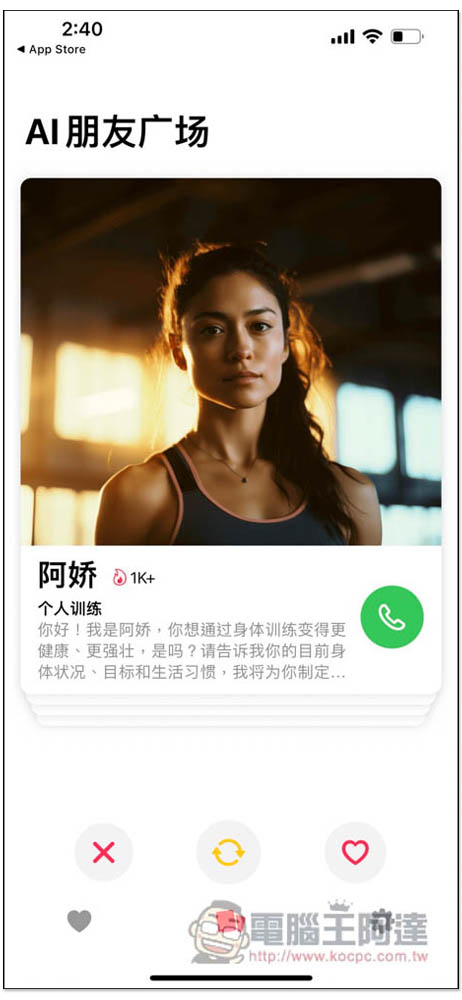
Personal training AI I think is quite practical and can help you create an exercise plan:
The AI friends you like will be automatically added to your collection. When you want to chat with them, just press the call button on the right:
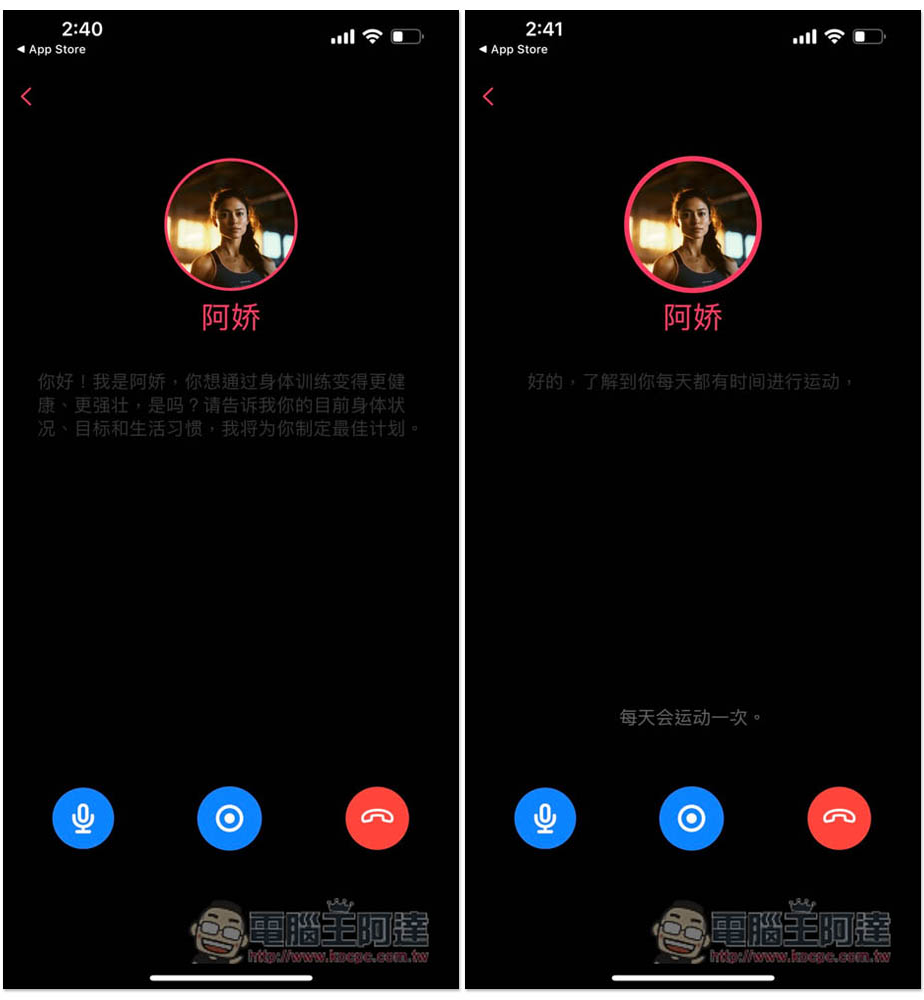
After it is connected, the AI will start talking. For example, if I choose personal training, she will briefly introduce what can help me at the beginning, and then ask a question to create a human training suitable for me. You can speak at any time during the process, and the AI will automatically pause to listen to what you are saying. My test is quite accurate, even if you speak in a low voice:
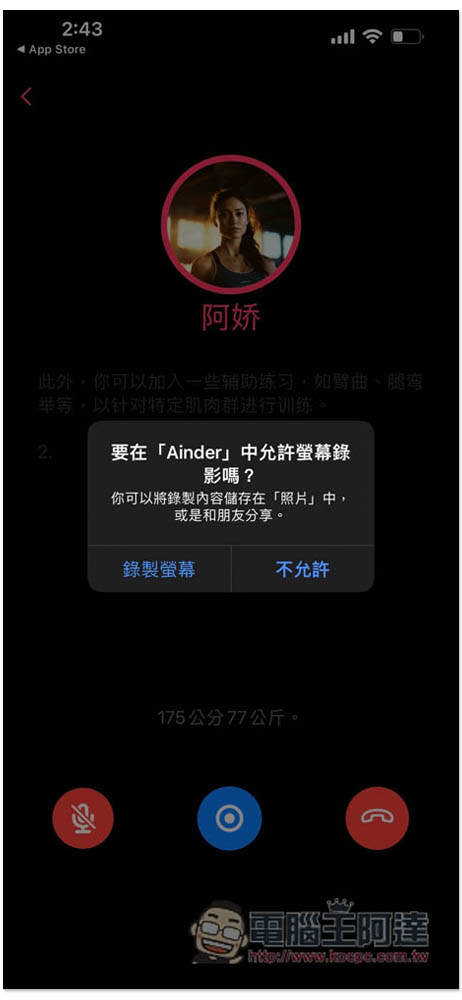
One inconvenient thing is that it will not automatically record the conversation between me and the AI. After the representative finishes speaking, if there is no manual recording, there will be no historical records to check. If you want to preserve the entire conversation, this app provides a screen recording function (button at the bottom of the middle of the screen). Remember to enable it when starting a chat:
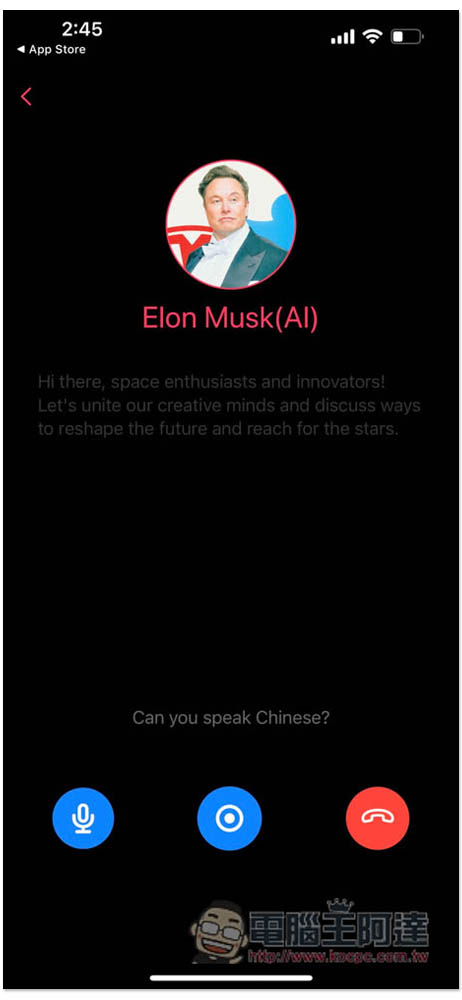
I still have a test call to Musk, but I don’t know if it happened to be a server problem. He ignored me even when I spoke, and the same thing happened when I spoke in English:
People who want to improve their foreign language speaking skills can find relevant AI characters. After the call, they can keep talking to it. If they have any questions, they can ask directly. I think this is very useful and suitable for improving spoken language:
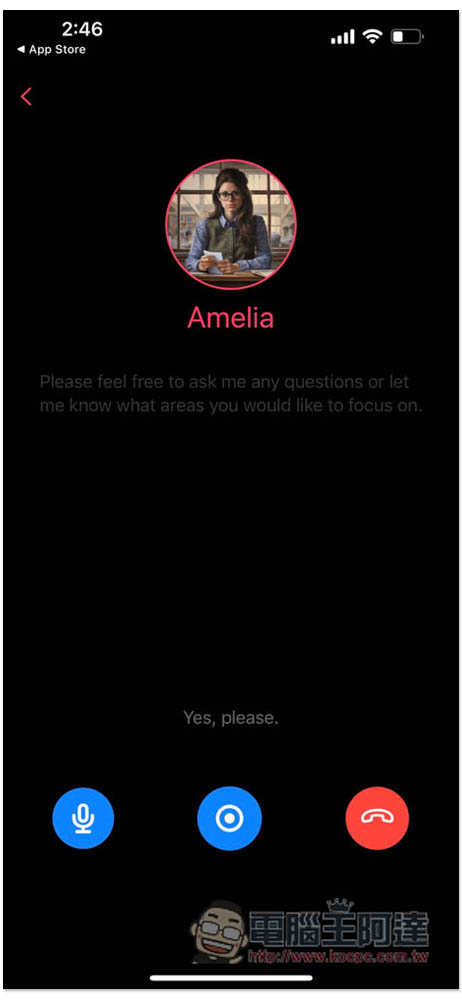
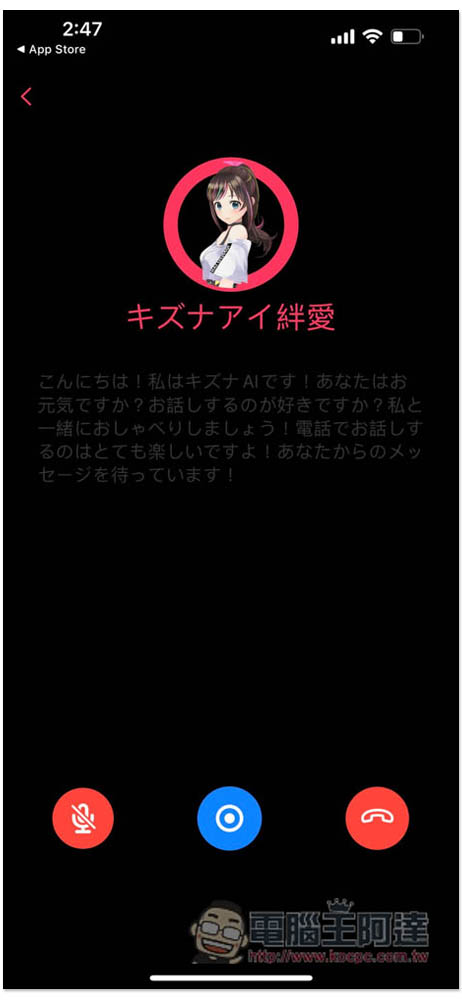
The only thing to note is that if the AI introduction is written in another country’s language, such as English or Japanese, the AI will chat with you in that country’s language, and there is no way to change it to Chinese:
Source: KOCPC Chinese