


NotebookLM Although it already supports generating Chinese. Podcast, but the content still cannot be modified, and neither can the duration—there’s limited flexibility. Recently, I discovered the free AI Podcast Generator tool launched by AIVocal, which can be used without registration and also supports multiple sources, from text, files, links, to YouTube Either one works. When generating, it shows us the Podcast content first, so if there’s anything we want to change, we can adjust it manually. There are also multiple duration options. It’s way better than NotebookLM.
However, when it comes to voice naturalness, NotebookLM still wins hands down. I recommend everyone give it a try.
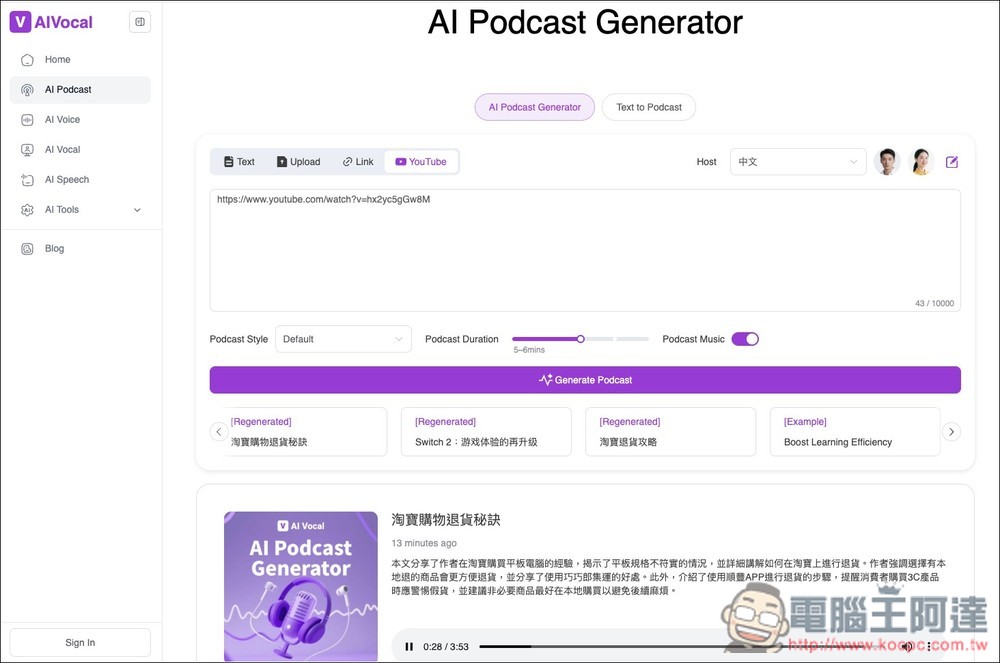
AI Podcast Generator Introduction and Tutorial: Free Conversion of Text, Files, and YouTube into Podcast Episodes.
AI Podcast Generator is a free tool under AIVocal. They also offer AI text-to-speech, AI voice remover, AI Audiobook generator, and more — you can try them all out.
Once you click the link above and enter the AI Podcast Generator, you can start using it right away without registering an account. There are four modes: text, file upload, link, and YouTube—depending on which one you want to use:
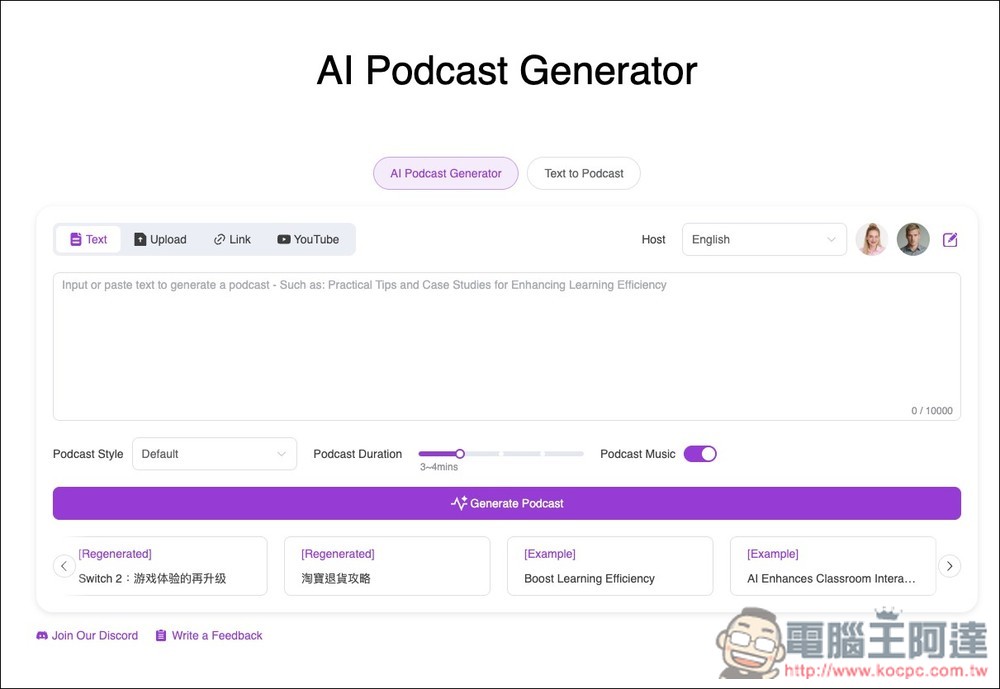
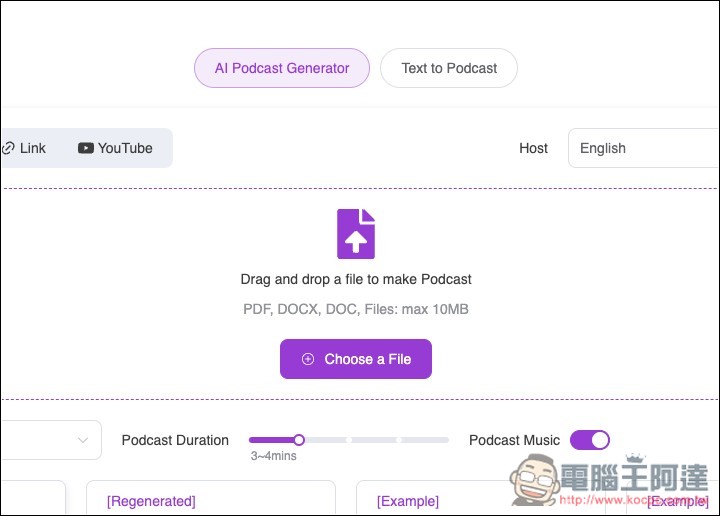
For the file section, three formats are supported: PDF, DOCX, and DOC. The maximum file size cannot exceed 10MB:
I’ll demonstrate with a YouTube video. After pasting the link, first adjust the generated voice—it defaults to English. If you want to generate in Chinese, remember to switch it to Chinese. Foreign videos can also generate Chinese podcasts, just like NotebookLM:
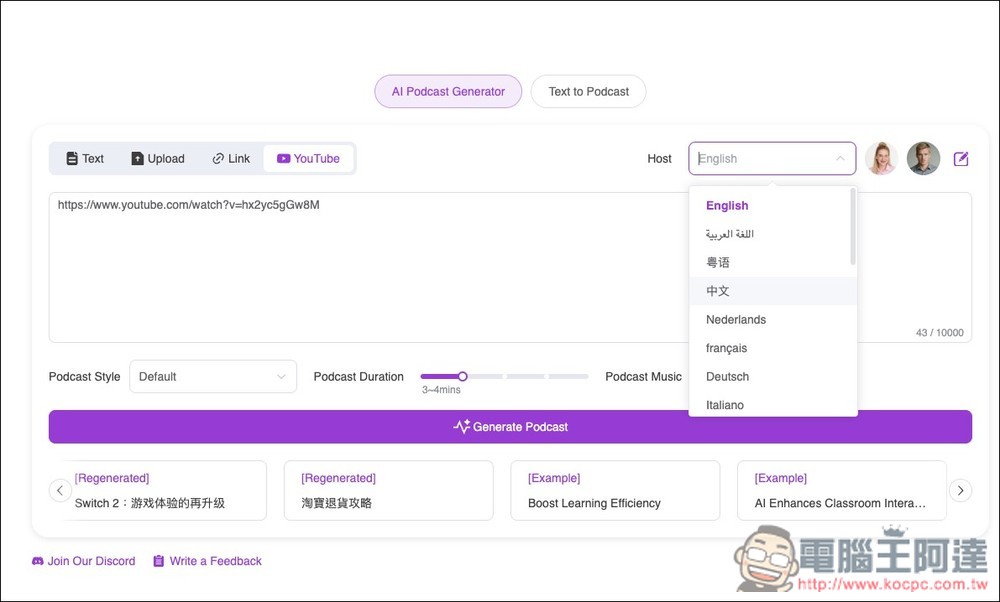
Currently, only two-person conversations are supported. You can preview their voices, and in the future AIVocal will introduce a custom character feature:
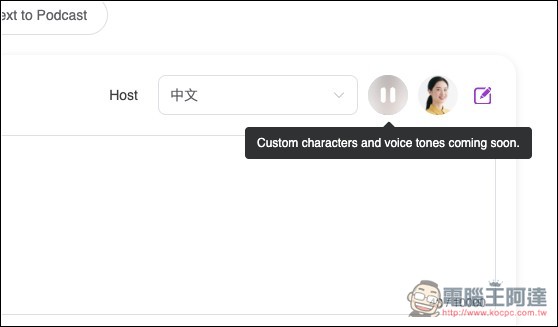
Next is the Podcast style, which includes Default, Educational, Discussion, Storytelling, News, and other options, so you can choose based on your content. On the right, Podcast Duration is the length setting, with a default of 3 to 4 minutes. You can extend it to 5 to 6 minutes, 7 to 8 minutes, or 9 to 10 minutes, but it seems podcasts longer than 10 minutes aren’t supported. There’s also Podcast Music, which is an automatic background music feature—it plays background music when you enter a podcast episode.
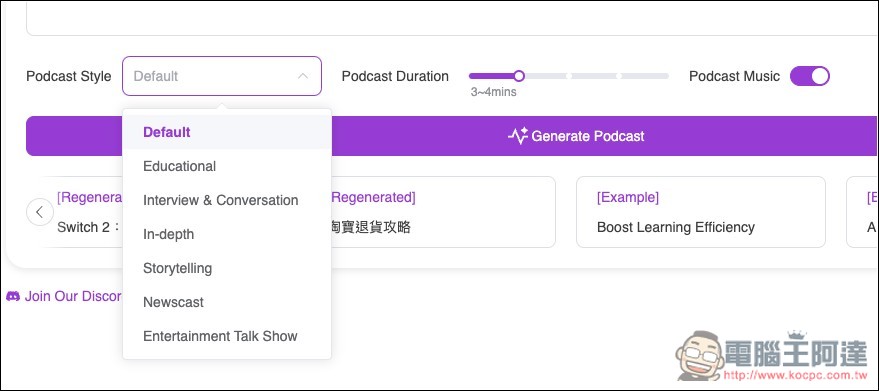
Once you’ve finished setting it up, click Generate Podcast and it will start generating. At first, it will only generate the conversation text for you to review, so it won’t take much time.
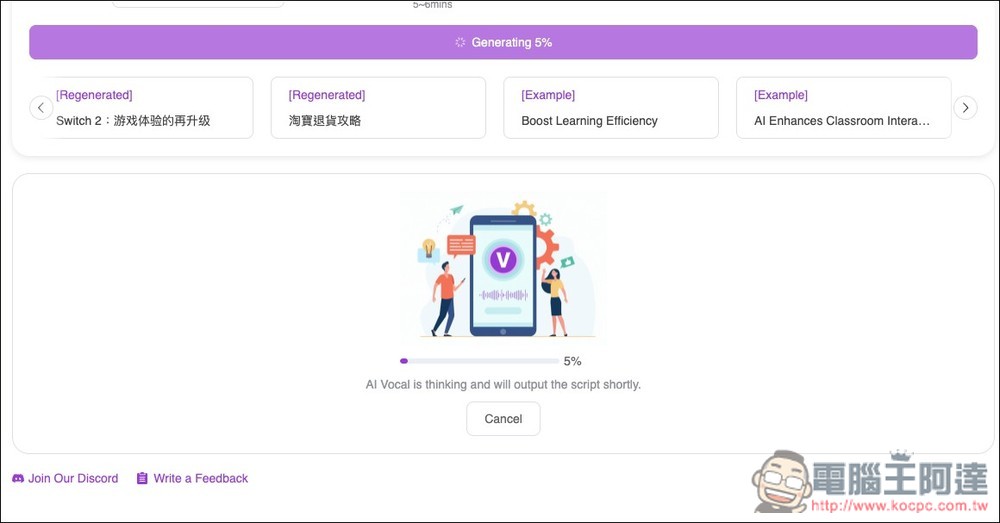
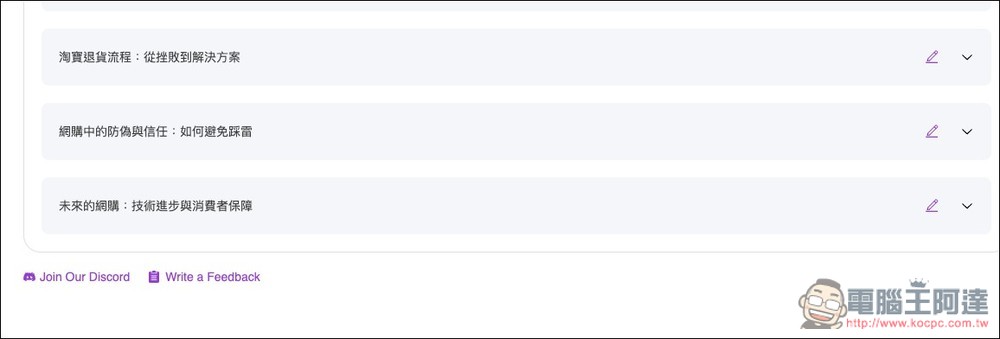
After it’s generated, it will look like this, with dialogue text between two hosts.
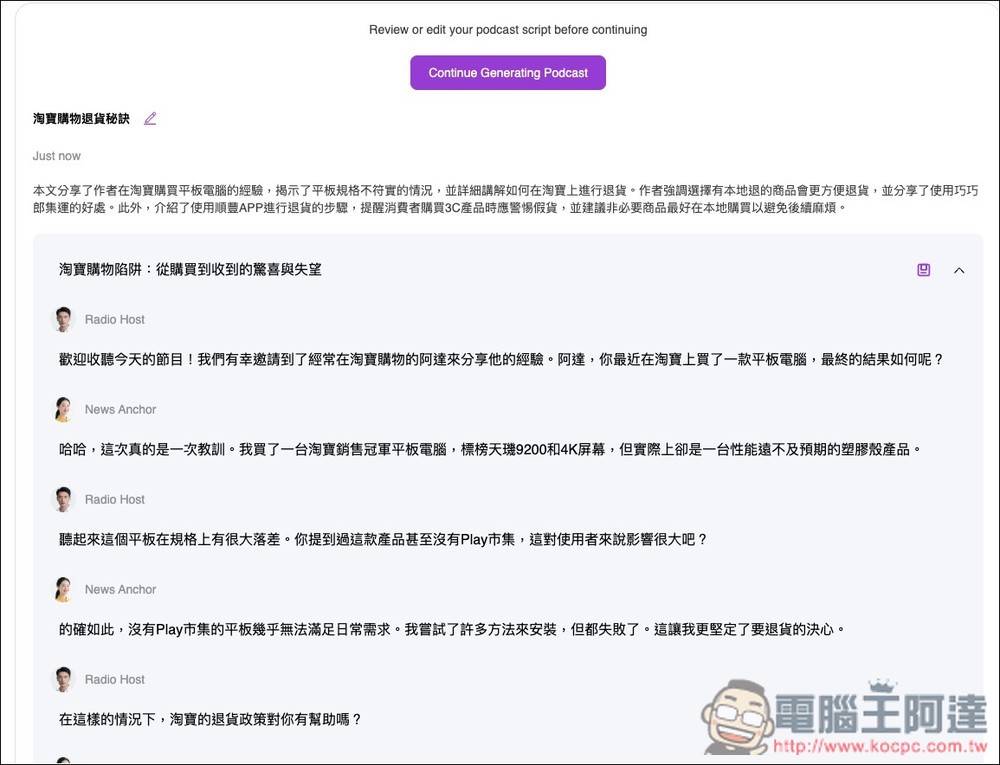
Scroll down for more paragraphs. If you’re not satisfied with the content and want to make changes, click the pencil edit button on the right.
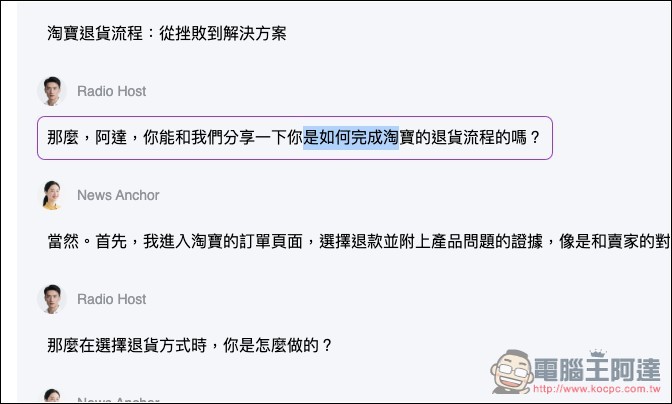
You can then modify the content:
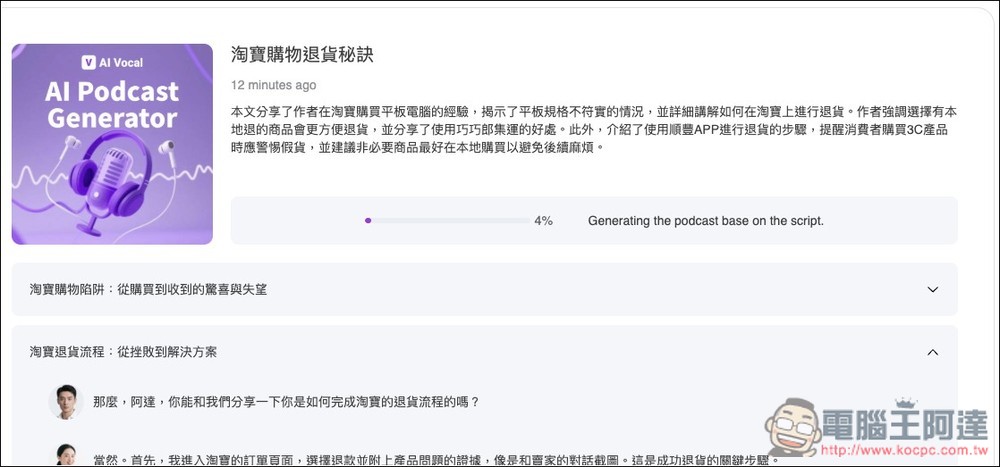
After everything is done, press Continue to generate, and it will be completed in a few seconds:
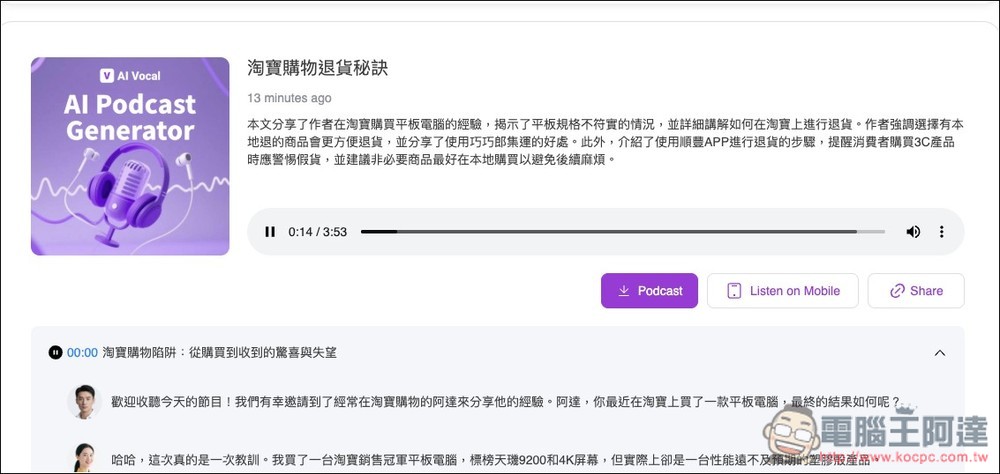
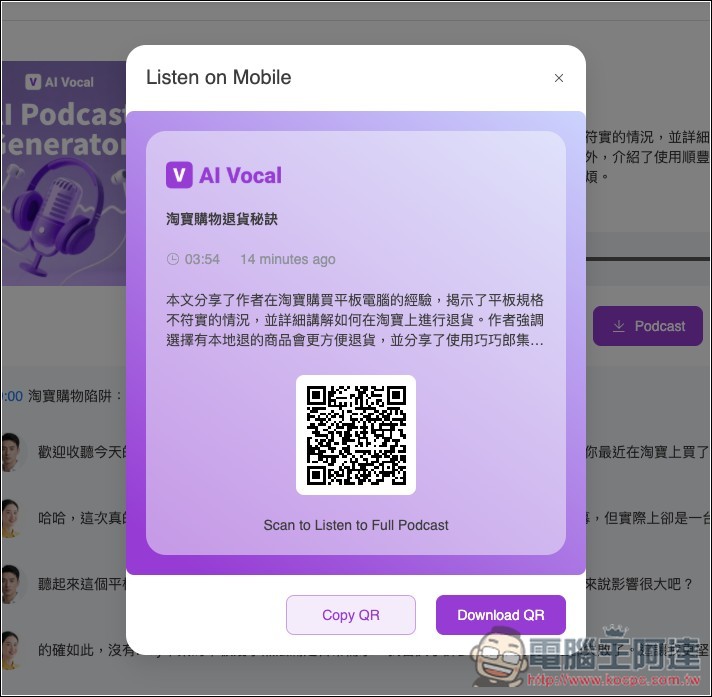
Next, you can preview it online, or switch to previewing on your phone. Press the Share button on the right to copy the share link, making it easy to share with others. The download button is hidden in the … menu:
The mobile preview will show a QR Code; just scan it to open:
AI Podcast Generator is completely free with no usage limits. You can generate as many podcasts as you want. The website also states that the generated content can be used for commercial purposes, but it’s still recommended to read the terms before use.
Source: KOCPC Chinese