


The “LINE Invoice Manager” introduced before can not only unify invoices and manage consumption records, but now it can also share consumption details with other friends! Come and see how to share it! After a dinner party, everyone no longer needs to take screenshots and photos to record the consumption details and share them with LINE friend groups. Instead, you can use LINE Invoice Manager to share the consumption details with one click at any time, including the store, consumption time, consumption items, and amount. AA for dinner parties is also easier to calculate accounts.
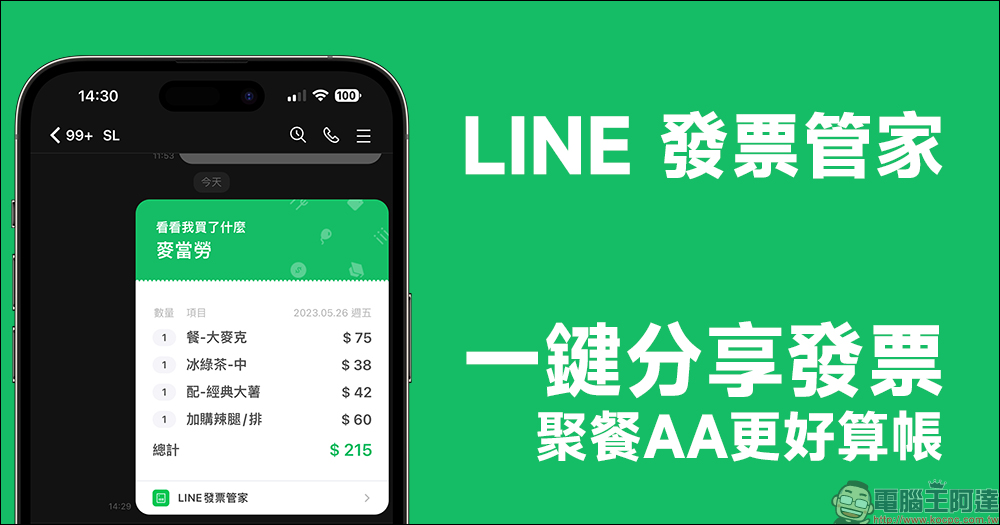
LINE Invoice Manager’s new “one-click sharing of invoices” function makes it easier to settle accounts during dinner parties
After a dinner party with friends, one of them will often pay the bill first and then collect the bill afterwards. However, it is inevitable to worry about forgetting to take photos and record the consumption details, which makes settling accounts very troublesome. However, now as long as you use LINE Invoice Manager, you can not only save the invoices into the vehicle and then import them directly, making it easier to manage monthly consumption. Now you can also use it to share consumption details to the LINE chat room without taking screenshots. The whole process is super simple!
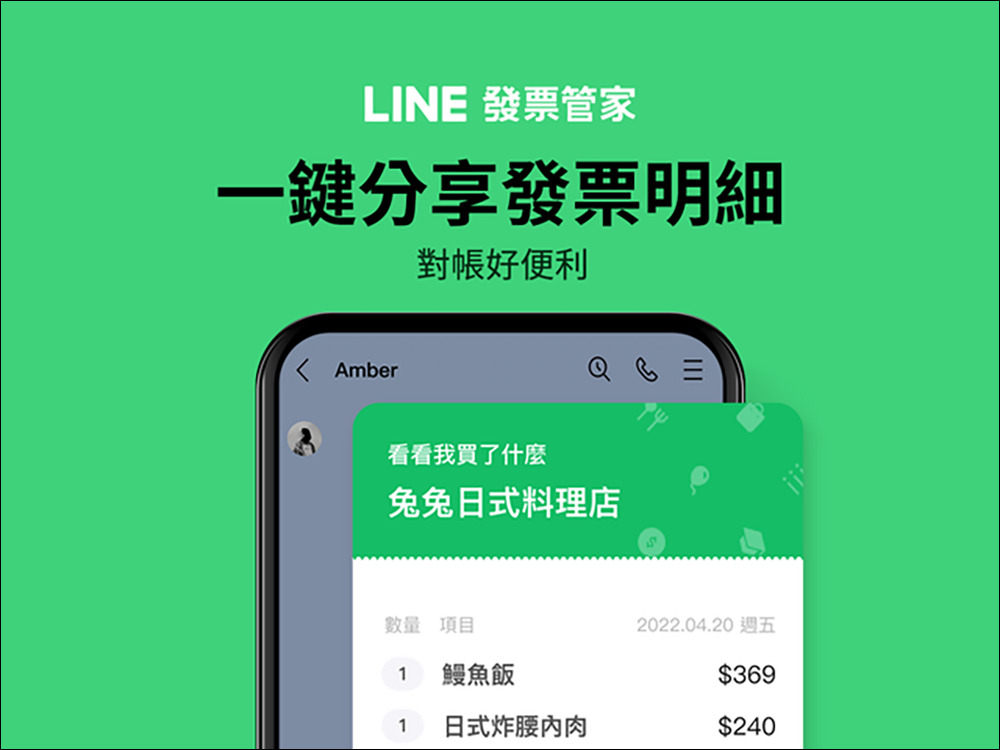
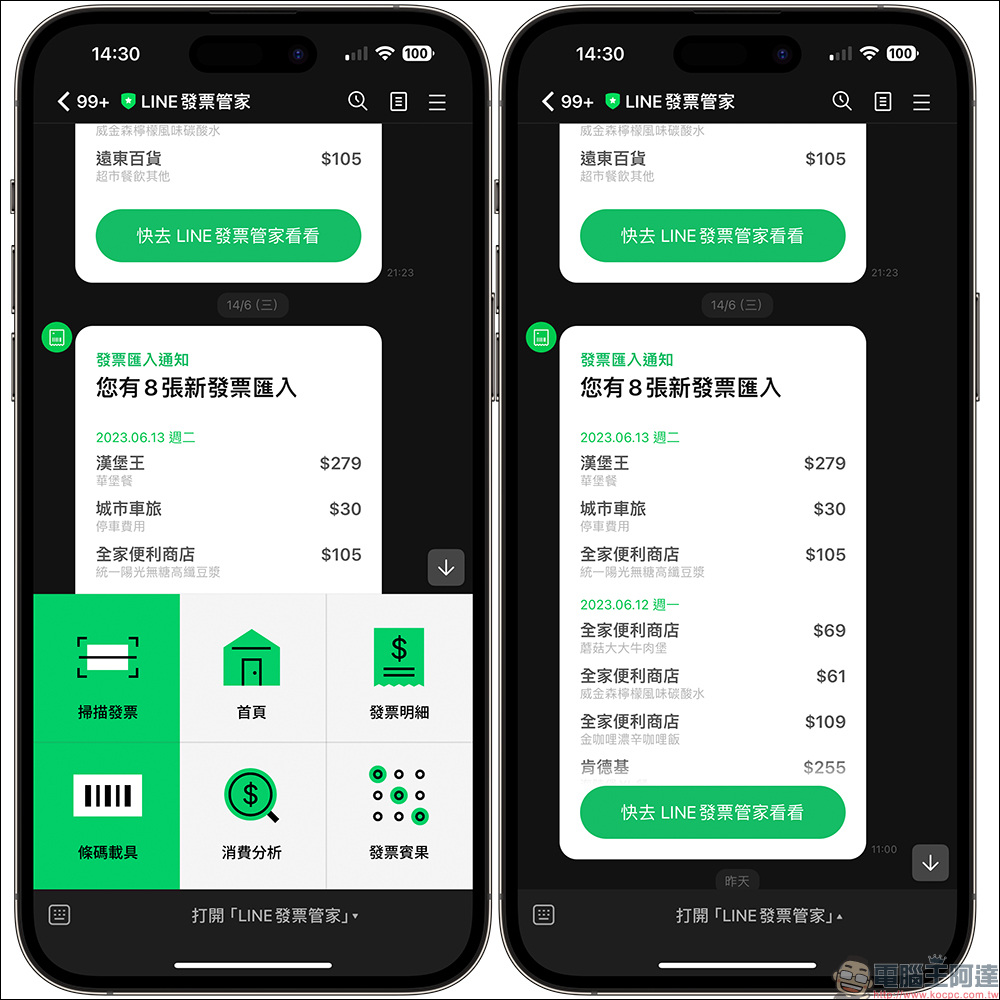
When using LINE Invoice Manager and binding a vehicle, as long as invoices are deposited into the vehicle for daily consumption, they will be automatically imported into LINE Invoice Manager. If you want to know your recent consumption status, you can also click “Invoice Details” in LINE Invoice Manager to check all consumption records.
*Tips: For invoices stored with mobile phone barcodes, wait for the Ministry of Finance to import the invoice data within 1-2 working days, then open a single transaction and share it with the designated object or group.
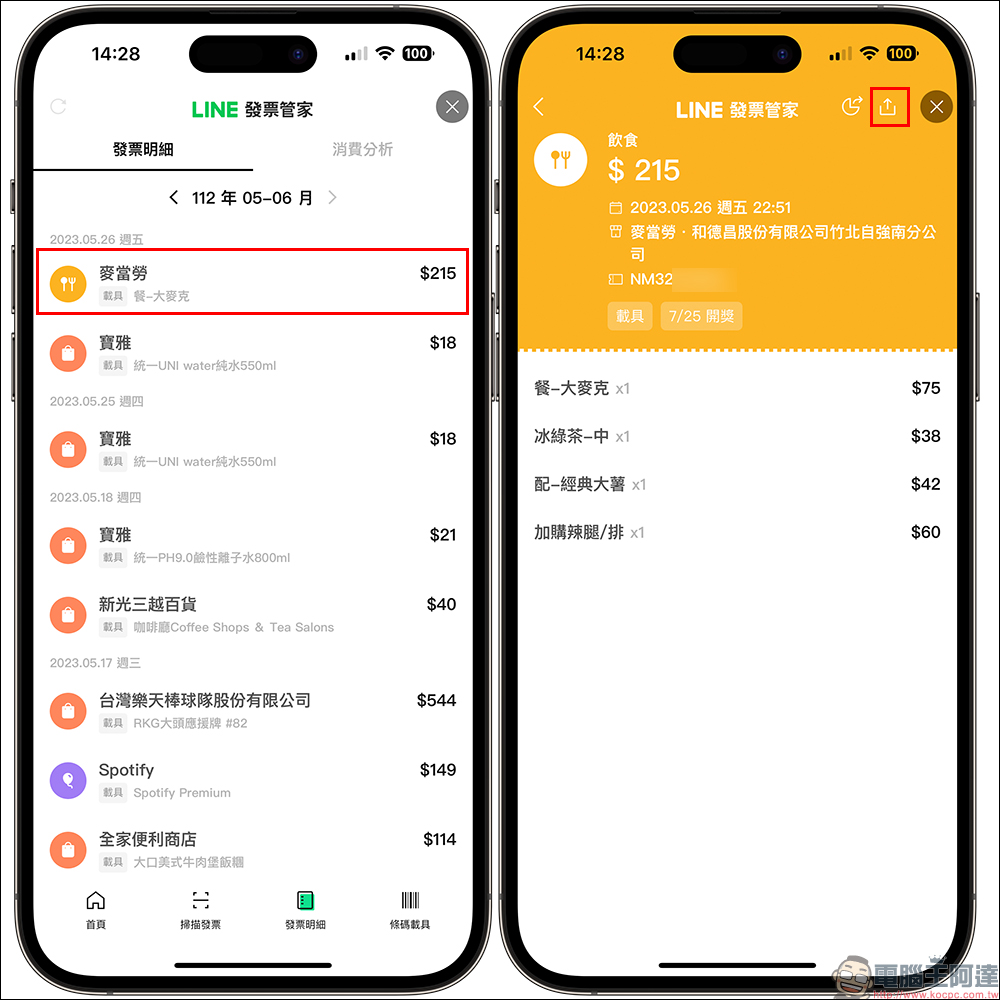
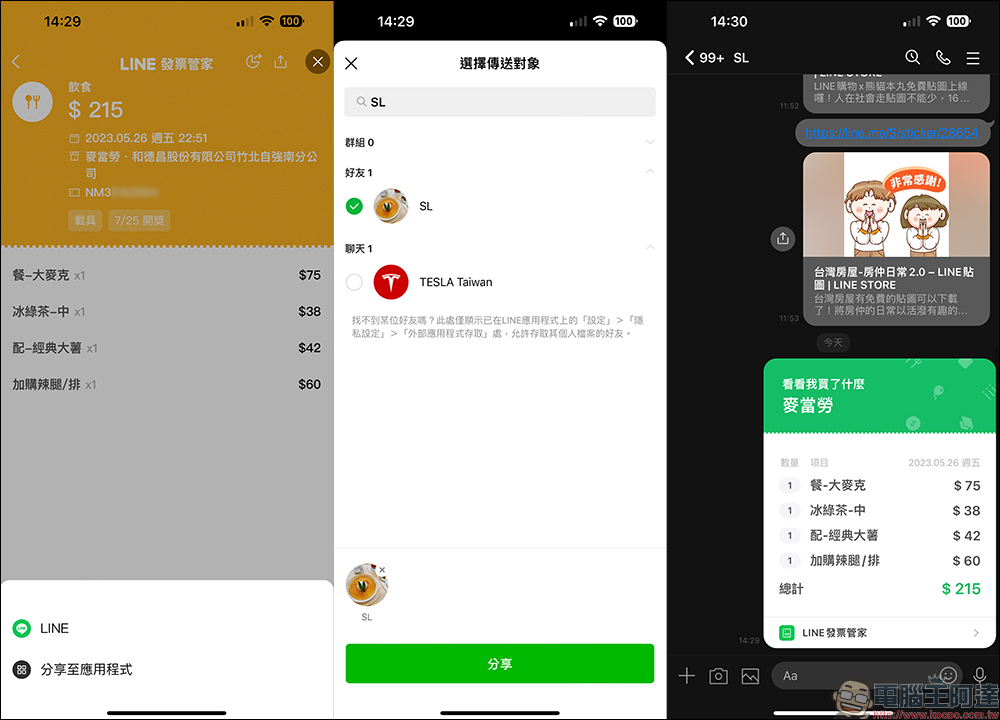
For example, when you have a dinner party with friends or make other shopping purchases, you can check all the consumption details of each purchase in the LINE Invoice Manager. The items and prices of each meal are all clear at a glance. If you want to share the consumption content with friends for bill collection, just click on the consumption details and then click the “Share” button in the upper right corner of the screen.
Then choose who to share it with, such as sharing directly to a LINE chat room. After sharing the consumption details to the LINE chat room, the chat room will directly display the store, consumption date, consumption content and amount of the consumption. The sharing consumption function of LINE Invoice Manager can be shared not only to LINE one-to-one chat rooms, but also to groups!
And there are some additional benefits to sharing like this, such as no need to use a mobile phone to take photos of consumption records, no need to worry about not taking a clear picture of the amount, and no use of mobile phone storage space.
If you bind LINE Invoice Manager for the first time, you will have a chance to get random gifts! There are also limited free LINE stickers
After “binding a mobile phone barcode” or “applying a mobile phone barcode” in LINE Invoice Manager for the first time, and entering the LINE Invoice Manager homepage, you will have the opportunity to receive random gifts.
- Event time: June 16, 2023 11:00 to June 25, 2023 23:59
- For detailed activity description, please refer to:please click me

LINE Invoice Manager × Strange Little Things (Download period: from now until 2023/07/05)
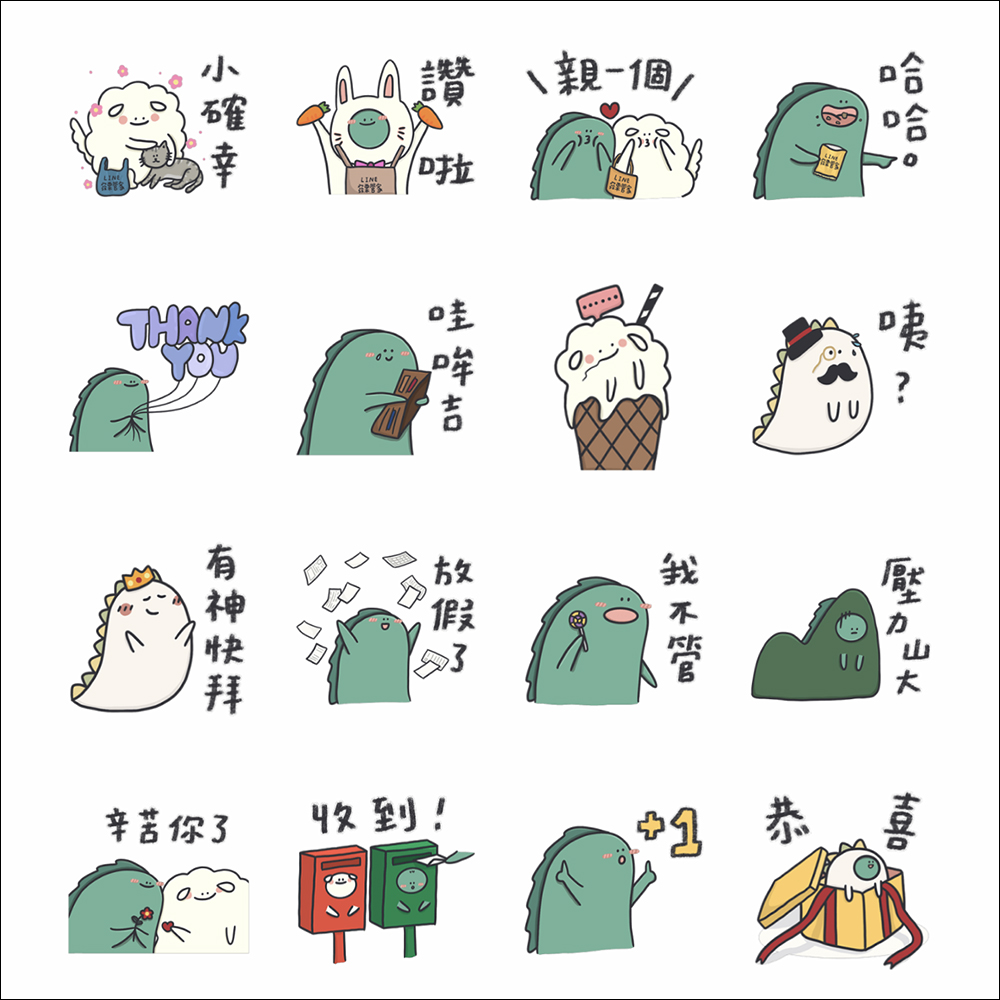
- Download deadline: July 5, 2023
- Validity period: 90 days
- Sticker download conditions & links:Add the official account of “LINE Invoice Manager” as a friend to download (click me to go)
Further reading:
SARI, the Taiwanese-Japanese “AI idol” who debuted on LINE, sells her first photo album

Source: KOCPC Chinese