


Smart watches can also accept LINE Pay, kudos! The LINE Pay team announced today (7th) that LINE Pay officially supports smart watches with watchOS and Wear OS dual systems. From now on, users can complete LINE Pay payments directly through their smart watches. They can also scan vehicle barcodes, accumulate points on membership cards, and other functions. On the watch side, they can also select LINE POINTS points for discounts and display previous transaction records. It is super convenient to use!
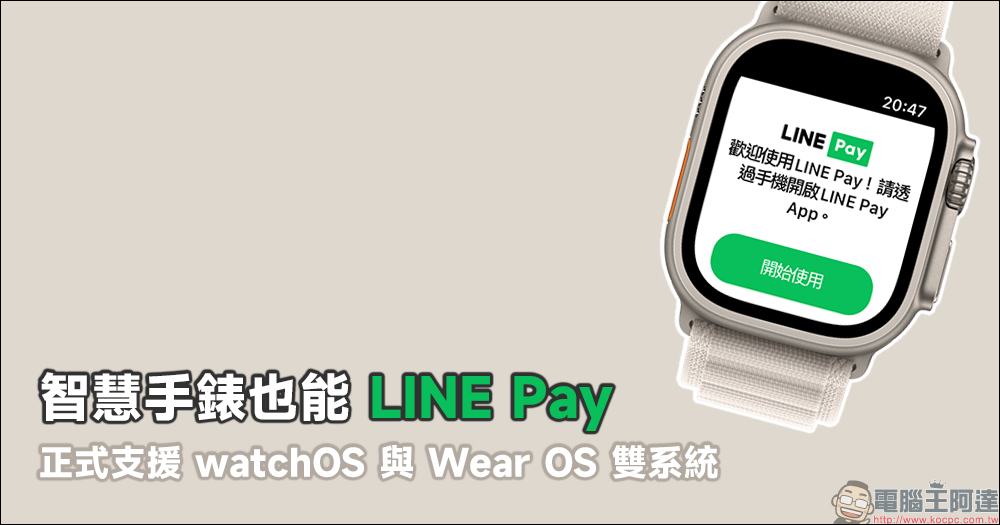
Smart watches can also accept LINE Pay! From now on, watchOS and Wear OS dual systems are officially supported
Although some apps currently support barcode display for unified invoices on smart watches, users who use LINE Pay mobile payments every day still had to take out their mobile phones to scan the QR code to pay. But from now on, smart watches also start to support LINE Pay! And this time it is directly open to both watchOS and Wear OS dual systems.
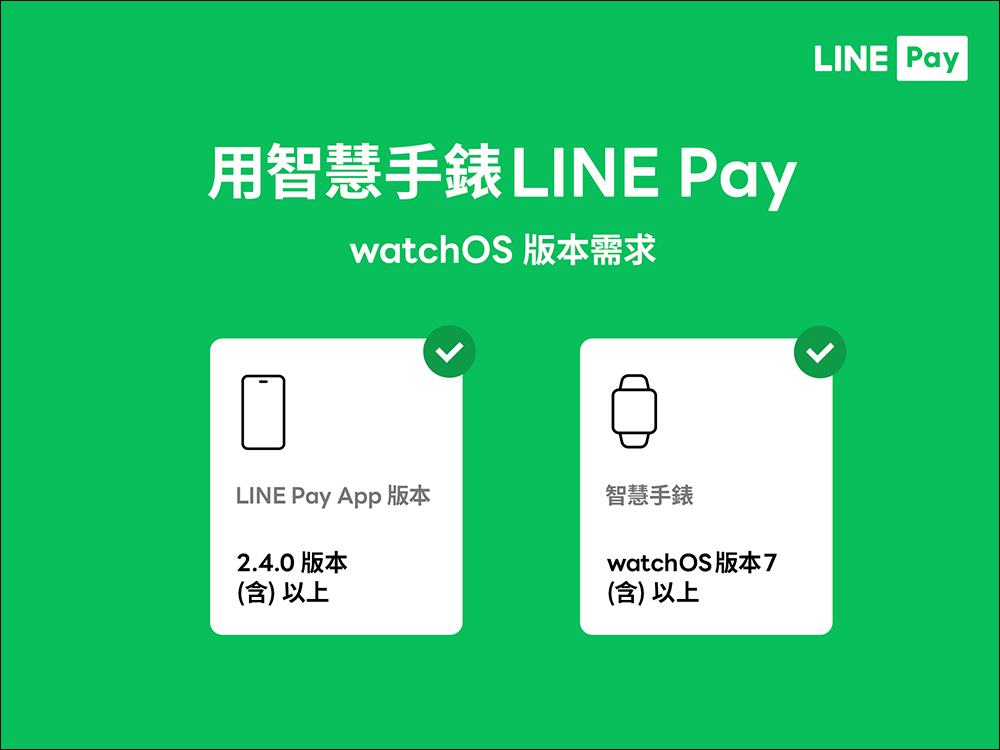
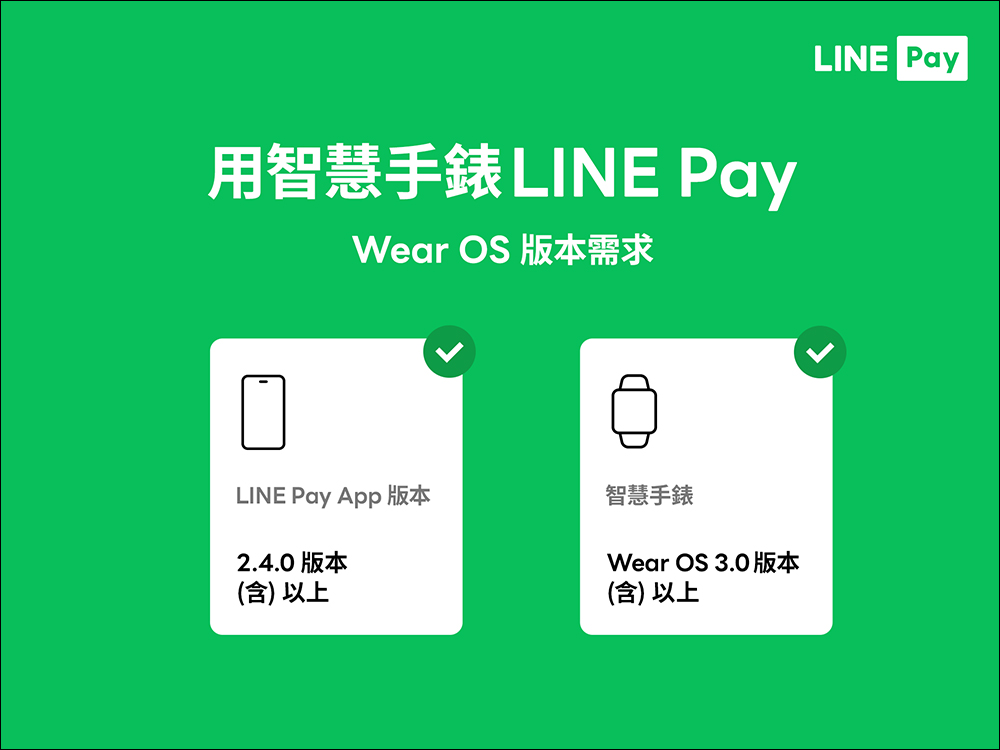
Smart watch LINE Pay version requirements (watchOS / WearOS)
LINE Pay’s smart watch payment function supports watchOS 7.0 (inclusive) and above and Wear OS 3.0 (inclusive) and above. If you want to complete LINE Pay payments through your smart watch, you can first update the LINE Pay App on your phone to version 2.4.0 (inclusive) or above.
How to use LINE Pay on smart watches? (*Take Apple Watch as an example)
So, how to use LINE Pay with smart watches? This article uses Apple Watch (watchOS) as an example. Users can directly download the LINE Pay App on the watch, or enter the Watch App on the iPhone to find LINE Pay and install it.
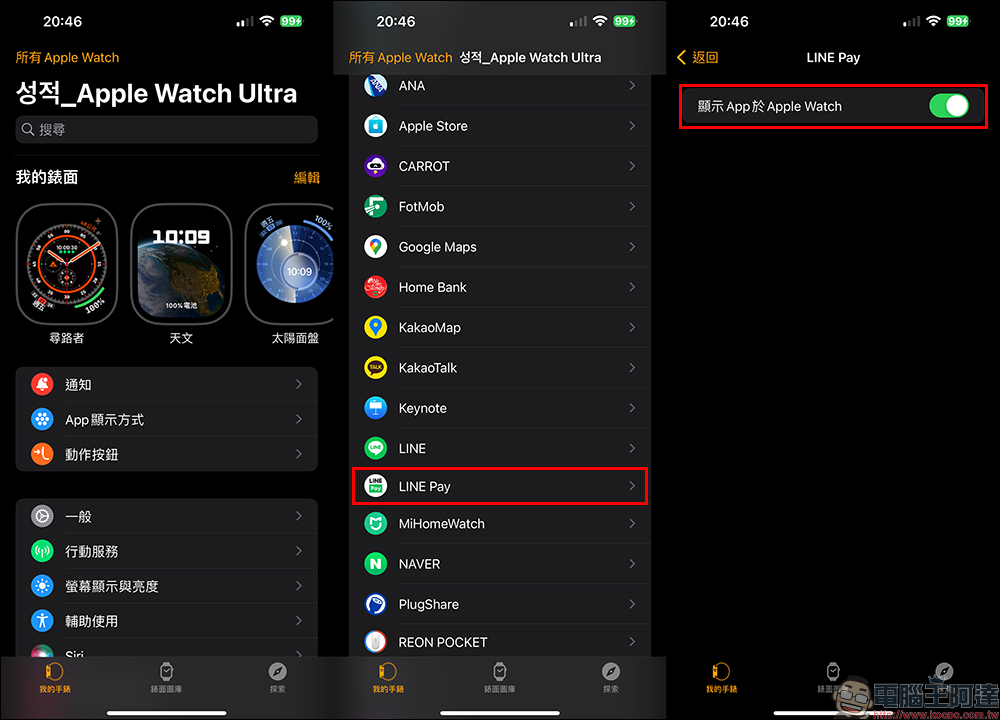
Then open the LINE Pay App of the smart watch in sequence:
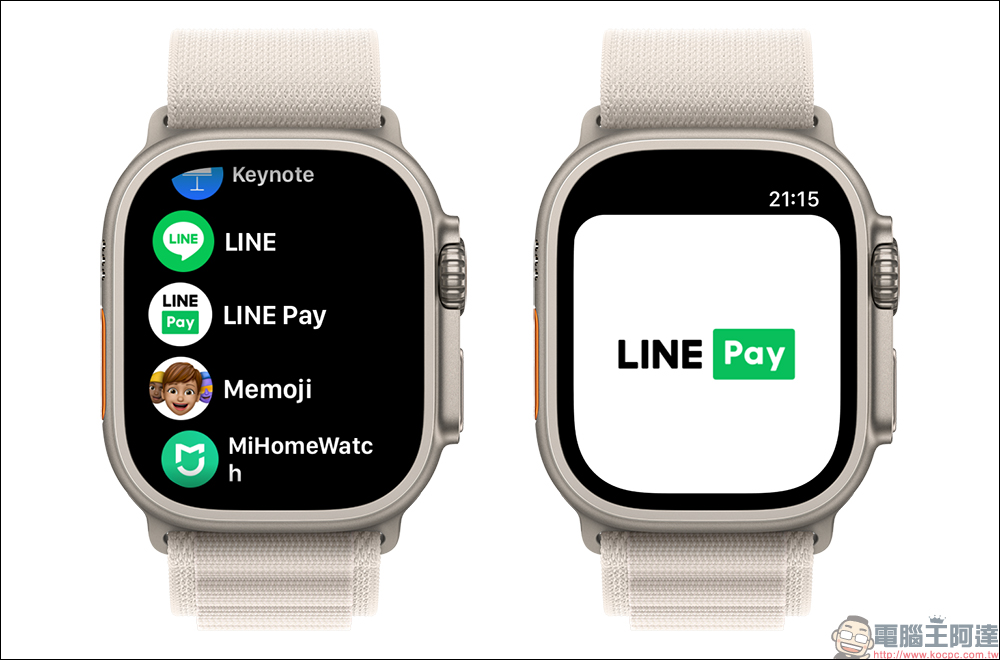
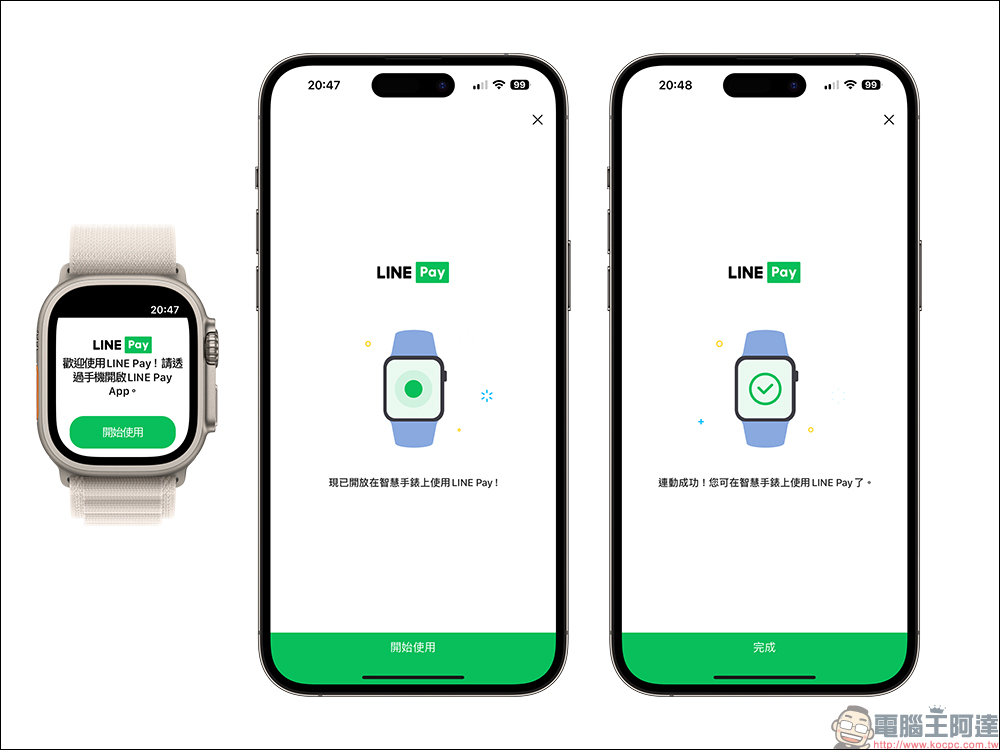
Then open the LINE Pay App on your smartphone for pairing and enter the LINE Pay password. Once the settings are complete, you can start using LINE Pay!
After opening the LINE Pay App, first enter the LINE Pay transaction password to display the payment barcode. Users can also click on the card directly on the smart watch to switch to different payment cards.
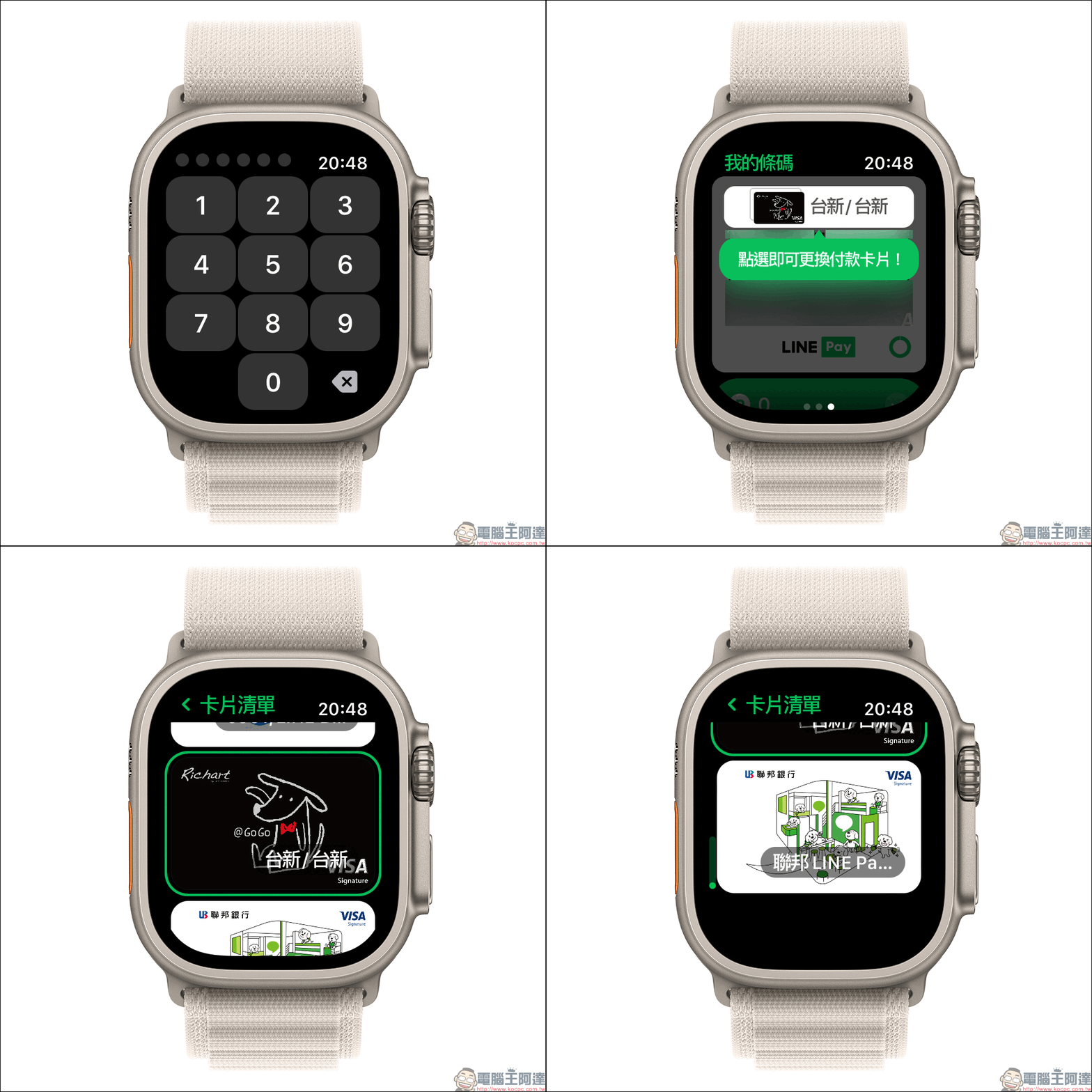
Payment barcodes also provide two forms of options on the smart watch:
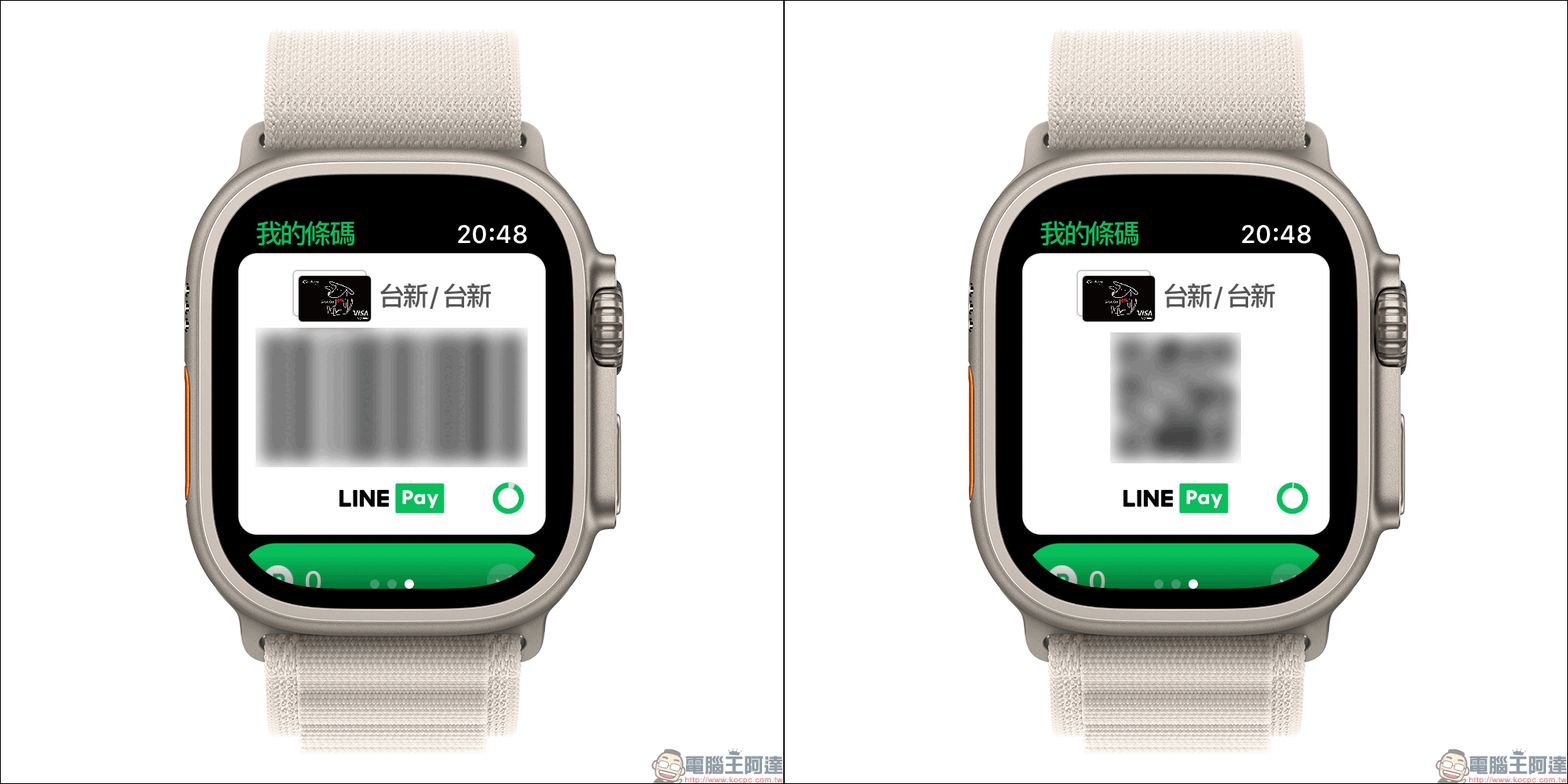
There will be a green ring in the lower right corner of the payment barcode. This is actually the countdown of the current payment barcode transaction. Users can also see the countdown timer at the bottom of the page. In addition, users can choose here whether to use LINE POINTS points to redeem this transaction. Thoughtfully, transaction records can also be displayed on the smart watch, allowing users to quickly check whether the amount is correct after checkout.
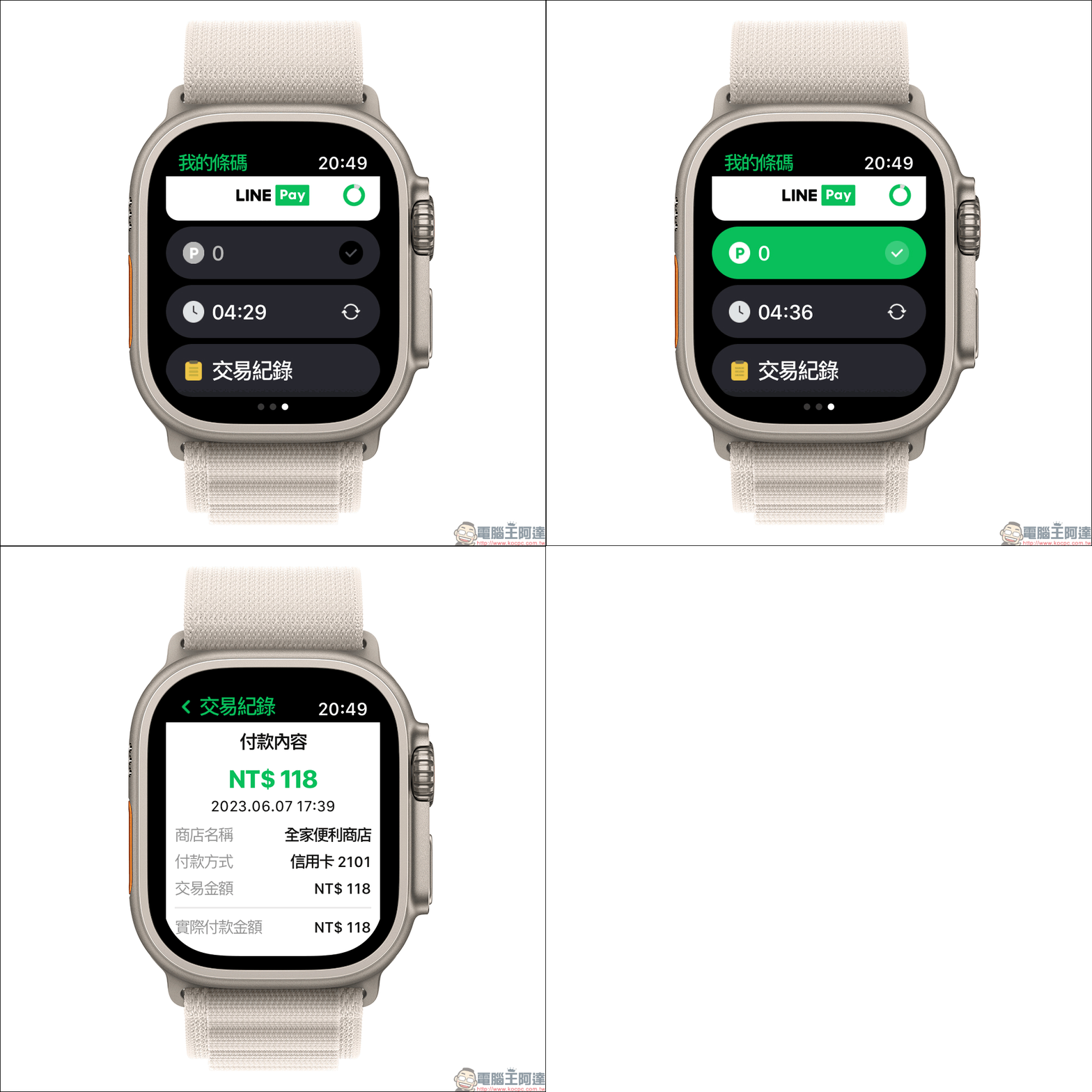
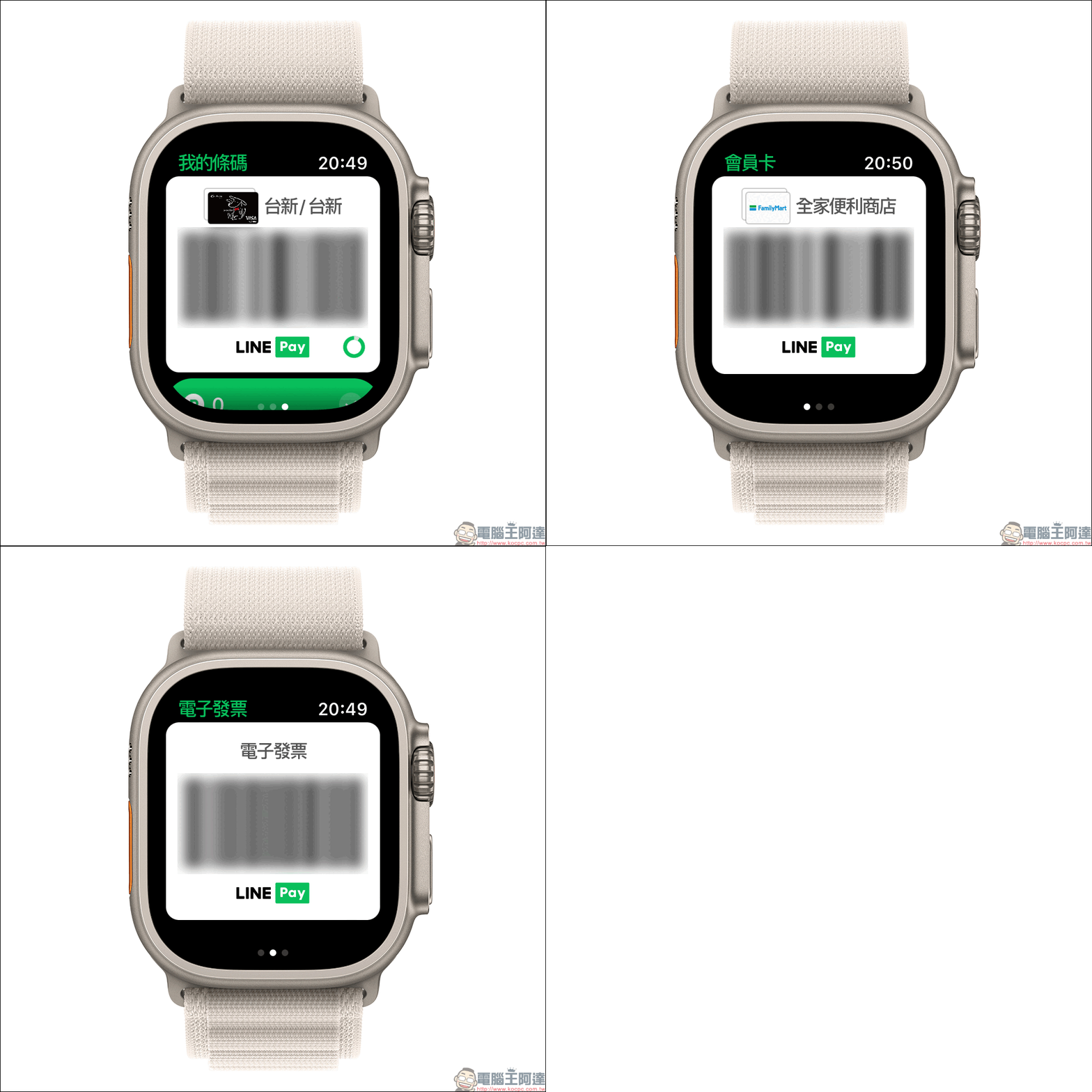
After actually using it, the author believes that the experience of LINE Pay on the smart watch is quite good. Whether it is the smooth payment barcode checkout or the switching operation of electronic invoices and membership cards, it is very intuitive.
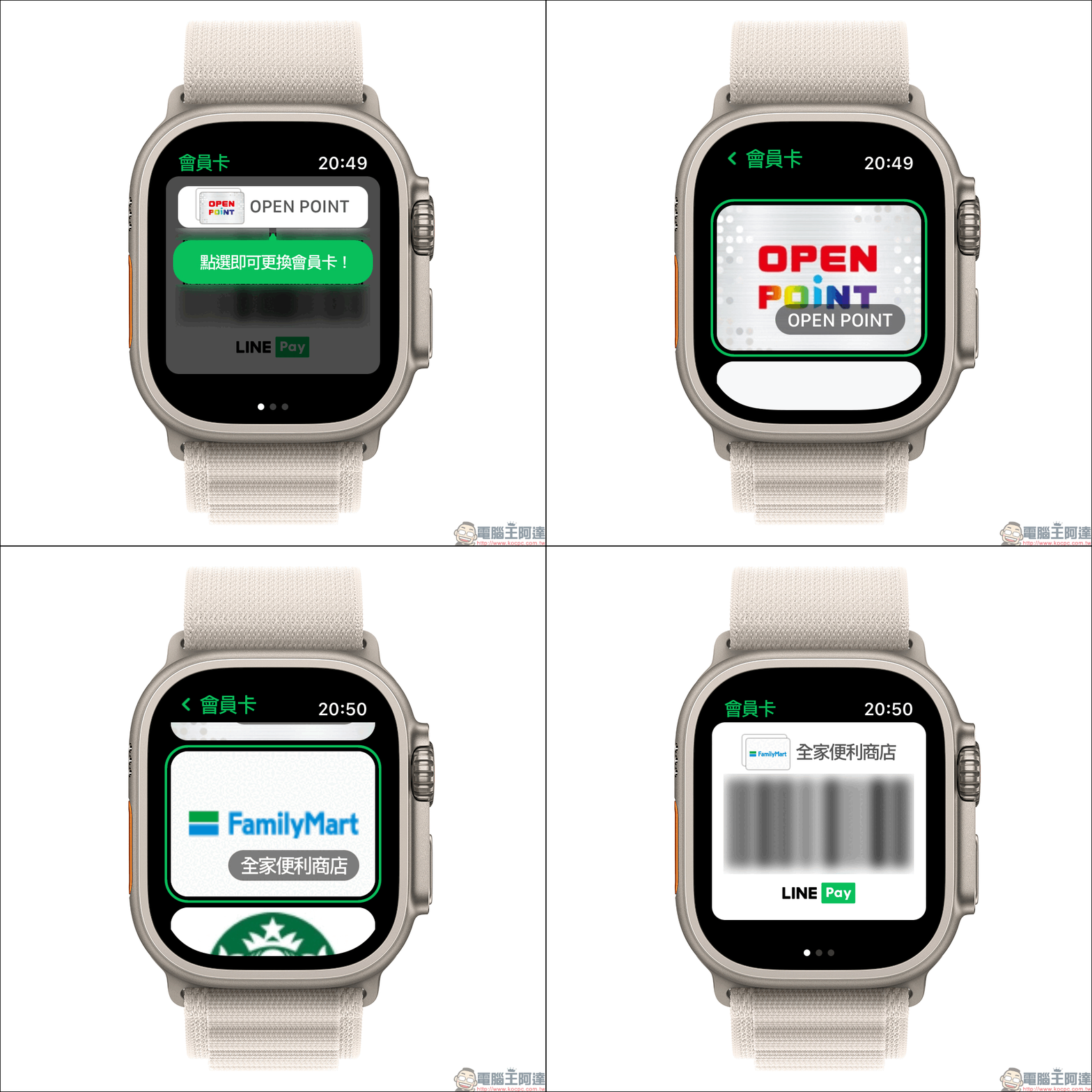
Like the membership card page, users can also switch membership cards in the card menu.
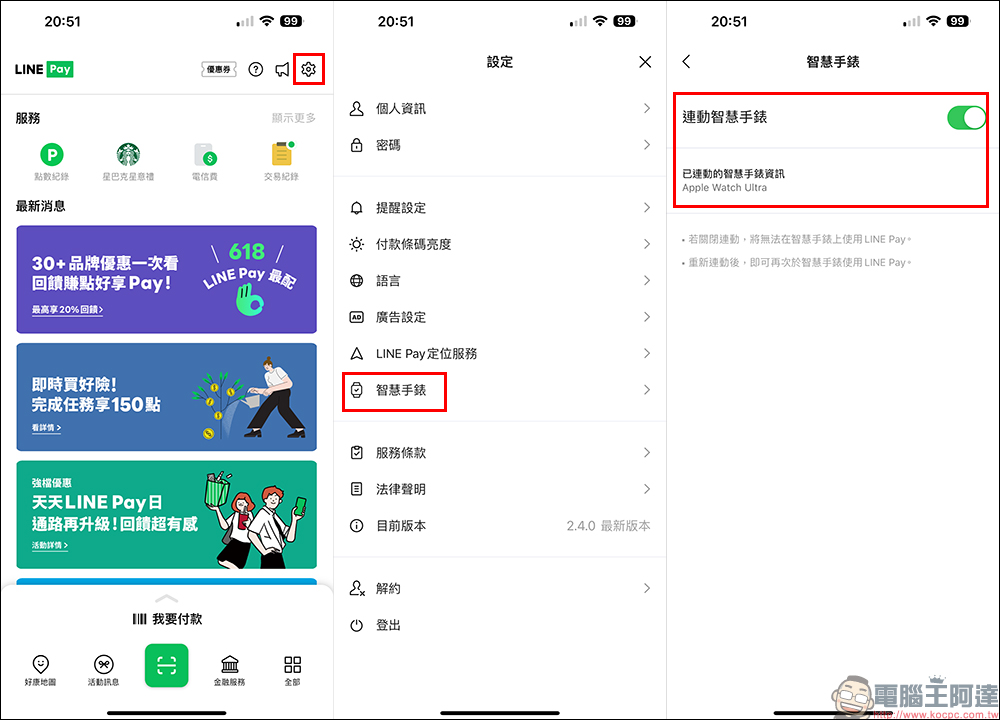
In addition, users can click “Smart Watch” on the LINE Pay App settings page of the smartphone to confirm the linkage status of the smart watch. Information about the linked watch will also be displayed here. However, a reminder, if you turn off linkage here, you will not be able to use LINE Pay on your smart watch! It needs to be relinked before it can be used again.
Further reading:
Apple iOS 17, watchOS 10, macOS Sonoma developer beta versions are open to all users to download and install for free!
Source: KOCPC Chinese