


Currently, the wireless Bluetooth headsets with the highest market share are the AirPods and AirPods Pro series. With good support from Apple’s own ecosystem, they are also the first choice for many iOS users. Although Apple continues to improve battery life with each generation, it seems to have reached its limit due to the inherent size of the earbuds and charging box and the limitations of current battery technology. If you need longer battery life and more power-saving use, we have compiled 7 tips for you this time, which should be more or less helpful to you.
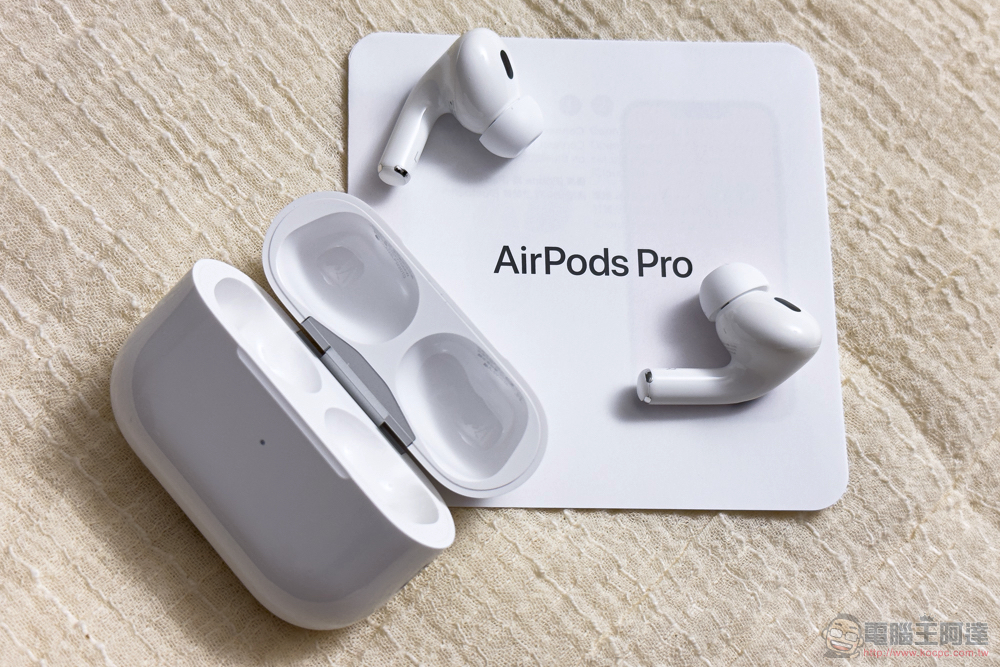
7 tips to improve the battery life of AirPods and AirPods Pro
Place the earbuds back into the charging case if possible
Although it sounds a bit strange, as long as you are not using AirPods, even if you just take it out of your ears, please put it back into the charging storage box, even if it is just 5 minutes, as long as the charging box still has power, you can quickly replenish the store. Assuming you have automatic ear detection turned on, your AirPods should technically consume less power when you remove them from your ears, but that’s not always the case.
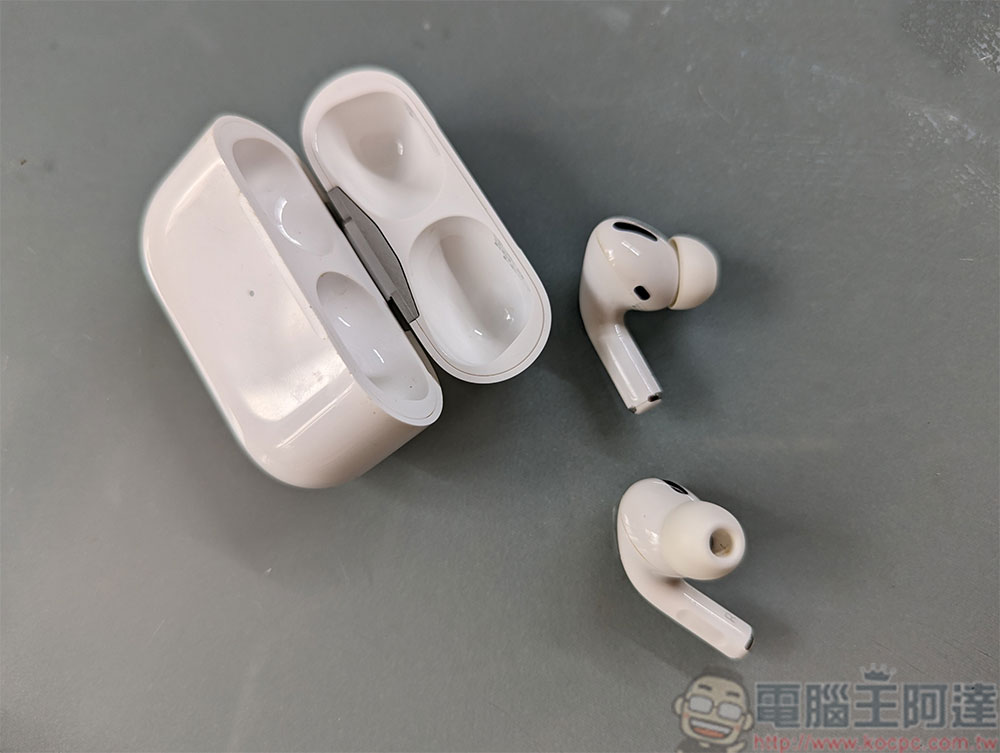
Clean your AirPods sensors and charging case
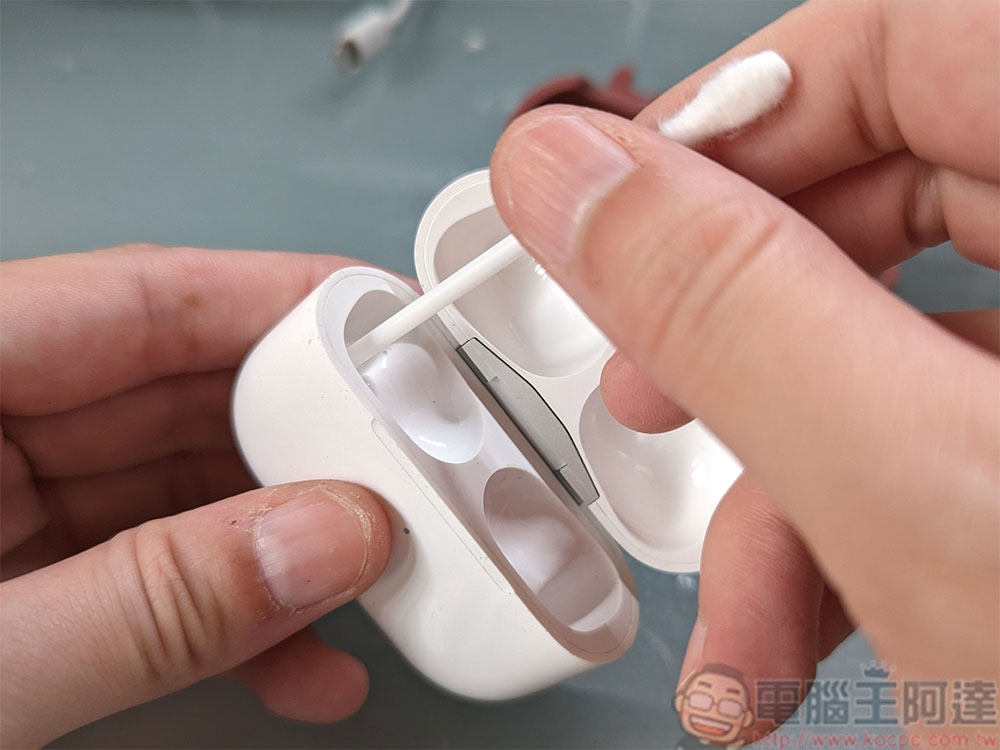
AirPods are equipped with sensors to detect when they are in use. When you take your AirPods out of your ears, they should disconnect and go into standby mode, saving power. Unfortunately, these sensors also get dirty with use. You should regularly use a soft cloth, cotton swabs, and isopropyl alcohol to thoroughly clean your AirPods, especially the sensors and the sound holes covered by the earbuds. You can also clean the “inside” of the power box, especially the AirPods charging contacts located deep in the charging box.
You only need one earphone to listen
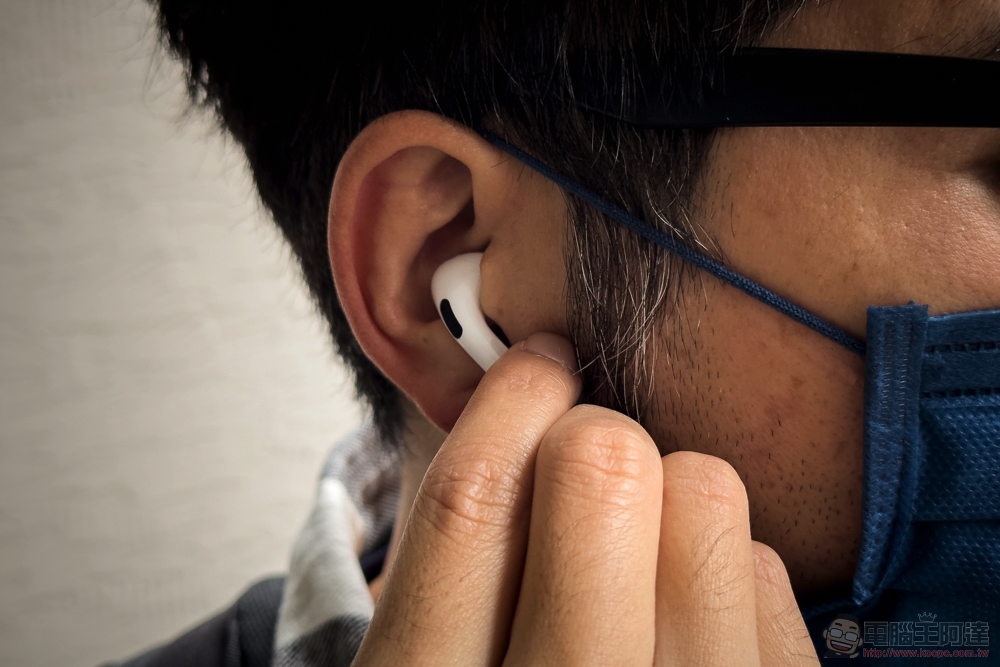
Using a single AirPods earbud pen while using two at the same time consumes less power, and can also be a convenient way to listen to some content while still being aware of the surrounding environment at all times. At the same time, this also means that you can “use one and charge one”. When the single-sided AirPods earbud you are currently using runs out of power, you can immediately replace it with another. And while using single-sided earbuds will be less fun for listening to music, and spatial audio like Dolby Atmos won’t work at all, it’s great for certain uses, such as video conferencing, listening to podcasts, or answering calls. If you often use one earbud, the author recommends that you use it in turns to prevent the battery life of one earphone from aging faster than the other.
Noise reduction and transparency modes will consume more power
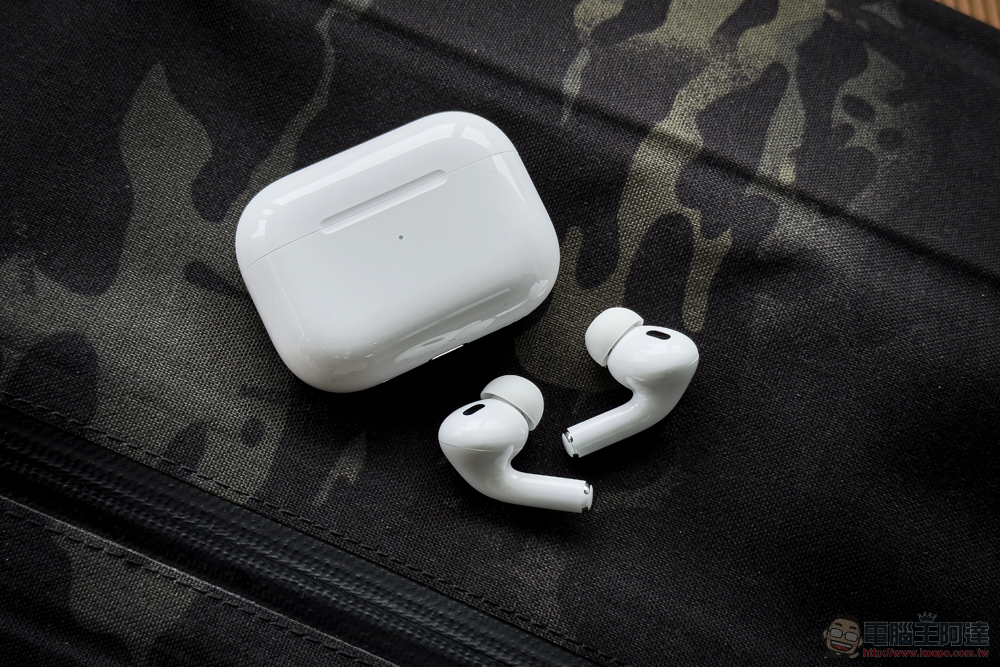
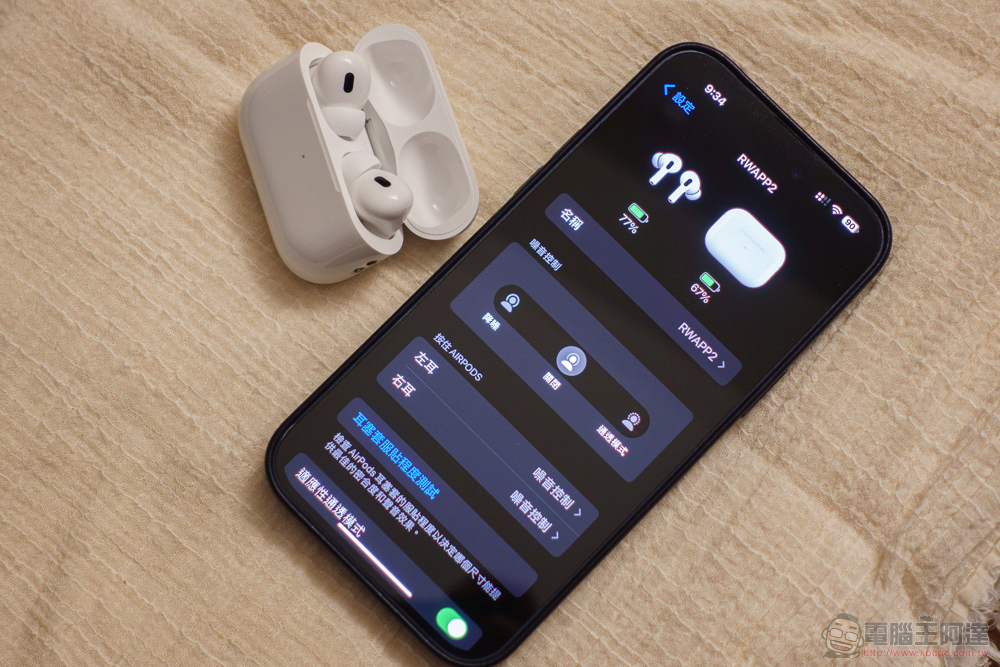
AirPods Pro have two advanced modes to take advantage of the microphones on the outside of the earbuds. You can switch between Active Noise Cancellation (ANC) mode and Transparency mode by pressing and holding one AirPod Pro earbud until you hear a chime. As the name suggests, noise reduction is to eliminate background noise, which is quite effective; transparency mode is to amplify the world around you, so you can talk to others without taking AirPods Pro out of your ears, which is also helpful for fitness exercises.
While these features can enhance your listening experience, you can turn them off completely from your iPhone, iPad, or Mac if you want to maximize battery life (for example, if you don’t have the charging case or can’t charge right away). Go to the control center and switch the noise control to off.
The “Find” app may consume battery in the background
on the InternetThere are some rumors that Apple’s Find app may drain your AirPods battery too much. Some users have reported being able to successfully disable the feature, so if you’re experiencing serious battery drain issues (especially if your AirPods are doing nothing inside the charging case), you might want to consider giving it a try. If you want to try whether disabling “Search” can help reduce battery consumption, you can connect AirPods to an Apple device, then click the “i” icon behind AirPods from the Bluetooth settings, and scroll down to turn off the Search function.
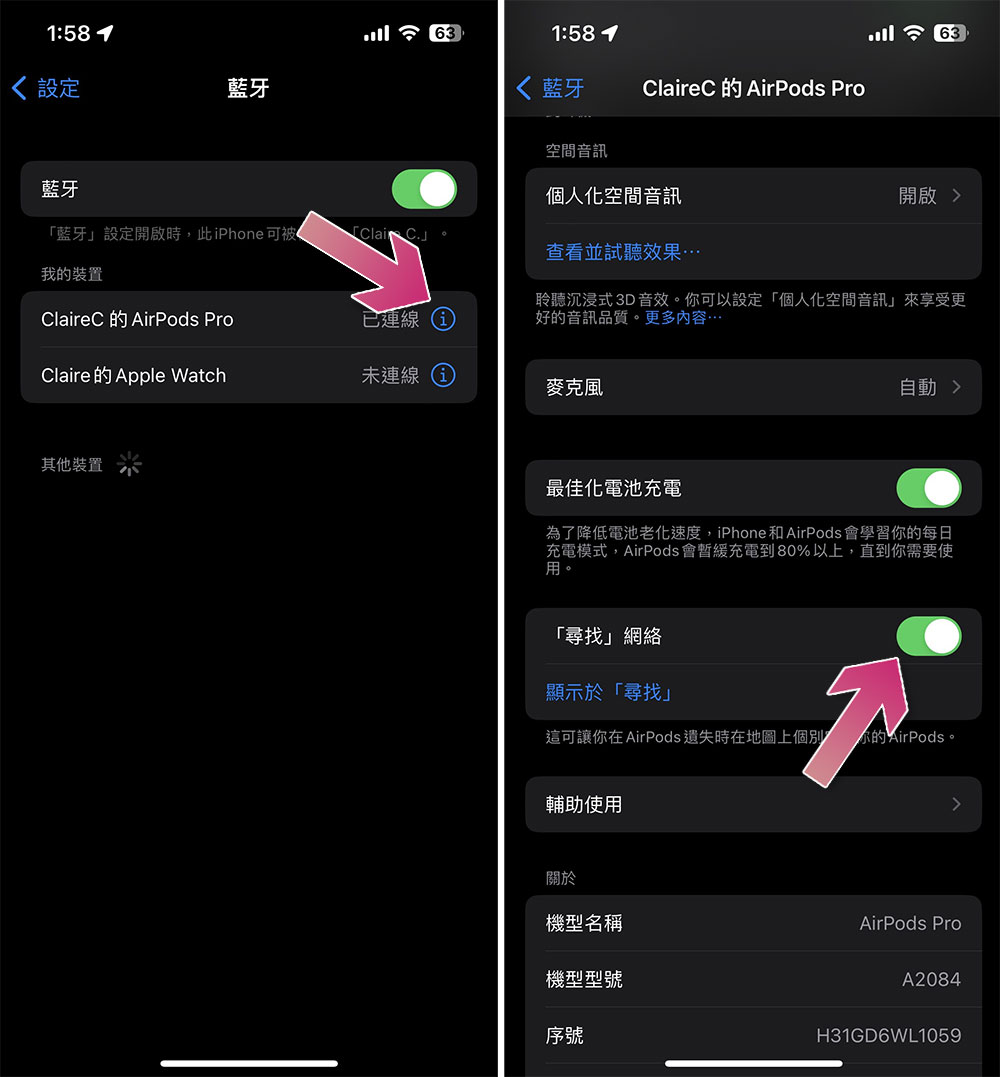
But here’s a reminder, please don’t do this without understanding the follow-up situation. The “Find” app allows you to track the location of your AirPods using your iPhone, iPad, and Mac or on the iCloud.com website. If you accidentally lose it, you can use this function to check the last location where you used it, and you can even have the AirPods charging case sound a beep to tell you where it is.
Make sure optimized charging is enabled
Optimized Charging is a feature you should enable on the first day you own AirPods (this feature can only be set up from iPhone and iPad). This feature prevents your charging case from charging your AirPods to 100% until the time you normally use it. Lithium batteries that are charged above 100% can cause the battery to age prematurely. Connect the AirPods to the Apple device, then click the “i” icon behind the AirPods from the Bluetooth settings, scroll down and turn off the search function.
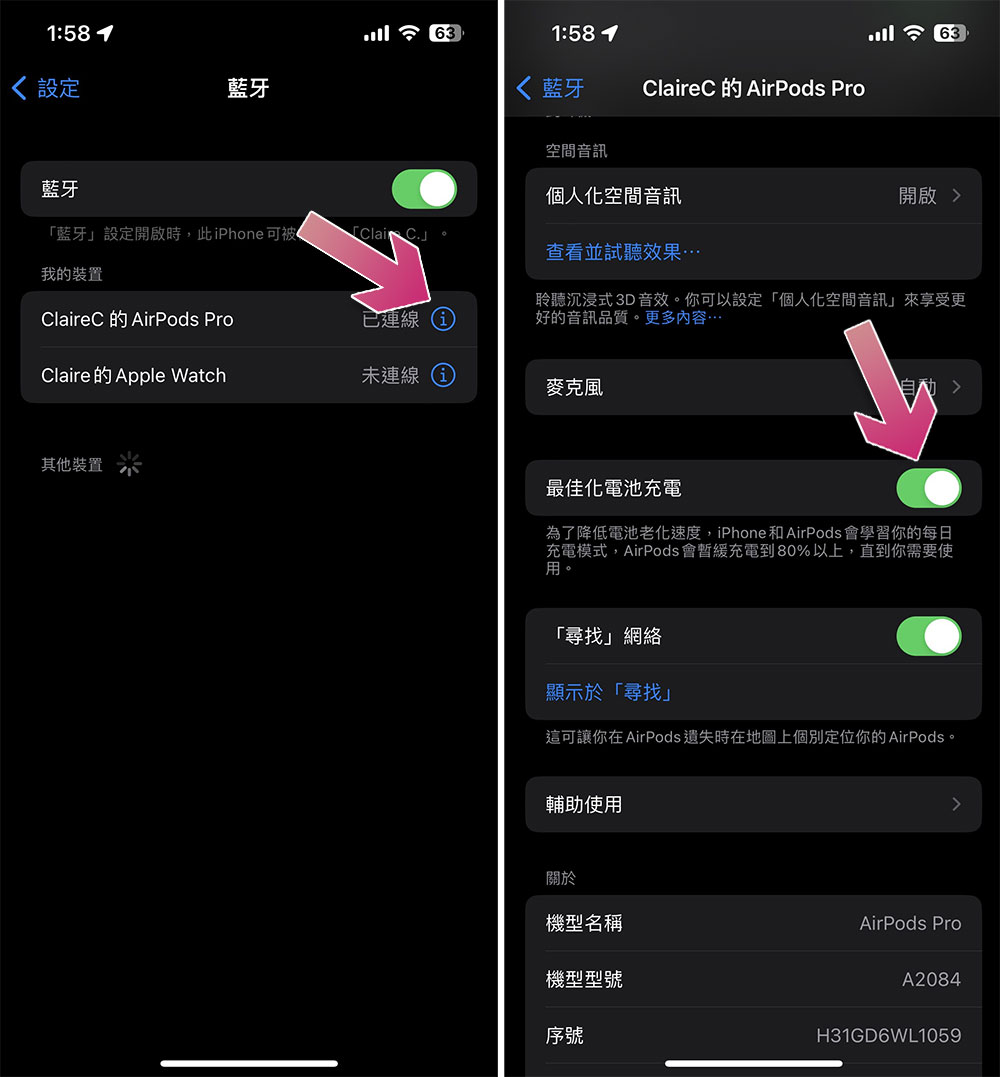
For best results, let your device learn from your daily routine. If you typically leave the house at 8am and get off work at 6pm and listen to an hour of music during this commute, your AirPods should stay below 80% for most of the evening. At the same time, Apple has also extended this feature to iPhone, iPad and MacBook.
Battery problem? Restore factory settings first and see
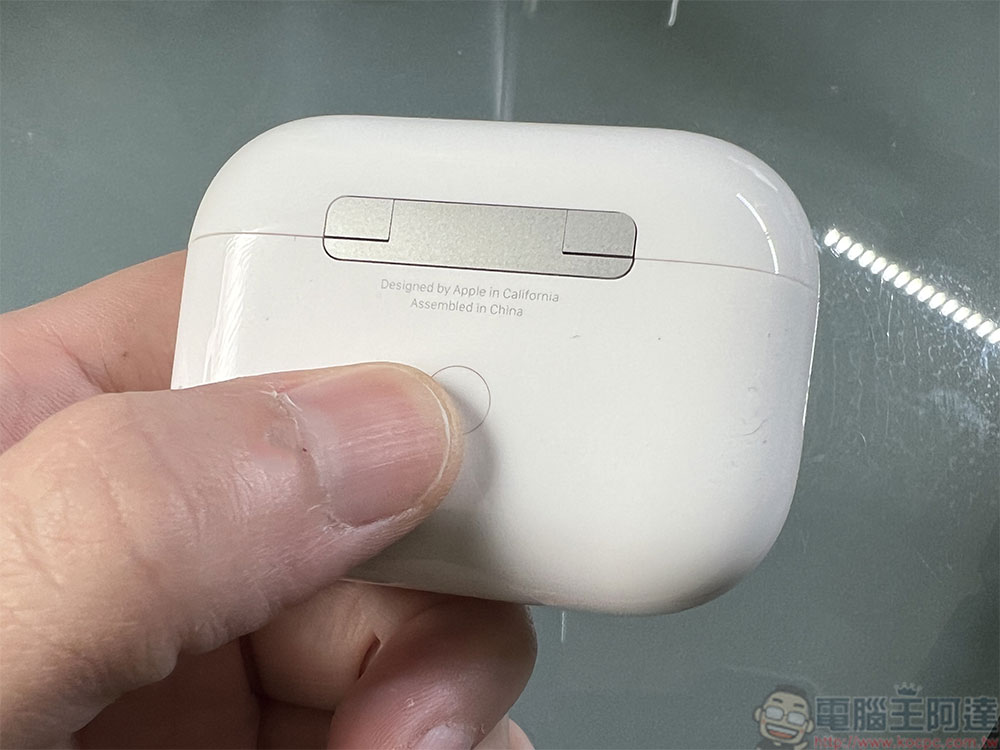
If it is due to problems related to incorrect settings, abnormal battery consumption and other adverse reactions. You can try to restore AirPods to factory settings. How you do this depends on which model of AirPods you have, but for most models, you place both earbuds into the charging case, then press and hold the button on the back of the case for 15 seconds until you see the LED light turn first to amber (orange) and then to white.
Also featured: How to check the battery life of AirPods?
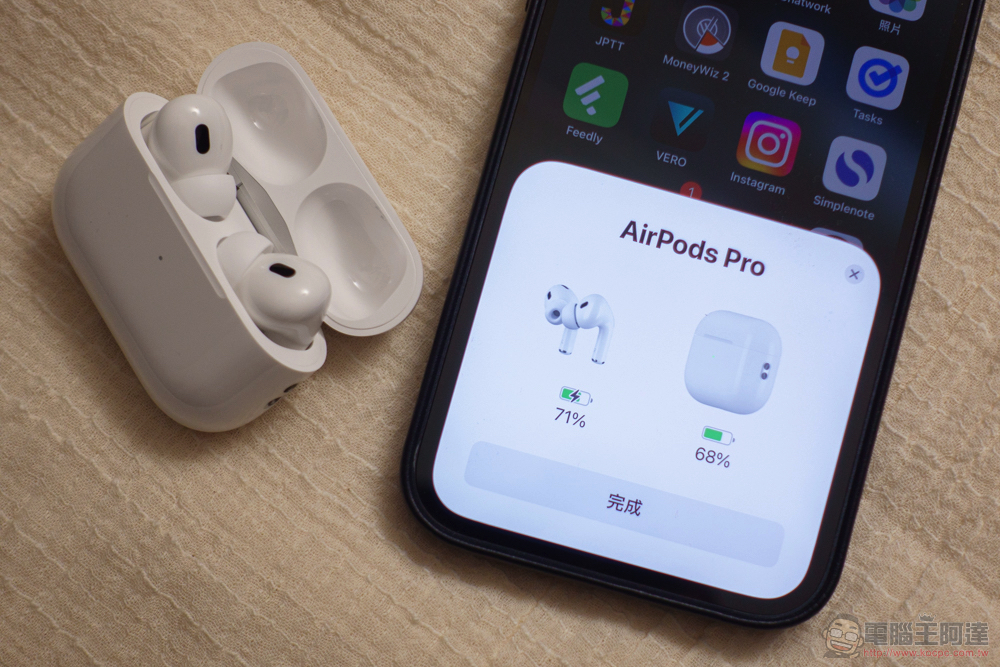
The easiest way to check the battery level of your AirPods is to hold them close to your Apple device and open the charging case. If you’re using AirPods Max, take them out of the smart case and hold them close to your Apple device to see the current power status.
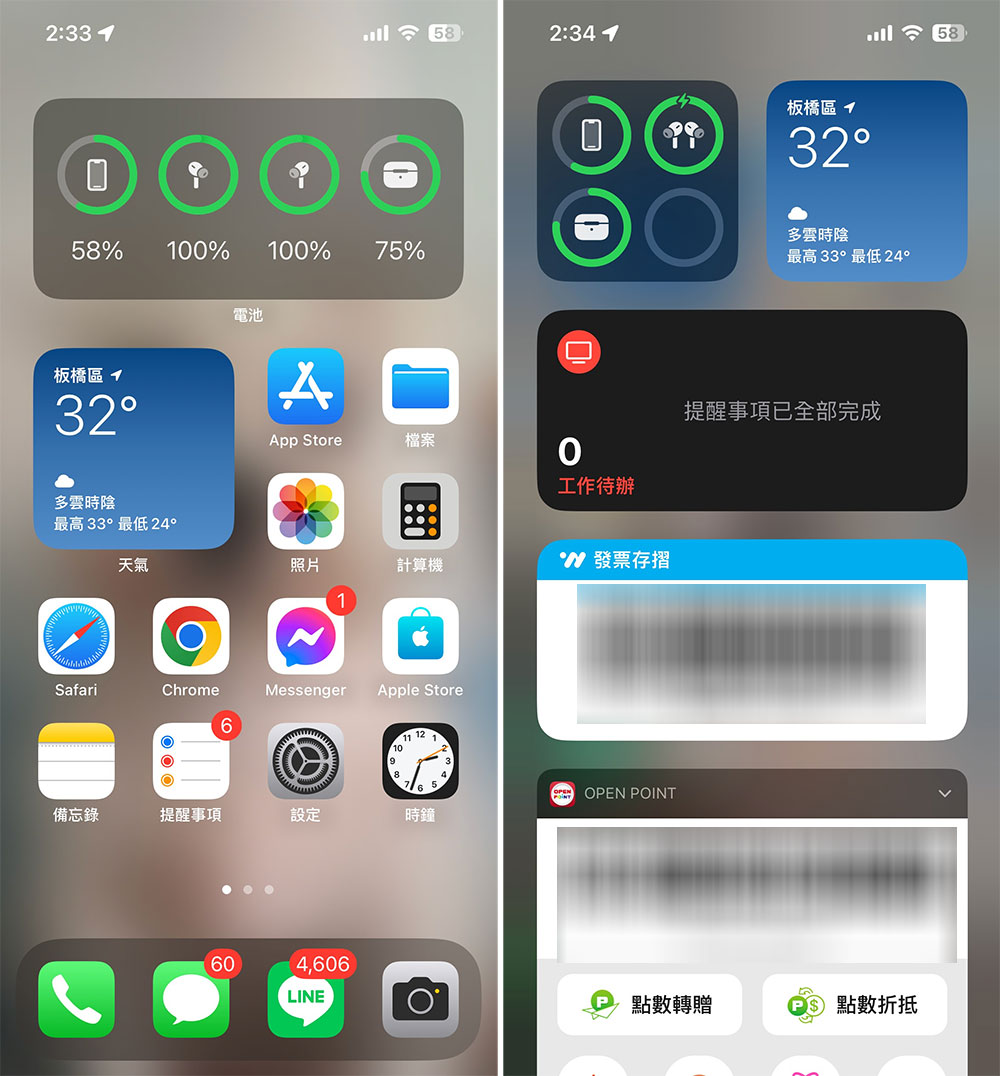
If you want to check faster, you can add the Battery widget to your iPhone or iPad’s home screen, which will display the power status of all connected devices.
Source: KOCPC Chinese