


We have previously introduced the useful film editing software Cutting. I believe many people use it to edit films, right? Although I still use Adobe Premiere to work most of the time, when it comes to subtitles, I still use clipping for subtitle recognition. Although there are still some typos, I personally think that the recognition accuracy is over 95%, and it saves me a lot of work time.
Of course, there are some differences between editing and Premiere. If you want to make the film faster and more variety-like, then the massive material library in editing is a good choice, and Premiere will be relatively time-consuming. But if you want more professional functions and better conversion, then Premiere will still be better.
If your video wants to be edited between the two software, there is actually a way. The current editing already supports reading Premiere projects. In other words, you can directly edit the materials you have processed in Premiere through editing, without having to convert the video first and then enter the editing. Although it seems very convenient, it is not possible to completely edit Premiere projects…
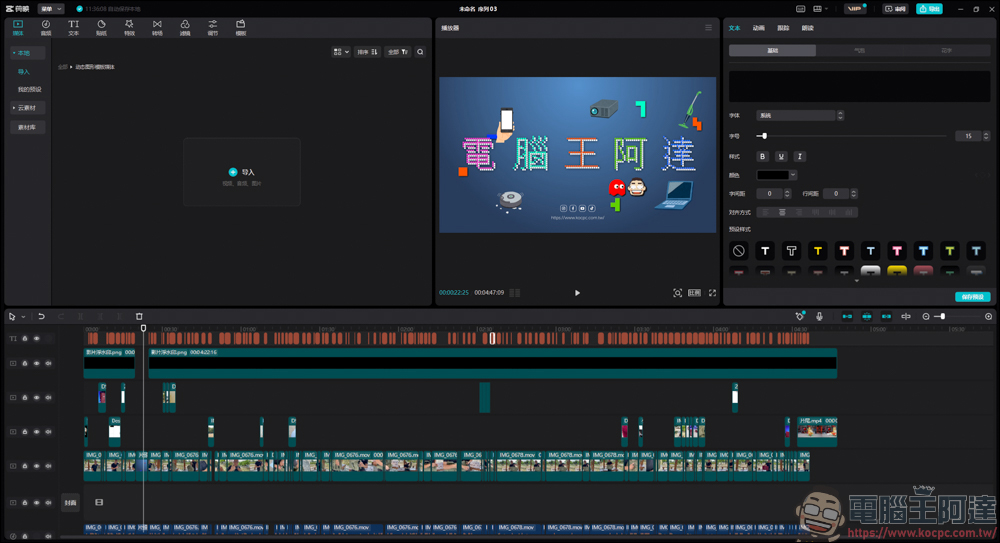
Clip reading Premiere tutorial
First we go to the editing software:
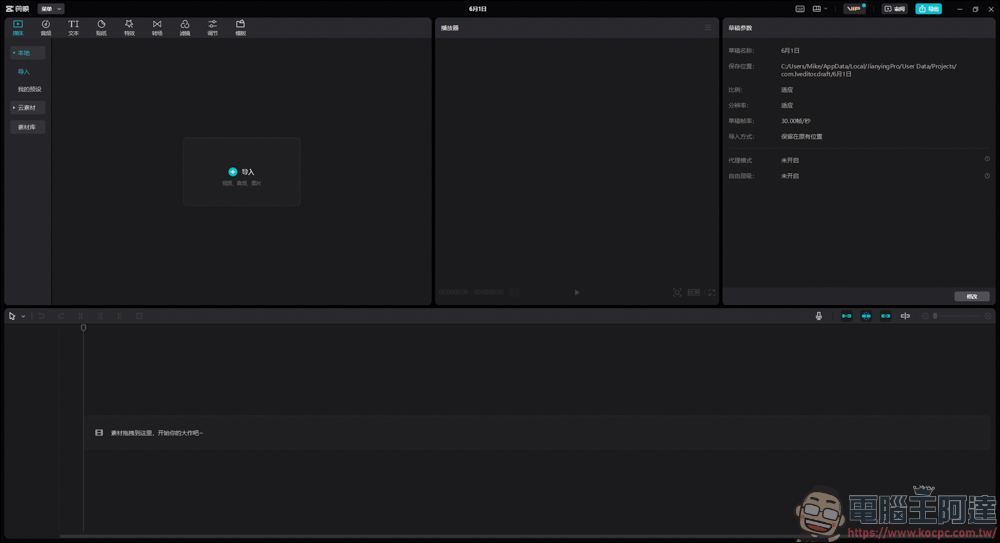
In general imported projects, only videos, pictures, etc. can be imported, and Premiere projects cannot be imported:
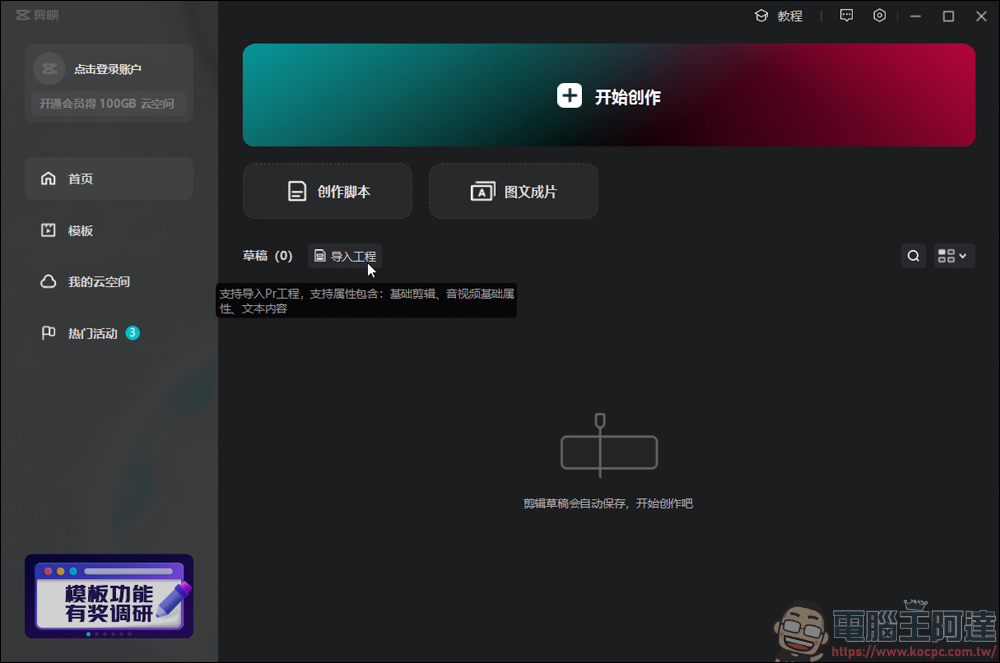
Don’t worry, the import method starts from this step. First open this screen, which is the first screen to open the cut. On the first screen, you can see that there is an import project next to the draft, and you can import the Premiere project here:
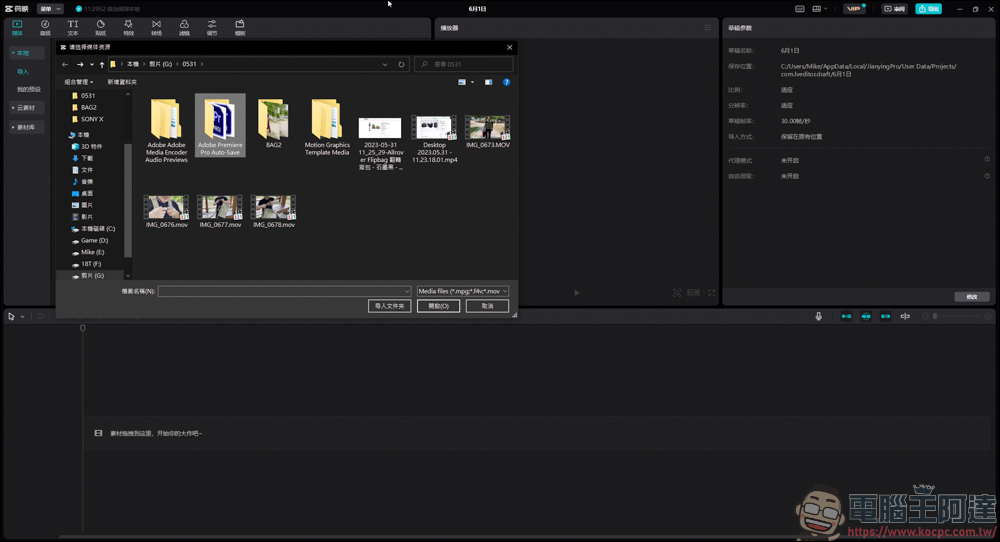
After the window pops up, find the location of the project you want to import, and you will see the Premiere project:
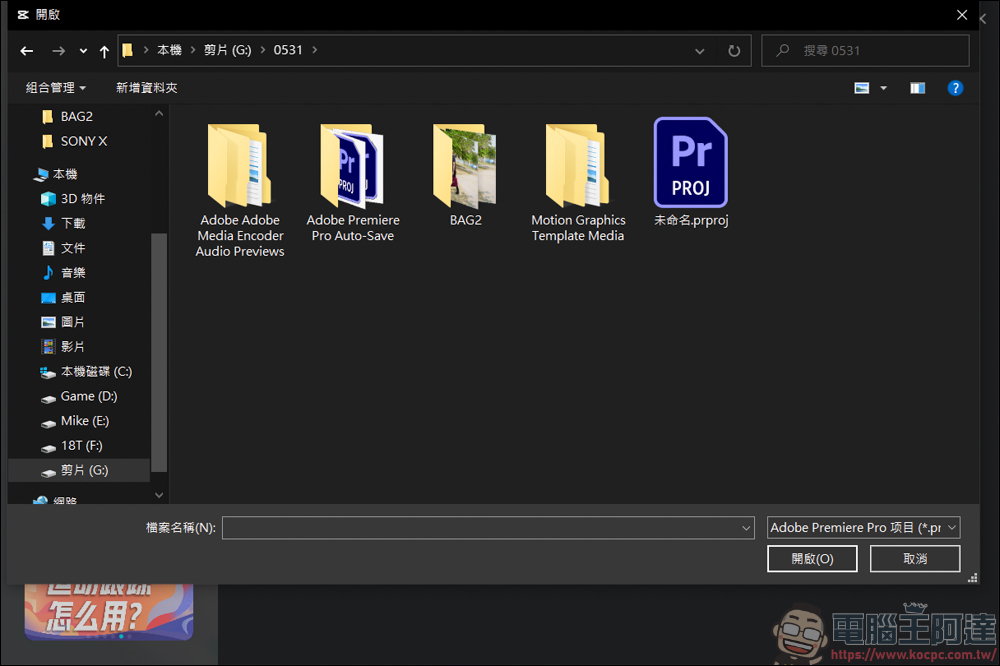
Then open the sequence you want to modify:
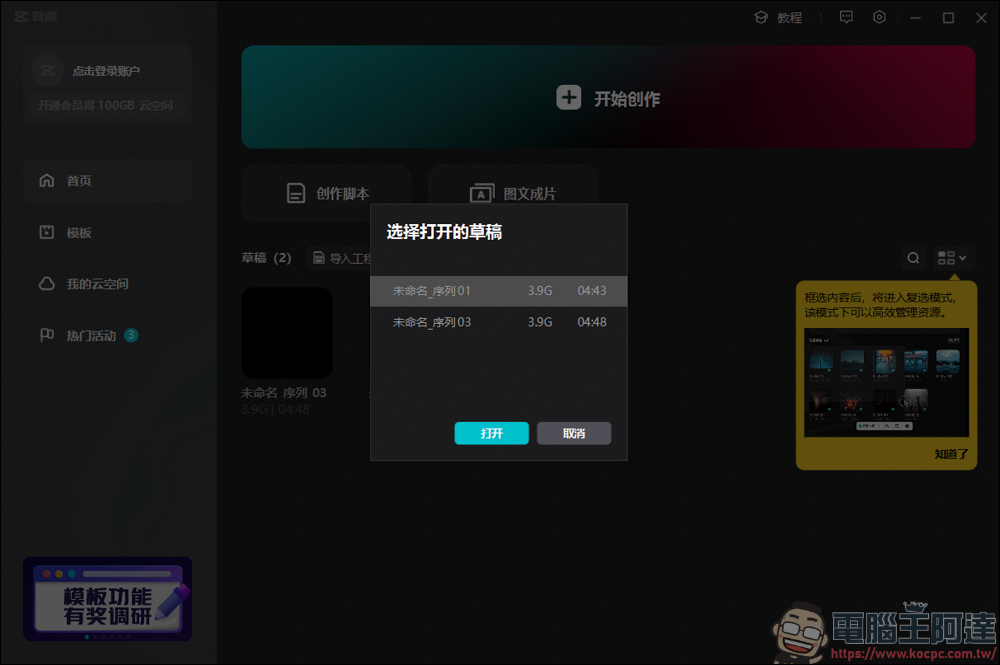
After turning it on, you can see all the materials in your Premiere project in the clip:
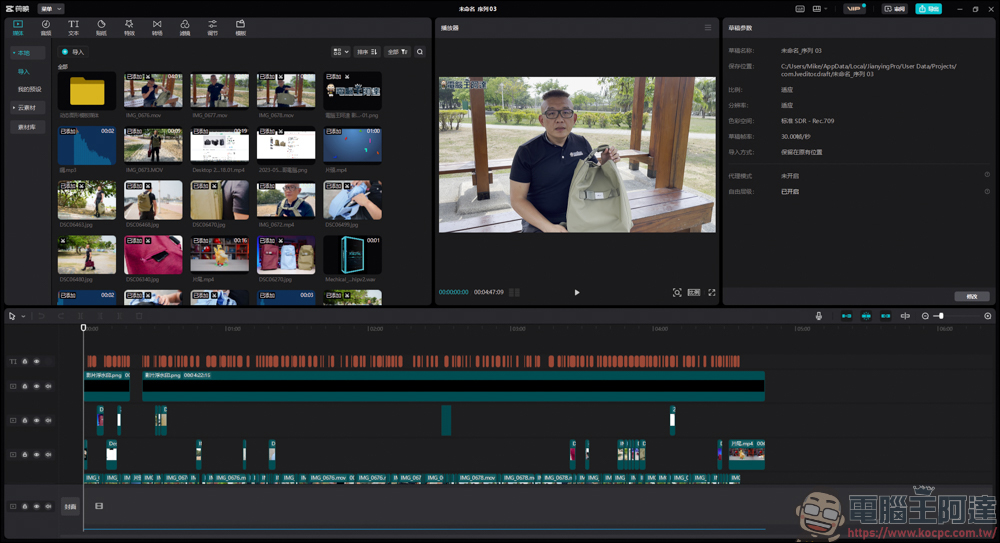
Although you can modify the Premiere project through editing, there are a few points that you should pay special attention to. First, your color correction and special effects in Premiere will not be synchronized to the editing. Second, there will be subtitle strips but not any subtitles. Third, the graphic template mogrt will not be imported into it. In the editing, you can only read the edited clips, B-Roll, music, etc., and not all content can be read:
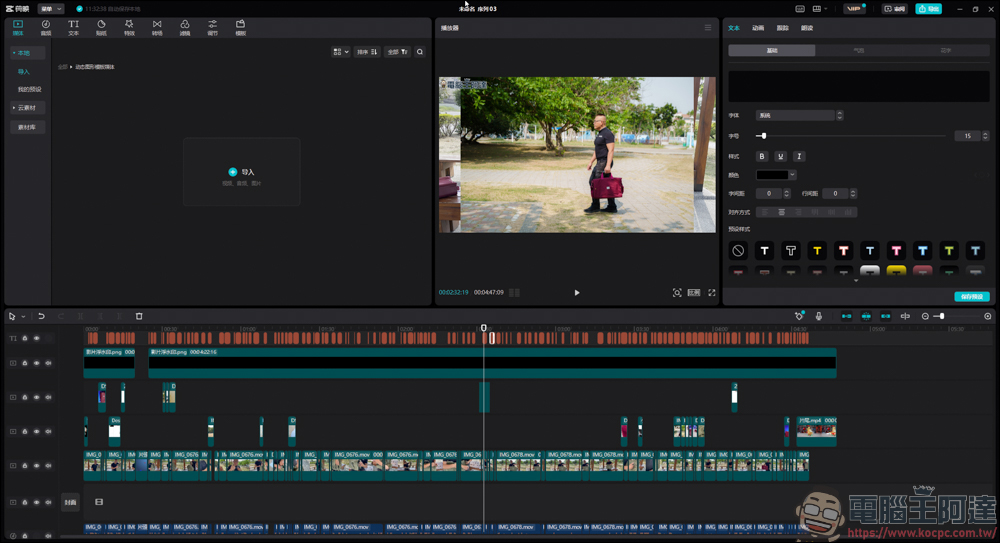
Just like this, the background image was created in Premiere using the graphics template mogrt, but the clipping will not read it (above). In other words, if you want to enhance the variety feel of the film through editing, I would personally recommend that you make a rough cut in Premiere first, and then import it into the editing for other effects.
If you need color grading and special effects in Premiere, it is recommended that you simply add these things in Premiere first, then directly convert it to a video file and then proceed to the editing process. In this way, you can ignore the problem of not being able to read the Premiere effect in the editing. The above tutorial is simply shared for your reference:
Source: KOCPC Chinese