


We have previously introduced TinyWow, a very powerful free online document tool that claims to be able to solve all your document-related needs. As AI becomes more and more powerful, TinyWow has also introduced the new “AI Write” function, providing more than 50 AI writing-related tools. Moreover, all tools are completely free and have no restrictions. This is very different from other websites and can be said to be quite Buddhist.
From content improvement, press releases, article ideas, outlines, summaries, email writing, to article title suggestions.
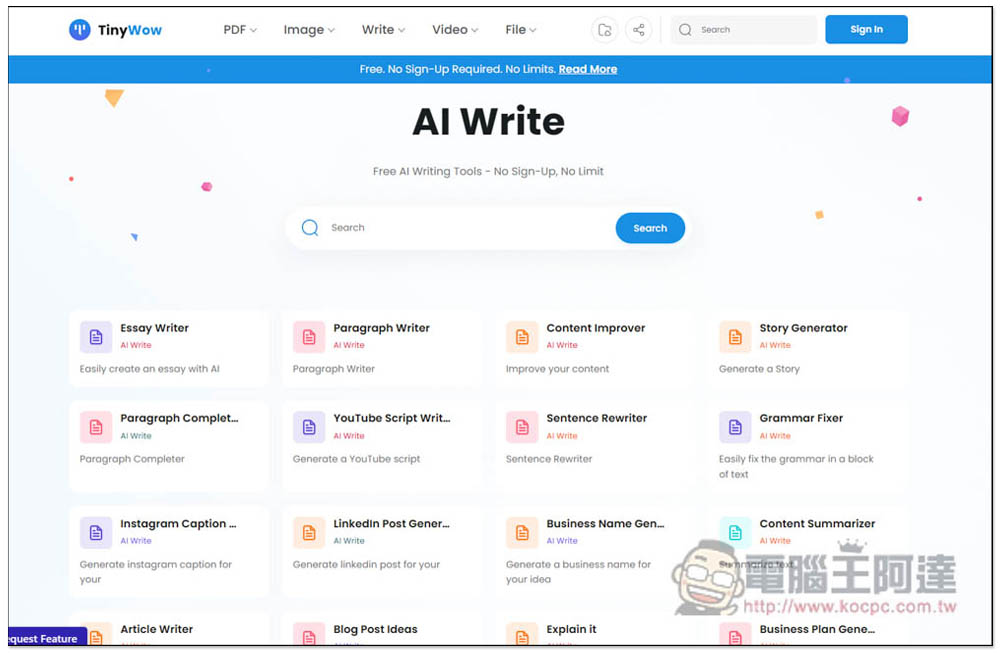
“TinyWow AI Write” provides more than 50 free AI writing related tools, completely free and without any restrictions.
After entering the TinyWow AI Write page, you can see all AI writing tools. Although it still does not support Chinese, most AI tools can ask it to return Chinese, so there is no problem in using it. Of course, if you don’t mind the trouble, I recommend asking it to answer in English, and then asking it to be translated into Chinese in ChatGPT, because the AI tool on this website will be smoother in English, but sometimes Chinese will fail and you need to try again.
It doesn’t matter if you don’t understand English. You can use the full-page translation function of your browser to translate the entire content into Chinese. Not only writing tools such as Paragraph Writer, Content Improver, and Sentence Rewrite, but also Grammar Fixer. When you need to write a letter or chat with foreigners online, and you are afraid that your grammar is incorrect, you can use this tool to check:
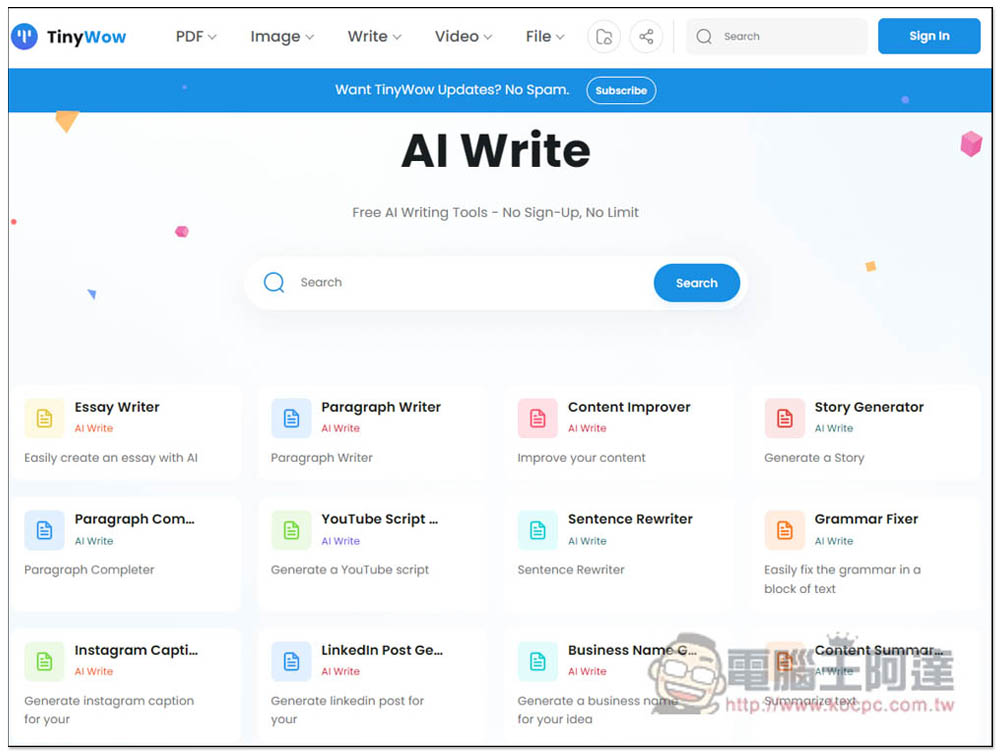
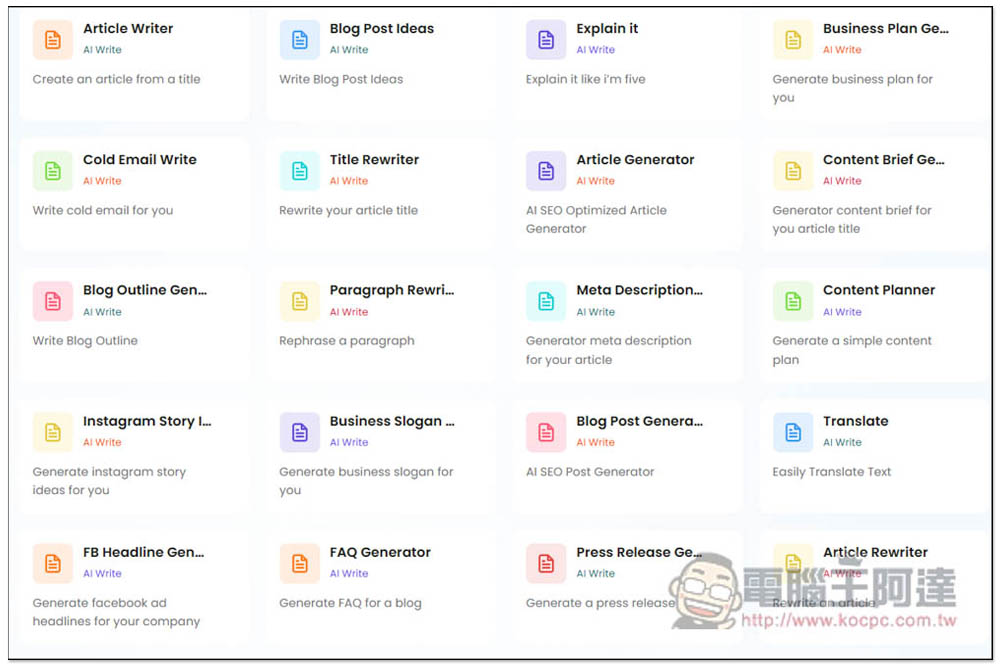
People who want to ask AI to write an entire article can use Article Writer, Article Generator or Blog Post Generator. The latter two will pay attention to SEO, and the first one will be an ordinary article. If you don’t have any ideas, you can use Blog Post Ideas to get some inspiration. In addition, content generation for Facebook, Instagram, YouTube, etc. also includes:
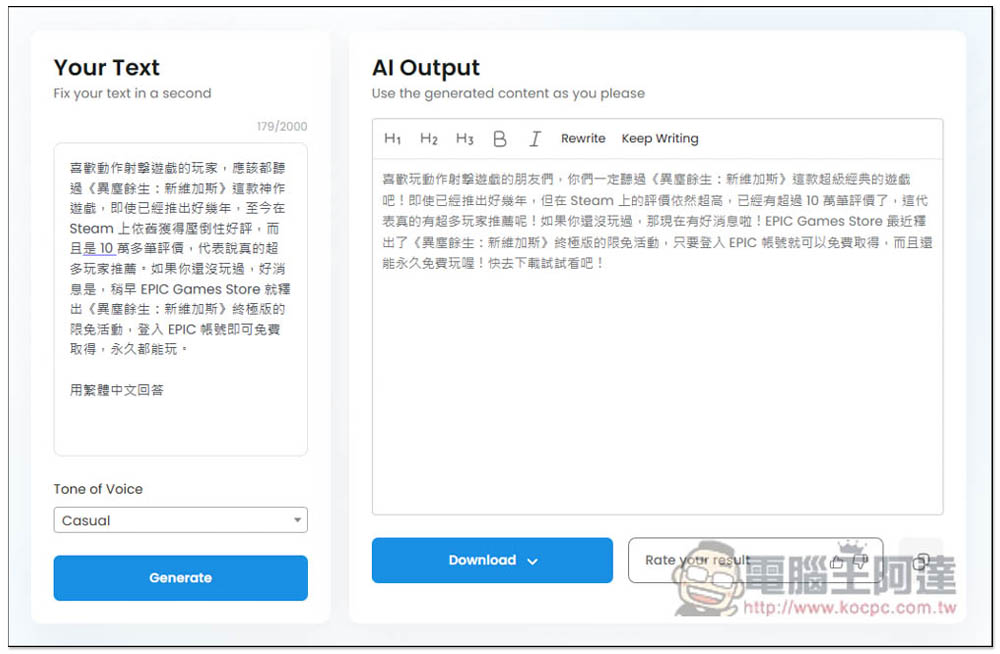
The picture below shows the sentence improvement tool. Paste the content on the left, select your preferred writing style, and press Generate to start the correction. However, this tool defaults to answering in English, so you must add a word like “Answer in Traditional Chinese” at the bottom of the left:
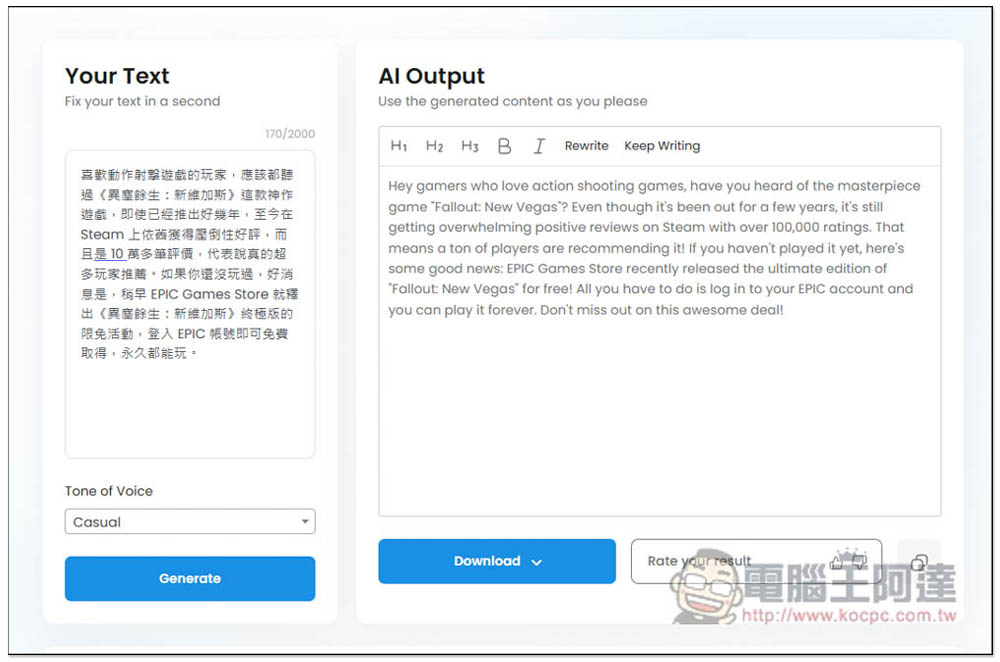
As shown below, I asked it to be changed to a more casual statement:
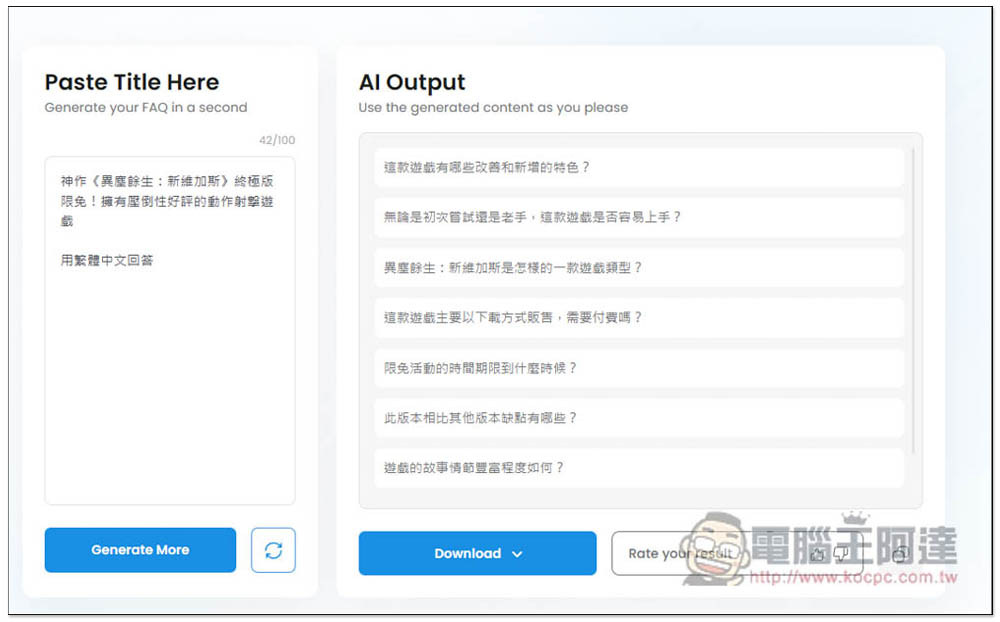
In order to improve SEO rankings, you sometimes want to add FAQ questions and answers when writing articles, but you may not have any ideas. Then you can throw it into the FAQ Generator tool of this website, and it will provide appropriate FAQ content for the title:
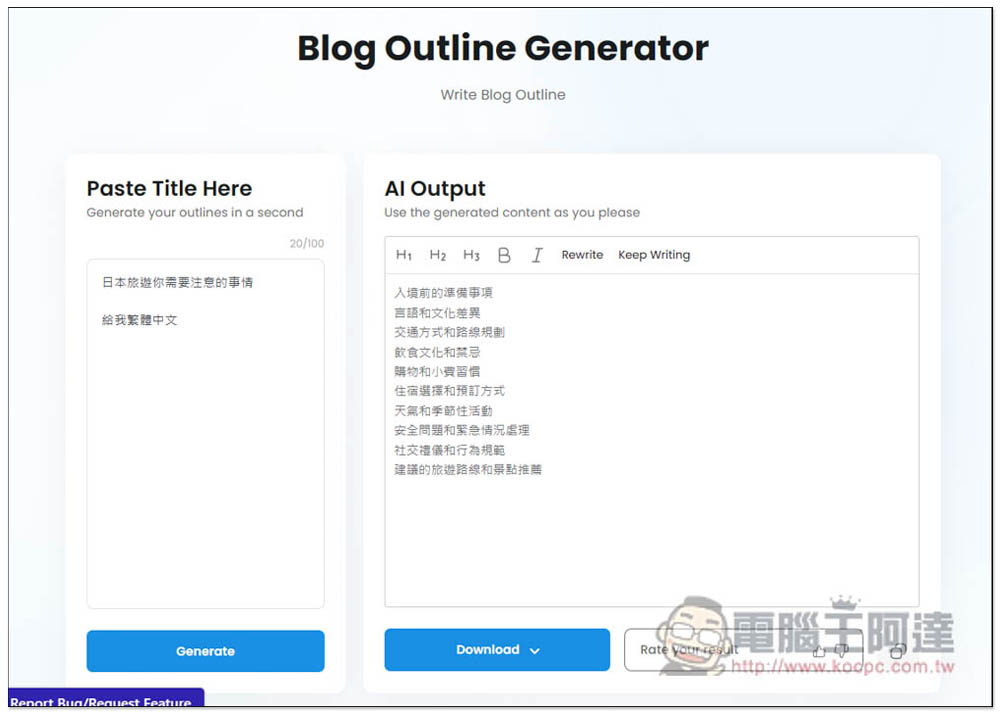
If you don’t know what content to add when writing an article, you can try the Blog Outline Generator tool. After giving you a title, it will give you an outline of the article. If you are not satisfied, you can press Rewrite to rewrite:
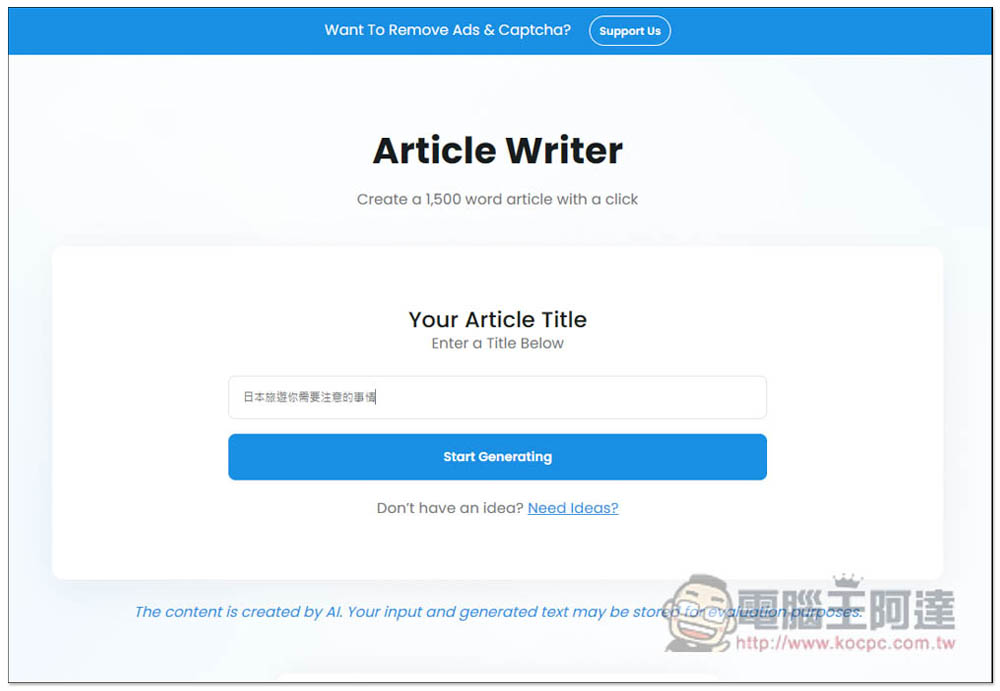
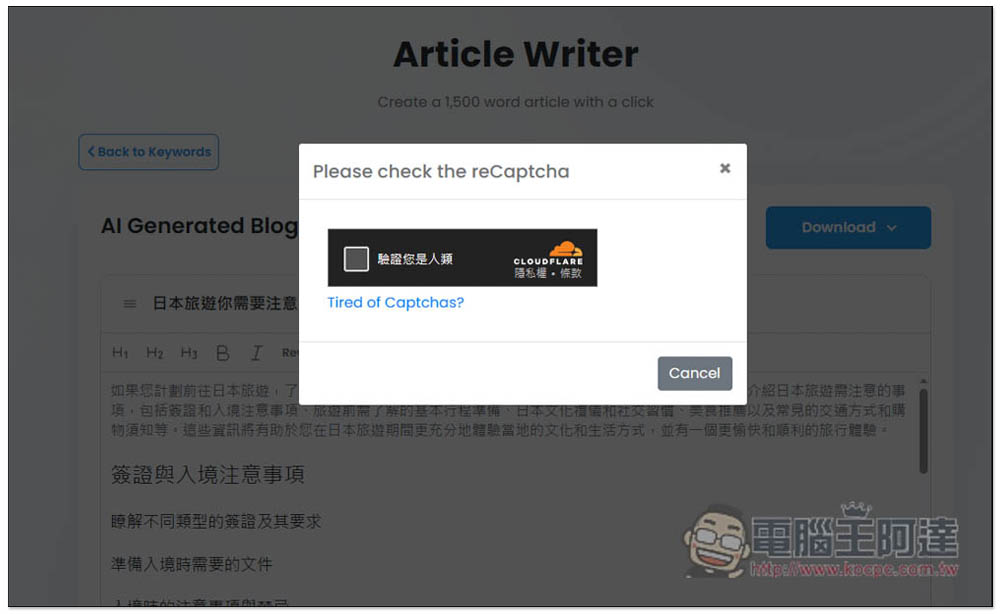
The Article Writer writing tool can generate 1,500 words of content, but I don’t think it is very useful because it often gets stuck when generating. I guess it has something to do with Chinese. Therefore, if you want to use this kind of AI tool that generates a large amount of text, it is recommended to obtain the English content first, and then use ChatGPT or other translation tools to translate the content into Chinese. Of course, if you use it smoothly, you can get Chinese content directly:
In addition, during the process of generating articles, a screen will pop up every once in a while to verify whether you are a human being, so you cannot completely ignore it:
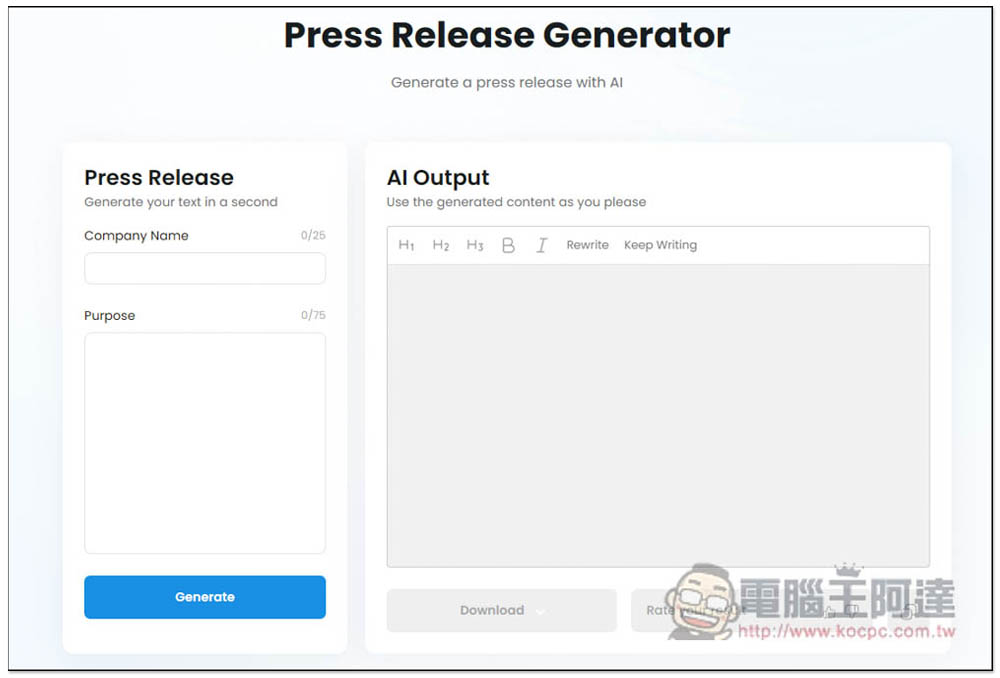
Press Release Generator:
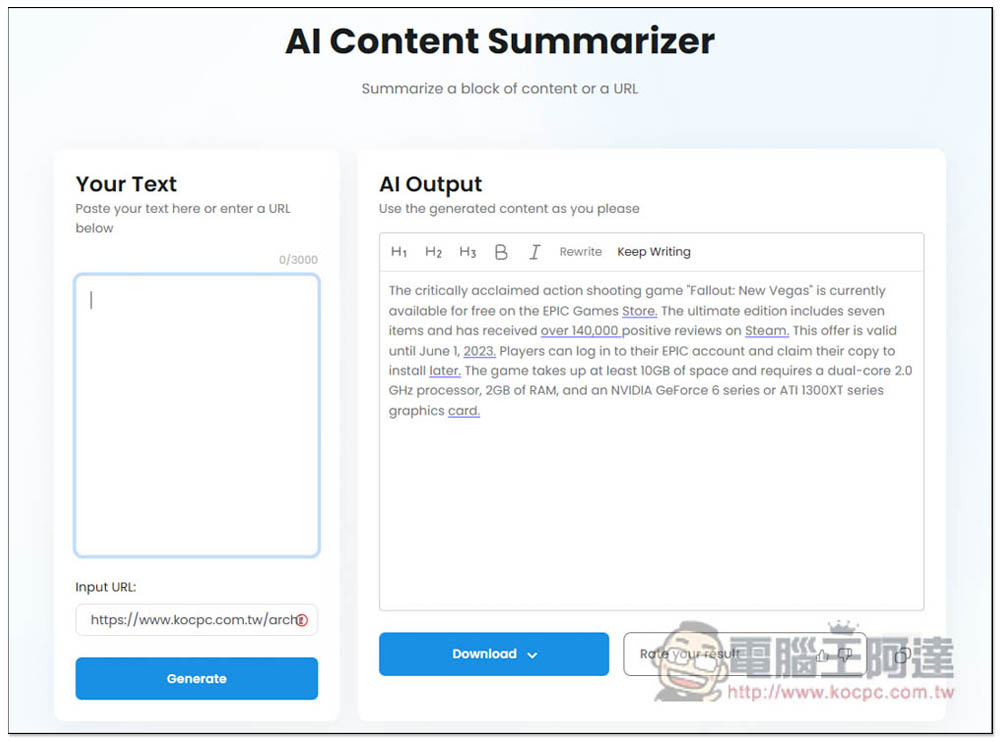
Write supports generating article abstracts. You can post text or links, but links can only get English abstracts:
Most of these AI writing tools require a fee, so TinyWow is completely free, which I really think is great. However, since it is free, the experience of using it is somewhat inferior to that of paid tools, so you must accept it.
Source: KOCPC Chinese