


Never thought that would happen. Google also joining the CLI battlefield, officially launched earlier Gemini Open-source CLI AI agent, benchmarked against Claude Code and OpenAI The best thing about the Codex CLI is that Gemini CLI can be used for free, with a daily free quota of 1,000 requests, and it’s based on Google’s most powerful Gemini 2.5 Pro model.
Google launches open-source AI agent Gemini CLI
Google stated that developers still heavily rely on terminals, and the demand for integrated AI-assisted features is growing, which is why they decided to launch Gemini CLI Open Source AI AgentAlso, because Gemini CLI is fully open source (Apache 2.0), developers can inspect the code to understand how it works and verify its security.
Gemini CLI offers a lightweight way to use Gemini, letting you ask Gemini 2.5 Pro directly from the command prompt. While Gemini CLI performs impressively in code writing, Google’s ambitions go beyond that—they aim to provide a versatile local tool that users can apply to a wide range of tasks, from content generation and problem-solving to deep research and task management.

Google is also integrating Gemini CLI with Google’s AI coding assistant Gemini Code Assist, so all developers can enjoy a prompt-driven, AI-first coding experience in both VS Code and Gemini CLI.
And it’s very simple to use: after installation, just log in with your personal Google account to get a free Gemini Code Assist license. Google also offers the most generous free tier in the industry—free users get 60 model requests per minute and 1,000 requests per day, which is more than enough for most people.
Gemini CLI is also extensible, supporting MCP, system prompts (via GEMINI.md), and settings for both personal and team configurations.
How do I install Gemini CLI?
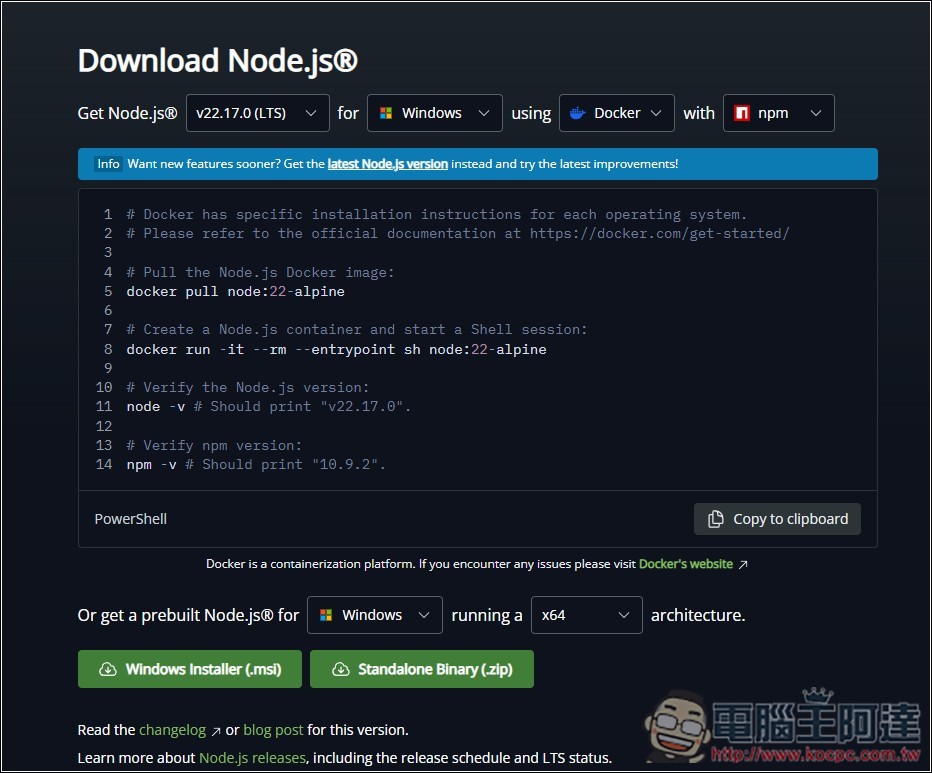
Before using Gemini CLI, make sure your computer has Node.js 18 or higher installed. If you haven’t installed it yet or aren’t sure, you can go to Node.js Download. I’m using Windows, so click on Windows Installer (before downloading, remember to check if the version matches your Windows):
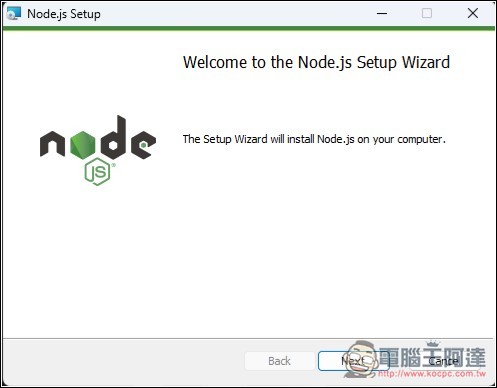
During the installation process, just keep clicking Next:
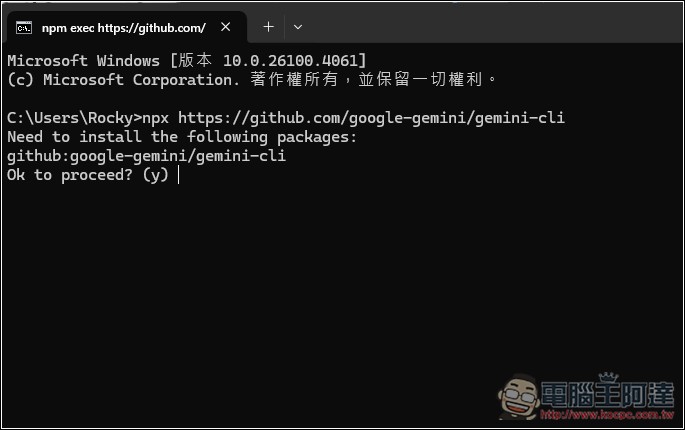
After installation, open Command Prompt and enter
npx https://github.com/google-gemini/gemini-cli
or
npm install -g @google/gemini-cli
gemini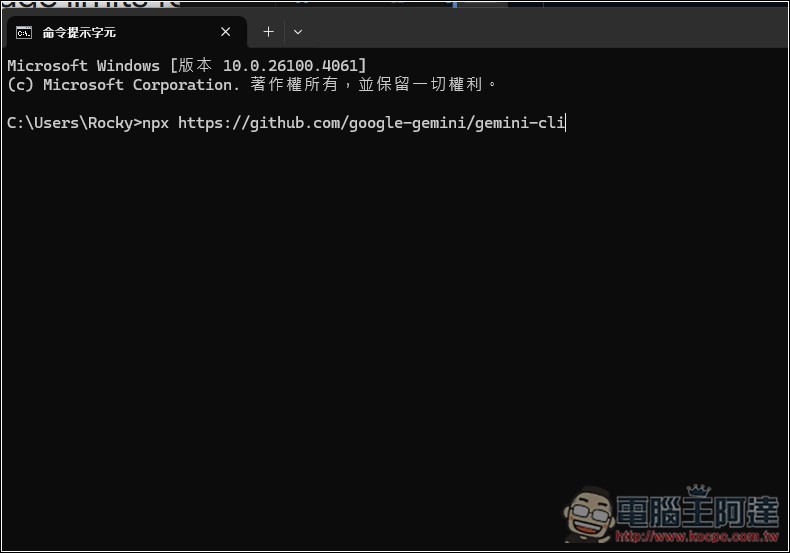
Then enter y to continue:
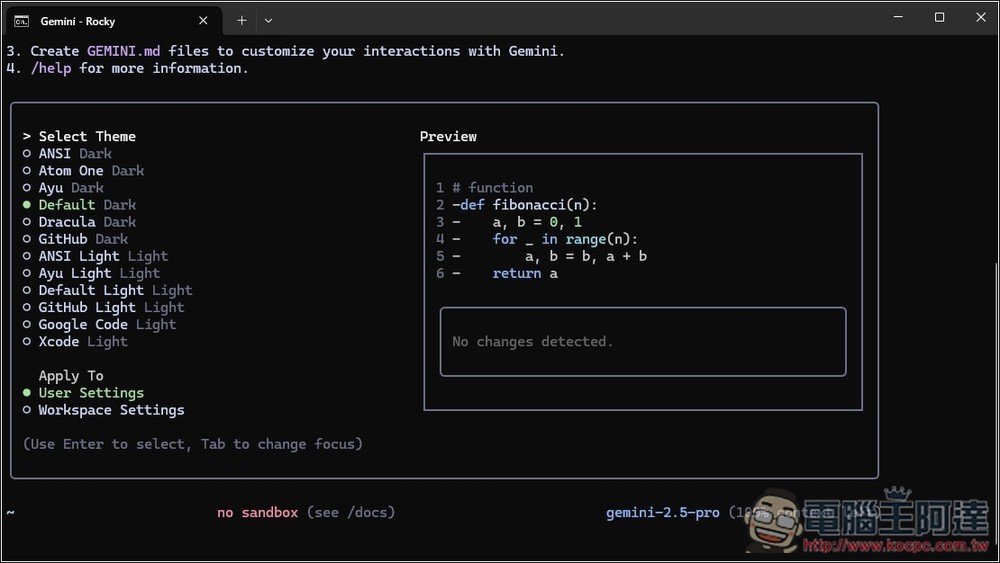
After it finishes running, Gemini CLI will open. First, it will let you choose your preferred interface mode. Use the up and down arrow keys to browse, and press Enter to confirm:
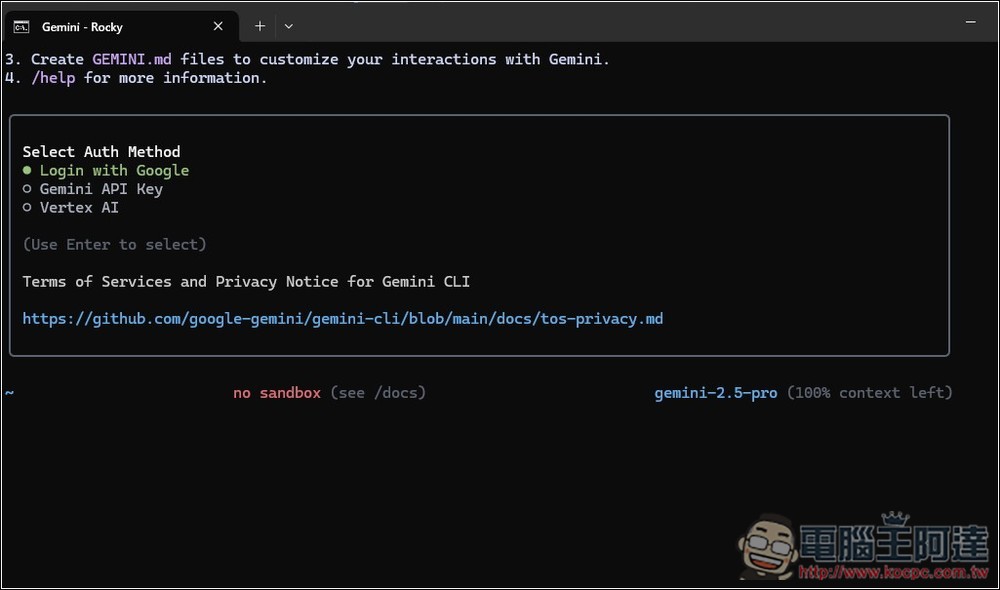
It provides three modes: logging in with a Google account, entering a Gemini API Key, and Vertex AI. Here, I’ll use the first one:
It will open a browser and ask you to log in to your Google account:
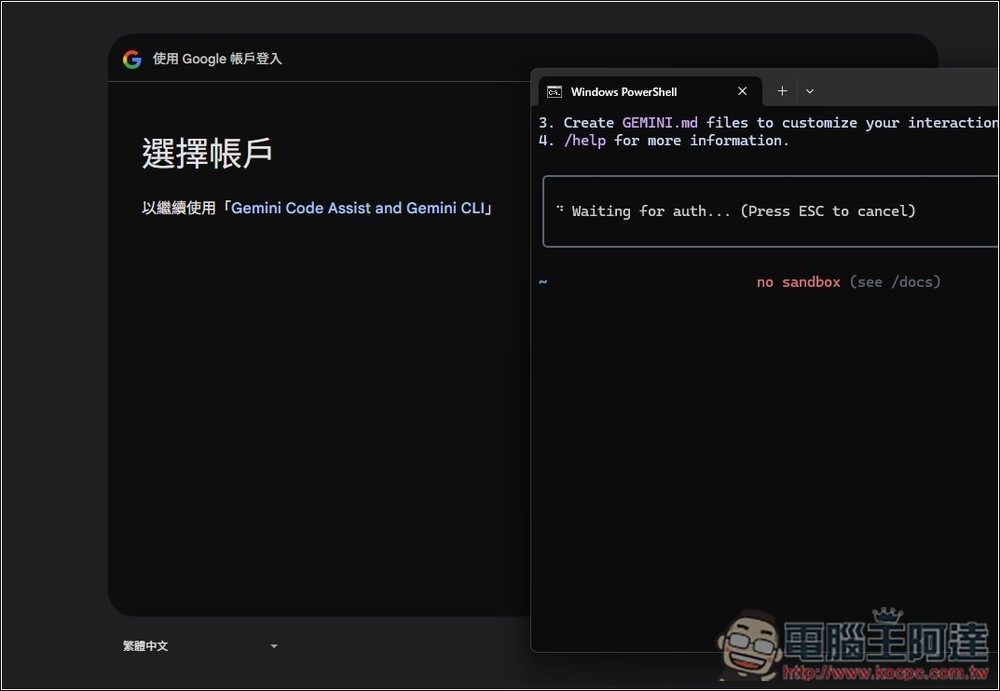
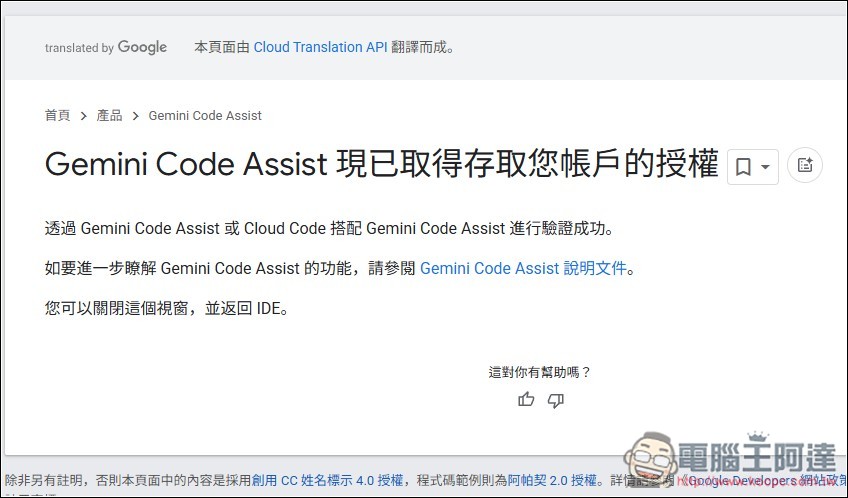
Seeing this screen means authorization is complete:
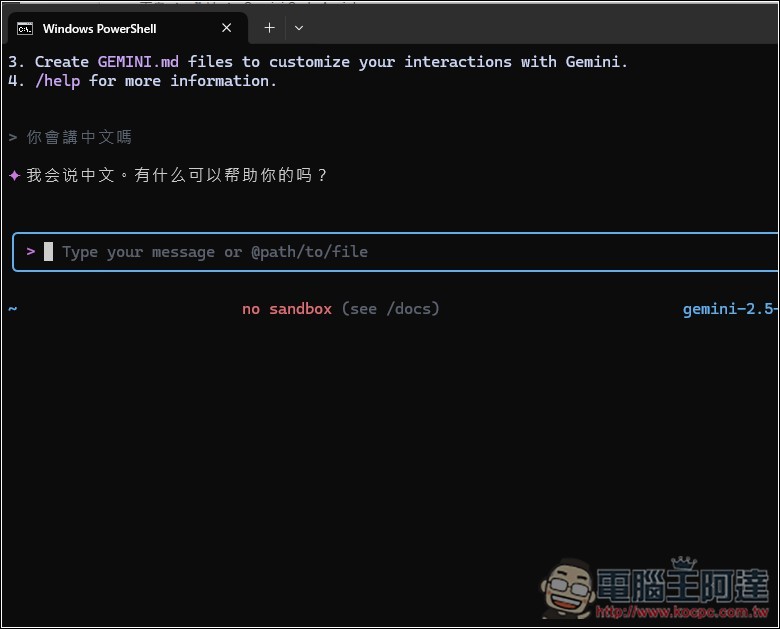
Once you’re back at the Gemini CLI interface, you can start chatting:
Source: KOCPC Chinese