


As Apple continues to improve the multi-tasking function of the iPad system, it has also brought desktop-level “pre-screen scheduling” control functions. We also want to update the tutorial again to allow you to take full advantage of the convenience and flexibility of the iPad’s large screen. Continue reading for six ways to use iPad split screen to multi-task! Challenge how many pages of report content you can fit in.
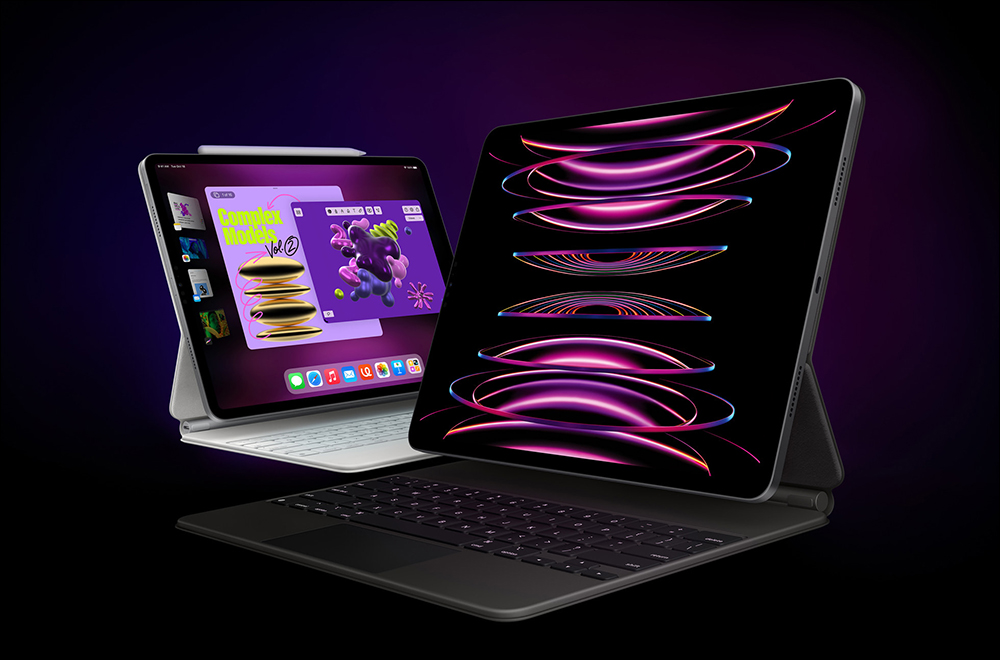
▲Image source: Apple
Six ways to use iPad split screen to teach multi-tasking! Challenge how many pages you can put
Although iPadOS has supported multi-tasking split window/split screen and picture-in-picture/picture-in-picture for a long time. However, as Apple continues to improve the multi-tasking function of the iPad system, it has also brought desktop-level “pre-screen scheduling” control functions. We also want to update the tutorial again to allow you to take full advantage of the convenience and flexibility of the iPad’s large screen.
The point is, no matter whether your iPad is a new generation product that can support “pre-screen scheduling”, you should be able to find more convenient split screen control and even application methods through this tutorial!
Left and right split + floating window
The first is a very basic way of using left and right split windows that does not require on-screen scheduling. This weintroduced before, simply drag the app and window to place them, and let the screen automatically make room to complete the window splitting function:
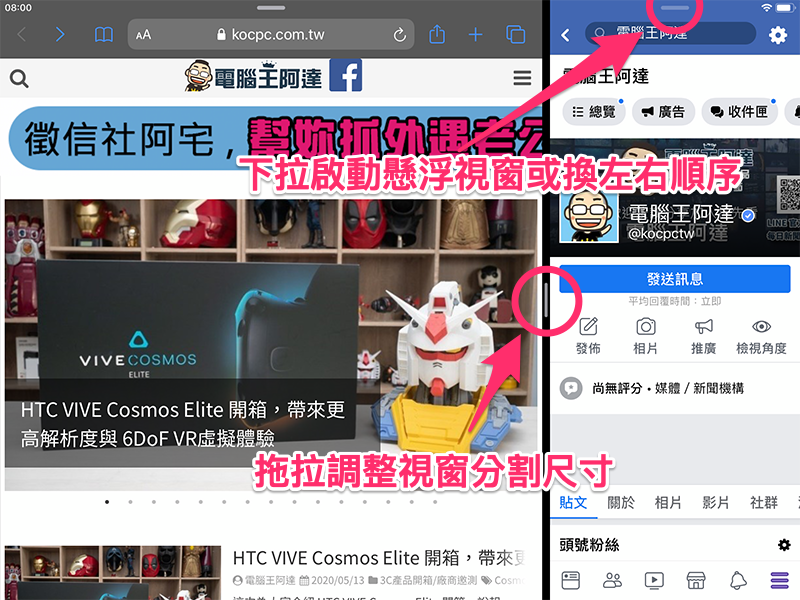
However, subsequent iPadOS added a “…” button in the top center of each app. This gives users a more precise and easy-to-understand switching method – no need to look at windows popping up and down, using buttons to simply complete multi-tasking functions that previously required gesture operations:

This makes multi-tasking window switching very simple.

That is to say, I personally tested this floating window function on the M1 iPad Pro. It can open up to 12 apps without the “pre-screen scheduling” limitation of up to 4 apps on a single screen. I wonder if anyone has tried it to its limit? :

Here is another little trick: the “…” on the floating window that is “moved to front” can actually be quickly designated to be placed on the left or right side of the split window. This is also a very convenient function:

Picture-in-picture suspended playback
I believe iPhone users who subscribe to YouTube Premium should be familiar with the picture-in-picture function. Basically, just swipe from the bottom to exit the app and it will start automatically:

Although in the case of YouTube, a paid subscription is required to use the floating window picture-in-picture. However, the multi-tasking flexibility that can be obtained is quite cool (that is, we will tell you later that you can get another way to get similar effects, but it depends on “pre-screen scheduling”:

Split up and down
Although you still need a relatively new model to use the window function of screen scheduling, you can quickly switch to start it directly in the shortcut function (as shown in the picture). Although to be honest, I still prefer the previous multi-tasking method, which is relatively simple and simple:

But this function also unlocks the possibility that in the past when iPadOS was directly used, many people would hope that the split window would not be so slender and have the flexibility of splitting up and down (like it):

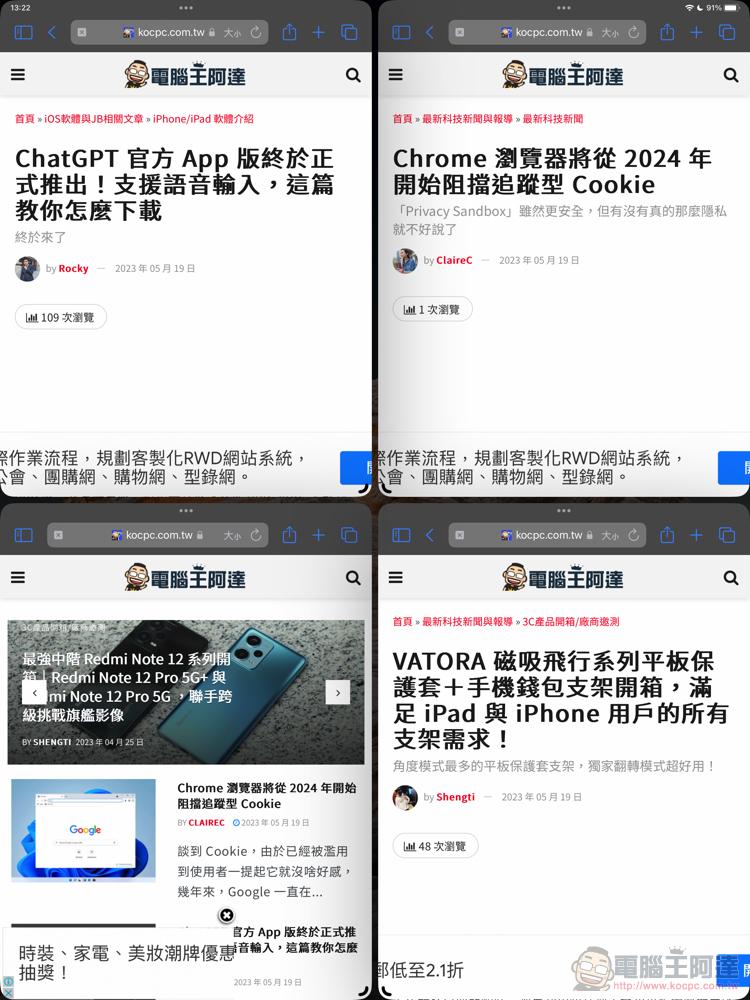
Up to 4 splits
Also because four windows can be opened in front of the screen at the same time, it is equivalent to unlocking the way to use up to four splits at the same time – do you think the rumored 16-inch iPad Pro is worth buying? (Incorrect):
Additional screening on the same show: free Premium subscription, YouTube floating multi-view window viewing
The last thing I want to share with you is that if your iPad supports on-screen scheduling. It’s easy to shrink the YouTube app window and enable full screen. Is reverse hacking a simple way to achieve a function similar to a picture-in-picture screen? :

OK! In fact, the problem with this method is that it cannot be placed on top of other windows. But it is also a compromise method of multi-window playback – although in the case of YouTube, it becomes a dilemma of whether to spend money to subscribe to Premium or buy more expensive hardware that supports on-screen scheduling, but you can still refer to different solutions!
Further reading:
Source: KOCPC Chinese