


YouTube has also gradually moved from requiring at least 1,000 subscribers to use the social posting feature to the previous 500 subscriptions. Now, officials have officially announced that this feature will be available to all YouTube users. Continue reading with no subscription limit! YouTube fully opens the social post function (enables teaching) to report content.
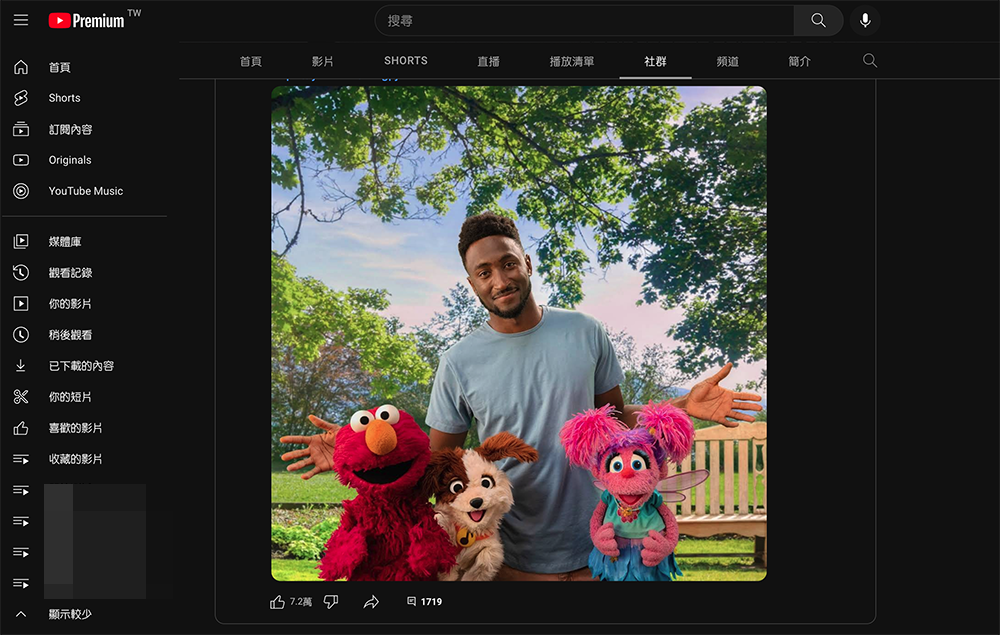
There is no limit on the number of subscriptions! YouTube fully opens social posting function (enables teaching)
Even with the failure of Google+. However, as the audio-visual platform YouTube has successfully attracted creators from around the world. The power of the community it formed also led it to try to provide traditional post interaction functions.
Although it may not be enough to really counterattack other social platforms. However, YouTube has also gradually moved from requiring at least 1,000 subscribers to use the social posting feature to the previous 500 subscriptions. Now, officials have officially announced that this feature will be available to all YouTube users.
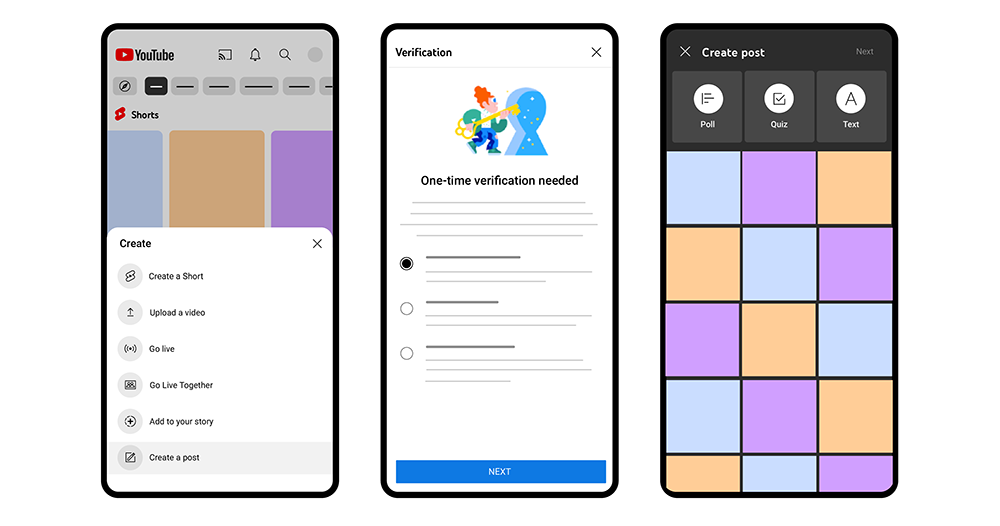
▲Image source: YouTube
That’s right, starting today, basically all Google users have unlocked the ability to post on YouTube. Allows you to easily use the post functions provided by this community including polls, quizzes, pictures, etc. Allows you to interact with other “YouTubers” in different ways – so even if you may not be good at video creation, this function can also be used as a good place for you to share other creators’ videos or your own life.
This also means that YouTube is likely to play the role of Google+ in the past and become a suddenly emerging social platform service in the company’s ecosystem (right? After all, I am not sure whether Google really intends to do this).
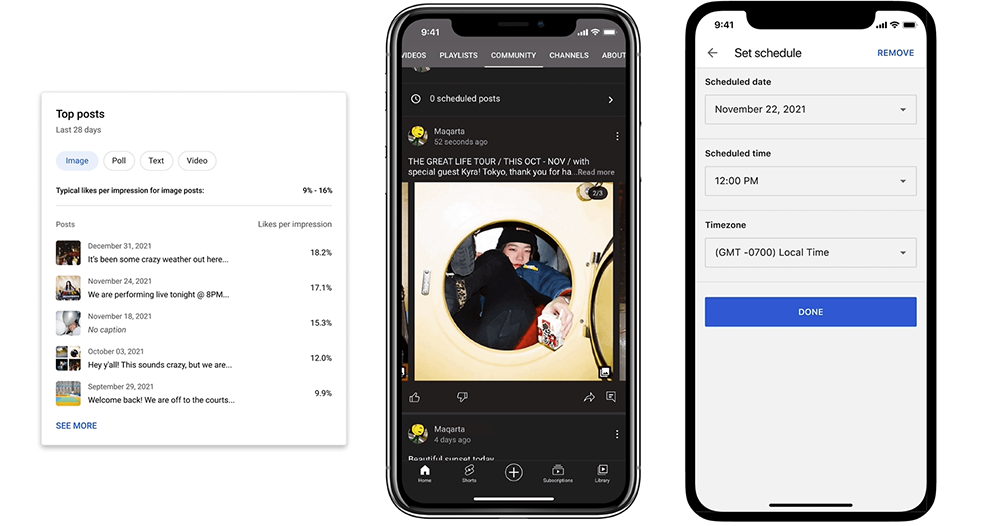
▲Image source: YouTube
If you want to turn on this function, you still need to perform the necessary authentication or start it in the function. According to the official statement, it is recommended that you go directly to the “+” button used to upload images on the YouTube service to see if there is an option to “Create a post” – it will direct you to the certification page.
Otherwise, go to YouTube Studio (https://studio.youtube.com/), enable the “Advanced Features” permission in “Settings > Channel > Function Eligibility” to use the post creation function.
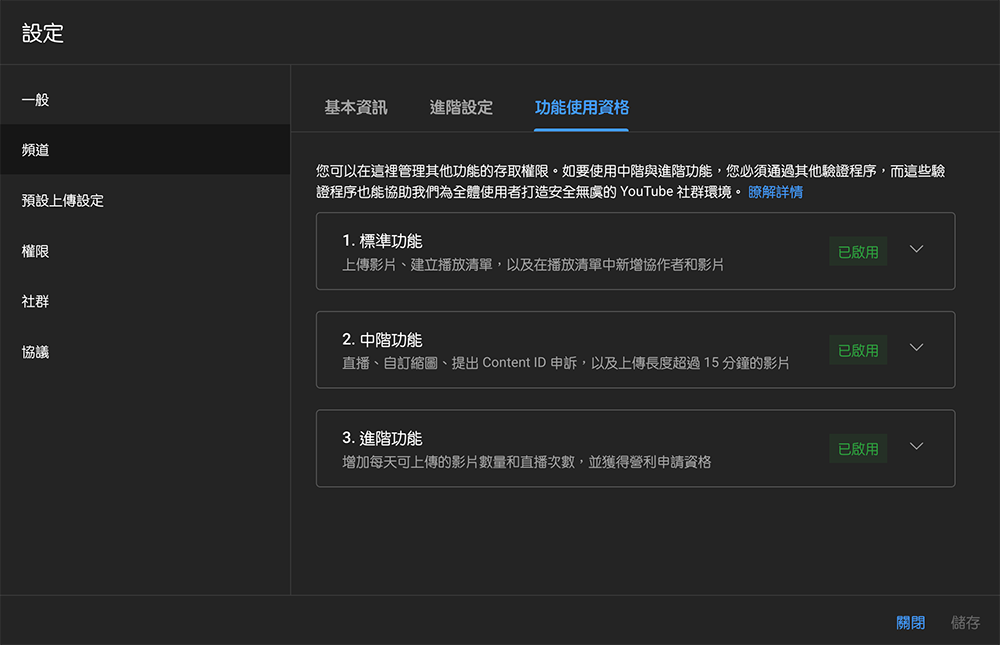
It should be noted that the verification to enable advanced features will require passing other verification procedures. According to YouTube’s explanation, “These verification procedures can also help us create a safe and secure YouTube community environment for all users.” In the verification procedure, you will need to provide valid identity documents and channel activity records to pass.
Unlocking the social post function will allow you to use stickers (including GIFs), polls, and even videos to give fans previews or update their life status to achieve deeper interactions. The previous unlocking process would take a week to officially start. But that’s a state where we have to wait for the number of subscriptions to break through. Now you should only need to pay attention to whether the authentication is passed, and you should be able to start using the social posting function.
Further reading:

Source: KOCPC Chinese