


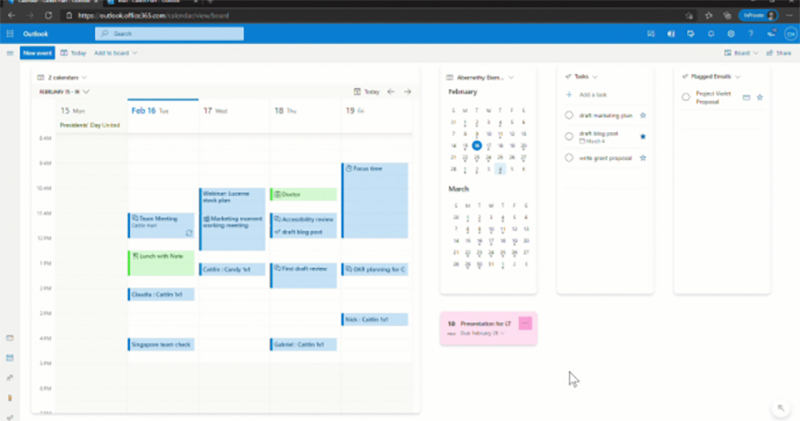
In order to cope with work needs across time zones and locations, Google Calendar hopes to ensure that travel invitations can be accurately delivered to users using different calendar/calendar services. This allows users, no matter which calendar platform they use, to efficiently arrange their time and collaboratively manage their schedules. In this regard, Google has added an invitation creation function to its own calendar service that is more friendly to other calendar platforms. Continue reading Google Calendar will be able to synchronize the creation of invitation calendars in Outlook, allowing you to efficiently up and up your reporting content.
▲Picture source:
Google Calendar will be synchronized to create invitation calendars in Outlook, making you more efficient
Corresponding to different usage preferences and work, I believe many people have their own reasons for using various calendar services. And for friends who need to avoid missing any trip planning risks as much as possible. Although calendar services such as Google and Microsoft Outlook already have mutual subscriptions, synchronization functions can even be achieved through various services. However, in response to invitations and RSVP requests from emails, many people must be shouting in their hearts, how great it would be if various calendar services could be integrated to directly receive itinerary invitations.
From now on, this wall that hinders efficiency has been officially broken.
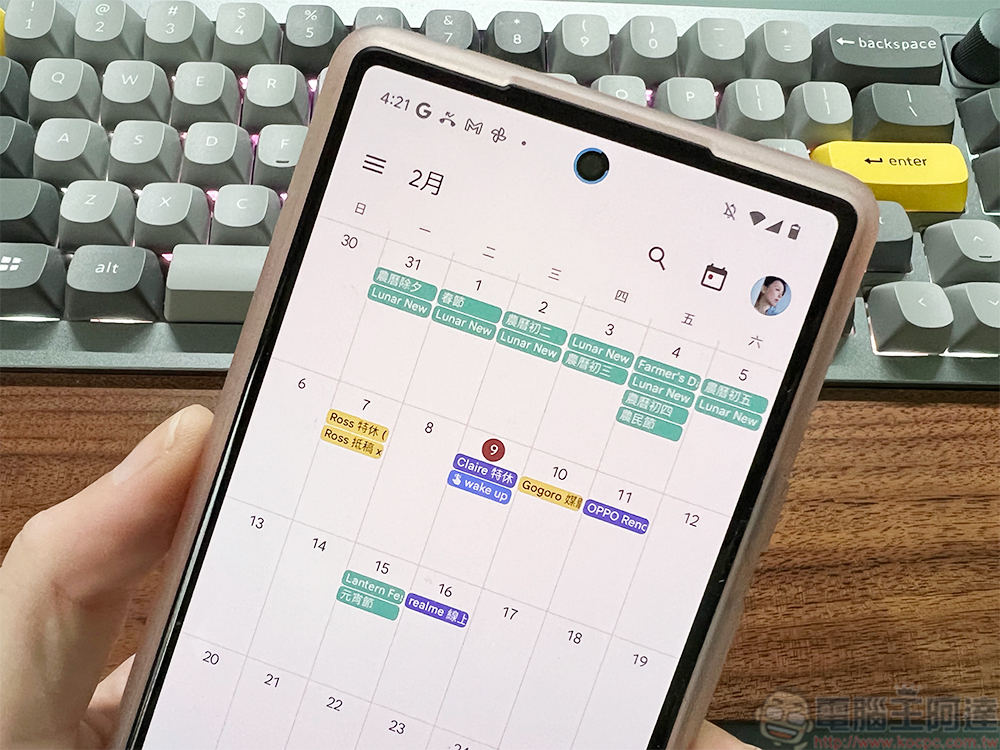
According to Google’s latest announcement for the Workspace Updates blog. They mentioned that in order to cope with work needs across time zones and locations, Google Calendar hopes to ensure that travel invitations can be accurately delivered to users using different calendar/calendar services. This allows users, no matter which calendar platform they use, to efficiently arrange their time and collaboratively manage their schedules.
In this regard, Google has added an invitation creation function to its own calendar service that is more friendly to other calendar platforms.
1. Microsoft Outlook users who also have a Google Calendar with the same email address can receive Google Calendar invitations and RSVPs in Outlook.
2. A default meeting reminder will be generated in Microsoft Outlook if the invitation was created in Google Calendar to help make sure guests using Outlook do not miss events.
3.Non-Google Calendar recurring events will be more systematically and accurately updated in Google Calendar.
From now on, users who log in to Google Calendar and Microsoft Outlook with the same email account will be able to invite and RSVP to Google Calendar events directly in Outlook. If you receive an invitation in Google Calendar and create a calendar event, a meeting reminder will also be created in Microsoft Outlook (set according to the default reminder conditions). This ensures that no missed appointments will occur in Outlook.
This time the cooperation between the three-party platforms has been strengthened, and Google also mentioned that it will ensure that calendar events on non-own platforms can be updated to Google Calendar more accurately. According to the official announcement, this change will be rolled out immediately to users including Google Workspace, G Suite Basic and Business, and personal Google accounts. I believe that for friends who need to switch between different calendar services, this should greatly improve your work efficiency.
Further reading:
Microsoft unearths super old new Zune Walkman to give away, echoing the Easter egg of “Striders”

Source: KOCPC Chinese