


You definitely want your laptop to have enough power at all times to meet your needs, but you also know that charging can damage the batteries of laptops, cell phones, and other portable devices. So, should you leave your laptop plugged in all the time? Will doing this have any adverse effects on the laptop? Everyone has a little doubt about charging the laptop battery. This time we are here to answer it for you.
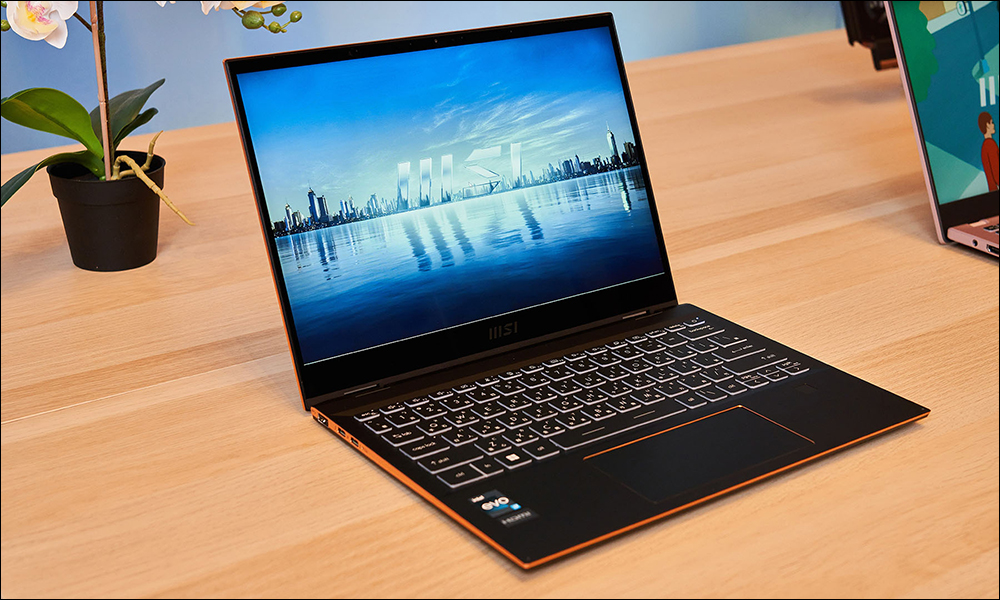
Are there any problems with leaving your laptop plugged in all the time?
First, accept that there is no such thing as a “perfect solution”
Before we dive into the ins and outs of laptop batteries, optimal charging strategies, and what laptop manufacturers think about it, let’s first talk about the cliché perspective on battery life.
Batteries are consumables, and just because the battery in your phone or laptop can last for several years before needing to be replaced, doesn’t change the fact that it’s never meant to last you forever. Batteries have a limited number of charge cycles, typically between 500 and 1000, and battery life slowly begins to decrease from the moment you start using your device. In a perfect world, your laptop battery would never get too hot (high temperatures degrade the quality of lithium-ion batteries), it would rarely be charged more than 80% or discharged below 20%, and you would never leave your laptop in your bag without charging or leave it plugged in for months.
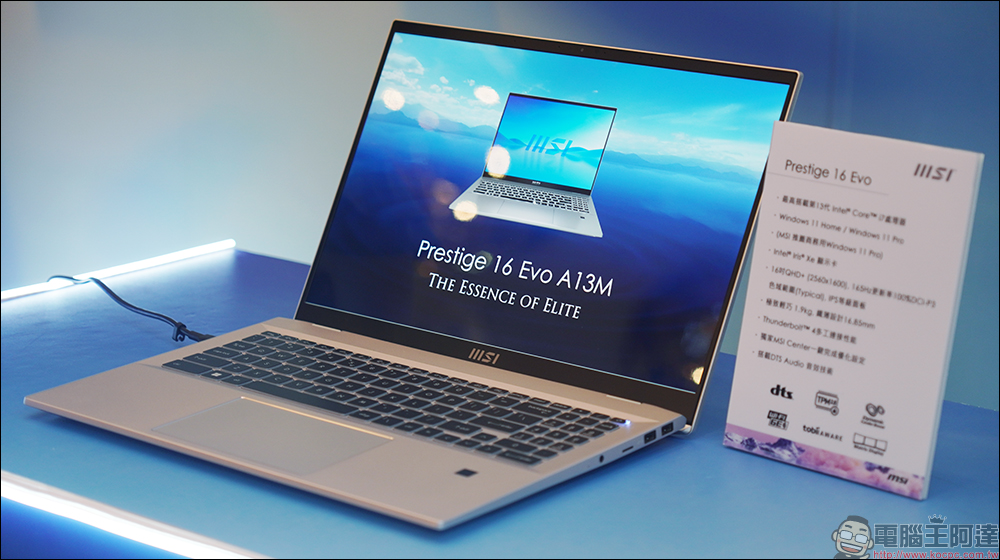
While it’s good to do little things to extend battery life, and we’ve shared many tips for extending rechargeable battery life in the past, I still encourage everyone to use their laptops the way they want and are accustomed to. In addition, battery technology and the battery management hardware components in laptops have improved greatly over the years. Don’t let a bad experience with a laptop from 10 or 15 years ago affect the way you use a laptop today. Laptops in the 2000s had terrible battery life, but today’s laptops are more forgiving and last longer, and you’re more likely to replace your laptop before the health of the battery wears down enough to cause obvious problems.

But while we encourage you to enjoy using your laptop, we’re also going to talk about what you don’t need to worry about, what you should be aware of, and some simple tips.
No need to worry about overcharging your laptop battery
For a long time, users have believed in the legend that overcharging a laptop battery will damage the battery. There are many reasons why battery life can be shortened, such as leaving your laptop in a hot, enclosed car on a hot day, but overcharging is not one of them. Even older laptops have built-in protections to prevent overcharging and damage caused by putting too much power into a battery that can’t hold all the power. You can certainly cause damage to your laptop with a cheap, substandard or damaged charger, but using an original charger or a high-quality third-party replacement won’t turn your battery into a lithium-ion incendiary bomb.
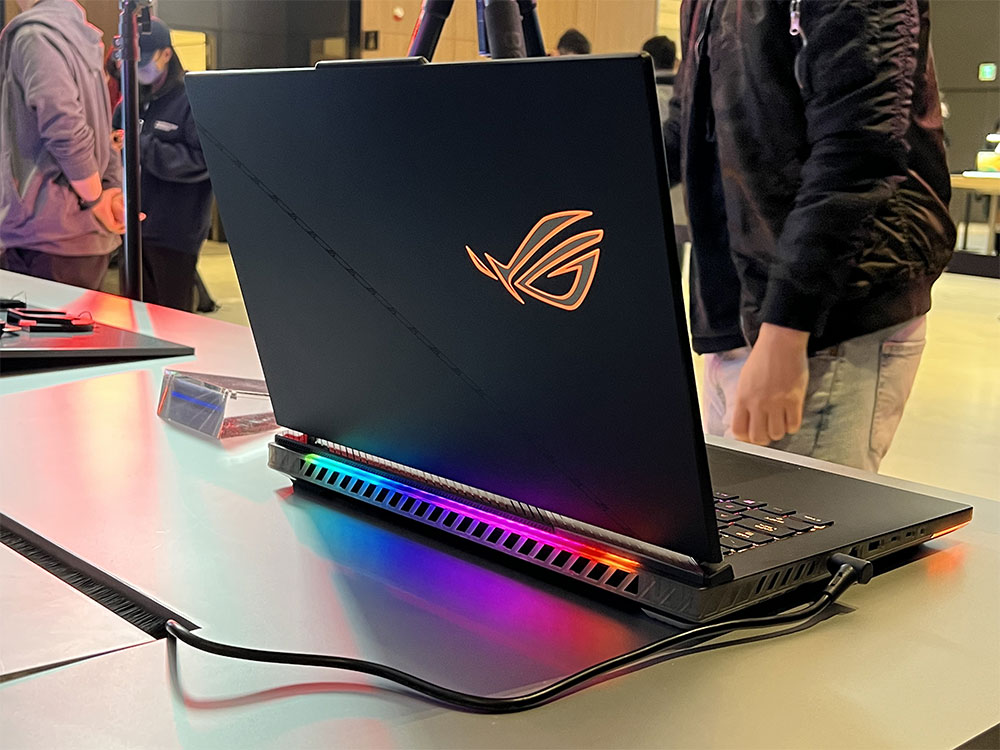
When your laptop battery reaches 100%, it automatically stops charging and will not continue charging until the battery drops below 100% again. While slightly discharging a battery before recharging it will age the battery over time, it will not overcharge and damage the battery.
Take advantage of your laptop’s smart charging function
Many modern laptops support smart charging functions, which are intended to protect laptop batteries and extend their service life. There is a feature called “Battery Health Management” in MacBook, which is similar to the “Optimized Battery Charging” feature on the iPhone. When activated, this feature will understand your daily usage patterns and intelligently allocate your battery charging process according to your general schedule. On Windows laptops, there is also an independent feature called “Smart Charging” in Windows Power Saving Mode. It works in a slightly different way. It does not try to optimize the charging time, but avoids charging the laptop battery to 100%. The supported models of this feature are slightly different for each brand. You can check it in the settings.
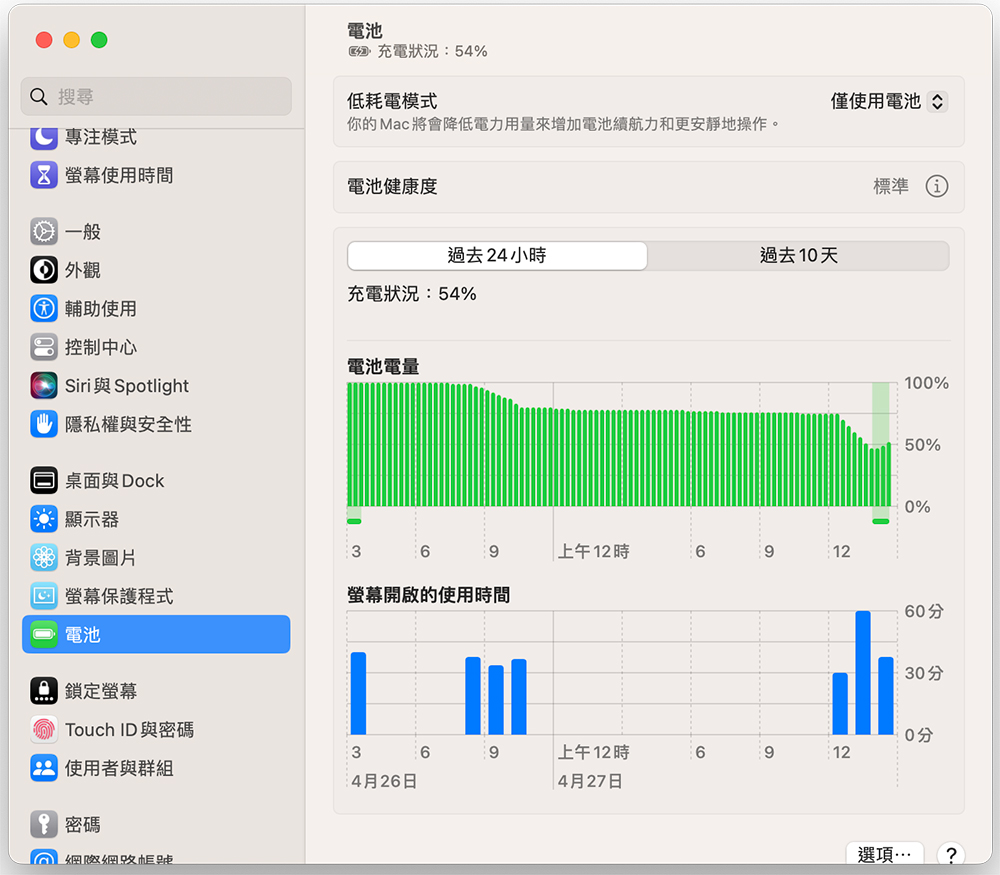
In addition, many laptop brands, such as HP, Dell and Asus, have installed their own battery management tools for their products, allowing you to use Windows software or BIOS to set similar battery management rules. From there, you can instruct the laptop hardware not to charge more than 80% no matter how long the battery is charged.
If possible, remove the battery to avoid overheating
If you pay more attention to battery-related knowledge, you can find the two main reasons that affect battery life: overcharging and overheating, and these two can even exist at the same time.

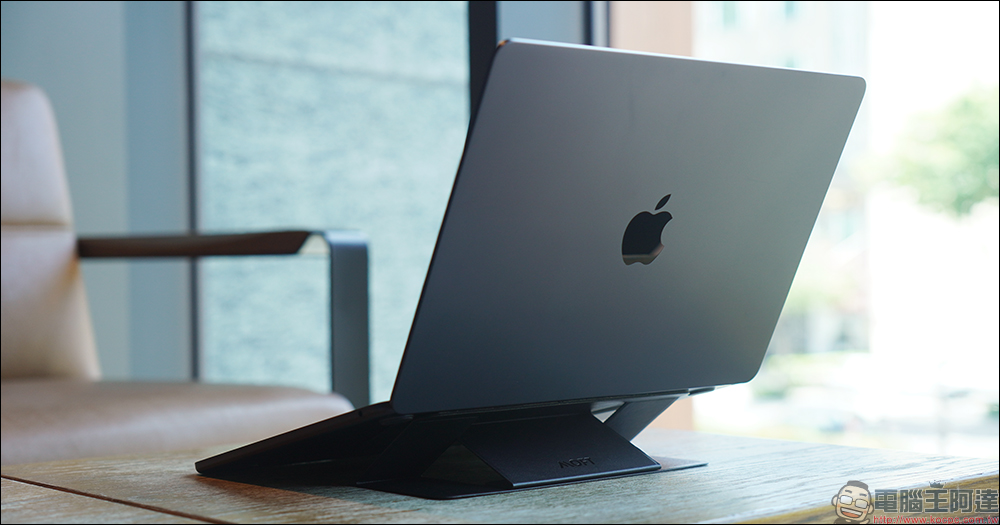
Nowadays, as laptop designs become thinner, lighter and more portable, there are fewer and fewer designs with removable batteries. However, if you still have a laptop with a removable battery on hand, when you use it as a desktop replacement, try to use it with the battery removed and connected to the power cord, and then reinstall the battery when you go out (but some models seem to be unable to do without batteries). If the battery of your laptop cannot be removed, you can still try your best to keep it cool. You can use it with a stand or cooling rack to give it more space for cooling and make your neck and back more comfortable.
A full charge cycle can help calibrate the battery
Giving your laptop a full charge cycle once in a while can help calibrate the battery on many laptops. Calibration ensures that the laptop knows exactly how much power is left and can show you an accurate estimate. In other words, if your battery is not calibrated correctly, Windows may think you have 20% battery power left, but in fact the battery power is 0%, causing your laptop to shut down suddenly without any prompting, affecting your work.
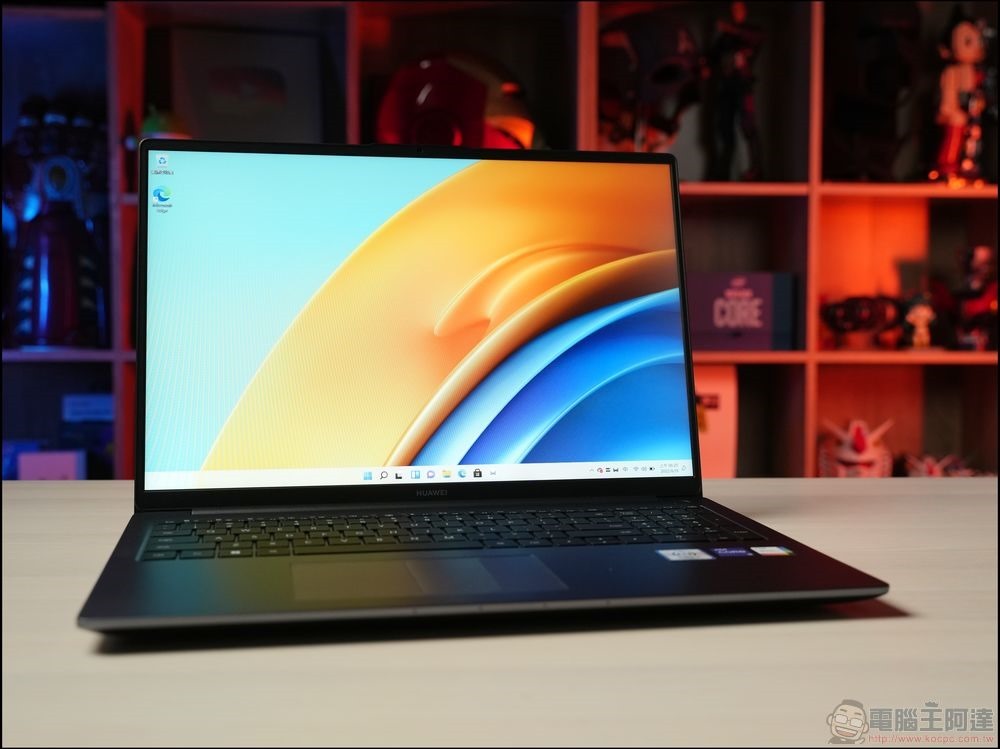
By allowing the laptop battery to be (almost) completely discharged before recharging, it lets the battery circuitry know how much charge is left in the battery. This calibration process doesn’t extend battery life or put more power in, it just ensures that the computer gives you a more accurate estimate, but it keeps you plugged in.
Can I leave my laptop plugged in and charging?
Regarding this question, you may be wondering how to use your laptop more appropriately. Unfortunately, there is no standard answer to this question. Apple once recommended against leaving your MacBook plugged in, but that instruction has now changed.On the battery description pagewas removed.
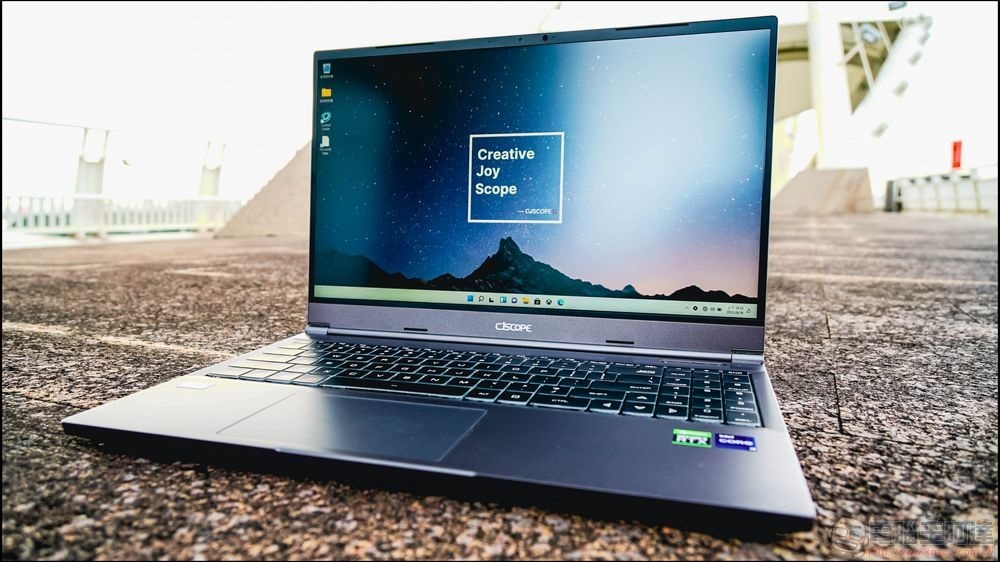
If you ever dig deep in HP’s support documentation, you’ll find aQuestions and answers about laptop battery charging, which mentions that charging the battery will reduce wear and tear, but you have no way to avoid it. Overall, the advice they give is to charge the battery as little as possible, which is technically correct, but a bit impractical in real life. You’ll also find that other manufacturers either skip discussing laptops’ limited battery life or give similar (but not very practical) usage advice. For example,Dell recommends that youUnplug the laptop when it’s finished charging and only charge when the battery is below 50%.
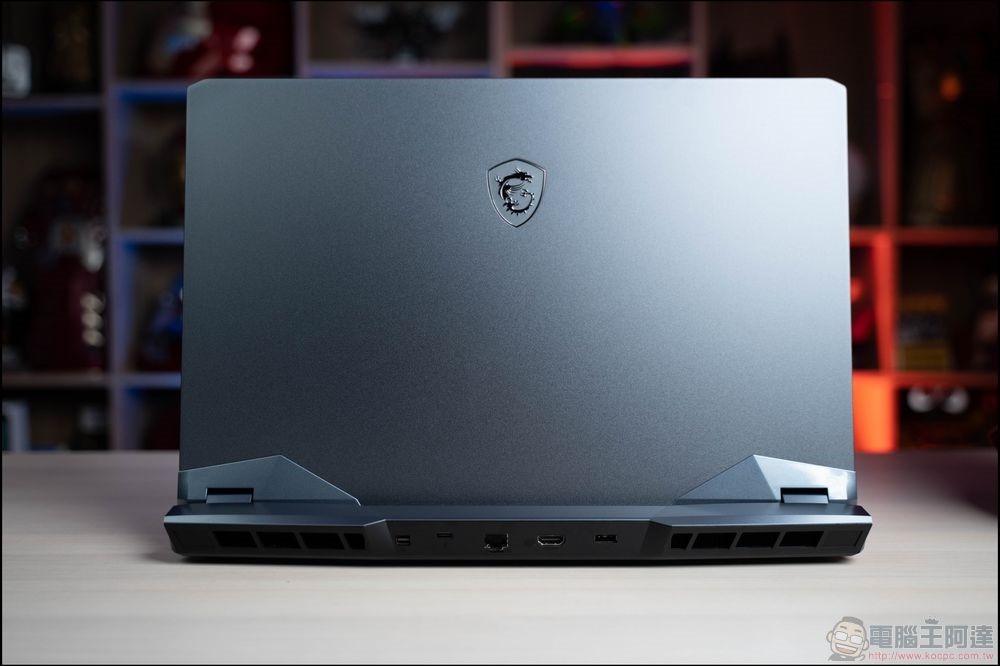
The author’s advice to you is to charge your laptop as little as possible in the most suitable and convenient way based on your actual tolerance and actual usage under real-world conditions. For example, if you use your desktop computer all the time at home and only use your laptop when you leave the house, charge your laptop to about 70 – 80% before leaving it idle, then turn it off completely and put it away.
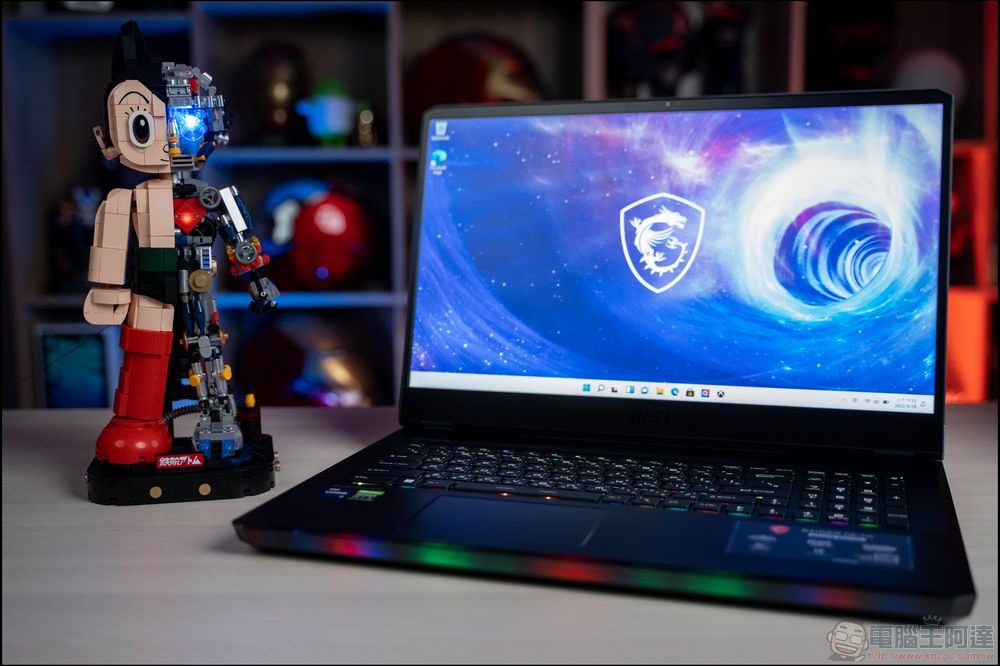
If you use your laptop every day, you only need to charge it every night to ensure that you have enough power for the next day. You can choose to take the laptop off the charger after the time it takes to fully charge, or use a smart socket to control the charging time before turning it off for the day. But to reiterate the point I made at the beginning of this article: laptop batteries are much more advanced than they were 10 years ago, and you’re probably not going to get a huge return on your small effort with a laptop battery.
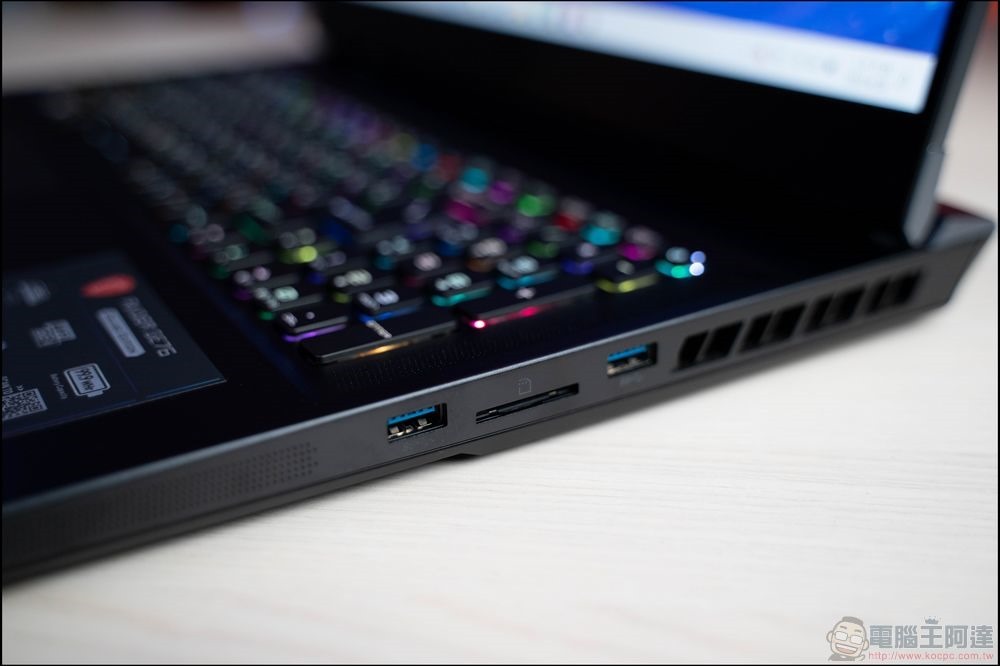
Finally, if you rarely take your laptop off the charger or use it on the go, it’s probably not worth stressing over complicated charging routines and battery optimization strategies. There’s no point in stressing over battery health over years of gaming if your gaming laptop consumes so much power that you almost have to plug it in to use it.
Source: KOCPC Chinese