


Necessary applications for OTP services such as Microsoft Authenticator have paid more attention to the needs of batch transfer and cloud backup in recent years. And even though Google seems to be a little neglectful in updating such applications, it has recently officially announced updates in this area. Continue reading the text of the report on Google Authenticator’s new cloud synchronization support.
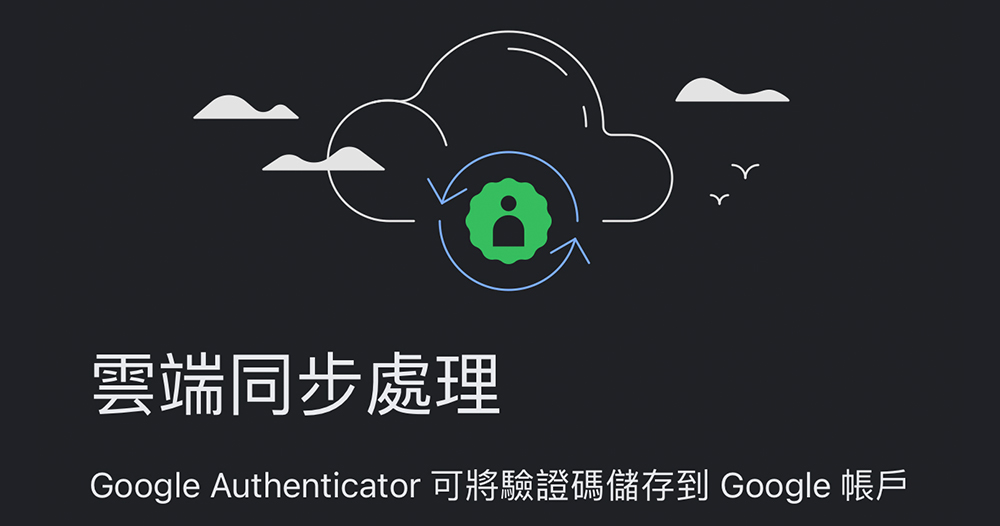
Google Authenticator adds cloud sync support
In order to avoid the insecurity problem of account passwords being easily stolen, many people and many services are promoting the use of 2FA two-stage authentication OTP (one-time passwords) one-time passwords to log in to service accounts. However, as this method becomes more and more popular, once you encounter a situation where you need to change your mobile phone or your mobile phone disappears, if you need to log in again to each service to obtain OTP verification qualifications, if you need to log in to each service one by one and then scan the code to join, it will indeed be troublesome and you will roll your eyes several times.

Fortunately, necessary applications for OTP services such as Microsoft Authenticator have paid more attention to the needs of batch transfer and cloud backup in recent years. And even though Google seems to be a little neglectful in updating such applications, it has recently officially announced updates in this area. Following the previous introduction of the function of transferring accounts in batches by scanning QR codes. Recently, it has followed the footsteps of Microsoft and provided the possibility to back up the OTP service in Google Authenticator to a Google account.
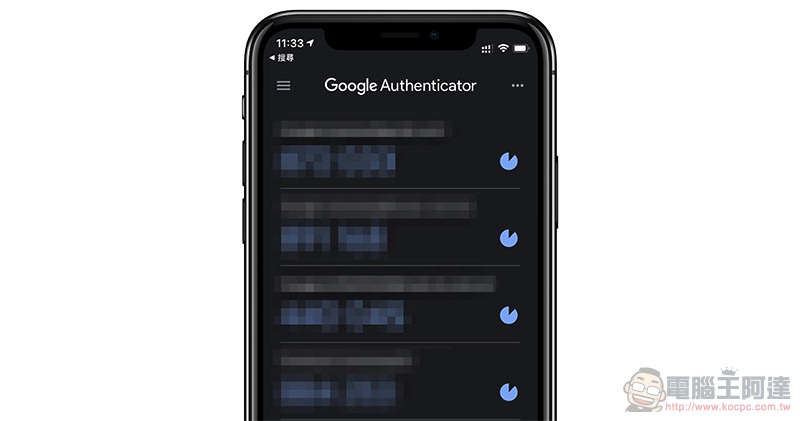
Officially announced that after the recent update of Google Authenticator iOS and Android versions, in addition to seeing changes in the logo (it seems a bit hard to tell what it is doing from the logo…), it also has a new built-in function of backing up all verification codes to Google Cloud.
In short, although the previous batch backup is already quite convenient. But if unfortunately your phone goes missing or you simply make a mistake and forget to back up the OTP. After this latest version is uploaded, you can simply recover the one-time password verification items required for all services at once by restoring your Google account.
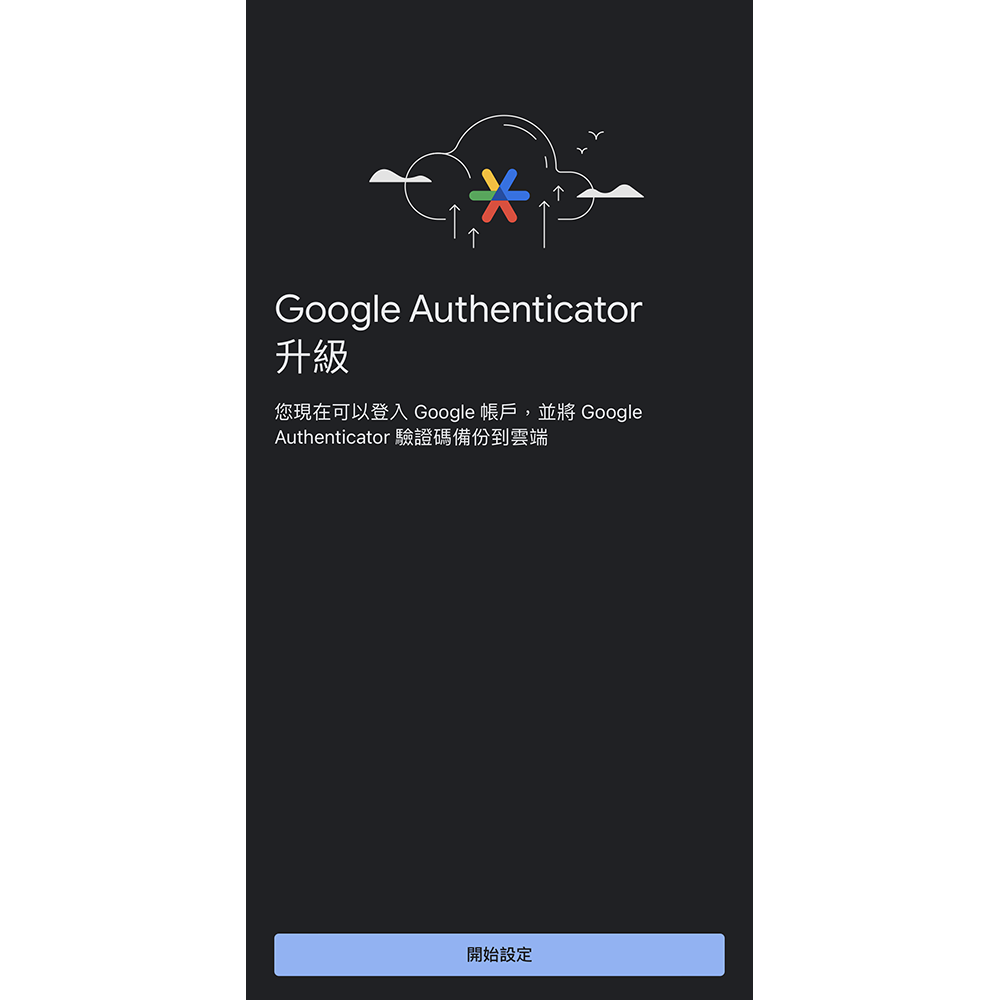
I mean, I wonder if you all have the same questions as the editor. That is, if the OTP for backing up Google accounts is set up in this Google Authenticator, will there be a chicken-and-egg problem?
But on the one hand, if you really can only log in from OTP, you only need to go through the trouble of setting it up through another device. On the other hand, there are actually “Google Prompts”, “Security Keys”, “Backup Codes” for other devices, as well as two-stage verification with phone numbers, backup phone numbers and backup email addresses.
Having seen this, I also recommend that you take advantage of this backup to check the “Google account”security” page to confirm whether there is anything that needs to be corrected in your Google login information.
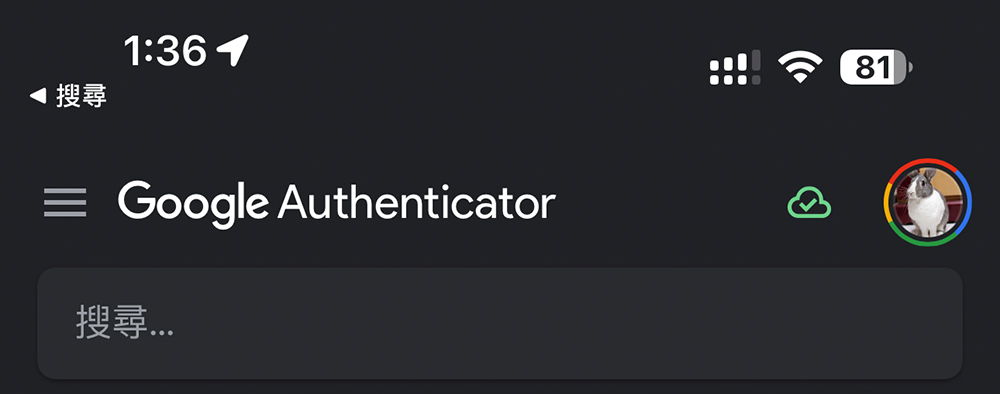
In short, after this update, you will receive the upgraded page as long as you open Google Authenticator. Simply follow the steps to complete the synchronization – there will also be a prompt to complete the synchronization at the top of the App, allowing you to ensure that the OTP verification of each service account has been backed up properly. At present, it seems that the previously updated local batch transfer method is still retained. So basically, you can choose to use it according to your needs.
Further reading:
Google Pixel 8 Pro camera specifications revealed, will the sensor be enlarged?
Source: KOCPC Chinese