


For those who have Logo If you have such needs, or often need to design new posters, be sure to take advantage of this lifetime free promotion of “Icon Maker, Edit & Design pro”. It includes over a thousand templates you can use for free, meaning you can directly edit existing high-quality posters. As for the logo, besides modifying existing templates, you can also… AI Brand new generation, and it provides high-resolution image downloads as well as background removal. I just gave it a quick try and it’s really good, highly recommend giving it a try.iOS and the iPadOS version is also free for a limited time.
“Icon Maker, Edit & Design pro” AI Logo Generation and Poster Making Lifetime Version Free for a Limited Time
“Icon Maker, Edit & Design pro” is a professional logo and poster design app that comes with a wide range of editable logo, poster, flyer, and business card templates. With just a few simple tweaks, you can create high-quality designs. The editing section also offers many professional features, such as layering, rotation, virtual spacing, opacity, color editing, size, saturation, brightness, styles, alignment, and more.
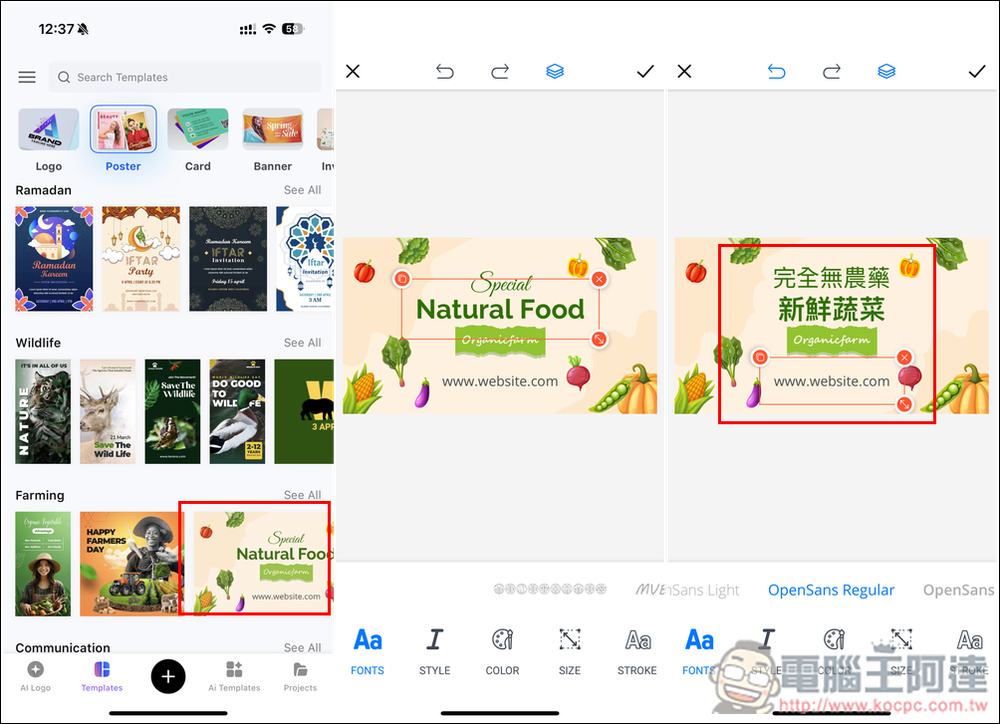
As for the AI logo generation feature, it also supports Chinese prompts. Unfortunately, the text on the images can currently only be in English, not Chinese. Those who want to input Chinese can modify the template.
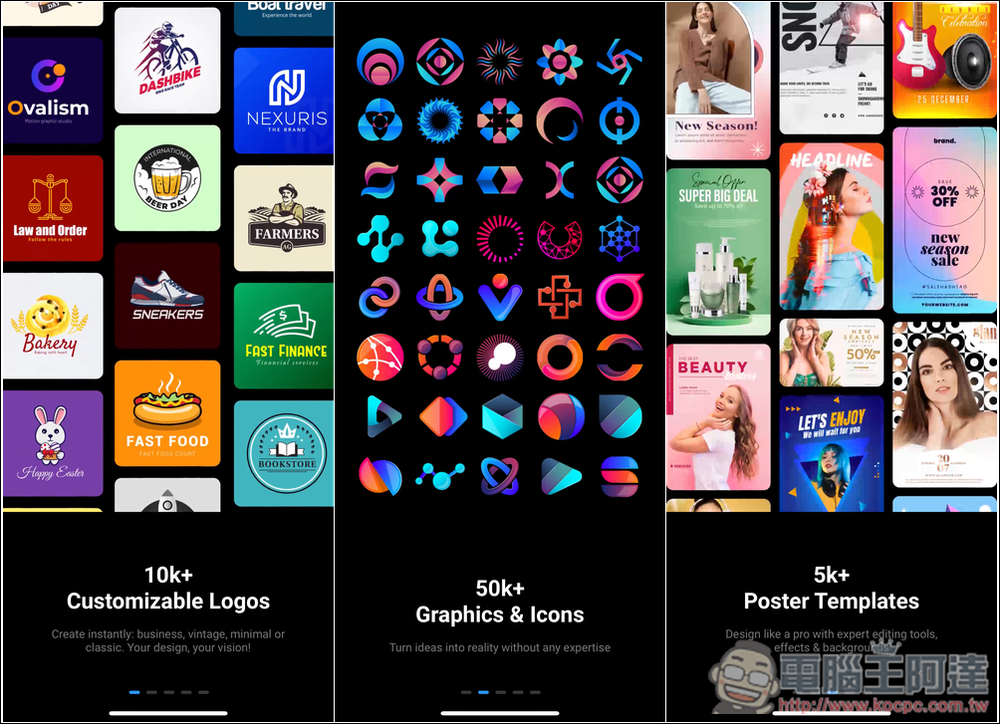
This app doesn’t have a Traditional Chinese interface yet, but the operation is quite simple, so don’t worry too much. When you first open it, there will be some brief introductions, such as over 10,000 customized logos, 5,000 graphics and icons, and 5,000 poster templates:
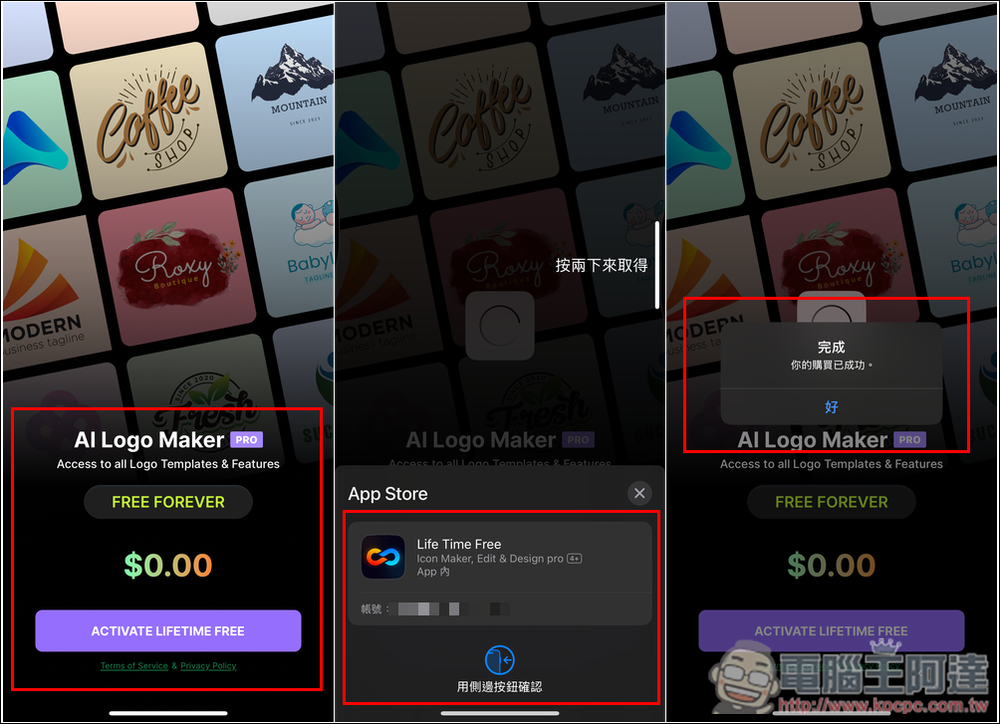
Now here’s the key point: the developer hasn’t mentioned when the free period ends, so you need to be very careful with any payment confirmation actions to avoid being charged. This is important, so please pay attention again.
If it’s still in the lifetime free status, you should see a message saying AI Logo Maker PRO FREE FOREVER, with the price shown as $0. After I tap ACTIVATE LIFETIME FREE, it goes to the App Store payment confirmation screen with no amount either, so that’s fine. If there’s an amount, please don’t pay. After confirming you’ve got it, it will pop up saying your purchase was successful, and you’ve successfully gotten the lifetime version deal.
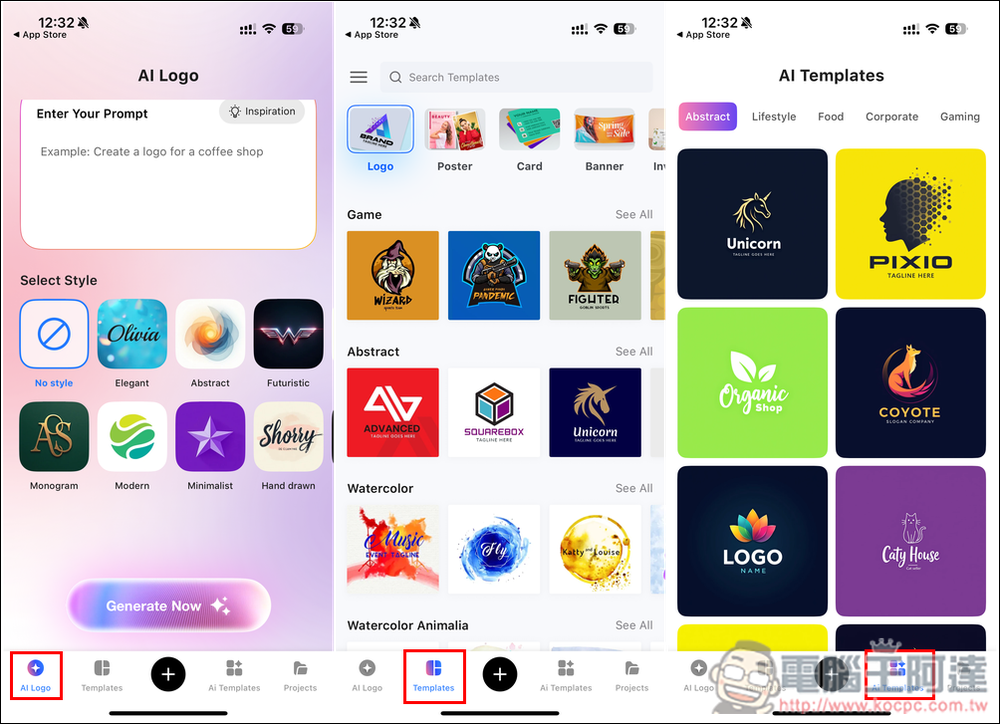
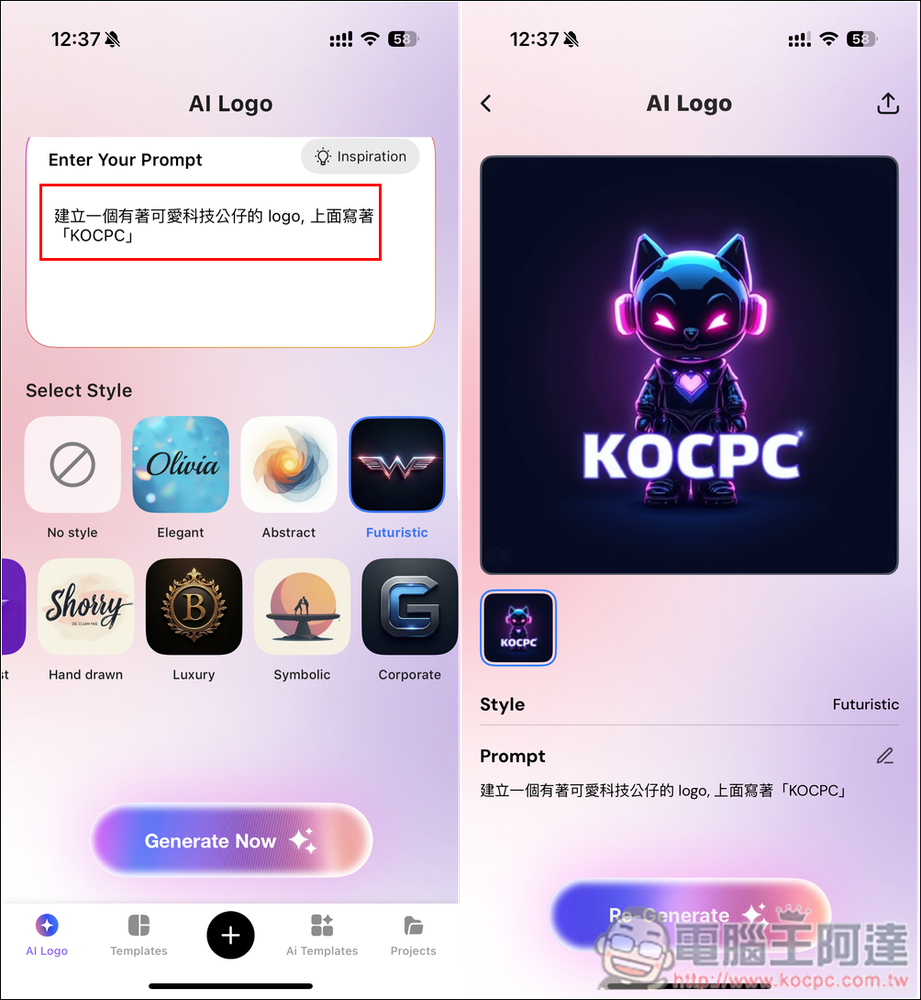
Once you enter the main screen, you won’t see any ads or payment plans, and all features and templates are available. There are four main areas. The first is the AI Logo generation screen, where you enter your prompt and choose a style below. The second is Templates, which includes a wide variety of built-in templates like logos, posters, cards, and banners. The third is AI Templates, which offers many templates well-suited for logos:
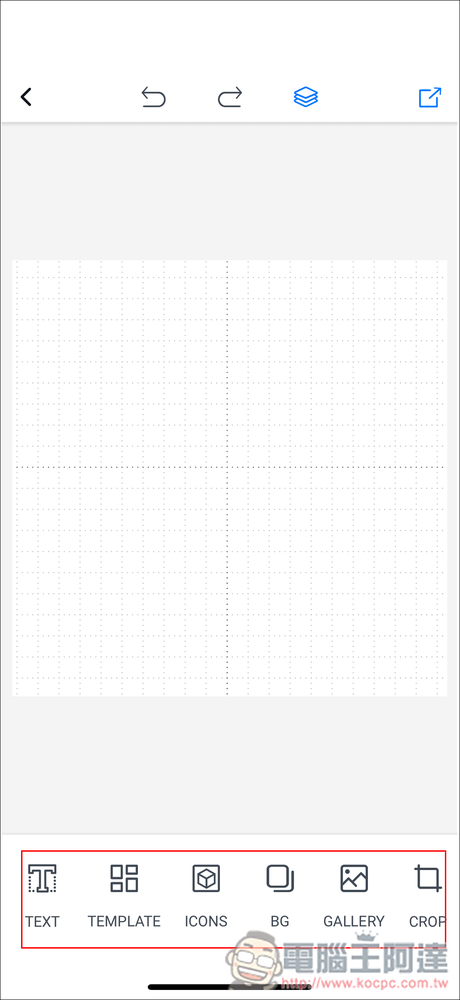
Pressing the middle + enters the manual editing tool, with the function bar located at the bottom:
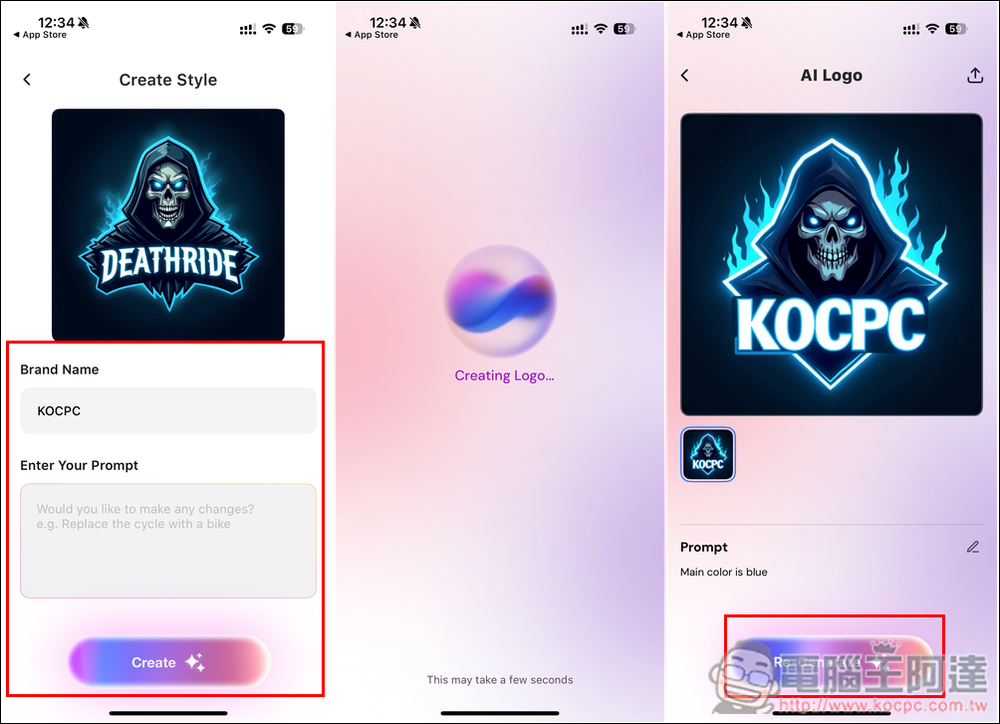
First, I tested AI Templates and found a logo I liked. After entering the name in the Brand Name field (English only), if there are any details you want to adjust, you can enter a prompt in the Enter Your Prompt field below—also English only. After a few seconds, the logo will be replaced with the name you entered. If you’re not satisfied, you can generate it again.
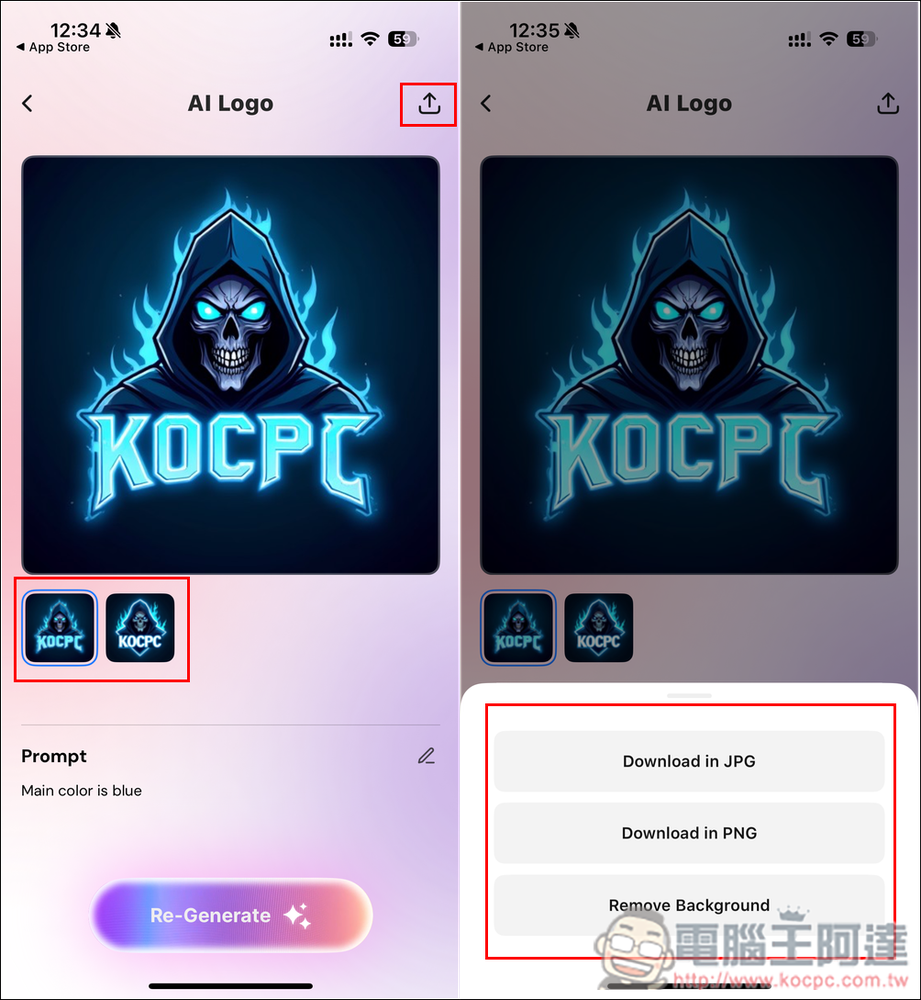
Since it’s a lifetime version, you can keep regenerating until you get an image you’re satisfied with. The download process is also simple — after clicking the icon in the top right corner, download format options will appear, supporting JPG, PNG, and background removal.
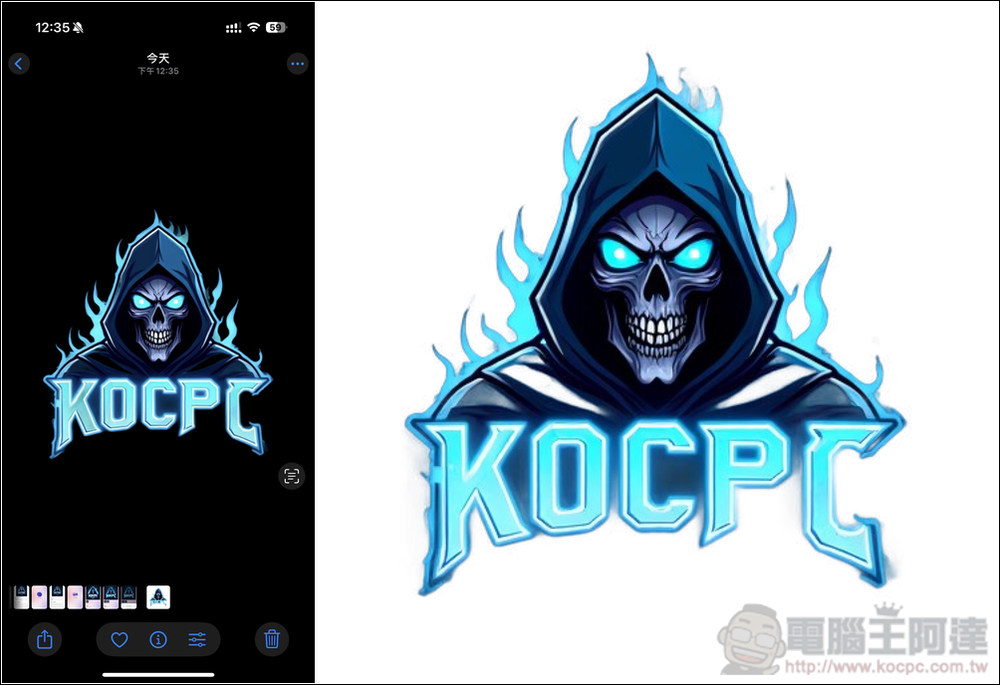
I successfully tested the background removal image, there’s no logo, and it’s high resolution:
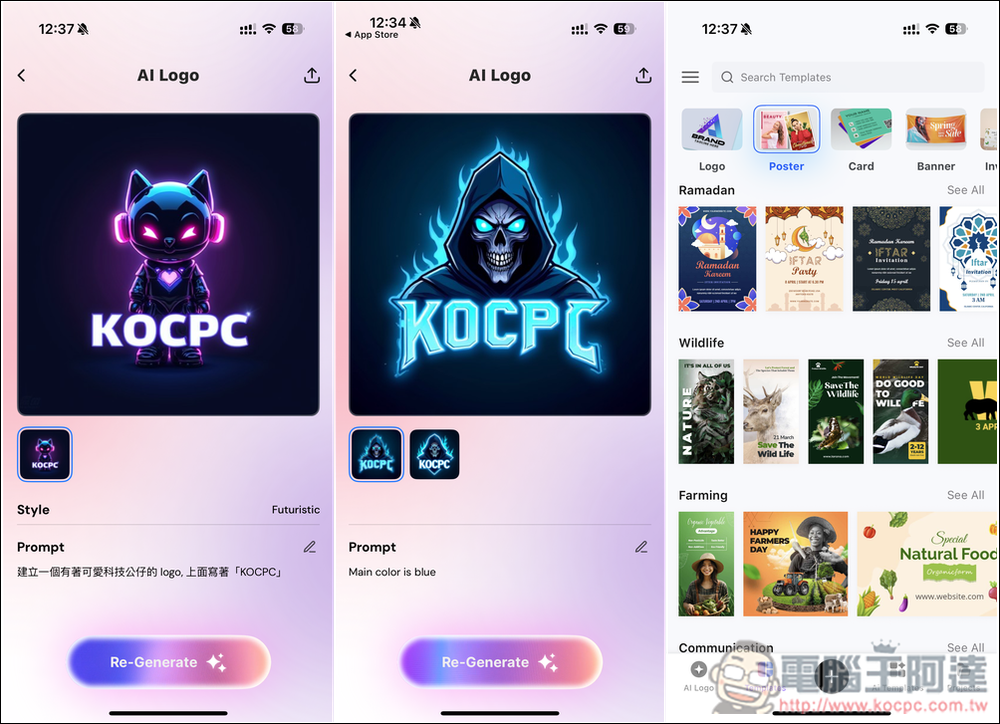
Next, I tested the AI Logo generator. Notably, the prompt here supports Chinese, but adding text is still only in English:
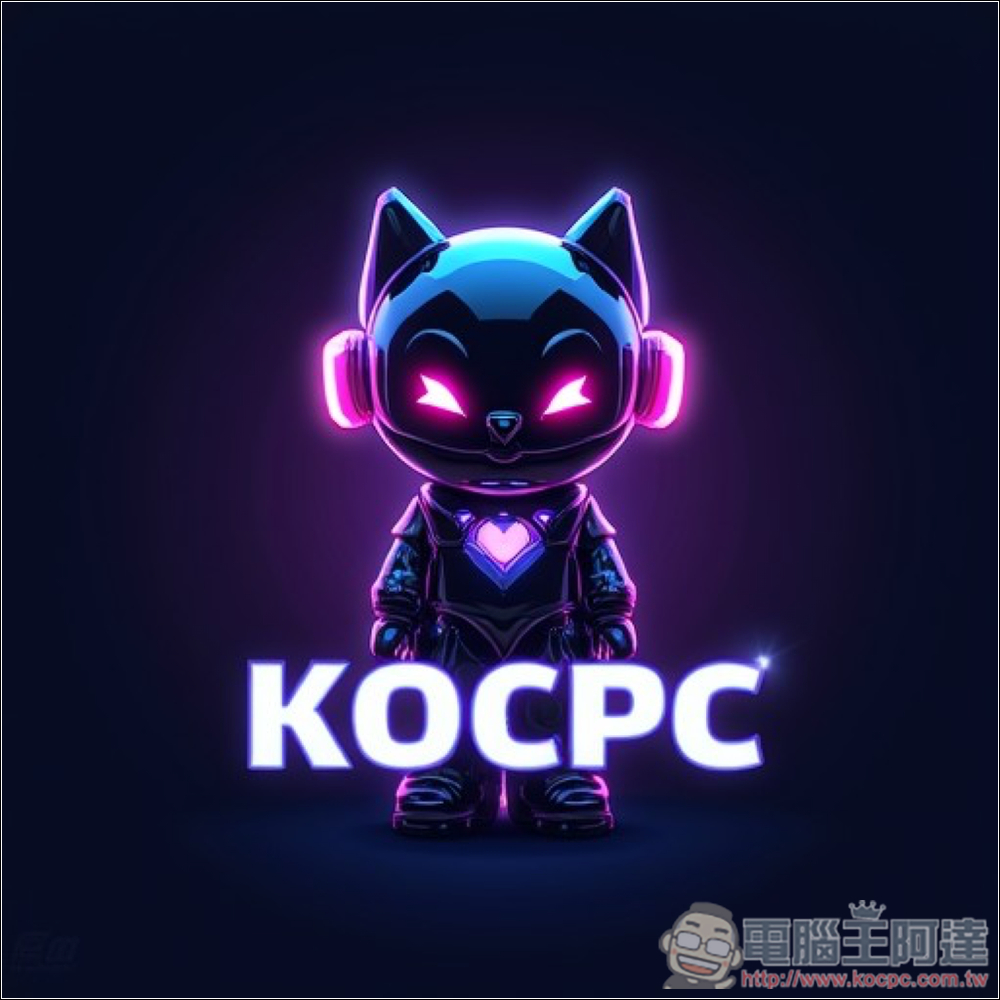
This is the logo image I generated with AI. This time I chose JPG, not a cutout image.
Using a template is simple: after picking one you like, you’ll be taken to the editing screen, where you can modify the content as you wish, including changing the text to Chinese.
It also provides many small icons that you can add to your design. The download options for the template section are a bit different, allowing you to choose to save it as a Logo, JPG, or high-resolution PNG:
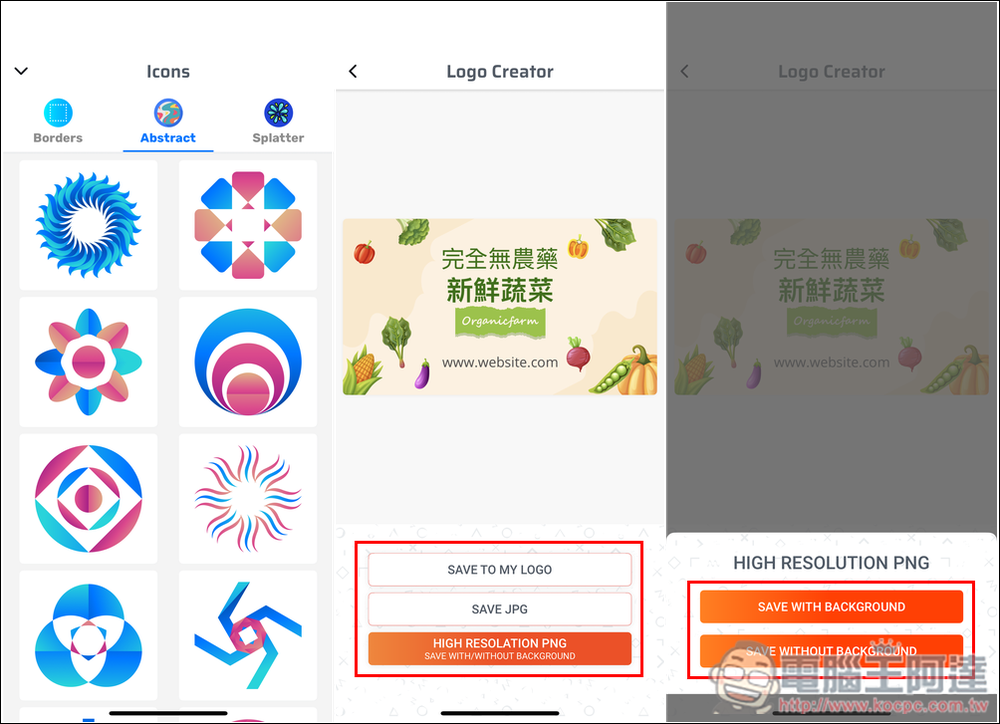
This is the poster I made some simple modifications to:

Source: KOCPC Chinese