


After Google previously launched the “auto-remove permissions” function that will phase out the removal of permissions, Google Play also supports the newly opened App Bundle, allowing developers to have a new experience of automatically archiving their applications with the “auto-archive” option because they are not judged to be rarely used by the system. Continue reading Take the initiative to squeeze out space on your phone! Google Play has added a new feature of automatically archiving App reports.

▲Image source: Google
Take the initiative to squeeze out space on your phone! Google Play adds automatic app archiving function
In terms of proactively clearing available storage space for users, Google Play has already recommended or even proactively deleted apps that were judged to be “unused apps.” But for users, this direct deletion experience seems a bit too violent and direct?
After all, if you suddenly want to use these apps again, you may forget what the app was that was deleted a long time ago, and you will have to slowly and manually search through the list of uninstalled apps on Google Play to “fish out of the haystack” to retrieve the previously installed apps.

As Google previously pushed the “Automatically remove permissions” function, Google Play also uses the newly opened App Bundle to allow developers to have a new experience of automatically archiving their applications without deleting this option because their applications are judged to be rarely used by the system.
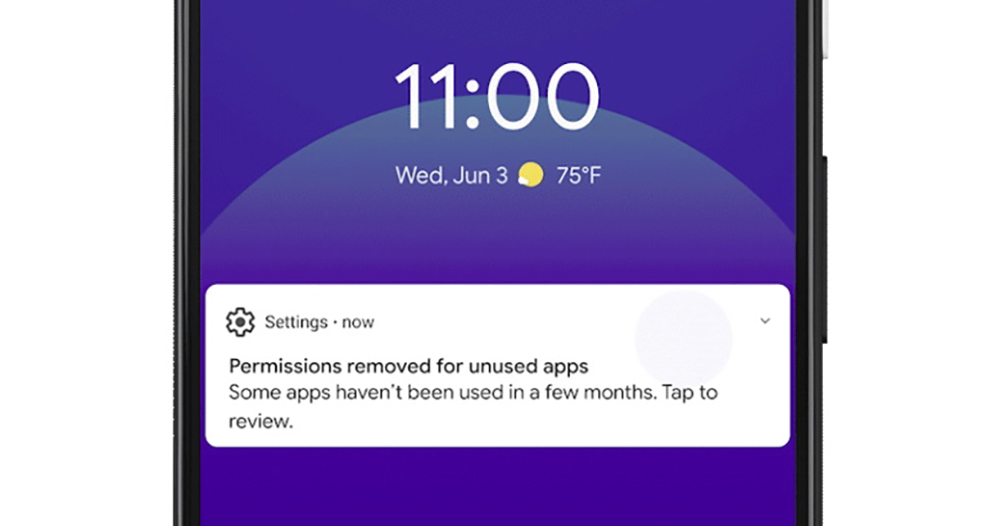
▲Image source: Google
The newly added automatic archiving function this time can be regarded as adding an intermediate “partial deletion” step between “removing permissions” and “direct deletion”.
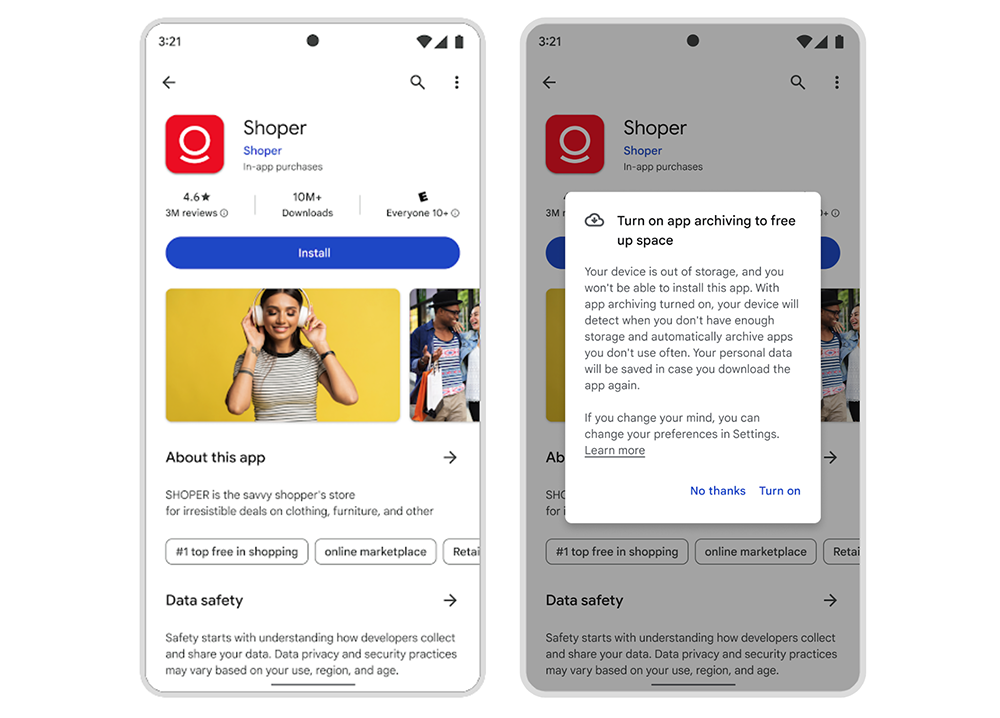
According to Google, such a feature would reduce the storage space used by a single app by 60%. The archived application will retain the necessary data for the use of the App, and a cloud download symbol will be overlaid on the application icon; after clicking, the application will be downloaded back from Google Play again, and the original use status of the App can be quickly restored with the originally retained data.
▲Image source: Google
That is to say, the main risk of this function is probably that if one day the app cannot even be found on Google Play, it may become a state where the app data is empty but cannot be restored; it may also change to a considerable extent because the interface function of the app is subsequently updated.
Perhaps because of this, this feature currently only pops up a window when the user finds that there is insufficient space when installing the application, asking you if you want to enable auto-archive to help squeeze out more space. If you click Start, the system will help you find a way to give users phone space where they can successfully install new apps by uninstalling some apps that retain data.
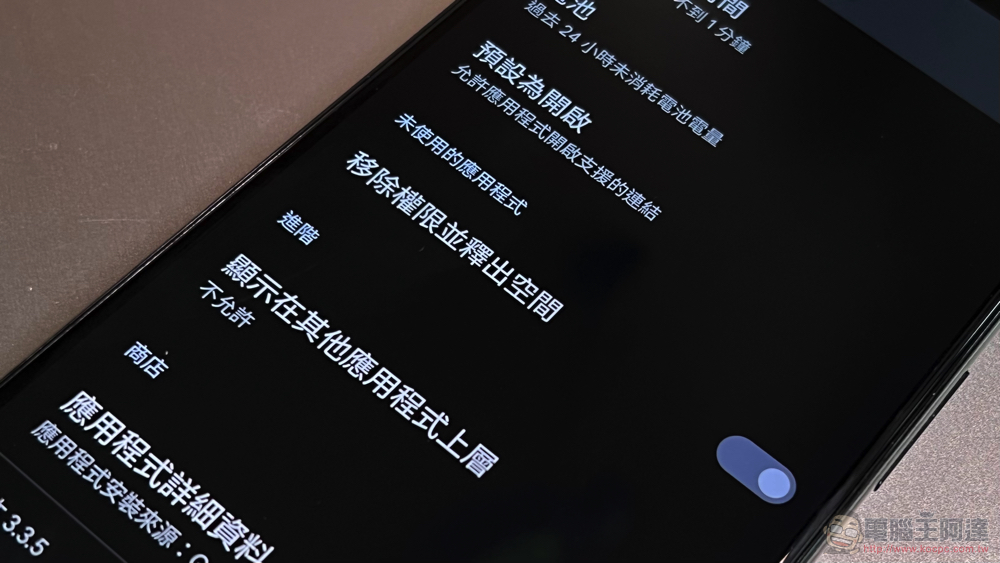
Although it is estimated that such a function will be provided directly in the Android system by default in the future. However, the current provision method is believed to be a timely help for users who are relatively tight on storage space.
That is to say, developers may think that if I support this feature early, wouldn’t it become a priority project to be archived? It must be said that this function still has a “rarely used” condition – if it is really commonly used, it probably won’t be sealed (right). One of the benefits for developers of importing such functions through App Bundle support is that it reduces the chance that their own developed applications will appear in the Android system’s removal recommendation list.
However, what the official is talking about here is only “less likely”, so when users really rarely use these apps, there should still be a chance of being put on the list.
Further reading:
Google officially announces that Nest Hub will no longer support the Assistant Games game function

Source: KOCPC Chinese