


Since the launch of iOS 16, more and more apps have supported lock screen widgets. For users who frequently use LINE, it is common for them to choose LINE Pay mobile payment for daily purchases. In the recent LINE 13.5.0 update, a widget that adds shortcuts to various LINE services to the iOS 16 lock screen has finally been added! Allow users who frequently use LINE Pay and other services to open designated applications faster.
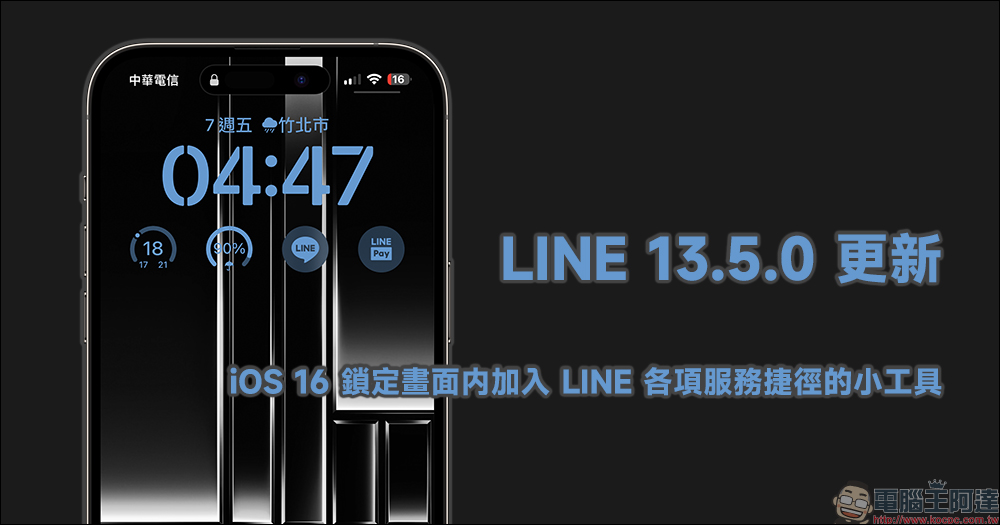
LINE 13.5.0 update: iOS 16 adds a widget with shortcuts to various LINE services in the lock screen (tutorial)
LINE App has been updated recently! If you are using iPhone, LINE recently released the latest LINE 13.5.0 version update for iOS, the main new feature added in this update is to bring richer customization options to the lock screen widget added since iOS 16, allowing users to set LINE App and LINE TODAY in the lock screen widget, as well as more LINE-related services.
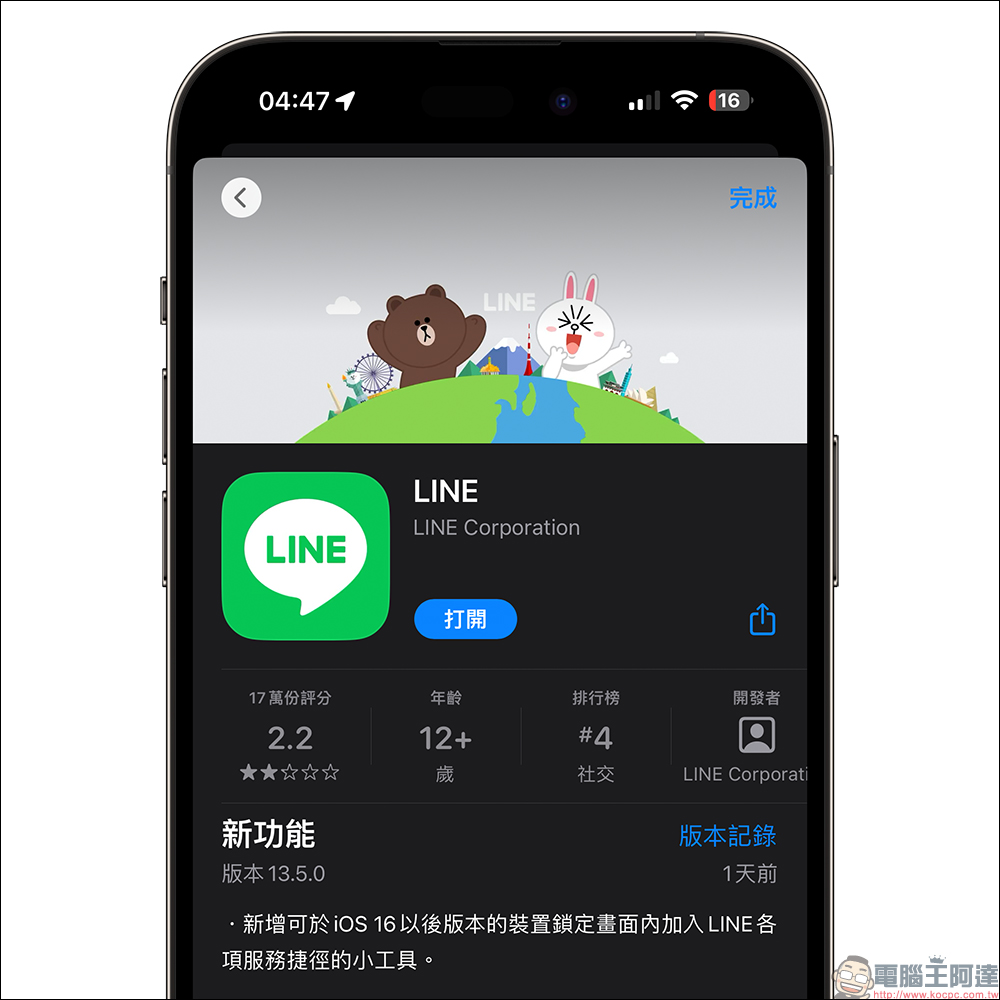
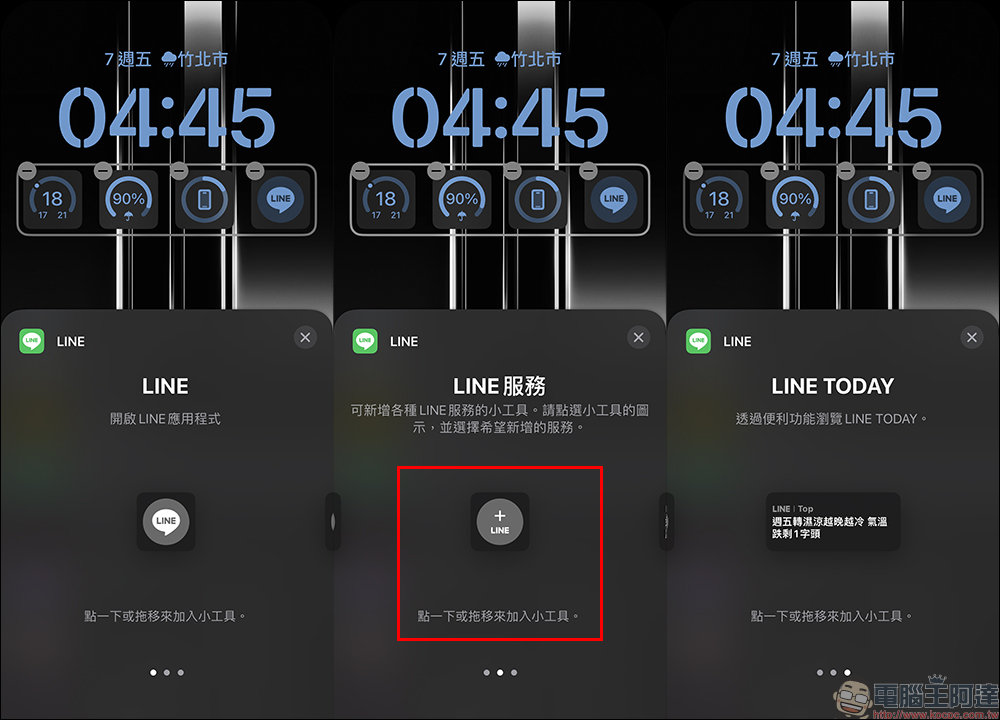
After updating to LINE iOS version 13.5.0, iPhone users with iOS 16 can find more widget options in setting lock screen widgets. In addition to the basic LINE application and LINE TODAY, this update adds the “LINE Service” widget, allowing users to add various LINE services.
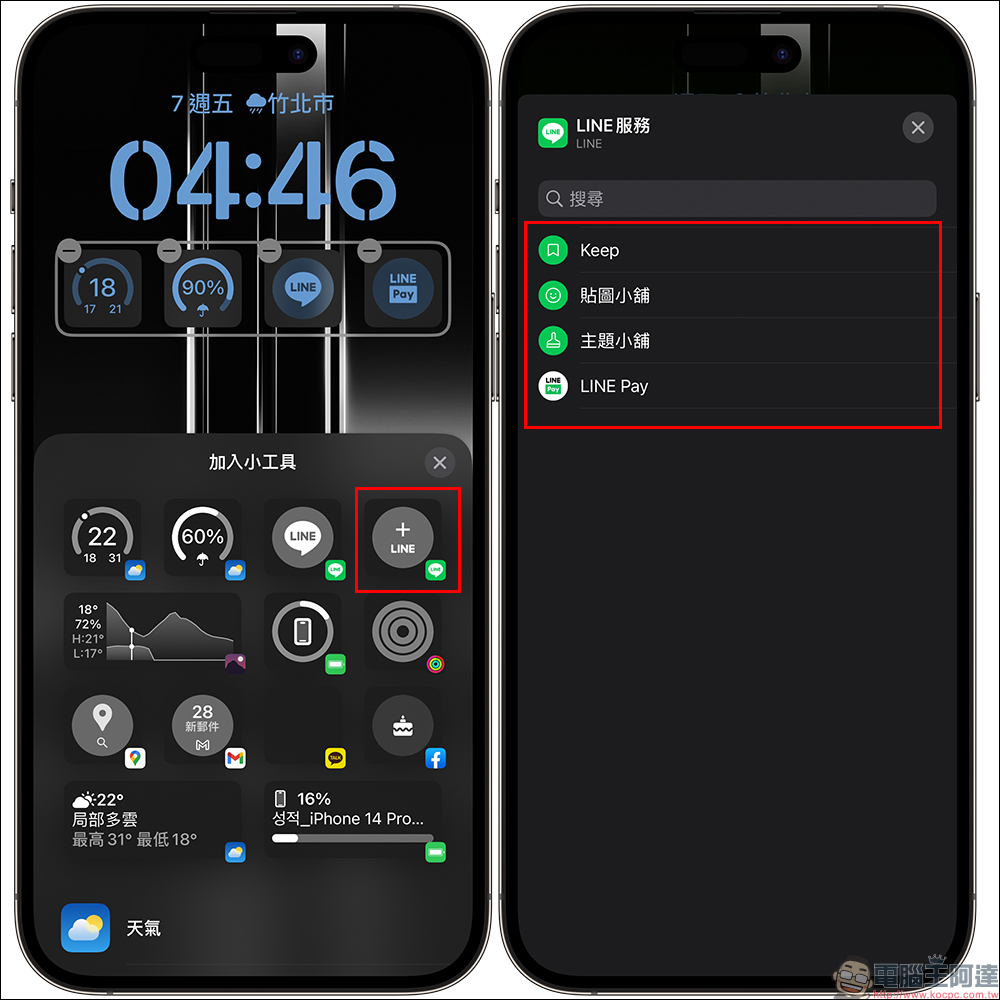
After adding the “LINE Service” widget to the lock screen, you can click on it to select more services. Currently, the lock screen widget of LINE Service supports Keep, Sticker Shop, Theme Shop and LINE Pay. If users who frequently use the Keep function can directly set it as a lock screen gadget, they will be able to quickly open the Keep function directly from the lock screen and use various files, files, pictures, videos, and audio files in the Keep cloud space.
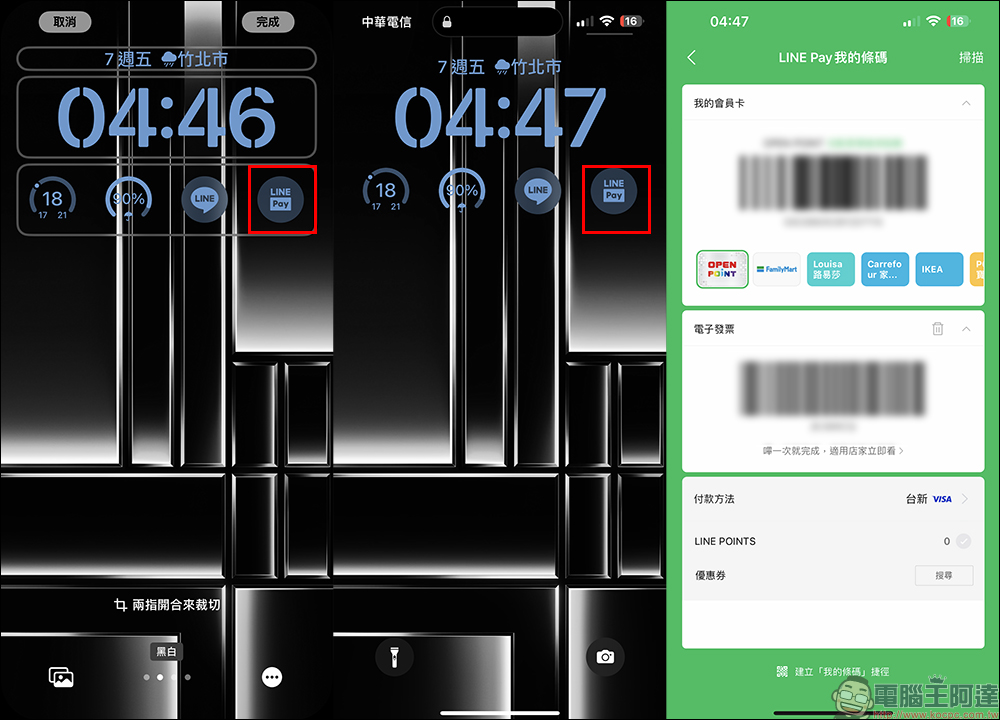
Since the author is a user who frequently uses LINE Pay, I chose to set LINE Pay as a lock screen gadget. After the settings are completed, just click on the lock screen widget of LINE Pay on the lock screen. After unlocking, you can quickly open the checkout barcode of LINE Pay. This change also eliminates the need to slide the screen, unlock and click LINE Pay.
summary
LINE’s latest version 13.5.0 update adds widgets with shortcuts to various LINE services to the iOS 16 lock screen. This new feature allows users to quickly access LINE’s various services without having to enter the app first.
Among them, the most worth mentioning is the LINE Pay widget. Users only need to set LINE Pay in the lock screen widget to quickly access LINE Pay without having to unlock the phone or enter the app first. This will be a great convenience for users who need to make quick payments or check their account balances.
In short, LINE’s latest version 13.5.0 update makes the iOS 16 lock screen more practical, allowing users to use LINE’s various services faster and more securely. In particular, the settings of the LINE Pay gadget make payments more convenient and faster.
Further reading:
Xiaomi Xiaomi 13 Ultra preview will be released this month! Will be equipped with the “most perfect” Leica Summicron lens

Source: KOCPC Chinese