


If you are like the author, you need to read a large number of news reports or long articles every day. I believe that in the early stages of the rise of this wave of generative AI technologies such as ChatGPT and Bing Chat, you should have used this type of function early as a content summary to decide whether to read an article in depth. However, even pasting text into ChatGPT or asking Bing Chat to help with a summary is pretty easy.
But technology always comes from laziness (eh). I believe that everyone will not reject applications that are easier to use such functions. And this is the most powerful function of ReaderGPT that I will introduce today. Continue reading The ultra-simple and intuitive ChatGPT summary tool ReaderGPT allows you to quickly decide whether you need to read the content of long articles and reports.

The ultra-simple and intuitive ChatGPT summary tool ReaderGPT allows you to quickly decide whether you need to read long articles in detail
ReaderGPT is a Plugin/Extension extension that can be installed and used directly on Google Chrome and Microsoft Edge. It can be grabbed directly from the Chrome Online App Store (Click me on the portal). Once installed, ReaderGPT only requires “read and change all your data on all websites” permissions for this extension. If you don’t mind, you can find the ReaderGPT function in the extension after adding it.

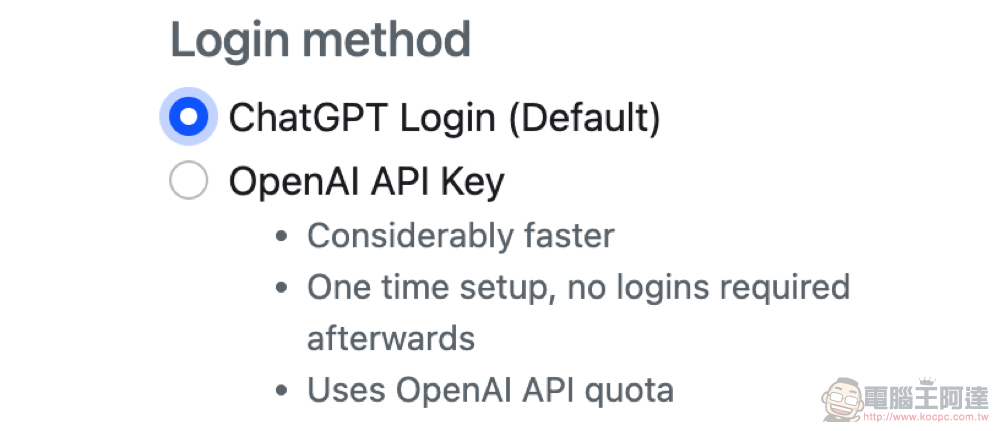
The use of ReaderGPT is very simple. After installation, a setting window will pop up, asking you to select the required prompt command and the method of accessing ChatGPT – the latter defaults to directly logging in to the ChatGPT account (just log in through the web page); you can also use the faster-responsive OpenAI API Key (for the application method, please refer to this article:OpenAI Translator is based on the translation extension function of ChatGPT API, which can be used in Chrome and Edge.)。
With Prompt defaulting to an English answer, you can customize it to the state you want – I simply added a reply in Traditional Chinese. The modified version is as follows: “Summarise the following article in bullet points in traditional chinese:” – Although it occasionally responds in Simplified Chinese, it is basically easy to use.
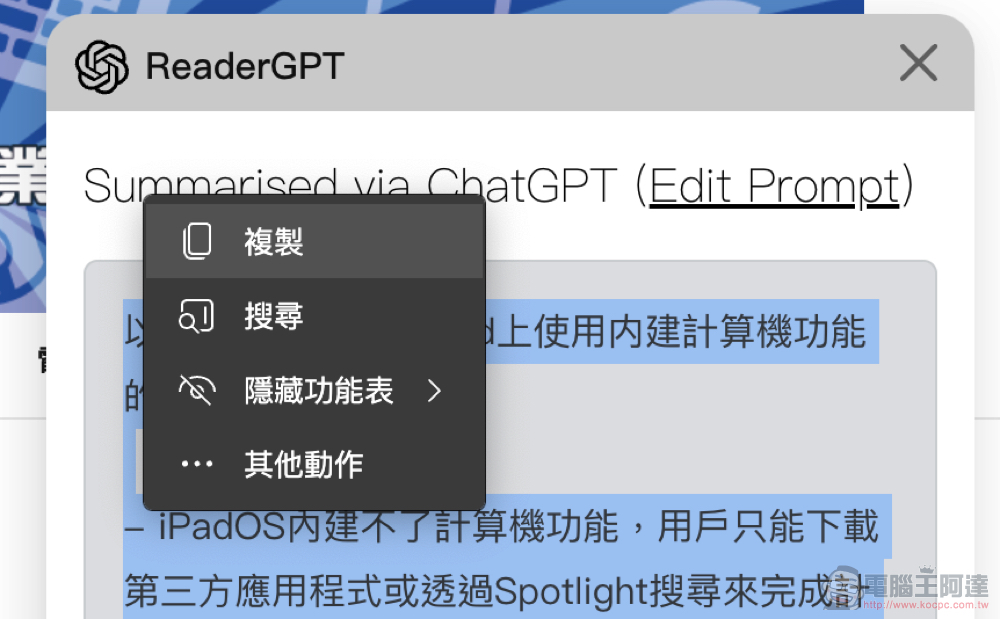
After the basic settings of ReaderGPT are completed, using it is very, very easy! Just click the ReaderGPT button of the Chrome/Edge extension after opening the web page, and it will automatically pop up a floating window in the upper right corner that will not interfere with the reading of the article, and gradually generate the summary text of ChatGPT.
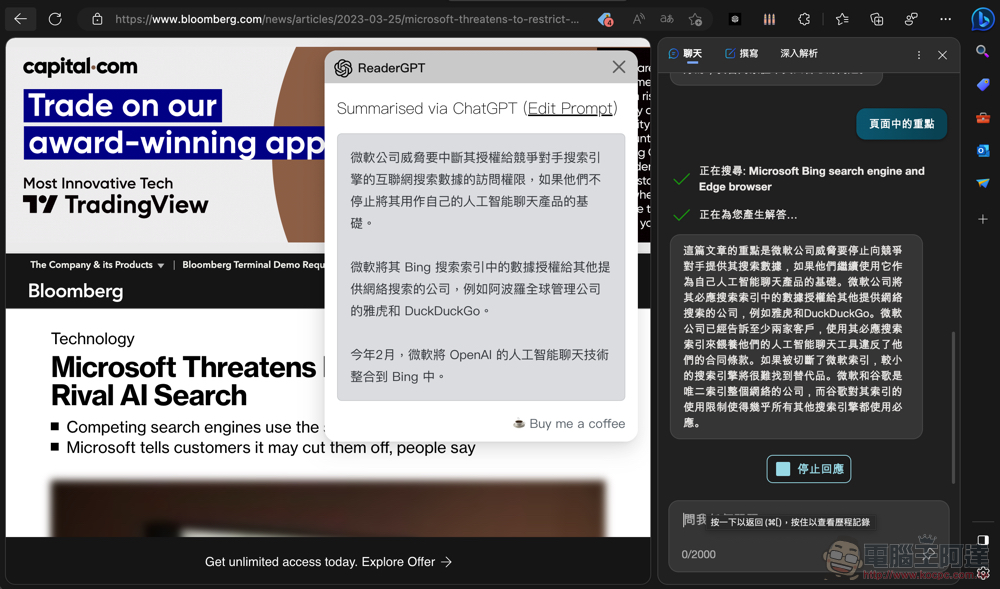
That is to say, when I tried this feature through the Edge desktop version with Bing Chat enabled, I accidentally discovered that the Bing Chat sidebar function seemed to occasionally trigger the detection of the content of the article on the current web page for summary. It seems that Microsoft is also quite active in the direction of such popular applications. I wonder if people would not install ReaderGPT if it was built into Edge?
Or do you prefer the summaries made by ChatGPT to Bing? You can also share your views with us.
Further reading:
Source: KOCPC Chinese