


For users who are accustomed to iPhone’s built-in computer apps and want to use computer functions on iPad, in addition to using Spotlight search to complete simple calculations, they can only choose to download third-party iPad computer apps from the App Store. If you don’t want to install another app and want to keep the same style of built-in computer interface as Apple’s official interface, this time I will share with you how to implement built-in computer tools with one click!

iPad computer App installation tutorial, quickly realize built-in computer functions with just one click!
For iPhone users, the easy-to-use interface of the built-in computer app in iOS is also a feature that many users often use. However, currently iPadOS does not have a built-in computer app. Users can only find third-party apps from other developers or use other methods to implement computer functions.
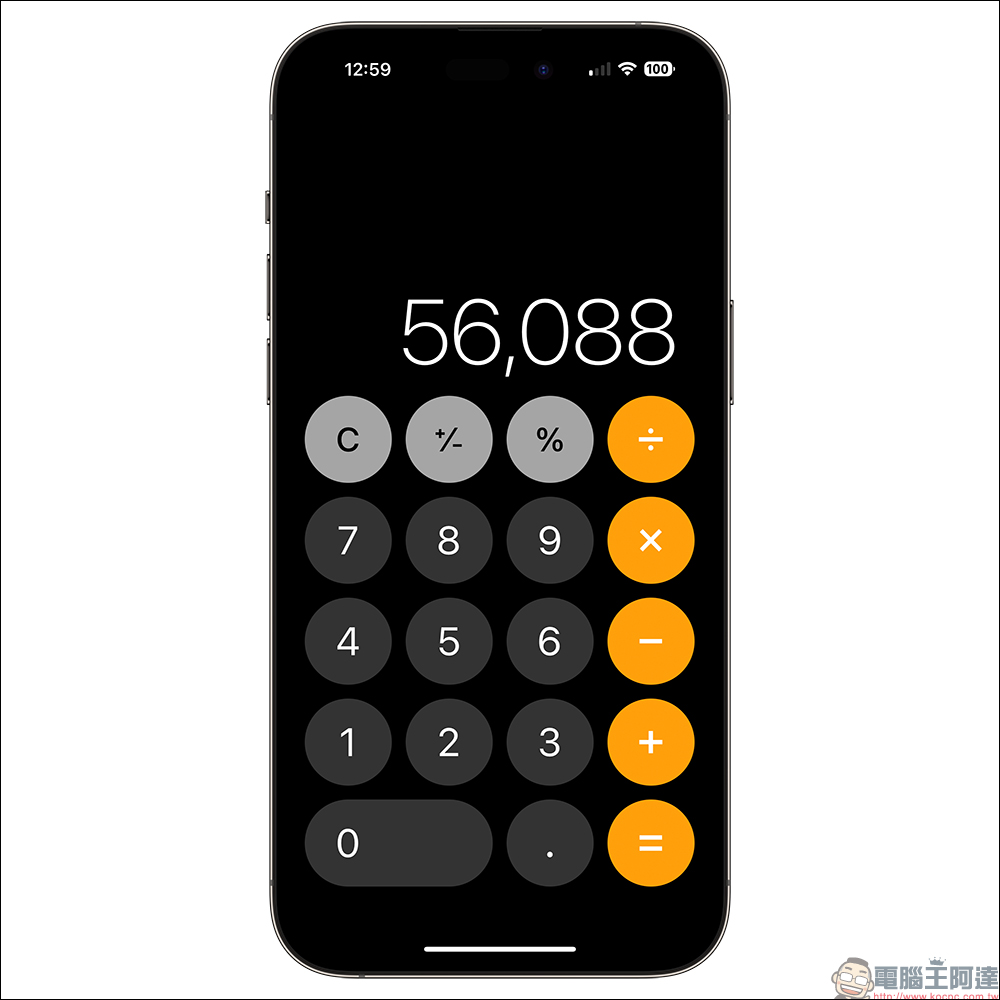
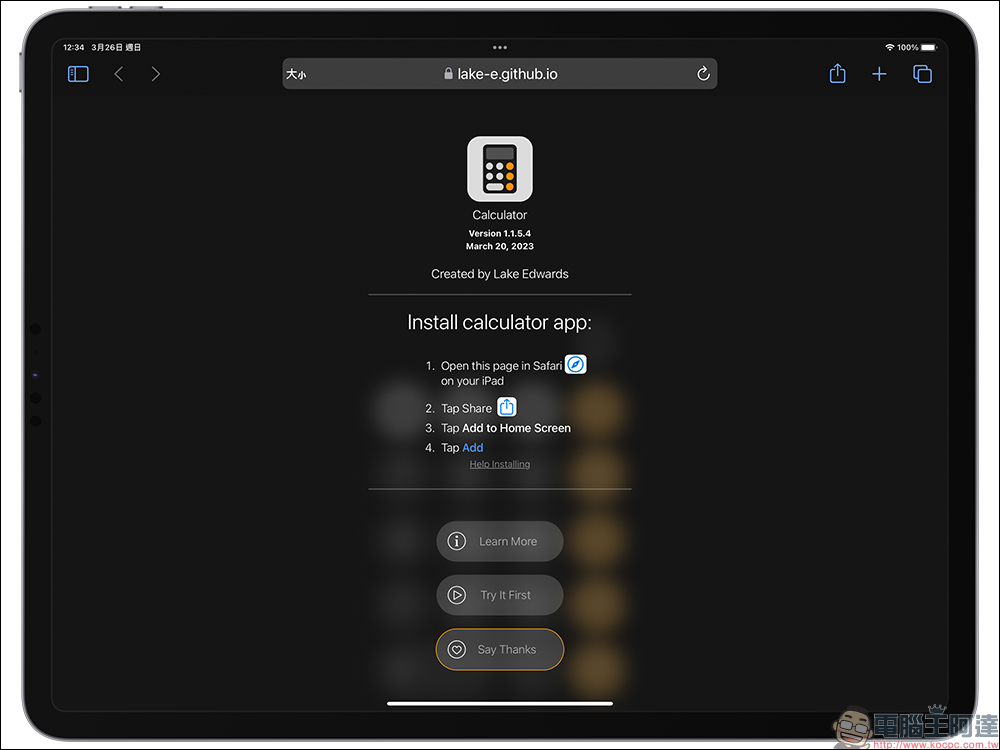
If you are still used to the iPhone’s built-in computer App interface design and don’t want to install additional apps to take up storage space, here is a way to install the same computer tools as Apple’s. In fact, this iPad computer tool is not an app but a web tool developed by developer Lake Edwards, which allows users to easily add computer pages directly to the iPadOS desktop for use. First, just open the Safari browser on your iPadComputer Tools Page (please click me)」:
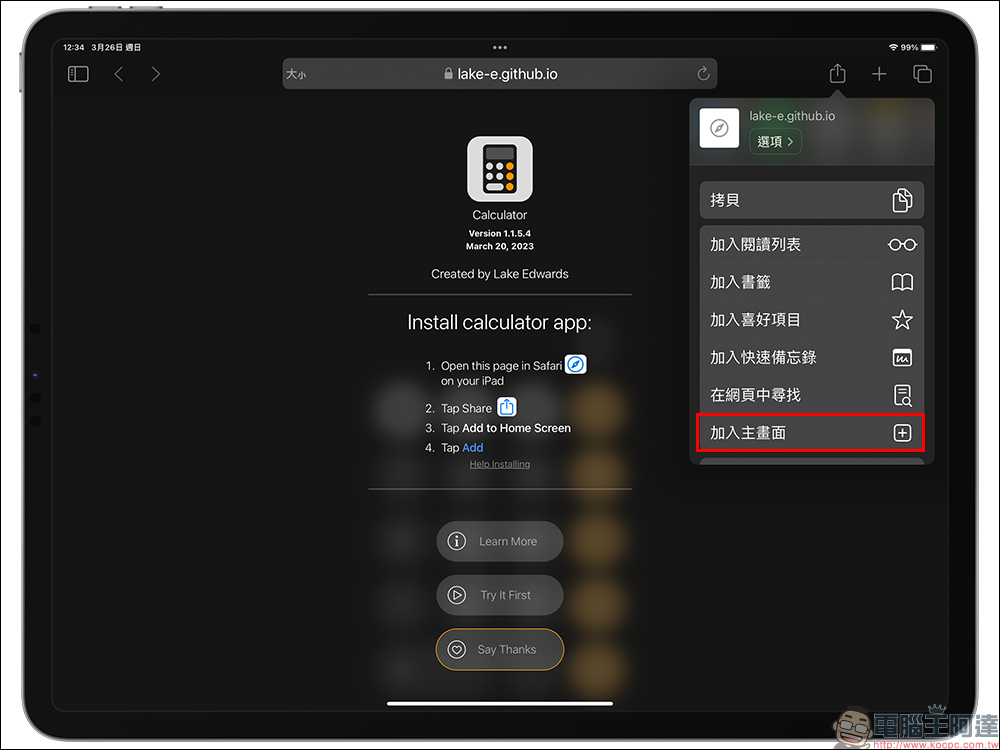
Click the “Share” button in the upper right corner of the webpage, then select “Add to main screen” to proceed to the next step:
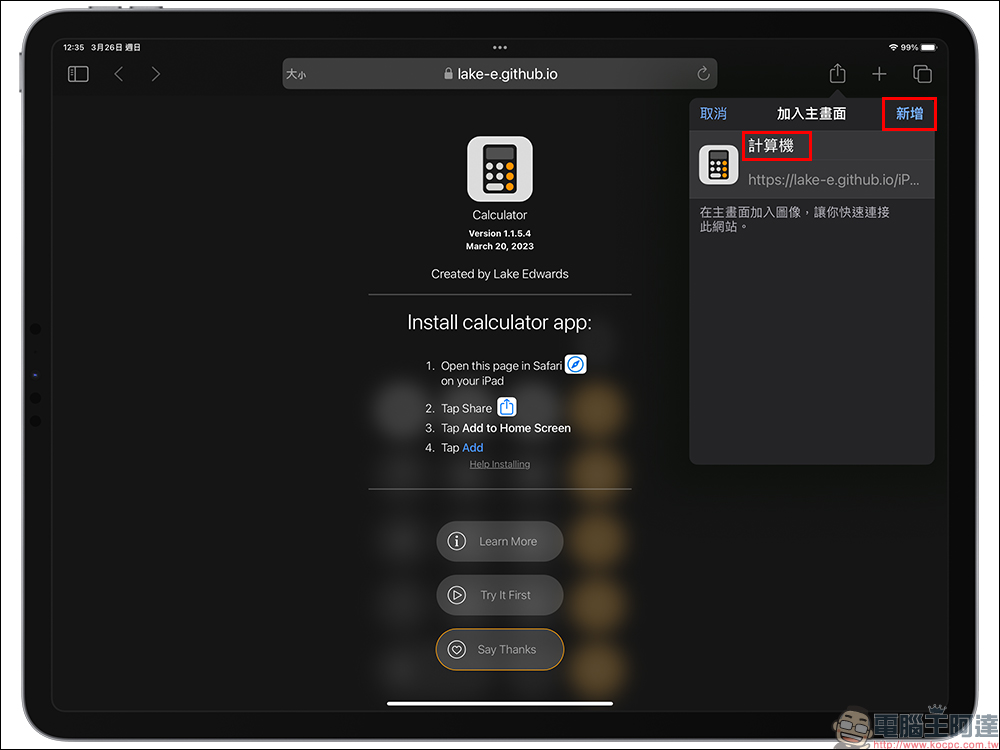
Here you can modify the name of the computer tool according to your own habits. If you want it to be the same as the iPhone, you can rename it “Computer”. After modifying the name, click the “Add” button next to it.
Next, you can see this computer tool on the iPadOS desktop.
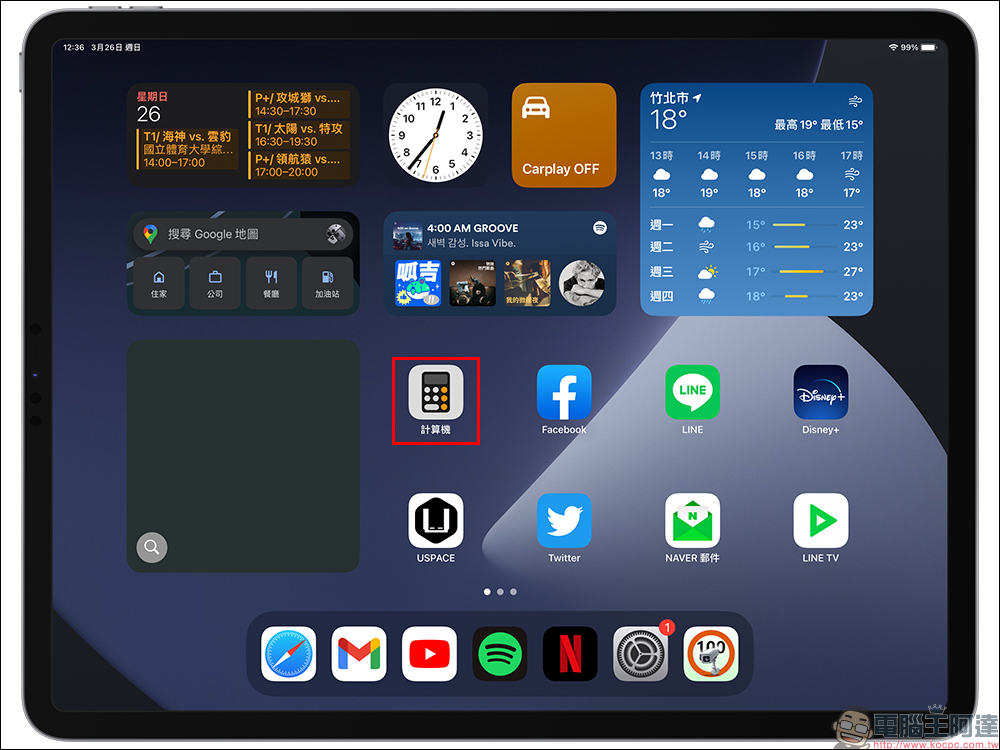
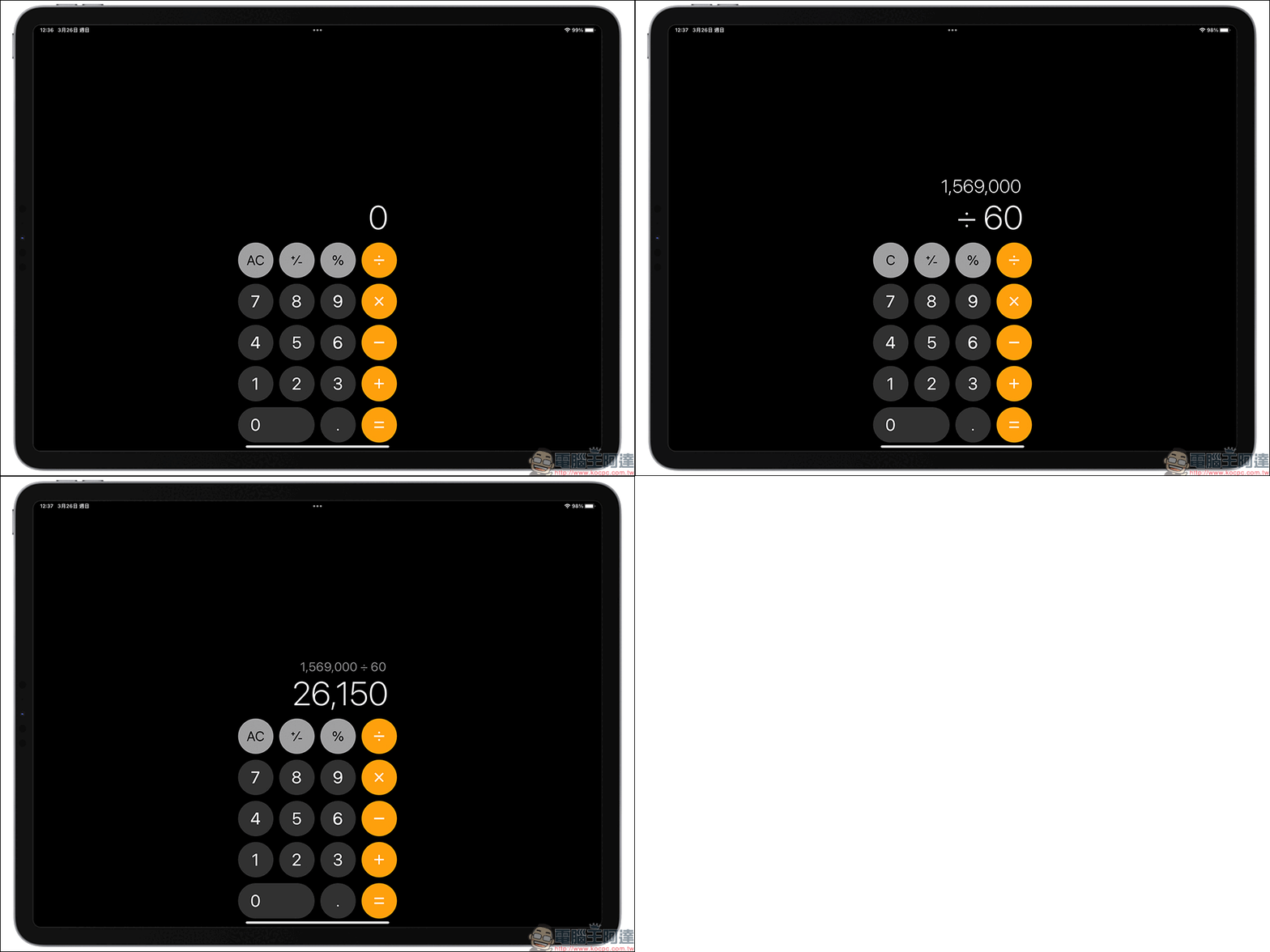
When you usually use computer functions, you only need to click “Computer” to open this computer tool. The operation is basically the same as the built-in computer app on iPhone.
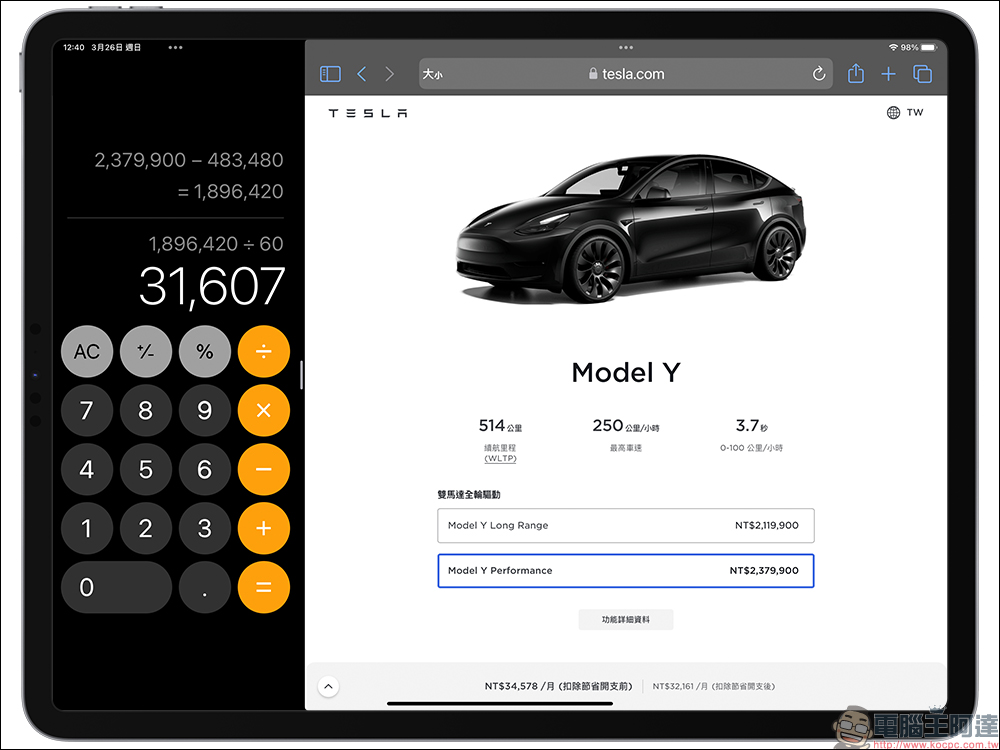
Unlike other third-party computer apps, the computer tool introduced this time can support the screen splitting function, allowing users to browse the web and perform calculations at the same time.
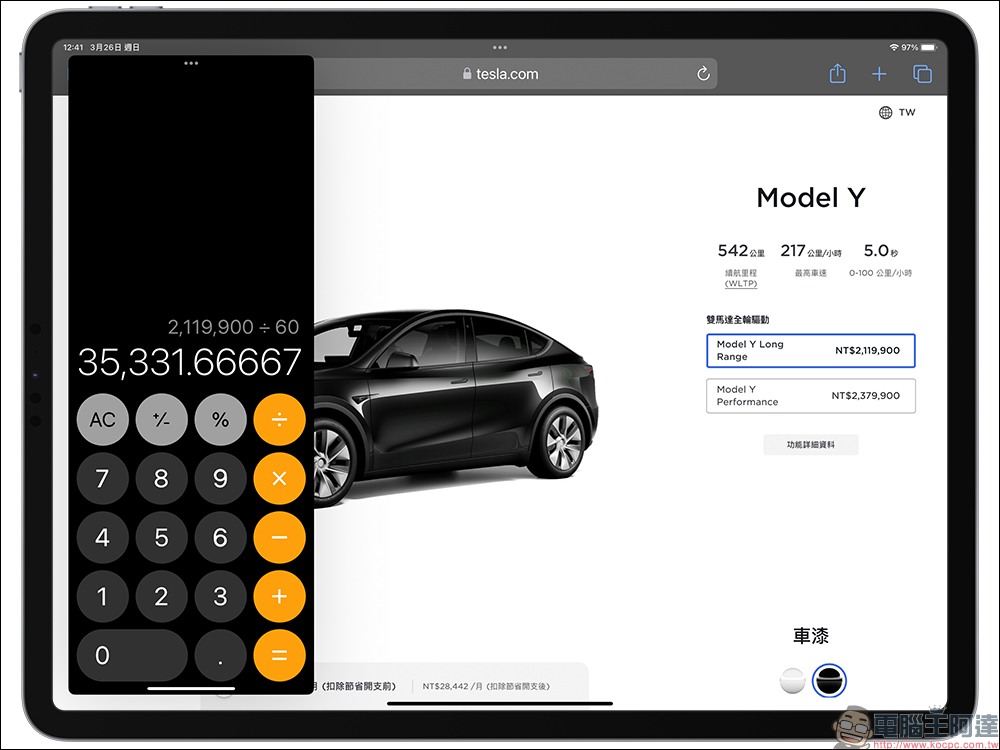
You can also choose to use a floating window to display computer tools floating above the browser. You can also use gesture slide operations to adjust the display size and position of computer tools.
iPad computer tools (please click me)
Since the first iPad was released in 2010, there is a question that has puzzled users. Why, even though it is an iOS device, 13 years later, does the iPad not have built-in computer applications like the iPhone? The main reason for this is that Steve Jobs couldn’t stand the design team’s practice of porting iPhone computer apps directly to iPad. Since then, the development of iPad computer applications has been ignored and ignored, after all, there is more important development work. It is precisely for these reasons that the iPad has not yet developed the most perfect computer app.
But now, as long as you can make good use of the “Add to Home Screen” function, you can use other developers’ web tools to implement computer tools similar to those on the iPad.
Also featured: Other ways to use computers on iPad, as well as recommendations for multiple iPad apps
In addition to the computer tools introduced this time that can implement computer functions on iPad, in fact, on iPadOS, you can also use Spotlight to enter what you want to calculate in the search field to achieve simple calculations.
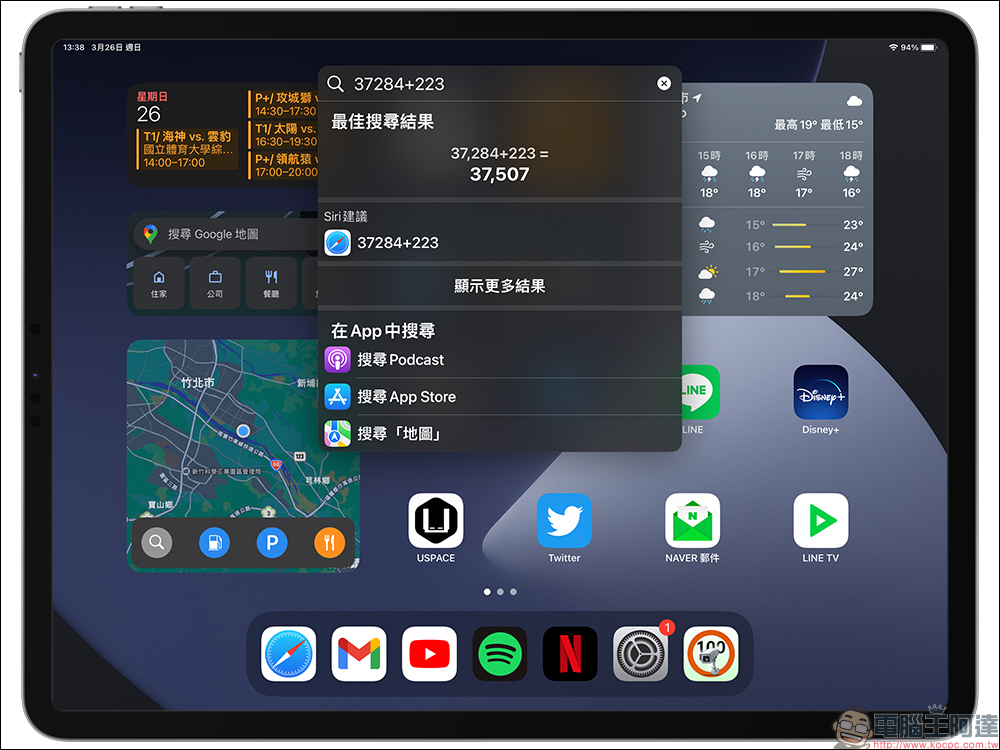
In addition, this article also compiles three recommended free computer apps for iPad. Each of the three apps has different functions and features. You can choose your favorite computer app according to your own preferences.
Computer for iPad+(App)
First of all, the first “Computer for iPad+” App is similar in interface design to the iOS Computer App.
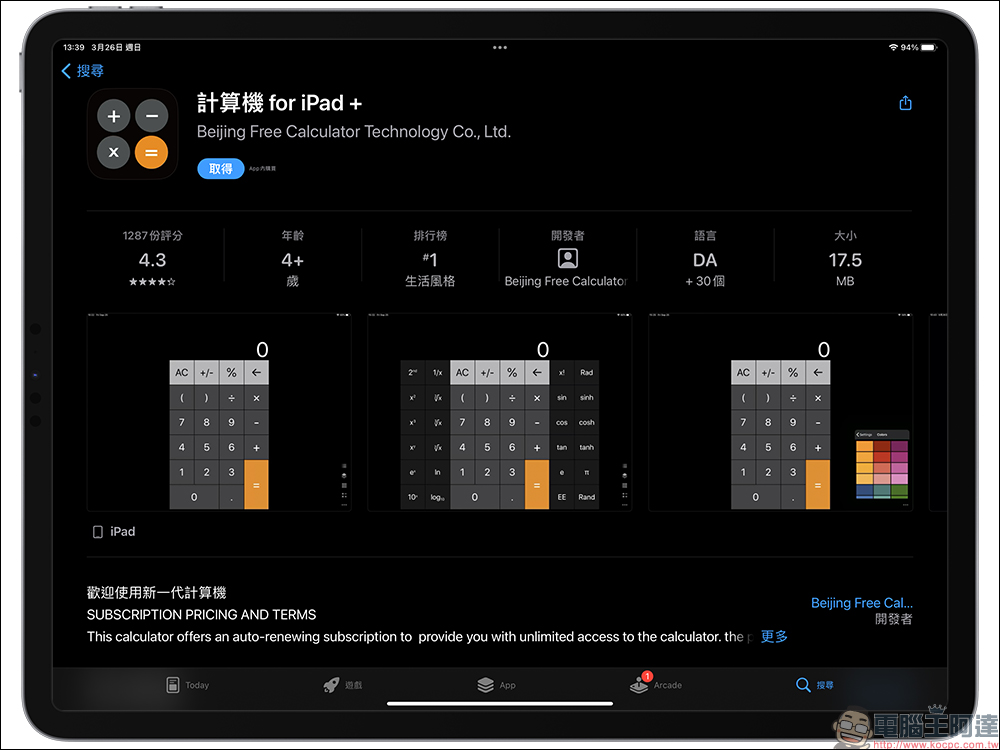
With a simple standard computer interface, users can easily get started using computer functions.
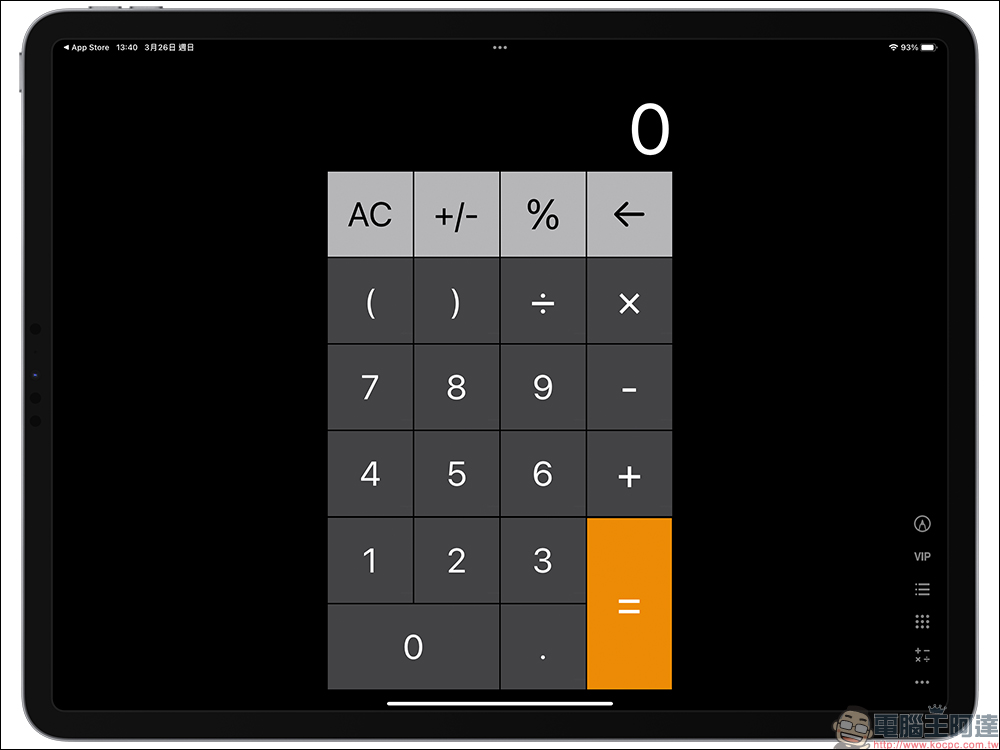
In addition, this app also supports scientific computer mode.
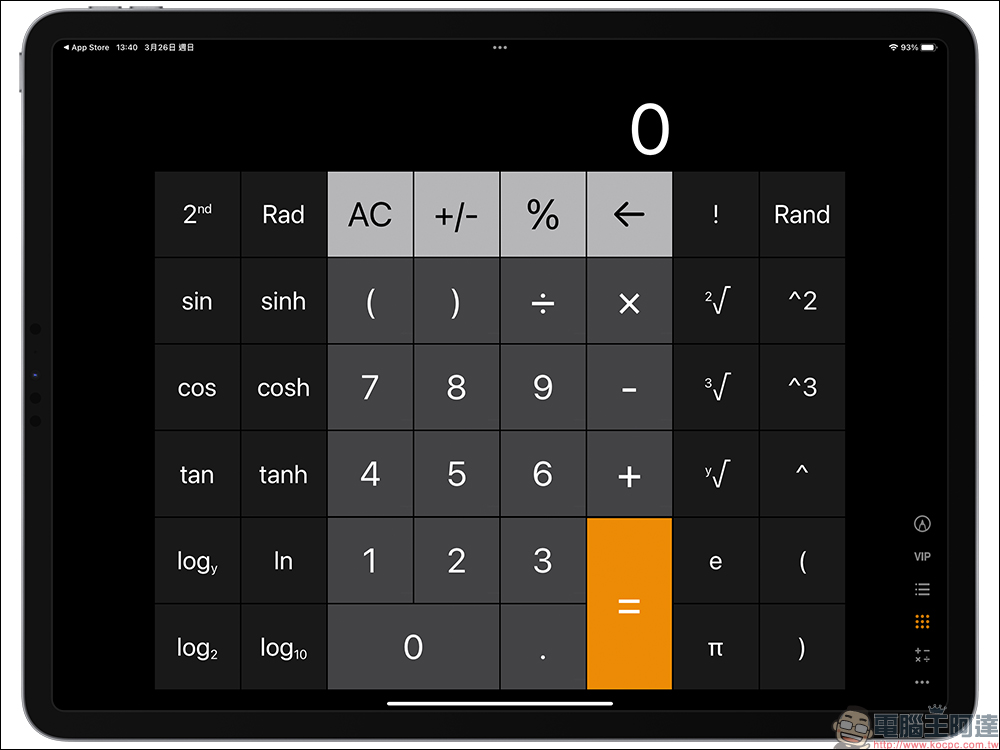
If you want to customize the computer interface with different colors, the free version of this app also provides a variety of color options, and users can also pay to unlock more colors.
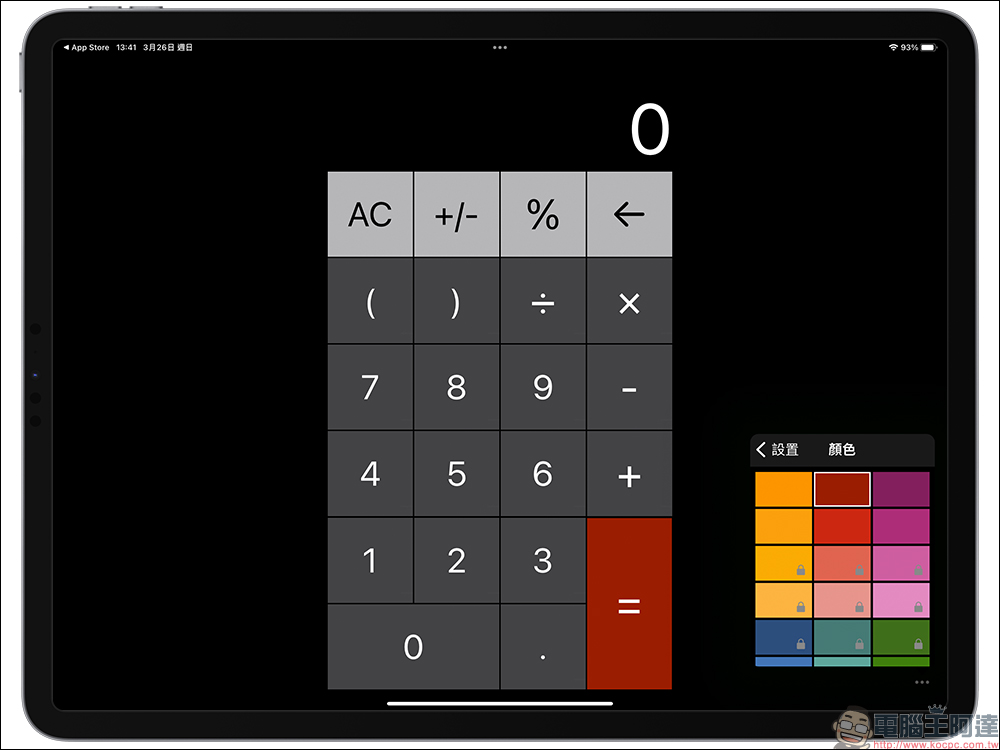
Computer for iPad+App download (App Store)
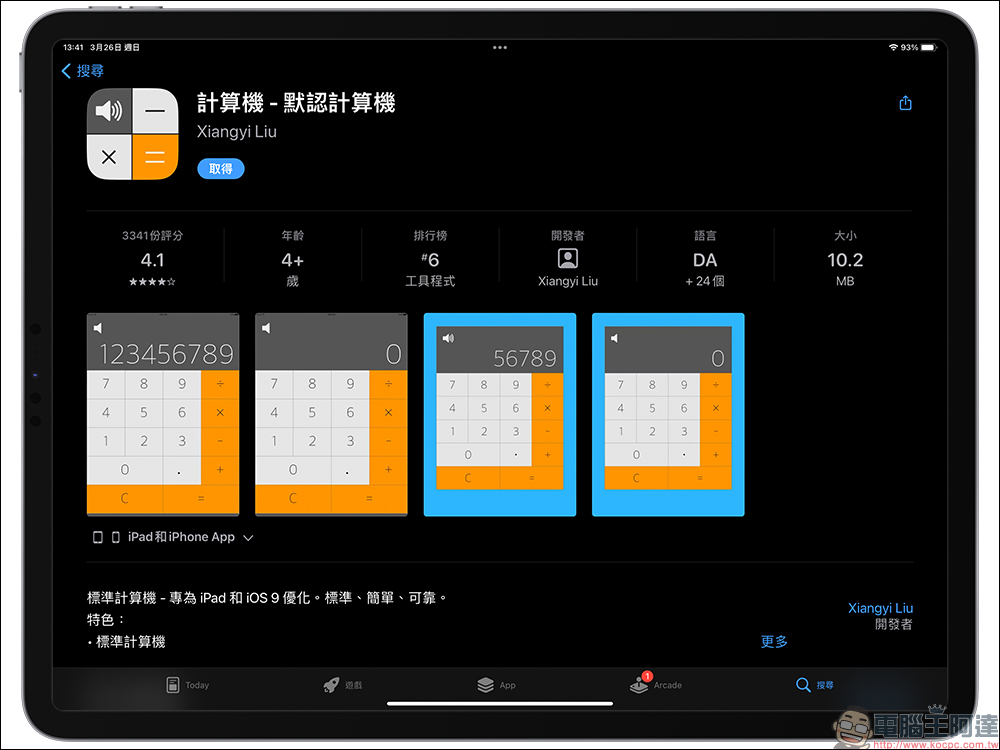
Computer—Default Computer (App)
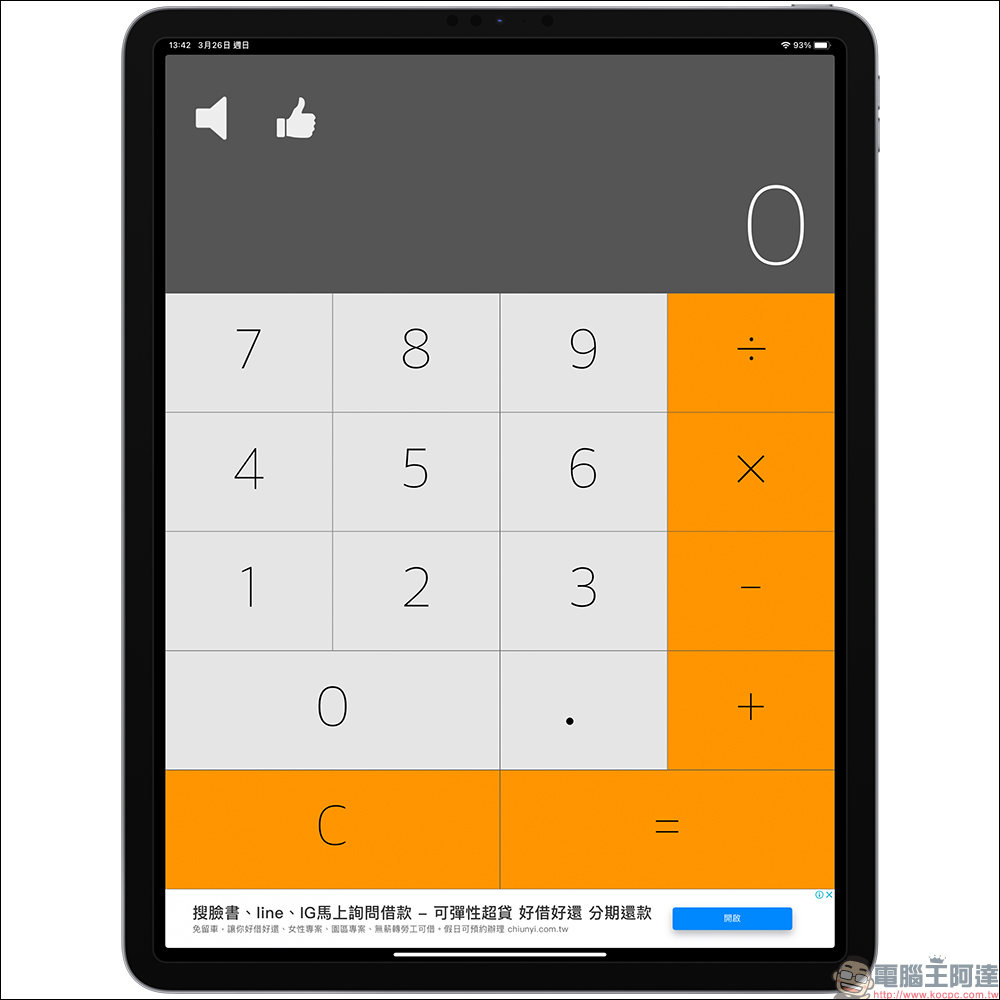
If you mostly use computers on your iPad in a direct manner, it is recommended to choose the “Computer—Default Computer” app.
Because the interface of this App is quite large and is presented directly in full-page form, it is very suitable for iPad users to operate the computer with large buttons.
Computer − Default Computer App Download (App Store)
Universal Computer: All-in-One Computer (App)
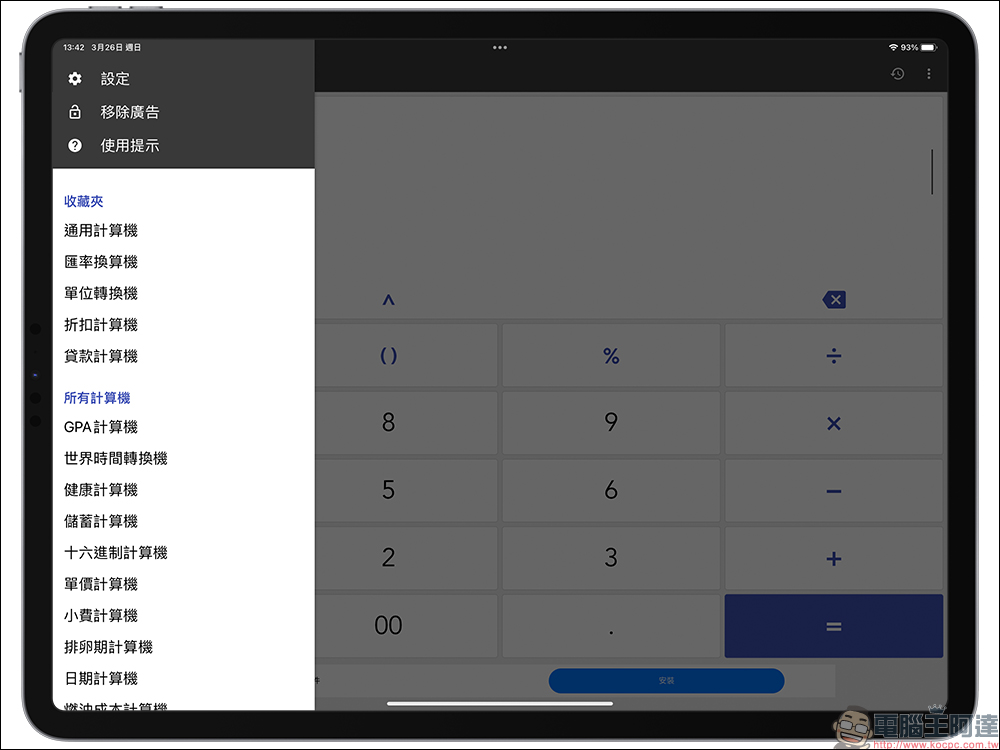
If you want to handle multiple computer functions at once, it is recommended to use the “Universal Computer: All-in-One Computer” app. Although its interface design is different from the iOS computer app, it is super rich in functions. It is quite suitable for not only basic numerical calculations, but also various calculations required in daily life such as unit conversion, exchange rate conversion, discount calculation, payment calculation, etc.
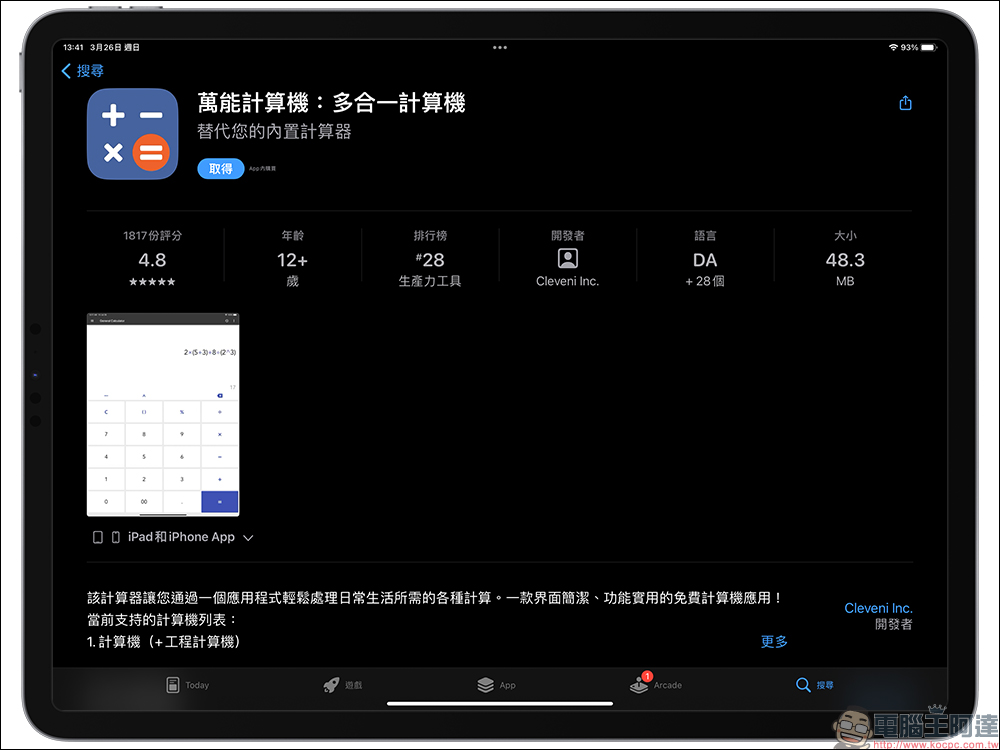
For general computing needs, this app provides basic computer functions.
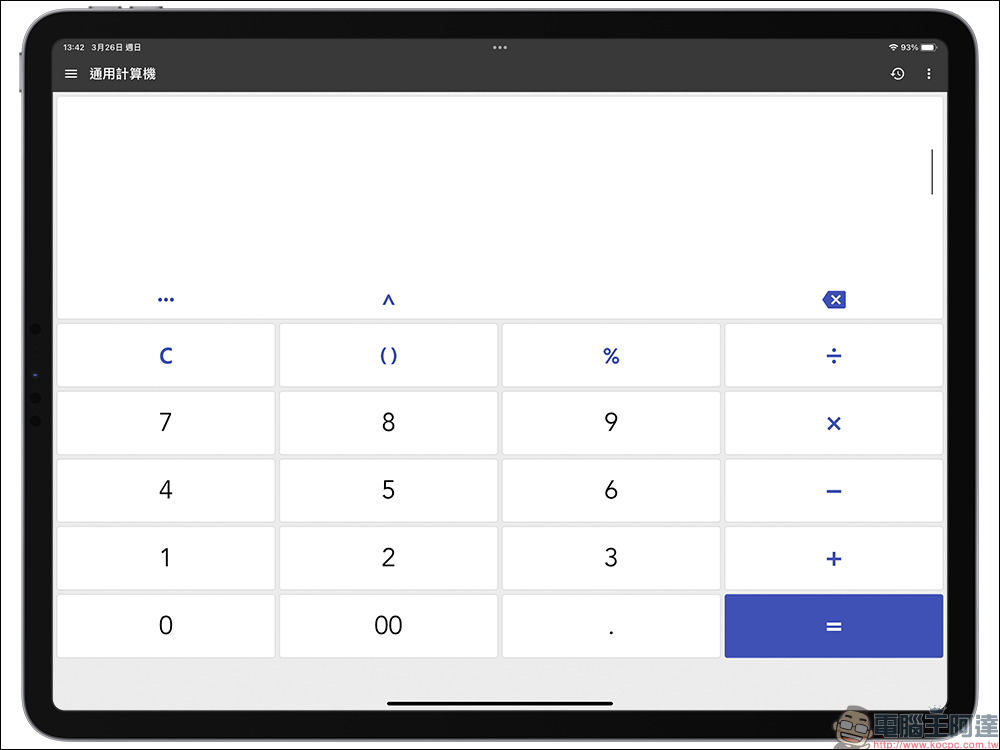
It also supports “Exchange Rate Conversion”, “Unit Conversion”, “Discount Calculation”, “Exchange Rate Calculation”, and supports a variety of computer functions such as GPA calculator, world time conversion calculator, health calculator, savings calculator, hexadecimal calculator, unit price calculator, tip calculator, ovulation calculator, date calculator, fuel cost calculator, etc.
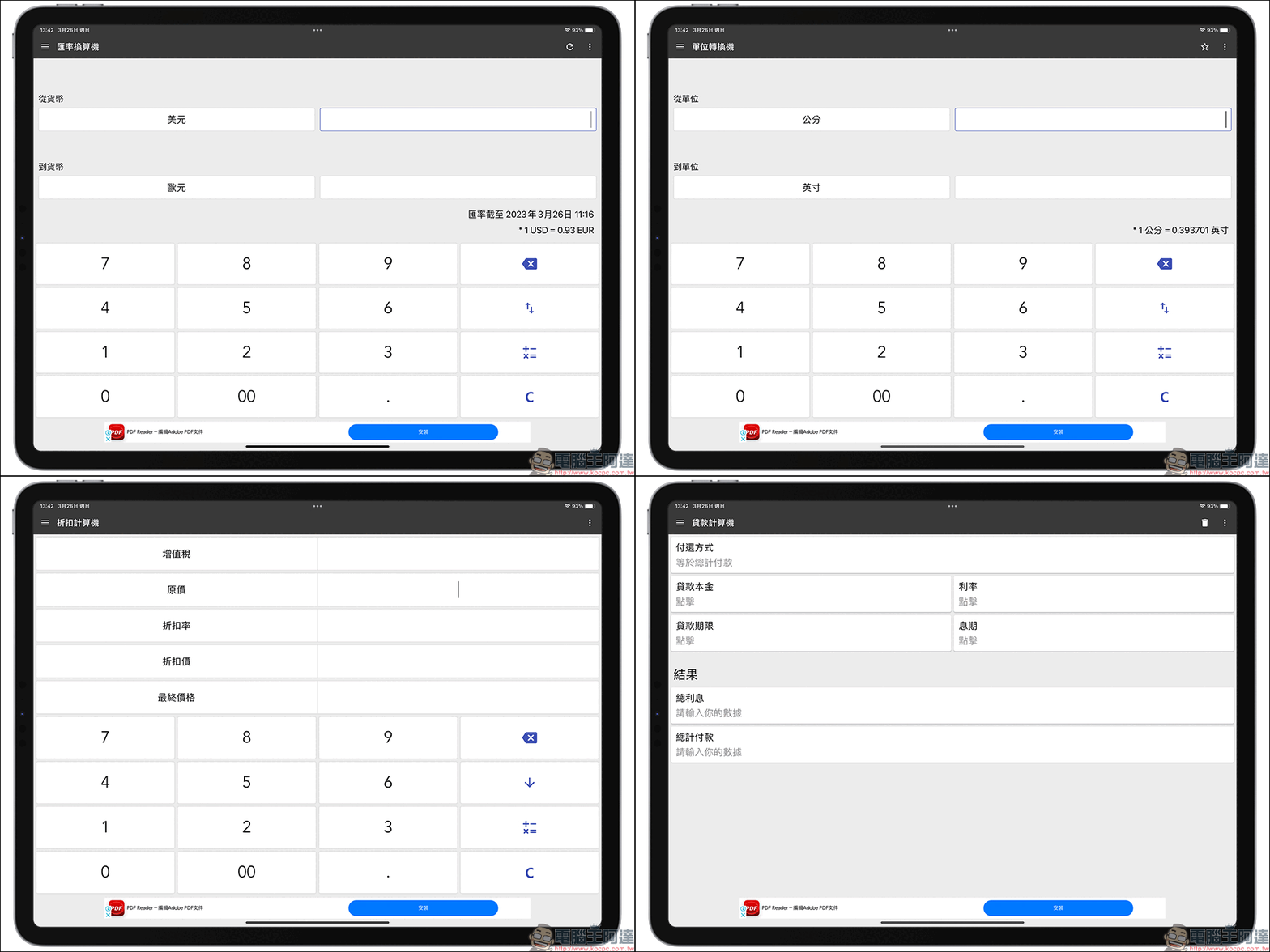
Universal Computer: All-in-One Computer App Download (App Store)
Although the above-mentioned free computer apps are free to use, some of them will have advertisements displayed on the interface. If you want to use the full app functions without advertisements, you need to pay extra to unlock them. Whether you are using the iPad computer tools introduced in this article, or using Spotlight calculations, there are also a variety of third-party iPad computer apps. You can choose the one that is most convenient for you according to your own habits.
Further reading:
iPhone 15 Pro series rumors review: 10 new features and expected changes
Source: KOCPC Chinese