


Previously, Google announced. Gemini Live real-time screen and camera sharing feature now available to free Android users, but I believe some people still won’t be able to use it, and as Google I/O 2025 kicks off, Google has officially announced that starting today Android and iOS Everyone can gradually get to try this feature, so go ahead and turn it on. Gemini Live Try it.
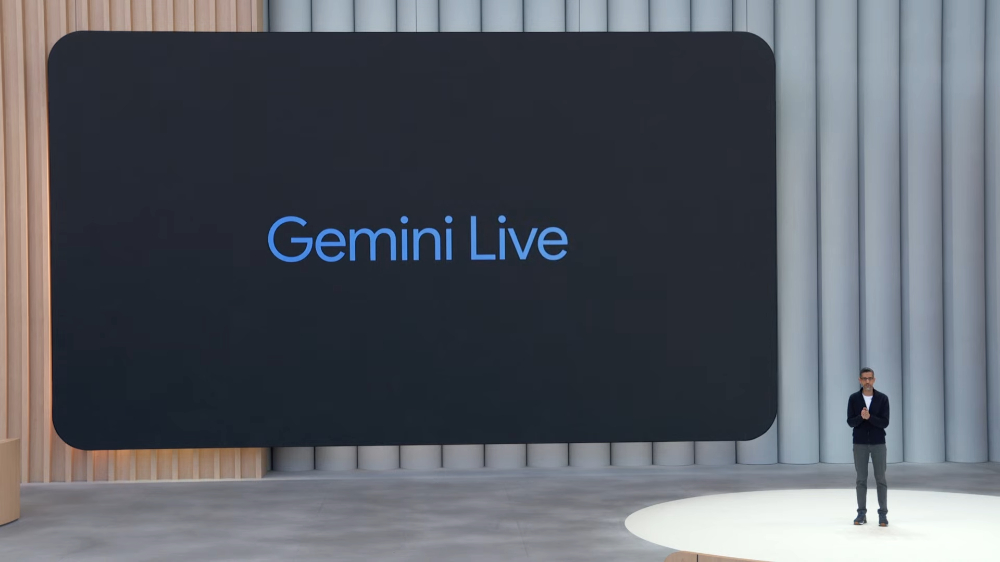
Google announced that Gemini Live’s real-time screen and camera sharing feature is now available starting today.
Gemini Live’s real-time screen and camera is a new feature Google launched in March this year. Once enabled, Gemini can see what’s in front of you and provide any answers you need.
For instance, pointing the camera at an object and asking what it is, or saying anything you think it might be—AI will not only tell you the answer, but also correct you in real time when you’re wrong:
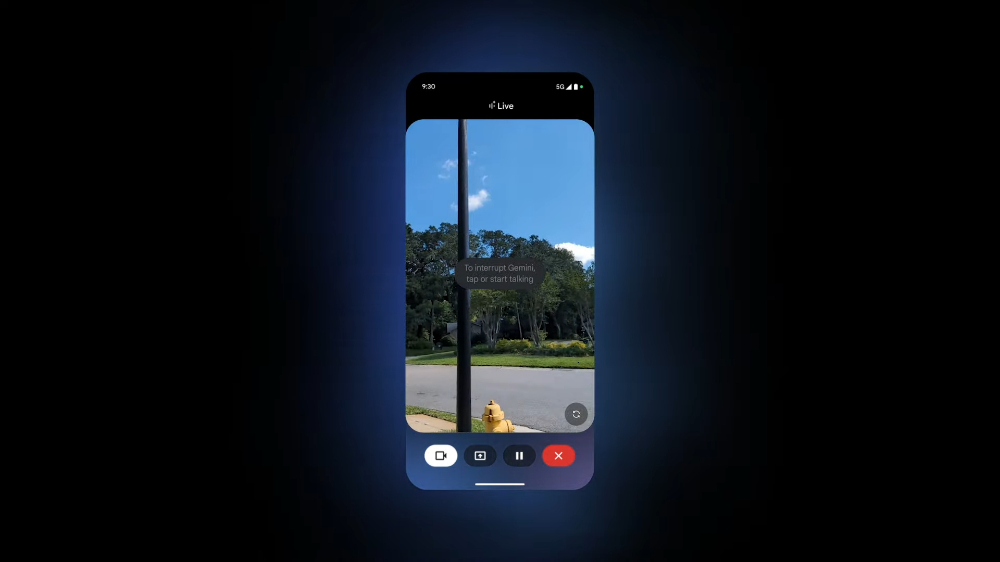
You can also ask what this building is and its history, or request translation and explanation of foreign menus or product descriptions.
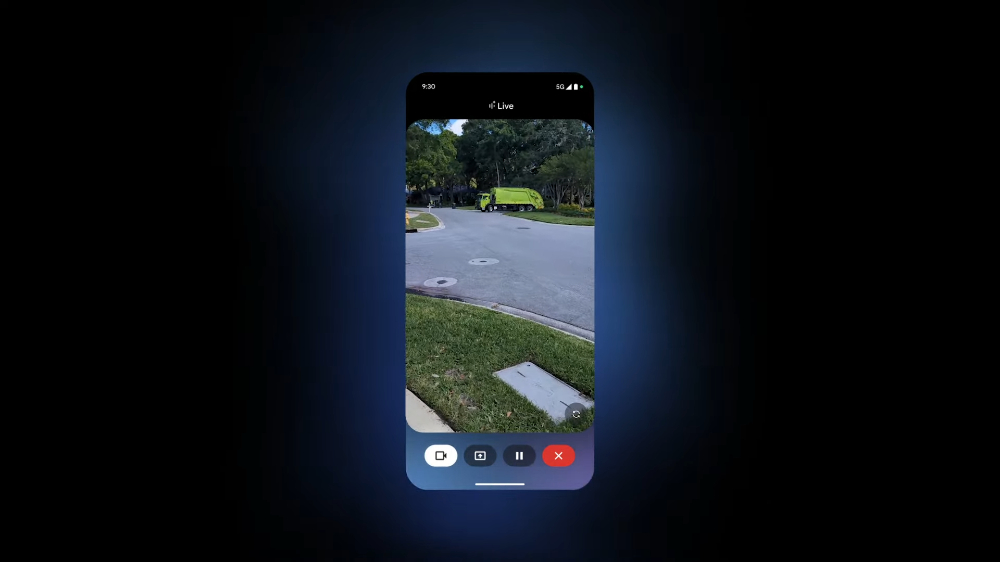
Of course, it’s not limited to just the camera lens—you can also share your current screen to ask for help. For example, if you’re browsing the web and come across a chart you don’t quite understand, you can ask Gemini Live: “What does this chart mean?” “What are the key points?” or “How do I change this app’s settings?”
With Gemini Live’s real-time screen and camera sharing feature, when you run into something you don’t understand in the future, even if there’s no one around to ask or you don’t know any relevant experts, you can use Gemini Live to try to work it out. It really makes things a lot more convenient.
Compared to ChatGPT, which only offers this feature to paid Plus, Team, and Pro users, Google making it fully available to all free Gemini users is genuinely generous. And based on current information, Gemini Live’s real-time screen and camera sharing features don’t seem to have any clear usage limits, which means you can likely use them continuously.
Google announced at I/O 2025 that Gemini Live’s real-time screen and camera sharing feature is rolling out to Android and iOS starting today. However, when I tested the iOS version of Gemini, I haven’t seen the feature yet (it may take some more time). On Android, it’s already available.
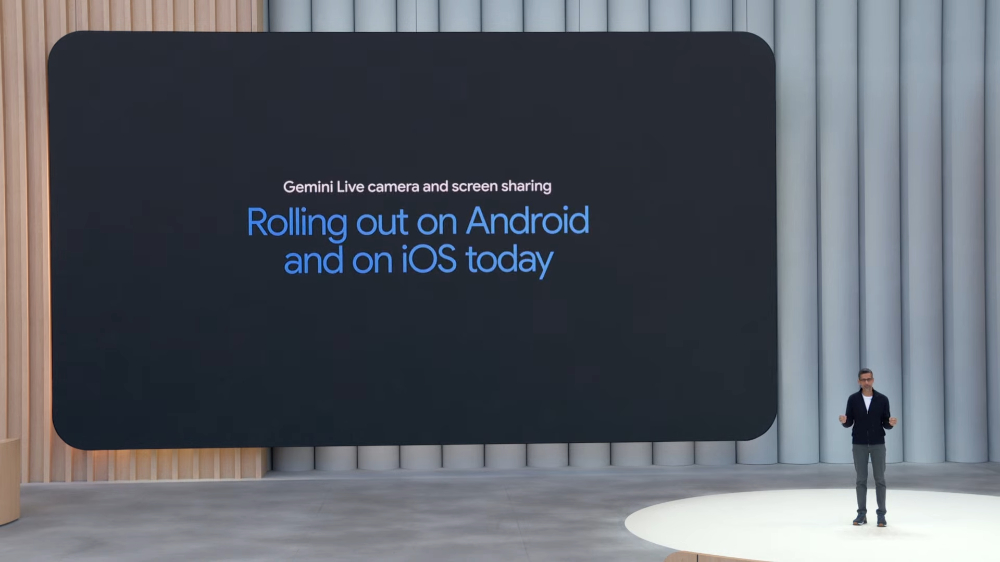
How to use Gemini Live’s real-time screen and camera sharing feature
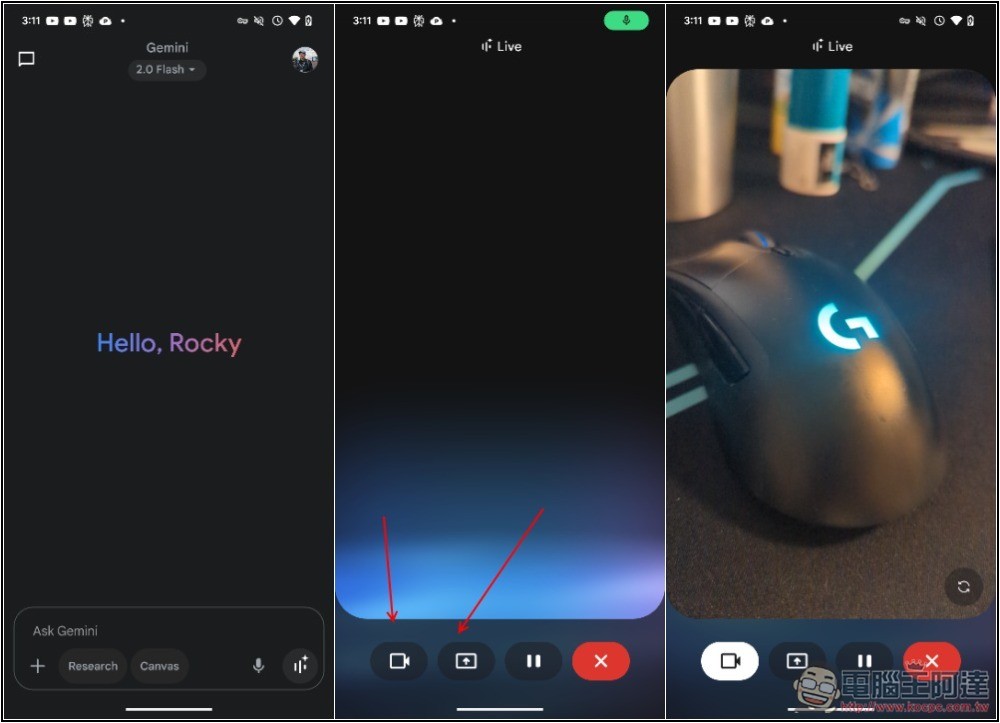
After opening the Gemini app, enable the Gemini Live feature and you’ll see icons for real-time screen sharing (up arrow) and camera sharing (video icon) at the bottom. Gemini Live can then see the screen you share:
4 Ways to Use Gemini Live’s Real-Time Screen and Camera Sharing Features
- Real-Time Travel Translation and Attraction NarrationWhen traveling abroad, if you see a historic building or a menu written only in a foreign language, you can point your Gemini Live camera at it and ask, “What building is this?” or “What dish is this? Can you help me translate it?”
- Home DIY or troubleshooting helper:When a home appliance suddenly starts acting up, or you’re assembling newly purchased furniture, point the Gemini Live camera at the malfunctioning appliance or the furniture parts you’re putting together, and ask: “What does this flashing red light mean?” or “Where does this part go?”
- Smartphone operation or app usage tutorial:If you’re unfamiliar with certain phone settings or want to learn how to use a feature in a specific app, you can use Gemini Live’s screen sharing feature to operate your phone and ask questions at the same time, such as: “How do I set this app’s notification permissions?” or “I want to find this effect in this photo editing app—where should I tap?”
- Shopping price comparison and product information:If you see a product in a store or browse a product page online and want to quickly check reviews and specifications, you can also ask Gemini Live.
Source: KOCPC Chinese