


We have previously introduced a free extension that allows you to chat directly with ChatGPT in the upper right corner of the browser “ChatGPT for Google ”, although it is also useful, I think the window is a bit too small and is still inconvenient. This article will introduce another “ChatGPT Sidebar” that is better to use, has a larger screen, and does not require logging in to your ChatGPT account. You can directly chat with ChatGPT on the side of any web page, and has built-in some commonly used Prompts, whether it is translation, asking questions, or generating ideas.

ChatGPT Sidebar allows you to chat with ChatGPT on the side of the web page. Any web page supports it.
ChatGPT Sidebar is a Chrome extension that can also be installed and used on Microsoft Edge. I will use Edge as an example below, and the operation methods are the same.
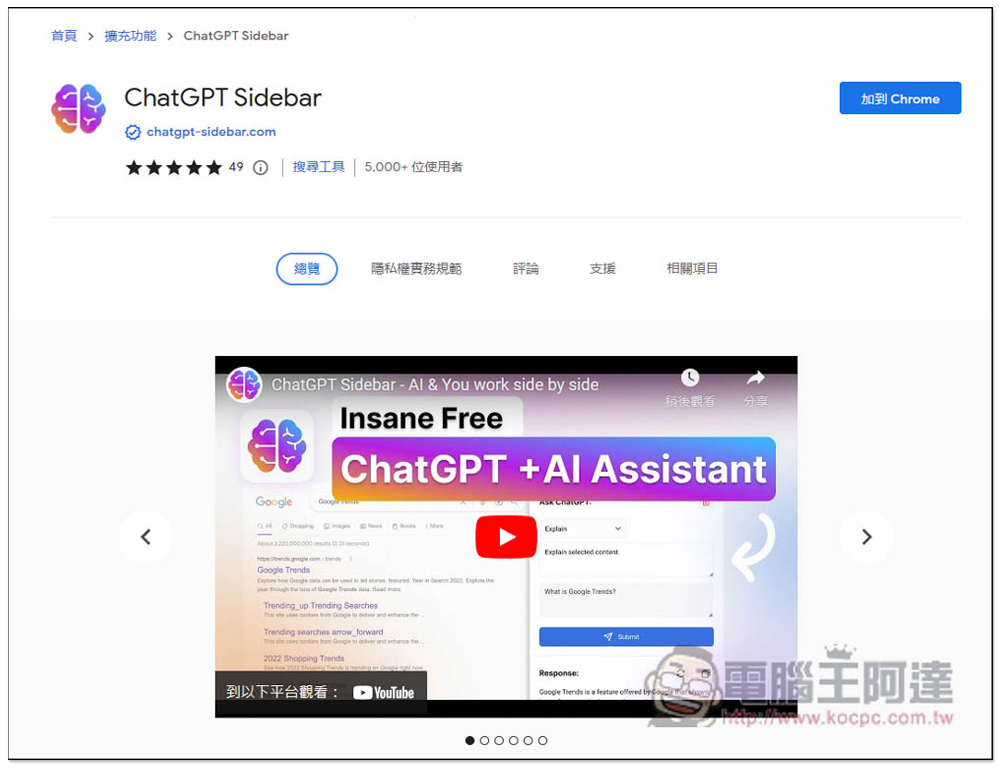
After entering the Chrome extension store page, click “Add to Chrome” in the upper right corner:
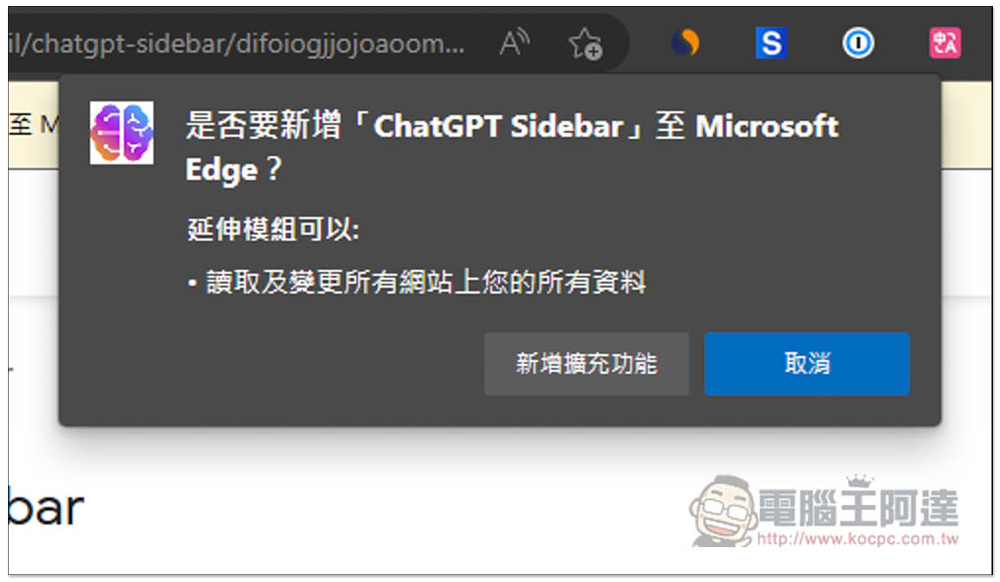
This message will pop up above, click “Add extension” to install:
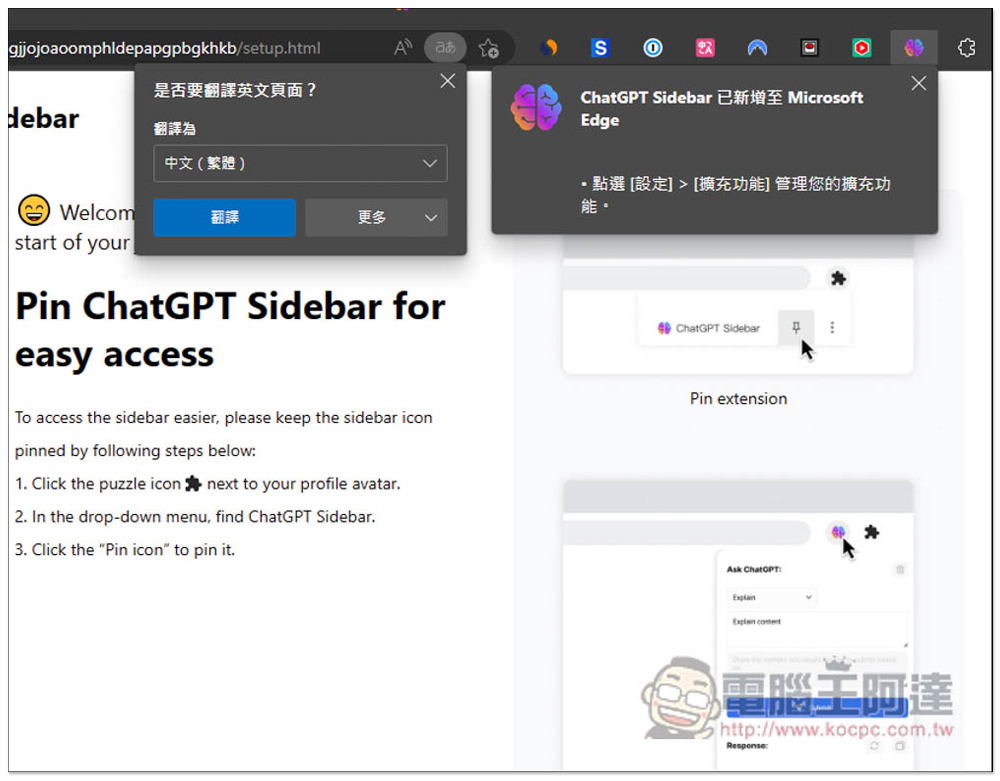
In this way, the new addition is completed. The default extension icon will be hidden. See if you need to open it. You can also use it if you hide it:
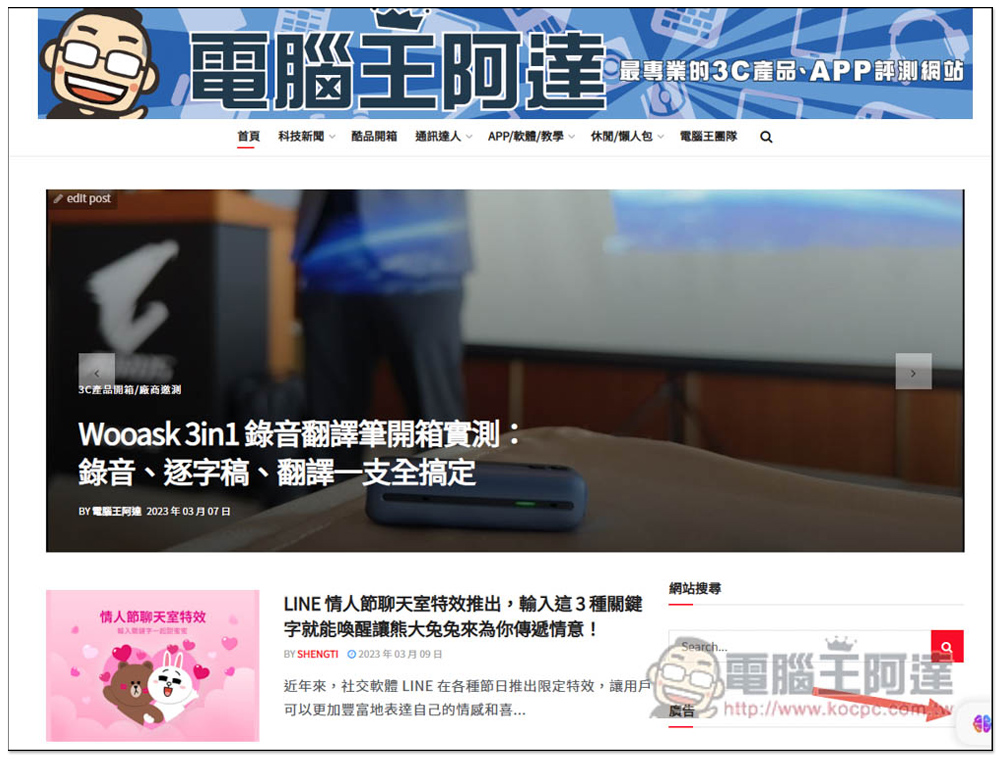
When you open any web page, you will see a small icon in the lower right corner. This is its shortcut function. Click to expand the side blue:
As shown in the picture below, you can start chatting and enter the questions you want to ask:

There are also some commonly used prompts built-in, such as Summarize summary, Rewrite rewrite, Translate translation, Grammar grammar, etc.:
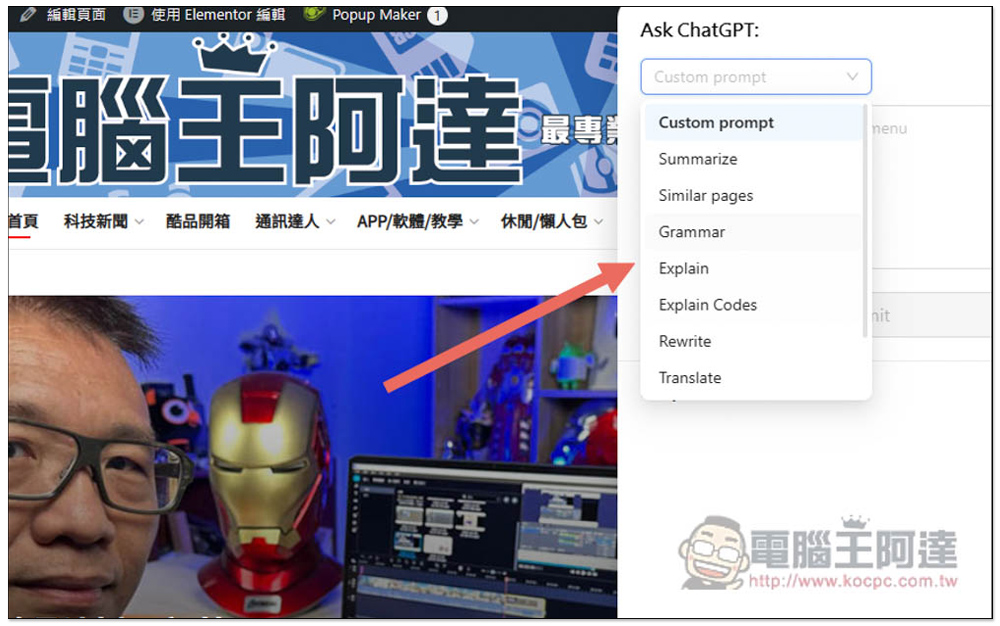
To ask questions, use Custom prompt, enter what you want to ask, and then press Submit:
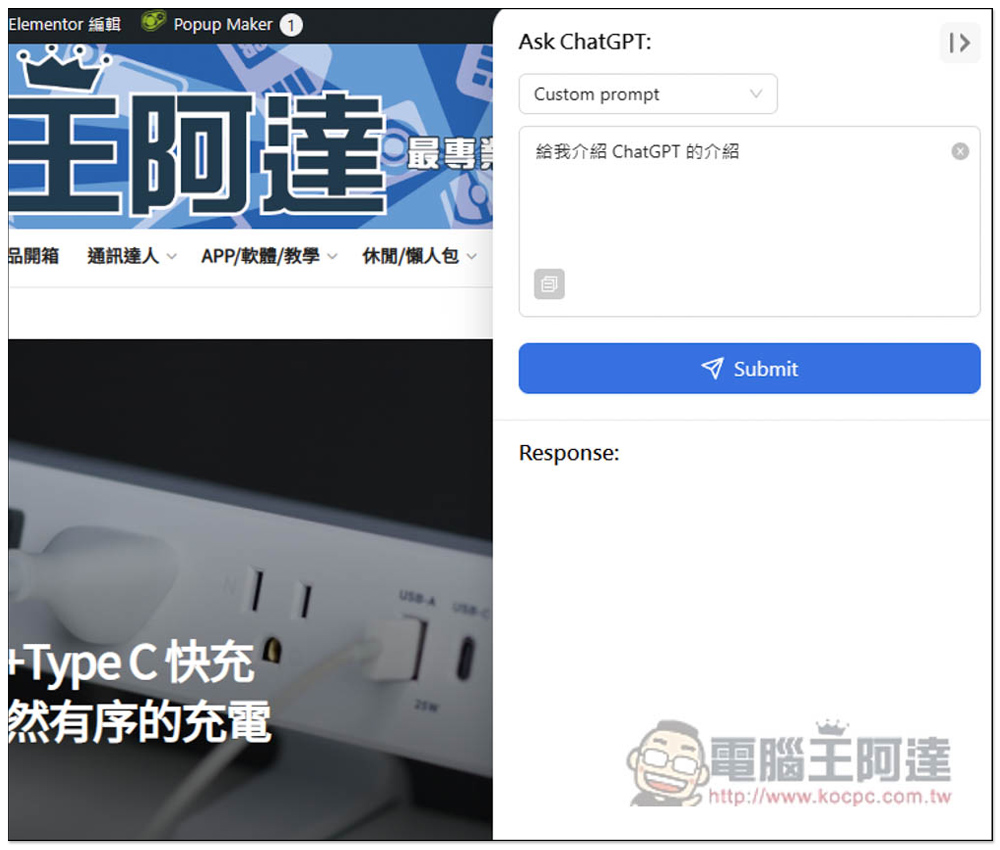
Then you will get the answer. The speed is quite fast and there is no jam. I am not sure if it is because I used it in the morning:

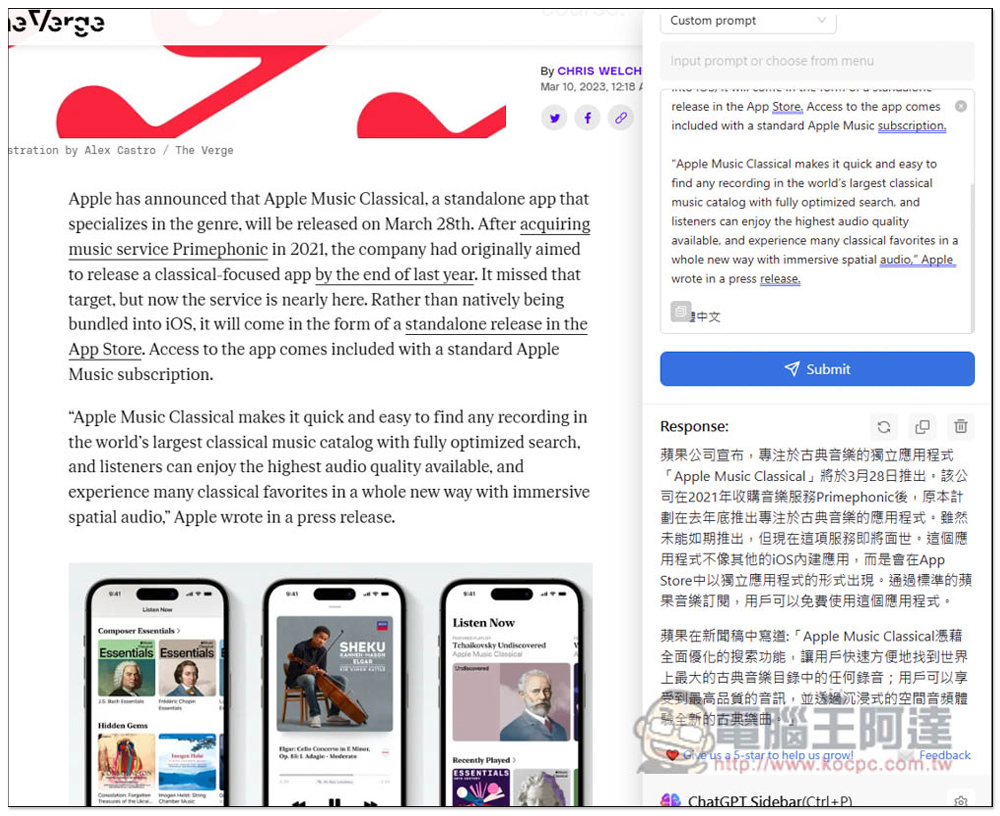
With this sidebar, translation has become very easy. Just paste the content you want to translate on the sidebar, enter Traditional Chinese, and you can get the translation of ChatGPT:
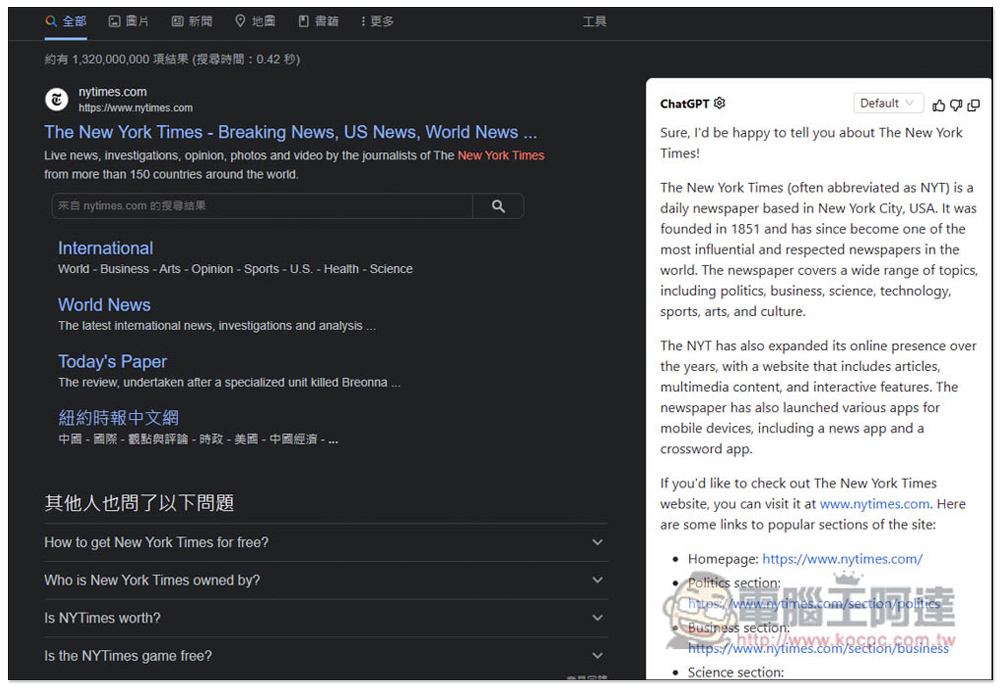
When searching on Google, the answer for ChatGPT will also appear on the right, which is also useful:
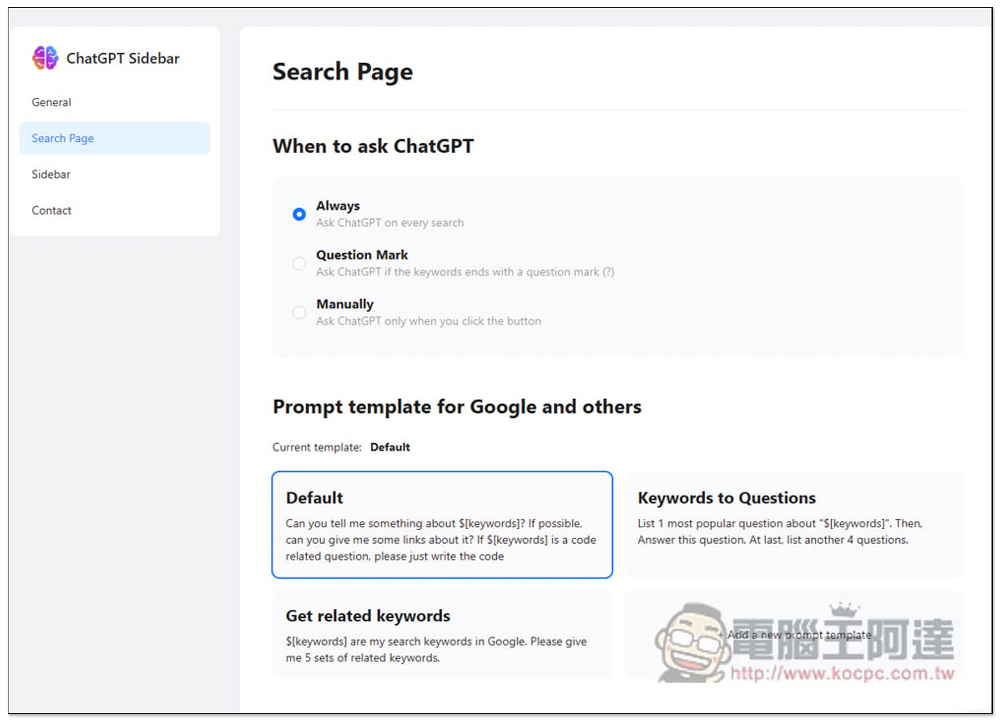
In addition, in the extended function options, there are many settings that can be adjusted. For example, in Search Page, you can add and delete Prompt examples of search pages:
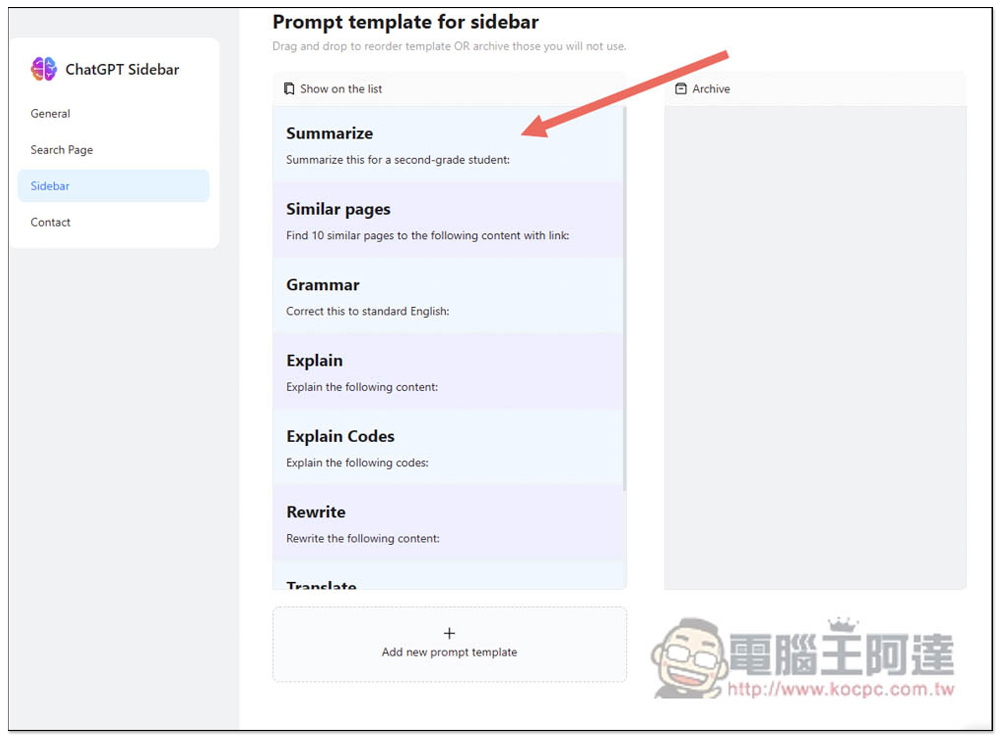
Sidebar is a prompt example for adding and deleting sidebars. For the prompt part, you can refer to what we introduced yesterday. AIPRM for ChatGPT extended functions, add your commonly used Prompt examples here, and you can use them in this extended function.
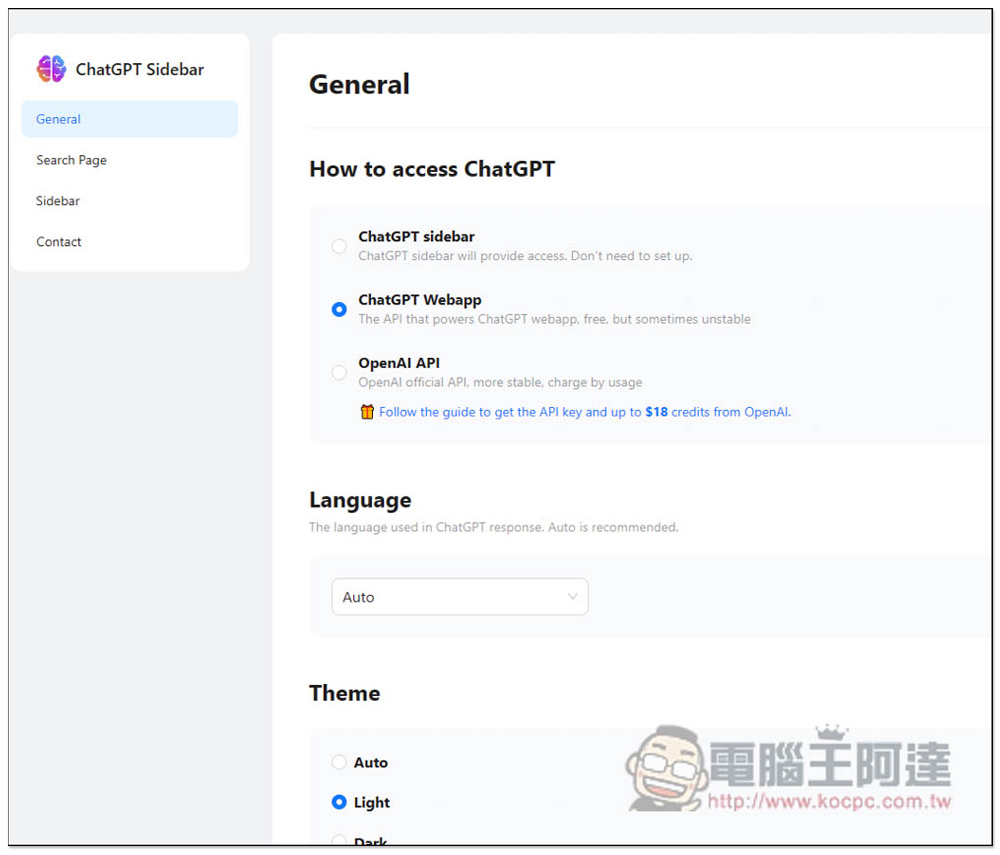
General can adjust the options of how to receive ChatGPT. The default is ChatGPT Webapp. It also provides OpenAI API. It will be more stable to use your own API. It only counts tokens charges:
The only thing to note when using it is that when the web page is closed or jumped to other URLs, the ChatGPT content in the current sidebar will disappear.
Source: KOCPC Chinese