


With the development of technology up to now, smartphones have not made much progress in annual updates, which has extended the service life of mobile phones to 2, 3 years, or even more than 4 years. But can the average Android phone last that long before running into problems? Obviously the phone is not broken, why should I replace it after using it for so long? Today we are going to break down all the details and clear it up for you one by one, in which case it’s time to change your phone.
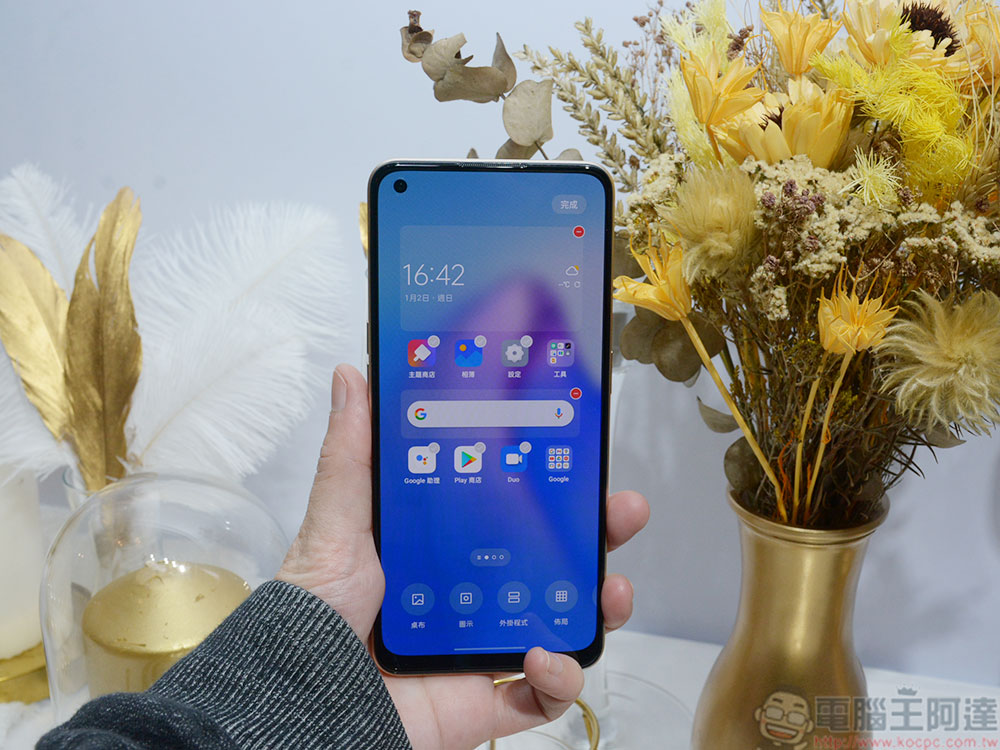
How long does an Android phone last? Under what circumstances should it be replaced?
When to replace a phone is a complicated question, so I will break it down into several parts to discuss. First of all, the hardware components in mobile phones have a certain service life, and each has a different warranty and repair service time limit. There are also software aspects to consider, including operating system updates, critical security fixes, and application support. Since there are many OEMs producing Android phones, the exact answers to these questions vary greatly, but as long as you grasp a few key points, you can easily master the golden period of replacement.
Hardware components
While most modern smartphones are relatively better designed to handle drops, bumps, tumbles, and minor scratches (except for ultra-cheap devices that may not be due to cost-saving reasons), we’re far away from the days of flimsy plastic, non-Corning Gorilla Glass. But what about the internal hardware? It’s possible that he didn’t move forward.
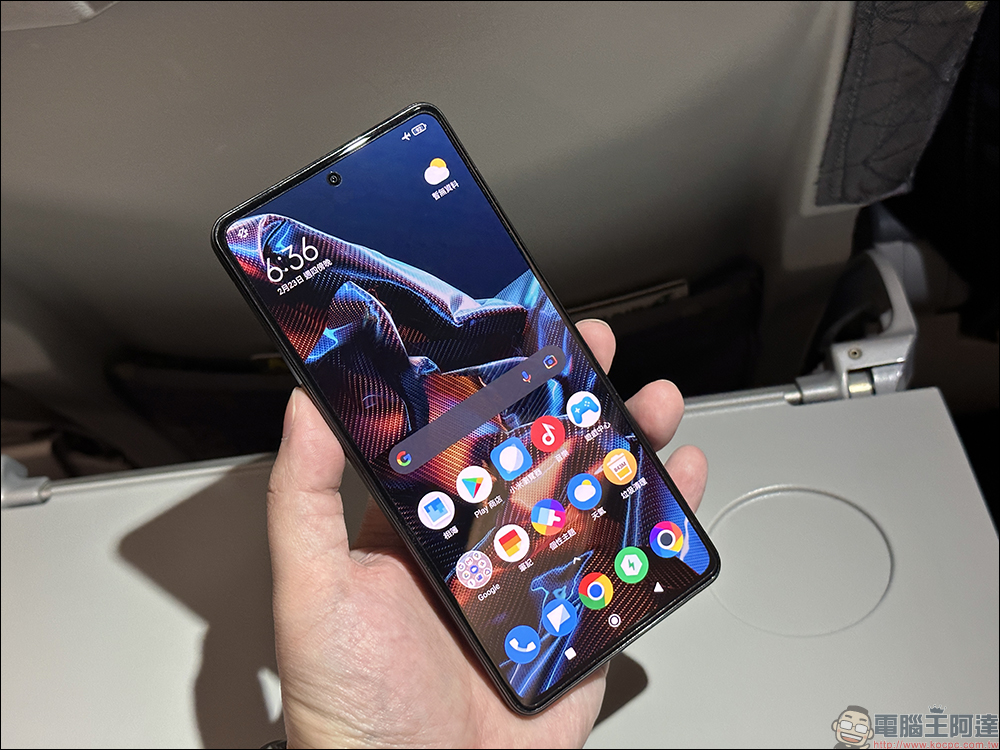
Android hasn’t changed its minimum requirements significantly over the years, at least on a hardware level. Conversely, low-performance devices must switch to Android Go Edition, which has some significant limitations in improving performance and requires the use of more lightweight system apps. For years, ultra-cheap phones with 1GB of RAM or less have had to go to the Go Edition, but now any device with under 2GB of RAM and under 16GB of storage will switch to the Go Edition.
For this reason, new Android updates typically make phones and tablets slower or less usable. Over time, some devices may feel slower as you install more apps to fill up available storage, but deleting unnecessary, unused apps or doing a factory reset can help speed them up.
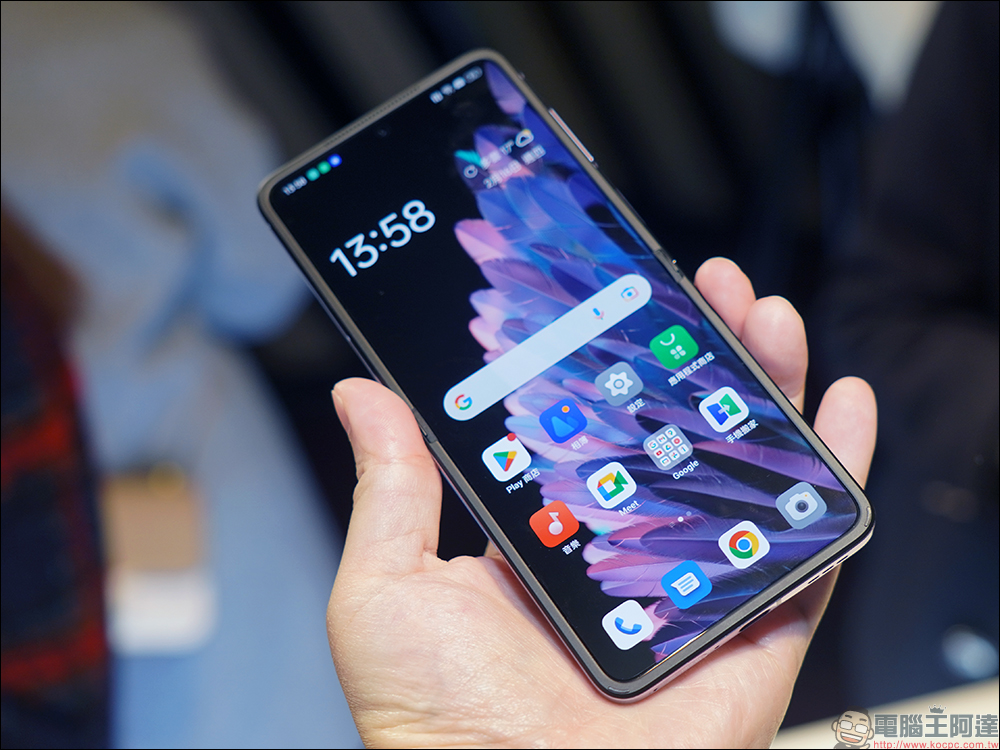
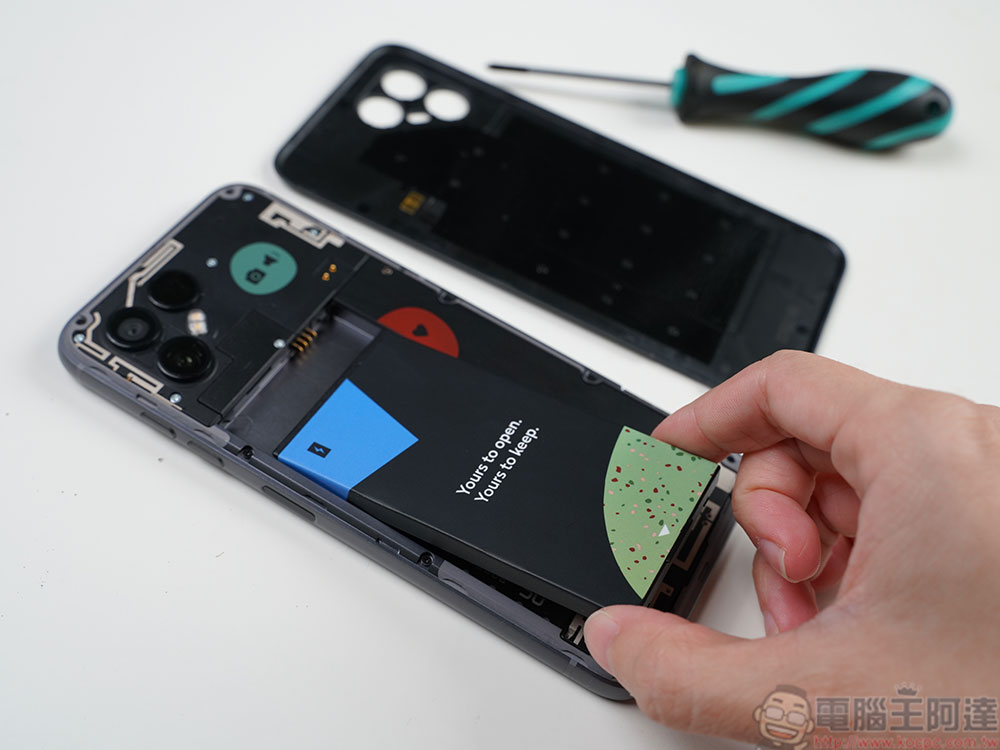
The main problem with any older Android smartphone, like almost all portable electronics, is battery life. Lithium-ion batteries slowly lose capacity over time, and if you keep your phone for a year or more, you may find that you need a charger to top it off sooner rather than later. Unfortunately, most modern smartphones don’t have easily replaceable batteries. You may also notice that as time goes by, more and more fingerprints adhere to the touch screen. This is because the oleophobic coating on the screen has been worn away. Compared to replacing a new screen, a screen protector is a quick, easy and relatively cheap solution.
Android system updates
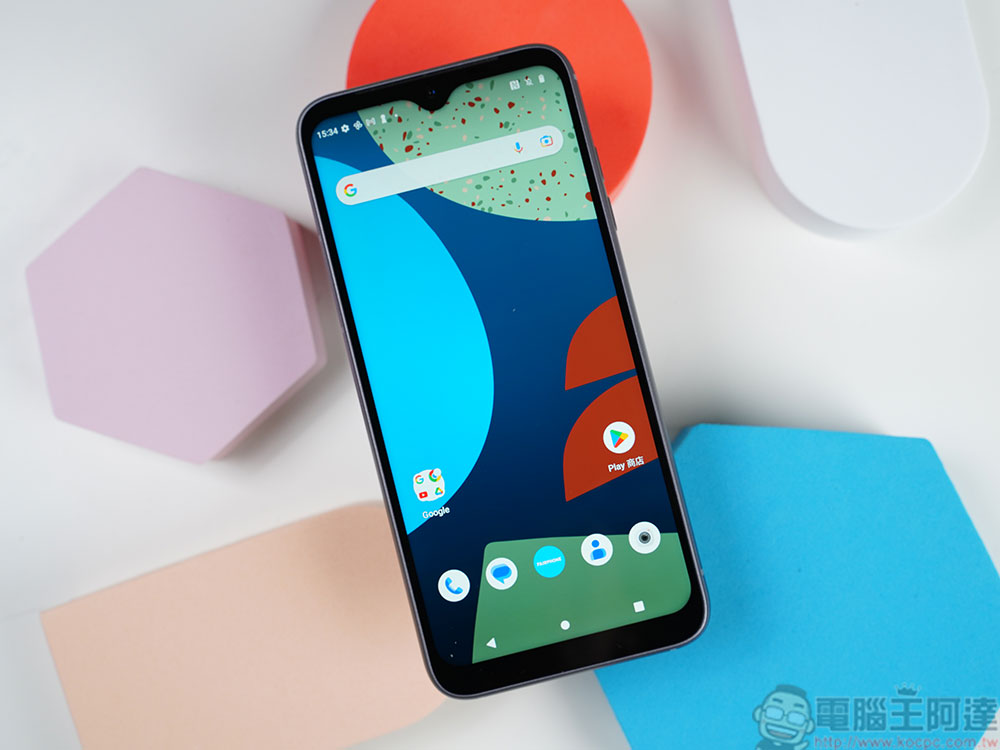
This is where things get complicated. Google is not responsible for updating every Android device. It only focuses on updating its own Pixel series, and relies on OEM manufacturers to update other mobile phones and tablets. Every Pixel phone comes with three years of major Android system updates and monthly security fixes; phones starting with Pixel ˊ6 are guaranteed five years of security fixes. This guaranteed support period does not start when you buy the phone, but when the phone is released and officially launched. Usually, other OEMs often fail to catch up with Google’s updates. For example, security fixes come only once every two months, or they are delayed by months or even a year before the launch of new versions of the system.
Extended discussion: Are Android updates important?
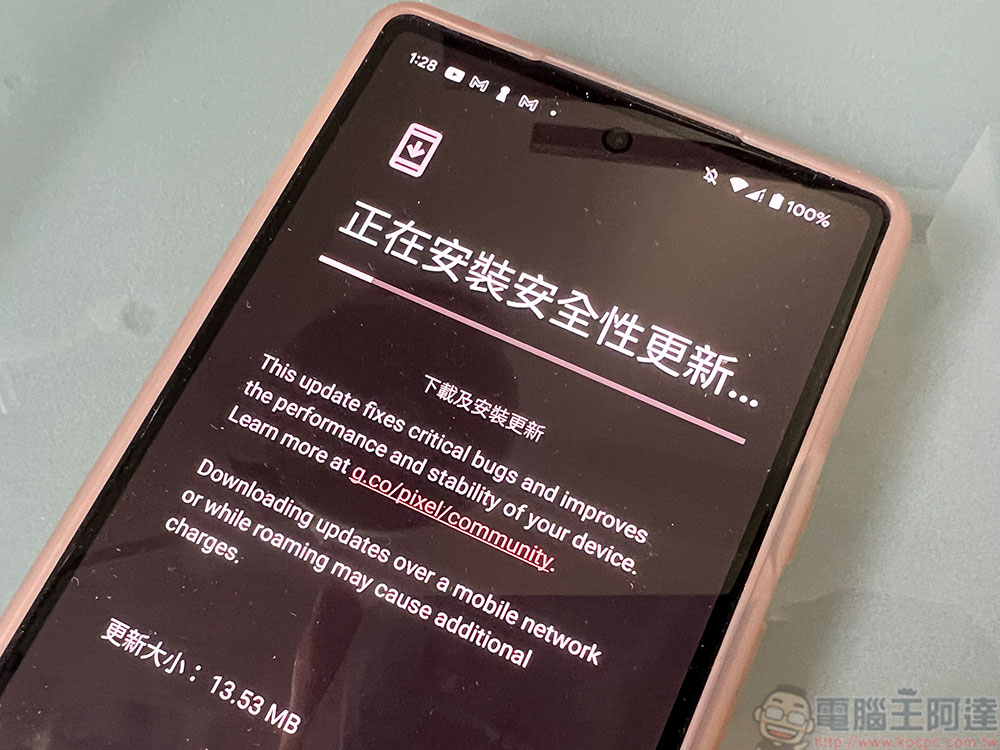
Since there is a time limit for providing updates, another question arises: “Are Android updates important?” Most Android phones and tablets usually pass the time limit for system updates and security fixes provided by the original manufacturer long before the hardware reaches the end of its life, so what happens if you don’t update the system?
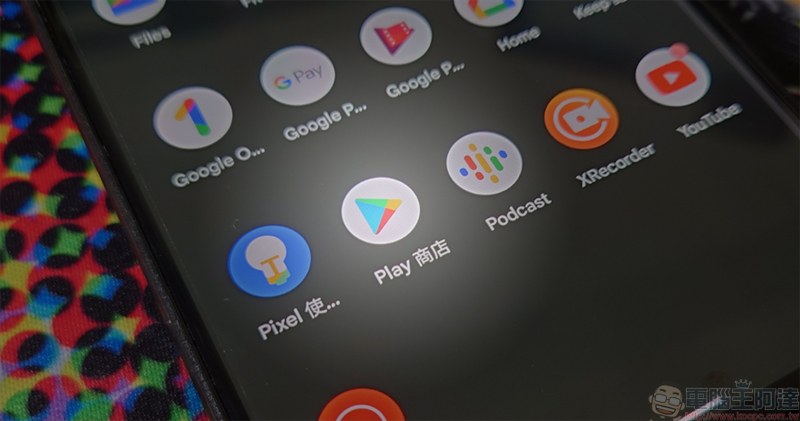
Most services and apps on Android devices are independent of operating system updates, even some built-in system apps like Chrome and the Google Play Store. This is in sharp contrast to the iPhone and iPad, where new features in apps like Safari and Apple Music require a complete operating system upgrade to work smoothly. This means that even if your device manufacturer ends updates, your phone or tablet should continue to function normally for a few years.
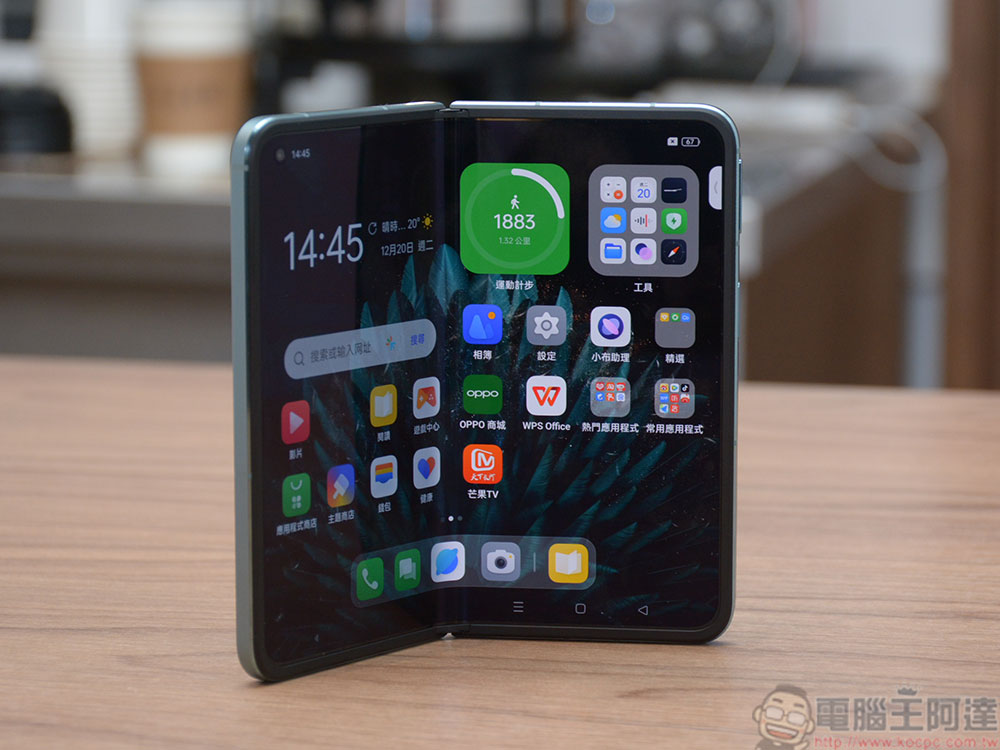
Google will continue to maintain most applications and services many years after the Android system version is launched, but some applications and games are not so patient and maintain long-term maintenance. For example, the Facebook app requires Android 6.0 (launched in 2015) or higher, while Microsoft Outlook requires Android 8.0 (launched in 2017) or higher. Even if you’re stuck on an Android version from a few years ago, you’ll still have access to new apps and some system features.
The problem is that Android, like Windows and iOS, is constantly discovering new security vulnerabilities, and if your device doesn’t receive security updates for the operating system, it will gradually become more vulnerable to malware attacks. Google Play Protect protects you from some malicious apps, and within a few years of Android’s release, Google will update Chrome and WedView (the system component that loads web pages in most apps) to protect devices from security vulnerabilities on the web. Having an Android device that receives regular security system updates is still the only way to be as protected as possible.
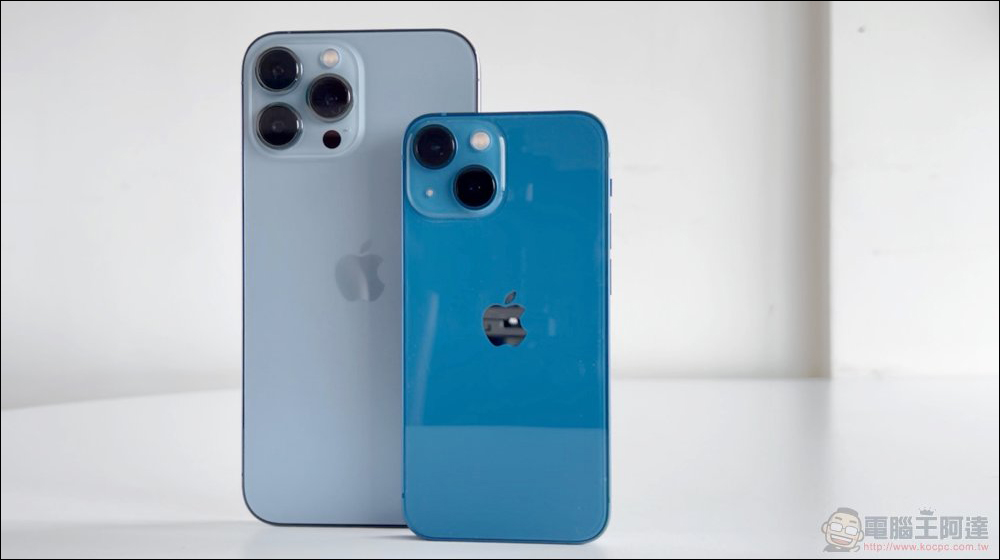
iPhones and iPads take much longer to receive system updates than typical Android phones, and the five-year-old iPhone 8 can still install iOS 16, but some new features have not been rolled out to older models. After official iOS support ends, you won’t get any new features or updates for most Apple apps, just occasional security updates. Feature and security updates, although they last much longer than most Android devices, are eventually terminated with a hard cut rather than a gradual loss of support.
Further reading
How long does an iPhone last? What are the signs that it’s time to switch?
Source: KOCPC Chinese