


YouTube has a lot of very good videos, but everyone has limited time every day, and many times they can’t finish watching the videos they are interested in. Even though YouTube has a collection function, as the number of videos increases, it is difficult to watch them all. If you are encountering this problem, you can try the YouTube Summary with ChatGPT extension. Its principle is to feed YouTube video subtitles into ChatGPT with one click, and then ask ChatGPT to make a summary based on this large subtitle, so that you can directly understand the key points of the video.
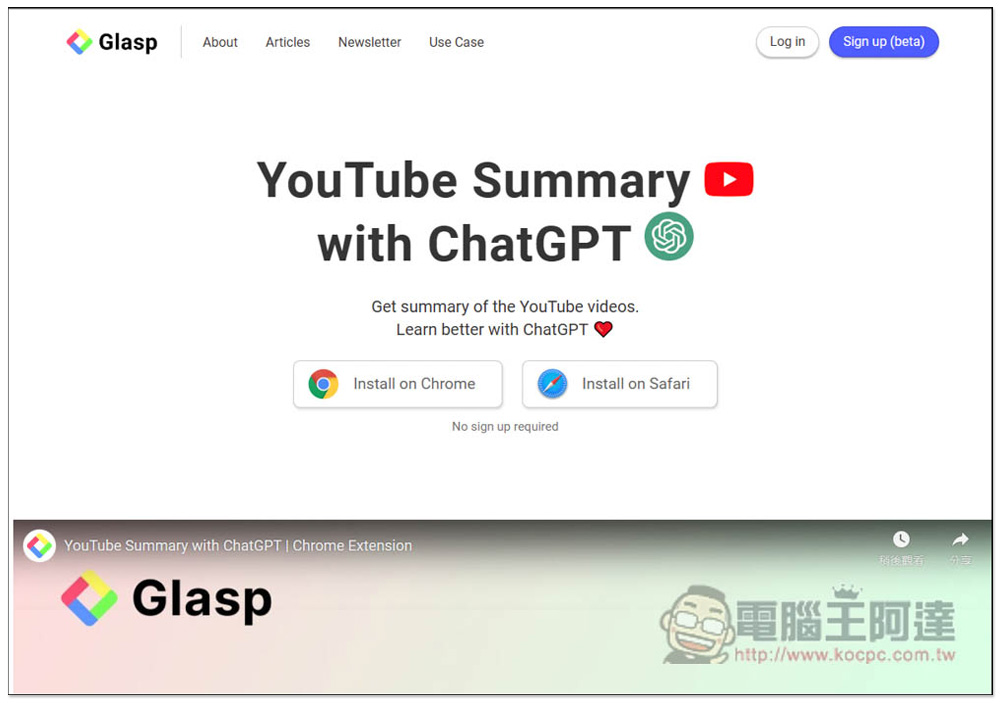
YouTube Summary with ChatGPT Summarize YouTube video content with one click. It doesn’t matter if you don’t have time to watch it.
YouTube Summary with ChatGPT is available in Chrome and Safari versions. Chrome’s extension Microsoft Edge browser can also be installed. I will use Edge as an example below, and the usage is the same.
After entering the Chrome extension page, click on the right to get:
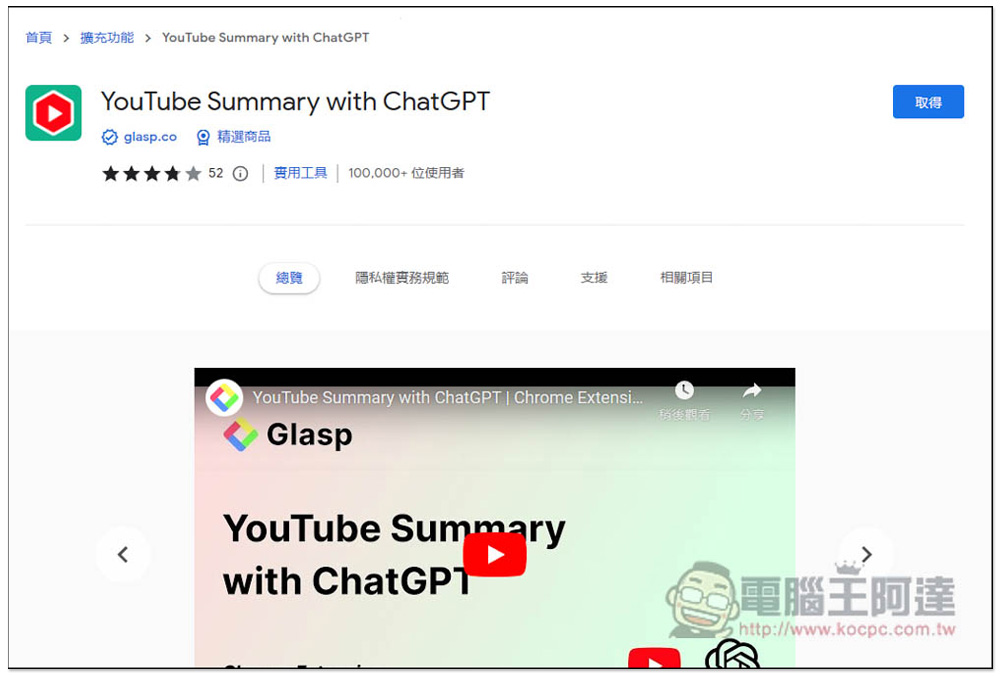
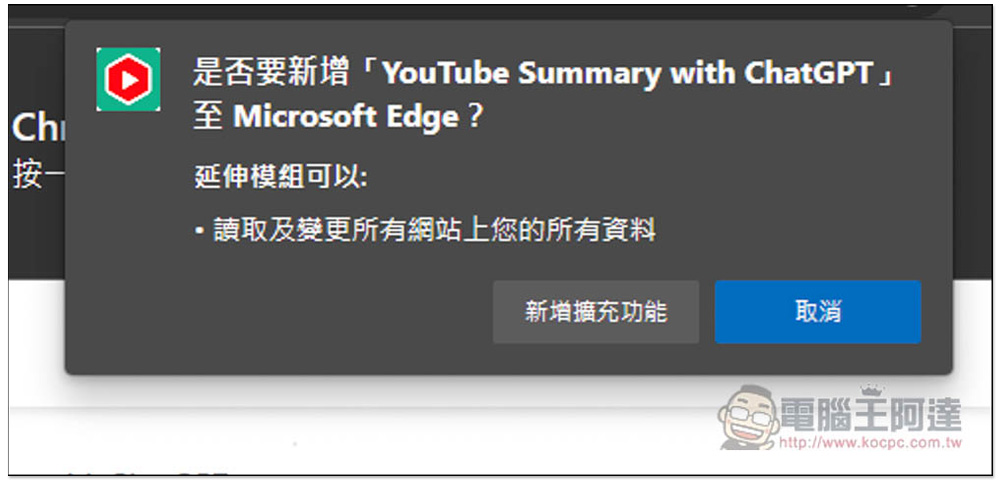
Click “Add Extension”, and this tool is completely free:
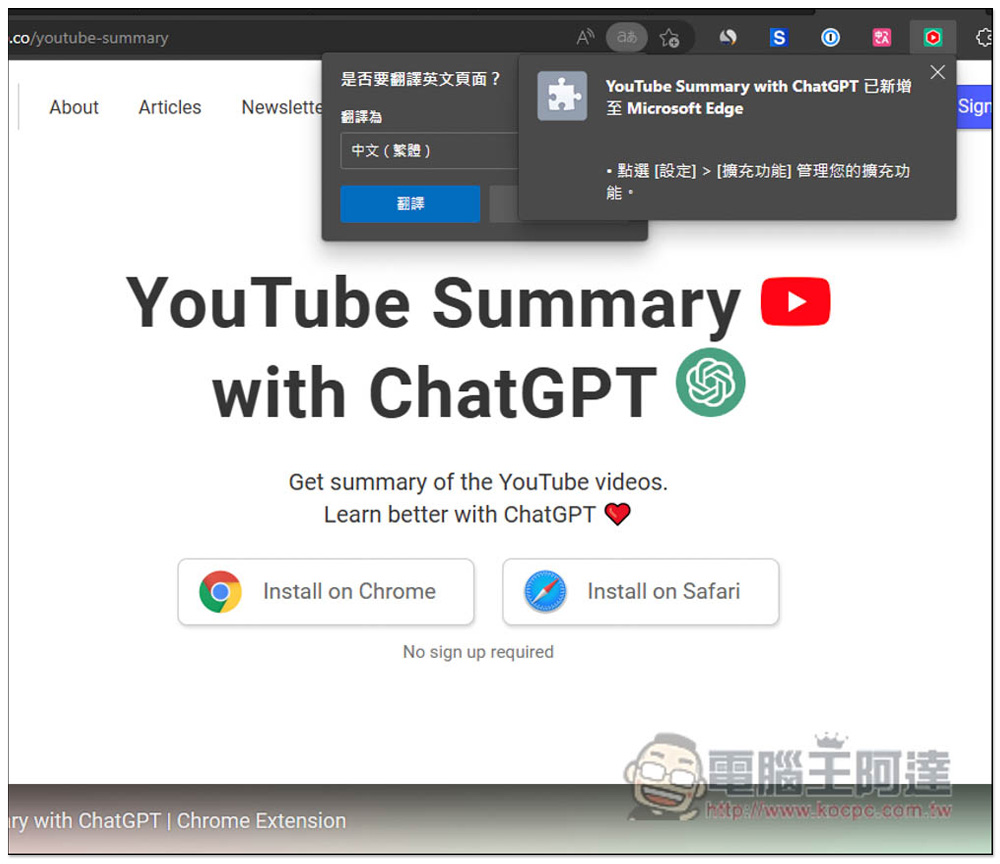
When this message appears, the installation is complete:
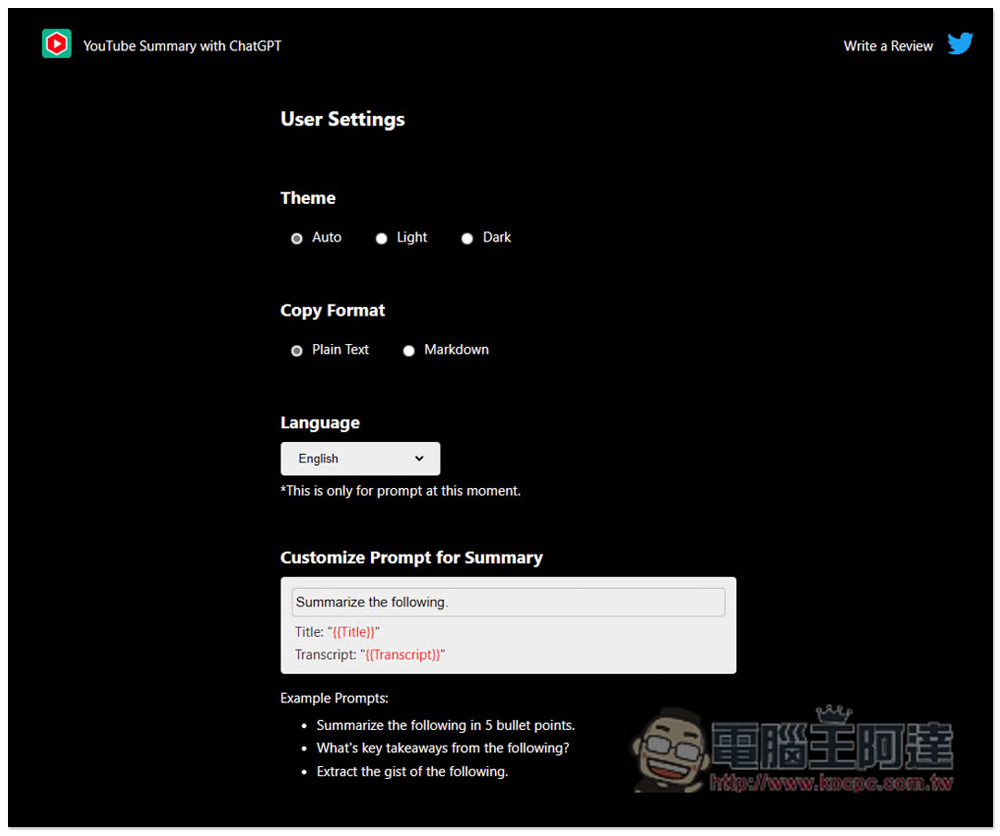
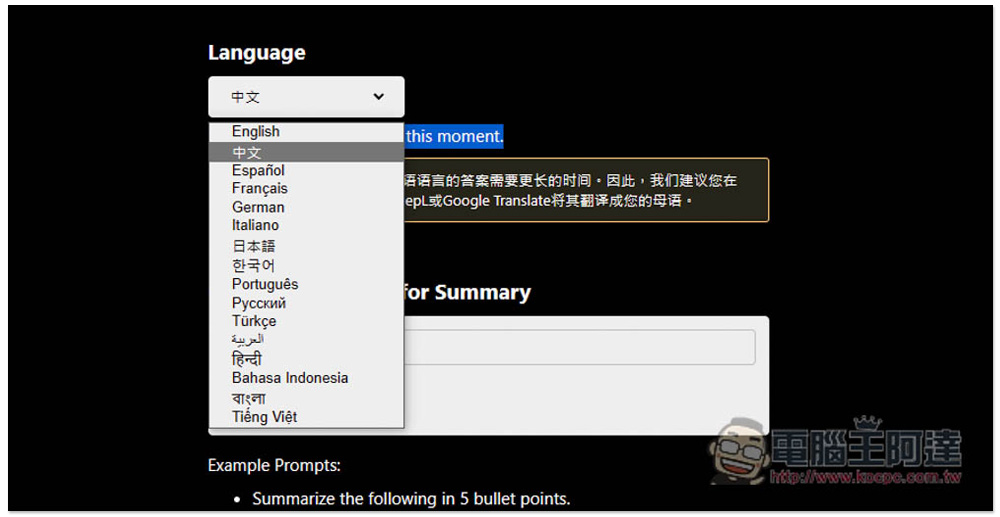
Before using it, remember to go to the YouTube Summary with ChatGPT setting page. The default language is English (that is, ChatGPT will summarize the video in English), which can be changed to Chinese. However, if you are watching English videos, I would recommend using English, which is more accurate. After ChatGPT summarizes it, just call it in Traditional Chinese:
The Language menu opens, and the second one is Chinese:
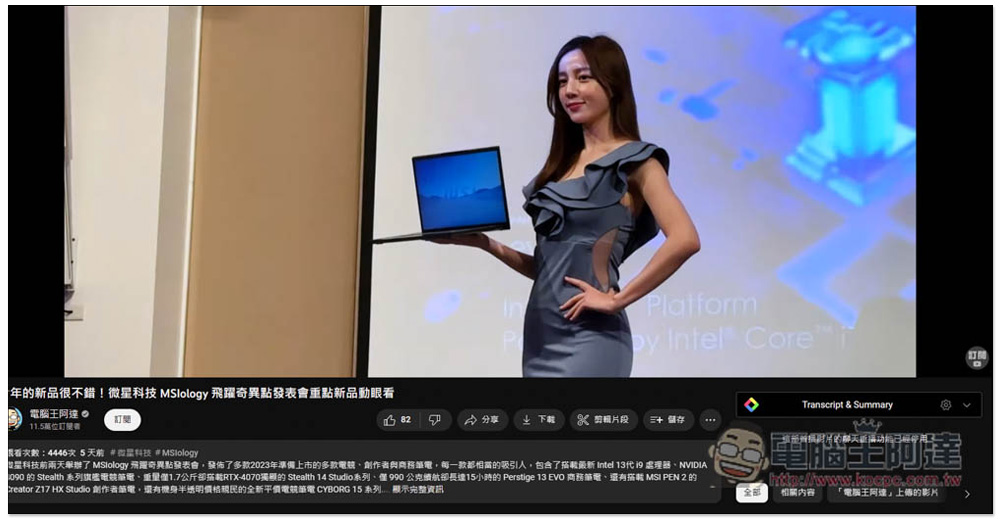
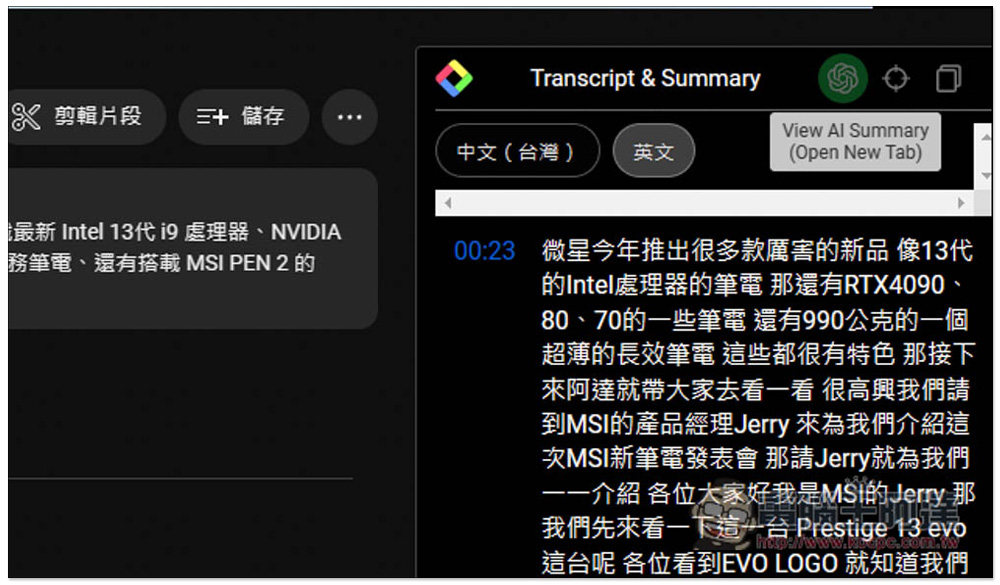
The usage is very simple. After installation and settings, open the YouTube video you want to summarize. You will notice that there is a Transcript & Summary function on the right. Please expand it:
All subtitle content for this video will be displayed:
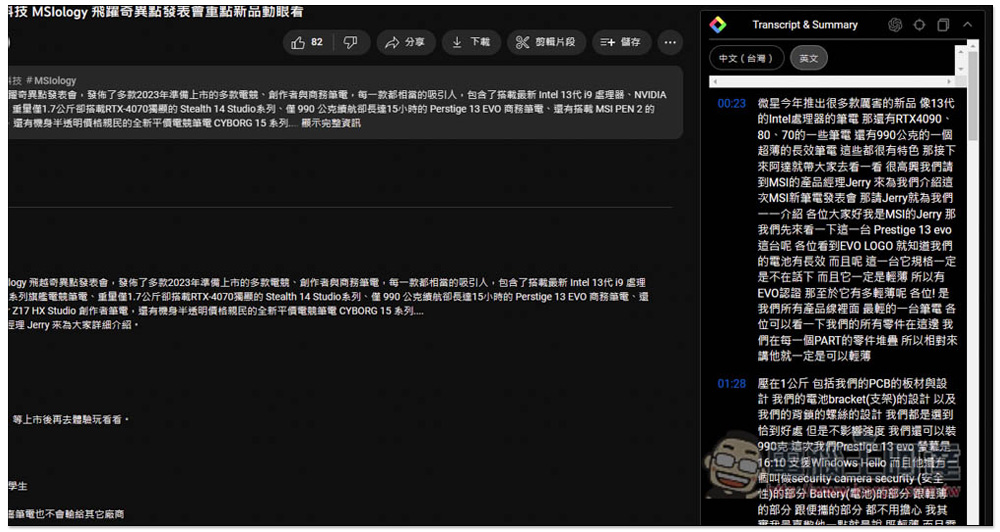
At this time, please click the “View AI Summary” function above:
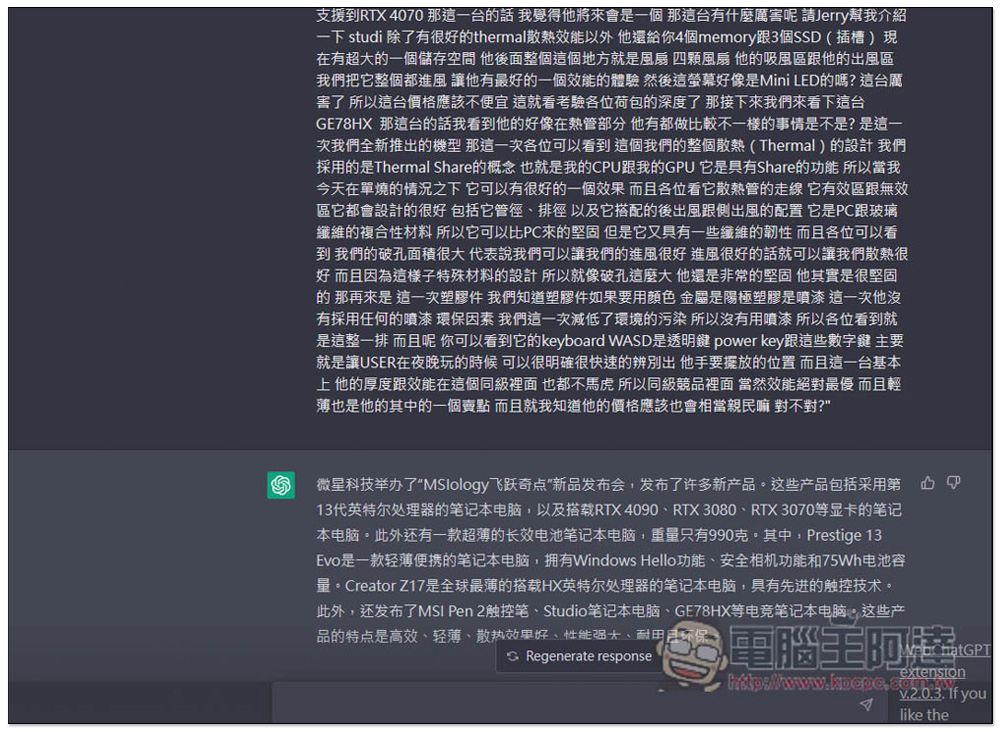
will automatically open ChatGPT and ask it to summarize this large paragraph of text (all subtitles), but the first reply likely will be in Simplified Chinese:
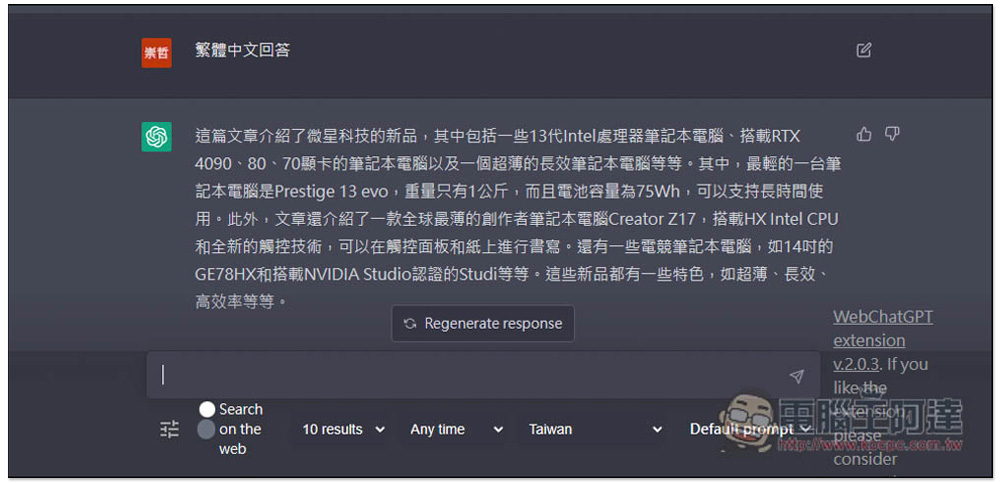
People who don’t like simplified Chinese can also ask it to use traditional Chinese to answer:
Let me test the English video again:
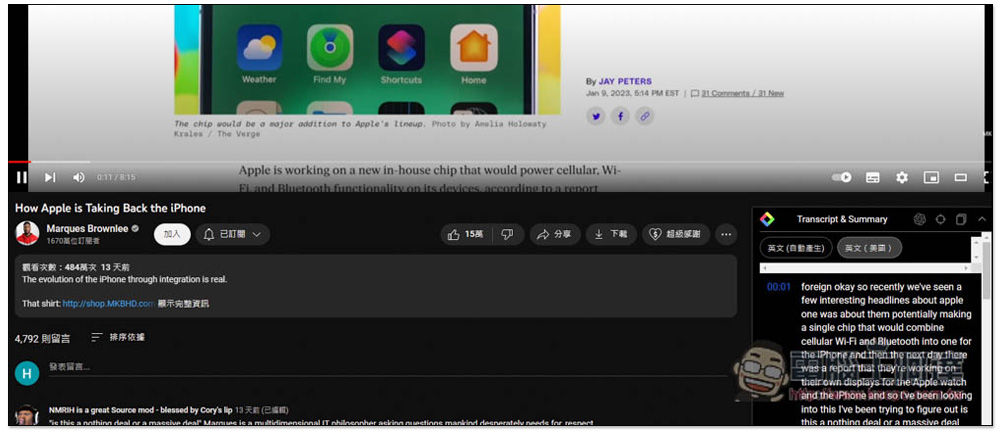
After clicking the one-click summary function, ChatGPT will still answer in Chinese:
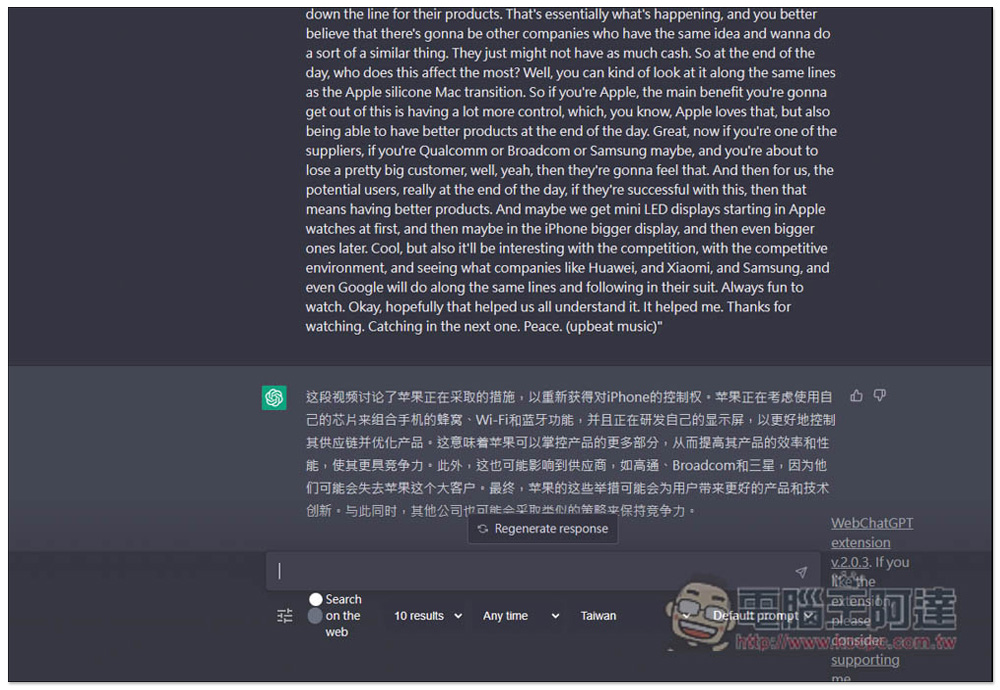
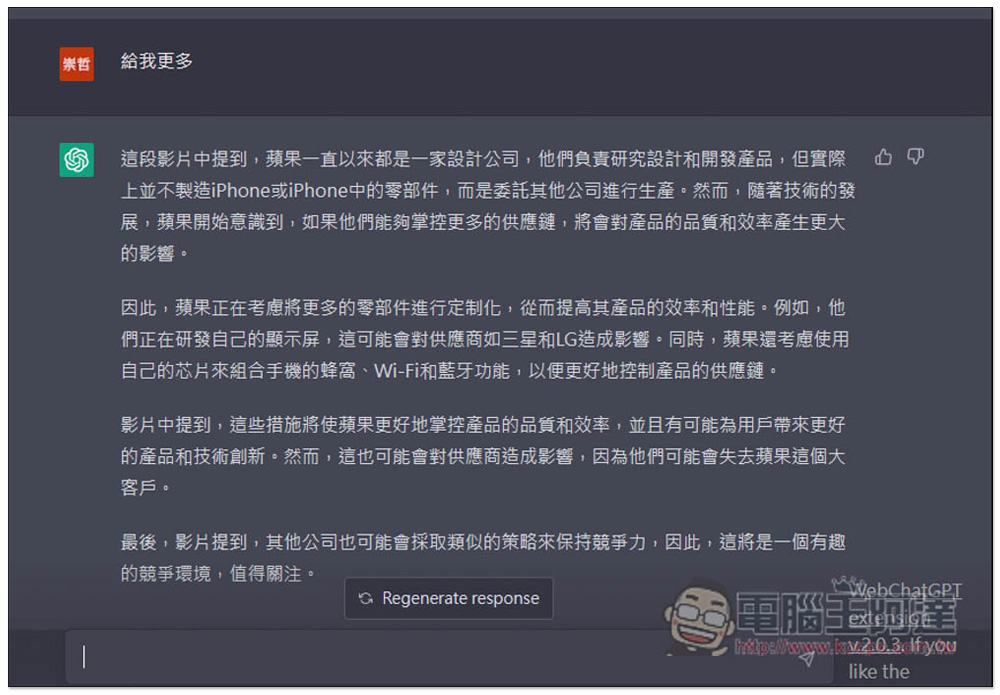
In addition, if you feel that the content summarized by ChatGPT is too little, you can also enter “Give me more”, and ChatGPT will give you more content of this video, and can even ask whether the content you are interested in is mentioned in the video:
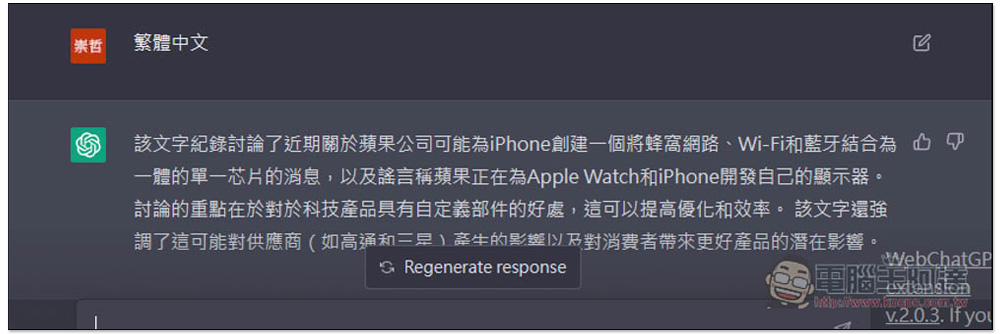
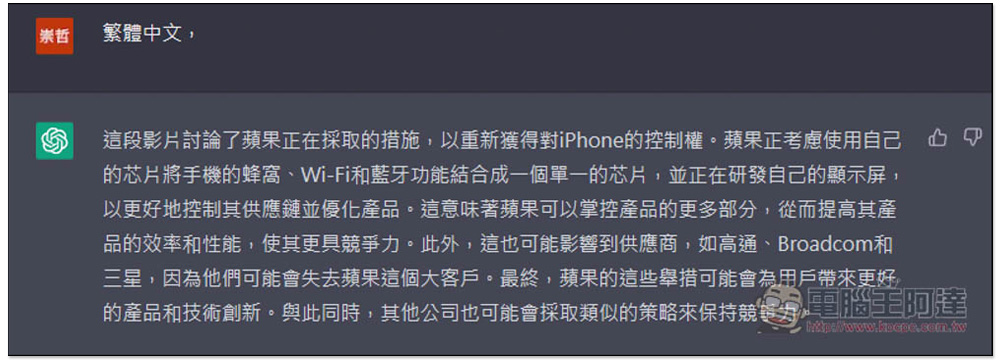
In addition, ChatGPT is summarized in Chinese. It will be different if it is summarized in English and then translated into Chinese. For details, please refer to the two pictures below.
This is summarized directly in Chinese:
First summarize it in English and then translate it into Chinese:
It is a pity that this import function does not include time points. It would be more convenient if it did, so that when you want to listen to something, you can ask ChatGPT whether it is available and at what time point it starts.
Official video introduction:
Source: KOCPC Chinese