


When using computers or mobile phones, you will more or less want to confirm whether there are virus threats before opening a file or installing a tool. Although there are many free anti-virus software today, some people may not like to install it. In this case, you can use an online virus scanning service instead. For example, the free tool “Kaspersky Threat Intelligence Portal” launched by Kaspersky can scan the file for viruses after uploading it. It also provides scanning URL, IP and Hash.
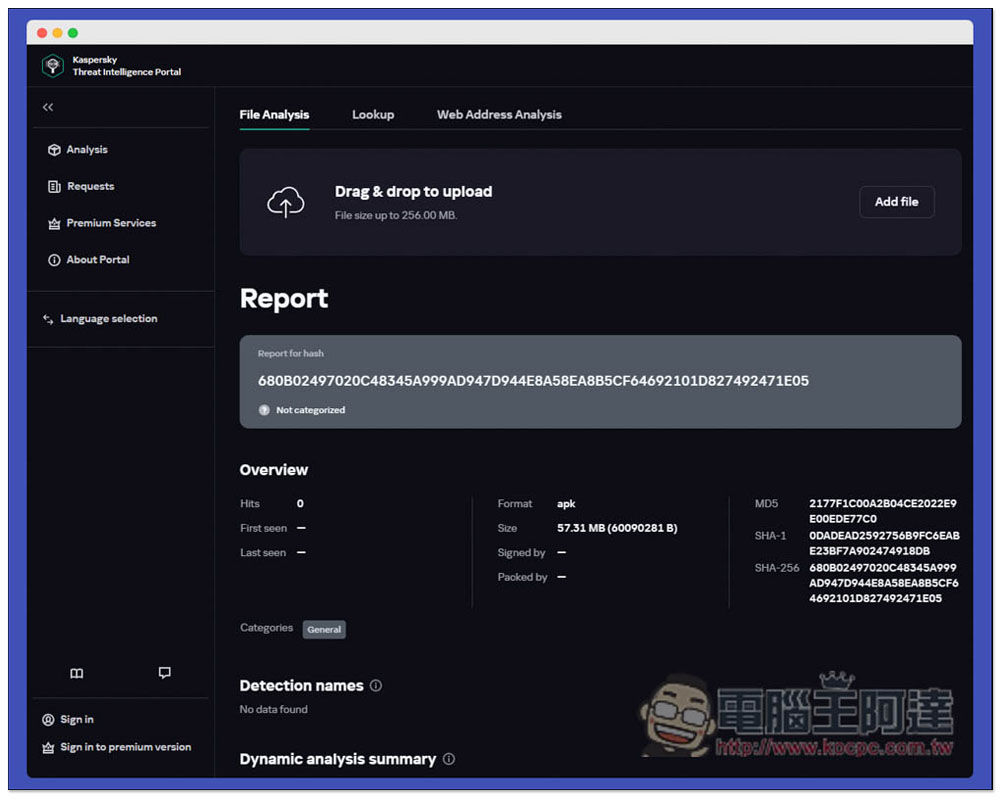
Kaspersky Threat Intelligence Portal Kaspersky’s free online virus scan helps you check files, websites, IPs, etc. for viruses
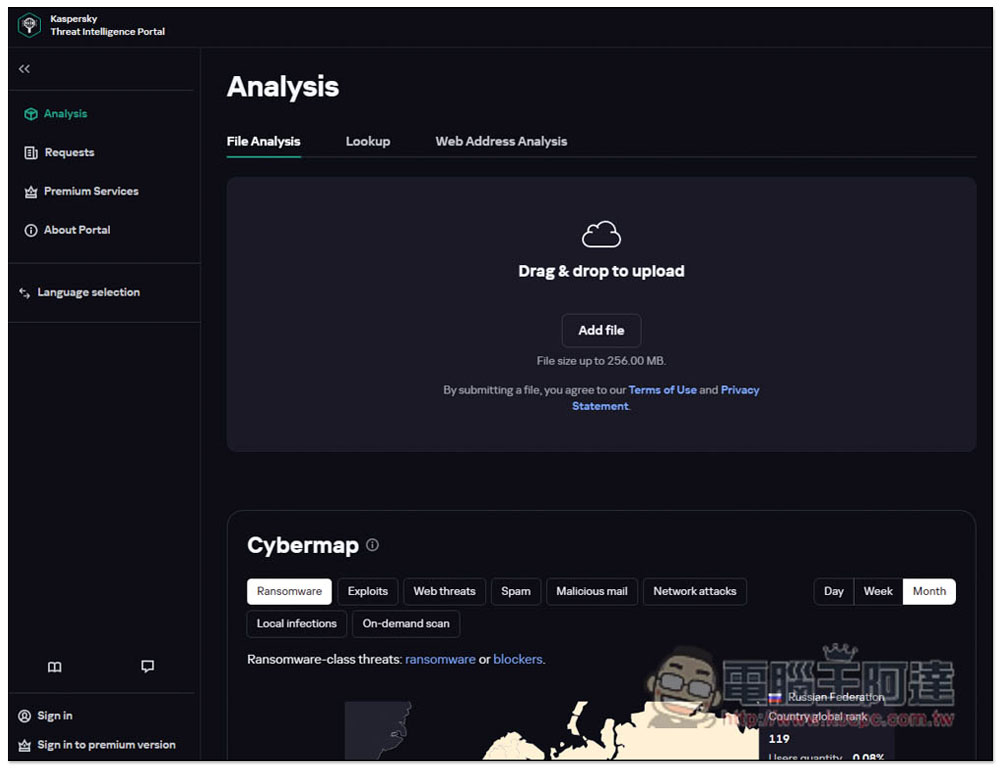
After entering the homepage of Kaspersky Threat Intelligence Portal, you can drag in the file you want to scan, or click Add file to select it manually. The maximum size is 256MB. It can be used on computers and mobile phones:
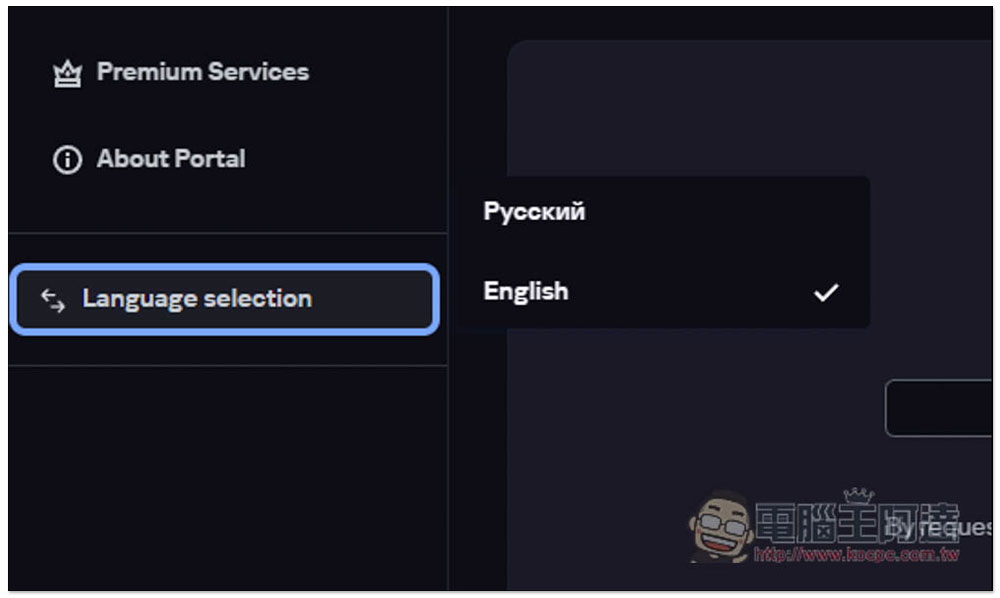
Currently only supports Russian and English:
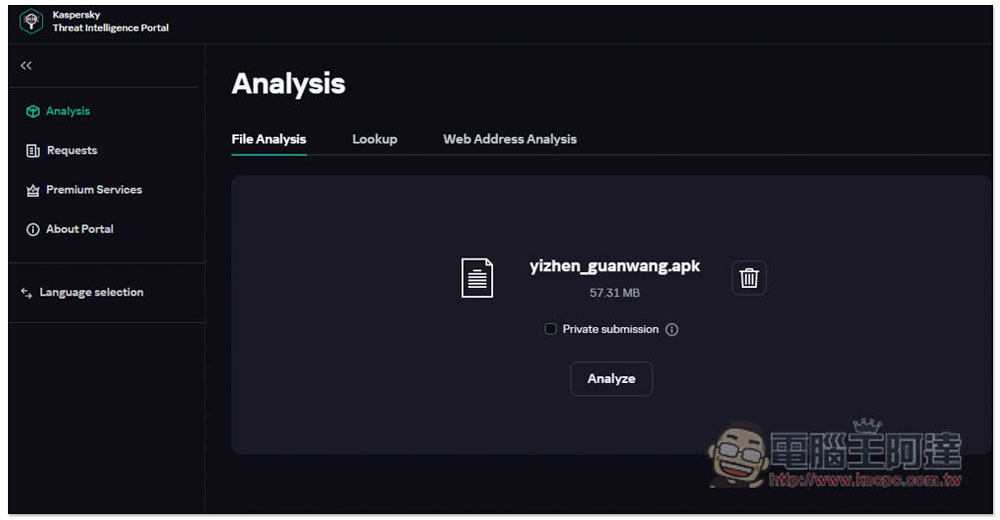
After selecting the file, you will be asked to confirm whether it is correct. If there is no problem, press Analyze to start analysis. If you accidentally select the wrong file, click the trash can on the right to delete and reselect:
The upload speed is quite fast:
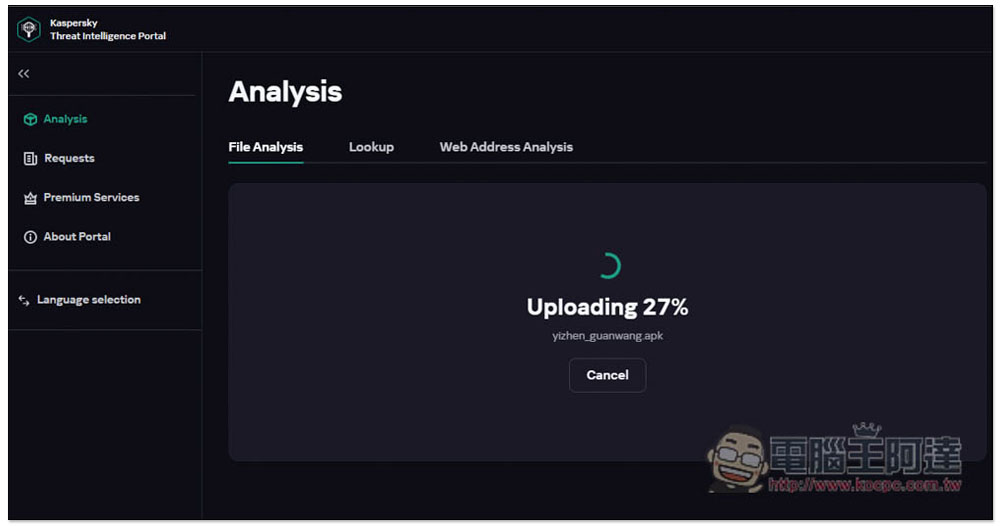
After uploading, the analysis will start. You also need to wait for tens of seconds to a few minutes. After completion, you can see the scan results to see if any threats or viruses have been detected:
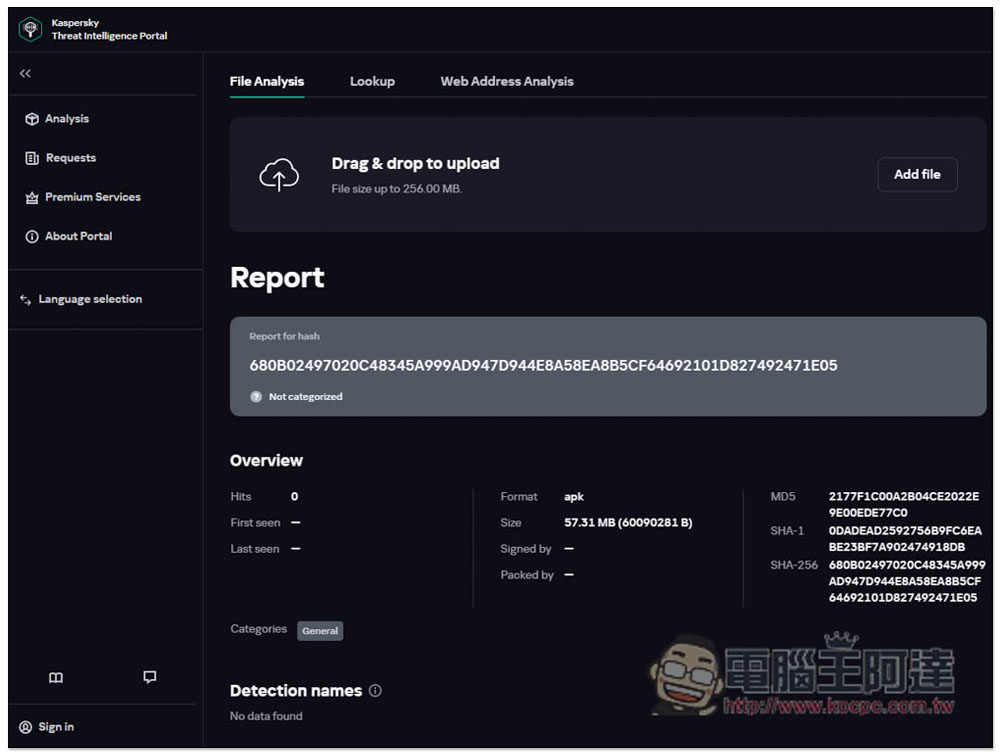
The second Lookup scans hashes, IP addresses, domains or URLs:
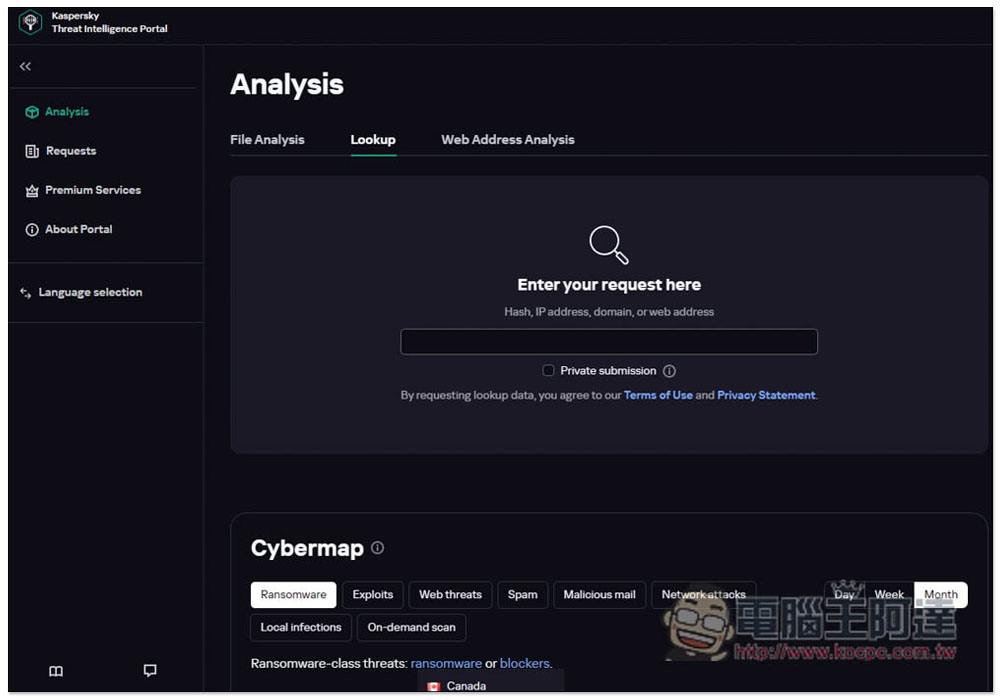
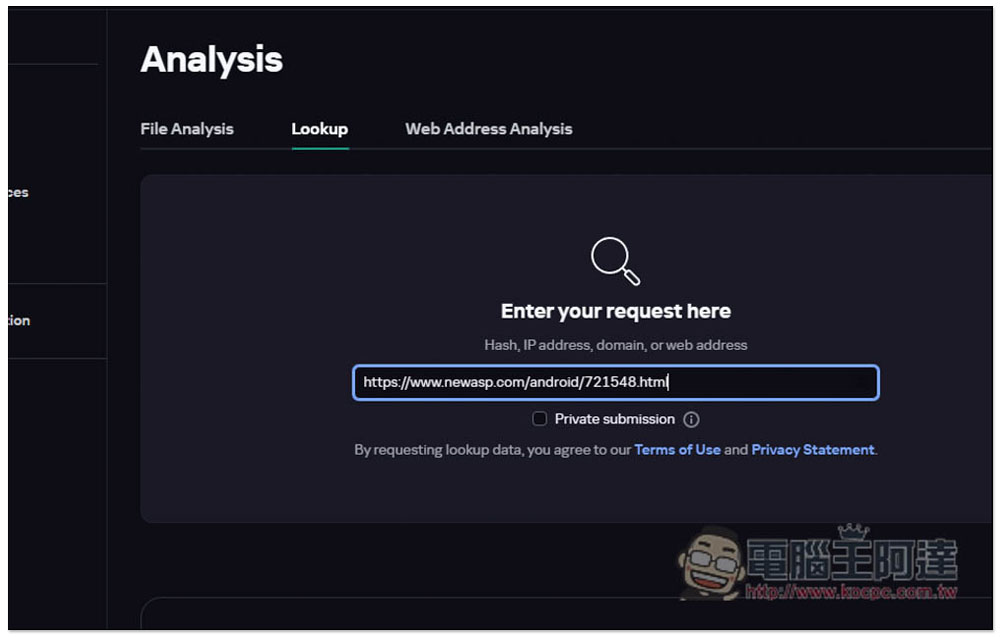
After pasting the content you want to scan (enter the URL like me), press Enter and the scan will start:
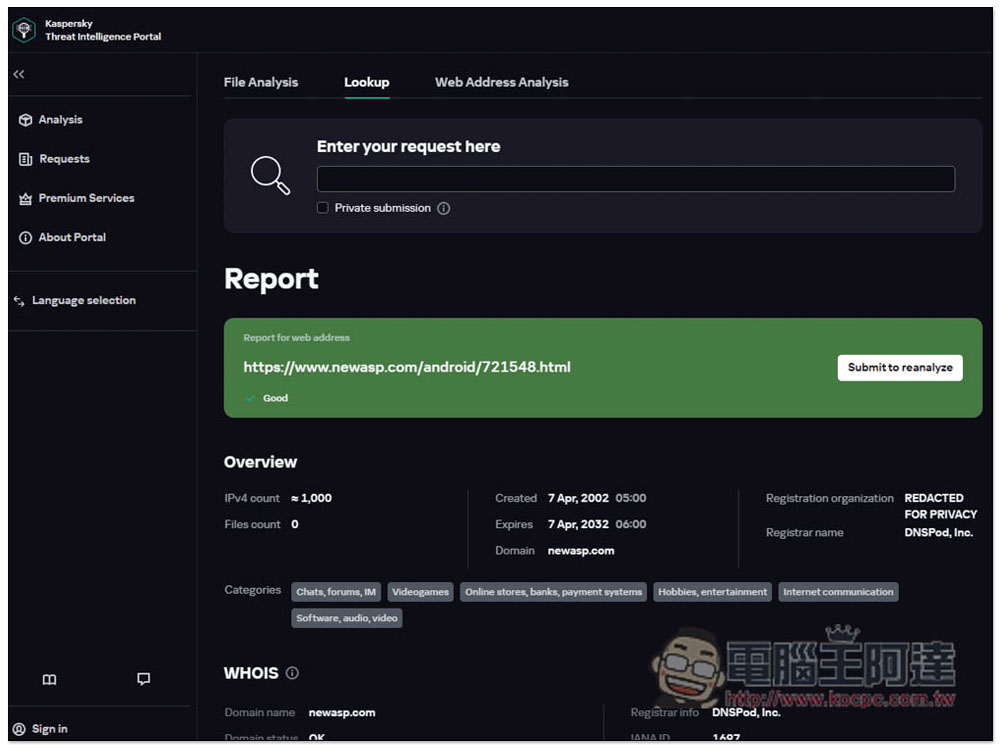
The following will tell you whether this website is safe or not. Good means it is safe:
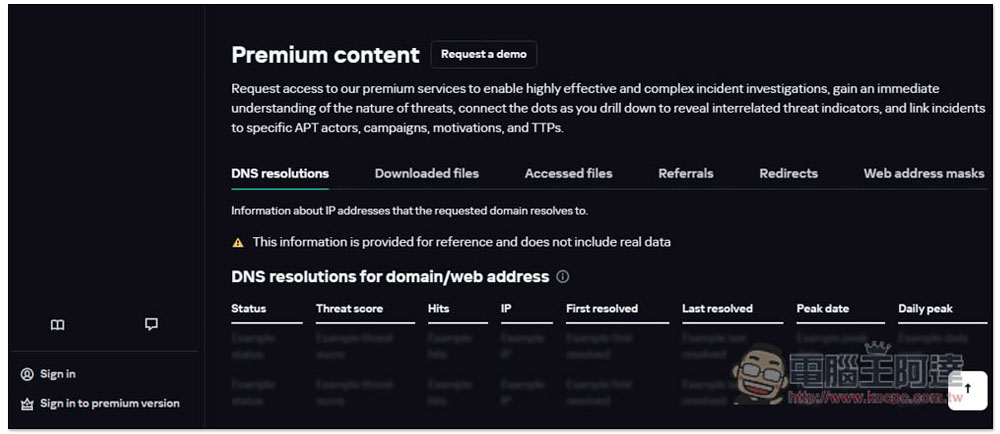
There is a Premium content at the bottom. The reports here are only for paid users. Those who need it can consider:
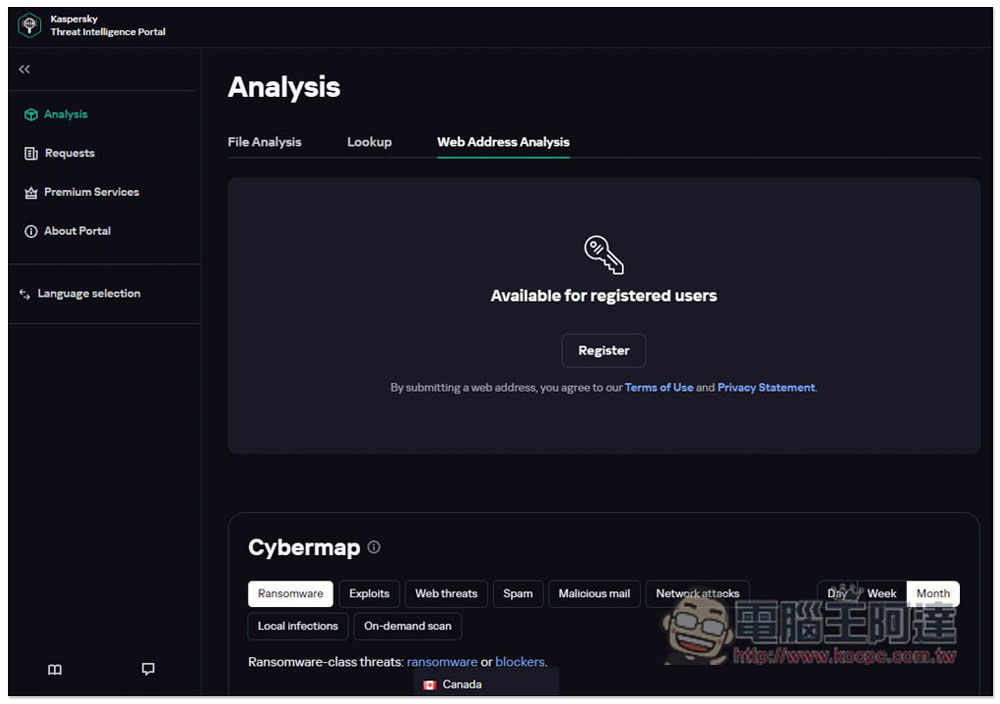
Web Address Analysis Website analysis is only available to members. Free members are also available. Those who want to give it a try can register. Unlike Lookup scanning websites, here is a more detailed report:
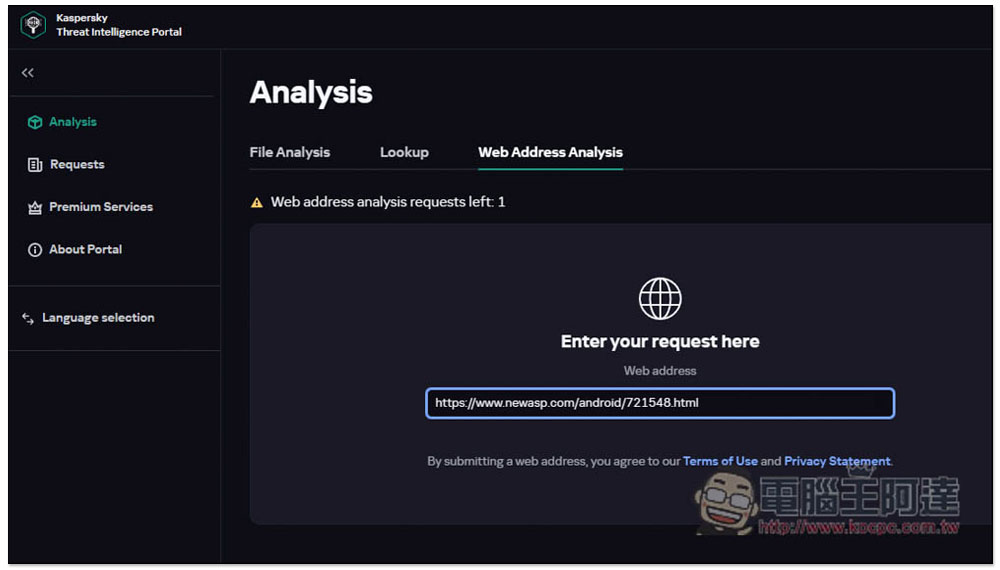
The same way to use it, paste the URL and press Enter. Free membership can only be used once:
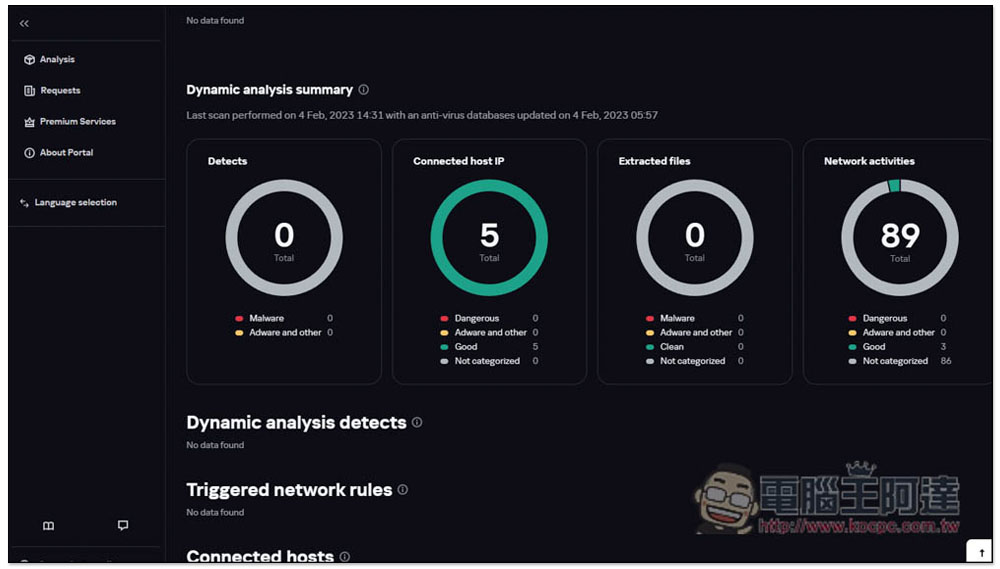
There will be a Dynamic analysis summary in the report, which will analyze four parts, including “Detects”, “Connected host IP”, “Extracted files” and “Network activities”. The analysis time will be relatively long, at least 3 minutes on average, so remember to wait patiently:
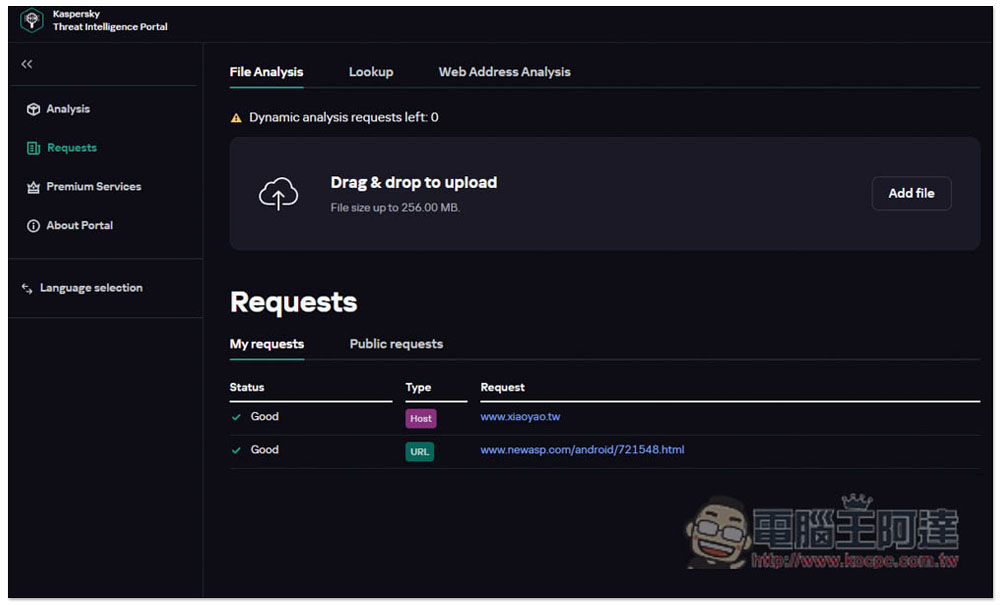
If you are a logged-in member, you can check your past records in Requests:
Rhino Shield Startup Discount Code

- RHINOSHIELD Rhino Shield official website purchase:Please click here
(Enter the discount code [CNY2023] to get a $200 discount for purchases over $1,200, and enter [3C-Y23] for a purchase of less than $1,200 to enjoy a 10% discount on the entire order.)
Source: KOCPC Chinese