


In the past, you could only play it on very powerful TVs (showing your age… Although the multi-tasking capabilities of mobile devices, including tablets and mobile phones, can now be achieved effortlessly. In fact, most computers/mobile systems already have this function built-in. But now it seems that the Chrome browser has more creative ideas for enhancing PiP picture-in-picture/picture-in-picture. Continue reading Chrome brings more powerful PiP picture-in-picture/picture-in-picture, and even the Pomodoro can be used (eh) to report content.
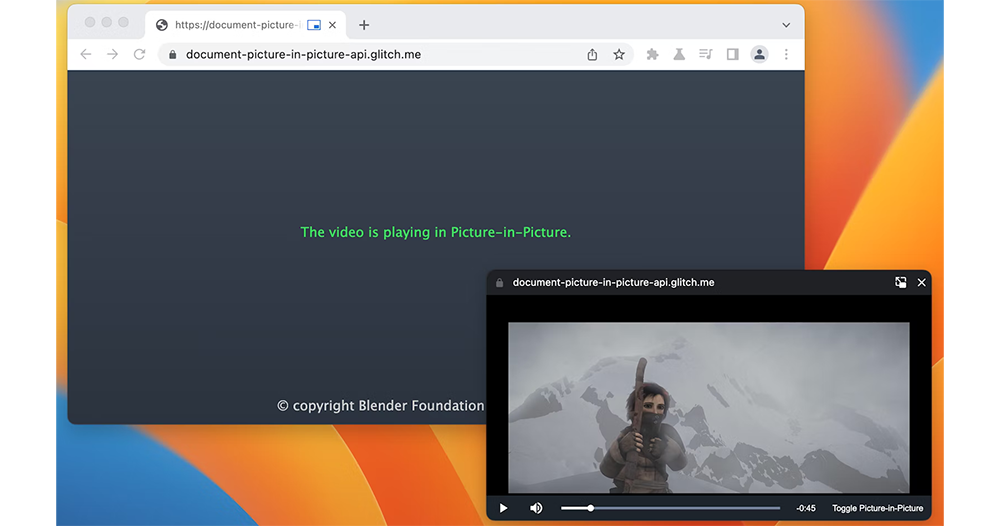
▲Image source: Google
Chrome brings more powerful PiP picture-in-picture/picture-in-picture, and even Pomodoro can be used (eh)
In the past, you could only play it on very powerful TVs (showing your age… Although the multi-tasking capabilities of mobile devices, including tablets and mobile phones, can now be achieved effortlessly. In fact, most computers/mobile systems already have this function built-in.
But now it seems that the Chrome browser has more creative ideas for enhancing PiP picture-in-picture/picture-in-picture.
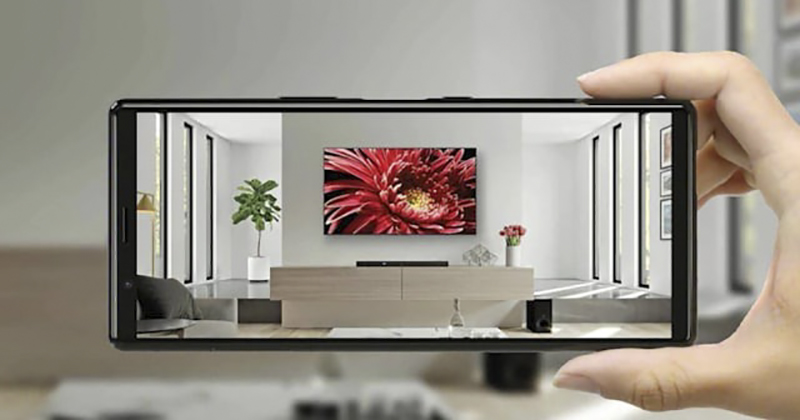
▲Image source:Sony
There’s an interesting new feature in Chrome Developer’s latest original experiment for the web platform. In a way, it can be regarded as re-creating the PiP picture-in-picture/picture-in-picture related functions in response to the needs of the new era.
Although generally speaking, a picture-in-picture that can be pinned to the top of the screen display is basically a simple multi-tasking function that allows you to watch videos while doing things. The current version has buttons on the screen including play, pause, and even a few more buttons to give you the previous video or the next video, which I think is already very useful. So, what else can be improved?
▲Image source: Google
In fact, the Chrome team thought of importing more HTML control elements for developers to take advantage of. Such improvements will bring richer applications to PiP picture-in-picture/picture-in-picture.
The simplest way to use it is to join the like/down like and shuttle timeline of video platforms with social functions. Even in the context of online video conferencing, you can also send text messages in the PiP picture-in-picture/picture-in-picture screen, or quickly “raise hands”, “applause”, “emoticons” or quickly mute the microphone.
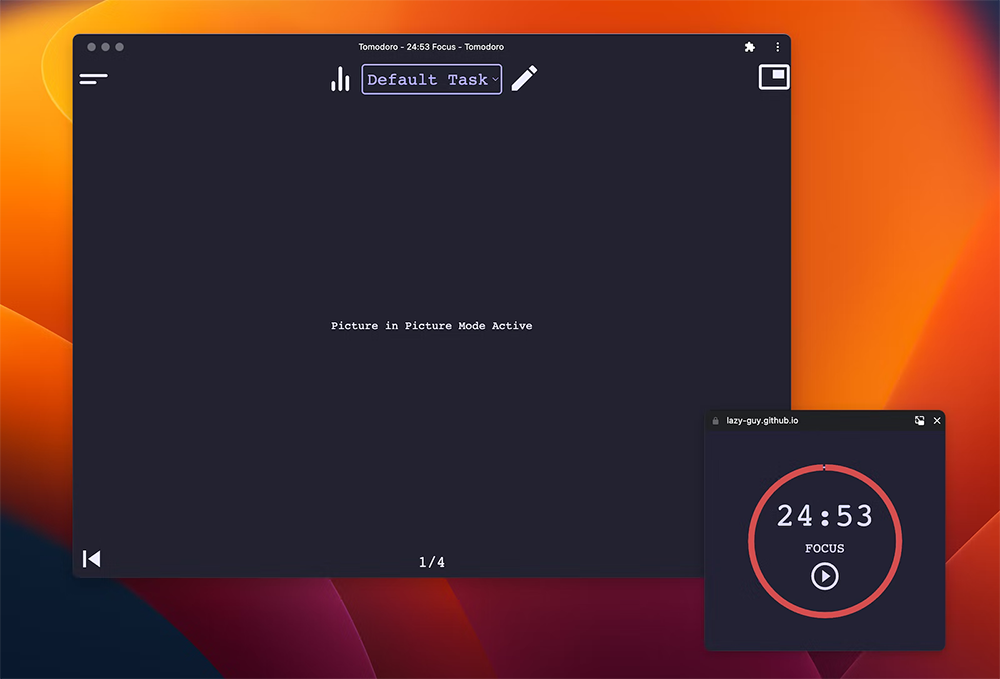
▲Image source: Google
Probably in order to demonstrate the “multi-tasking” power of this API, Google also demonstrated “Pomodoro”, which is an application example of the Pomodoro clock. This also means that developers should be able to come up with many interesting changes and applications in this new API that has been experimented with since Chrome 111. I never thought that a simple picture-in-picture could produce so many new tricks.
Further reading:
Rhino Shield Startup Discount Code

If you start work in the Year of the Rabbit, you will not be depressed.RHINOSHIELD Rhino ShieldWe are launching a spring event and will send you an extra red envelope to get started. During the event (2023/2/2 ~ 2/5), you can get a $200 discount for spending over $1,200. There is also a 10% discount on the entire order if you do not reach the threshold. In the new year, use the new Rhino Shield accessories to create a new atmosphere in the Year of the Rabbit!
- RHINOSHIELD Rhino Shield official website purchase:Please click here
(Enter discount code [CNY2023】Get $200 off when you spend over $1200, enter when you spend less than $1200【3C-Y23】Enjoy 10% off your entire order. )
Source: KOCPC Chinese