


For computer workers, many people receive a lot of emails every day. When they have to reply to each email, they occasionally encounter a situation where they are at a loss for words, or they don’t know how to reply better. In addition, if the letters received are in English, people who are not good at English will need to spend a lot of time on it. The ChatGPT Writer extension is definitely your savior. After entering what you want to reply to, appropriate content will be automatically generated through AI. Chinese, English and other languages are supported, which is very easy to use.
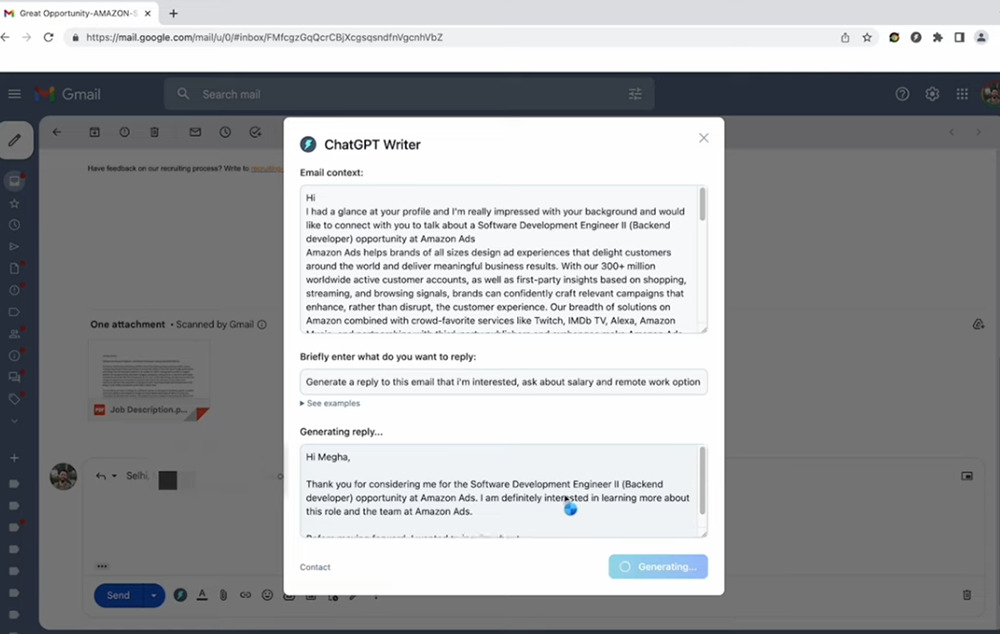
ChatGPT Writer extended functions, don’t know how to write an email reply? Let AI automatically generate it for you, both Chinese and English are supported
Although ChatGPT Writer is an extension of Chrome, it can also be used on Microsoft Edge, as long as it is a browser using the Chromium core. I will use Edge as an example below.
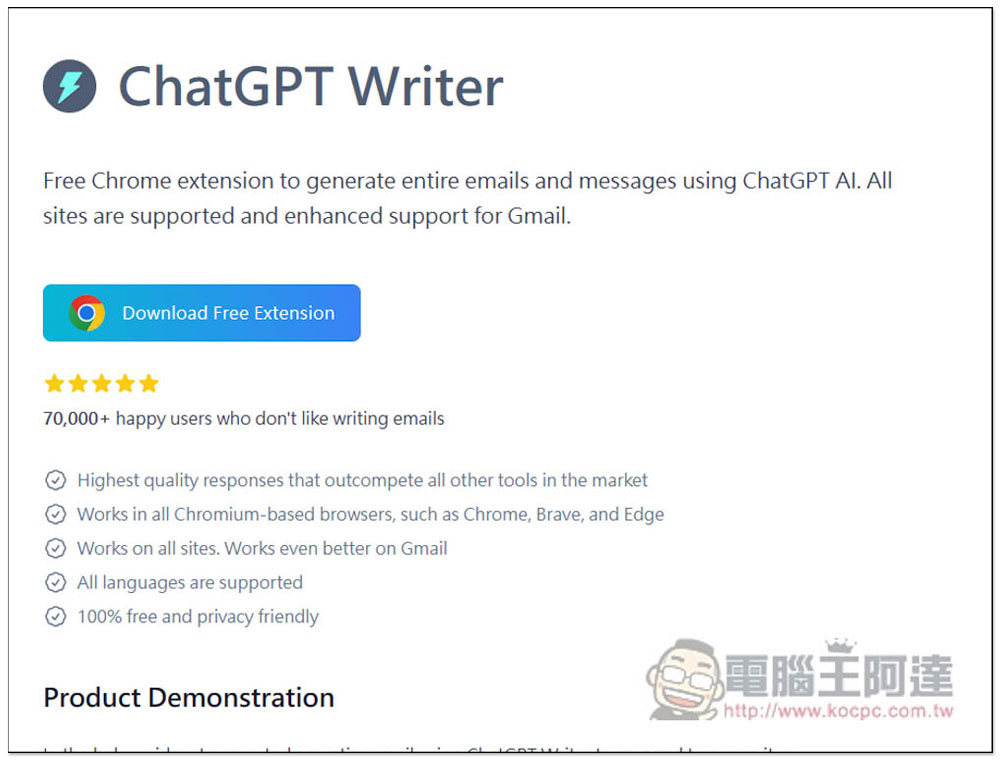
After entering the official website, click Download Free Extension to jump to the Chrome store. Here are some introductions to the features of the extension, including videos. Anyone who is interested can also take a look:
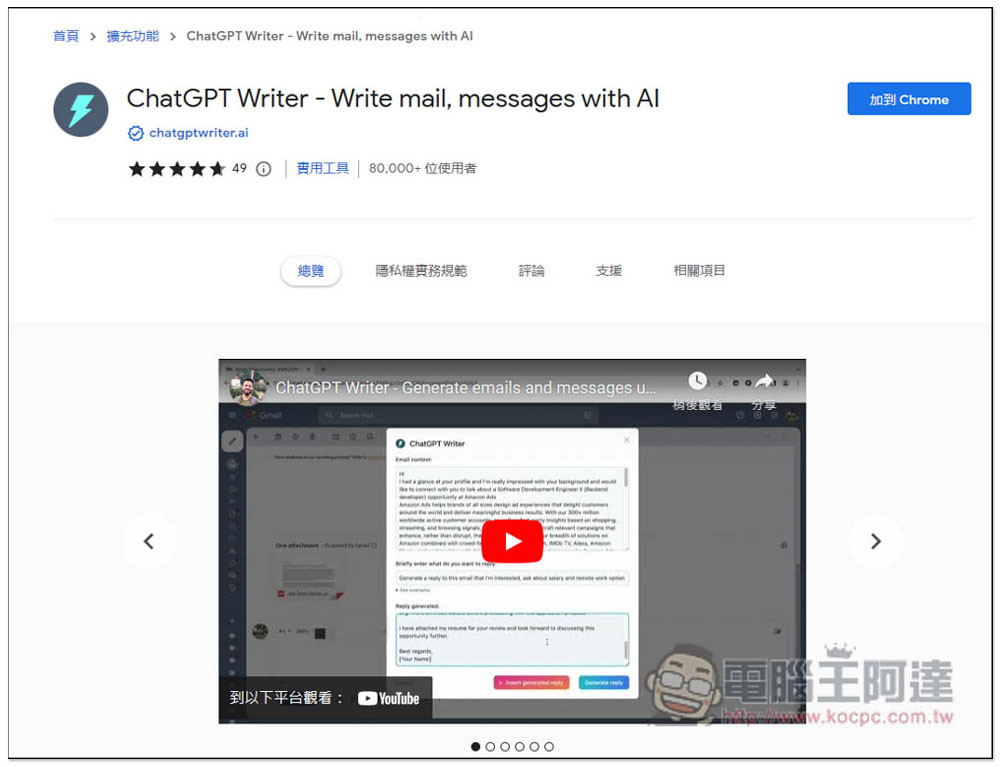
Click “Add to Chrome” in the upper right:
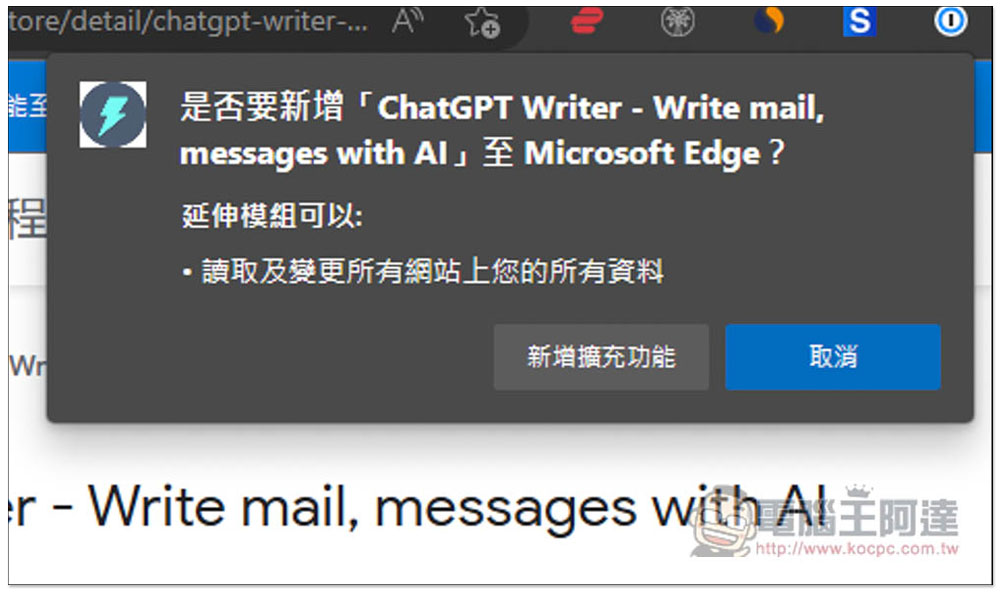
This prompt will pop up, click “Add Extension”, and the installation is complete:
There are two ways to use it. The first is to click on the extension icon of ChatGPT Writer. Now the browser defaults to automatically hiding it after the extension is installed, so you need to go to the puzzle icon on the right to find:
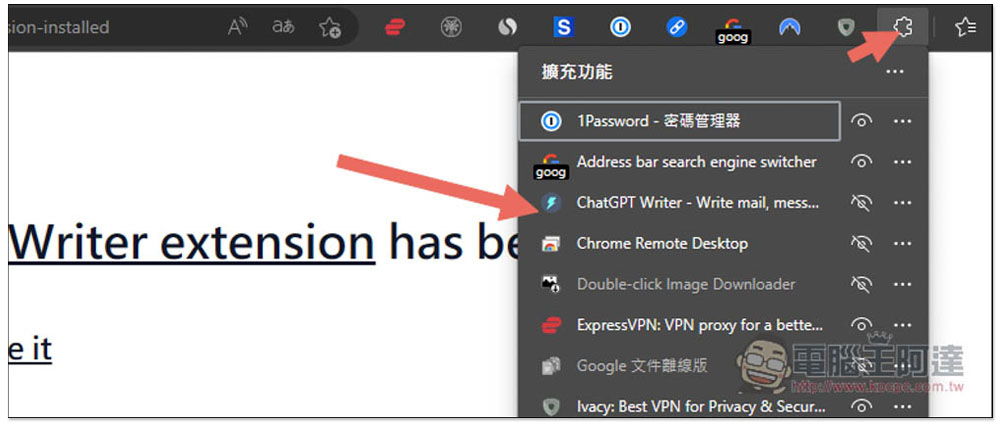
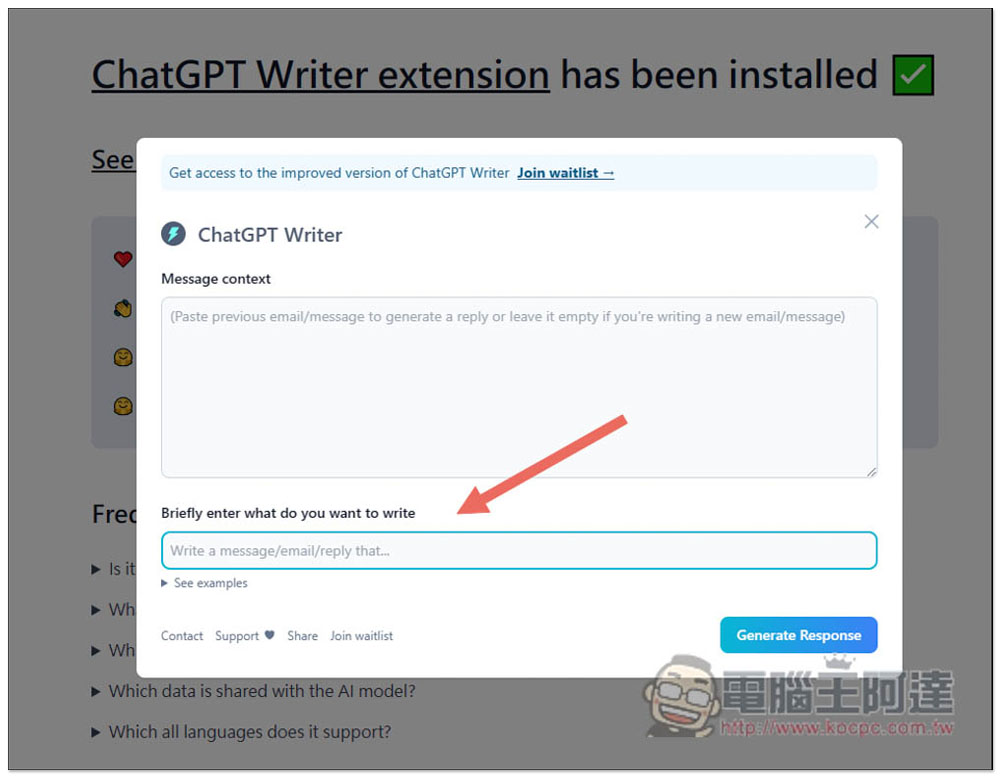
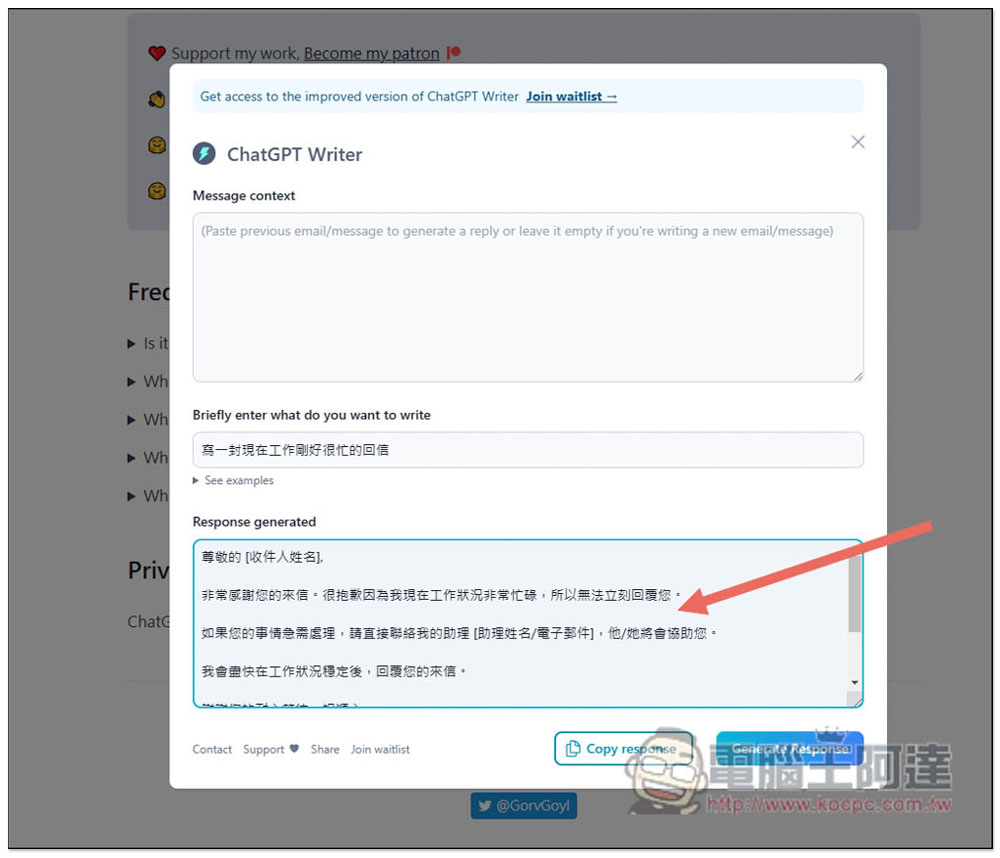
Then you will jump to this screen. Although the interface does not have Chinese, it can use AI to automatically generate Chinese content. Briefly enter what do you want to write below and enter the key points of the content you want to reply:
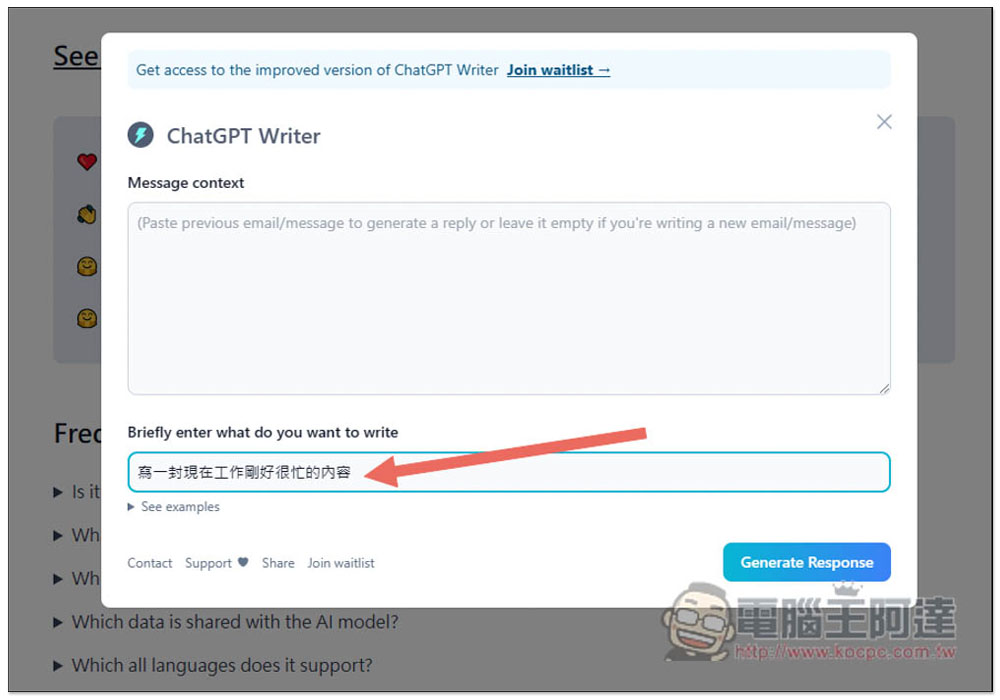
For example, I type “Write a message about how busy I am at work right now” and then click Generate Response:
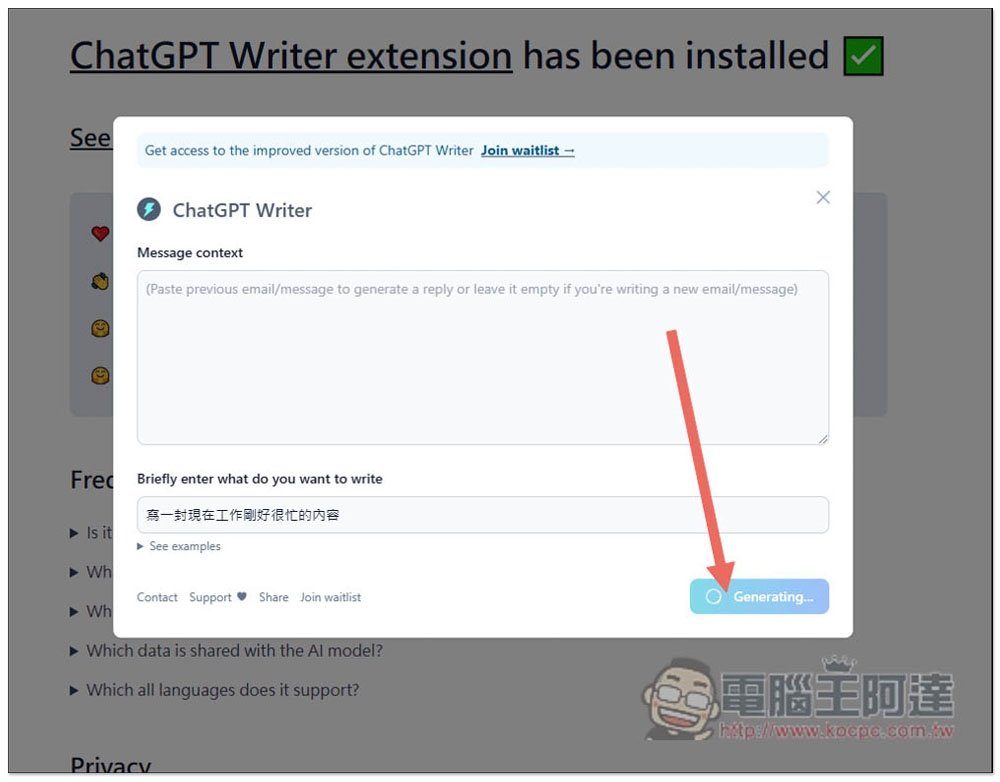
The speed of production depends on how many people use it now. If not many people use it, it is pretty fast. In addition, if when you use it, the input is clearly in Chinese, but English content is generated, please press Generate Response again:
Like this, ChatGPT will automatically help me create an email that can reply to “Write an email about someone who is very busy at work right now.” If you like it, you can copy and paste it into the email you want to reply to:
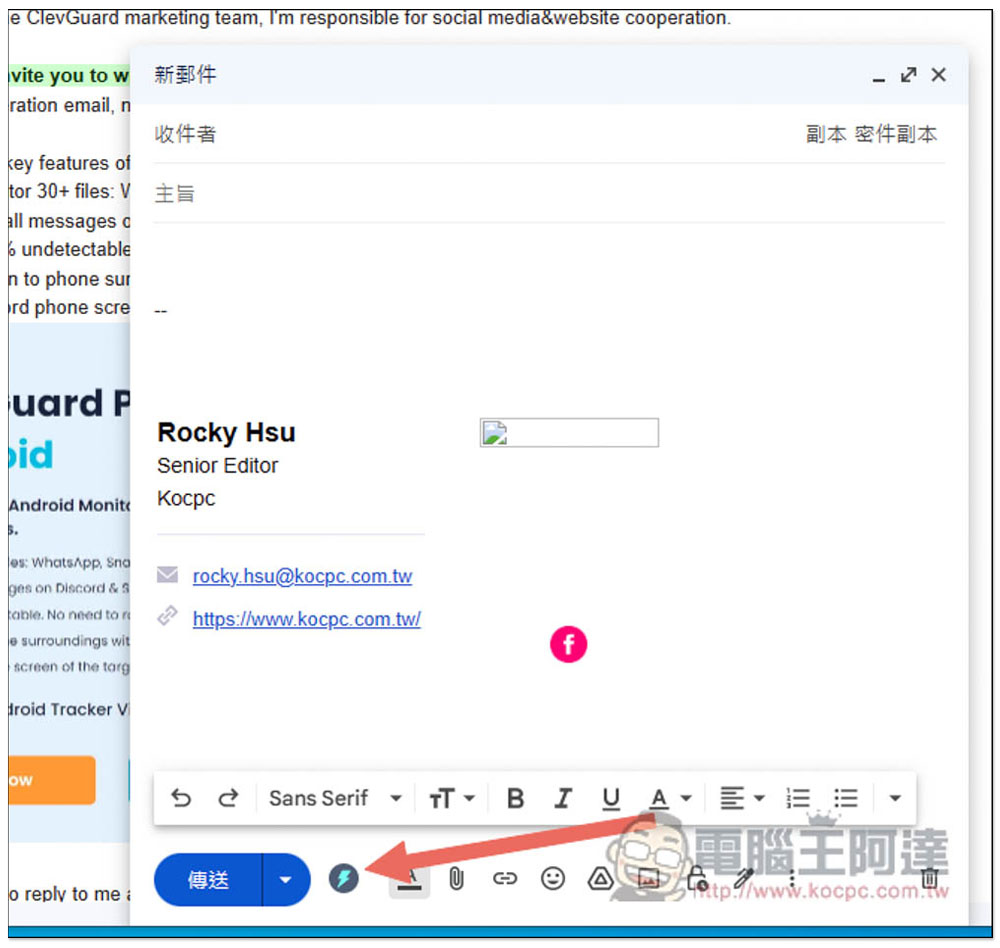
After you install the extension, use this browser to open Gmail. When writing a letter, the ChatGPT Writer icon will appear at the bottom. Click to open it:
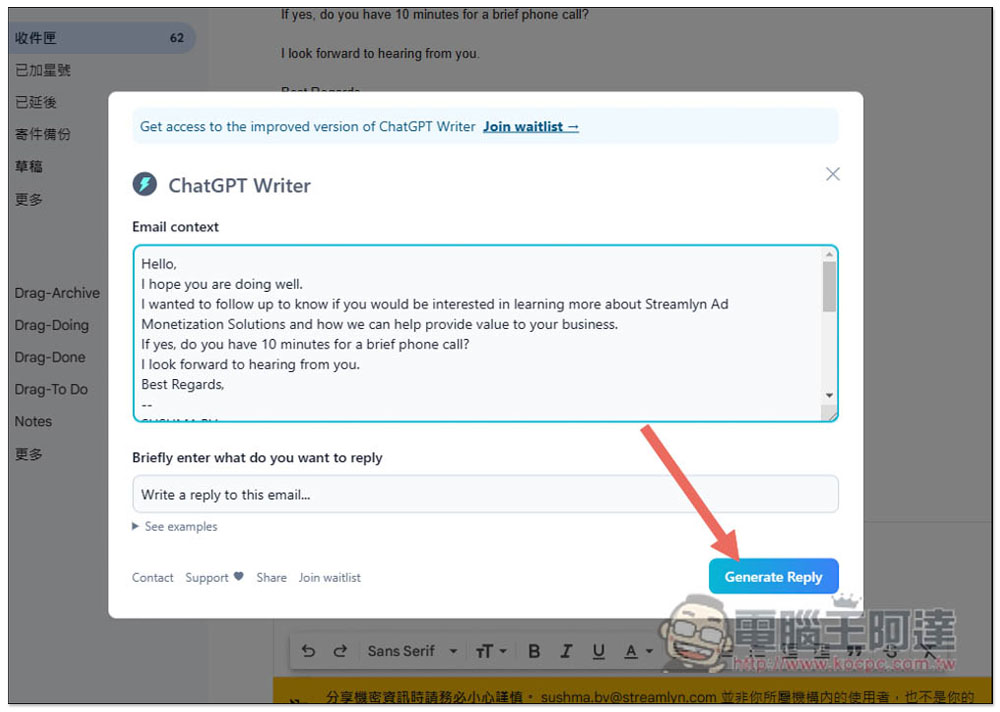
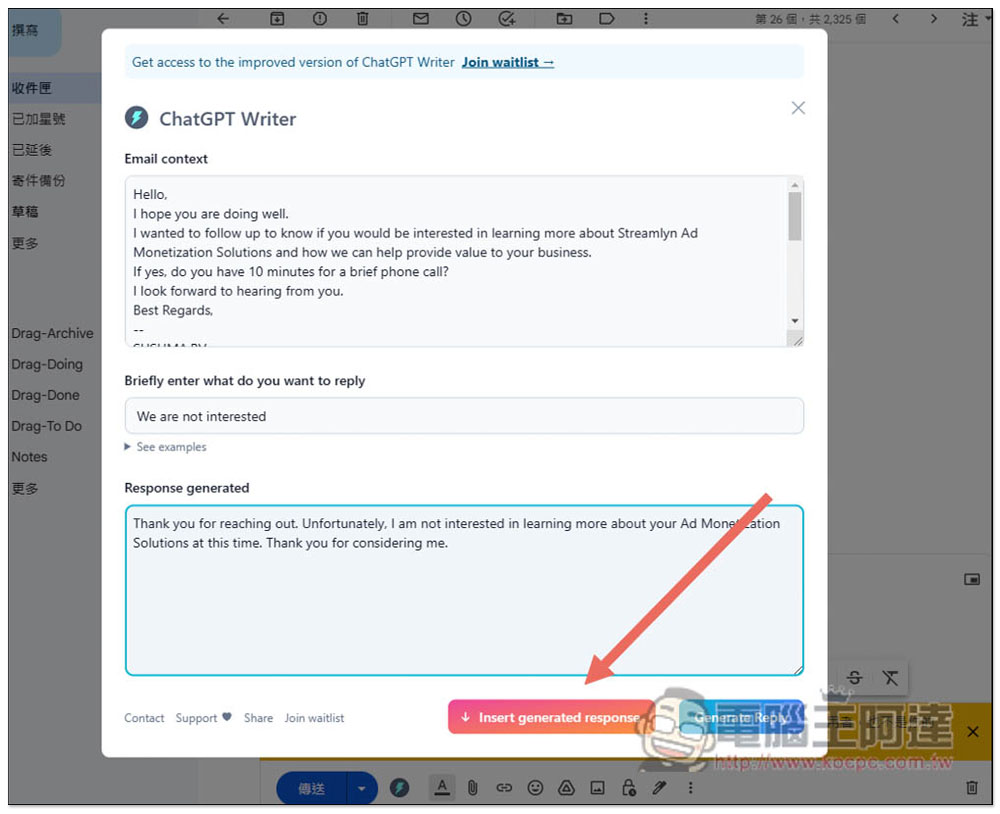
If you happen to be replying to an email, it will automatically paste the content written by the other party in the Email context. At this time, enter the key meaning of what you want to reply to the other party in Briefly enter what do you want to reply:
I enter the interest and press Generate Reply:
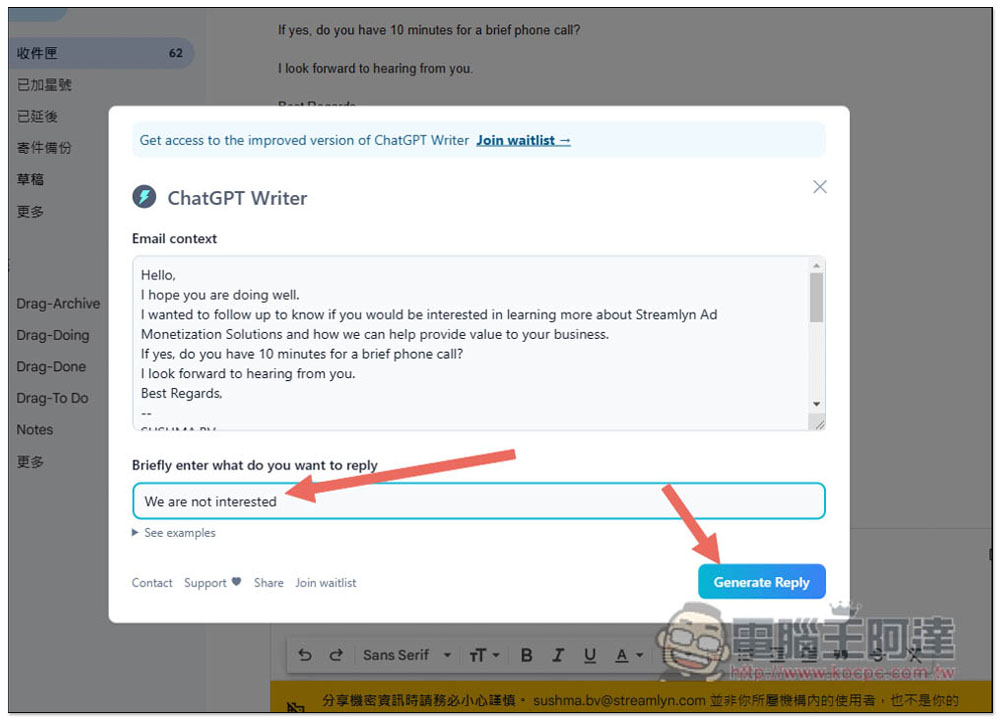
It will automatically generate reply content that you are not interested in. This is super convenient for friends who are not very good in English. You don’t have to worry about grammatical mistakes or not knowing what words to use. All content is automatically generated by ChatGPT:
Further reading:
Rhino Shield Startup Discount Code

If you start work in the Year of the Rabbit, you will not be depressed.RHINOSHIELD Rhino ShieldWe are launching a spring event and will send you an extra red envelope to get started. During the event (2023/2/2 ~ 2/5), you can get a $200 discount for spending over $1,200. There is also a 10% discount on the entire order if you do not reach the threshold. In the new year, use the new Rhino Shield accessories to create a new atmosphere in the Year of the Rabbit!
- RHINOSHIELD Rhino Shield official website purchase:Please click here
(Enter the discount code [CNY2023] to get a $200 discount for purchases over $1,200, and enter [3C-Y23] for a purchase of less than $1,200 to enjoy a 10% discount on the entire order.)
Source: KOCPC Chinese