


Apple launched in the early morning of today (24th) iOS 16.3 The official version update, even though the content of this iOS 16.3 update is not as much as that of the last iOS 16.2, it still adds many new features and fixes the bugs reported by past users. Today we will sort out the key points of the 8 new updates in this iOS 16.3 update.

iOS 16.3 official version update released: 8 new updates highlighted
As Apple released the new HomePod (2nd generation) last week, it also officially released updates to iOS 16.3, iPadOS 16.3, watchOS 9.3 and macOS Ventura 13.2 earlier today (24th). This article will sort out the 8 key updates of this iOS 16.3 official version update for you.
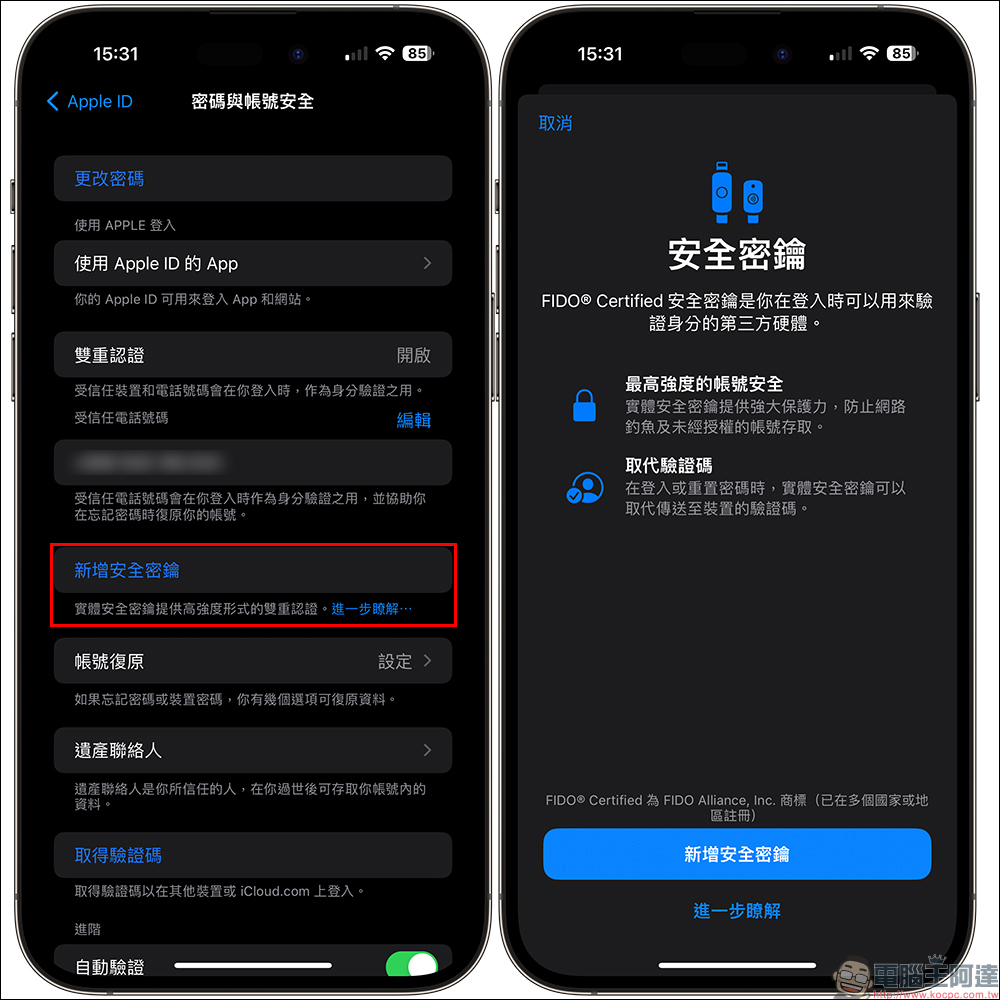
Added “Security Key” function for Apple ID
In this iOS 16.3 update, the “Security Key” function of Apple ID has been added, allowing users to use physical security keys launched by third parties to enhance the security and information security of Apple ID accounts. If the physical security key function is used, physical key authentication will be required through the system when logging in through the two-factor authentication login process of a new device or other methods. However, the security key function is not forced on users. You can choose whether to turn it on according to your needs.
New “Solidarity” wallpaper
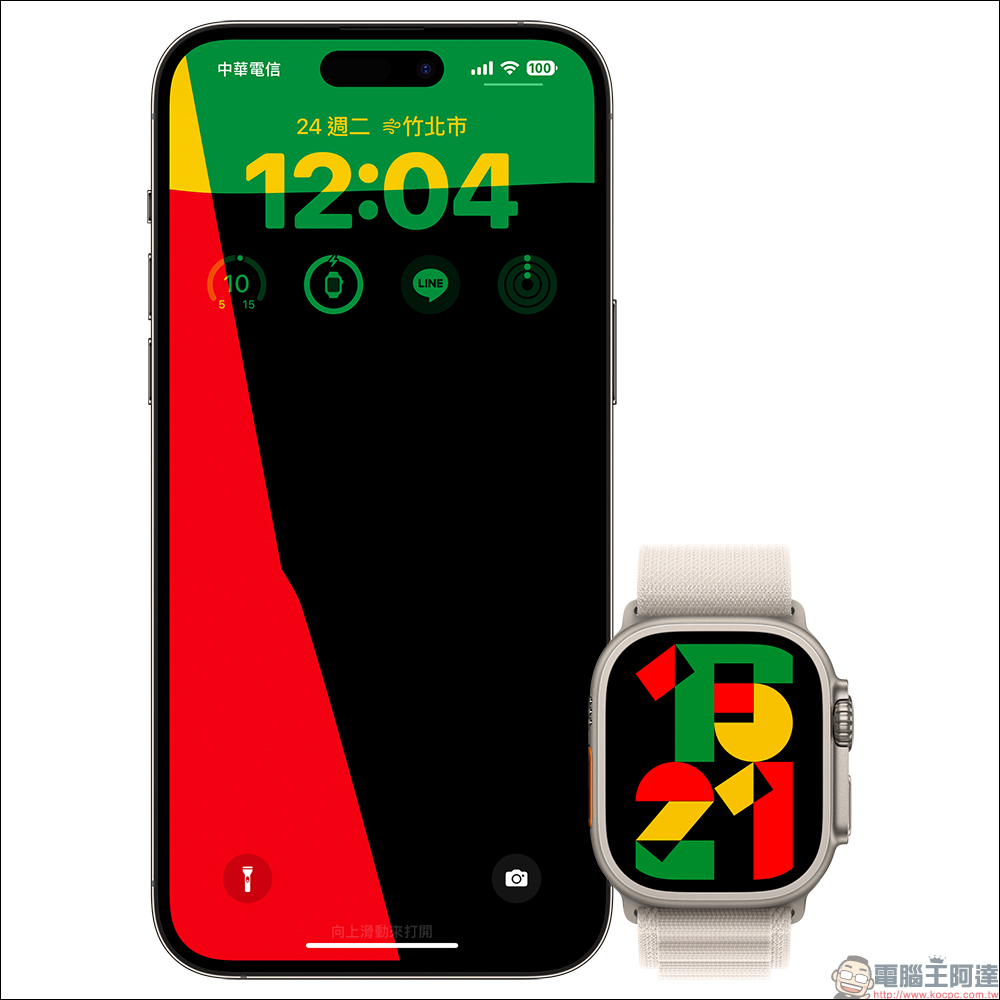
To celebrate Black History Month, which is coming up in February, Apple has added a new “Unity” wallpaper in iOS 16.3 to commemorate black history and culture. This background image is supported on both iPhone and Apple Watch.
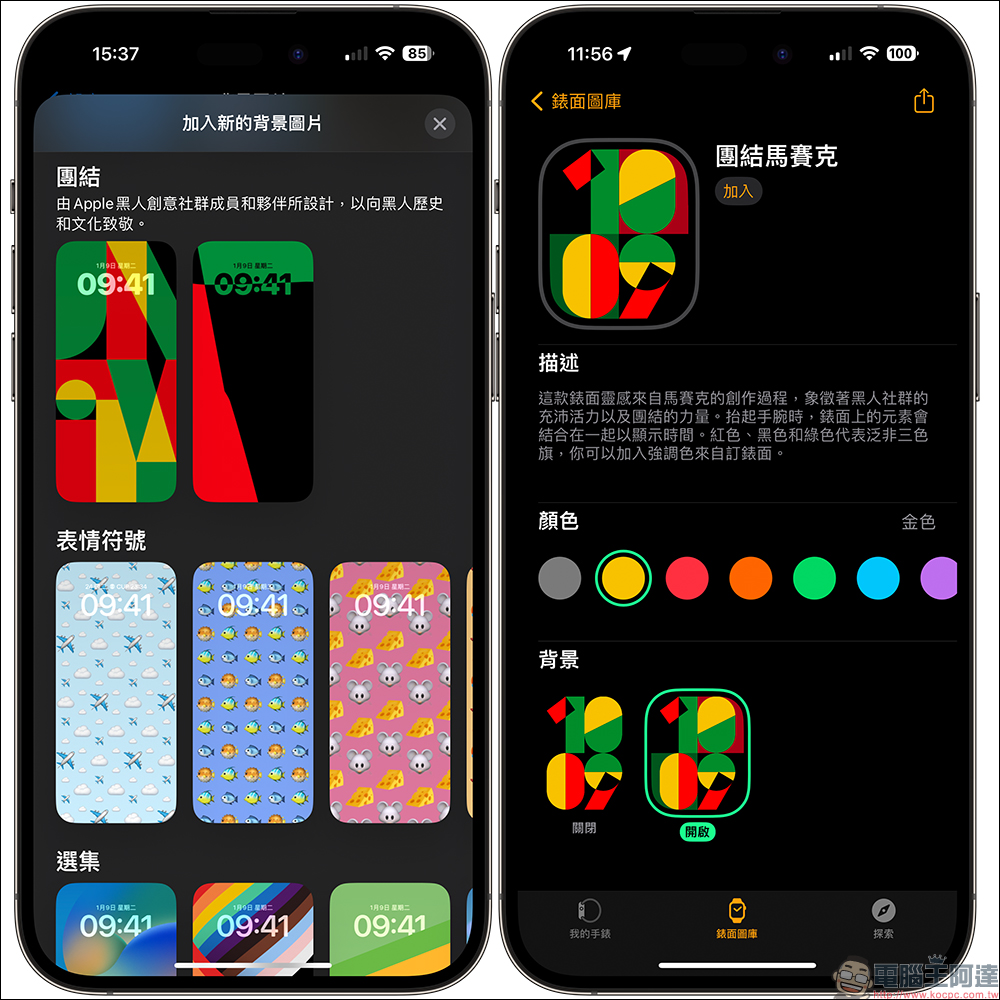
This “Solidarity” tablecloth was designed by members of Apple’s Black creative community and partners to pay tribute to Black history and culture. Users can also customize some personal settings in the settings.
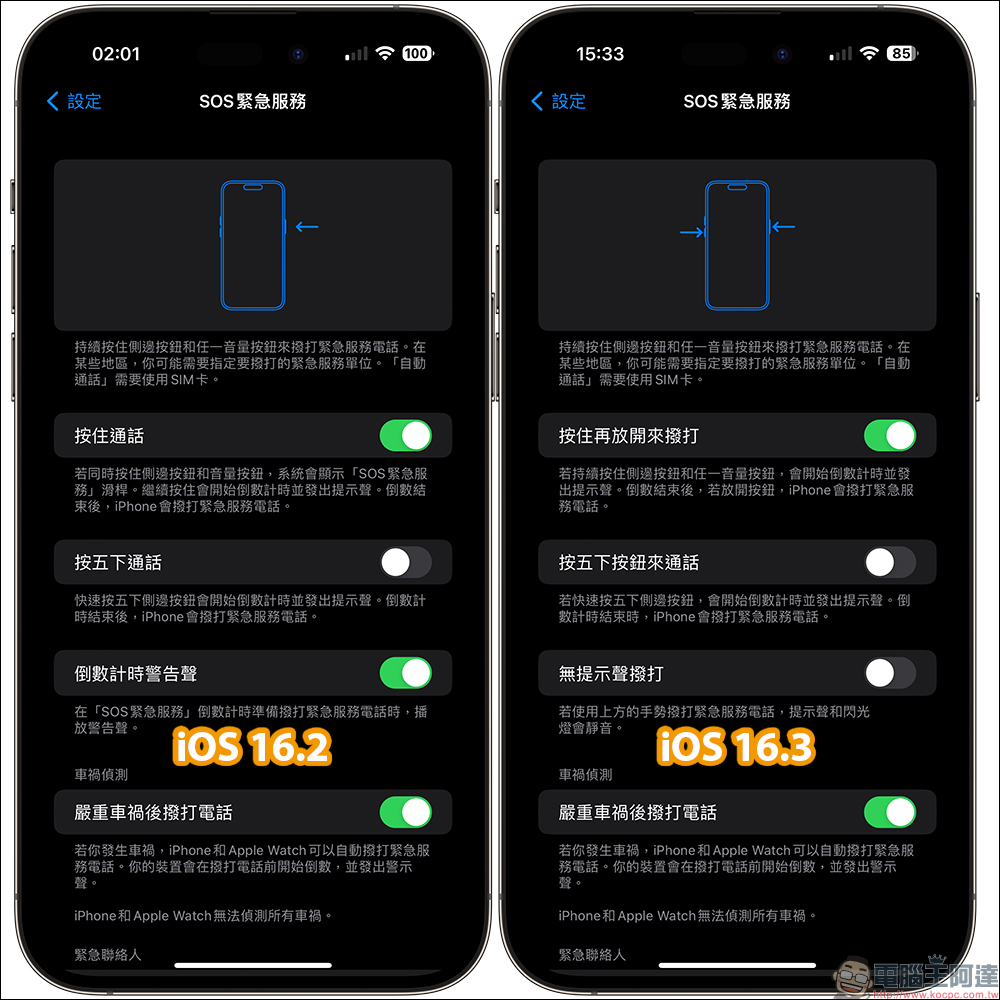
Optimize SOS emergency service shortcut key operations
For the “SOS Emergency Service” function, Apple has optimized its wake-up method in this iOS 16.3 update. Before iOS 16.2, to make an emergency call, you needed to hold down the side button and then press any volume button. However, now iOS 16.3 has started to make emergency calls. If you continue to press the side button and any volume button, a countdown will start and a prompt sound will sound. After the countdown is over, if you release the button, iPhone will call emergency services. Compared with the previous operation method, there is now an additional step of releasing the button, which can prevent users from accidentally touching the emergency service number.
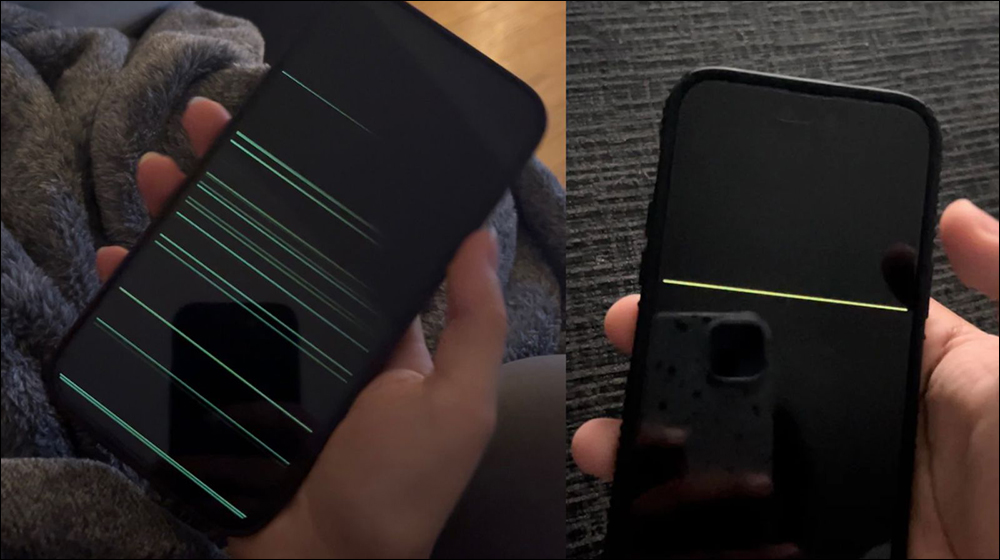
Fixed an issue where horizontal lines may be temporarily displayed when waking up iPhone 14 Pro Max
Some time ago, many iPhone 14 Pro series users reported that when the iPhone wakes up from standby, the screen will temporarily show a black screen, and there are also many green levels on the screen, just like a mobile phone screen failure. However, Apple said at the time that this was a software issue, and this issue was fixed in this iOS 16.3 update.
Fix the problem of iPhone wallpaper turning black
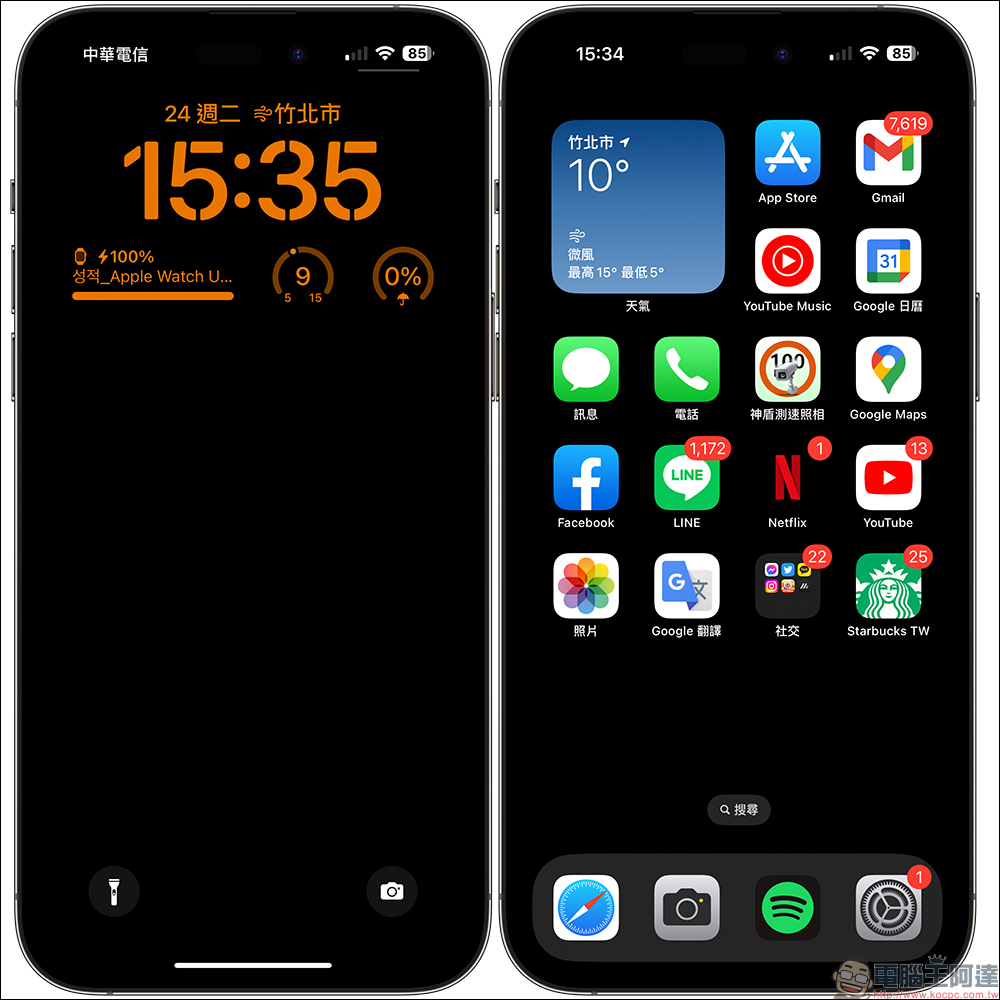
Since iOS 16, some users have reported that the iPhone background image (tablecloth) will turn black without warning. Sometimes during the operation of the phone, the iPhone background image will also appear black on the lock screen, and the originally set background image cannot be displayed normally. This time, iOS 16.3 has finally solved the problem that the background image may appear black on the lock screen.
Supports new HomePod (2nd generation)
Even though HomePod (2nd generation) is not currently on sale in Taiwan, this iOS 16.3 update also officially adds support for HomePod (2nd generation), and other functions such as temperature and humidity sensing are also officially supported.
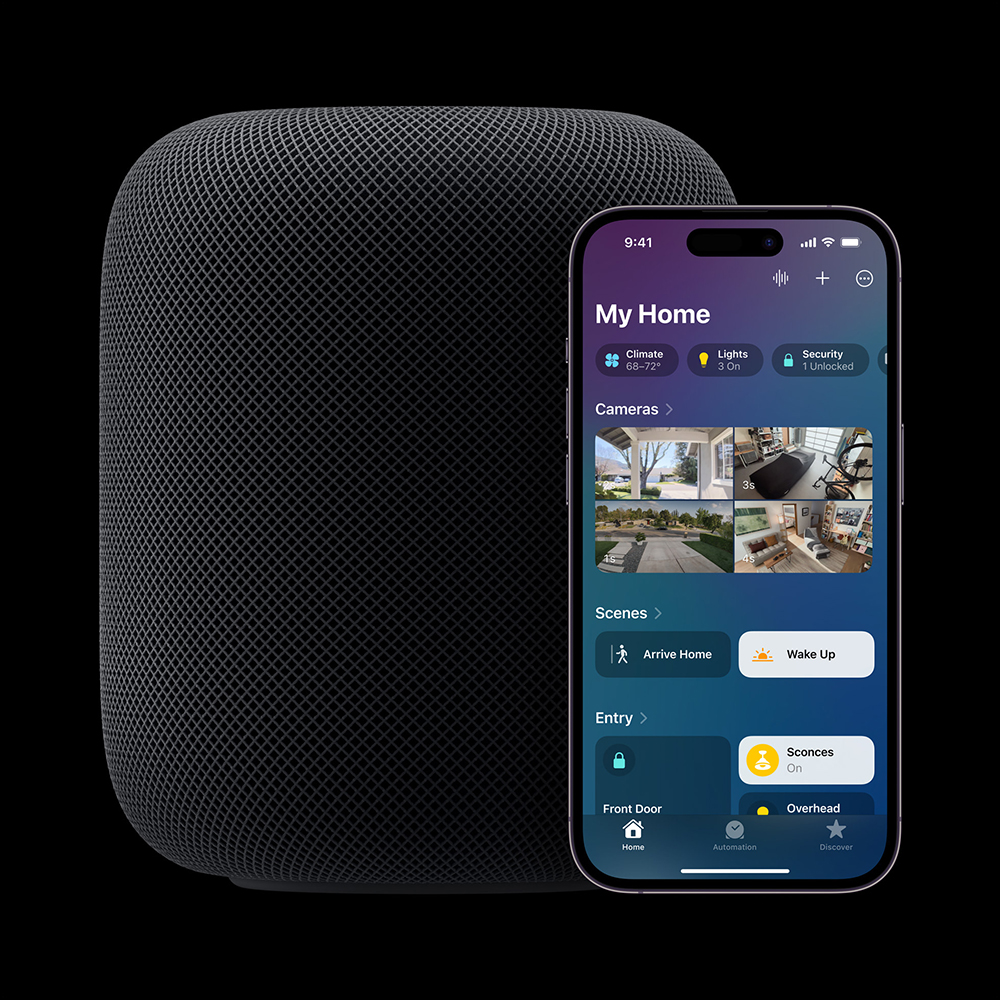
We know that HomePod mini actually also has temperature and humidity sensors. As long as HomePod mini can be updated to version 16.3 in the future, it should also be able to support temperature and humidity sensing functions. The earlier HomePod 16.3 update has also been released, which allows HomePod (2nd generation) and HomePod mini to measure the temperature and humidity of the indoor environment.
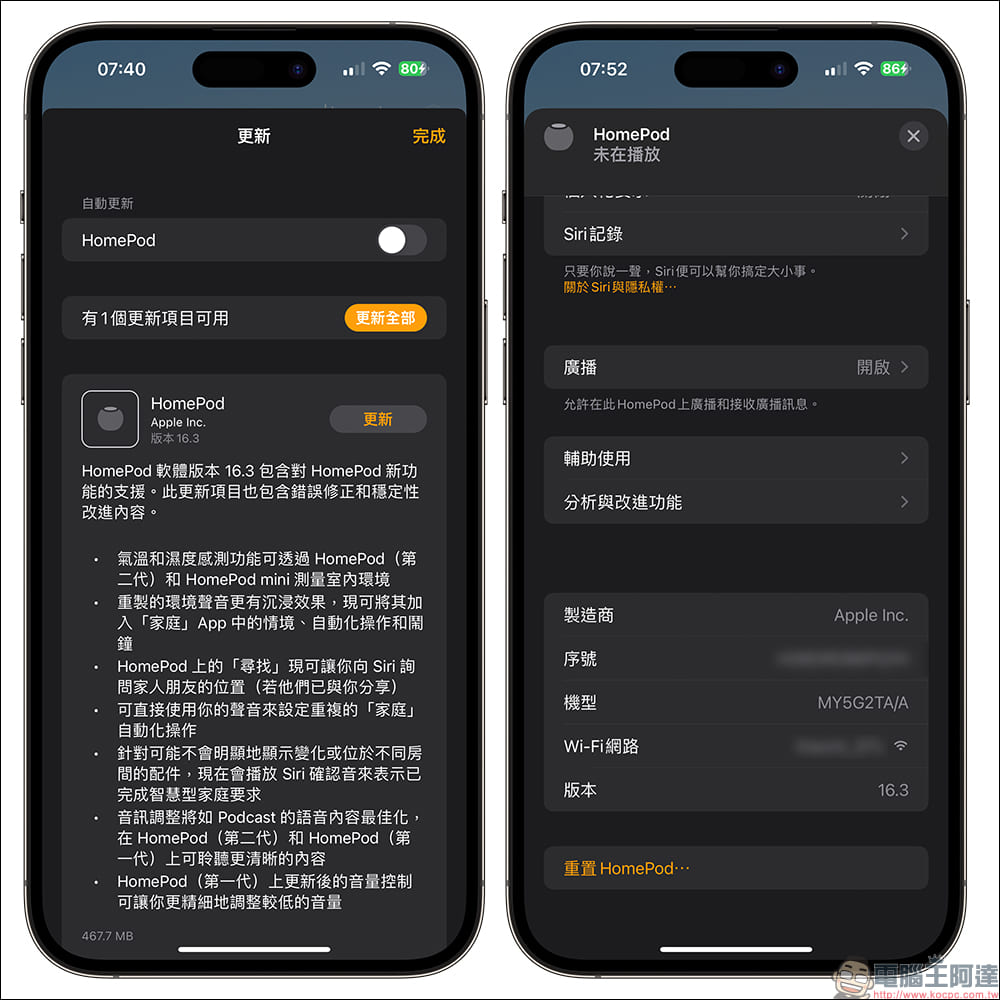
In addition to bug fixes and stability improvements, the HomePod 16.3 update also includes the following updates:
- Temperature and humidity sensing measures indoor environment with HomePod (1st generation) and HomePod mini
- Remastered ambient sounds are more immersive and can now be added to situations, automations, and alarms in the Home app
- Find Now on HomePod now lets you ask Siri for the location of family and friends (if they’ve shared it with you)
- Use your voice directly to set up recurring “home” automation actions
- Accessories that may not visibly show changes or are in different rooms now play a Siri confirmation tone to indicate completion of a smart home request
- Audio adjustments optimize voice content such as podcasts for clearer listening on HomePod (2nd generation) and HomePod (1st generation)
- Updated volume controls on HomePod (1st generation) let you fine-tune lower volume levels
HomePod mini and iPhone music transfer tips
Previously, “Music Relay Playback” could be used between HomePod mini and iPhone to quickly switch the music played to HomePod mini for playback. However, this update adds a “Move Music and Controls” prompt. Through this new help interface, users can know when iPhone is close to HomePod to view controls or move music to continue playing.

Other bug fixes
In addition to the above-mentioned several major problem fixes and feature updates, other bugs are also fixed in iOS 16.3:
- Fixed an issue where the Lock Screen widget would not accurately display the Home app status
- Addresses an issue where Siri could incorrectly respond to music requests
- Addresses an issue where Siri requests in CarPlay may not be understood correctly
- Fixed an issue where some drawing strokes created with Apple Pencil or fingers in “Boundless Notes” may not be displayed on the shared whiteboard
- Some features may not be available in all regions or on all Apple devices. For information about the security content of Apple software updates, please visit this website:
https://support.apple.com/kb/HT201222
iPadOS 16.3 updates
This iPadOS 16.3 update includes the following enhancements and bugfixes:
- iCloud’s “Advanced Data Protection” uses end-to-end encryption to protect all iCloud data categories to 23 types, including “iCloud Backup”, “Notes” and “Photos”, which can protect your information security even if there is a vulnerability in the data in the cloud.
- Security Keys for Apple ID allows users to require a physical security key to be included in the two-factor authentication sign-in process for new devices to enhance the security of their accounts
- Supports HomePod (2nd generation)
- Fixed an issue where some drawing strokes created with Apple Pencil or fingers in “Boundless Notes” may not be displayed on the shared whiteboard
- Addresses an issue where Siri could incorrectly respond to music requests
watchOS 9.3 updates
Watchos 9.3’s new features, improvements, and bugfixes also include a new “United Mosaic” watch face that honors Black history and culture and celebrates Black History Month.
Further reading:
iPhone 15 Pro new design appearance renderings exposed, with flat screens with curves and ultra-thin borders on the front and rear of the fuselage
Source: KOCPC Chinese