


Although we already knew before the New Year that the latest Pixel Watch update in January will bring the promised fall detection function (in fact, a new preview was silently made, indicating that it willSupport transportation card sensor function). But reality is reality after all (eh). Many people should be very busy with work/schoolwork before the year, so maybe many people wait until this holiday to think of updating the system. But now it seems that a slightly later update may not necessarily be a bad thing.
Because this wave of updates seems to have caused a lot of “preparing to update” system freezes – that is, it looks like the watch is preparing for the update, but in fact it is in a system freeze state, causing many people to not know what to do. Fortunately, there is a corresponding method now. Continue reading Pixel Watch update stuck? One trick allows you to smoothly obtain the content of reports on new features in the new year.
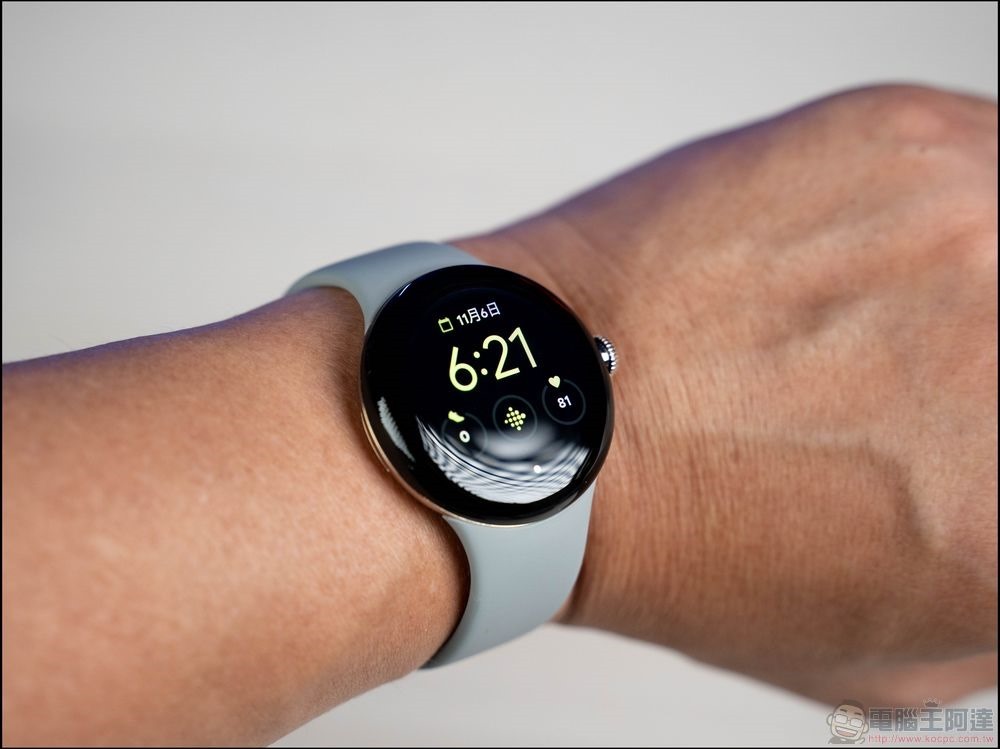
Pixel Watch update stuck and unable to move? One trick to help you get new features in the New Year smoothly
The emergency call and fall detection function, which can detect the force of a fall up to 32G, may be an important reason why many people choose to buy Pixel Watch. Because of this, most people will click the update button without hesitation when they see an update that brings the promised functions to this watch, right?
However, foreign media recently updated the January update that added a surprise update to fall detection. I found that the surprise was not only about the functions, but also about the suspected bug that caused the watch to display “preparing to update” for a long time during the update process. It was so long that I felt like there was something strange. Moreover, you can still receive notification sounds normally during this period, and long pressing the power option will still display the shutdown screen. However, it is suspected that the update caused the system to freeze and crash, so touch control was not possible.
Looking back, there were actually discussions on the Internet about such problems with Pixel Watch. But on the one hand, it may be that Pixel Watch sold more units, and on the other hand, the January update actually has greater functional incentives. So it seems that a lot of people have encountered this situation recently (some people have also reported crashes) 2 weeks long~This is a bit ridiculous XD), and because the media also encountered it, it attracted greater attention.
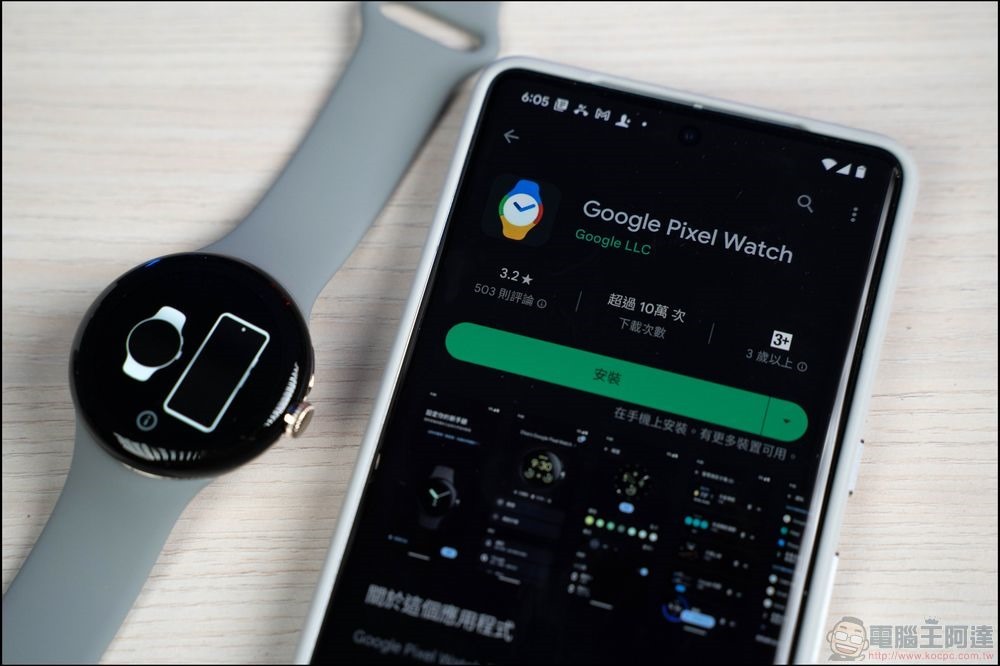
In fact, the solution we are going to introduce this time is also the solution we learned from the discussion thread after the situation encountered in the update last month. To put it simply, you can solve the screen crash problem of “Wear OS System Update” by forcing a reboot. Here’s how:
In this state, you can take the watch off your hand first. First press the physical button of the “Voice Assistant Button/Recent Apps”, then “then” press the digital crown simultaneously, and hold it for more than 15 seconds until the watch turns back on and then release it. At this point, the forced restart of Pixel Watch is completed.
That is to say, since it is a restart action in the middle of the system update, some people also encounter the system’s error message showing a worrying “Error”. But now that I have encountered a crash problem that is still displayed as “preparing to update” after a very long time. I believe that normal people would not deliberately force a reboot in the middle of an update.
After seeing this message, most of the results obtained by everyone currently performing such operations can still return to the system normally. According to speculations from all parties, there is a certain chance that the Pixel Watch update process will encounter a bug during the preparation stage of the system update, causing the installation to fail to start correctly. If you encounter it, it seems that you can try to update again by force restarting.
That is to say, since some people have encountered this situation in both waves of updates, it is obviously not just a single problem caused by several “updates”. I just hope Google can provide a fix in the next update. Don’t worry if you encounter it before. You should be able to install it by referring to the method in this article.
Further reading:
Source: KOCPC Chinese