


When you usually watch videos by foreign creators on YouTube, do you often find yourself unable to understand the content due to language barriers? Today, I’m introducing a YouTube video translation and summarization tool called “NoteGPT”. NoteGPT offers web and Chrome extension services to help you quickly summarize and translate videos. If you’re interested, keep watching.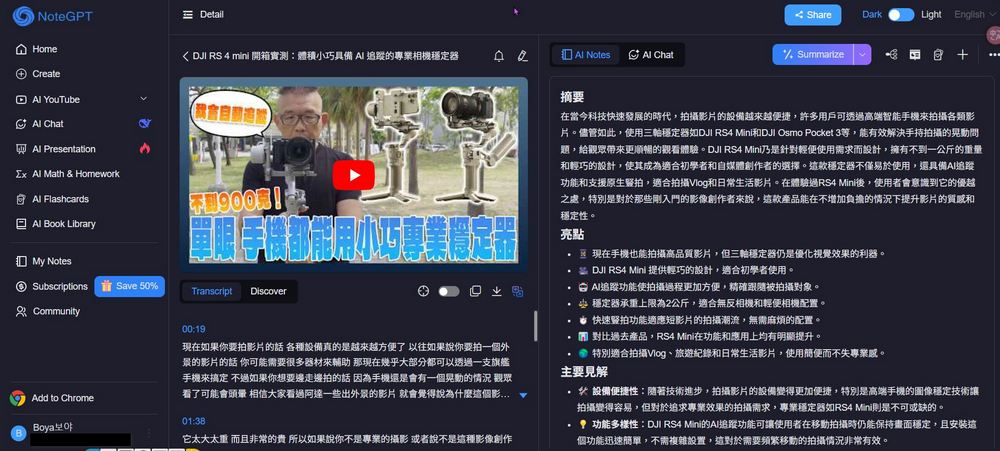
[NoteGPT Usage Guide] YouTube Video Translation, Summaries, and Mind Maps—All in One Go!
Do you ever feel frustrated when watching foreign creators on YouTube without Chinese subtitles? You really want to understand the content, but there’s a language barrier. Today I’m sharing NoteGPT, which can help you summarize and translate videos, so you no longer miss out on understanding content because of the lack of subtitles.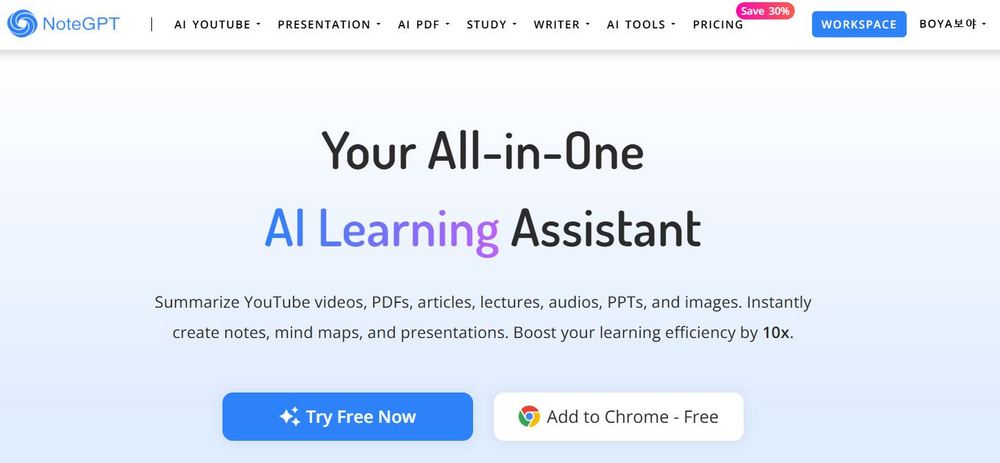
Go to the YouTube video translation and summary tool NoteGPT
After going to the link above, you will see two options. You can click “Try Free Now” to experience NoteGPT’s free YouTube video translation and summarization features. After clicking, you will need to register for a NoteGPT account; you can sign up using Gmail or other methods.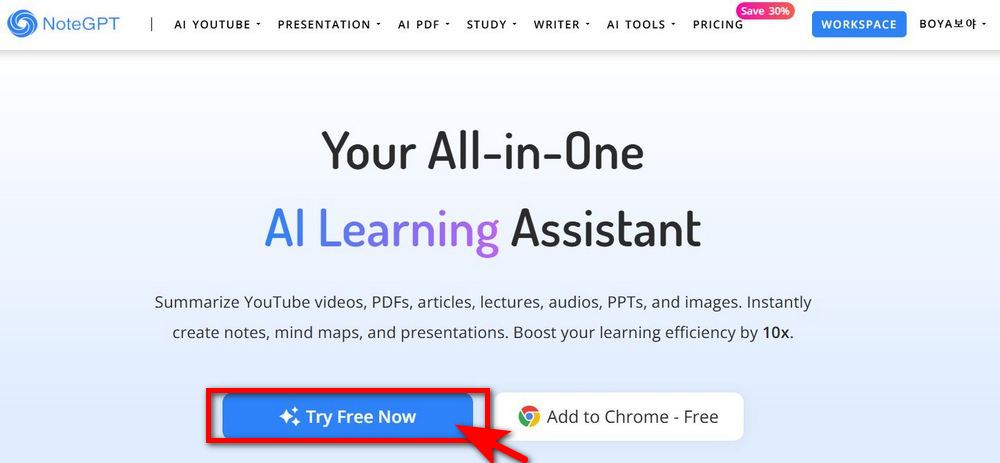
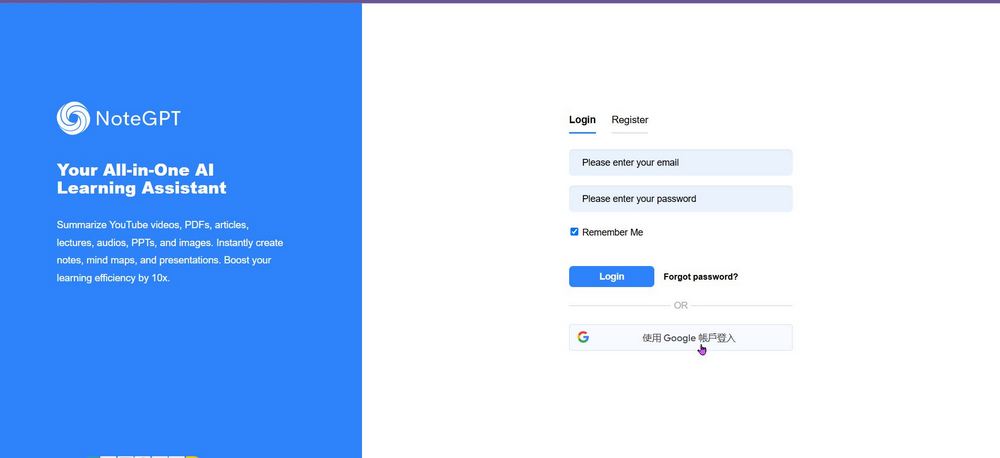
Once you’ve registered, you can start using NoteGPT. Before you begin, let’s set the language to Traditional Chinese. Click the box in the upper right corner of the screen, select the language you want NoteGPT to translate into, and set it to Traditional Chinese for easier use later.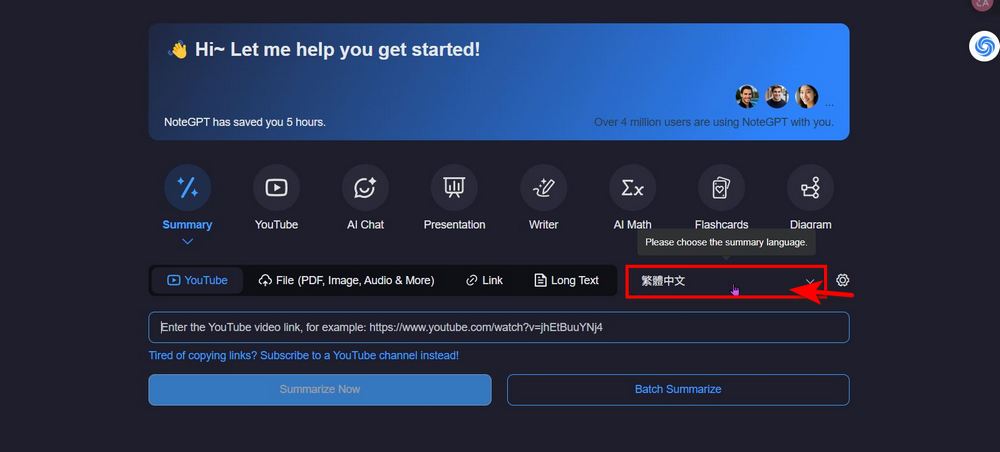
After setting the language, you can go to YouTube to find a video you want to translate and summarize. Copy the video link, then paste it into NoteGPT. Paste the video link in the box and click “Summarize Now”.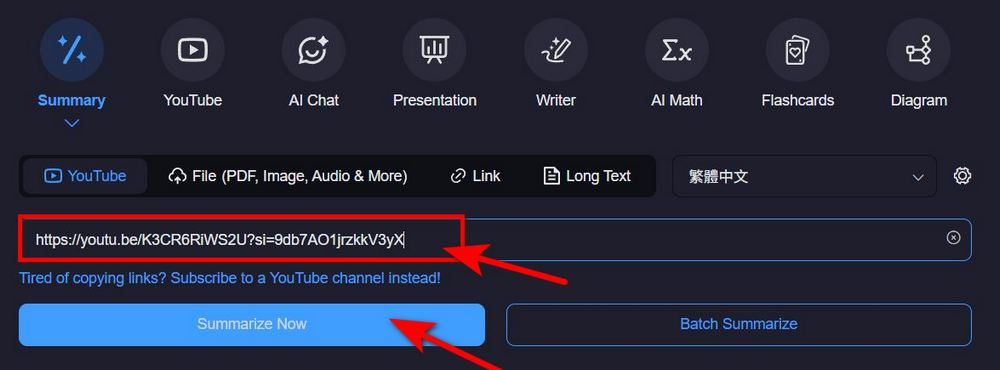
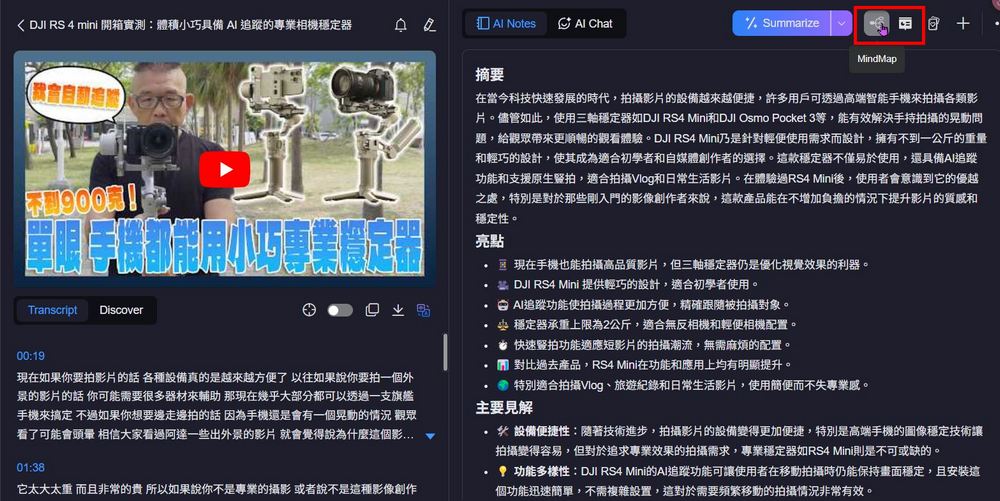
NoteGPT lists the subtitles in a video and directly helps you summarize the video. NoteGPT uses AI Notes to organize a video outline, and you can also choose to use AI Chat to ask questions about the video content.
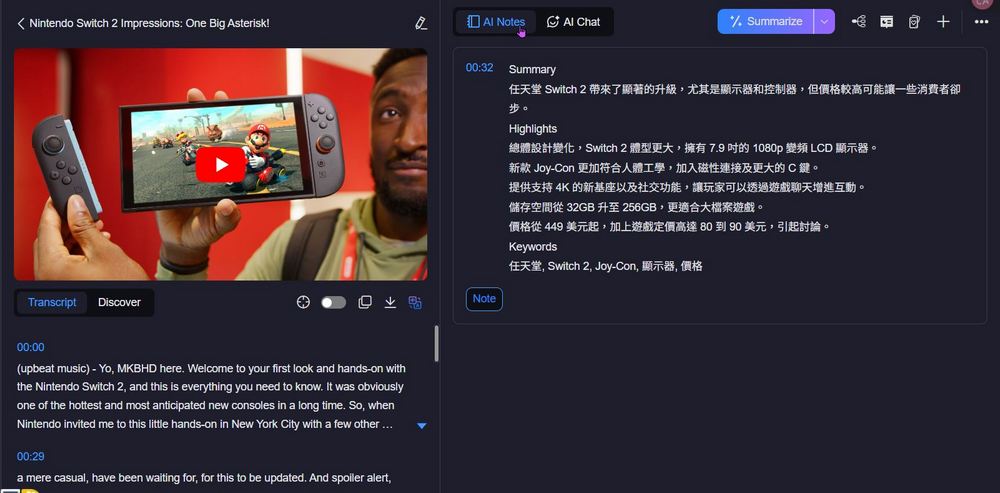
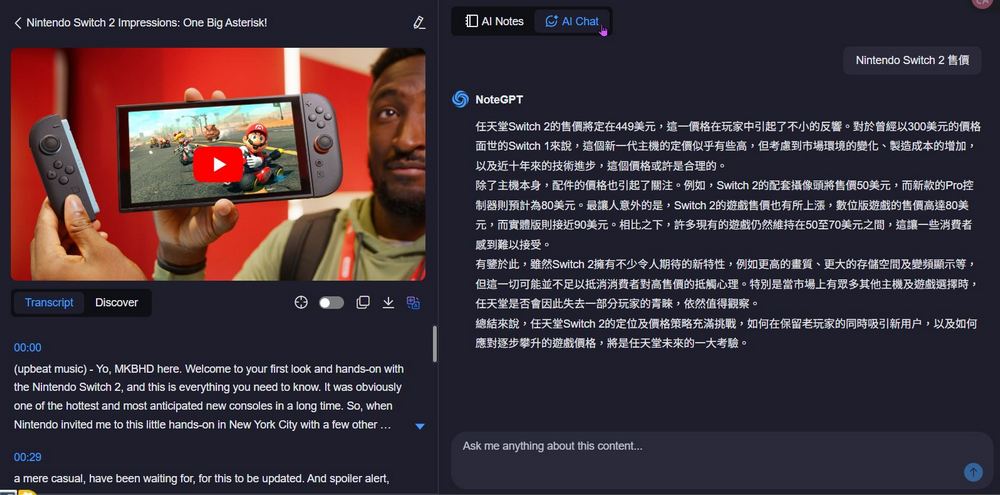
After testing, NoteGPT can translate videos in English, Chinese, and Japanese. You can use NoteGPT based on your needs.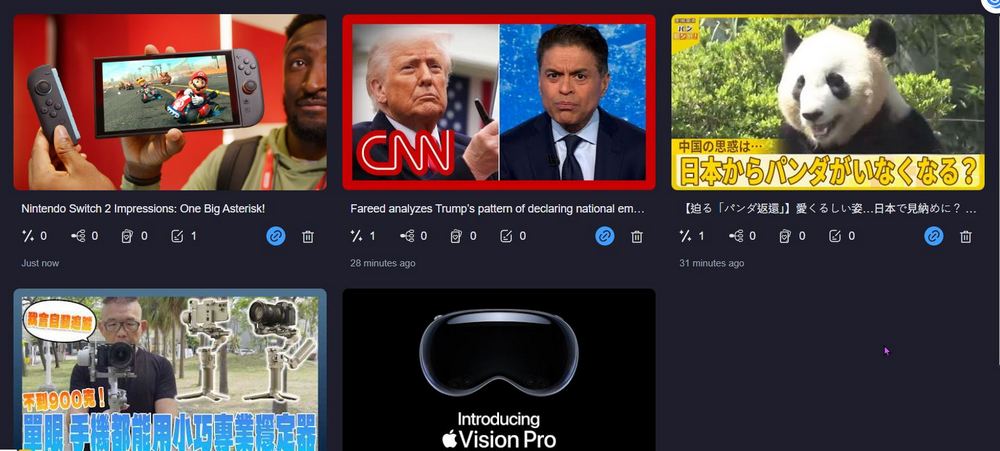
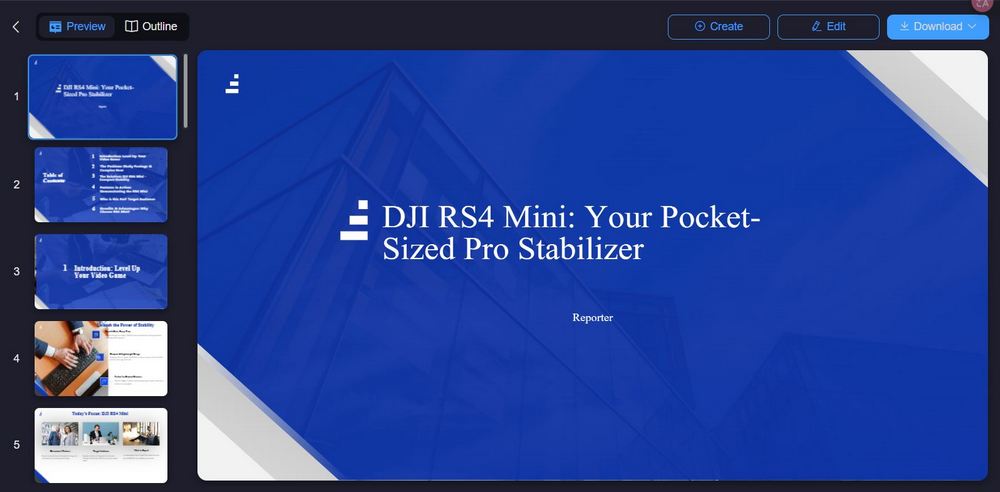
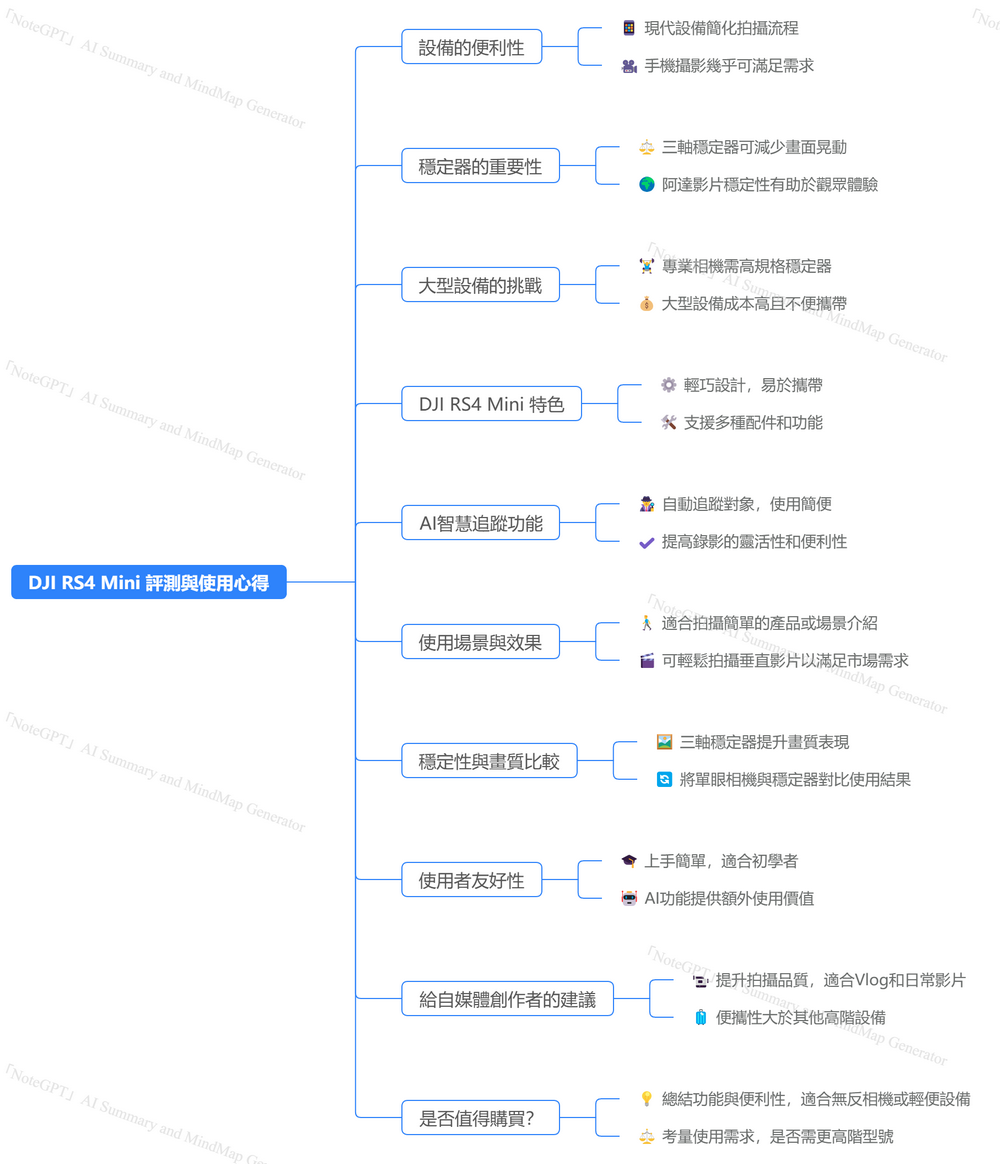
In addition to video translation and content summarization, NoteGPT can also create mind maps and presentations from the content of video links provided by users. Click MindMap and Presentation Maker next to Summarize to create mind maps and presentations.
Additionally, if the YouTube video itself doesn’t have CC subtitles, using NoteGPT to summarize the video outline requires a paid upgrade.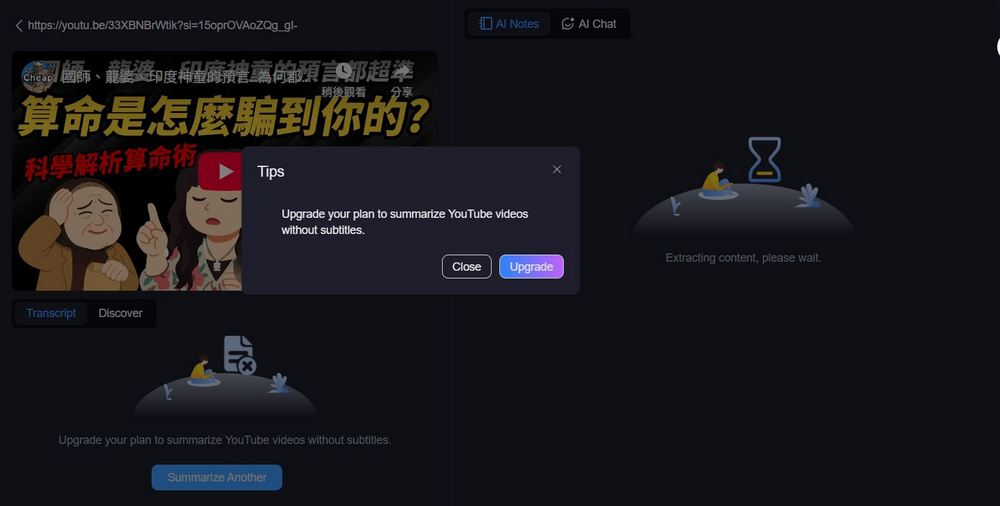
NoteGPT Chrome Extension
As mentioned earlier, NoteGPT offers a Chrome extension, so you can add it to your Chrome toolbar for convenient everyday use without having to open the NoteGPT webpage.
Go to install the NoteGPT Chrome extension
Click the link above to see NoteGPT: YouTube Summary, Webpages & PDF Summary. Click “Add to Chrome” to add NoteGPT to your Chrome browser extensions.
Next, remember to pin NoteGPT to the toolbar and configure it by setting the language to Chinese. After that, open any video on YouTube and click refresh, and you’ll see NoteGPT appear in the top right corner of YouTube. Then you’re all set to start using it.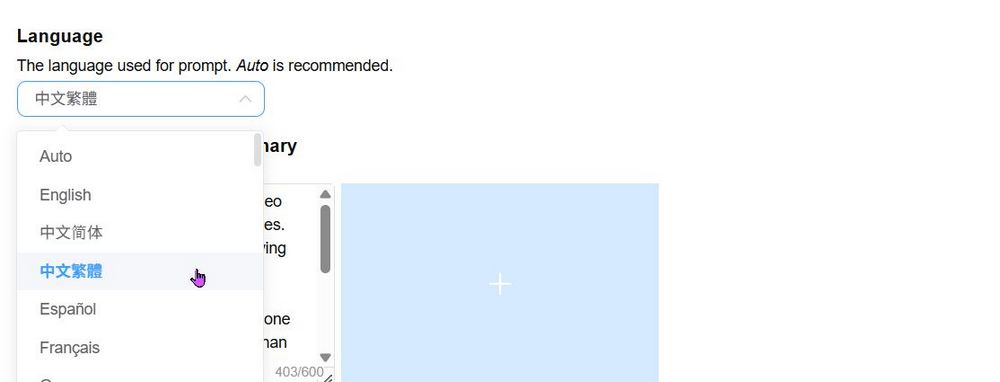
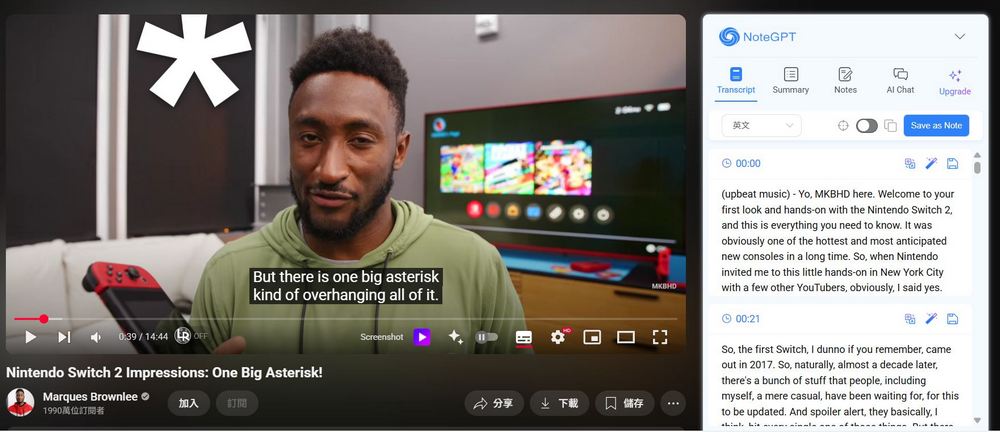
After using it, the editor found NoteGPT to be pretty decent. The downside is that NoteGPT only gives 15 credits per month, and once you exceed that, you have to wait until the next month for a new quota. If you’re looking for a free way to summarize YouTube video outlines, you can also consider YouTube Summary with ChatGPT, which we introduced previously. It can also summarize YouTube video content with one click, and the best part is it’s completely free. If you’re interested, click the link below to read the related article: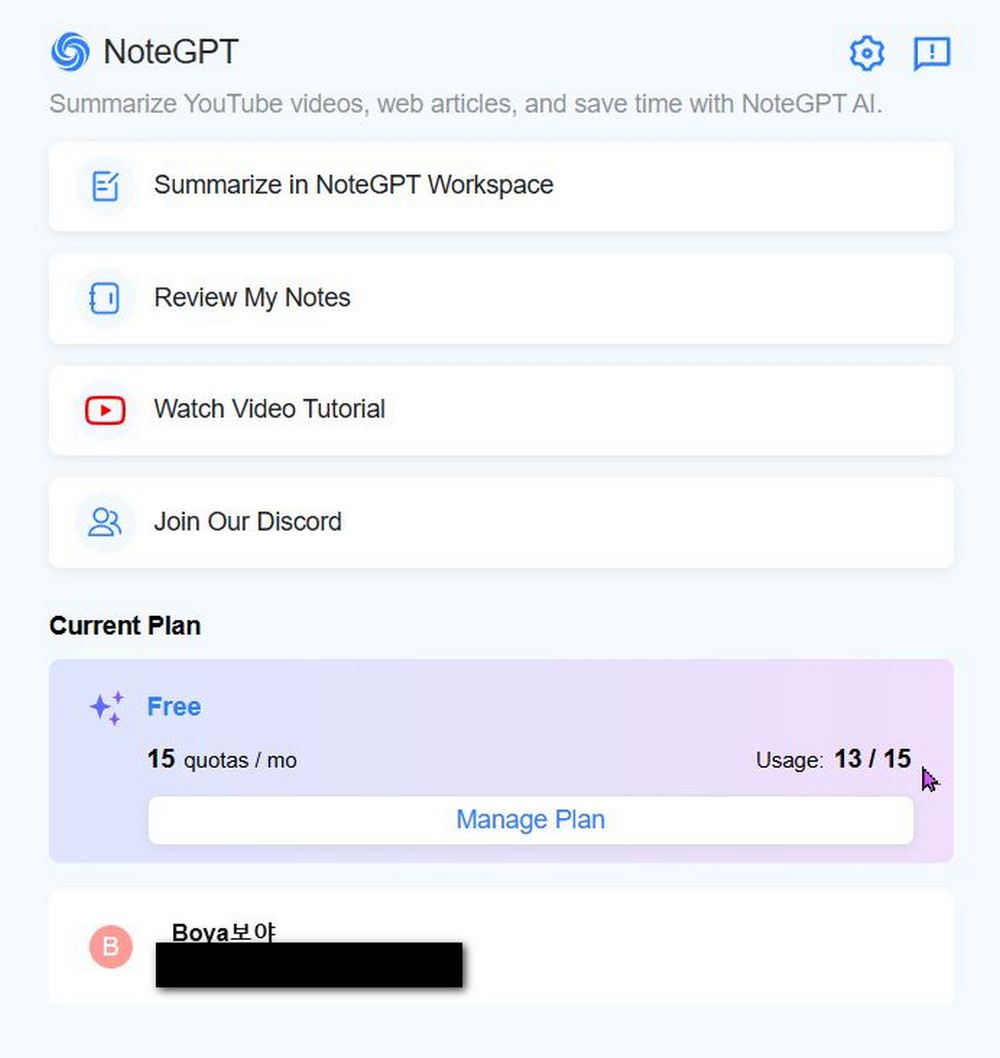
Source: KOCPC Chinese