


Do you usually find good-looking pictures on major websites or photo galleries and want to use them but are worried about copyright issues? Or you spend a long time searching for free photo galleries, and finally find pictures with more exquisite and beautiful images, but you need to pay for them, or there are specific usage restrictions? Today I would like to recommend to you Synthesys
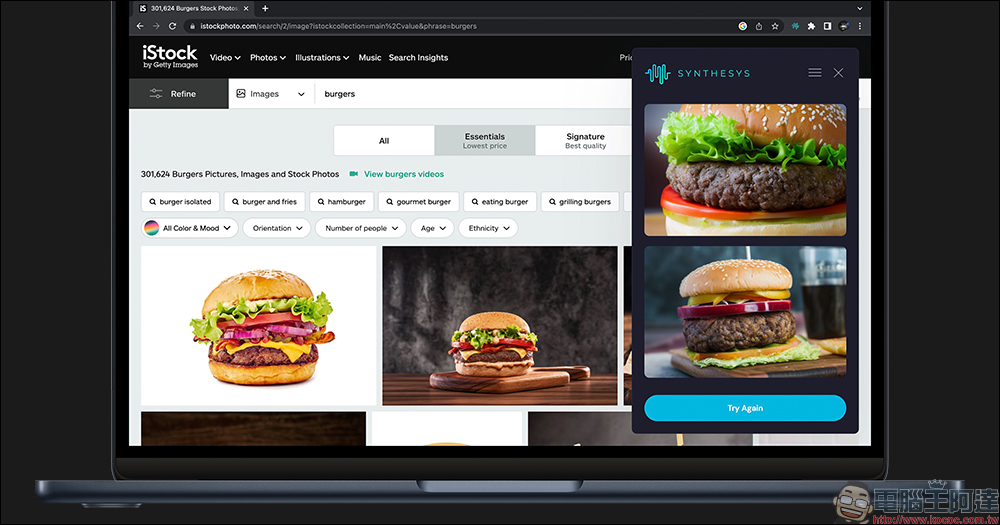
No need to enter text, use AI to help you “draw with pictures” with one click! Synthesys X free Chrome browser extension plug-in recommendation
We have shared many useful free photo websites in the past, but some free photo galleries have limited materials, or not all images on the website can be used for free without copyright, and some stickers require payment or have relevant usage restrictions. As generative AI technology (Generative AI) becomes more and more powerful, there is now an extension plug-in package for the Chrome browser “Synthesys X” that can use AI to help create images with similar styles and themes to the original images.
The operation method of Synthesys But the difference is that Synthesys X uses generative AI technology to use AI to generate a brand new picture.
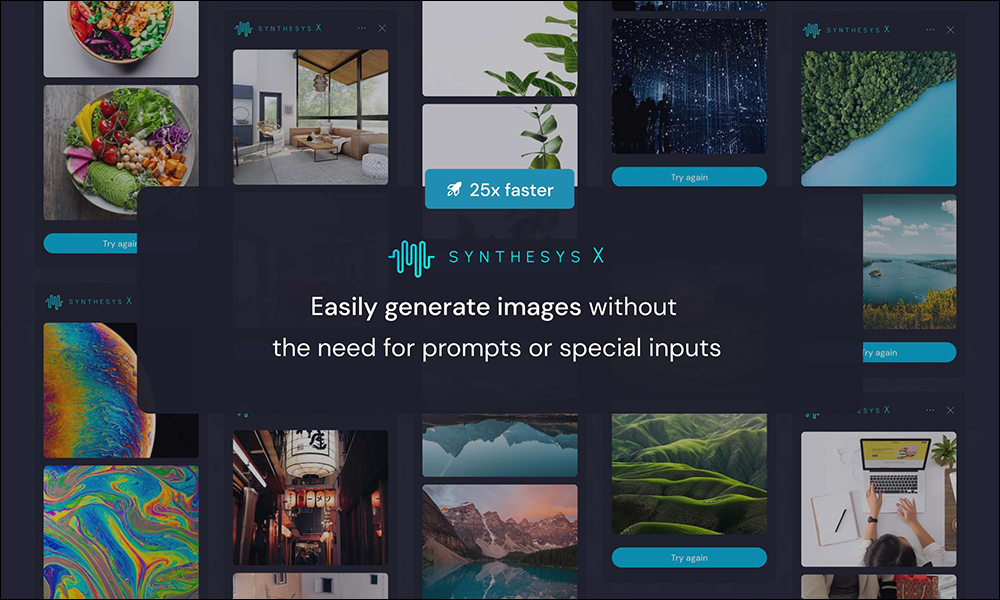
People with quick brains must have thought of it. Wouldn’t it be possible to select pictures of various themes on the web page and use them to create brand new pictures? That’s right, after the Chrome plug-in Synthesys X is installed, all kinds of pictures in the Chrome browser can be used as materials to generate new pictures.
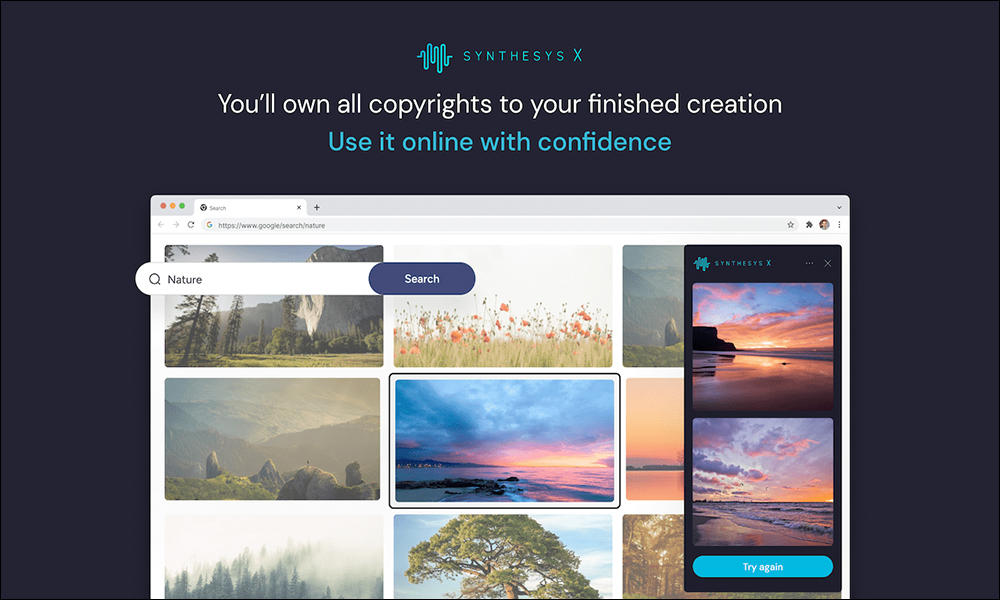
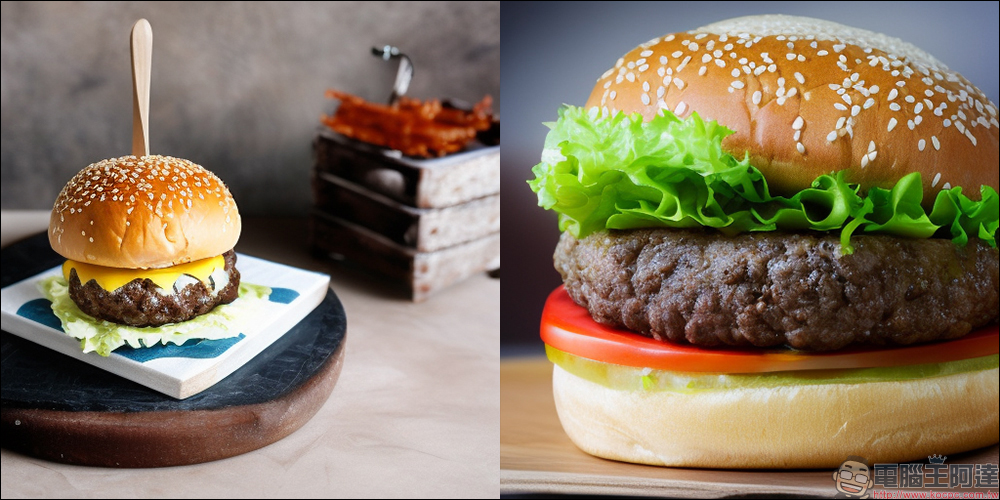
Let’s take a brief look at a set of hamburger pictures made with Synthesys
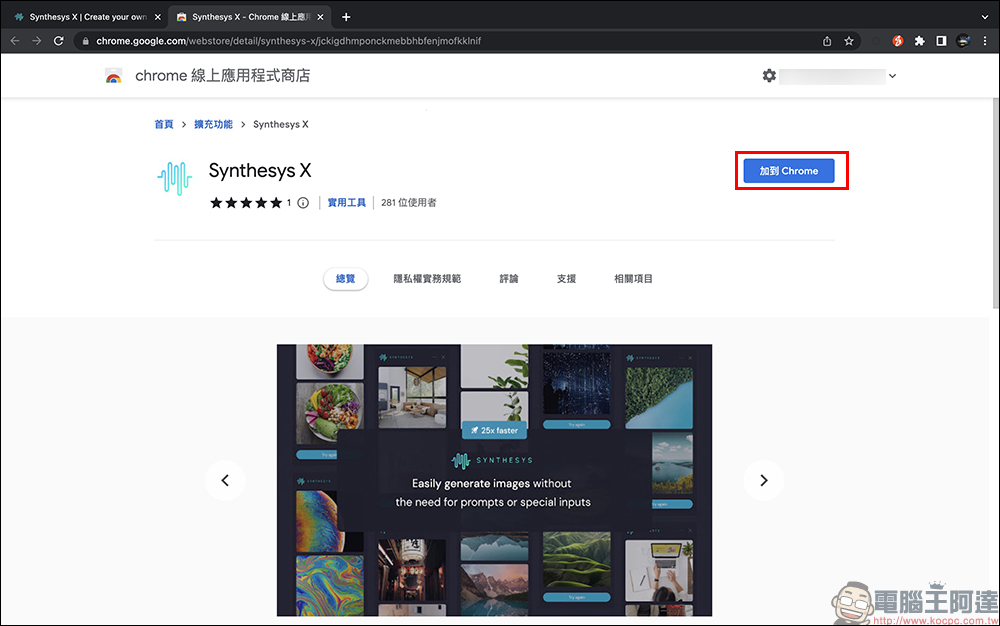
Next, let’s actually demonstrate how to start using Synthesys X to “map with images”! First, of course, go to the chrome online app store to download Synthesys X this expansion plug-in (please click me)
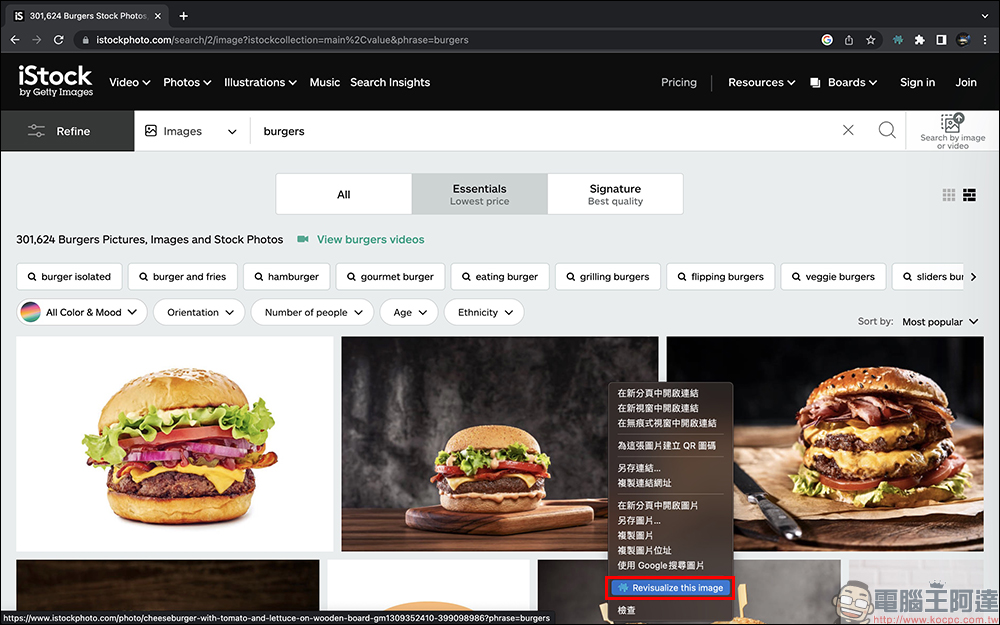
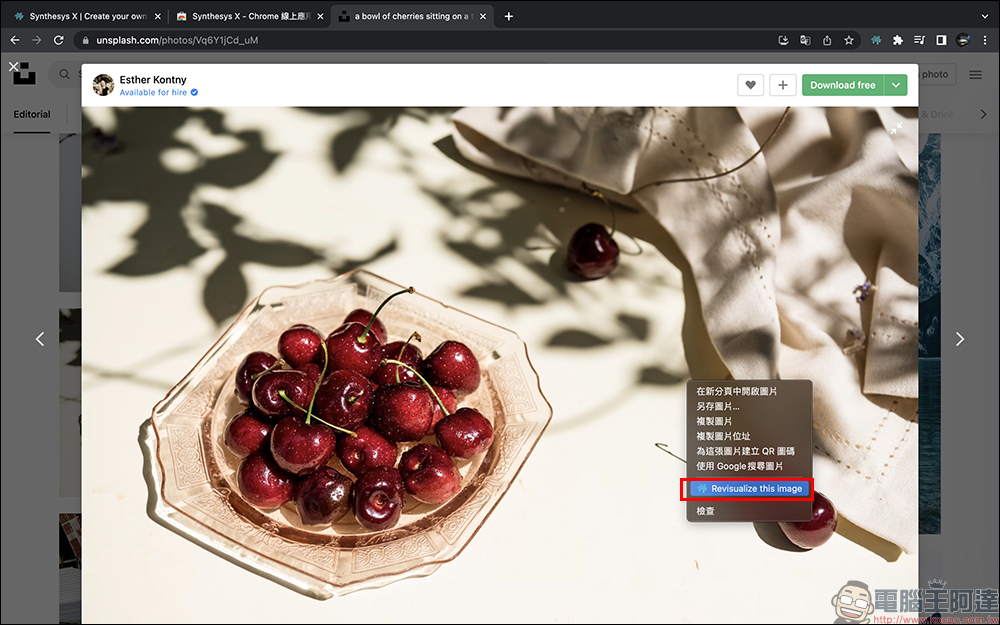
Then randomly pick a commonly used website and look for pictures you like. Here, I first use iStock, a common photo gallery website, as an example. I first use the search function of the photo gallery website to find pictures of related topics. Then, without clicking on the larger image, I right-click on the image and select “Revisualize this image” to start generating the image.
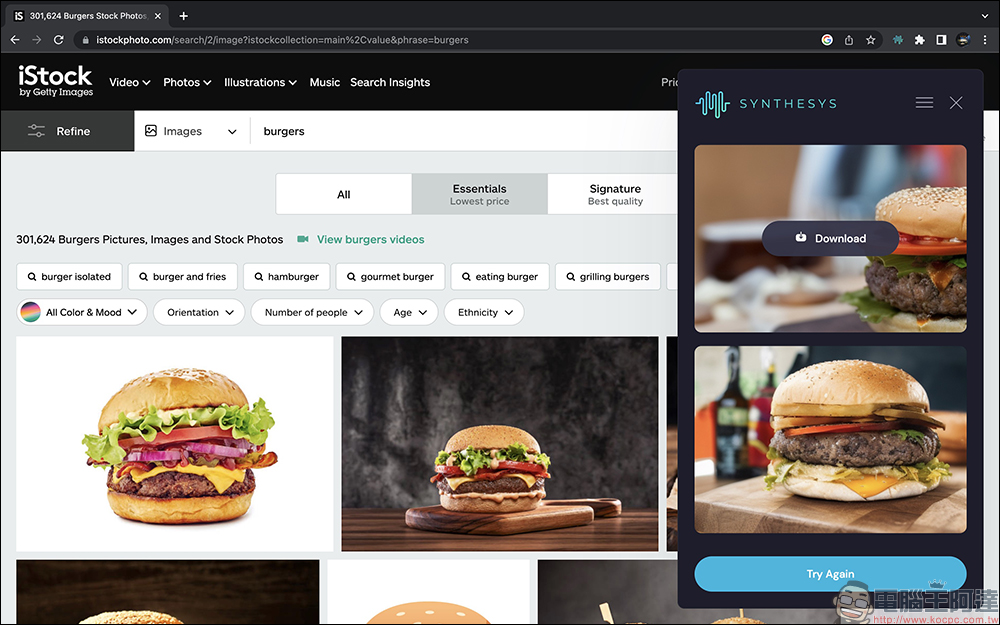
Usually it takes a little longer to create pictures for the first time, but it is about 10 seconds to 25 seconds. If you are stuck on the loading screen, it is recommended to select another image or click “Revisualize this image” again. Synthesys X will generate two pictures at a time. If you like the picture, you can directly click “Download” to download it. If you are not satisfied with the picture content, or want to try and explore more possibilities, just click “Try Again” below.
Here are some photos of burgers generated by AI:
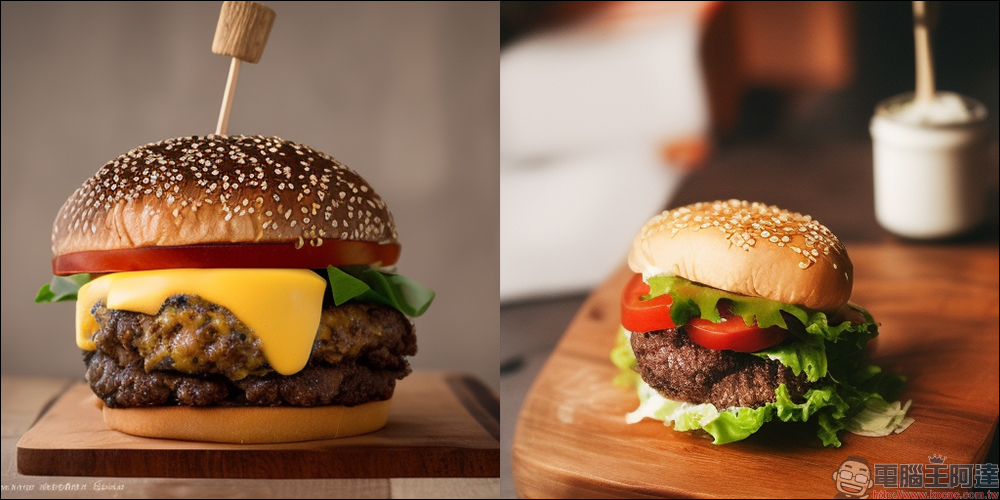
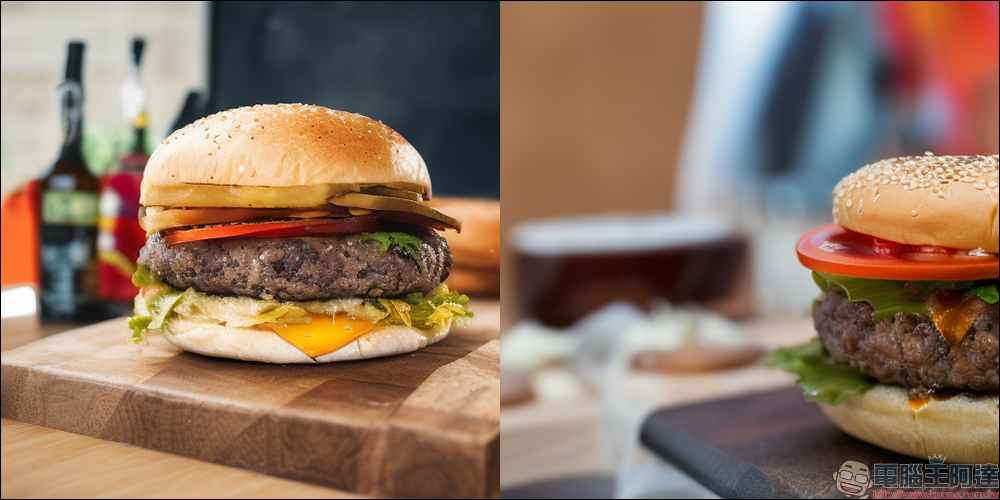
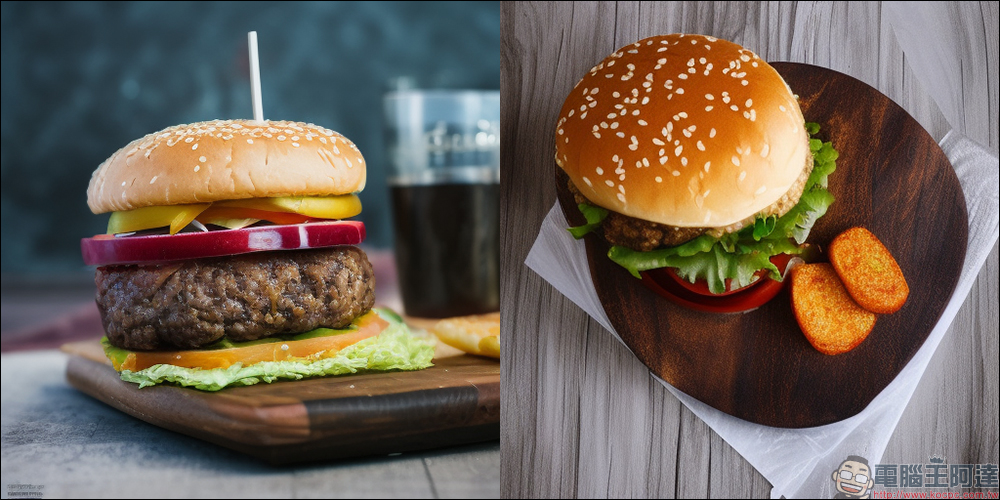
If you want to find some fruit photos as material, you can also use the same method to find pictures you like on the stock photo website (or any other website) and use AI to help generate new pictures through it.
It can be found that pictures with a simple background and clear subject shape and color have a much higher success rate.
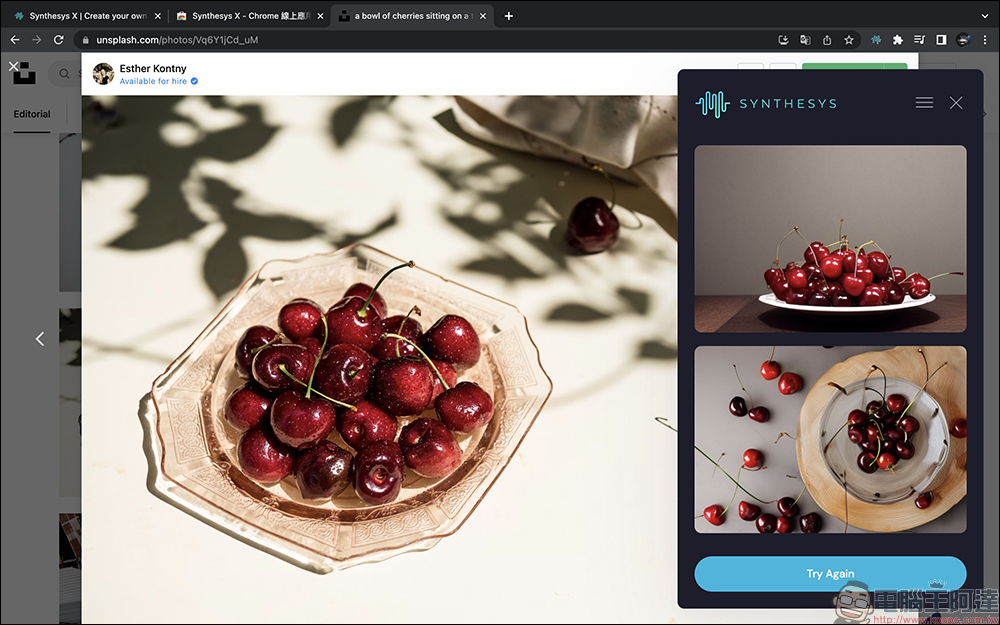
The following are various cherry images generated through AI:
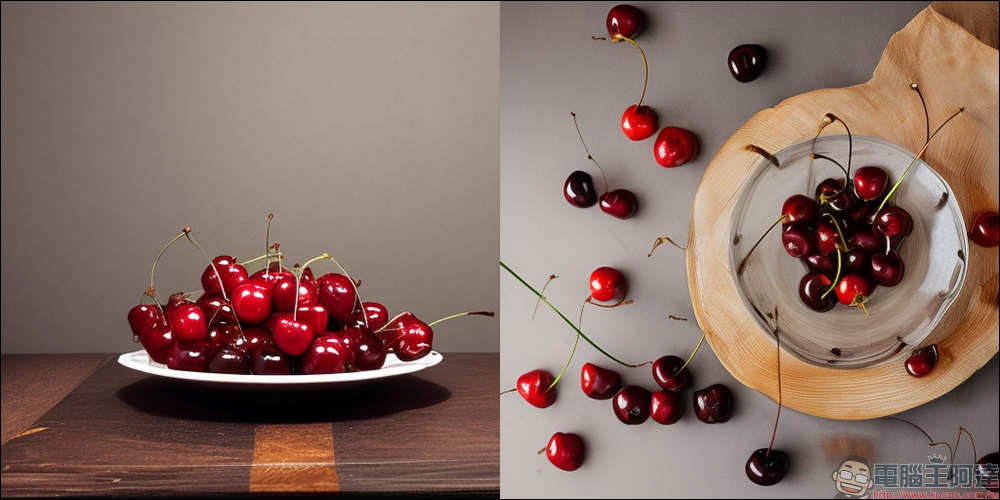
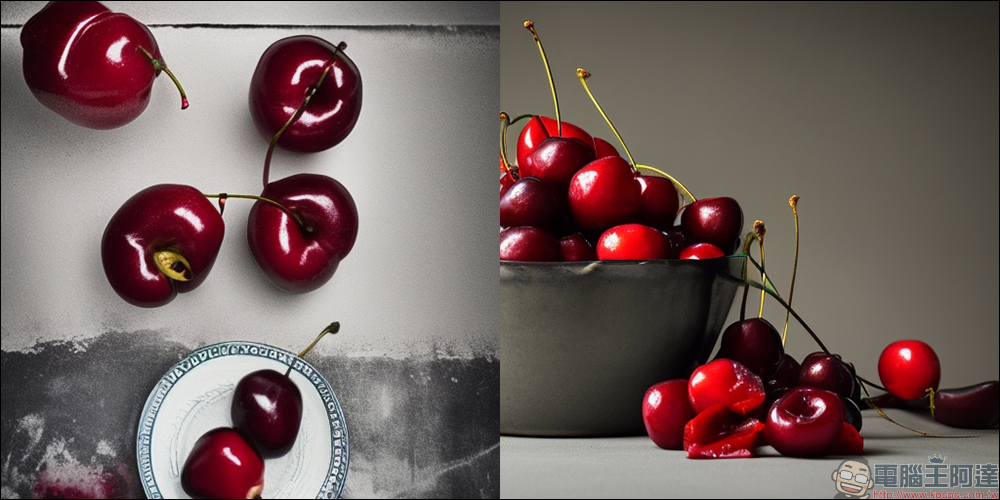
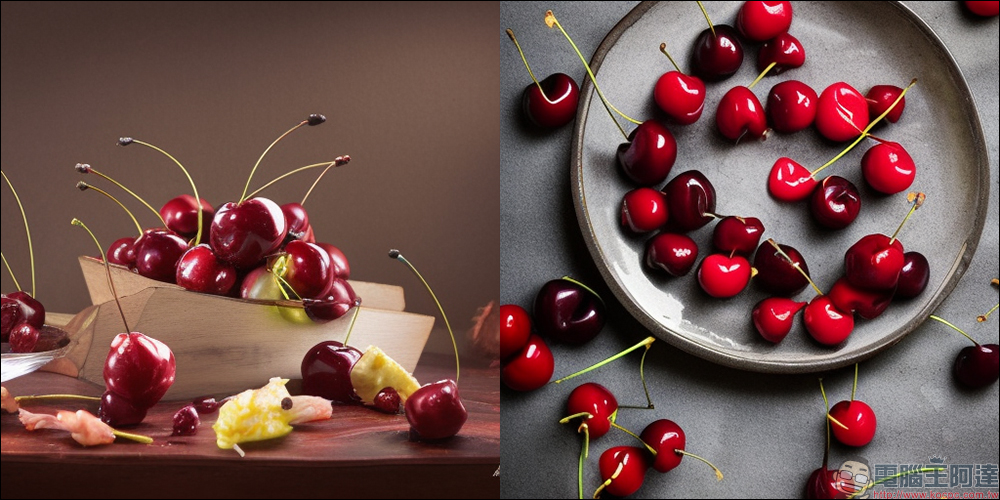
For the landscape photos, the author first selected a Hokkaido landscape photo on the wallpaper download page of the ANA official website, and then used Synthesys to create a new picture with AI.
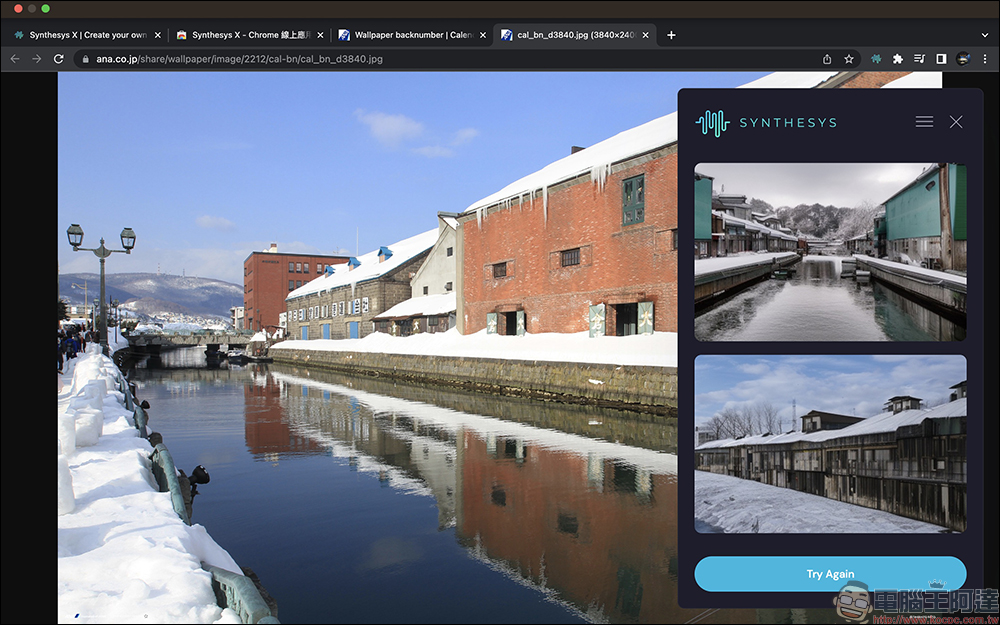
I tried making several groups and the results are as follows:
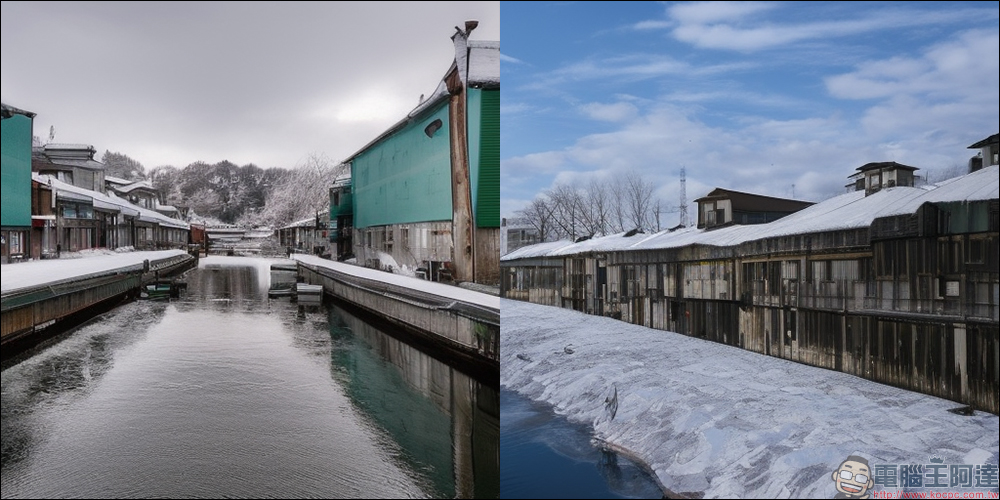
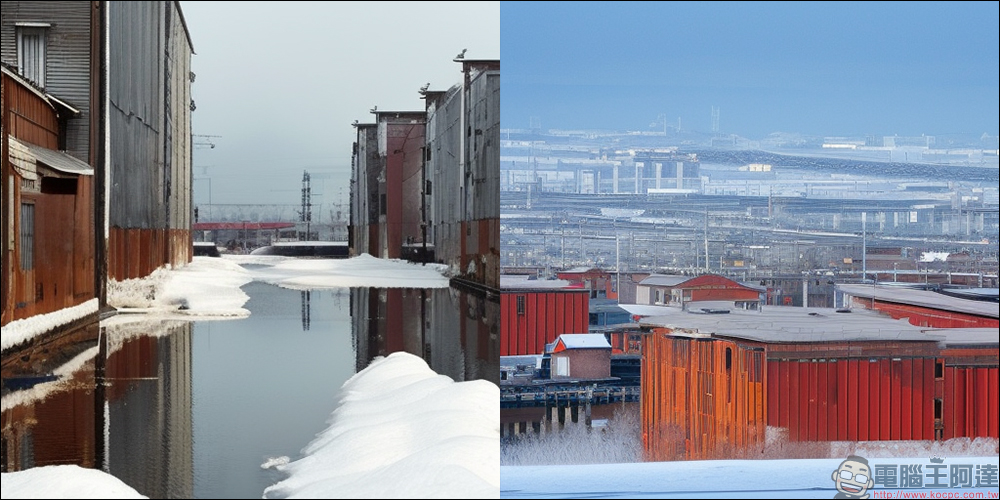
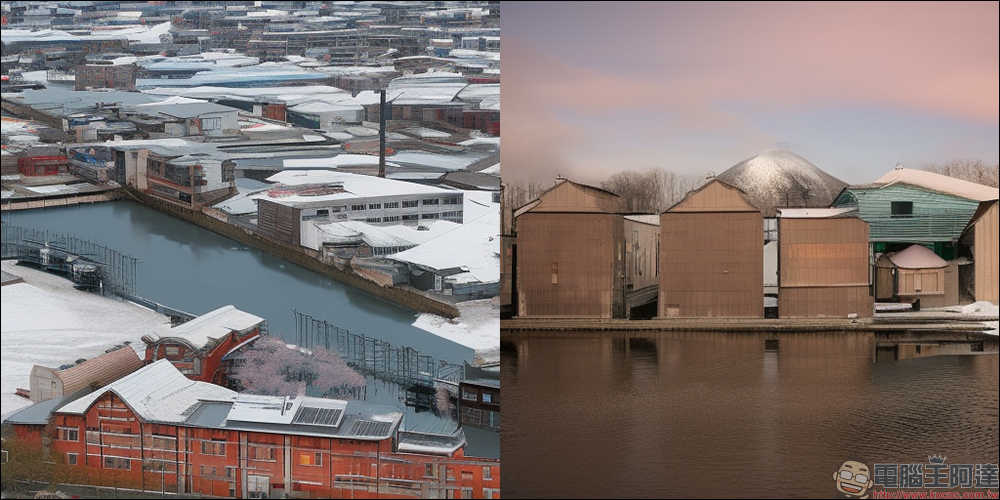
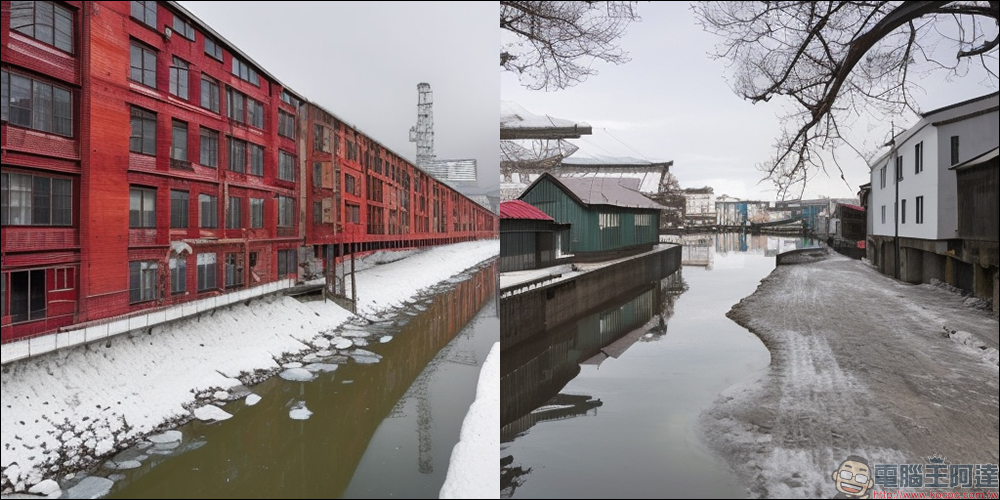
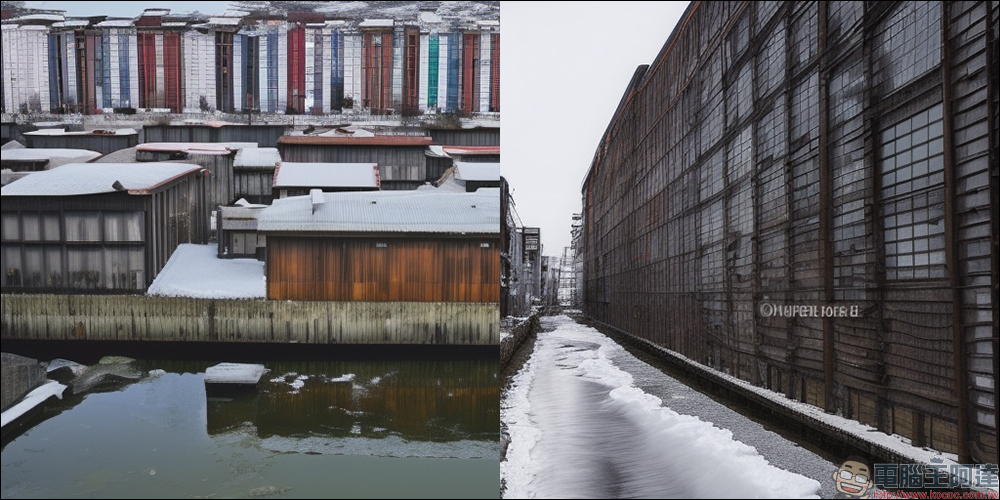
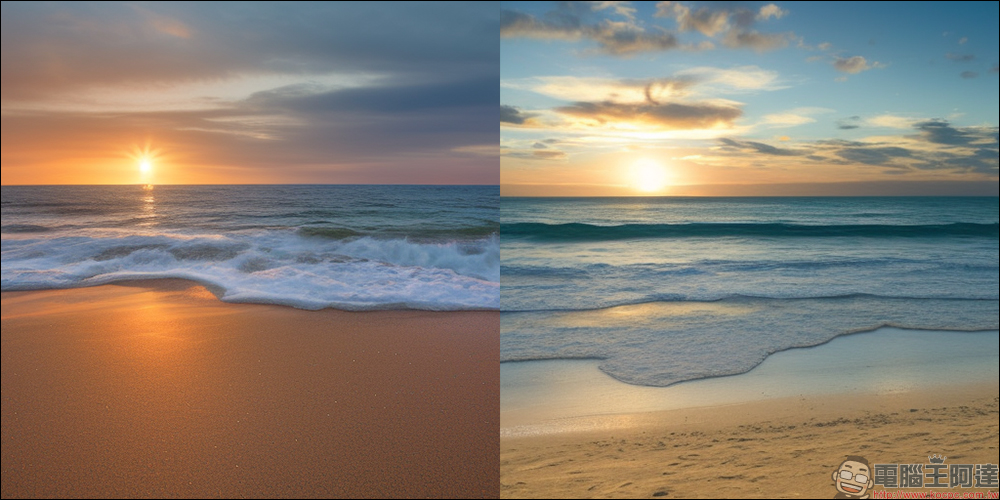
Later, the author also used the photo gallery website to search for ocean picture materials, and used AI to generate new pictures. It can be seen that the effects of these pictures are very good.
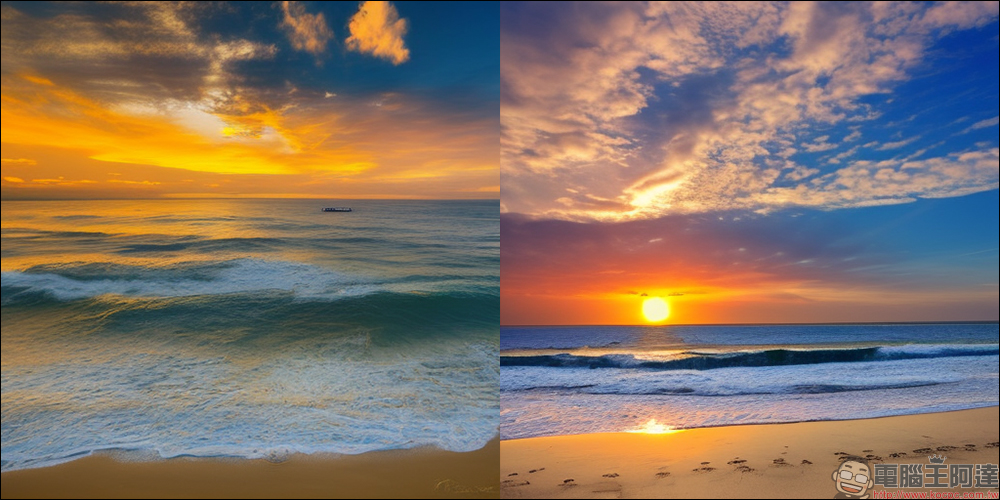
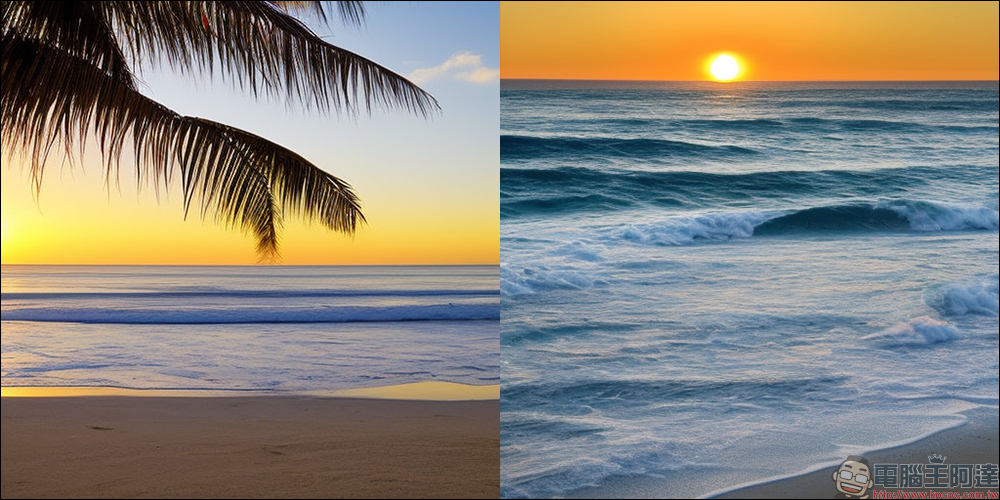
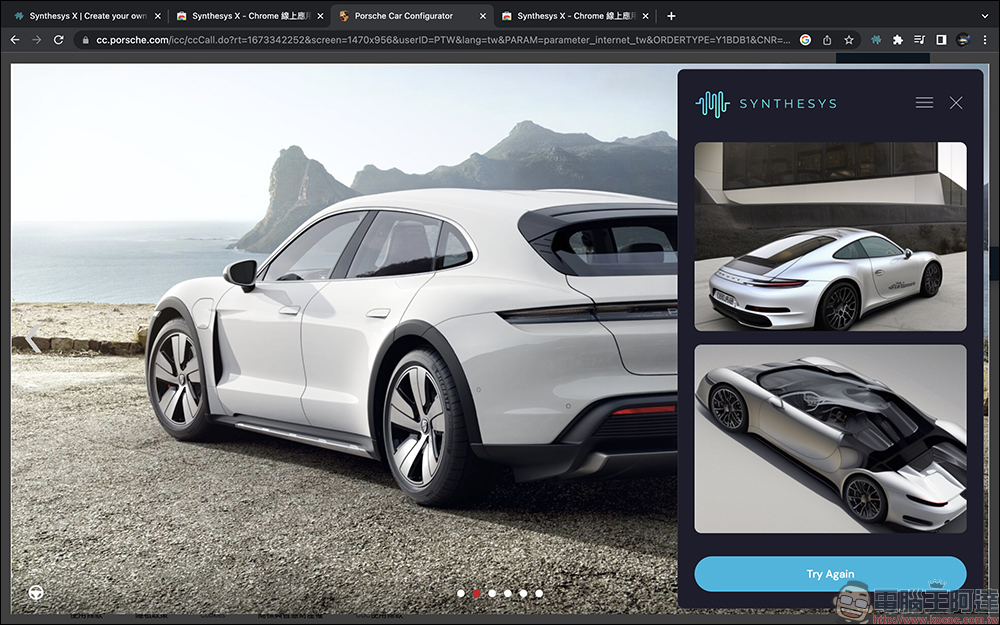
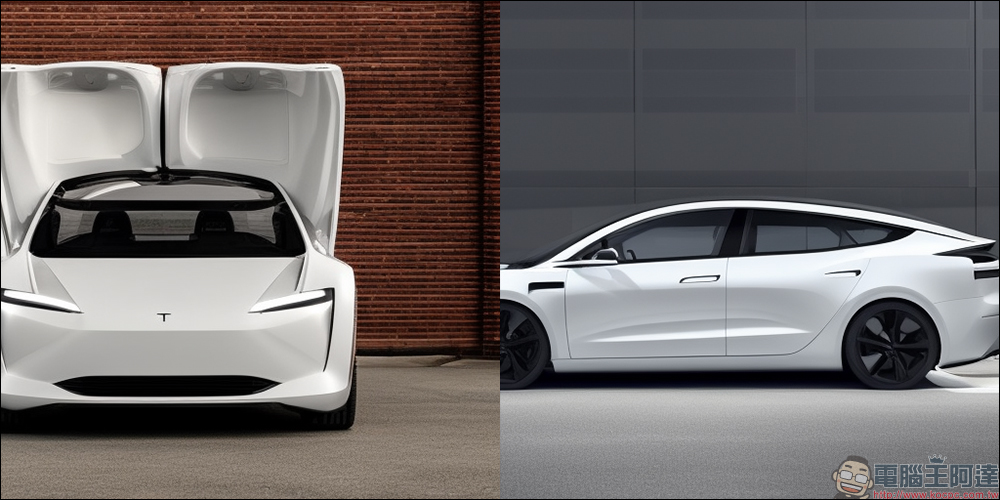
Out of curiosity, can Synthesys X successfully identify the Porsche Taycan 4S Cross Turismo? The actual test found that although the Taycan Cross Turismo sports coupe cannot be accurately drawn, it can actually draw a picture with some Porsche-style body lines.
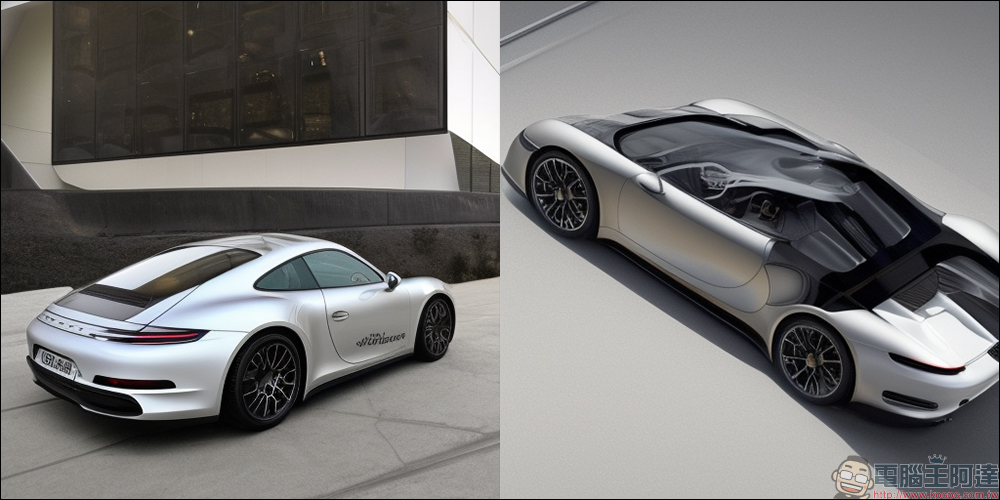
Several of the tests found that the success rate of identifying a Porsche was high, but most often produced models that resembled a Porsche 911 rather than a Taycan.
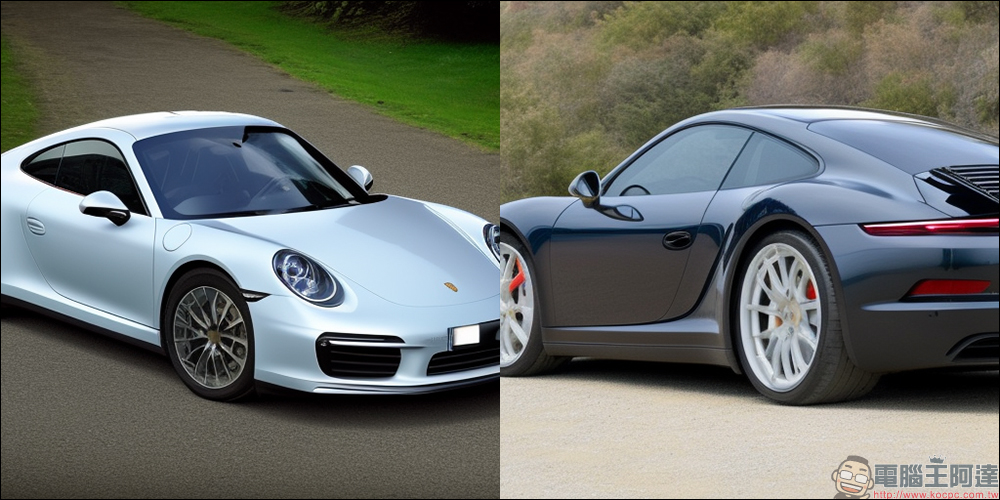
Sometimes the design style of other non-Porsche electric vehicles such as Tesla is also inexplicably produced.
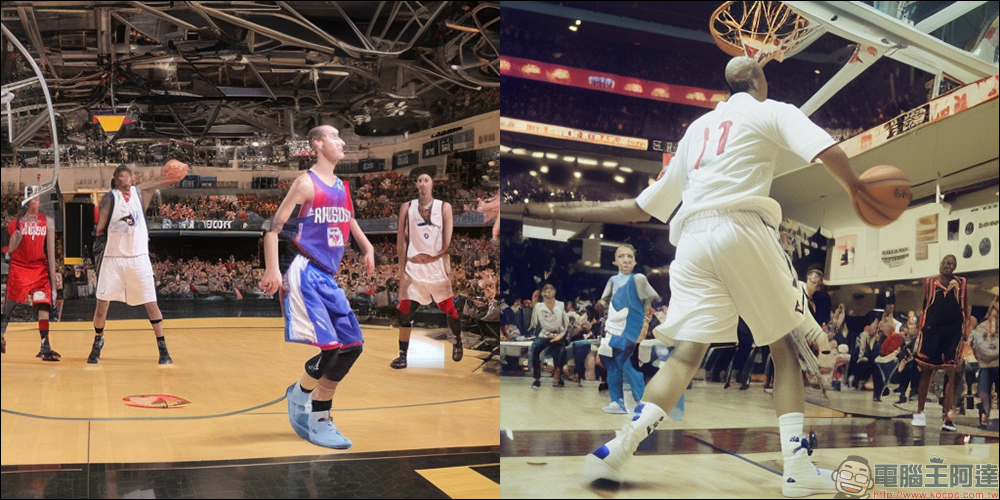
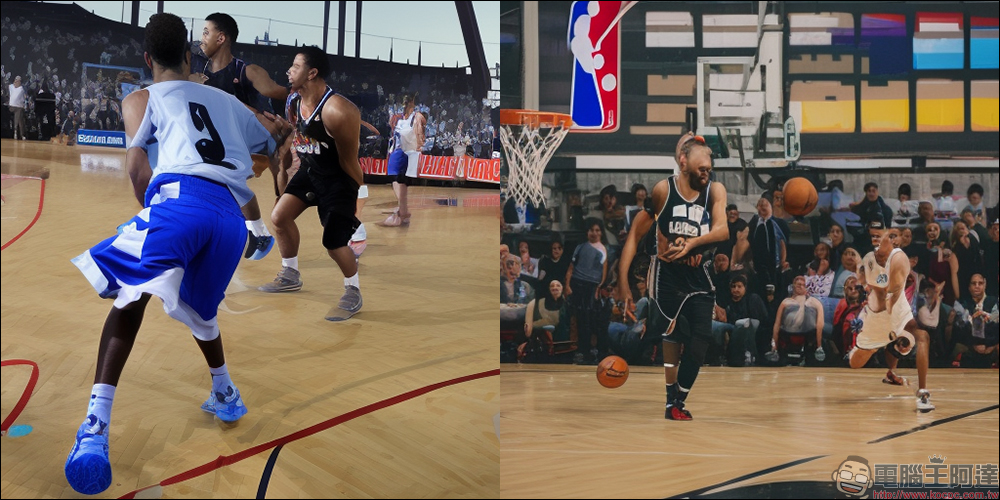
Later, I also tried to find some basketball-related pictures as material, and it actually succeeded in producing pictures that looked like real game scenes. Although the details of the facial features were still unclear, the overall outline and space were basically accurate.
“Synthesys X” Chrome browser extension plug-in kit: click here to try it
Further reading:
LINE free sticker collection: 40 free LINE stickers available for download for a limited time!

Source: KOCPC Chinese