


Recently, what AI image generation tools is everyone using to create images? Today, I want to share a free AI image generation tool called “AIEASE.” AIEASE offers features like face swap, image quality enhancement, and removal, letting you easily complete photo editing with just one webpage. If you’re interested in the image/video generation tool AIEASE, keep reading!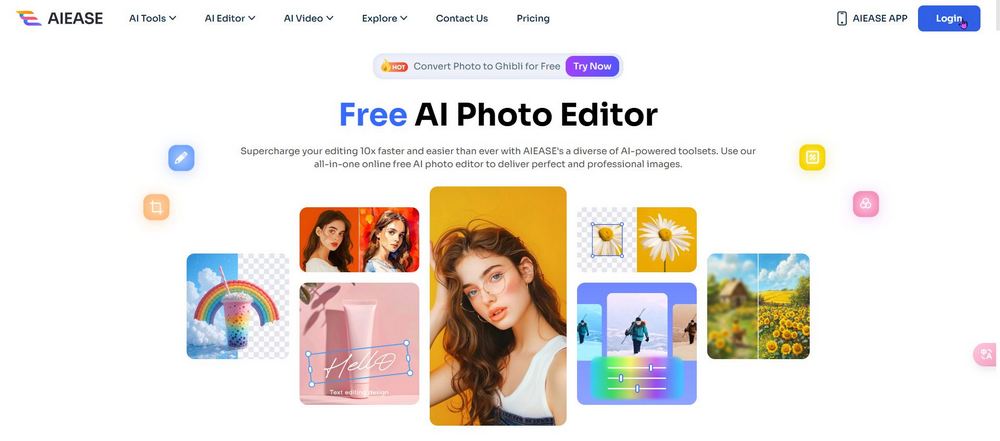
Free AI image and video tool “AIEASE” lets you generate 20 images daily for free, with results that rival Midjourney.
Earlier, we introduced things like Freepik、ChatGPT、Grok、Raphael AI Multiple AI image generation tools – how many have you tried? Today, let me introduce another free AI image/video generation tool, “AIEASE.” AIEASE offers services like removing watermarks from images, deleting unwanted objects, background removal, and improving image quality. Beyond these, AIEASE also provides image generation and video filter features. Today, I’ll mainly share these two functions.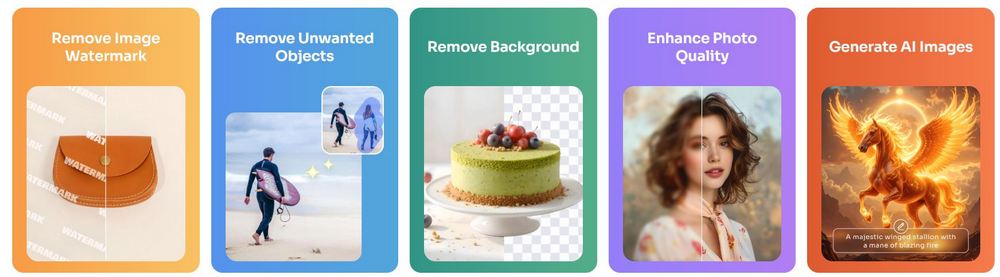
Go to AIEASE, the AI image/video generation tool
After clicking the link above, you’ll see this screen. If you’re using it for the first time, you’ll need to register for membership, which you can do with your Gmail account.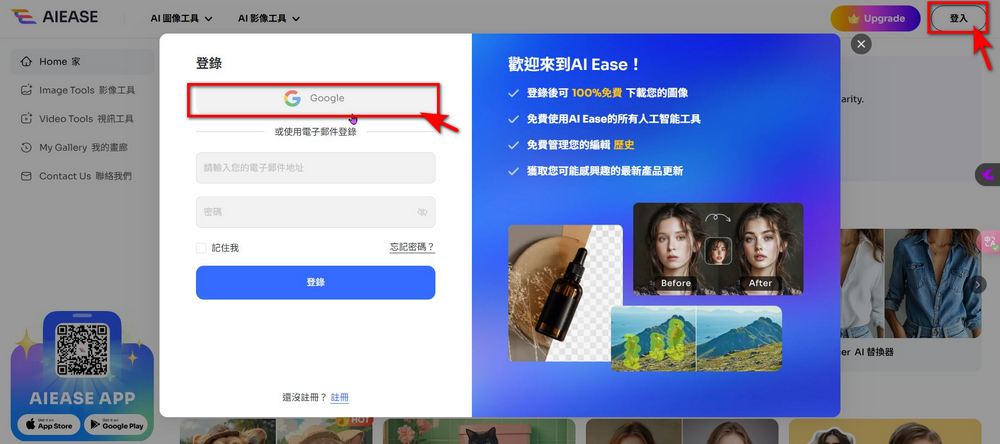
After registering, click “AI Image Tools” and select the AI Image Generator function.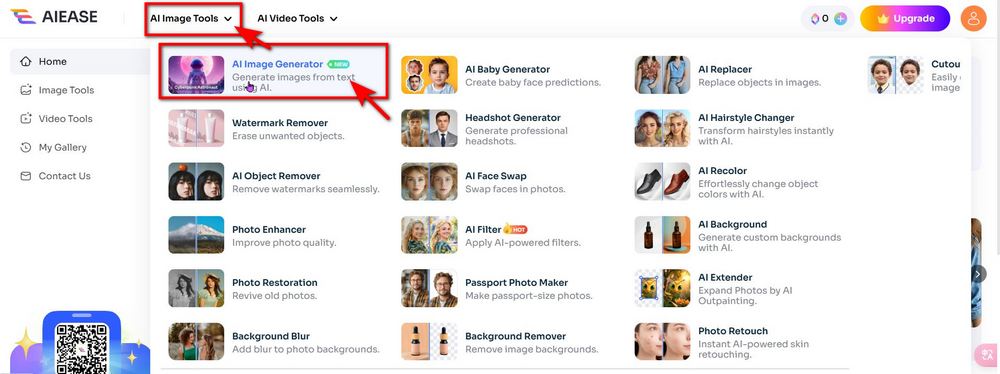
Next, just enter your prompt in the box, pick a style from the left side, and click “Generate” to create your image. Below, I’ve put together a few sample images generated with AIEASE — all prompts were in English and all styles used were iPhone. When you generate your own images, feel free to try out different styles. Just a heads-up: AIEASE offers 10 free image generations per day, and each generation produces 2 images, so you can create up to 20 images a day. For regular members, images are only kept for 7 days, so if you generate any images you’re happy with, we recommend downloading them right away so you don’t lose them after a week!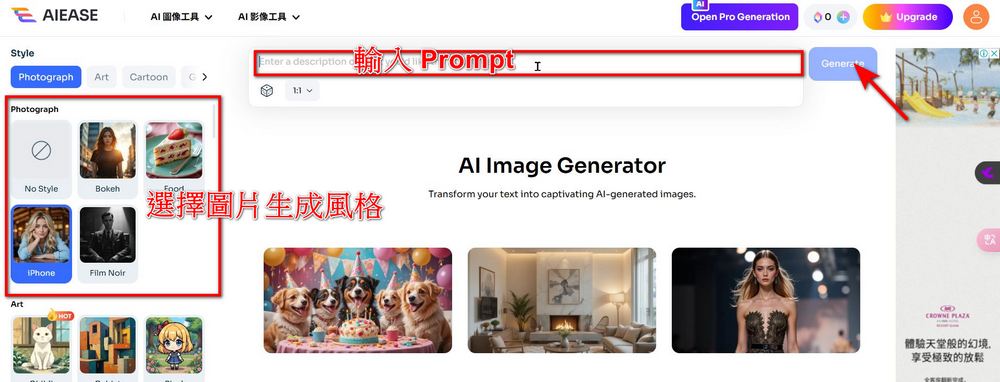
If you don’t know how to enter English prompts, you can use ChatGPT to have the AI translate your Chinese prompts into English prompts!
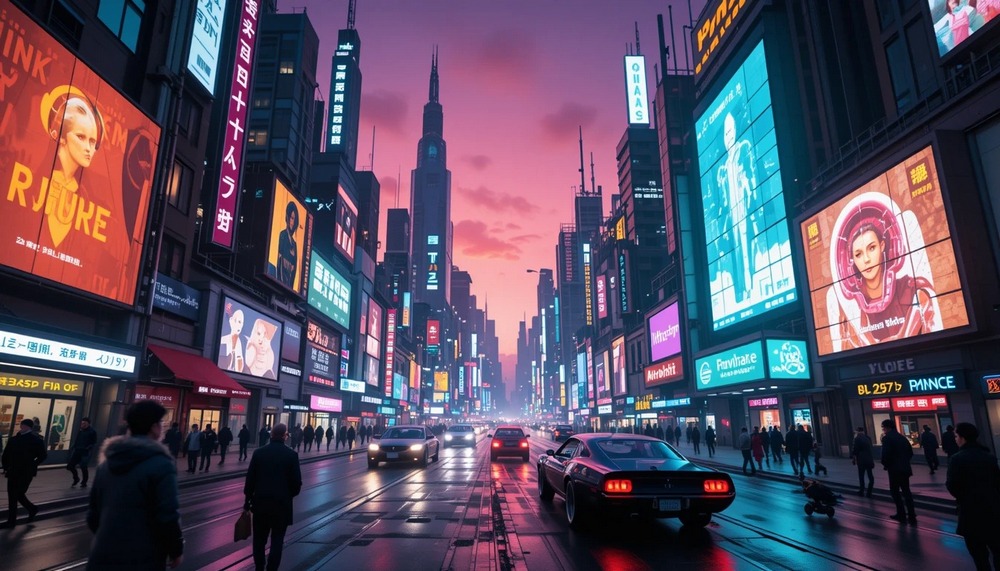
- A futuristic metropolis filled with neon lights and towering buildings, with hover cars weaving between structures, robots and humans coexisting on the streets, a purple-red sky in the background, and the city illuminated by giant holographic advertisements.
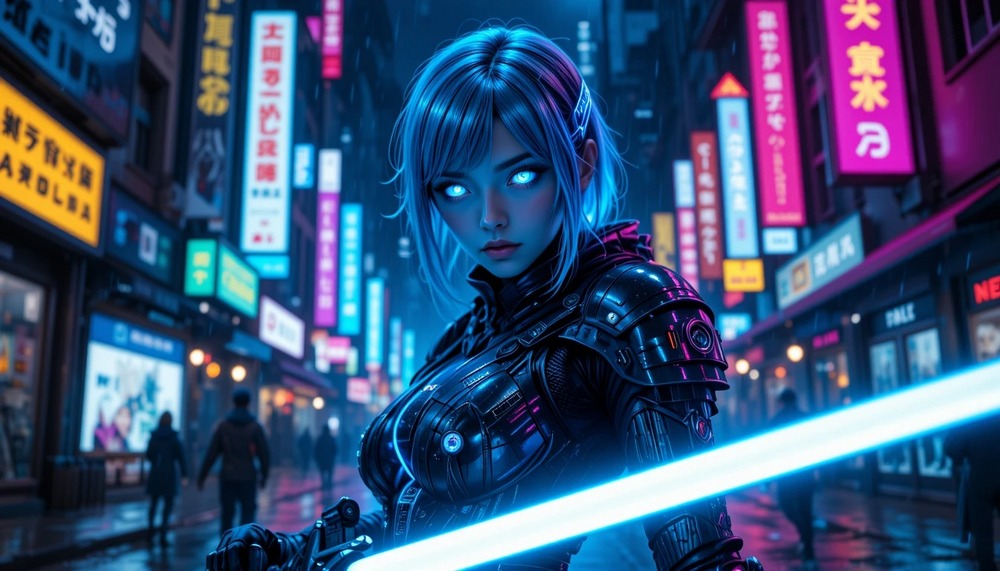
- Cyberpunk Female Warrior A female character with fluorescent blue hair wearing high-tech armor, wielding a laser sword, standing on a rainy neon street at night, with tech-enhanced cybernetic eyes on her face, against a background of flickering advertisements and misty streets.(Cyberpunk female warrior A female character with fluorescent blue hair and high-tech armor, holding a laser sword, stands on a neon-lit street in the rain at night, with tech-enhanced bionic eyes on her face, against a backdrop of flickering advertisements and smoke-filled streets.
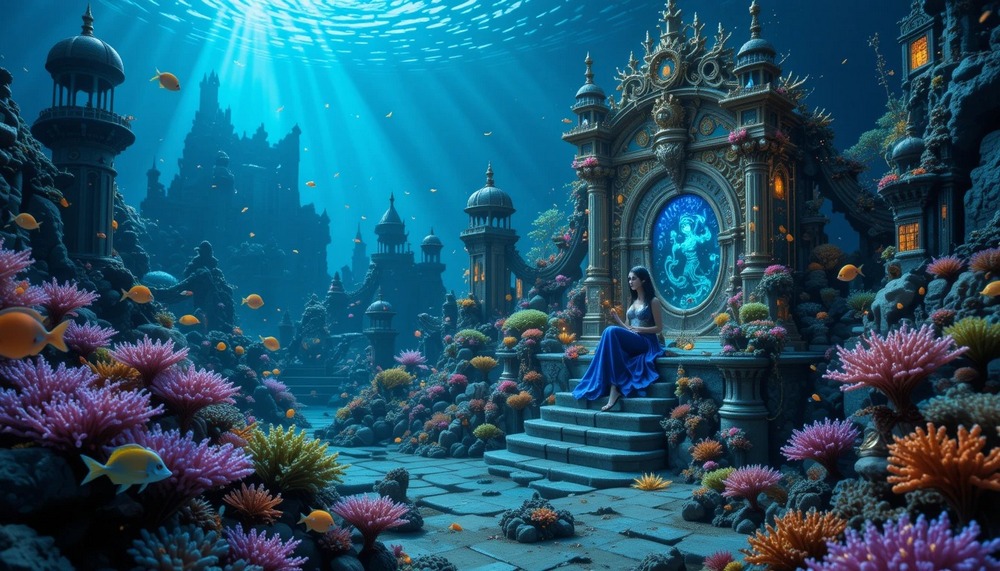
- Deep Sea Mermaid Kingdom A mermaid kingdom in the deep sea, featuring coral palaces and bioluminescent sea creatures, with the mermaid queen sitting on a pearl throne, colorful schools of fish swimming around, sunken ship ruins in the distance, and dreamlike light filtering through the water.(Deep Sea Mermaid Kingdom In the deep sea lies the mermaid kingdom, with coral palaces and glowing marine life. The mermaid queen sits upon a pearl throne, surrounded by schools of colorful fish swimming by. In the distance, shipwreck ruins rest on the ocean floor, while the light filtering through the water feels dreamlike and enchanting.
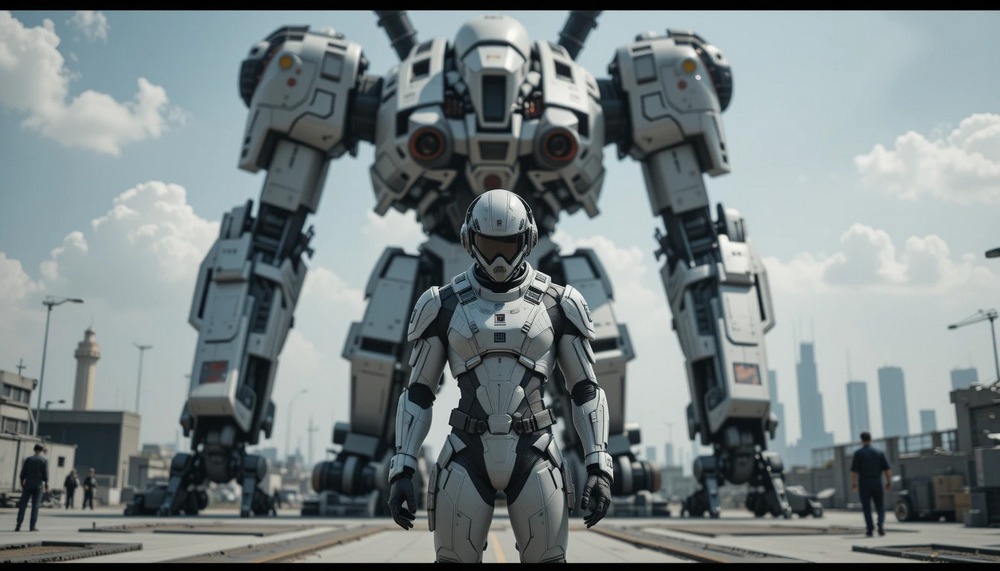
- Mecha Pilot and Giant Robot A pilot wearing a form-fitting flight suit standing in front of a giant robot with a futuristic design, with a military base and technical personnel in the background, city landscape in the distance, creating an overall serious and high-tech atmosphere.(Mecha pilot and giant robot A mecha pilot in a form-fitting pilot suit stands before a massive robot, the machine’s design sleek and futuristic. The backdrop features a military base with technicians at work, with a city skyline in the distance. The overall atmosphere is solemn and high-tech.
Besides the general text-to-image generation, you can also use AIEASE. Add a filter to the image.AIEASE offers styles like Ghibli, Japanese anime, and more. You can upload an image and choose the style you want to generate a new image!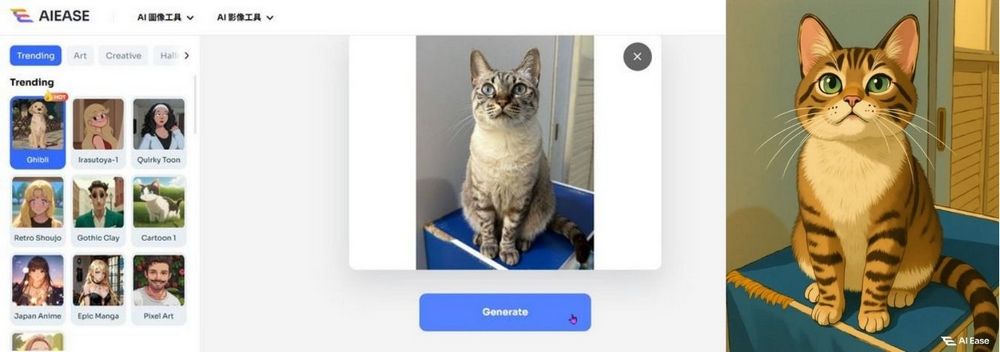
As mentioned earlier, AIEASE also providesAdd filter to videoThis feature is somewhat similar to the Pikaffects effects introduced previously—just select an image and the effect you want to generate. For videos, though, you can only generate one per day! For example, the editor used Ada’s photo with the guitar-playing effect, and the generated result is shown in the video below: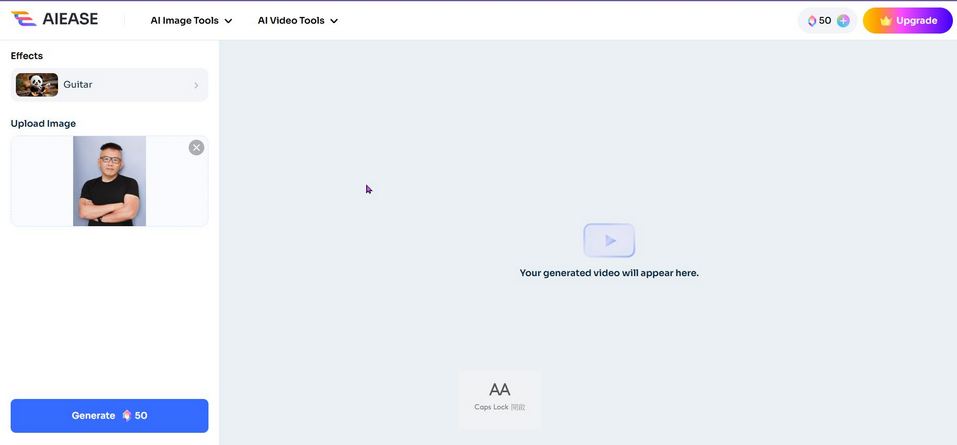
Actually, AIEASE has many more features. If you’re interested, feel free to explore and try them out yourself. Just a reminder: AIEASE offers 10 free image generation sets per day, and each set can generate 2 images, meaning you can generate up to 20 images a day. If 20 images a day isn’t enough, you can also click the link below to try other image generation tools:
Source: KOCPC Chinese