


Yesterday we recommended Allavsoft, a powerful video downloading software, which is free for a limited time, it doesn’t matter if you haven’t caught it. If you just want to download YouTube videos, you can refer to the BTCOD free online tool recommended in this article. This supports both MP4 videos and MP3 music, and the video part also supports up to 4K image quality. More importantly, it also has an editing function, which means you don’t have to download the entire video, but can only download the clips you want.
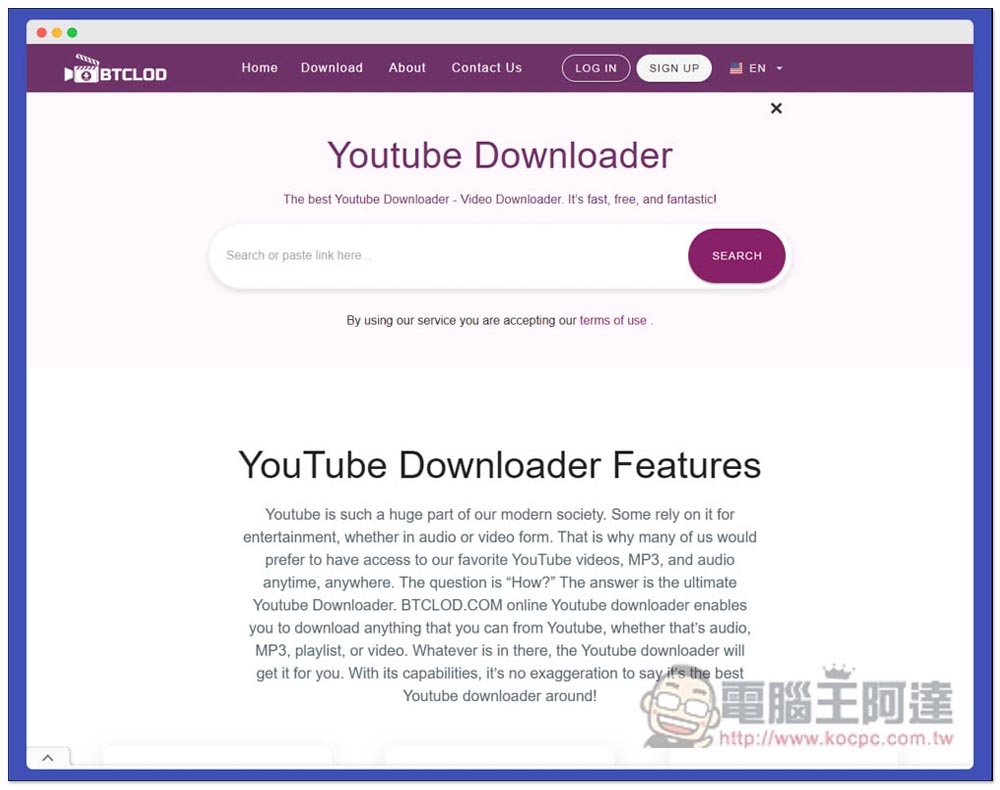
BTCLOD is a free online tool that can download YouTube videos, MP3 music, and has built-in editing functions.
BTCLOD is used just like other online tools. After entering the website, paste the URL of the YouTube video you want to download into the search box, and then press SEARCH to search. However, one thing to note is that there are a lot of advertisements on this website. The advertisements will be opened in a new page. Just turn them off. Remember not to click them randomly:
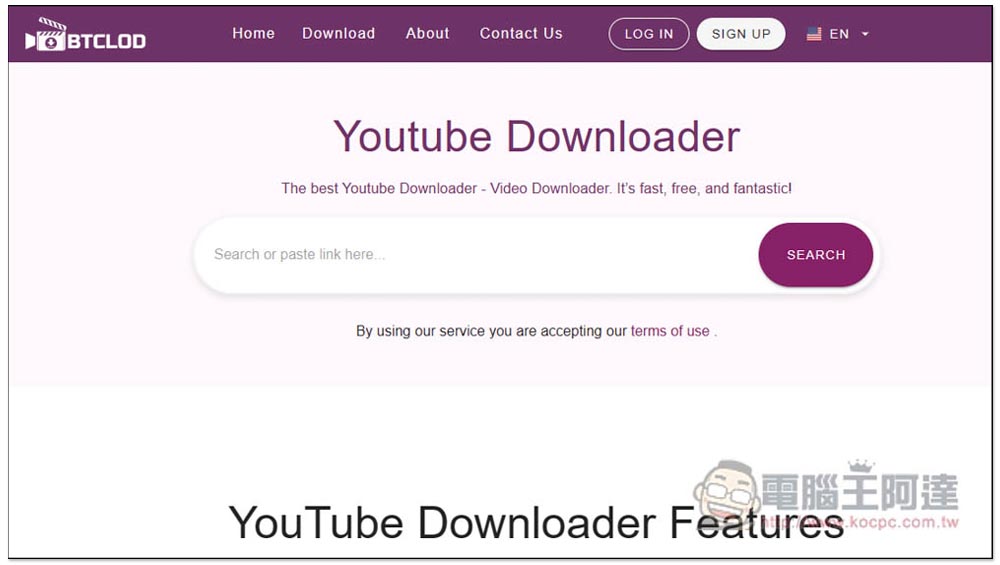
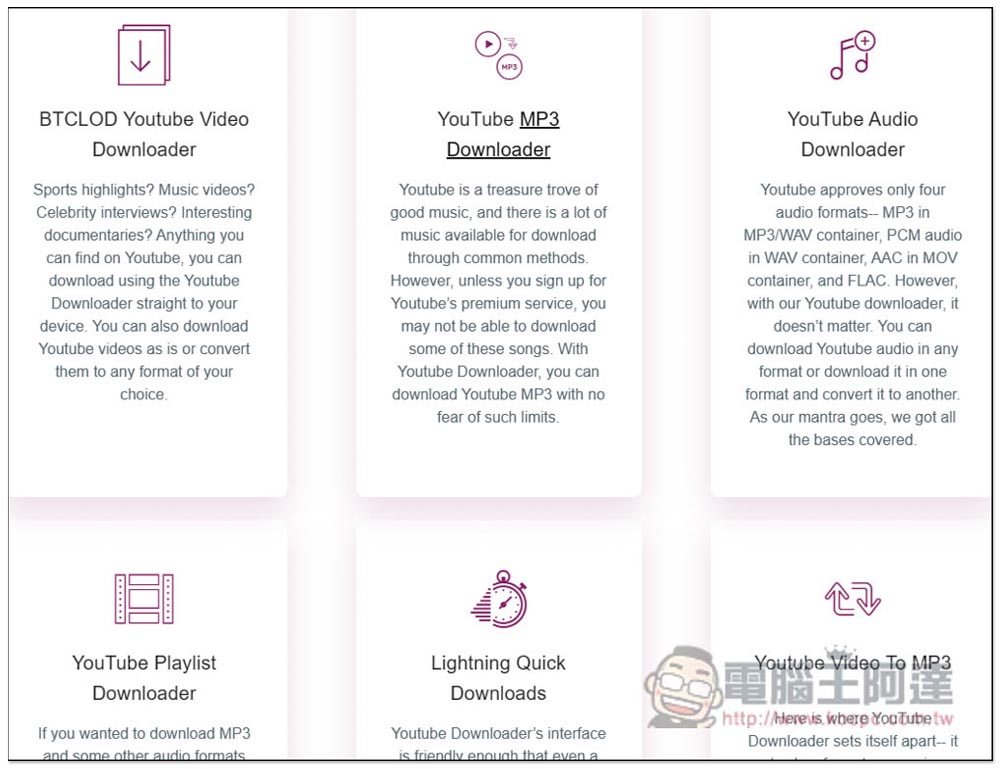
Scroll down for relevant introductions. In short, this is specially designed for downloading YouTube videos and music. It has fast download speed and is available in MP4 video format and MP3 music format. It also supports YouTube playlist downloads:
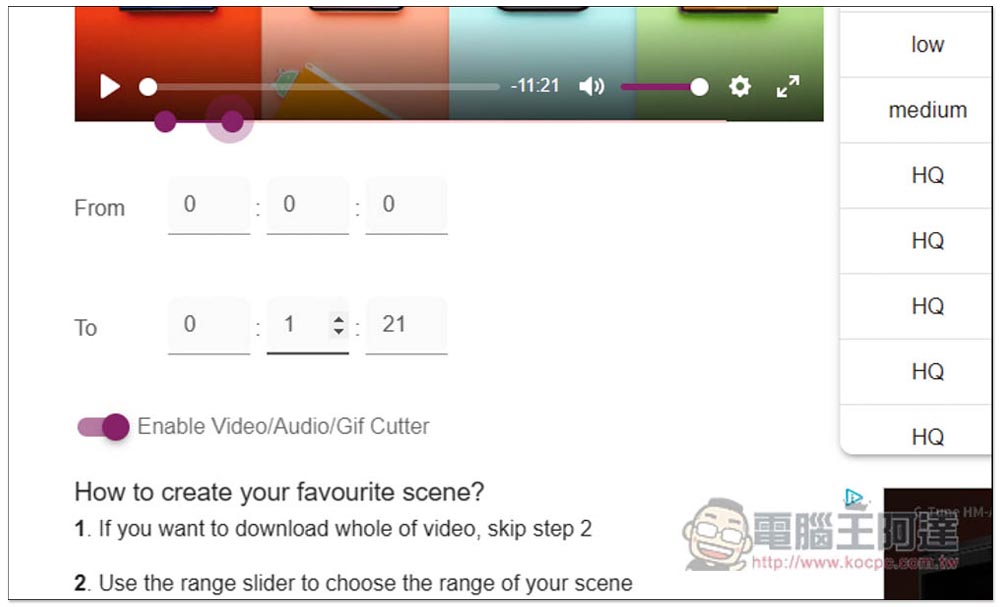
After searching, the download points will be displayed on the next page, which are divided into five categories: MP3, Audio, Vidoe, GIF and Thumbnail. The MP3 part supports up to 320kbps. I have not tested this part and am not sure whether it can really be downloaded with such high quality. In addition, you can see From and To on the left. This is the editing function. You can directly enter the video clips you want to keep. From starts at that time point and To ends at that time point. The three spaces are hours, minutes and seconds:
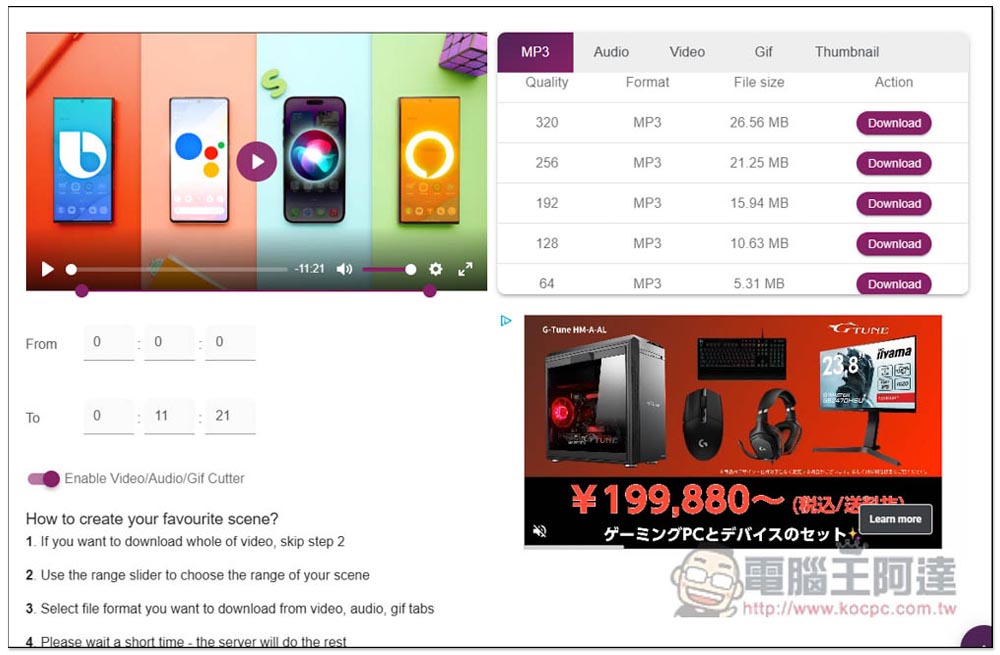
You can also directly drag the purple dots above to see which one is easier for you to operate:
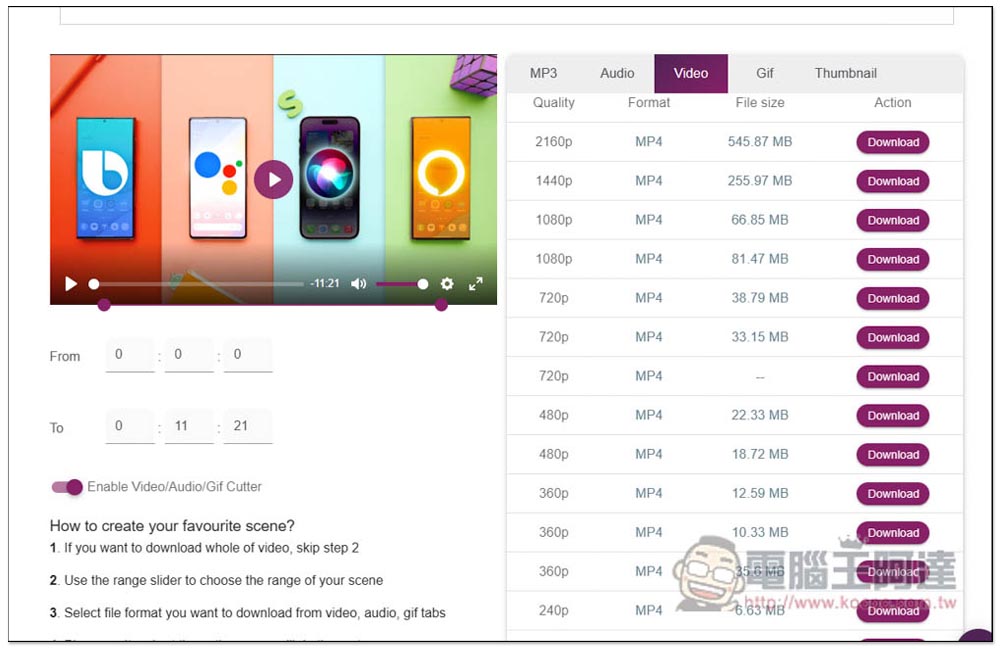
The video is supported up to 4K MP4 format, and the file size will be told to you in advance. The download speed of this one is quite fast, faster than other online tools I tested before:
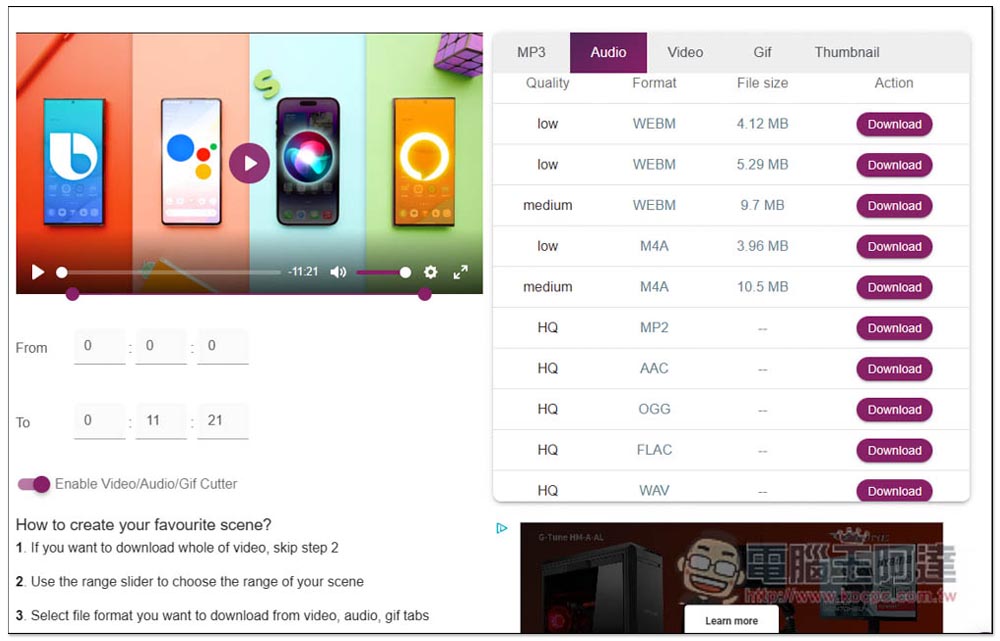
The Audio sound part is a comparison of low quality and other formats. For example, you can find WEBM, M4A, MP2, AAC, OGG, FLAC and WAV formats here:
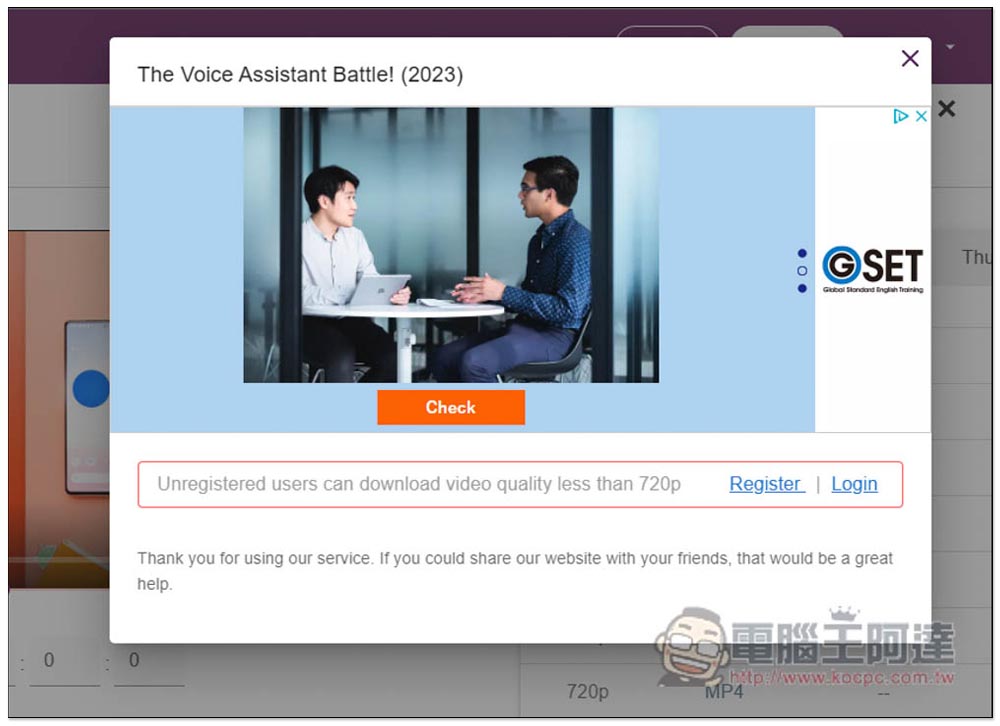
Unfortunately, unregistered users can only download videos up to 720p. If you want to download 1080p, 2K or 4K, you need to click Register to register. This part is up to you:
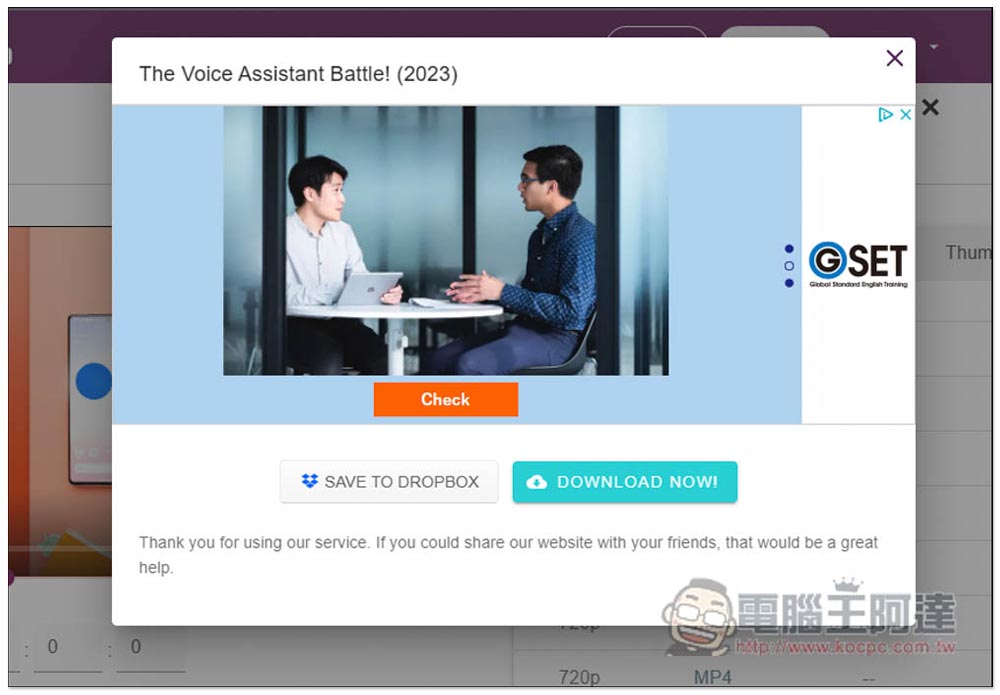
I did not register, so I downloaded the 720p image quality. After clicking, the download point (DOWNLOAD NOW!) will appear. It also supports the function of saving to DROPBOX cloud space (SAVE TO DROPBOX):
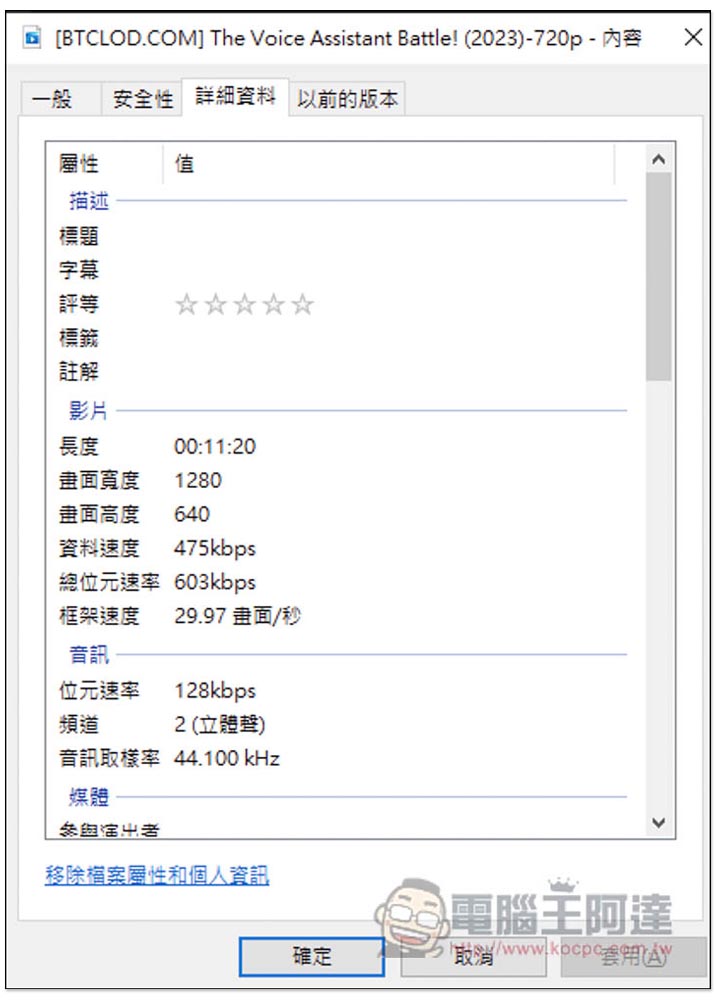
After the actual download, the image quality is indeed 720p:
Finally, I would like to remind you that such online tools are likely to fail every once in a while, so if you have the opportunity, it is recommended to grab a limited-free version of the video download software, which we have introduced before Keepvid Video Downloader、INVIDIOUS、locoloader、X2Download You can also save it for emergencies.
Source: KOCPC Chinese