


As AI becomes more and more powerful, many pictures and videos can now be processed by AI, which is not only fast and simple, but also does not require any art skills. This article will recommend a very powerful cutout.pro website, which provides a lot of AI online tools, ranging from back removal, object removal, image quality improvement, color adjustment, animation and cartoonization, AI art generation, and even passport photo production.
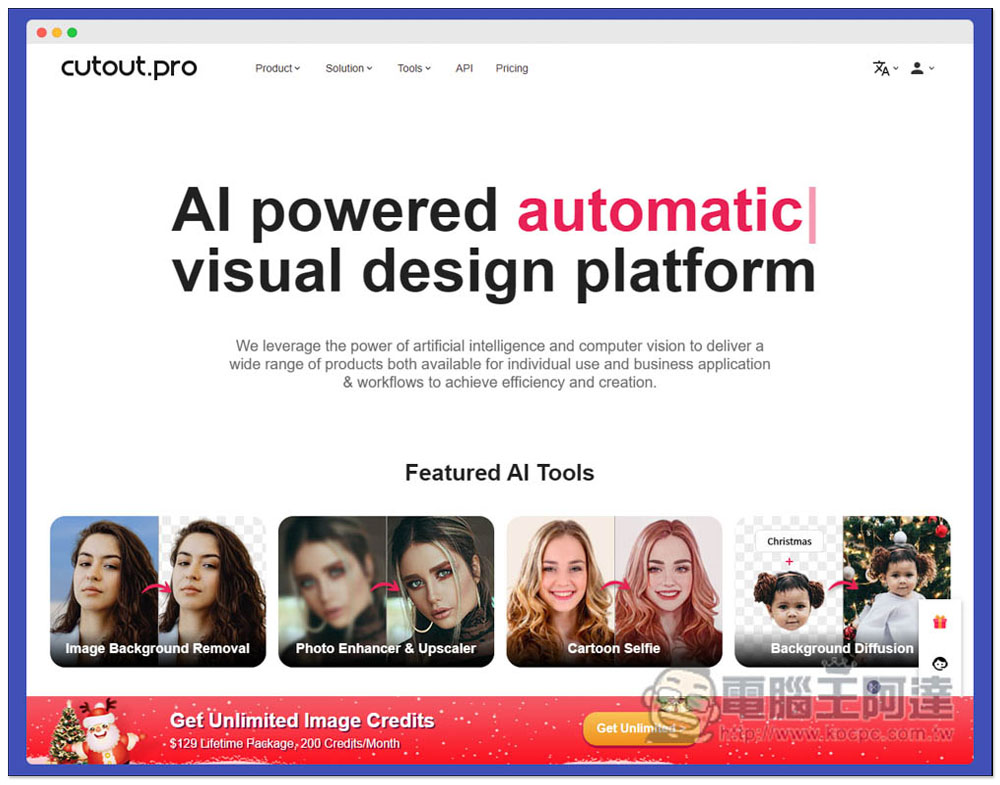
cutout.pro provides various AI online tools for pictures and videos, including de-backing, image quality improvement, AI drawing, cartooning, etc.
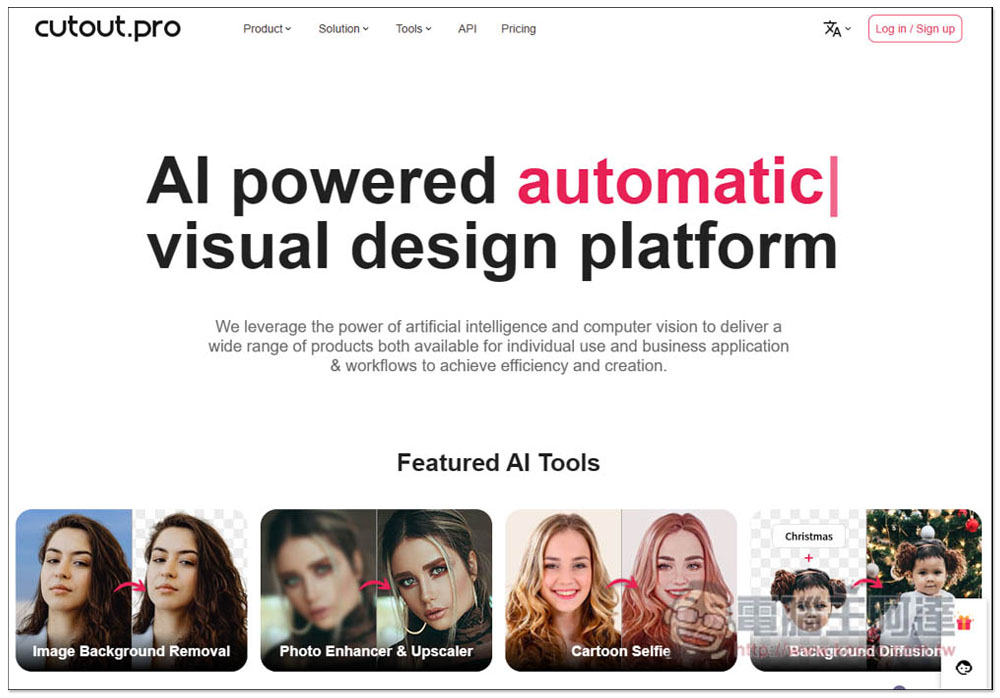
After entering the cutout.pro website, the homepage will list the before and after pictures of the AI tools they provide. Friends who are interested can take a look first:
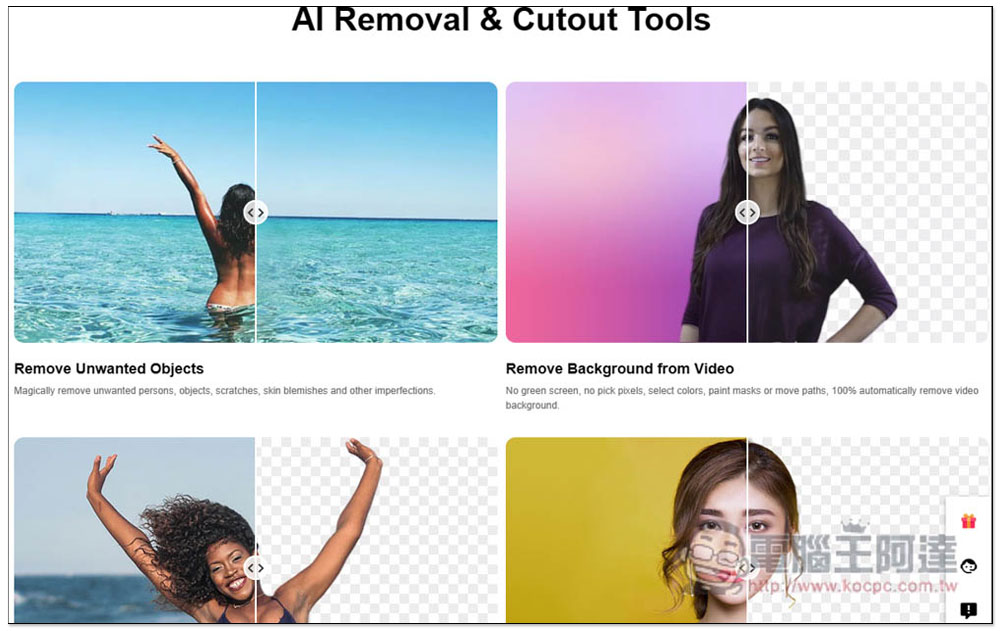
You can find more examples by scrolling down. As long as the background removal part is not too complicated, the effect is basically quite good:
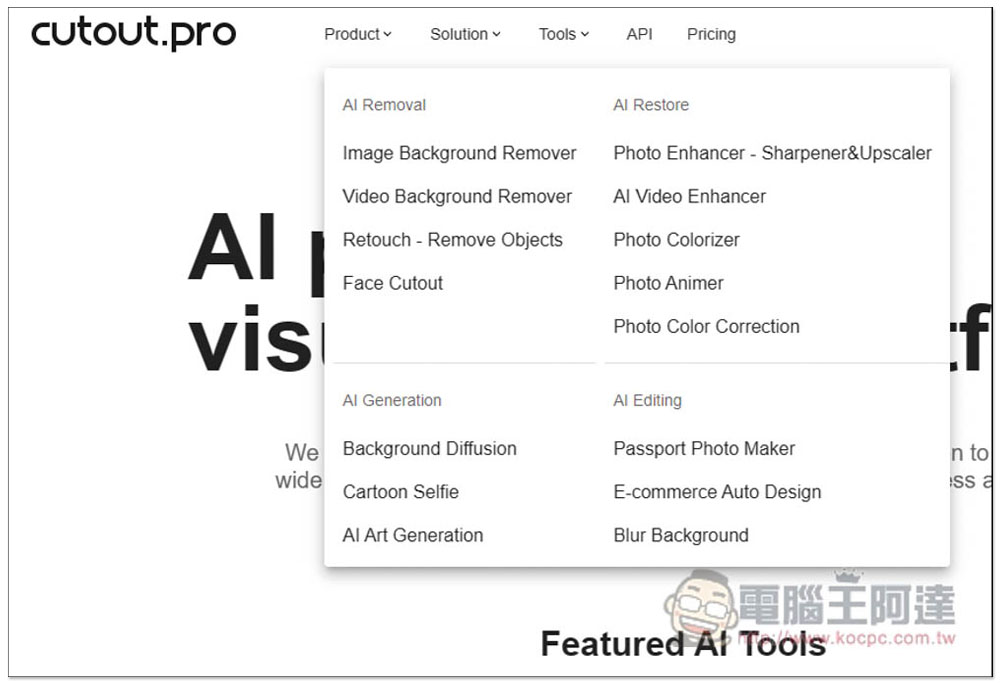
Expand the Product menu to view all tools. There are four major categories: “AI Removal”, “AI Restore”, “AI Generation” and “AI Editing”. There are many tool options under each category, such as image and video background removal, object removal, photo and video enhancement, photo animation style, photo color adjustment, selfie cartoon, AI art generation, passport photo production, e-commerce automatic design, etc.:
Here I will demonstrate several tools. Let’s first look at AI art generation. After entering the tool page, there are many options for you to choose. In the upper left corner, you can fill in the characteristics you want this image to have (only supports English). If you have a reference image, you can upload it to Input Image. On the right side, you can select the style you want, and then press Generate to generate:
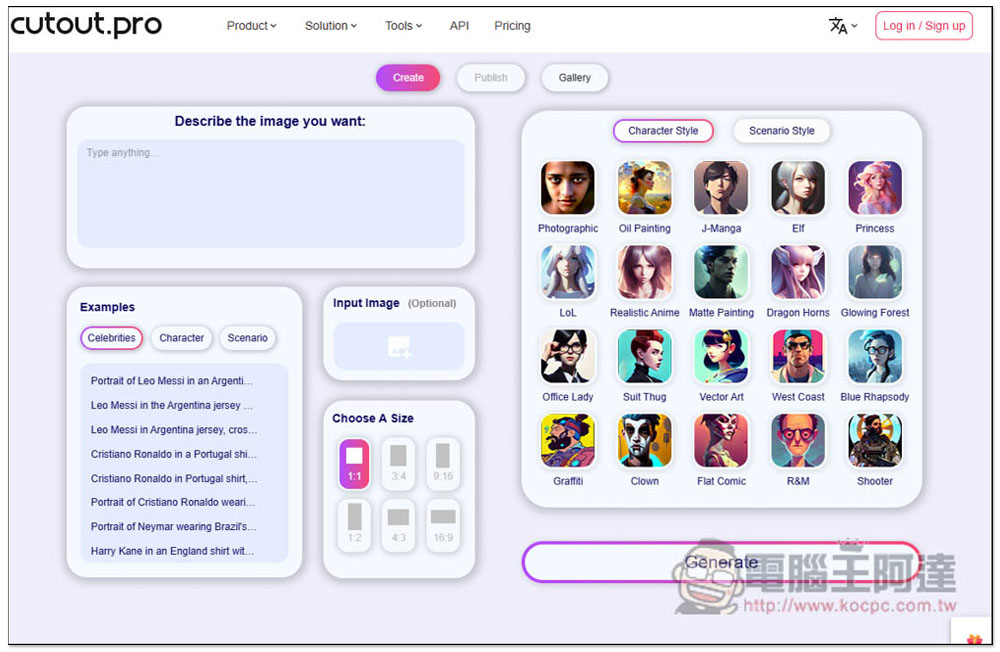
Like this:
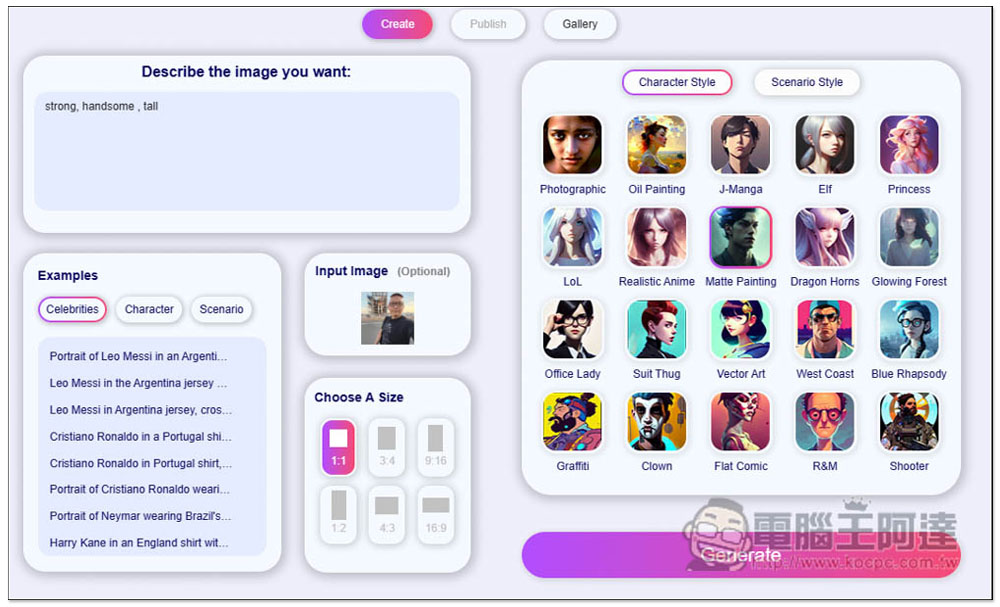
Four images will be generated at once:
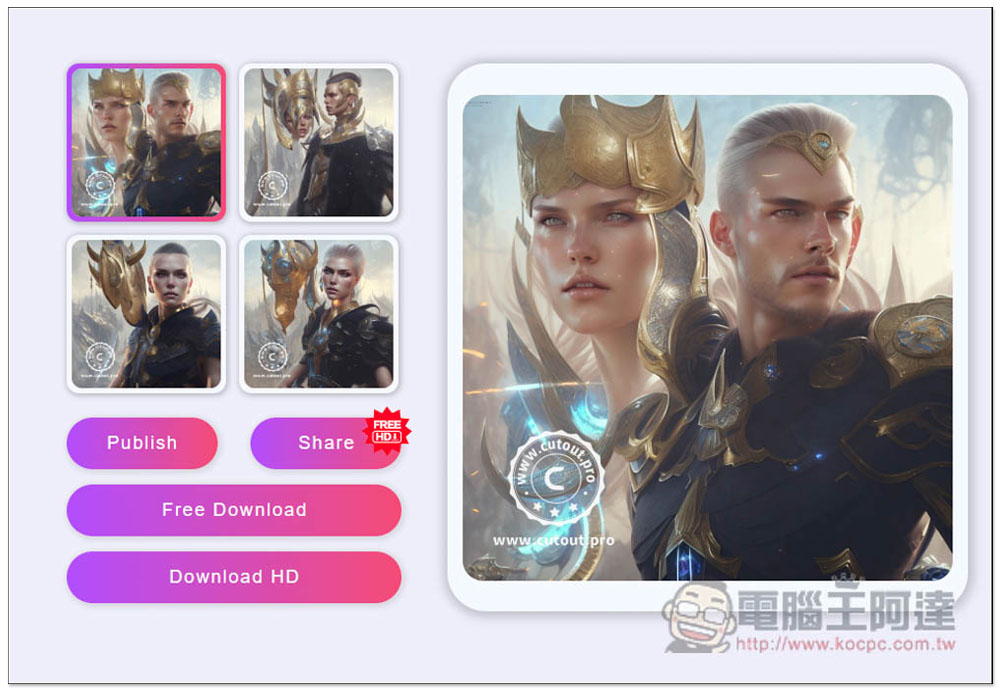
It will take a while to generate. Although the final pictures look good, when I uploaded the photo of Ada, her face doesn’t even look like it (laughs):
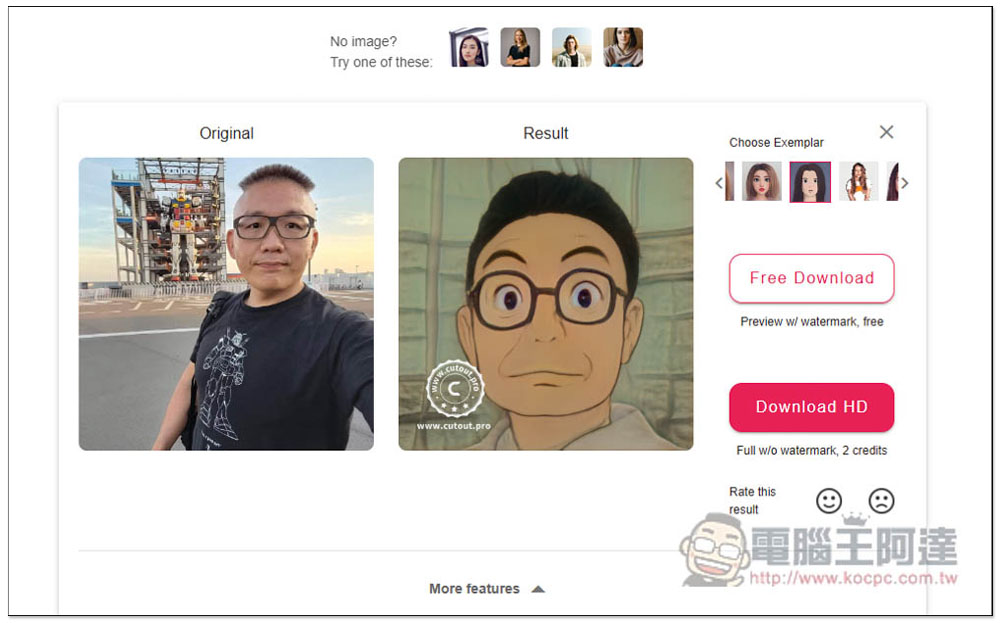
Next is cartoonization, which is quite good. It will process the pictures you upload into cartoon style:
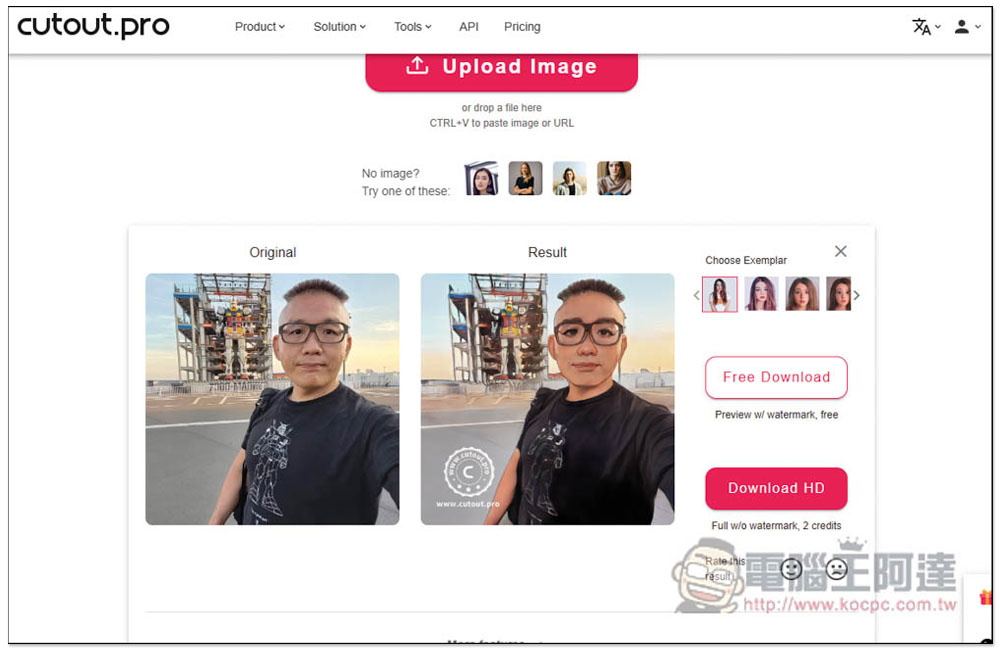
There are other example styles (Choose Exemplar) on the upper right:
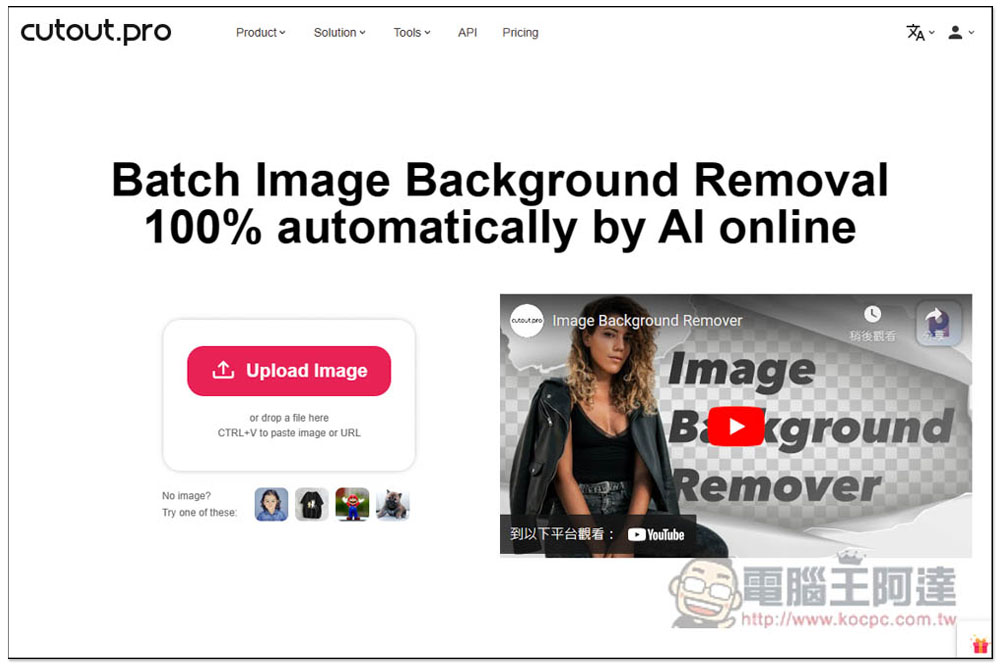
Then I tested the automatic memorization tool. Each tool on this website provides sample pictures. If you want to try it out first, you can click “No Image? Try one of there picture on the right”:
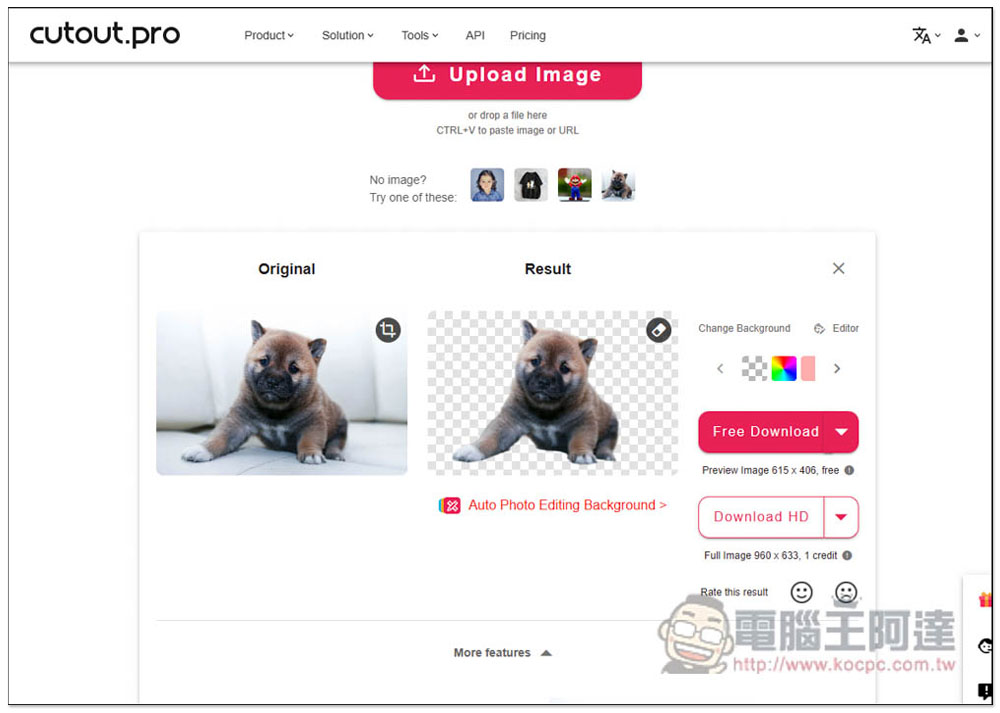
I used the demonstration picture, and not surprisingly, the back-removal effect was quite good. I also tested my own pictures. As mentioned before, as long as the background is not too complicated, this product can provide a good back-removal effect:
Next is the photo enhancement tool, which will automatically process the photo after uploading it. In addition, registered free users can get 5 processings. If you exceed it, you must pay for it. Please note this:
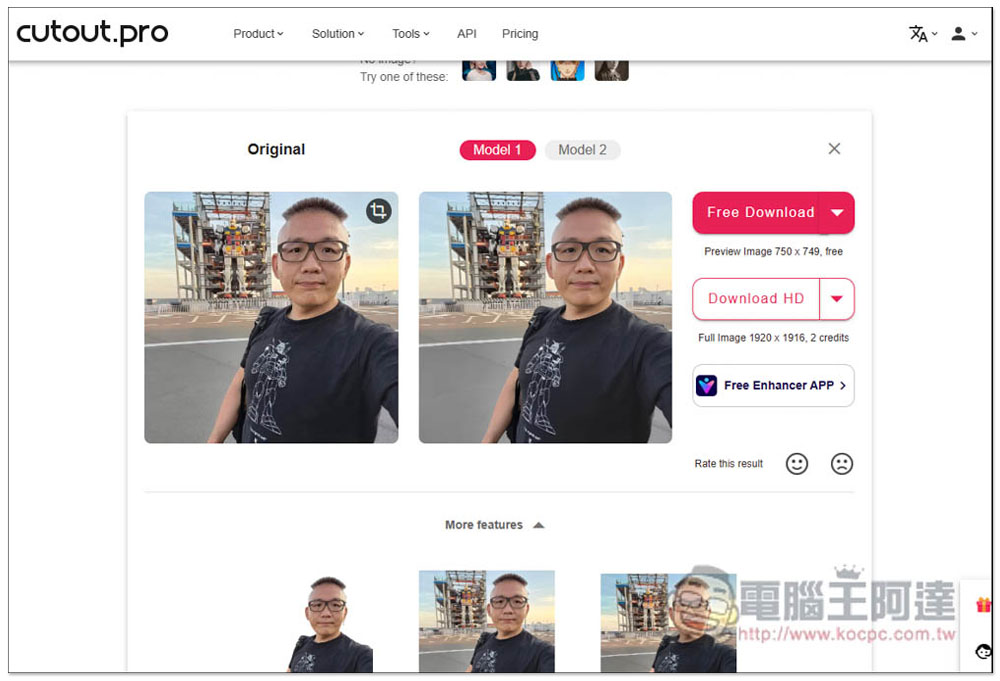
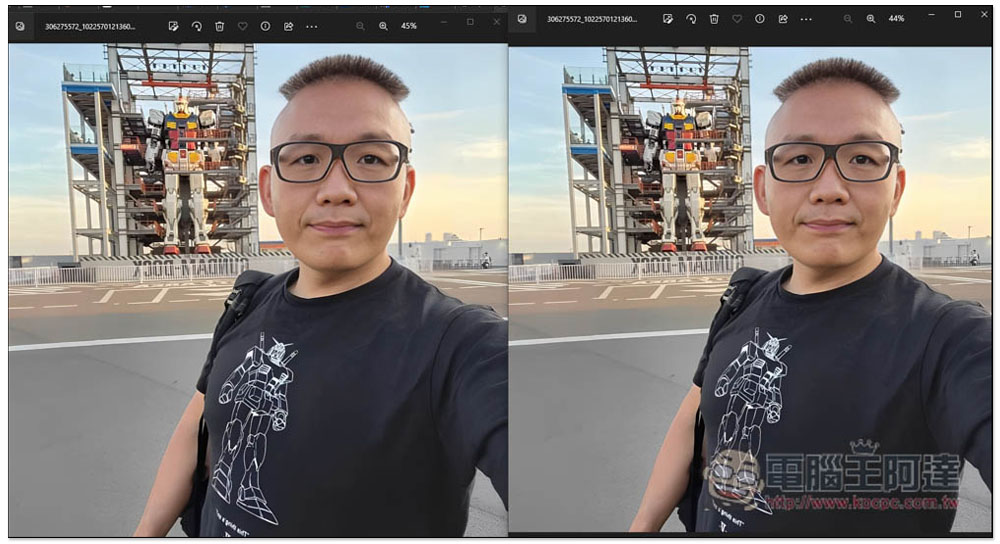
Photo enhancement basically means sharpening. The left side of the image below is the original image, and the right image is after enhancement. There is a slight difference, but it is not very obvious:
After the 5 free cards are exceeded, in addition to paying, you can also invite friends to use it through your exclusive link, so that you will get other free cards.
After trying it out, although this website has many AI tools, the effect is not as good as some websites that provide a single tool. For example, for object removal, I prefer the one introduced before. SnapEdit。
Source: KOCPC Chinese