


Since the advent of wireless technology, wired products have surpassed wired products in many fields and become consumers’ first choice. Indeed, products using wireless connections have greatly reduced the entanglement and eyesore of various wires, and at the same time made it more convenient for you to carry around. Currently, the two mainstream wireless connection technologies are Bluetooth and 2.4GHz. Most mid-to-high-end products will support both specifications at the same time, but what are the differences between the two and what are the characteristics of each?

Wireless keyboard, mouse, and headphones: Should you choose Bluetooth or 2.4GHz?
Wireless keyboards, mice and headsets, whether using Bluetooth or 2.4GHz, are actually based on 2.4GHz, which means Bluetooth is also a type of 2.4GHz. They are good brothers who also use the 2.4GHz frequency band. So what is this 2.4GHz frequency band?

Wireless connection products use radio waves to transmit signals. ISM was originally a license-free frequency band opened by the U.S. FCC (Federal Communications Commission) specifically for industrial, scientific, and medical purposes. The transmission frequency of this frequency band is generally lower than 1W to avoid interference with other frequency bands. Later, every country has set aside this frequency band for free and unauthorized use. Although the ISM frequency bands vary slightly between countries, there are always some shared ISM frequency bands that overlap between countries. One of them is 2.4GHz, and the Bluetooth, wireless keyboard and mouse, wireless LAN and wireless networks we use in our daily lives are all in this frequency band. Since it is a frequency band that is common to all countries and free of charge, the gold content in it is naturally very high. It has become a gold mine that various manufacturers covet. 2.4GHz keyboards, mice, headsets, etc. have gradually developed in this frequency band, so wireless connection products that everyone is familiar with have appeared.
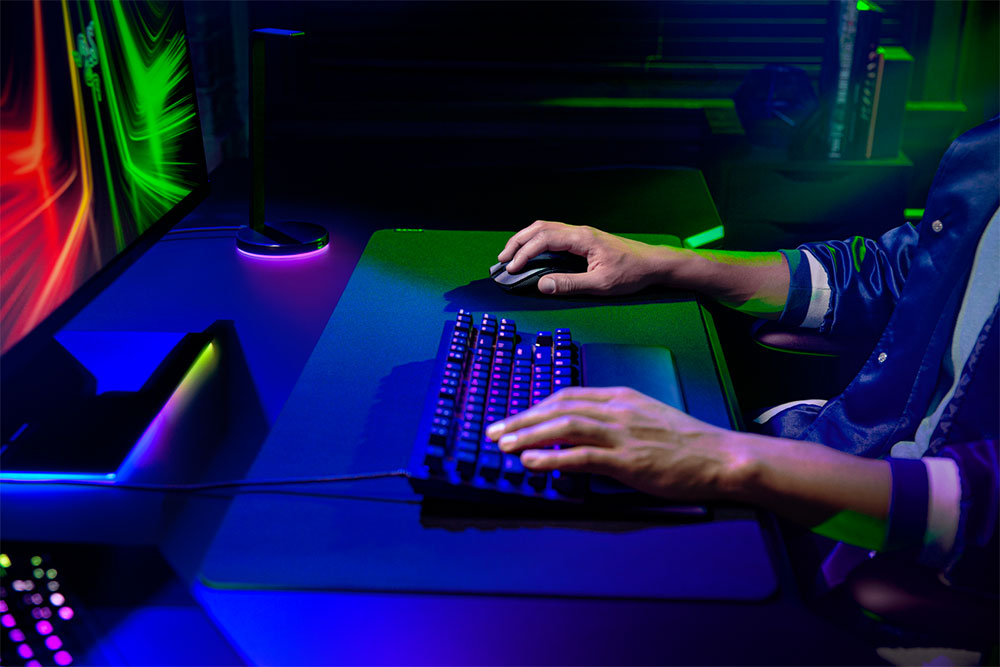
Advantages and Disadvantages of Bluetooth Connection
The Bluetooth connection not only inherits the 2.4GHz wireless transmission technology, but also adds adaptive frequency modulation technology. It can be used only if the computer and other connected devices have built-in Bluetooth modules. There is no need to go through the code matching procedure. The connection is very convenient. As long as it is paired, it can be used immediately. In addition to being paired with computers, it can also be connected to other products with Bluetooth modules such as tablets and mobile phones.
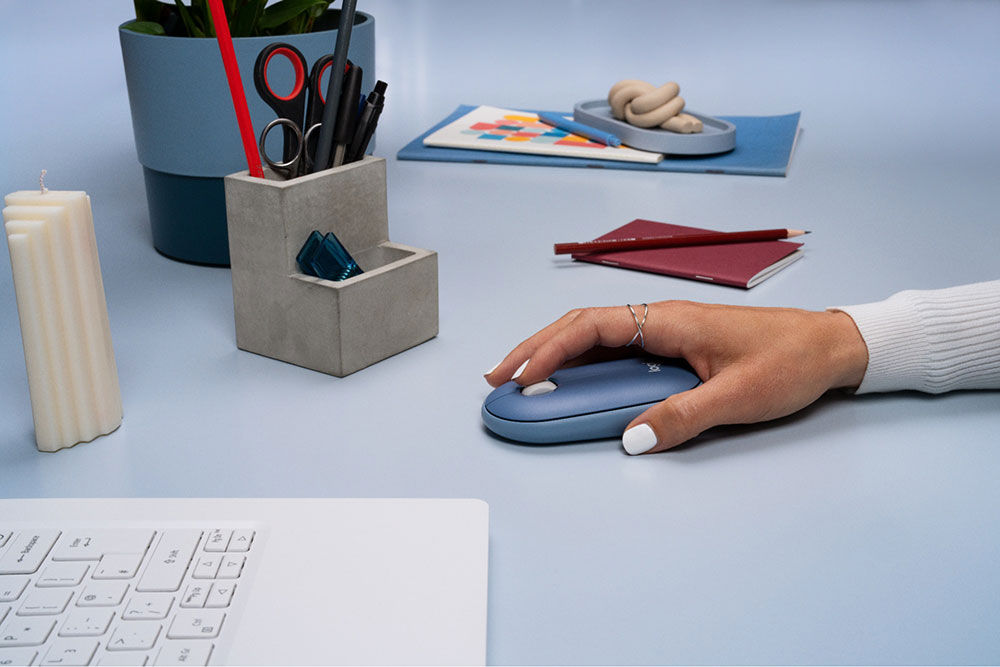
In order to improve the flexibility of use and reduce interference, the bandwidth of Bluetooth is relatively small and will not cause interference to other devices using 2.4GHz. This is also because the transmission speed is not as high as 2.4GHz. It is suitable for daily office work, or web browsing and other tasks that do not require much keyboard and mouse speed.
Pros and cons of 2.4GHz connection
2.4GHz wireless connection must use a receiver, and the device and receiver must be coded before it can be used. Generally speaking, it cannot be used if it is not your own receiver. Products using 2.4GHz connection have longer standby time than Bluetooth and use a larger bandwidth, which also means that its signal transmission capability is stronger and its response speed is faster.
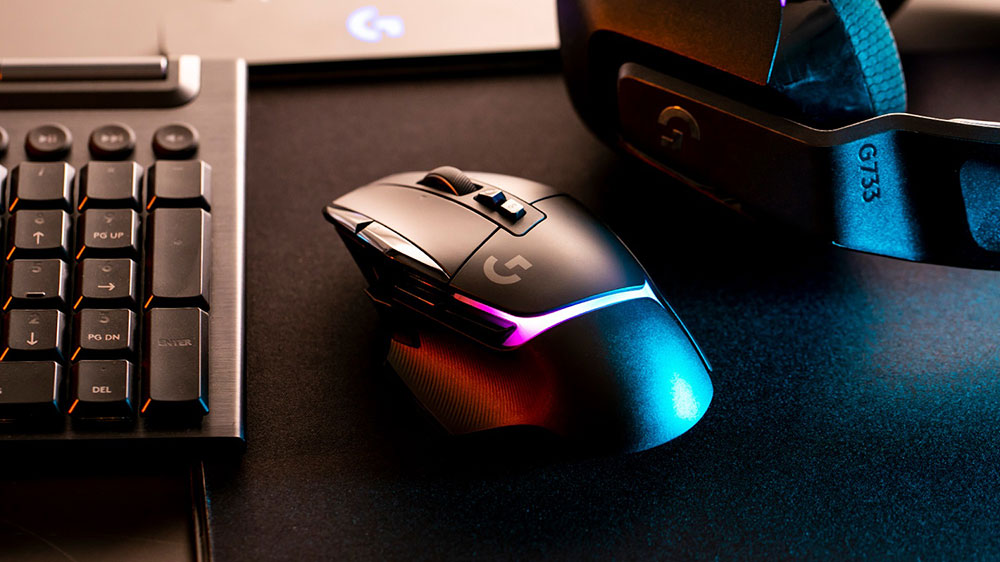
Based on the power saving and high response speed characteristics of 2.4GHz, we can usually see gaming keyboards, mice, and gaming headsets adopting this connection method, which is very suitable for e-sports gamers.
Conclusion
Bluetooth and 2.4GHz can be said to be two brothers that complement each other in terms of advantages and disadvantages, so the current mainstream Bluetooth + 2.4GHz dual-mode connection actually neutralizes the advantages of the two, allowing users to flexibly switch between them. If we want to talk about what kind of user groups each is suitable for, the author will summarize it below:
- Bluetooth
Use with laptops, tablets, and mobile phones
Often have to go out to work
Limited USB ports - 2.4GHz
It’s easy to forget to charge
gamer - Bluetooth + 2.4GHz
Only children choose, I want them all!
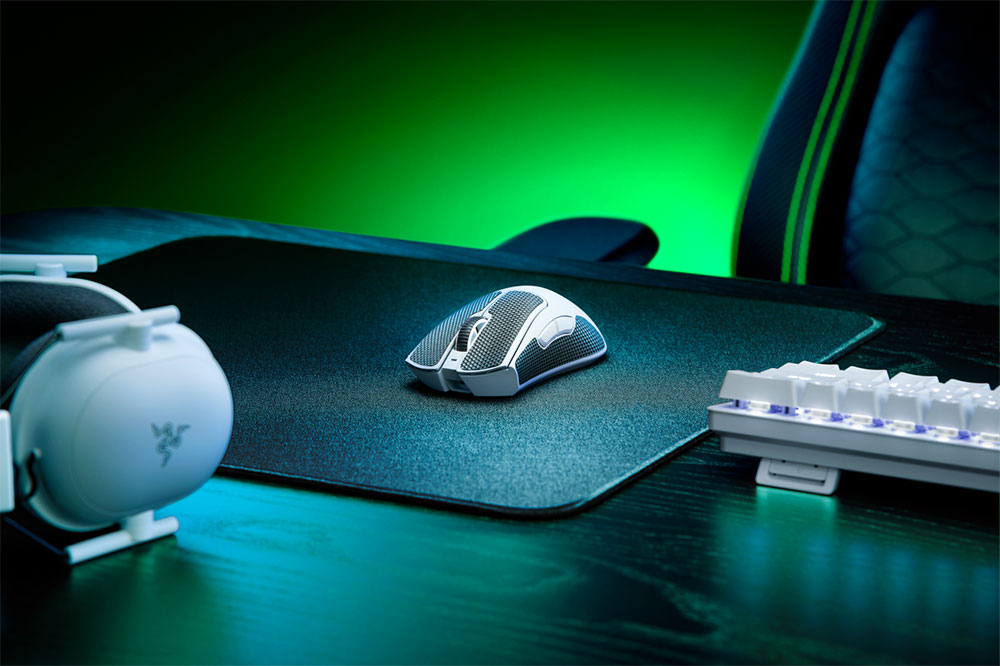
If you are a serious gamer, the author still recommends that you choose a keyboard, mouse, and headset with a wired connection, because in terms of connection stability and transmission speed, wired is more reliable anyway. Especially if you are worried about running out of power, disconnecting, or interference interrupting your kill streak or calls between teammates in the middle of the game, it is better to buy wired products.
Source: KOCPC Chinese