


Although there are many free cloud space services now, the capacity provided by most of them is not large, so it cannot be used to share large files, and the cloud space will be full in no time. If you need to share large files, you can refer to the recommended DepositFiles free file sharing space in this article. The maximum support for a single file is 10GB, and there is no capacity limit (up to 50 files at a time). You can use it by registering for free.
DepositFiles supports up to 10GB of free file sharing space for a single file and provides password protection.
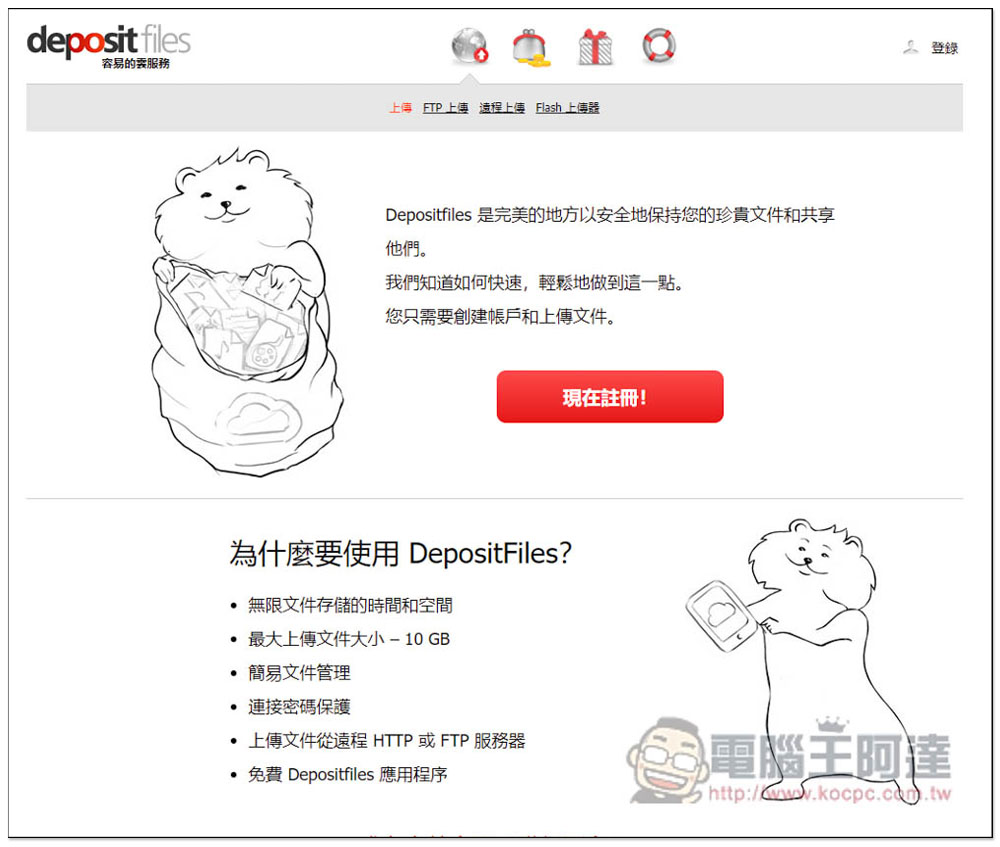
For some friends, DepositFiles may seem familiar. It is actually a quite old file sharing space. Many online sharing will use this free space. After entering the website, you need to register to start using it, click “Register Now”.
The following are the main features of DepositFiles
- Unlimited file storage time and space
- Maximum upload file size reaches 10GB
- Easy file management
- Password protection
- Upload files remotely from HTTP or FTP server
- Free DepositFiles app available
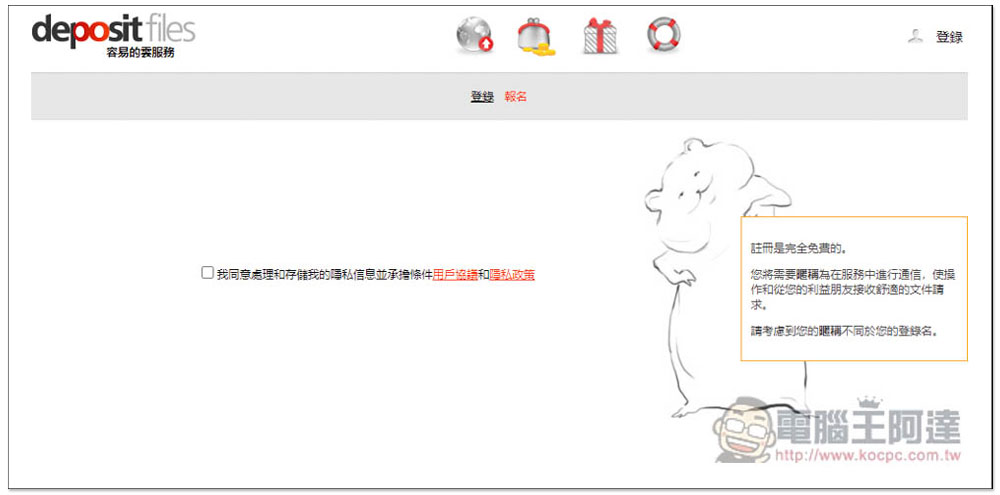
After entering this page, click “I agree to process and store my private information and accept the terms of the user agreement and privacy policy.” I would also like to remind you that if the files are too important and private, it is not recommended to use this free space. After all, your files will be stored in their servers. Even if the website states that it is safe, it is still not recommended:
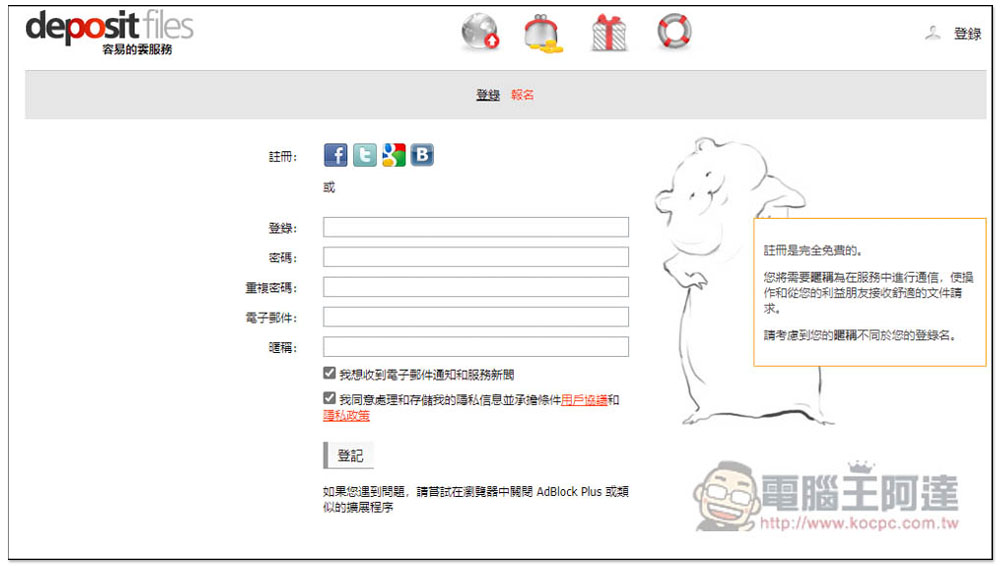
Supports quick registration with Facebook, Twitter, Google, etc. You can also manually enter login, password, email and nickname. If you don’t want to receive advertising letters, remember to uncheck “I want to receive email notifications and service news”:
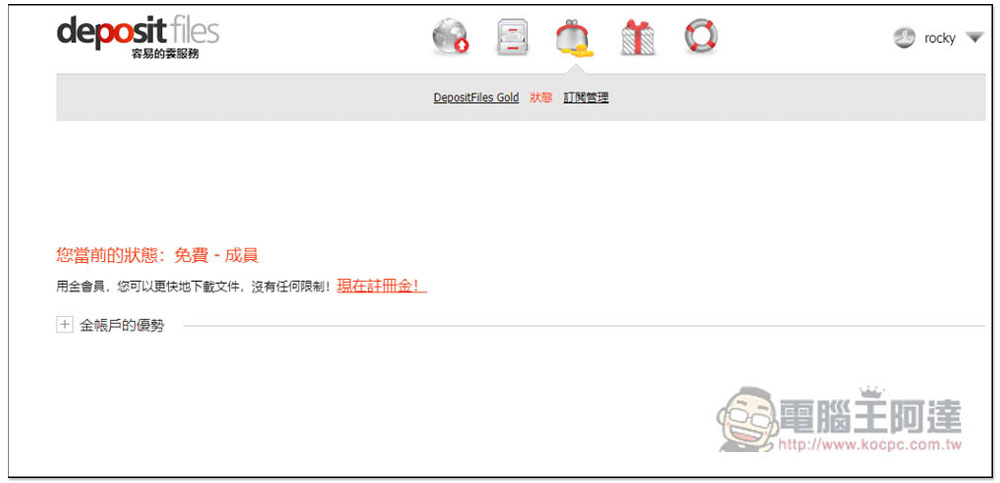
This completes the registration. This website also offers paid membership:
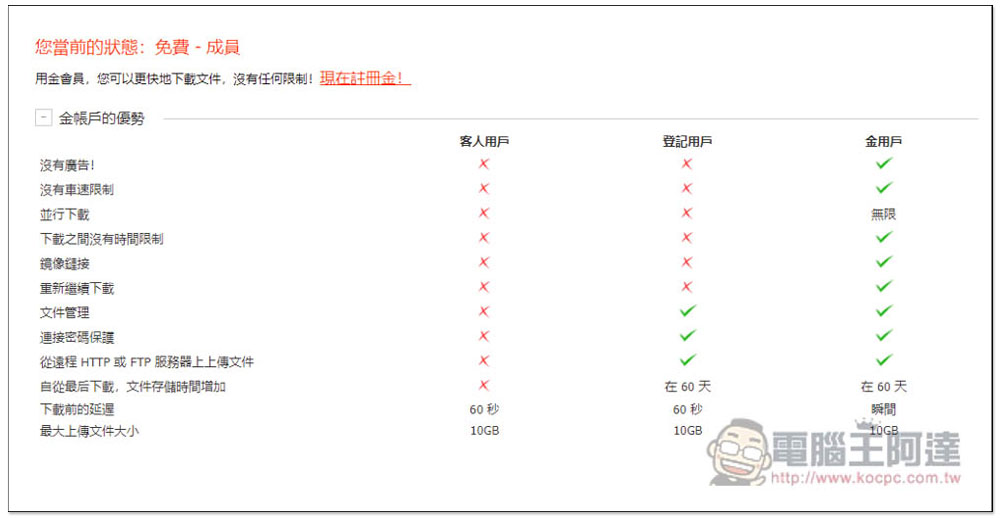
The main difference between free membership and paid membership is in the downloading part, while uploading is almost the same. When downloading as a paid member, there will be no ads on the page, no download speed limit, and unlimited downloads of multiple files at the same time, depending on whether you need:
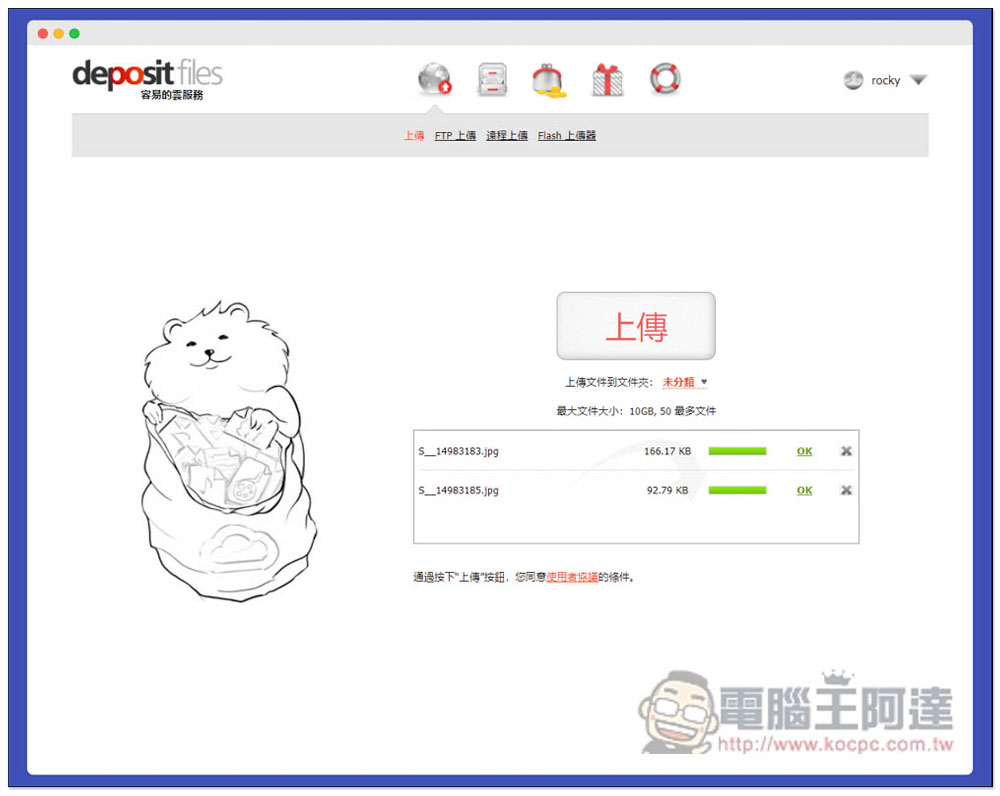
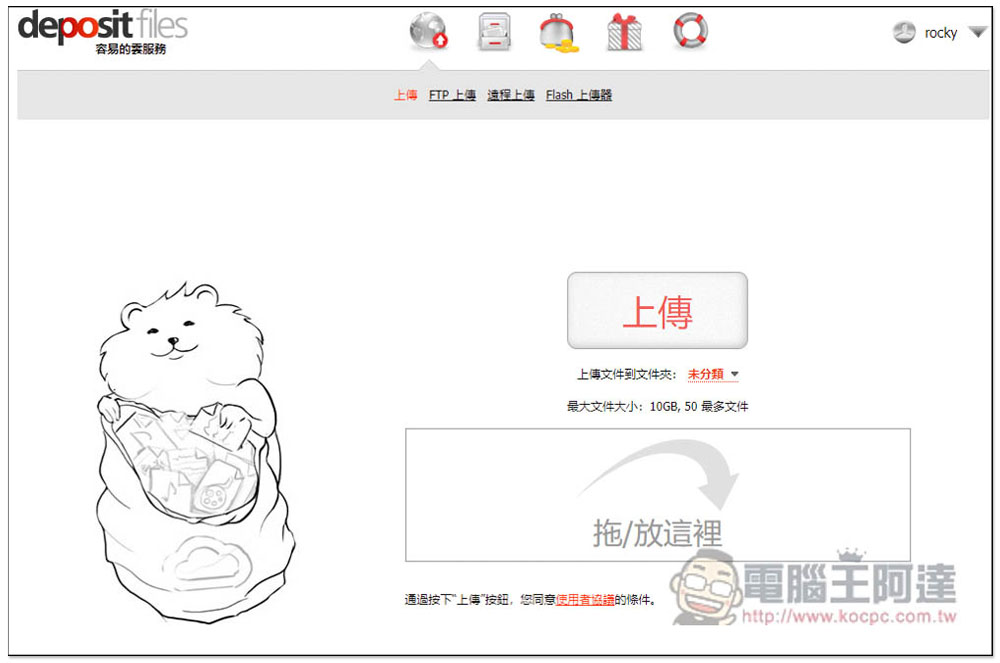
Then you can drag in the files you want to share. A single file supports up to 10GB and a maximum of 50 files at a time. Files can also be classified:
Drag it in and it will be uploaded directly:
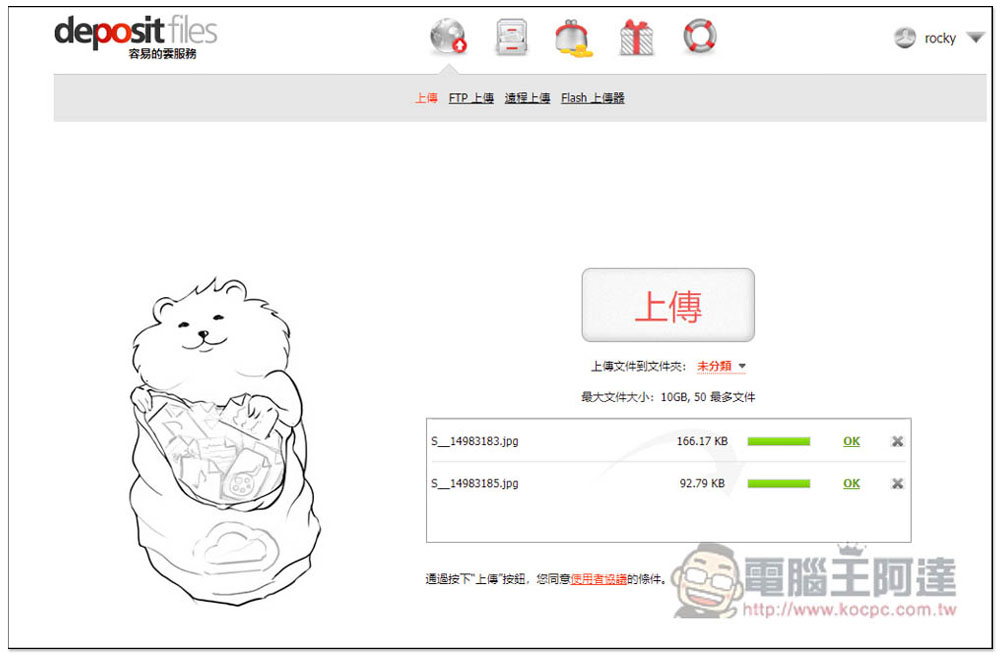
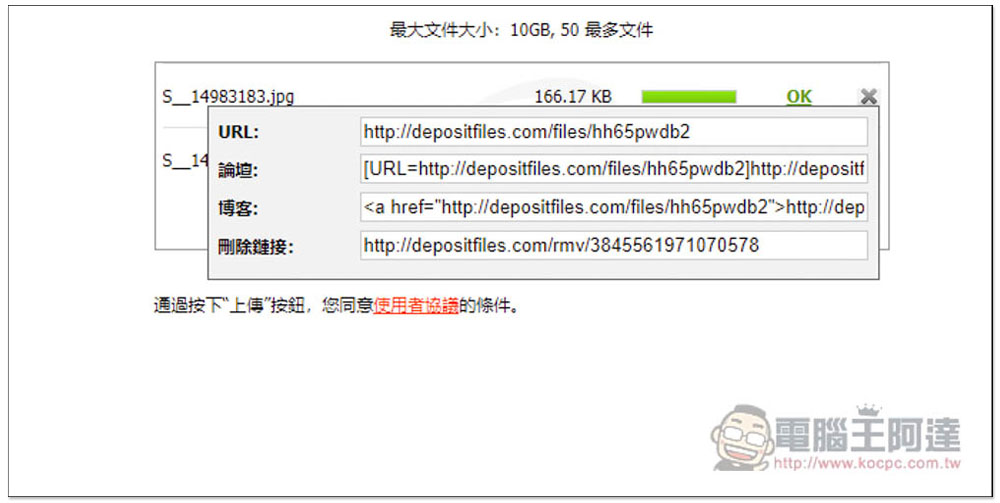
Click OK on the right side of the file to see the download URL, the code embedded in the forum and blog, and a link to delete the download link:
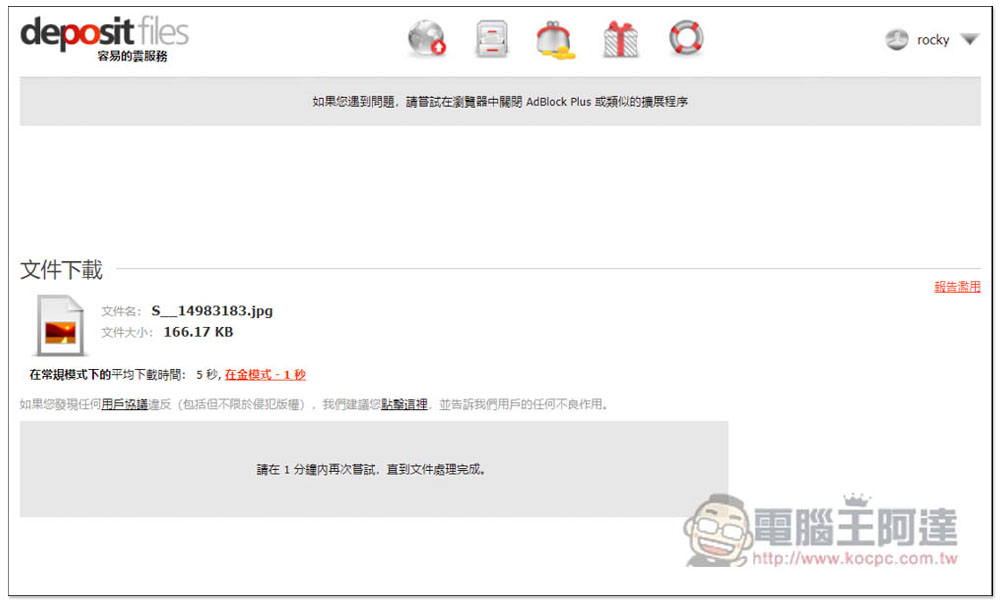
After the other party pastes the download link, it will jump to this screen. If the file has not been processed yet, “Please try again within 1 minute until the file is processed” will be displayed below:
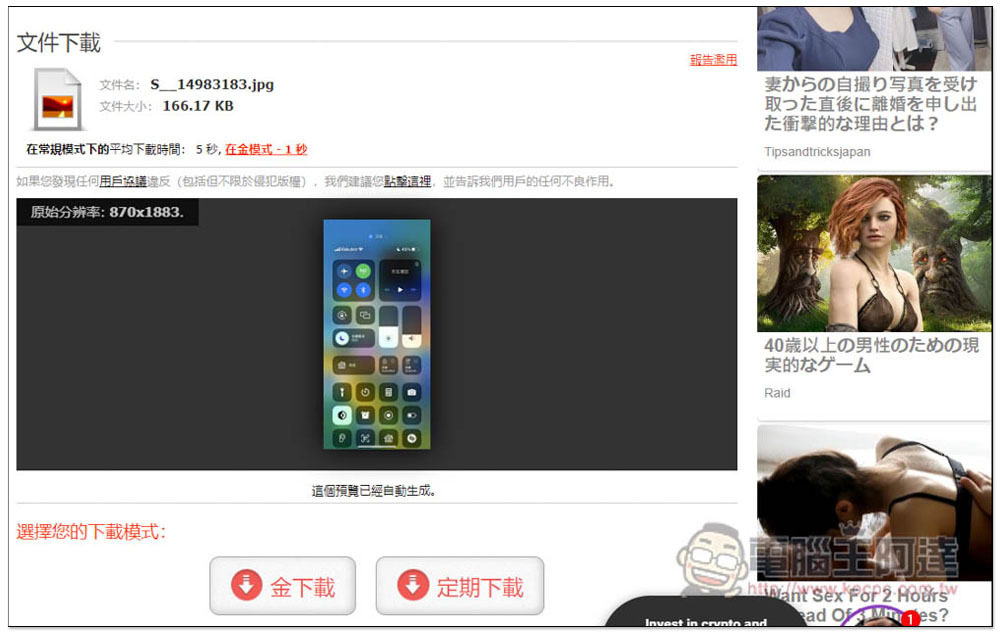
If you are sharing pictures, this website provides a preview function, and free members can only use “regular downloading”:
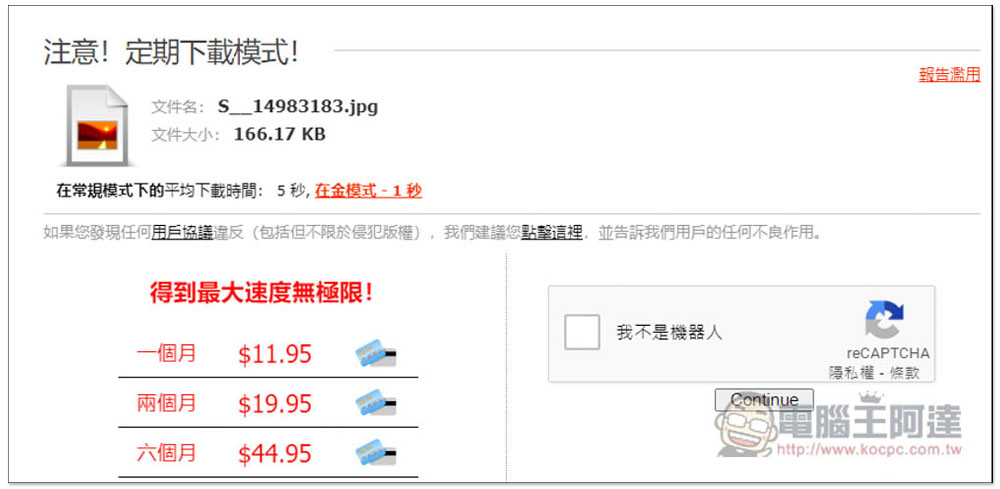
Then it will jump to this screen, you need to click “I am not a robot”:
Then you will get the real loading points:
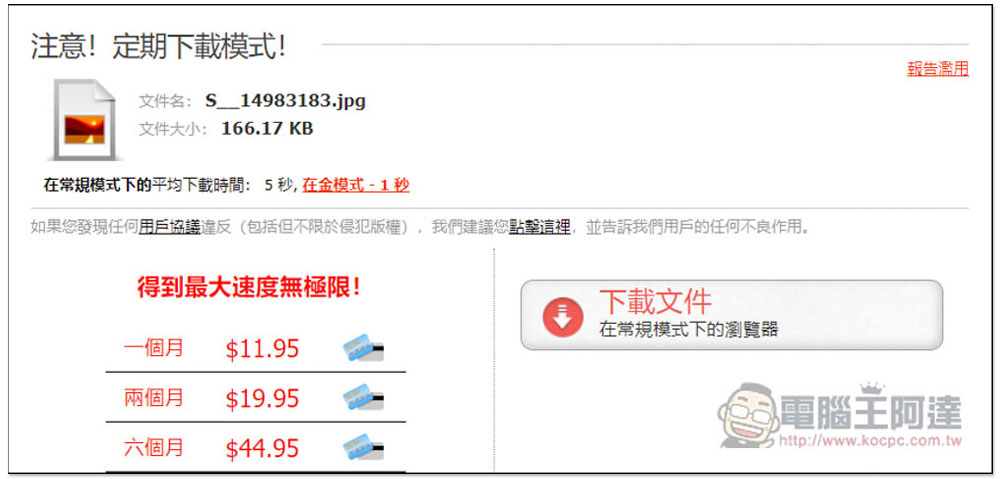
However, like many free file sharing spaces, this website has a lot of advertisements when downloading. Clicking on some links will pop up advertisement windows, so you can just close them.
Although the download speed is limited, I don’t think it is too slow. More importantly, for those who share files, there seems to be no limit on uploading.
Source: KOCPC Chinese