


Although this kind of auxiliary use function is mainly prepared for people with visual impairments. But on the one hand, the sound effects prepared by Apple for iPhone startup and shutdown are quite nice; on the other hand, as Mac has also returned the startup sound in recent systems, similar to this somewhat ritualistic old experience of Apple devices, I believe that many iPhone users will be quite happy to turn it on!
Because of this, this article will briefly introduce how to start. Or consider it through our simple “trial” video and start it along with the tutorial! Continue reading Full of ritual, the iPhone’s faith switch sound teaches you how to start it! Report text.
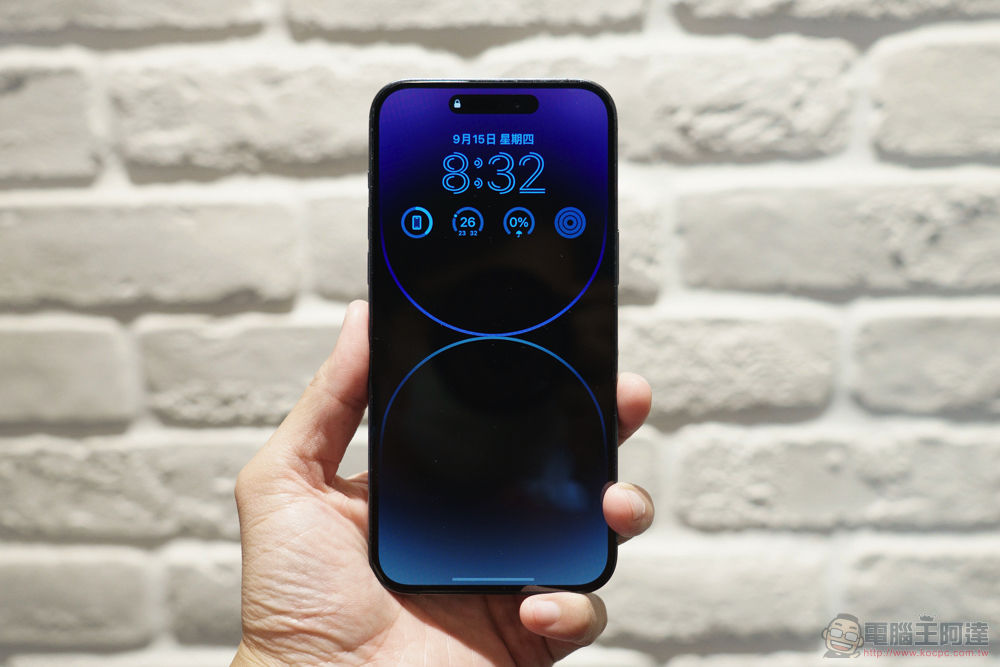
Full of ritual, the iPhone’s faith switch sound teaches you how to start it!
If you also want to have such a cute and ceremonial confirmation sound effect when the iPhone is turned on and off in the video above, please follow the teaching of our computer king Ada to learn about it!
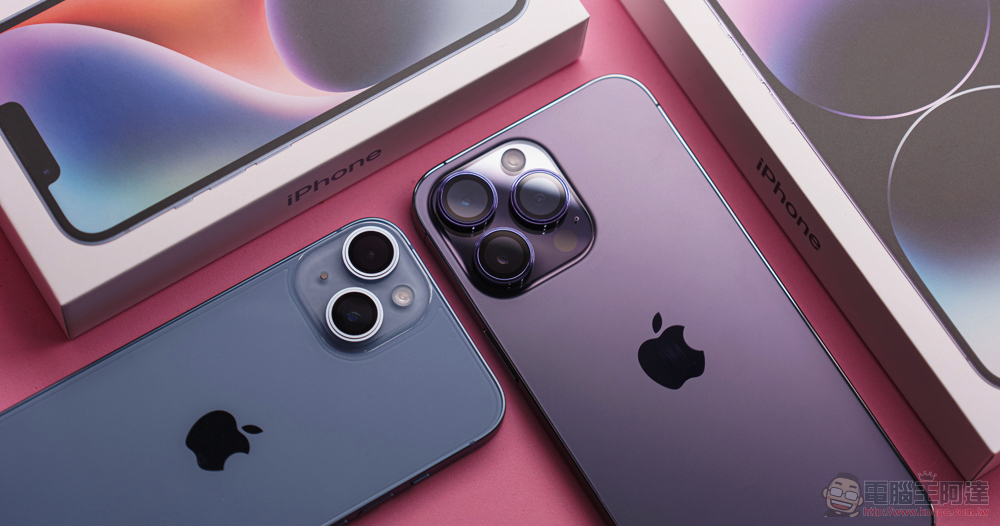
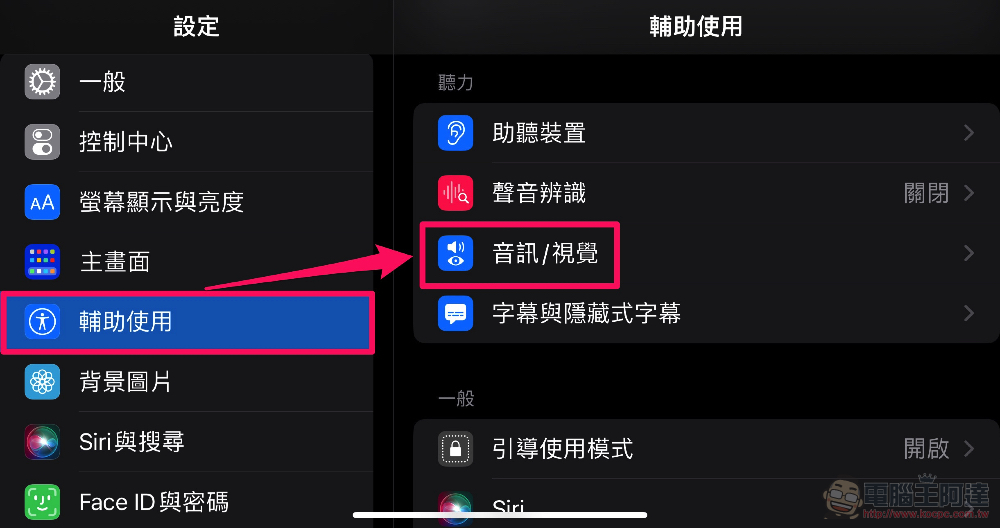
This feature can be found in Accessibility > Audio/Visual:
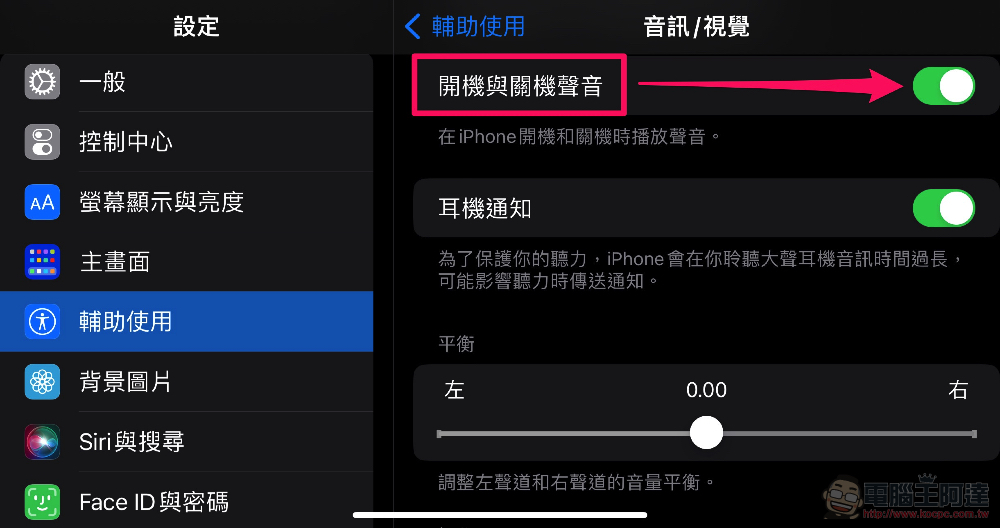
In the list of “Audio/Visual”, just find “Startup and shutdown sounds” and turn it on! Isn’t it super simple:
This iPhone power-on confirmation sound function, which has been provided in the accessibility function since iOS 16, is said to currently only support iPhone 14 and iPhone 14 Pro series models. Some media mentioned that the reason for the support restrictions is not a hardware limitation of the A15 SoC or A16 SoC, but that the bootrom of the new model has been pre-written with these sound effects. Therefore, because it is read-only (cannot be written), older models cannot write these sound effects through iOS system updates.
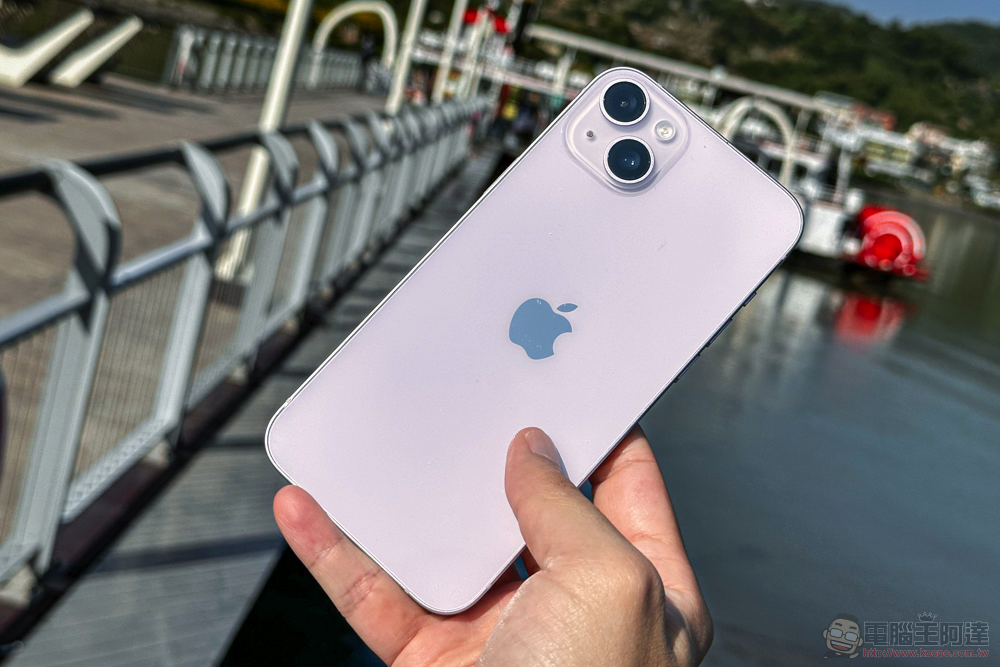
Although the switch sound is currently limited to new models, it has always beenAttach great importance to functions related to physical and mental disabilitiesIn fact, Apple has actively introduced many accessibility features through ecosystem updates in recent years to help people with visual, hearing, mobility and cognitive impairments more smoothly use the various accessibility features of Apple devices. These are also features worth trying.
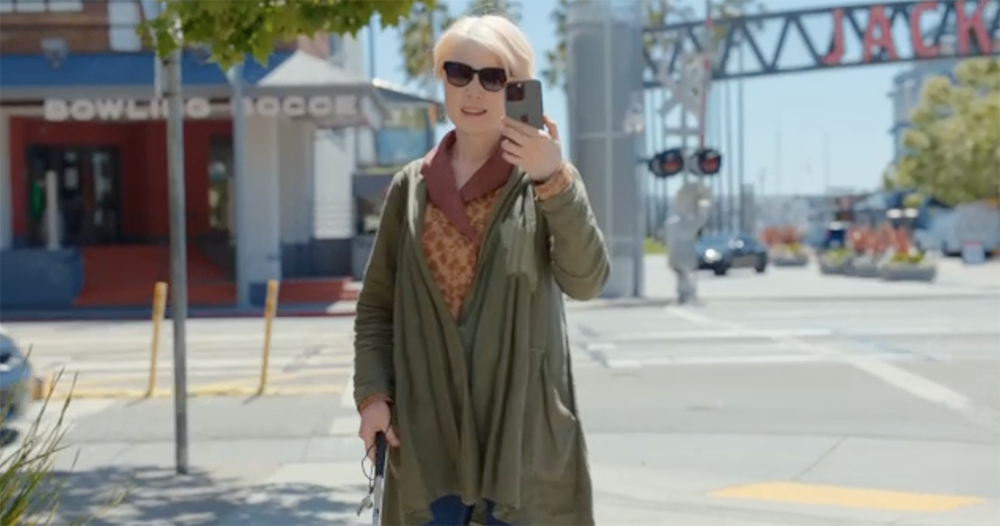
As this year’s International Day for People with Disabilities approaches, Apple, which has always used various functions to prove its belief that “assistive use is a human right,” has released a special tribute video this time, showing many special operations and response functions that you may have never thought possible through iPhone, iPad and Apple Watch devices.
In the video, you can see many touching stories shared by people with disabilities using these accessibility features. Maybe you have seen it and found that it may not be able to solve the small problems you encounter in life!
From the video, you can see how blind or low-vision users can activate the “detection mode” through the iPhone lens to guide the identification of doors and various objects. It can also alert real-time sound events such as baby crying through the “sound recognition” function as its name suggests. You can also operate these devices through “voice control” to achieve operations that may have required advanced assistive devices in the past.
Detailed auxiliary use methods, although the computer king Ada team also continues to provide teachings like this article. However, Apple officials have actually produced a series of videos to teach everyone how to use various functions. It is recommended that everyone also take a look at it – Click me on the portal。
Further reading:

Source: KOCPC Chinese