


We previously shared many ways to use ChatGPT 4o’s image generation feature, like creating Ghibli-style art, chibi figures, blind boxes, and more. Have you had a chance to try it out yourself? A few days have passed, and there are now plenty of new image generation tricks. Today, let’s share how to generate images in styles like Snoopy, Animal Crossing, and Pixar. You can even use ChatGPT to create the viral life four-cut photo strips that are all the rage right now! If you’ve used ChatGPT to make group photos and weren’t happy with the results, today we’ll also show you how to get ChatGPT to capture each person’s unique traits and features in a group photo. This is another tutorial packed with helpful tips—if you’re interested, keep reading!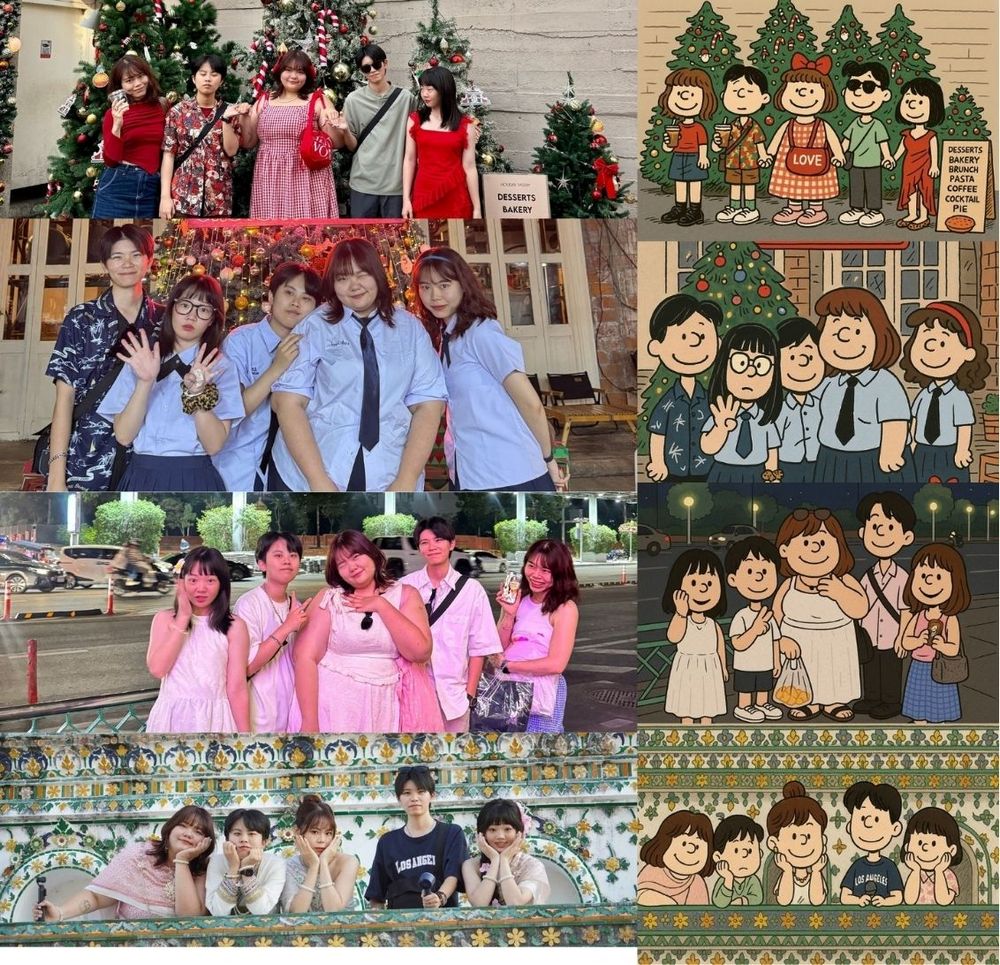
ChatGPT 4o Image Generation: More Ways to Play! Turn You into Animal Crossing, Pixar, and Snoopy Characters, with Full Prompts Included.
ChatGPT 4o’s image generation feature is now available to free users with 3 uses per day. Since the usage is limited, free users will surely want to get it right in one go. Today, in addition to teaching you how to generate images in styles like Snoopy, Animal Crossing, and Pixar, we’ll also teach you how to create prompts that match the visual characteristics of the characters.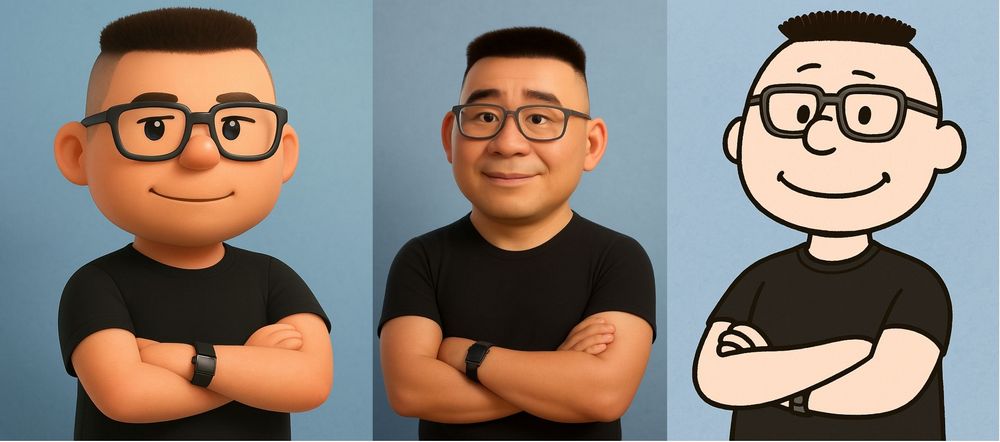
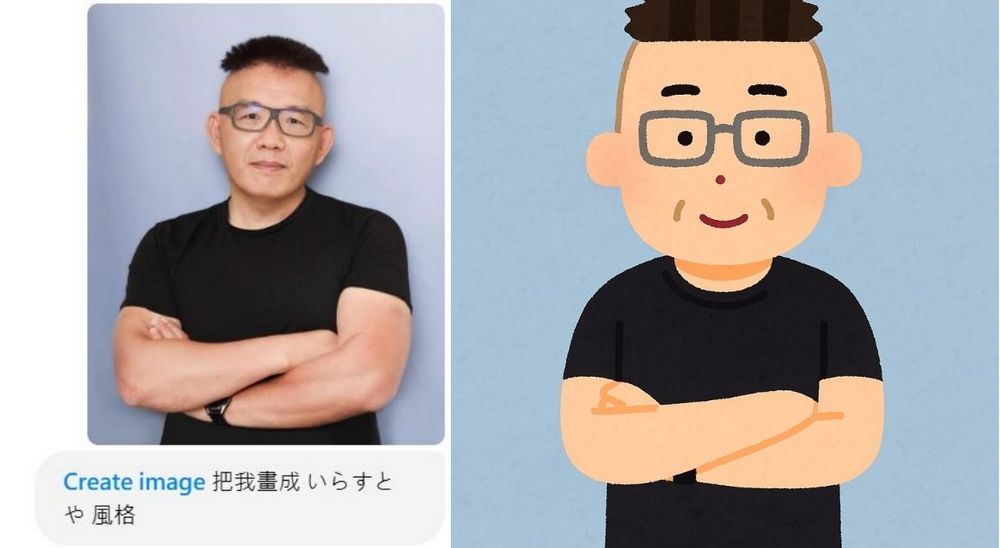
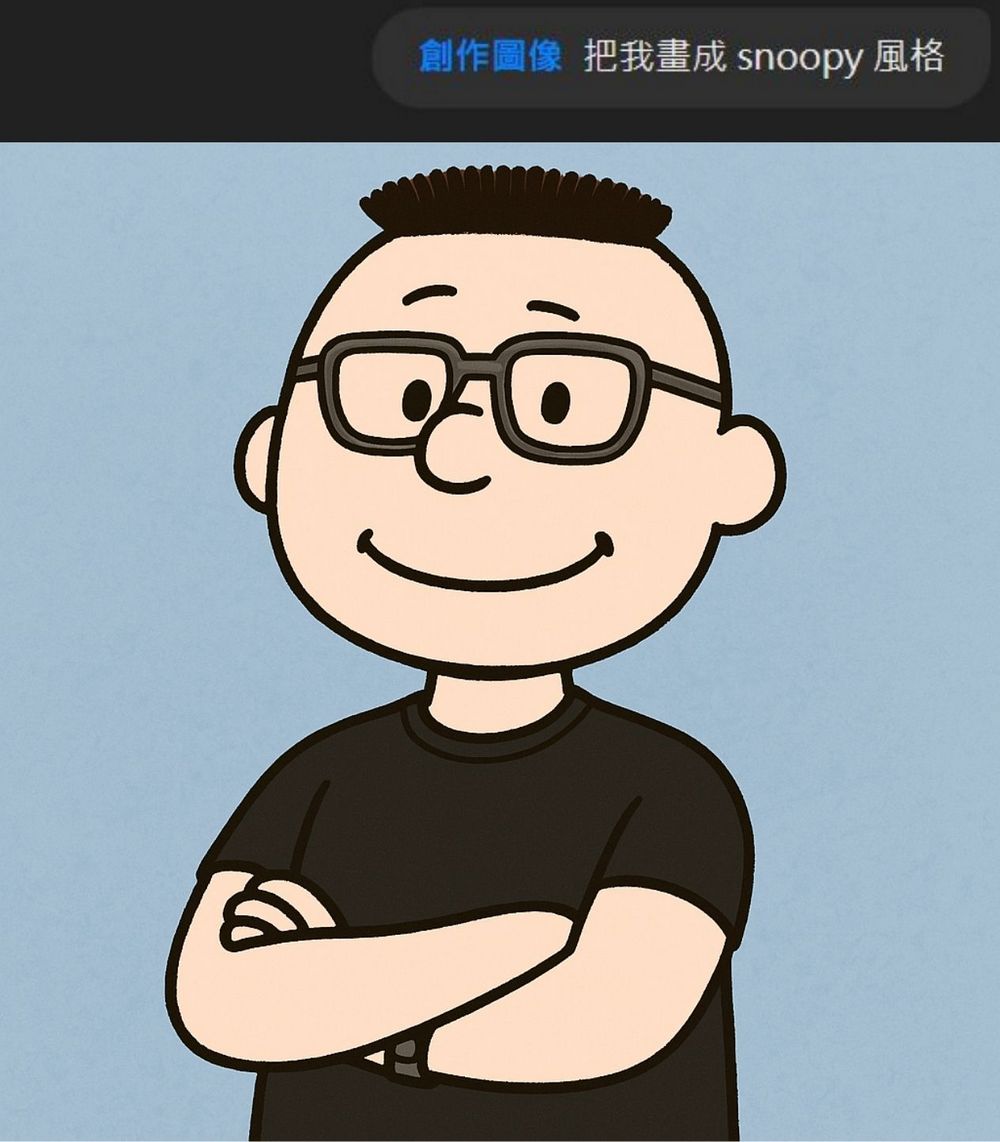
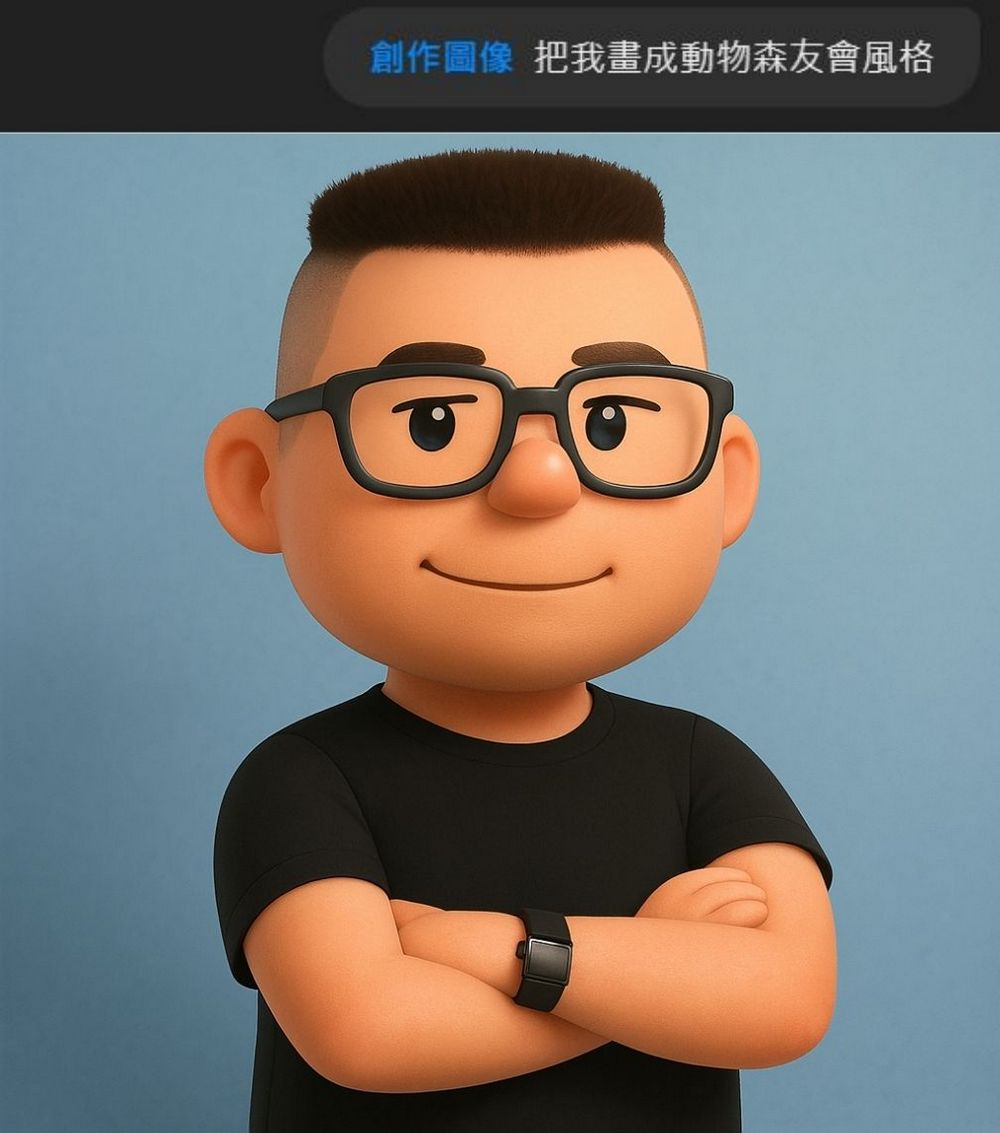
Let me first share what other styles we can generate besides Ghibli. Such as Snoopy, Animal Crossing, Pixar, and Irasutoya—all of these can be generated. Because ChatGPT now has context memory, you only need to attach an image when entering the first command. After that, you just need to input the style you want to generate. Remember to use the image creation feature when generating!
- Draw me in Irasutoya style
- Draw me in Snoopy style.
- Draw it in Pixar style.
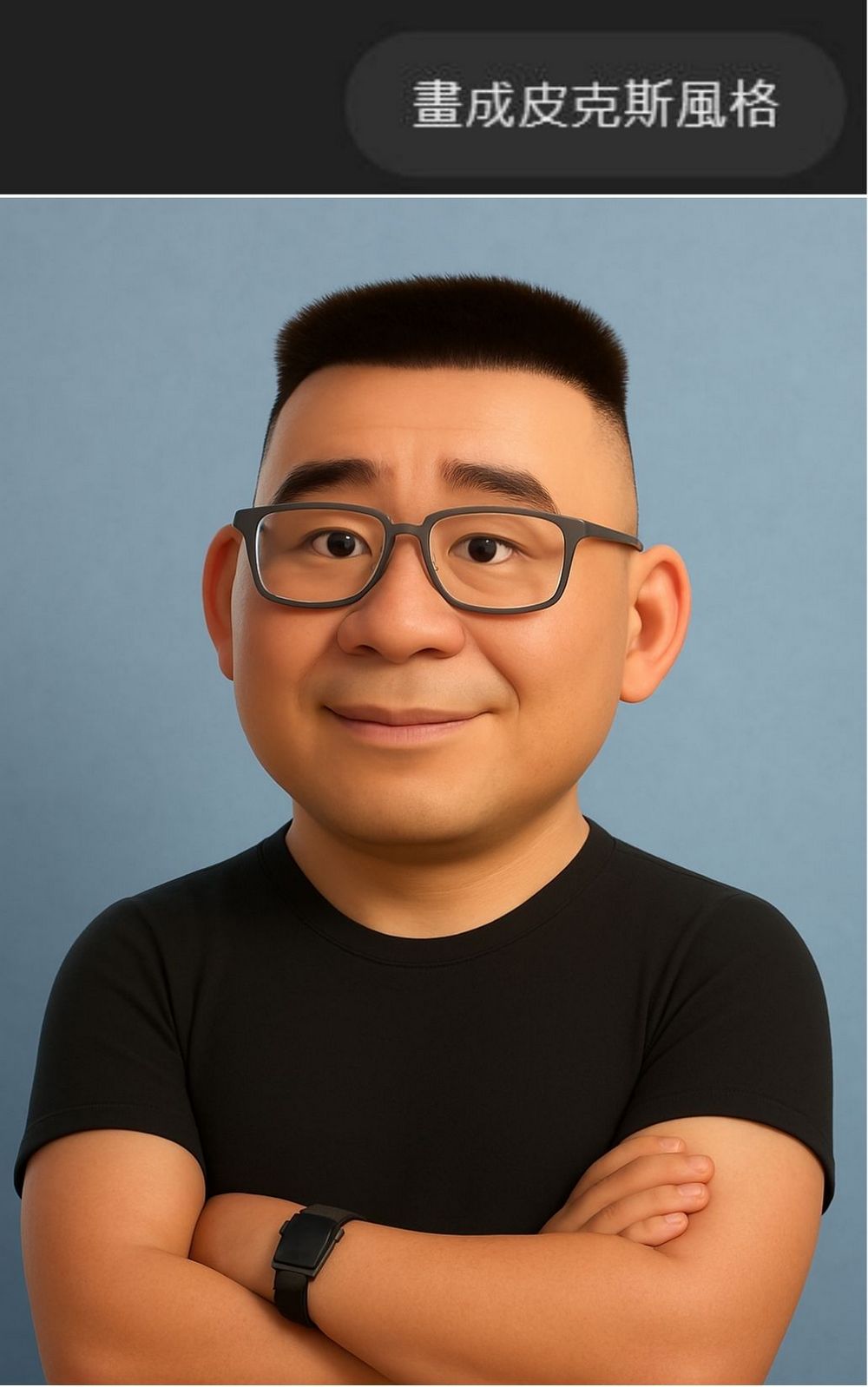
- Draw me in Animal Crossing style.
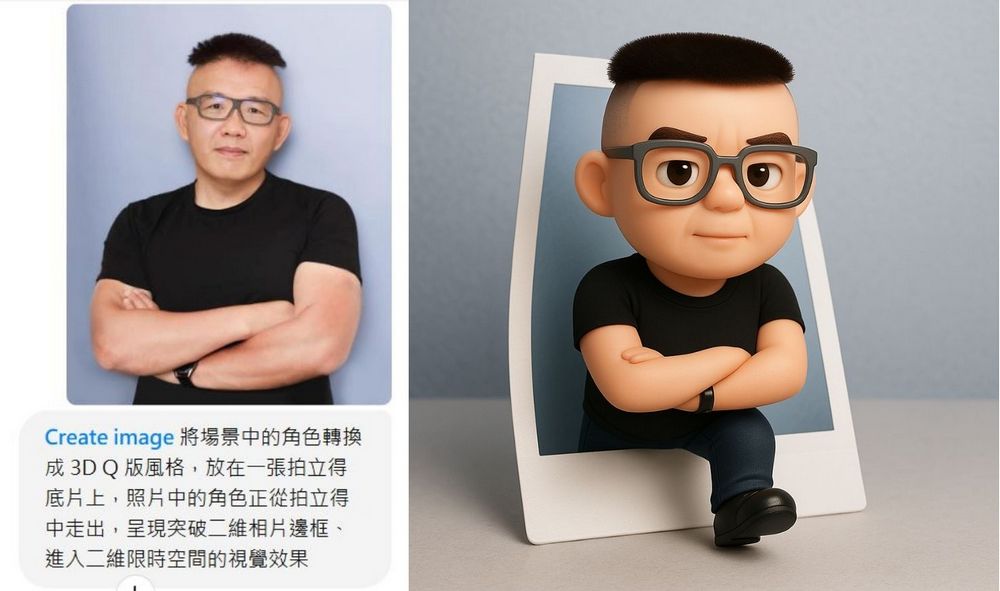
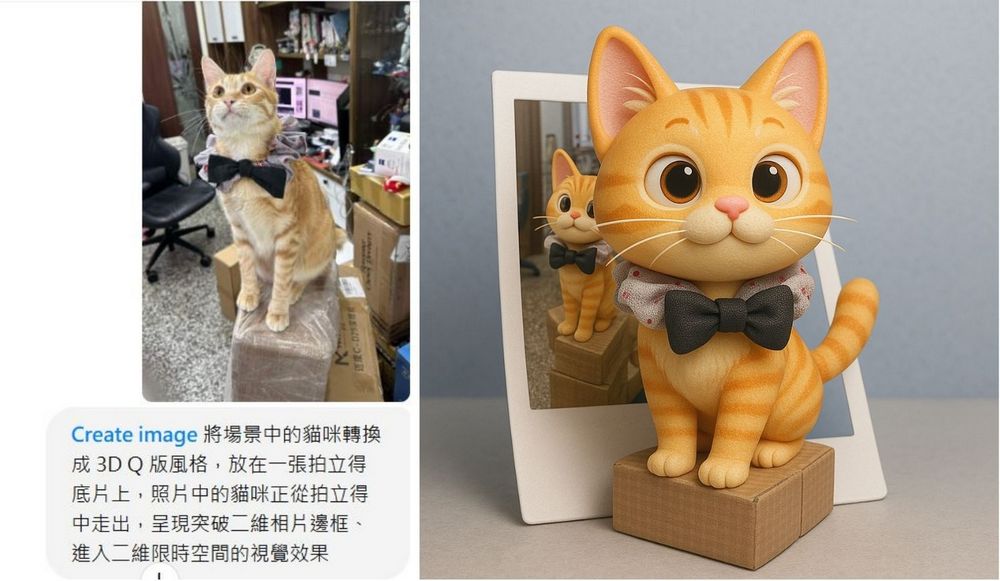
If you liked the 3D chibi-style art introduced before, you can check out the new prompts—they work for both animals and real people:
- Convert the characters in the scene into a 3D chibi style, placed on a Polaroid film, with the character in the photo stepping out of the Polaroid, creating a visual effect of breaking through the two-dimensional photo frame and entering a two-dimensional time-limited space.
I’m sure many of you, besides single photos, will also want to use ChatGPT 4o to generate group photos. However, when there are too many people in the same photo, ChatGPT’s generation may turn out less satisfactory, with the generated people not matching the features of those in the reference image. To address this, you can first ask ChatGPT to describe the reference group photo in a way suitable for image generation. Once the description is ready, ask ChatGPT to generate an image in the “XX” style based on that description. According to our editor’s testing, this is the best approach for generating multi-person group images.
- Please help me identify the features of the five people in the image, and rewrite these features into descriptions more suitable for the image generation format.
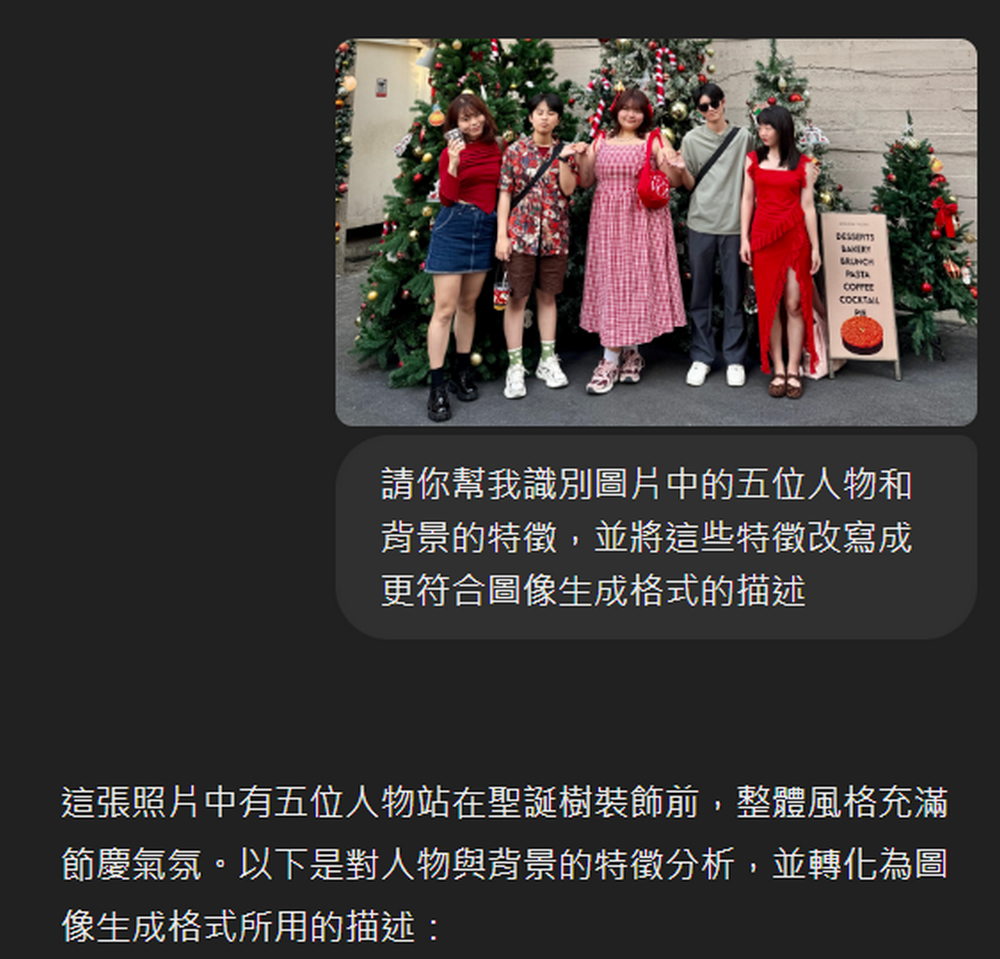
-
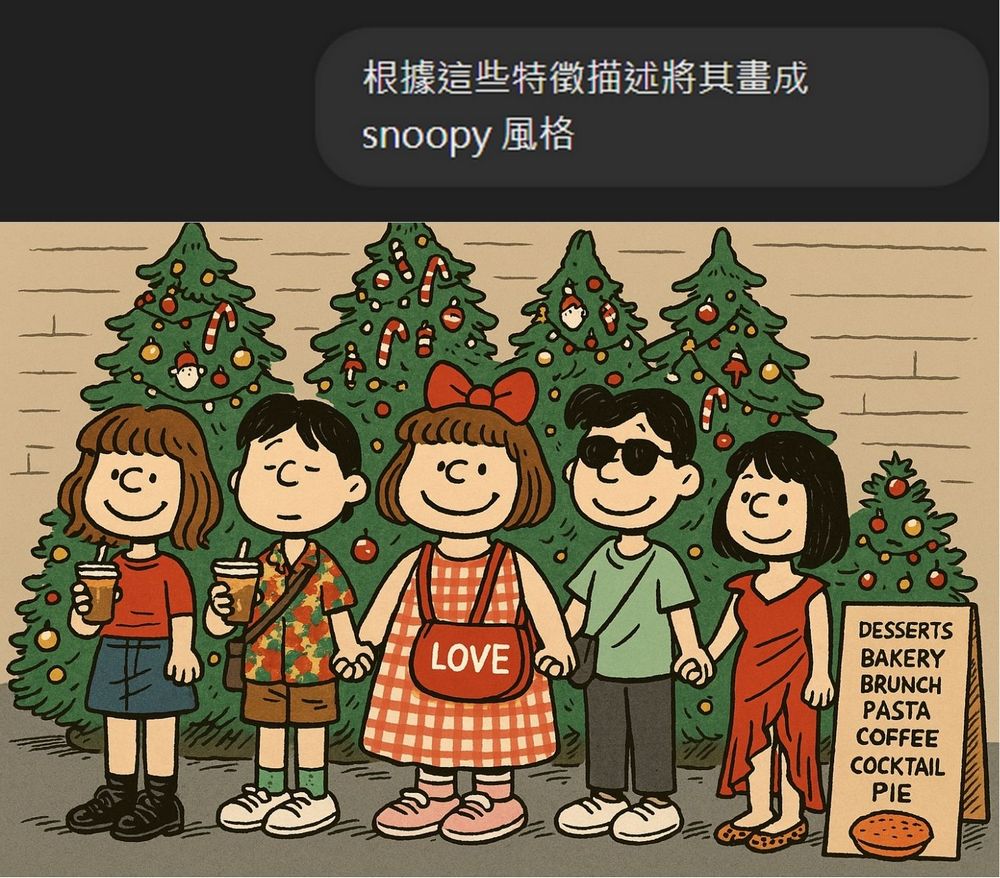
Following the instructions above, generate the group photos one by one, then use the photo stitching feature to turn the generated images into four-cut life photos.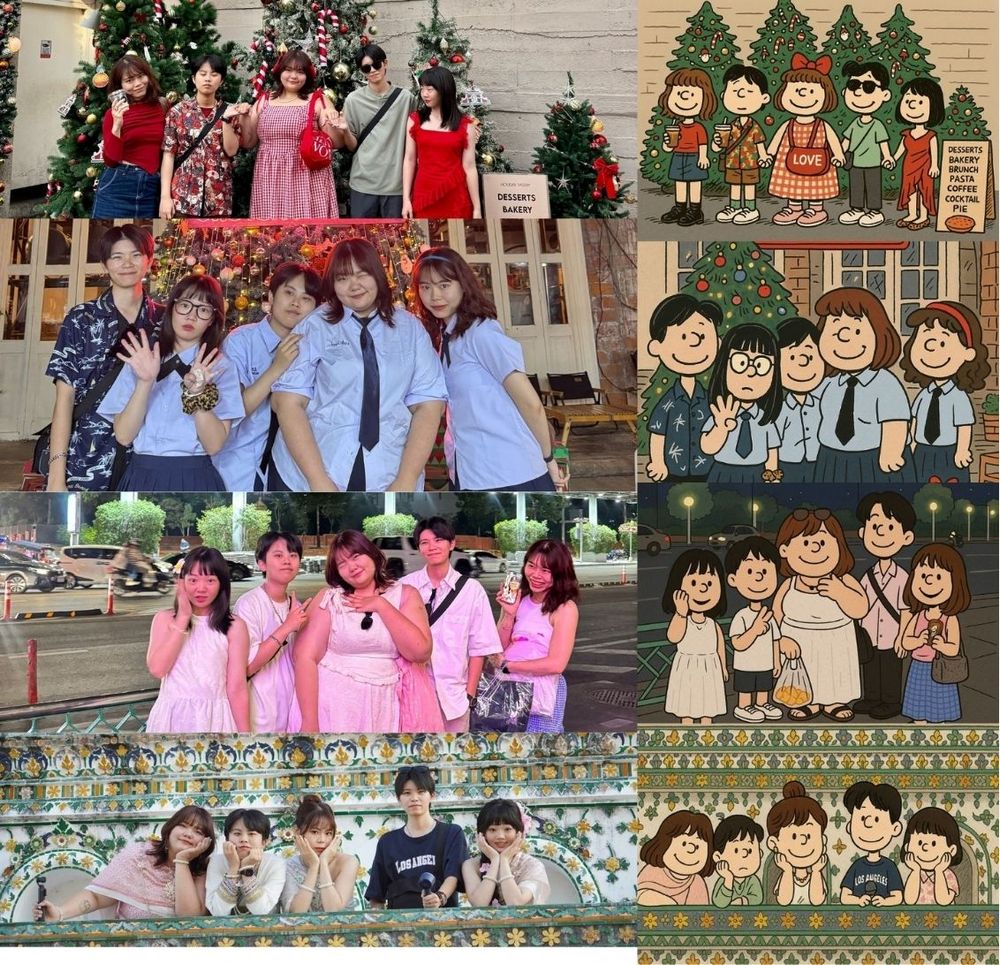
You can also create images by combining things, like using internet memes with your own portrait, to easily make fun pictures:
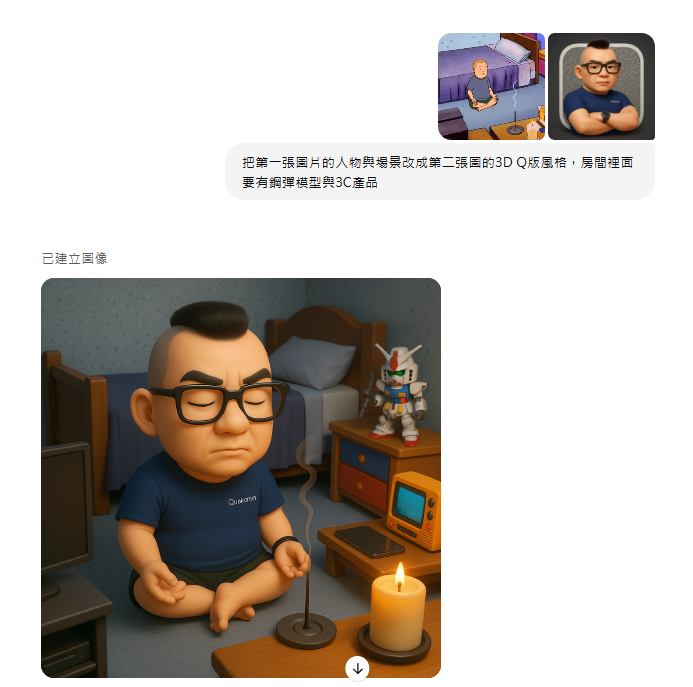
Source: KOCPC Chinese