


You can see QR Codes all the time in your life, whether it is ordering food, promoting a new website, etc., many of them will provide more convenient access by scanning QR Codes instead of manual input. QR Code is a technology that has a history of more than 25 years and is widely used. So do you know how it works? Do you really know QR Code? The protagonist of this bean knowledge is it!
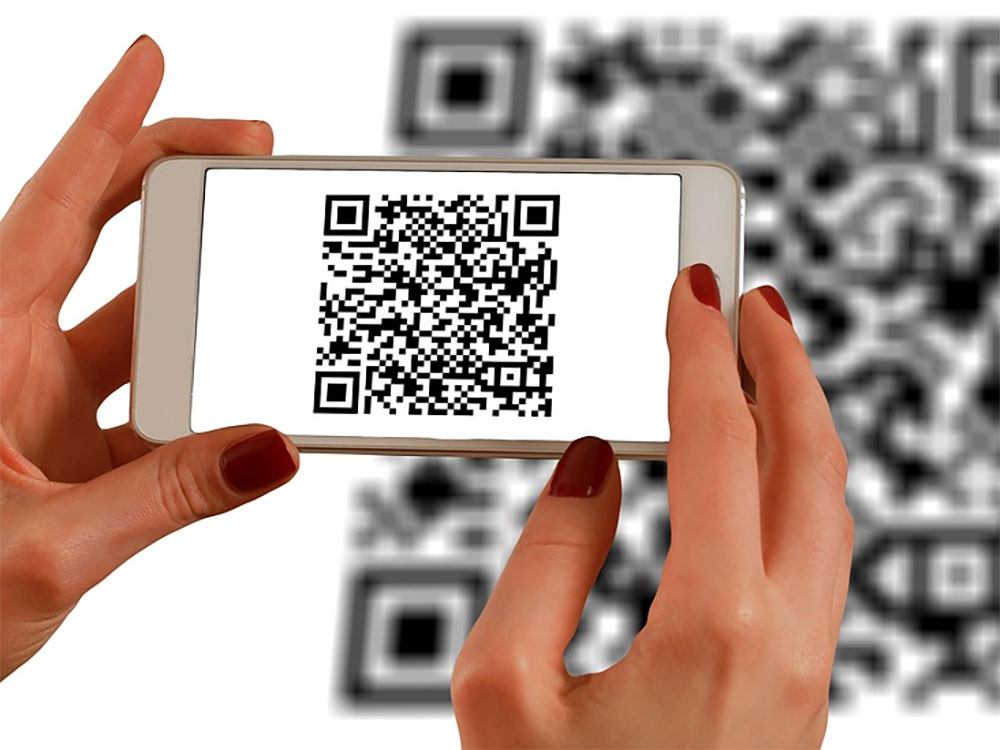
How much do you know about the QR Code that can be seen everywhere? How exactly does it work?
What is QR Code?
The now common QR Code is the abbreviation of “Quick Response Code”. It is a variant version of the traditional UPC barcode. It can be used for barcode reading by computers, mobile phones and other machines, and the data can be interpreted faster by writing pure documents or pure program codes. Traditional UPC barcodes only contain 12 digits and can correspond to groceries or other products, but QR Code can finally store more data, including 7,089 numbers, 4,296 letters, or 1,817 Kanji, so you can use QR Code to store website URLs, shipping information, car part numbers, and other complex information.
But in most common cases, QR Codes are just shortcuts for visiting websites and downloading apps. For example, restaurants use QR Codes to scan and order food.
How does QR Code work?
To the naked eye, a QR Code looks like a bunch of randomly stacked images, but a QR Code is cleverly designed to not only contain a large amount of data, but is also designed for fast, easy and reliable scanning. The three large squares in the corners of the QR Code (only the lower right corner does not have a large square when it is placed upright) can be used to determine the direction of the QR Code, so it will work normally even if you turn it upside down to scan. The pixels outside these large squares represent the version of the QR Code and, more importantly, its format. For example, if you create a QR Code to share Wi-Fi login information, it can use the format to communicate with your phone or computer, telling the device “This is the name and password for the network connection.”
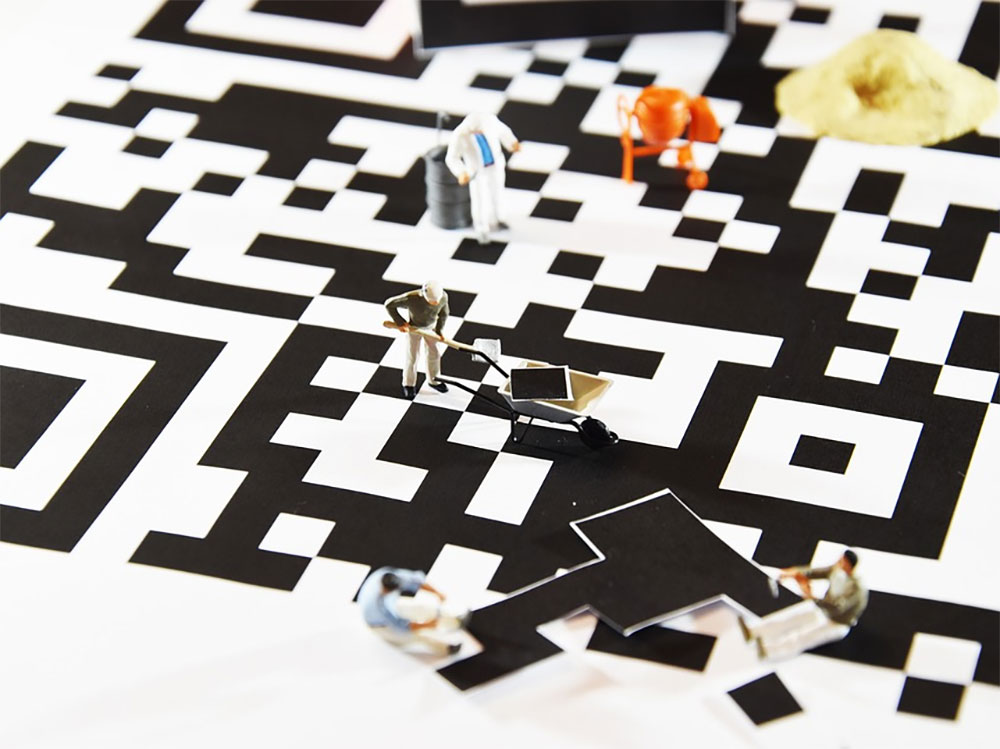
Most of the remaining pixels on the QR Code represent the original data, and the rest are used for error correction and timing, which will increase the readability of the QR Code. The data pixels of QR Code are gathered together in small patterns, which can convey more information than simple black and white dots. Interestingly, these data can be scanned horizontally and vertically, further increasing the data density. (Traditional barcodes can only be scanned in one direction)
Every phone has a built-in QR Code scanner
Modern Android and iOS phones have a built-in QR Code scanner, no need to download any app, just open the camera on your phone and point it at it. Depending on the format, your phone may prompt you to open a URL, visit an App Store page, or log in to a Wi-Fi connection.
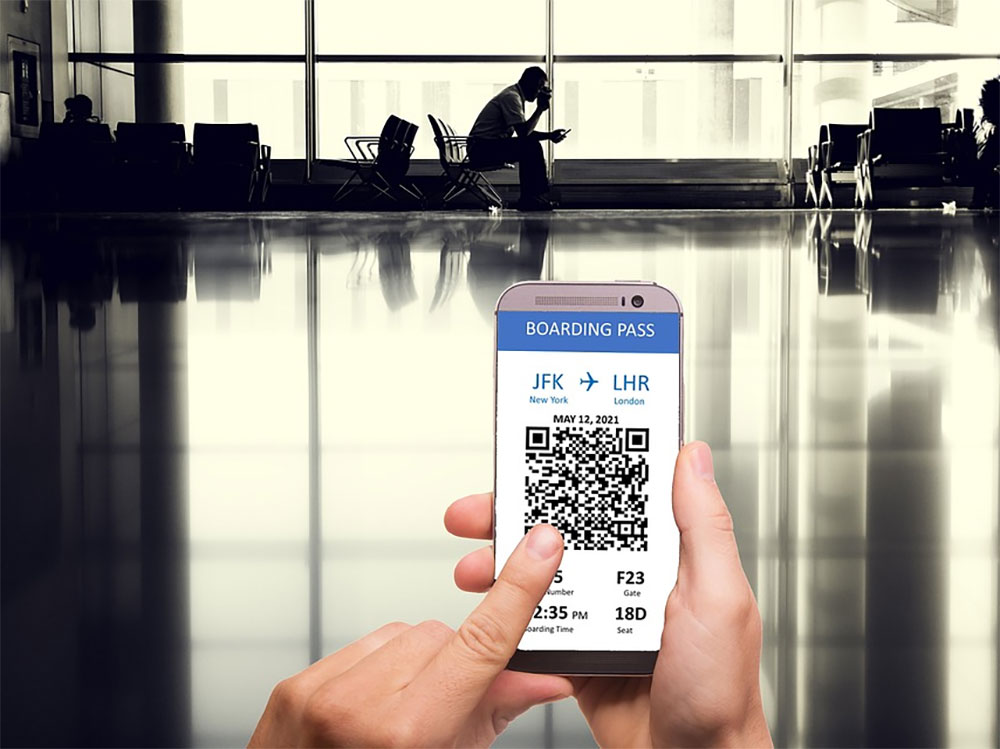
Your phone can also scan QR Codes in captured photos or images. On iOS, open the Photos app and find the QR Code photo you took. Press and hold and the drop-down menu will provide you with options such as “Open this link.” On Android, this process requires Lens or Google Photos. Your QR Code photo will be automatically scanned when you open it. If you are using Google Photos, open the QR Code photo, press the three-dot menu in the upper right corner of the screen, and then select “Search.” (This also works in the Google Photos app on iOS)
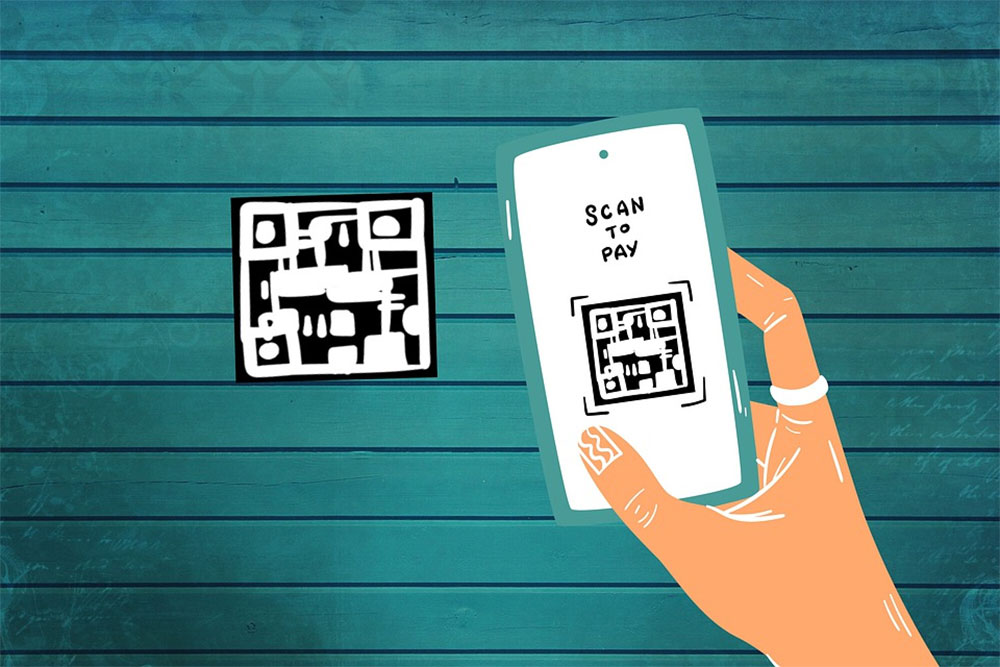
Obviously, you shouldn’t scan random QR codes from unknown or suspicious sources. Scammers may use these codes to redirect people to malicious websites or connect users to unsecured networks. But you don’t need to be too nervous. Most QR codes are generally safe, so just be vigilant and you can rest easy.
Source: KOCPC Chinese