


In the Internet age, whether it is work, life, or even electrical products at home, there is a heavy reliance on the Internet. When there is a problem with the Internet, everything seems to stop functioning. When there is a problem with the network, the first thing everyone will think of is unplugging the router or modem and then turning it back on after 10 seconds. So the question is, why does it get better after turning it back on? Why wait 10 seconds?
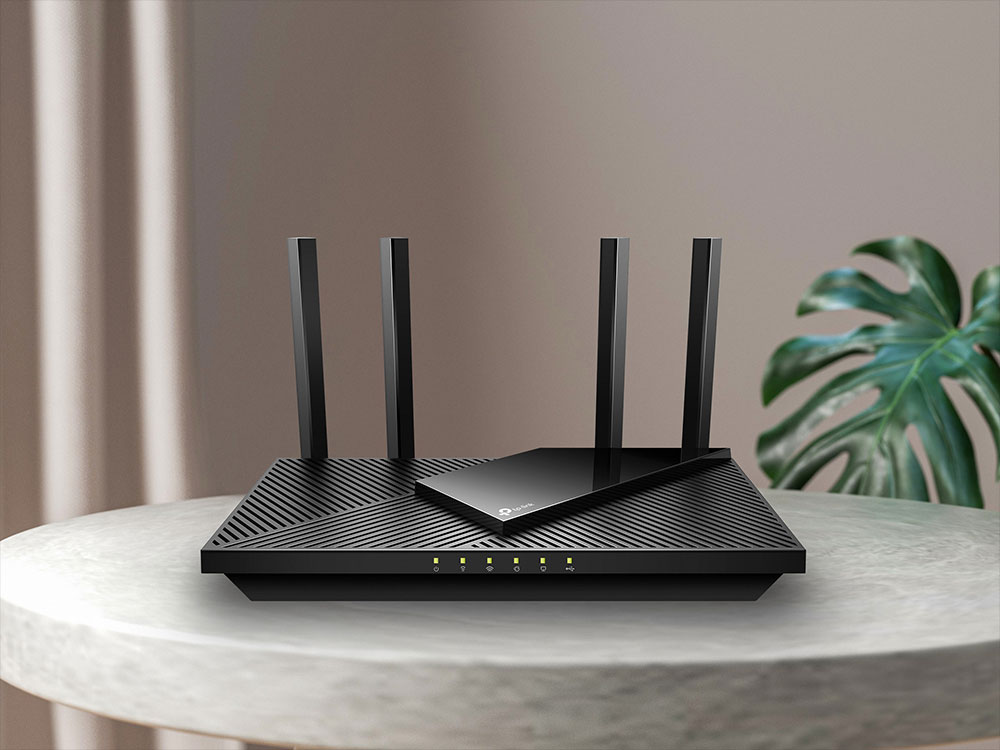
Why do I need to restart my router/modem when there is a network problem? Why do I have to wait 10 seconds before reopening after closing?
For many people, the router is just a mysterious box, but in fact it is not that complicated. If you figure out some basic concepts, you will immediately understand why it is done so. So this time I will not focus on solving the problem, but tell you about this little thing called the router.
Think of your router as a small computer
You may think that a router is just a peripheral device, but in fact the router itself is a small computer with a CPU, memory and local storage installed in a plastic box, and runs a dedicated operating system. All of these configurations are just like computers, and of course computers will have glitches from time to time, maybe the memory is faulty, maybe the CPU is overheating.
When your computer encounters these problems, the simplest solution is to shut down and then restart again. The same is true for routers. Just like on a computer, you’re not actually fixing whatever problem caused the router to malfunction, you’re allowing it to function normally again, which of course doesn’t fix the problem at all, but can usually get the network back up in a short time.
Is it necessary to wait 10 seconds before turning it back on?
Generally speaking, after unplugging the router, we will wait 10 – 30 seconds according to the instructions, so why wait? Have you ever unplugged a gadget, only to have the power light stay on for a few seconds before going off? There’s a reason why this happens, and it also has something to do with the answer to this question.
Capacitors are found in most electronic products. Capacitors are basically tiny batteries. If you’ve ever taken apart a computer or gadget, you’ve probably seen it. Capacitors don’t store large amounts of power, and most only keep the memory chip running for a few seconds. Waiting 10 seconds ensures that the power in each capacitor is completely consumed, thereby clearing every memory and ensuring that everything on the router is stopped and reset, including any settings that may have caused the router to crash in the first place.

There are many reasons why your router may need to be reset, but not all problems require the 10 second discharge buffer time, which is why some problems can be solved without waiting, and waiting an extra 10 seconds can ensure that new problems are eliminated.
What causes the router to crash?
As with any hardware, there are many potential reasons for a router to crash and need to be restarted. Here are some of the most common ones for your reference:
- General crash
As a computer, your router may crash due to a bug in the firmware that takes up too much memory or causes the CPU to run incorrectly. - IP address conflict
Your router manages both private and public IP addresses, but sometimes things go wrong. If two devices connected to the same network have the same IP address, or the router does not have an up-to-date public IP address, the connection may be lost. Restarting the router will reset these IP assignments and get everything working again. - overheat
Just like any computer, the router may also have overheating problems, especially if you place it in a closed space for aesthetic reasons and the heat cannot be discharged in time.
Solutions to solve router crashes
In order to help you eliminate the most common router problems mentioned above, the author has also compiled three relatively simple solutions. You may wish to try them when you encounter problems:
- Update firmware
When your computer continues to experience errors and updates are often the fix to the problem, your router will also need to be updated. Updating a router is not difficult, usually just opening a browser, entering the router’s IP address, and finding the update button. If your router keeps crashing due to Log, then a firmware update will hopefully fix it; if the manufacturer no longer provides updates for your router, then you should consider replacing it.
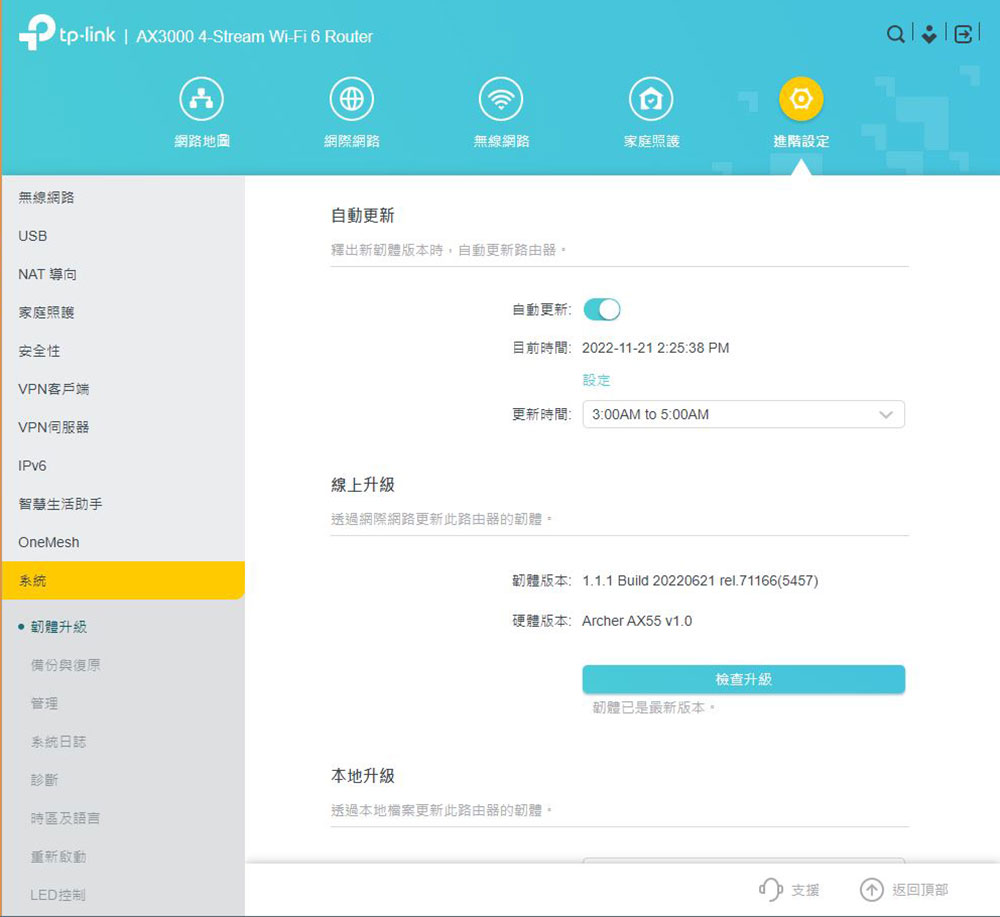
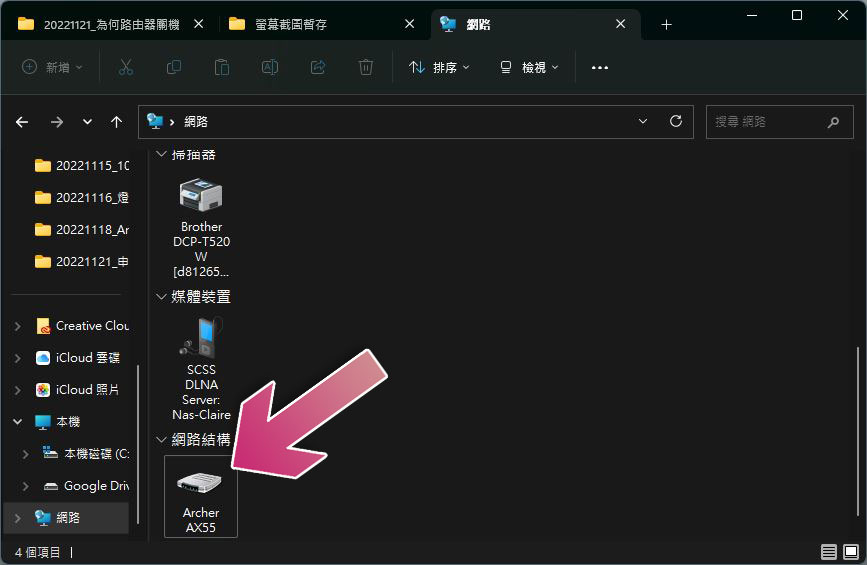
It’s even simpler on Windows 11. You only need to open File Explorer, select “Network” from the sidebar, and then click on your router from the network device to automatically open the settings webpage. You only need to enter the password and find the firmware upgrade option. Usually the firmware upgrade option will be in the settings or system settings, and the name and location will be slightly different depending on the brand.
- Check for overheating
Your computer will crash when it overheats, and so will your router, so if your router feels hot when you unplug it, consider trying to fix the cooling issue. Make sure your router’s vents are not covered by anything. If your router is dusty, it will affect cooling, so clean it with a vacuum cleaner. In addition, in order to ensure that the router has enough space for heat dissipation, please place the router in an open space rather than in a small cabinet surrounded by other electronic equipment, and do not install a cover or cover on the router. Although the appearance of the router is not very beautiful, placing it in an open space can help dissipate heat and provide better network signals. It is actually a win-win approach. Of course, it must be kept away from direct sunlight.
- Last resort: buy a new router
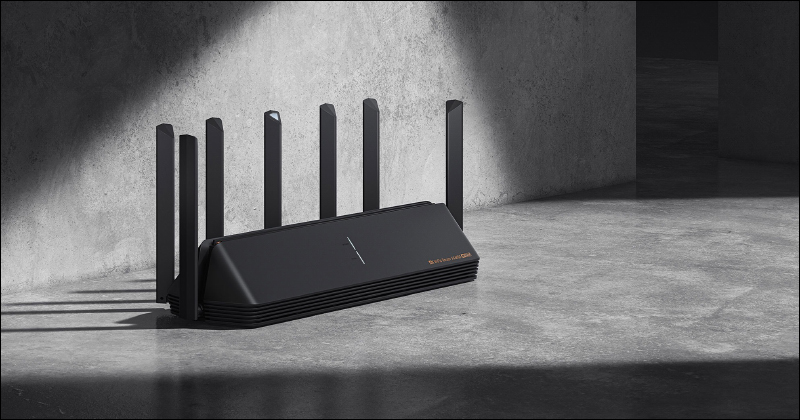
When your computer continues to have problems and freezes, you’ll want to replace the old device, and the same goes for routers. If you have tried all the above methods and it still doesn’t work, it’s time to upgrade your router. Wireless network technology has come a long way in the past few years, and it doesn’t matter how fast your home fiber optic network is if the router you’re using is too old, if not the latest, to keep up with at least the previous generation. At this time, you can invest some budget in updating routing equipment, so that the money you spend on network services every month can be used well where you should enjoy it.
★Extended reading
Not sure where to start? Things you need to know before buying a router
Source: KOCPC Chinese