


When buying laptops, there are now more and more choices. Even the same brand has various specifications, combinations and styles. Then you will see that some are marked as Chromebooks, and the price is much cheaper than those that are not marked. Don’t get dizzy just by looking at the price. What’s the difference between a Chromebook and a traditional laptop? This time the author is here to help you understand this issue so that you can buy the product that best suits you.
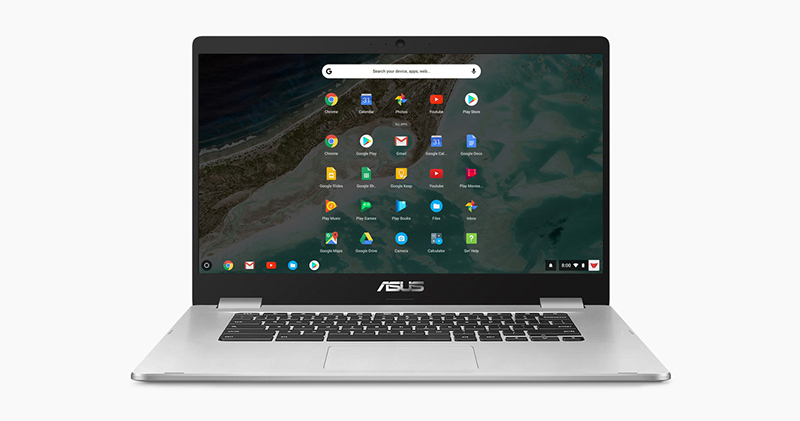
What’s the difference between a traditional laptop and a Chromebook? Understanding the differences makes purchasing easier
Before starting this article, the author first clarifies an important point: “Chromebooks are also laptops.” By definition, laptops are portable computers, regardless of whether they are running Windows, macOS or Chrome OS systems. Therefore, I will use “traditional laptops” to refer to laptops that generally run Windows and macOS systems to distinguish them.
Chromebooks have a different operating system than other laptops
The biggest difference between Chromebooks and traditional laptops is the operating system, and whenever you see a device marketed as a Chromebook, you’ll know it’s running Chrome OS. Chrome OS is a minimalist operating system developed by Google based on Linux.
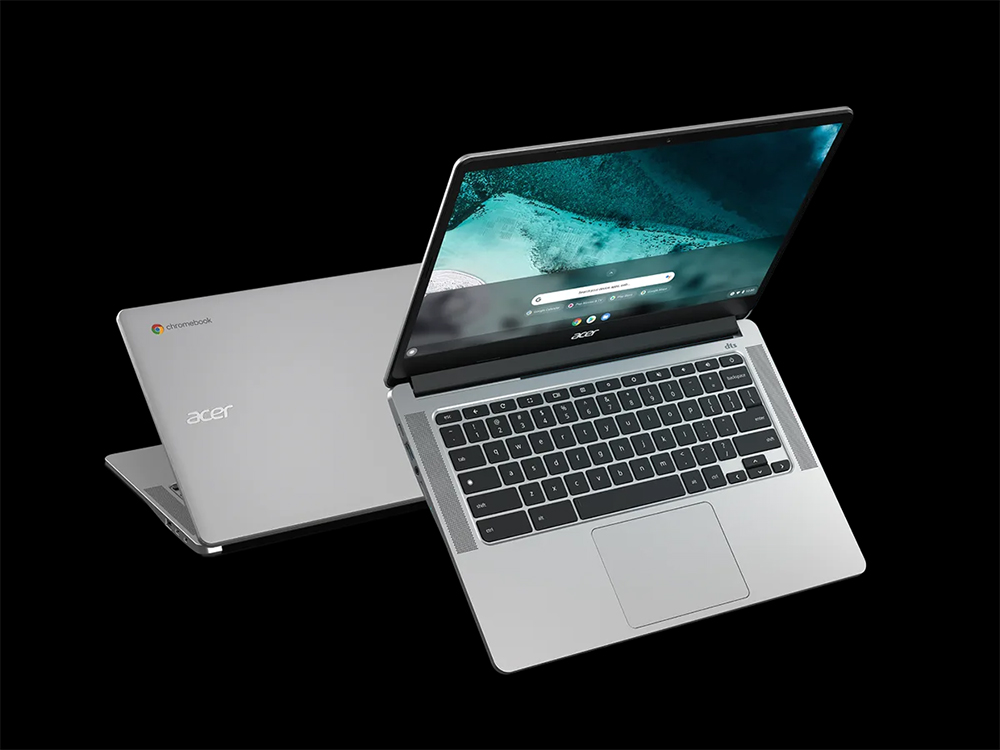
Chromebooks are laptops, but laptops aren’t just Chromebooks. In fact, most laptops are still based on Windows and macOS, and there is also the rare Linux. So why do people treat Chromebooks and laptops separately when discussing them? This must talk about the birth of Chromebook. Compared with traditional notebook computers, Chromebook is a relatively new product. When Acer and Samsung launched the first batch of Chromebooks in 2011, people thought it was a completely different product from the traditional notebook computers that already dominated the market.
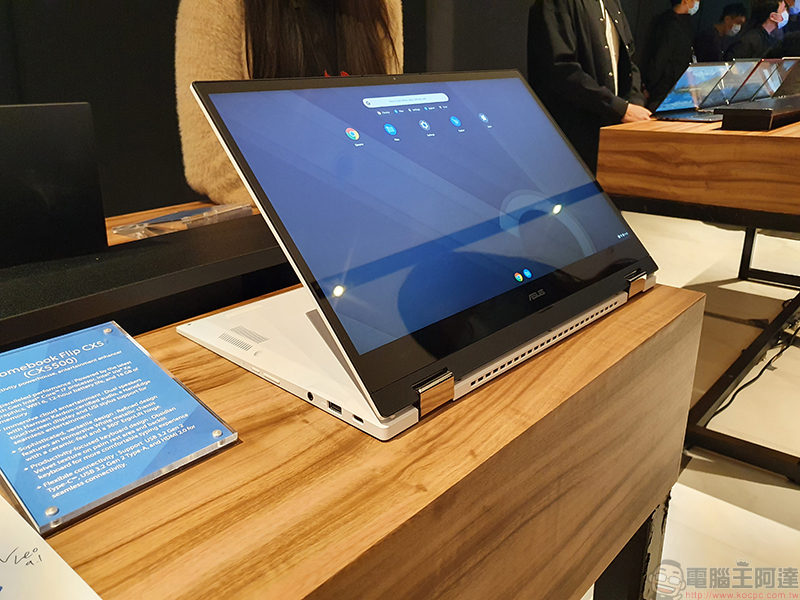
By the way, the first Windows laptops were launched in the early 1980s, and the first MacBook was launched in 2006, but these laptops were regarded as more portable extensions of desktop computers rather than new devices because they ran the same operating system as desktop computers. Chromebooks running the new Chrome OS operating system are obviously different from everyone else, so it is regarded as a new device independent of laptops.
Windows or macOS laptops usually cost more
From the beginning, Chromebooks were born mainly for the education market, so the pricing is relatively cheaper. In most cases, the pricing of Chromebooks is more affordable than traditional laptops. However, with people’s pursuit of device hardware performance, high-end Chromebooks with higher unit prices can now be found, making the price difference between Chromebooks themselves very large (but the price gap between Windows and macOS laptops is not that small).
So, what is the main reason for the price difference between Chromebooks and traditional laptops? The main difference lies in the hardware, or the lack of some hardware.
If you want powerful specs, don’t buy a Chromebook
Since Chromebooks rely heavily on cloud storage and web-based applications, they usually don’t have much storage capacity inside the fuselage. Most Chromebooks do not have a built-in SSD, but rely on the cloud or microSD to expand some additional functions, and they usually use LPDDR4X memory instead of DDR4 to save space and reduce costs. However, this also makes the Chromebook unable to run games, heavy apps, or any apps that cannot be downloaded from the Google Play Store.
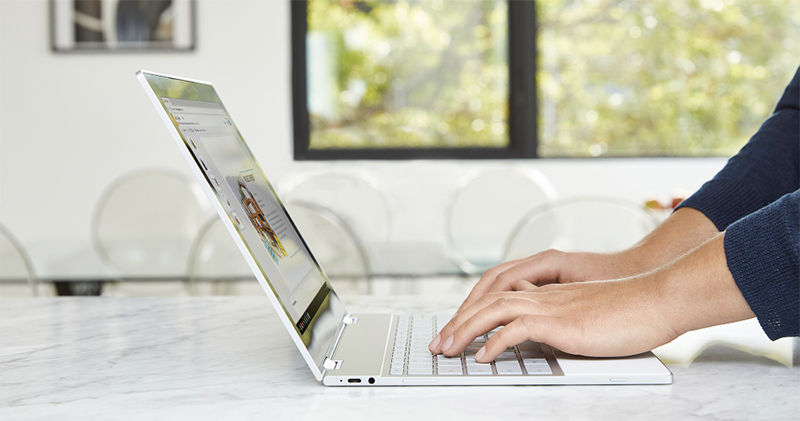
On the other hand, traditional laptops have a more forgiving structure and are heavier than Chromebooks. They can accommodate larger components, SSDs, cooling fans, and independent graphics cards inside to meet the needs of local storage and provide richer overall functions. More internal hardware components are also the reason why traditional laptops are usually heavier than Chromebooks, and of course the price is higher. Laptop prices vary widely because manufacturers can tweak what’s inside, such as a 512GB SSD and a 2TB SSD, without changing the space required for the laptop build.
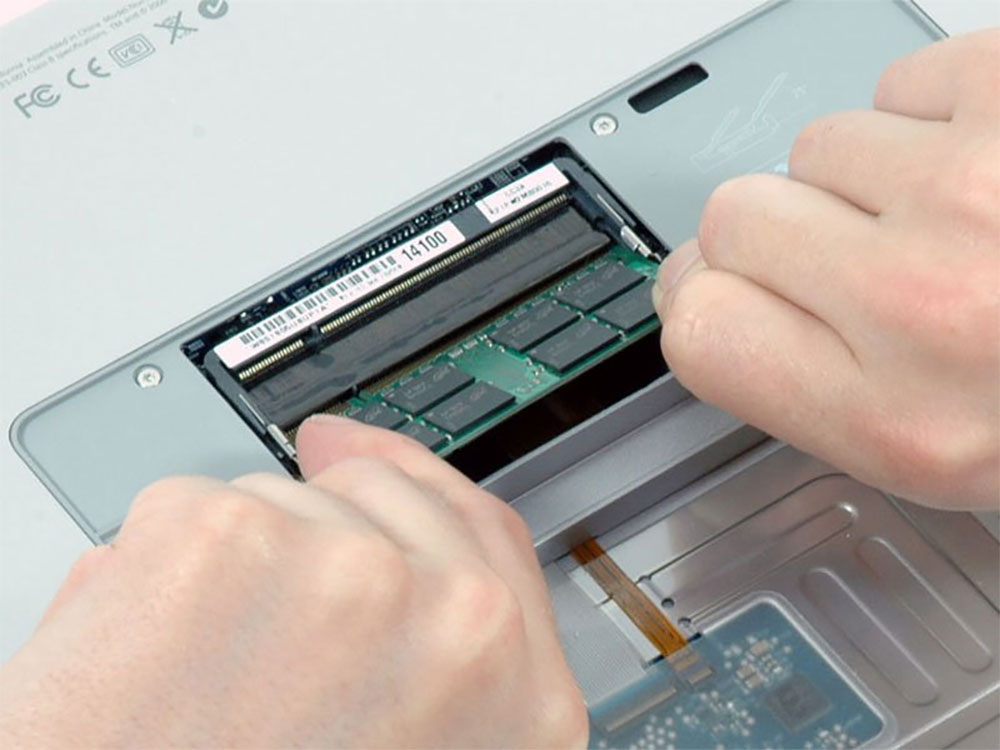
This ability to replace internal components is also something Chromebooks lack. Although a few Chromebooks have more memory or native storage capacity, in fact, looking back, the specifications of most Chromebooks are very similar. It is almost as long as you know what a Chromebook feels like to use, even if you buy it with your eyes closed, there will be no difference.
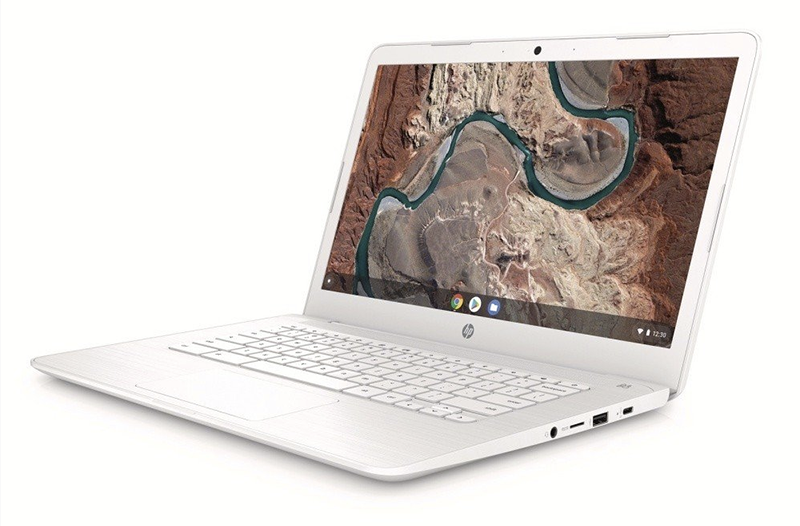
When buying a traditional laptop, you have to more diligently check the internal spec sheet and confirm whether it is powerful enough to meet your specific needs, including memory, storage capacity and type, CPU brand and generation, discrete or built-in graphics, screen size and resolution, etc. You will see these specifications appear in different combinations, and spend more time evaluating the specifications required and the budget to spend before making a final decision.
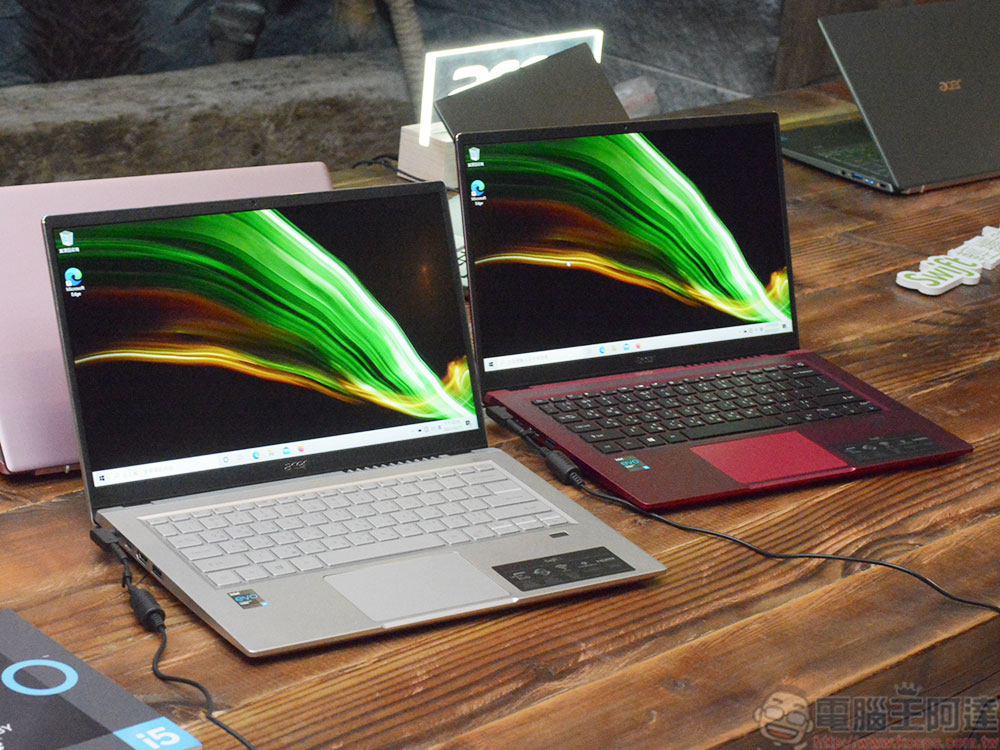
Quality and performance are relative
If you just want the most powerful laptop, you might want to target a laptop running Windows or macOS. Due to their internal specs, these traditional laptops are more capable of delivering enough power to handle your work, such as games, downloaded apps, or lots of browser tabs and windows. Even the weakest internal specs of a traditional laptop can be more powerful than a Chromebook.
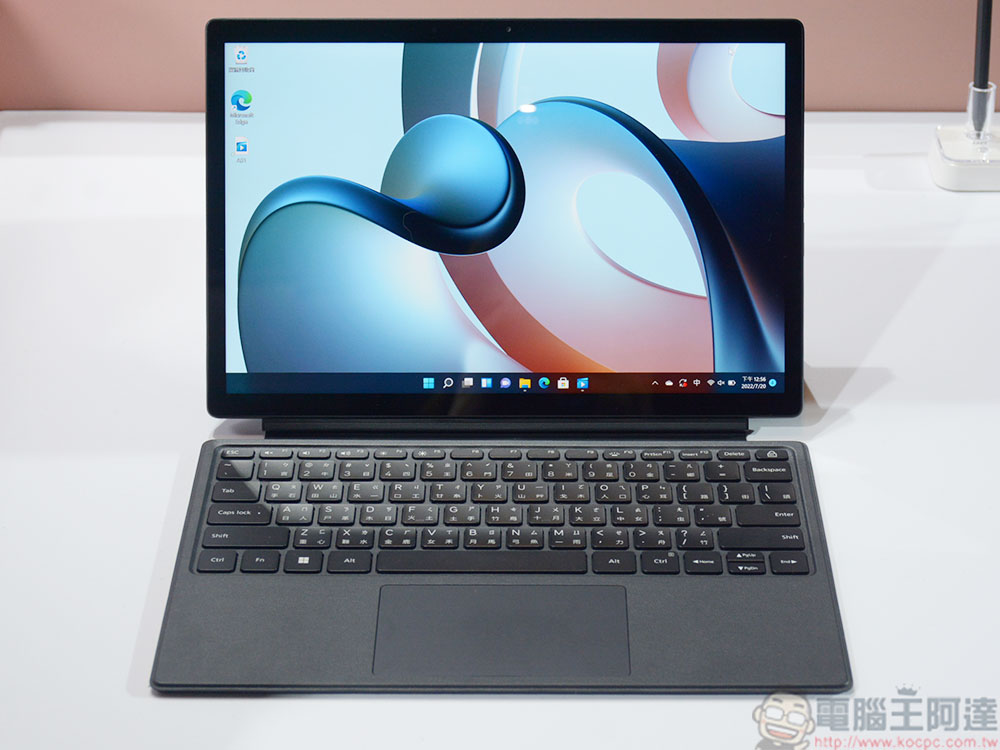
But what kind of performance laptop you should buy depends mainly on what you need to use it for. If you just need to be able to check and send email, browse the web, stream content, and access some cloud apps, a Chromebook will suffice, making it the perfect companion for many, especially high school students.
Downloading certain software on your Chromebook can be difficult
If there are certain apps or software you absolutely need, be sure to check their availability on your Chromebook and then do some more searching on the browser. While there are a lot of programs that aren’t compatible with Chrome OS, two of the biggest things you typically can’t do on a Chromebook are playing downloaded games or editing photos and videos.
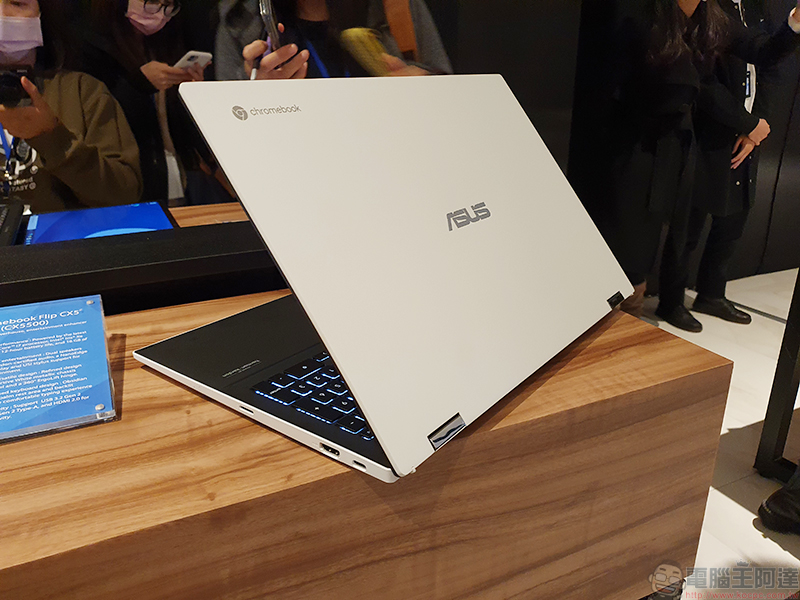
Steam, the most popular digital platform for computer games on laptops, is currently only available on laptops running Windows, macOS or Debian Linux distributions and their derivatives such as Ubuntu (although they are working on that). Even though Chrome OS is a Linux-based system, it’s not compatible, and even if it were, you wouldn’t have enough native storage to handle any games downloaded from Steam. Adobe Photoshop, many people’s go-to for photo editing, cannot be downloaded to laptops running Chrome OS, however a web version of Adobe Photoshop (which runs on Chrome OS) recently started rolling out for Canadian users and should be available in other countries soon.
Chromebooks generally have better battery life
Because they don’t have a lot of extra bells and whistles in terms of specs, Chromebooks have better battery life than other laptops. Generally speaking, the average Chromebook lasts between 8 and 10 hours, with some reaching 13 hours or more. Some traditional laptops have extremely short battery life of just two to three hours, but most modern laptops can last between six and eight hours on a single charge. Likewise, if you’re playing computer games or running heavy-duty programs, your battery will drain faster than if you’re checking email, browsing the web, or shopping online.
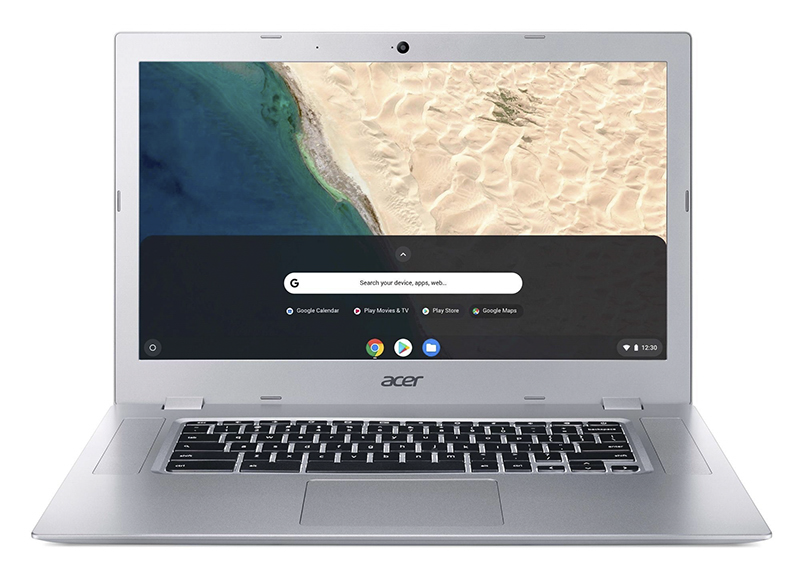
In the past, the biggest disadvantage of Chromebooks was that you had to be continuously connected to the Internet to use it, but fortunately, some Google services can now be used in an offline environment, such as documents, forms, etc., but you must first enable offline editing and viewing access permissions when there is an Internet connection. So if you buy a Chromebook and want to be able to write articles or edit forms while offline, don’t forget to enable offline access as soon as possible.
Source: KOCPC Chinese