


We have introduced many video downloading tools in the past, such as PasteDownload、locoloader、X2Download Wait, although these can also be used on the iPhone, they are web tools after all. They may not be so convenient to operate and difficult to remember. In this article, I would like to recommend a highly rated INSTDOWN free photo and video downloading app that supports popular audio and video websites, such as Instagram, Facebook, Twitter, and even YouTube. The operation is super simple.
INSTDOWN is a powerful iOS photo and video downloading app, supported by IG, Douyin (no watermark), YouTube, FB and other websites
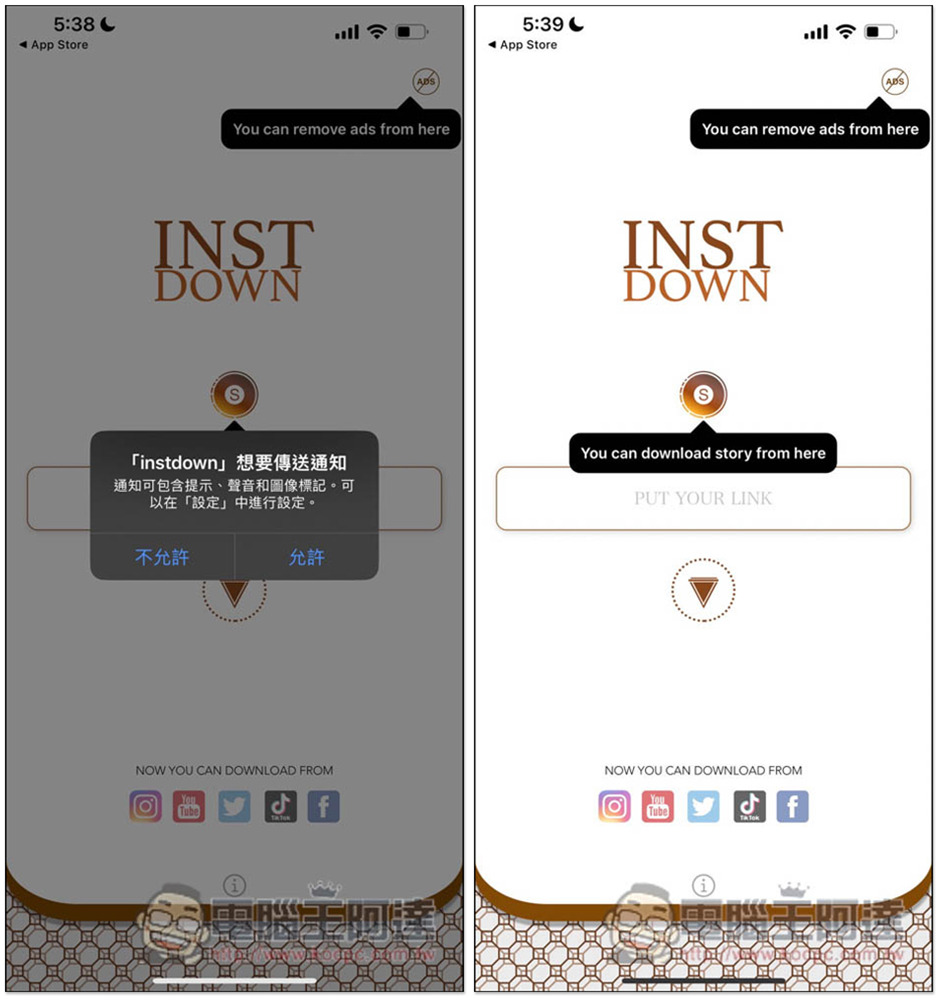
INSTDOWN After downloading and installing, you will see this screen when you open it. When you use it for the first time, a delivery notification will pop up. See if you need it. Paste the URL of the video you want to download to start downloading. For Instagram Store, please click the S icon above. In addition, because it is a free app, ads sometimes pop up, and you can use it for free after watching it. I personally feel that the ads don’t say much, so they won’t be too disturbing. Of course, if you don’t want ads, or want to support the author, there is a paid ad removal function in the upper right corner:
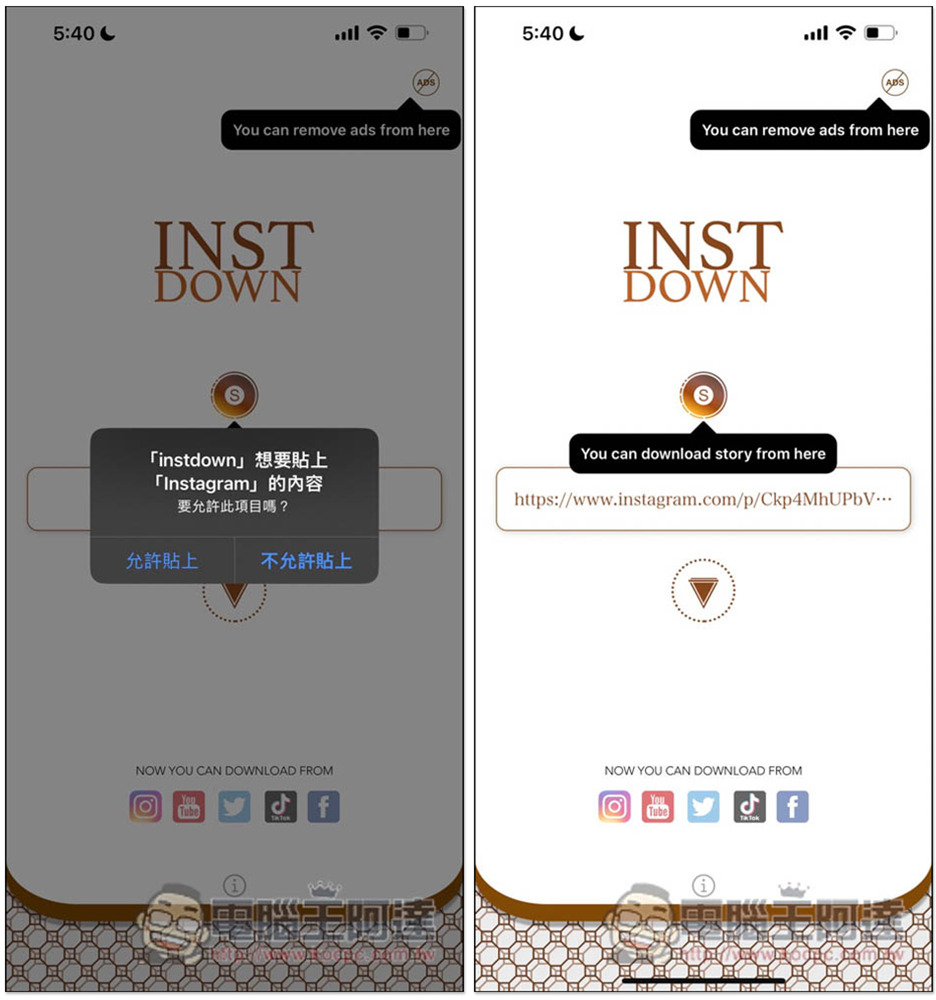
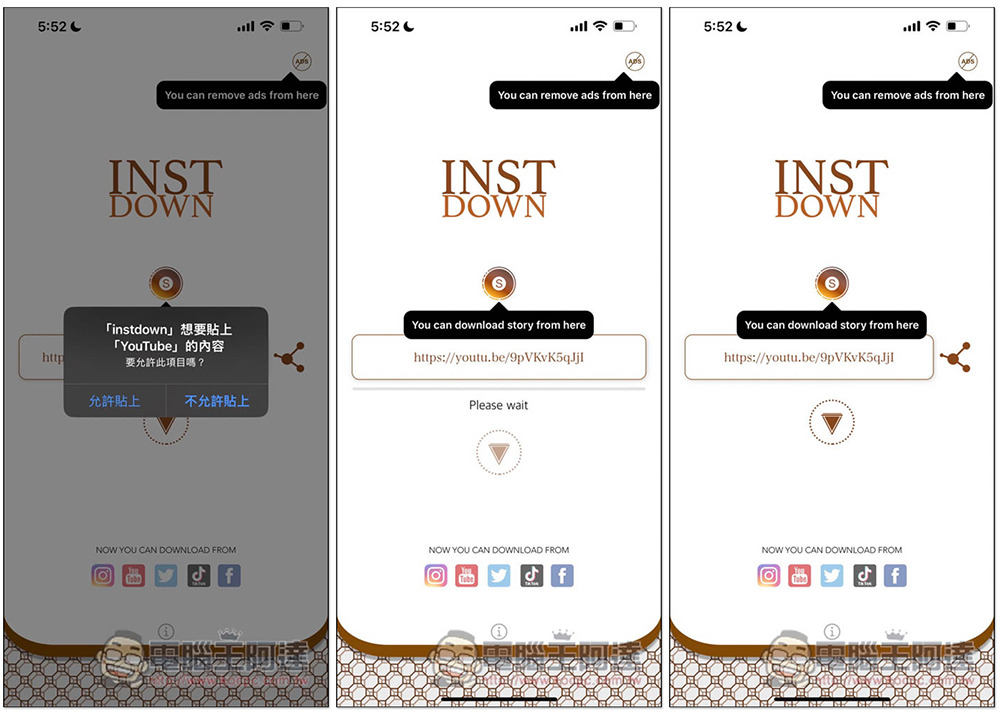
After you copy the URL in an app, when you return to this INSTDOWN App, a popup will pop up asking you if you want to paste the content you copied in the previous app. Let’s look at Instagram photos first. Then click “Allow Pasting” and the URL will be directly pasted in the search bar. This is quite convenient and you don’t need to manually paste it. Click the download icon below to start downloading:
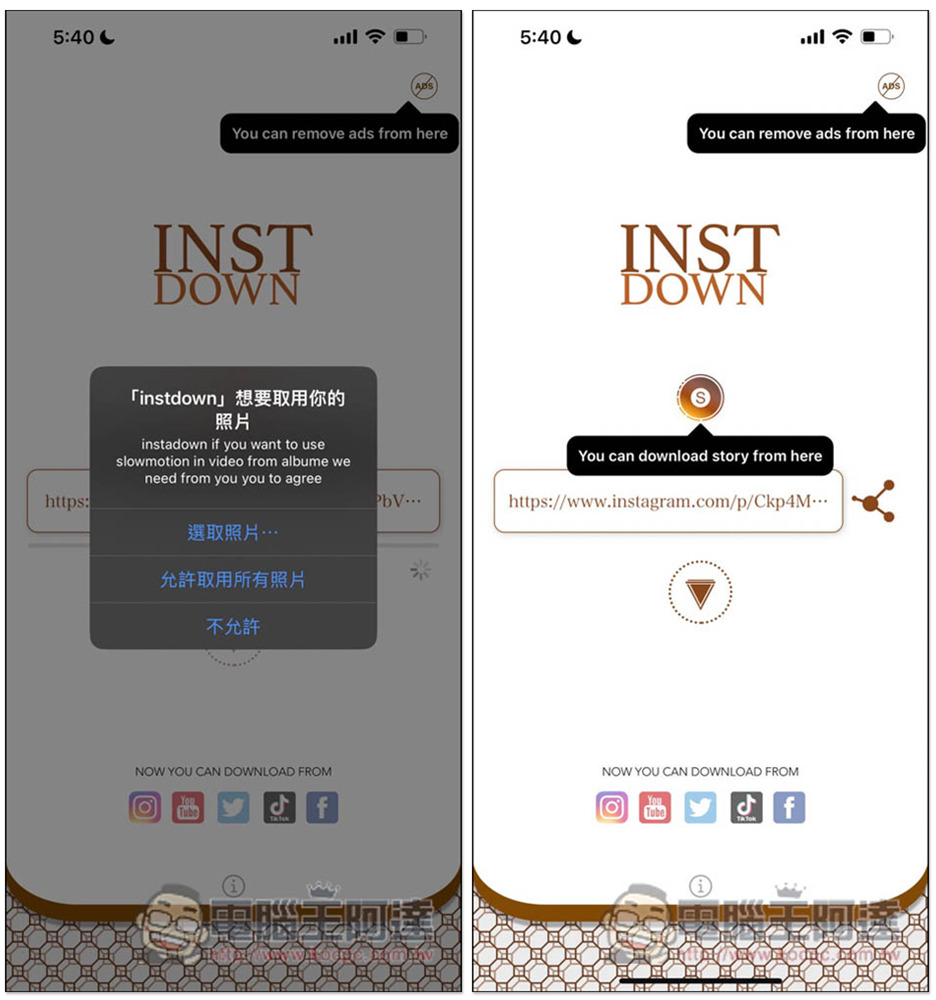
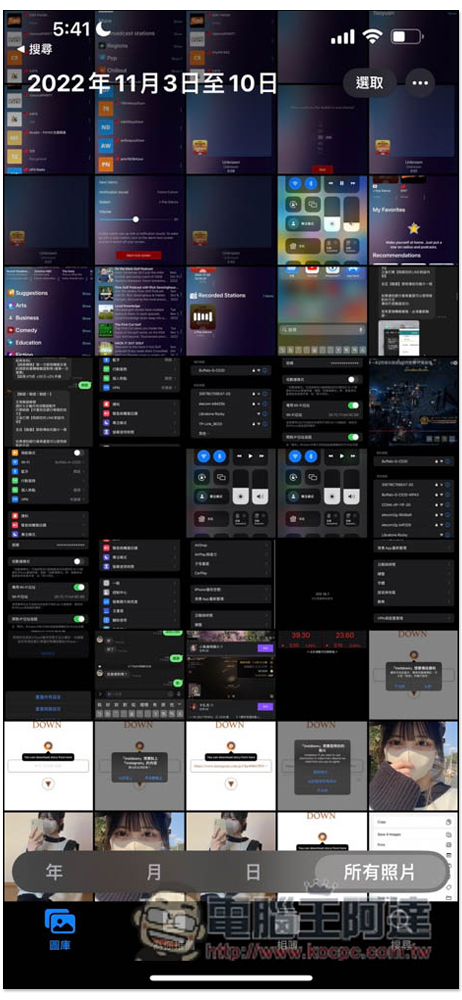
For the first time, you will be asked for permission to access photos. Remember to click “Allow access to all photos”. When the sharing icon is displayed on the right, it means that the download has been completed. At this time, you can open the photos on your iPhone:
You can see the Instagram photos you just downloaded:
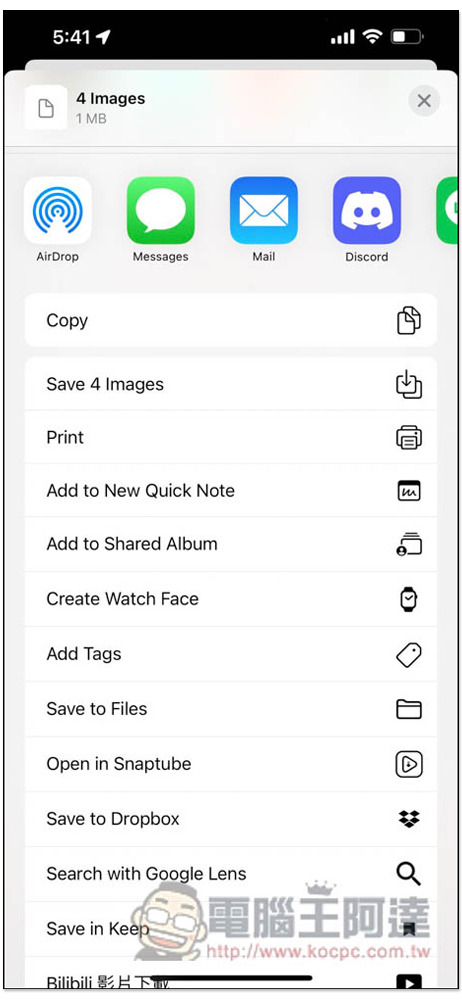
In addition, if you do not see the downloaded photos or videos, click the share icon on the right to pop up this menu. Click the second Save xxxx to save the photo:
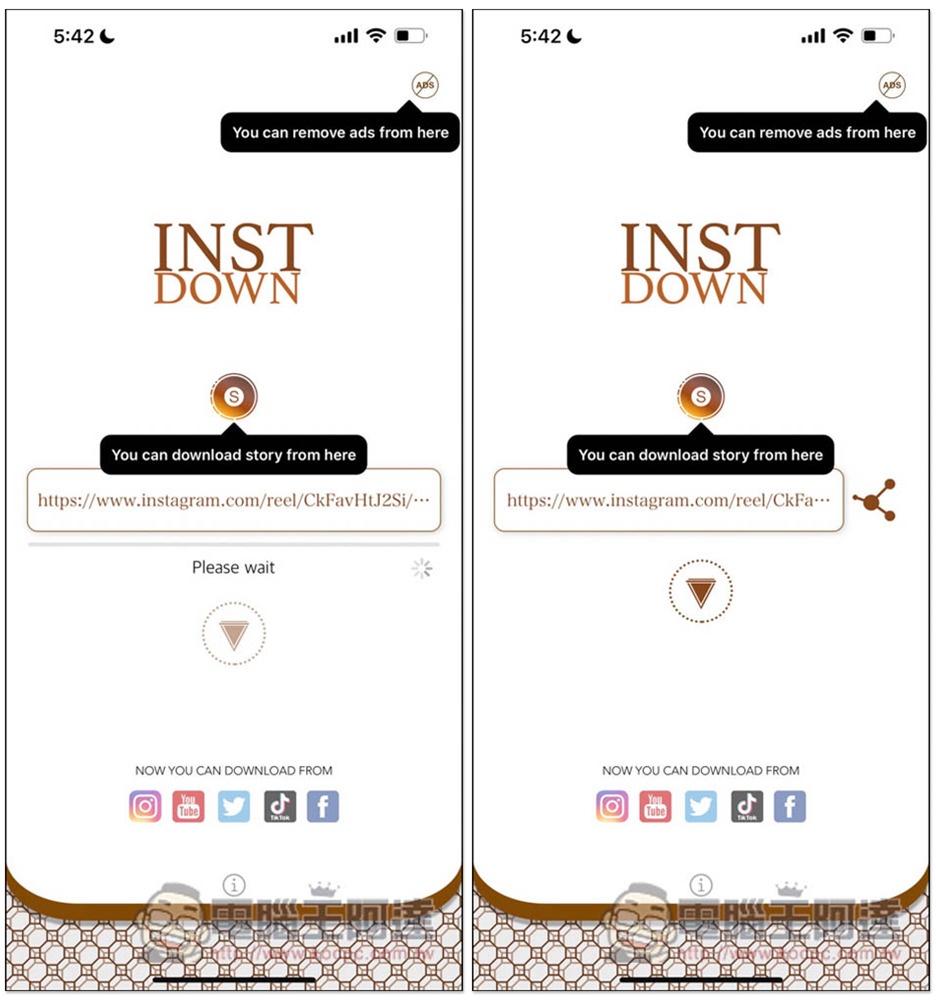
Next is the reel video. I tested it and there was no problem at all. Some IG videos and photos are supported, and they are of high quality:
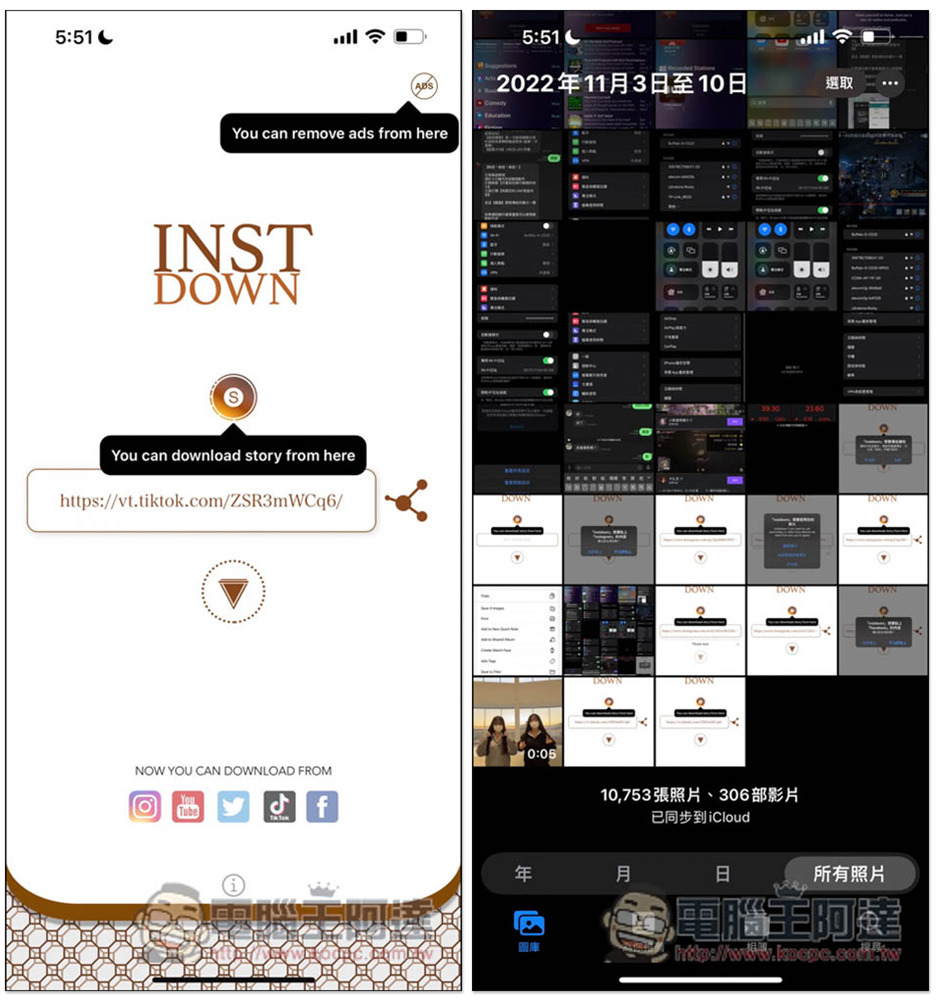
Then there is no problem with TikTok videos. After downloading, there is no watermark, which is different from the official download of TikTok. So if you don’t want the video to have TikTok watermark, you can use this app to achieve it:
Finally, I also tested YouTube videos, and there was no problem at all. The actual download was successful. This is one of the few apps I have seen that can download YouTube videos. This is really good and very convenient:
The Facebook part is more troublesome. I tried copying the sharing link from the Facebook App, but I can’t seem to find it. I have to use the web version of the URL. Therefore, I would recommend using other apps or online tools to download FB videos (many can do it). There is no problem with Twitter, and it can be downloaded even in actual tests.
Source: KOCPC Chinese